



Racing Sim PC Build: Complete Guide for Sim Racing PCs
Racing sim PC build • Choose GPU, CPU and wheel combo • Optimize cooling, framerate and force feedback • Budget to high-end checklist ✅ Step-by-step parts and tuning for realistic, competitive sim racing. 🏁
|
Loading tags...
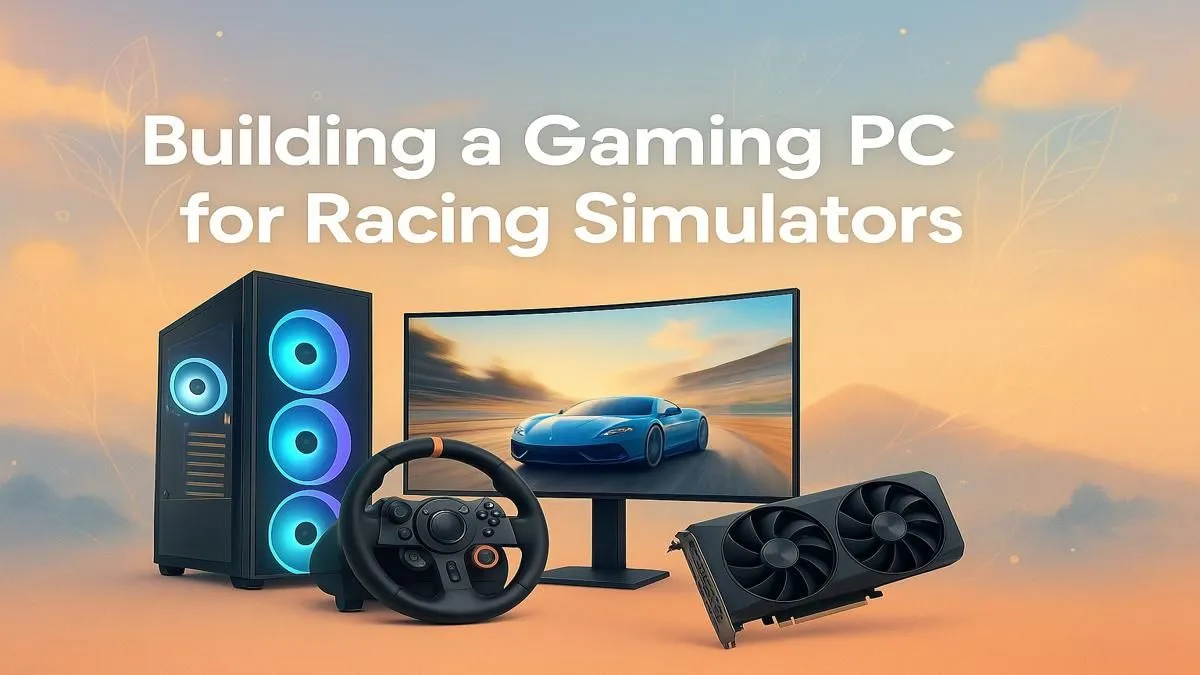
Feel that? It’s the phantom g-force pulling you through Eau Rouge, the split-second decision before a hairpin at Kyalami. A proper racing sim PC build isn’t just about playing a game; it’s about chasing immersion. But building the perfect rig can feel like navigating a track blindfolded. Don’t stress. This complete guide will get your sim racing PC across the finish line, whether you're a weekend warrior or aiming for the esports podium. 🏁
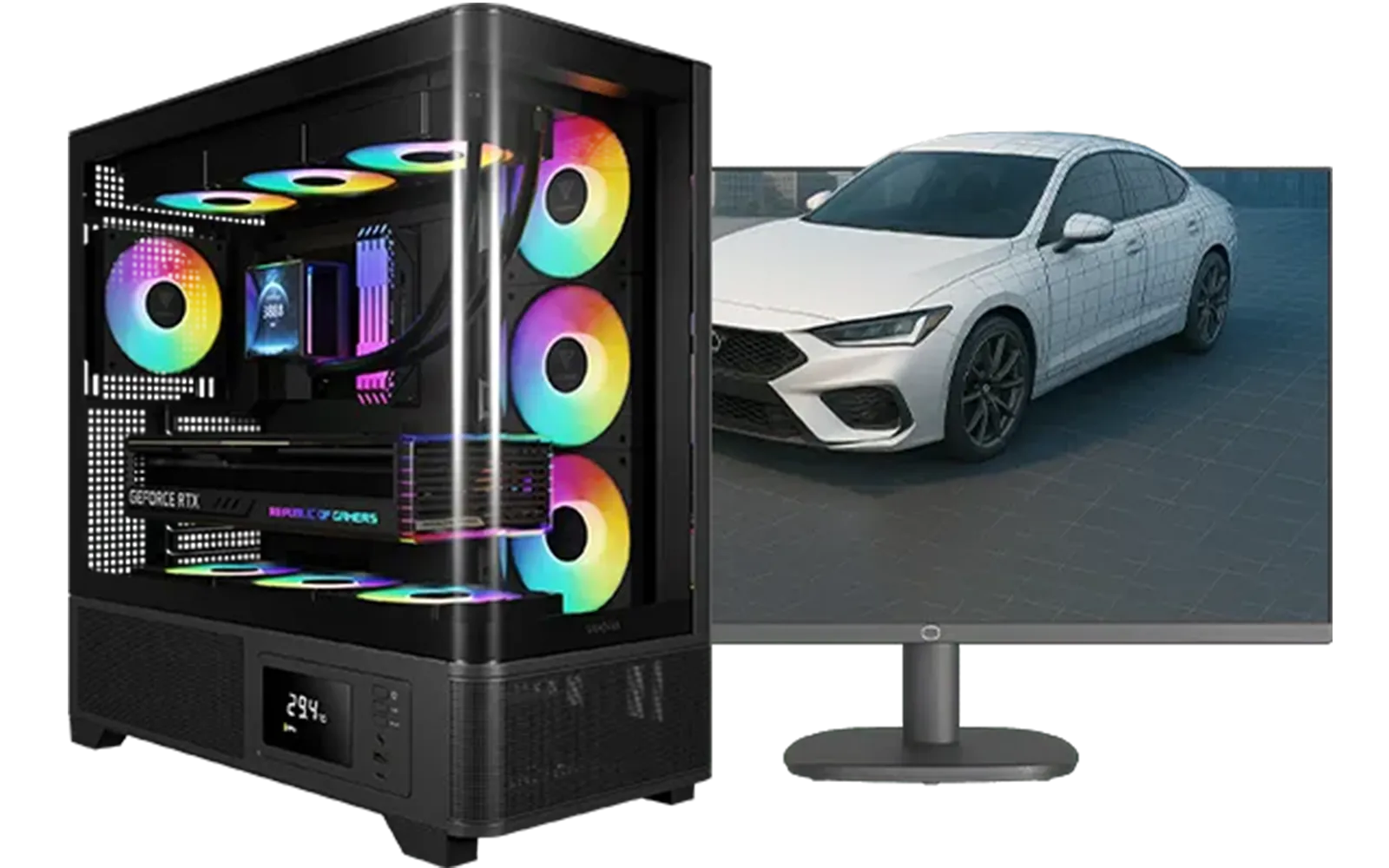
Intel Core Ultra 7 265K RTX Pro 4500 DDR5 Workstation PC
R77909.00In Stock

AMD RYZEN 7 5700 4.6GHz RX 9060 XT 16GB Gaming PC
R19424.00In Stock

RYZEN 5 9600X 5.2GHz RX 9060 XT 16GB DDR5 Gaming PC
R22679.00In Stock

Intel Core Ultra 5 225F 4.9GHz RX 9060 XT 16GB DDR5 Gaming PC
R24464.00In Stock
Ryzen 5 9600X 5.4GHz RTX 5060 8GB DDR5 Budget Gaming PC
R21524.00In Stock

RYZEN 9 9900X 5.6GHz RTX 5070 Ti 16GB DDR5 Gaming PC
R41369.00In Stock
The Heart of Your Sim Racing PC: CPU & GPU
Your journey to the perfect racing sim PC build starts with two core components: the Central Processing Unit (CPU) and the Graphics Processing Unit (GPU). These two work together to create the smooth, believable world you see on screen.
Choosing the Right CPU
Sim racing titles like Assetto Corsa Competizione and iRacing are notoriously demanding on the CPU. They calculate complex physics, AI behaviour, and track data in real-time. For this reason, strong single-core performance is often more critical than having a dozen cores.
A modern Intel Core i5 or AMD Ryzen 5 processor is a fantastic starting point. It provides enough power to handle the physics calculations without bottlenecking your GPU, ensuring you get consistent frame rates, which is crucial for timing your braking and turn-ins perfectly.
The GPU: Your Window to the Track
The GPU is what renders those photorealistic cars and laser-scanned tracks. The right one for your sim racing PC depends entirely on your display setup.
- 1080p Racing: A solid mid-range card like an NVIDIA GeForce RTX 4060 will deliver high frame rates, letting you focus on the race.
- 1440p & Ultrawide: This is the sweet spot for many. You’ll want to step up to an RTX 4060 Ti or higher to maintain smooth performance with higher detail settings.
- VR or Triple Monitors: This is the peak of immersion… and the most demanding. An RTX 4070 SUPER or above is highly recommended to power all those pixels without compromising on quality or frame rate.
For those just starting out, many of our great budget gaming PCs offer a fantastic entry point into the world of sim racing.

AMD RYZEN 7 5700 4.6GHz RX 9070 16GB Gaming PC
R28349.00In Stock
AMD RYZEN 5 8400F 4.7GHz RTX 5060 8GB DDR5 Budget Gaming PC
R17534.00In Stock
![[Pre Built] AMD RYZEN 5 5500 ARC A380 Gaming PC](https://img.evetech.co.za/repository/ProductImages/gamdias-talos-e3-gaming-case-ryzen-5-5500-arc-a380-gaming-pc-pbs-main-1600px-v1.webp)
[Pre Built] AMD RYZEN 5 5500 ARC A380 Gaming PC
R12494.00In Stock

AMD RYZEN 9 9900X 5.6GHz RTX 4000 Blackwell 24GB DDR5 Workstation PC
R56174.00In Stock
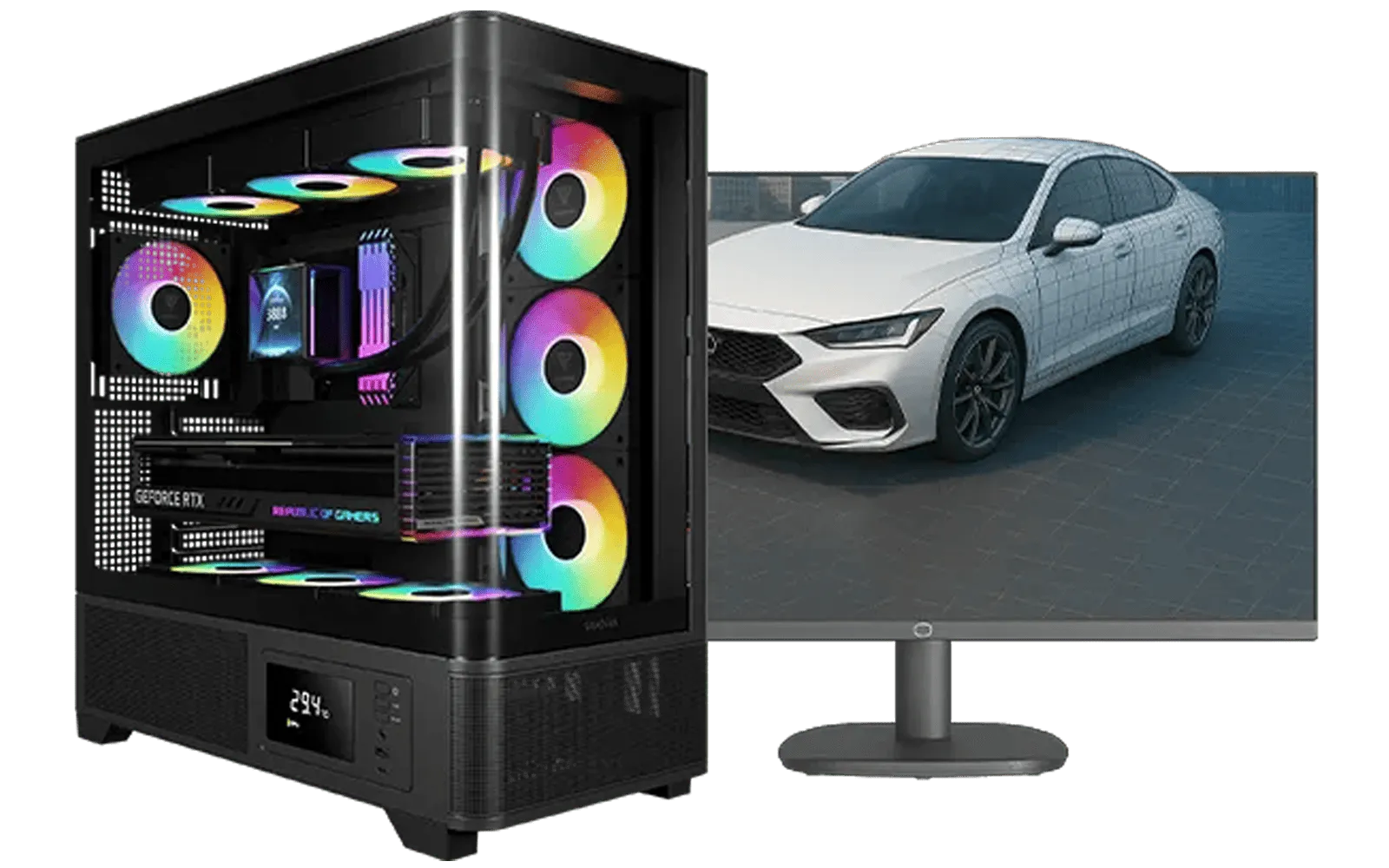
AMD RYZEN 7 5700 RTX Pro 2000 Workstation PC
R26669.00In Stock

Intel Core Ultra 5 225F 4.9GHz A400 4GB DDR5 Workstation PC
R14174.00In Stock
Memory and Storage: The Supporting Crew
While the CPU and GPU get the spotlight, RAM and storage are the unsung heroes of any good sim racing PC build.
A minimum of 16GB of DDR4 or DDR5 RAM is essential. This gives your system enough breathing room to run the game, your operating system, and background apps like Discord without stuttering. For serious racers who might be streaming or running multiple telemetry apps, 32GB is a worthy upgrade.
Storage is simple: get an NVMe SSD (Solid State Drive). The difference in loading times between an SSD and an old-school hard drive is massive. You’ll spend less time staring at loading screens and more time on the track. A 1TB SSD offers a great balance of speed and space for your favourite sims and their DLCs.
TIP FOR YOU
Monitor Matters ⚡
For sim racing, a high refresh rate (120Hz or more) is more important than 4K resolution. Smoother motion gives you faster, more accurate feedback on what the car is doing. An ultrawide monitor is also a fantastic choice, expanding your field of view so you can see rivals pulling up alongside you.
Finding Your Performance Bracket: Budget vs. Pro
Building the ultimate sim racing PC is a balancing act. How much performance do you need, and how much are you willing to invest? In South Africa, the price points can be broken down quite nicely.
With a bit of smart component selection, you can find some seriously powerful builds under R20,000 that will deliver a fantastic 1080p racing experience. These PCs are perfect for getting into the hobby without breaking the bank.
For those wanting to push for higher resolutions, VR, or a triple-screen setup, you'll be looking at machines that push past the R20k mark. These rigs pack more powerful GPUs and CPUs, ensuring you have the horsepower needed for maximum immersion and a competitive edge.
AMD RYZEN 7 5700 RTX Pro 2000 Workstation PC
R26669.00In Stock

Intel Core Ultra 9 285K 5.7GHz RTX 5090 32GB DDR5 Gaming PC
R80114.00In Stock

AMD RYZEN 5 3600 4.2GHz A400 4GB Workstation PC
R9449.00In Stock
Intel 14th Gen Core i3 14100F 4.7GHz ARC A380 6GB Gaming PC
R12599.00In Stock
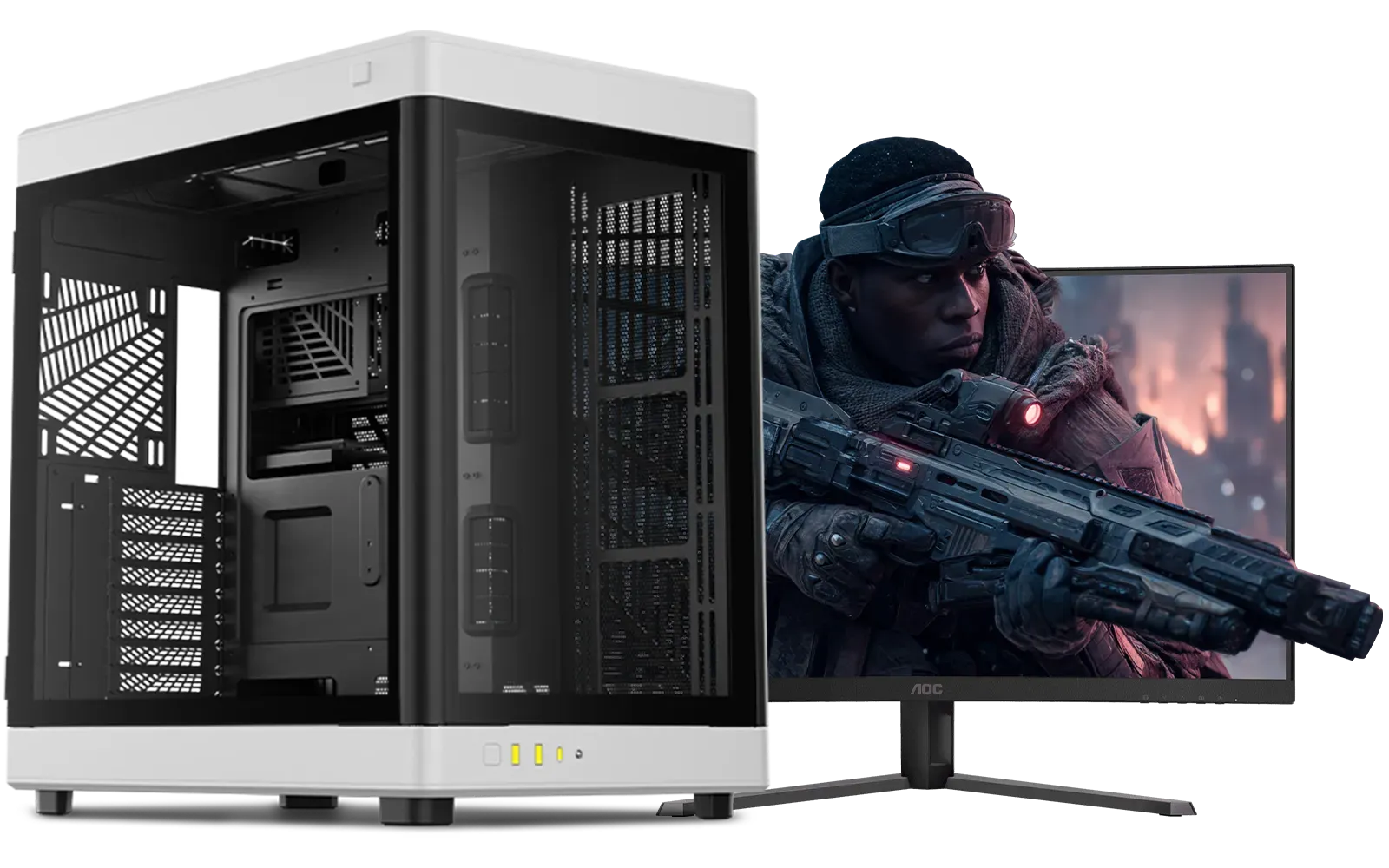
Intel Core Ultra 7 265K RTX Pro 2000 DDR5 Workstation PC
R39689.00In Stock

RYZEN 5 9600X 5.2GHz GT 710 2GB DDR5 PC
R14489.00In Stock
Pre-Built vs. DIY: The Final Lap
Building your own PC can be a rewarding experience. But let’s be honest, sometimes you just want to plug in and play. A professionally assembled machine removes the hassle of component compatibility, cable management, and troubleshooting. 🔧
A pre-built PC from a trusted supplier ensures every part is tested and optimised to work together perfectly, often coming with a warranty that covers the entire system. If you'd rather spend your time perfecting your lines than routing cables, check out our latest pre-built PC deals to find a rig that's ready to race right out of the box.
Ultimately, the best sim racing PC build is the one that fits your budget and gets you on the track. Whether you’re building from scratch or choosing a pre-built beast, focusing on a balanced CPU/GPU combo and a fast SSD will set you up for success.
Ready to Take Pole Position? A custom-built PC is your ticket to the most immersive racing experience possible. From budget-friendly track day heroes to pro-level rigs, Evetech has you covered. Explore the best gaming PC deals in South Africa and find the perfect machine to start your racing career.
Related Products
AMD RYZEN 7 5700 4.6GHz RX 9060 XT 16GB Gaming PC
R19424.00In Stock
AMD RYZEN 7 5700 4.6GHz A1000 8GB Workstation PC
R20159.00In Stock
![[Pre Built] HP OMEN 35L B1ZR4EA Intel Core Ultra 7 265K RTX 4080 SUPER Gaming PC](https://img.evetech.co.za/repository/ProductImages/intel-core-ultra-7-265-k-rtx-4080-super-gaming-pc-pbs-main-1600px-v1.webp)
[Pre Built] HP OMEN 35L B1ZR4EA Intel Core Ultra 7 265K RTX 4080 SUPER Gaming PC
R49349.00In Stock

RYZEN 7 9700X RTX Pro 2000 DDR5 Workstation PC
R35699.00In Stock
AMD RYZEN 7 5700 4.6GHz RX 9070 16GB Gaming PC
R28349.00In Stock

AMD RYZEN 9 9950X 5.7GHz Quadro RTX 5000 Ada 32GB DDR5 Workstation PC
R128834.00In Stock
CPU and GPU first, plus 16–32GB RAM, NVMe SSD, quality PSU, case cooling, and a wheel/pedals set. Check best CPU for racing simulators and best GPU for sim racing.
Expect $800–$3,000+ depending on parts. A budget racing sim PC build covers entry setups; midrange and high-end increase for GPUs, wheels, and motion rigs.
Top GPUs prioritize stable frame rates and VR support. Check our best GPU for sim racing picks for current midrange and high-end options.
Yes — sims use CPU for physics and AI. Aim for modern 6–8 core CPUs and strong single-thread speed; see best CPU for racing simulators for recommendations.
Monitors give high FPS and ultrawide immersion; VR offers more presence but needs stronger hardware. Compare monitor vs VR for sim racing to decide.
Improve airflow, use quality fans and coolers, tune GPU/CPU settings, and consider targeted overclocking. See sim racing cooling solutions and overclocking tips.
Yes — prioritize GPU/CPU balance, fast storage, and a good wheel. Our budget racing sim PC build tips show parts and settings to maximize value.











