



Ray Tracing on a Budget: What to Expect
Ray tracing on a budget — • Identify budget GPUs • Set realistic FPS goals • Tweak settings for performance • Plan an upgrade ⚡️🎮 Learn what cheap ray tracing delivers and how to balance visuals vs framerate.
|
Loading tags...

Ray tracing... the holy grail of modern PC gaming. It brings unbelievably realistic lighting, shadows, and reflections to your favourite titles. But for years, this glorious tech has felt out of reach for anyone without a platinum credit card. What if we told you that experiencing ray tracing on a budget is not only possible in South Africa, but actually a fantastic option for your next upgrade? Let's dive into what you can realistically expect. 💡
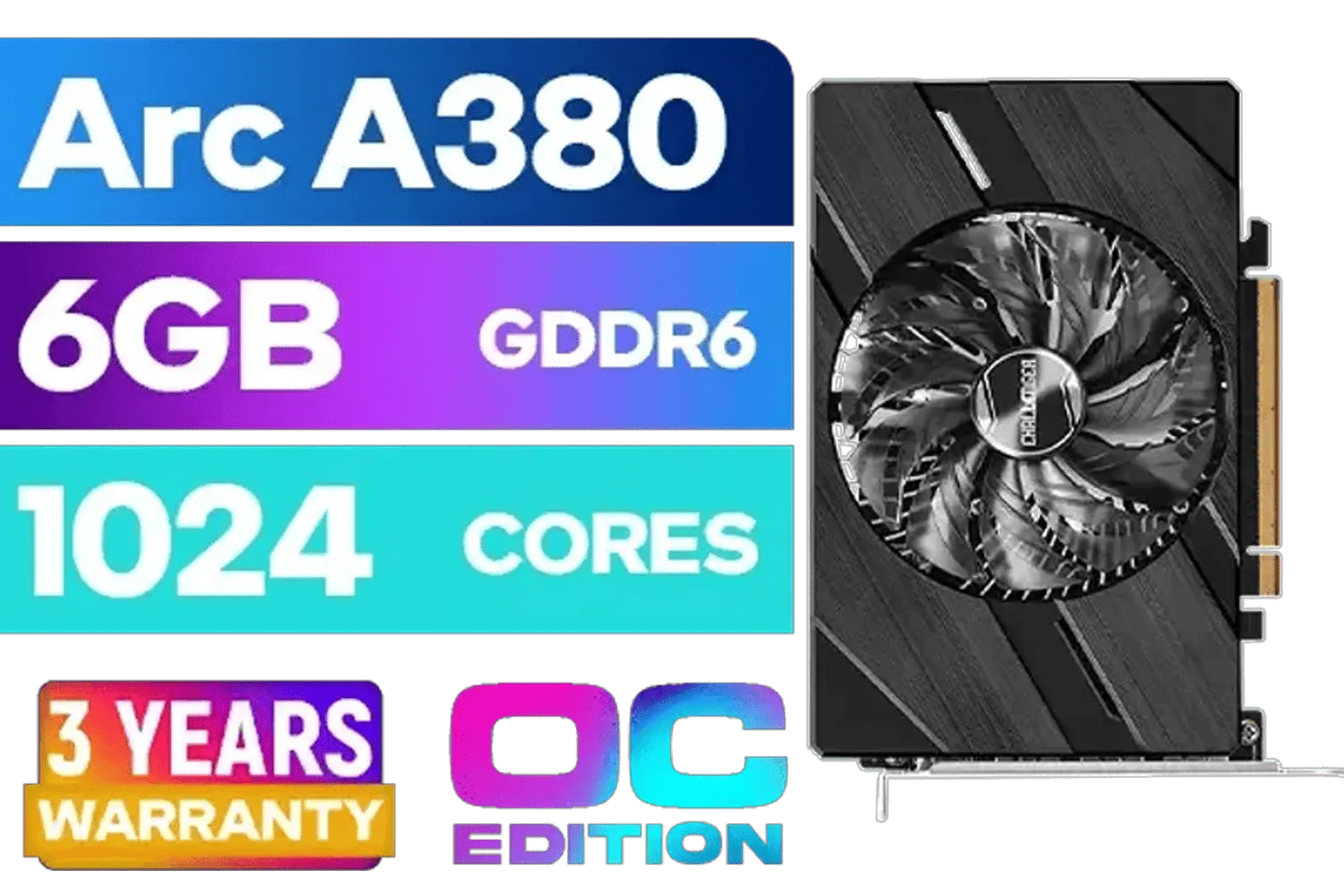
ASRock Intel Arc A380 Challenger ITX 6GB OC GDDR6 Graphics Card / 90-GA3KZZ-00UANF
R3199.00In Stock

Palit GeForce RTX 5070 Ti GameRock 16G / 16GB GDDR7 / 28Gbps Memory Speed / PCI Express® Gen 5 / NE7507T019T2-GB2030G
R17999.00In Stock
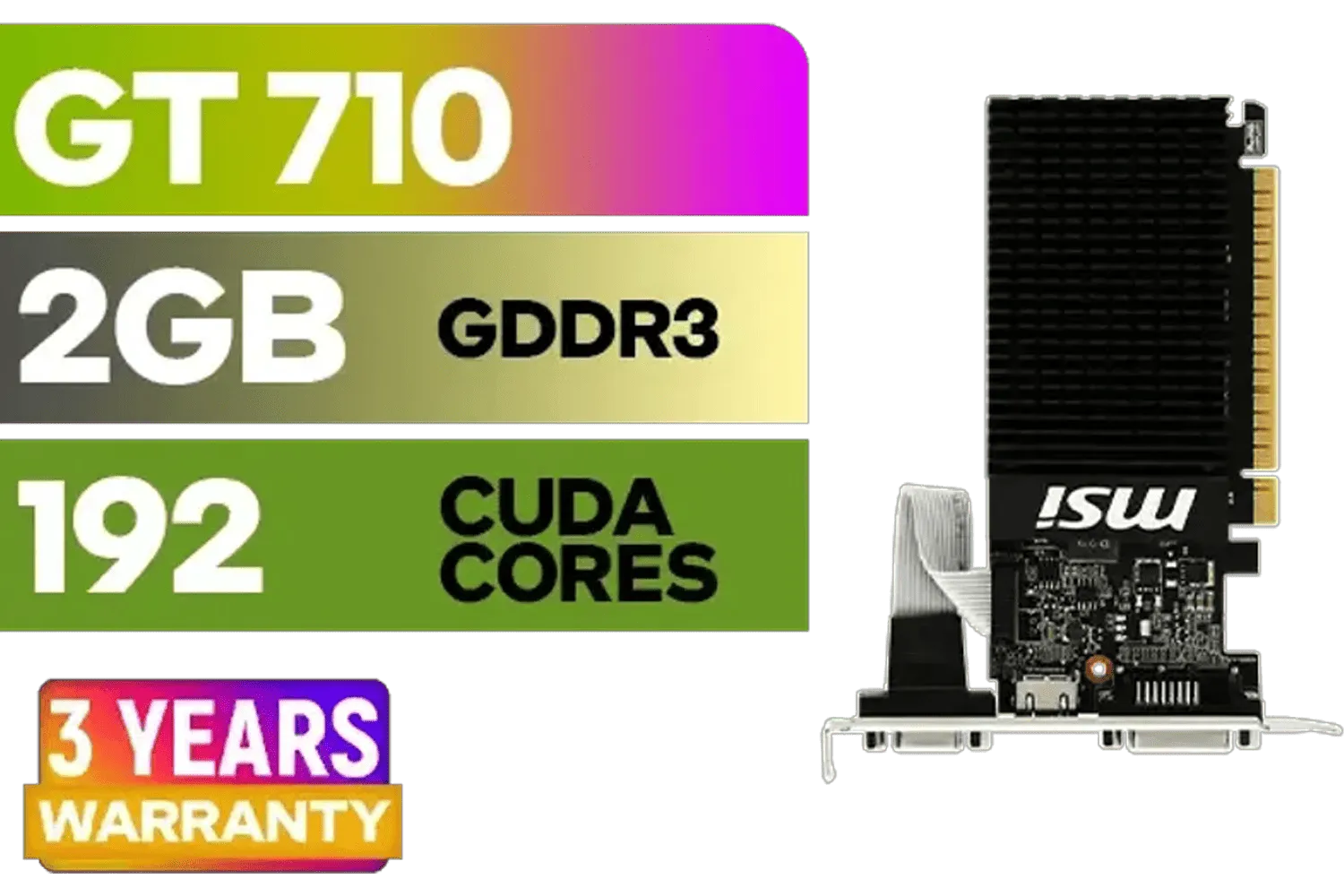
MSI GeForce GT 710 2GD3H LP 2GB DDR3 Graphics Card / 192 CUDA CORES / 64-bit Memory / 1x HDMI / 1x Dual-link DVI-D / 1x D-Sub / 912-V809-4217
R1099.00In Stock

MSI GeForce RTX 5070 12G Gaming Trio OC Graphics Card / 12GB GDDR7 / 6144 Cuda Cores / 192-bit Memory Interface / Boost Clock : 2610 MHz / NVIDIA Blackwell & DLSS 4 / TRI FROZR 4 Thermal Design / Metal with Airflow Vents / 912-V532-019
R15199.00In Stock

MSI GeForce RTX 5070 12G Inspire 3X OC Graphics Card / 12GB GDDR7 / 6144 Cuda Cores / 192-bit Memory Interface / Boost Clock : 2542 MHz / NVIDIA Blackwell & DLSS 4 / 28Gbps Memory Speed / PCI Express® Gen 5 / 912-V532-017
R14499.00In Stock

Palit GeForce RTX 5080 GamingPro 16GB GDDR7 / 30Gbps Memory Speed / PCI Express® Gen 5 / NE75080019T2-GB2031A
R24199.00In Stock
What is Realistic Ray Tracing on a Budget?
First, let's manage expectations. Getting ray tracing on a budget doesn't mean running Cyberpunk 2077 at 4K with every setting cranked to "psycho". The sweet spot for affordable ray tracing is 1080p. At this resolution, entry-level RT-capable cards can deliver a visually stunning experience that genuinely enhances immersion, often with just a few smart tweaks in the settings menu.
The goal isn't to hit 144 FPS with ray tracing on; it's to achieve a smooth, playable 60 FPS with beautiful, realistic lighting that a non-RT card simply can't produce. This often means leveraging clever upscaling technologies like DLSS or FSR, but the final image quality is a massive step up. It's about adding a layer of cinematic polish to your games without having to sell a kidney. Ready to see the options? You can start by browsing a wide variety of current-gen graphics cards to get a feel for the market.
The Key Players: Entry-Level RT GPUs
When it comes to affordable ray tracing, you have three main teams to choose from, each with its own strengths.
NVIDIA's RTX Line-up
NVIDIA's RTX series is the most mature option for ray tracing, and their DLSS (Deep Learning Super Sampling) technology is a killer feature. Cards like the GeForce RTX 3060 or the newer RTX 4060 are fantastic entry points. They offer a great balance of traditional performance and dedicated RT Cores that handle the heavy lifting of real-time lighting calculations. Brands like MSI offer excellent custom versions of these cards with robust cooling to keep performance stable.
AMD's RDNA Challenger
Team Red has made huge strides with its RDNA architecture. While their ray tracing performance has traditionally trailed NVIDIA's at the same price point, modern AMD Radeon graphics cards like the RX 7600 are very capable 1080p performers. AMD's FSR (FidelityFX Super Resolution) is an open-source upscaling tech that works on almost any GPU and helps claw back frames when you switch on those demanding RT effects.

MSI GeForce RTX 5060 Ti 8G GAMING OC Graphics Card / 4608 Cuda Cores / 28Gbps Memory Speed / 8GB GDDR7 / 128-bit Memory Bus / 912-V536-026
R9499.00In Stock

SAPPHIRE NITRO+ RX 9070 Gaming OC 16GB Graphics Card / 16GB GDDR6 Memory / 3584 Stream Processors / 256-bit Memory Interface / Boost Clock : 2700 MHz / AMD RDNA™ 4 Architecture / 56 Ray Accelerators / 11349-01-20G
R13599.00In Stock
Palit GeForce RTX 5070 Ti GameRock 16G / 16GB GDDR7 / 28Gbps Memory Speed / PCI Express® Gen 5 / NE7507T019T2-GB2030G
R17999.00In Stock
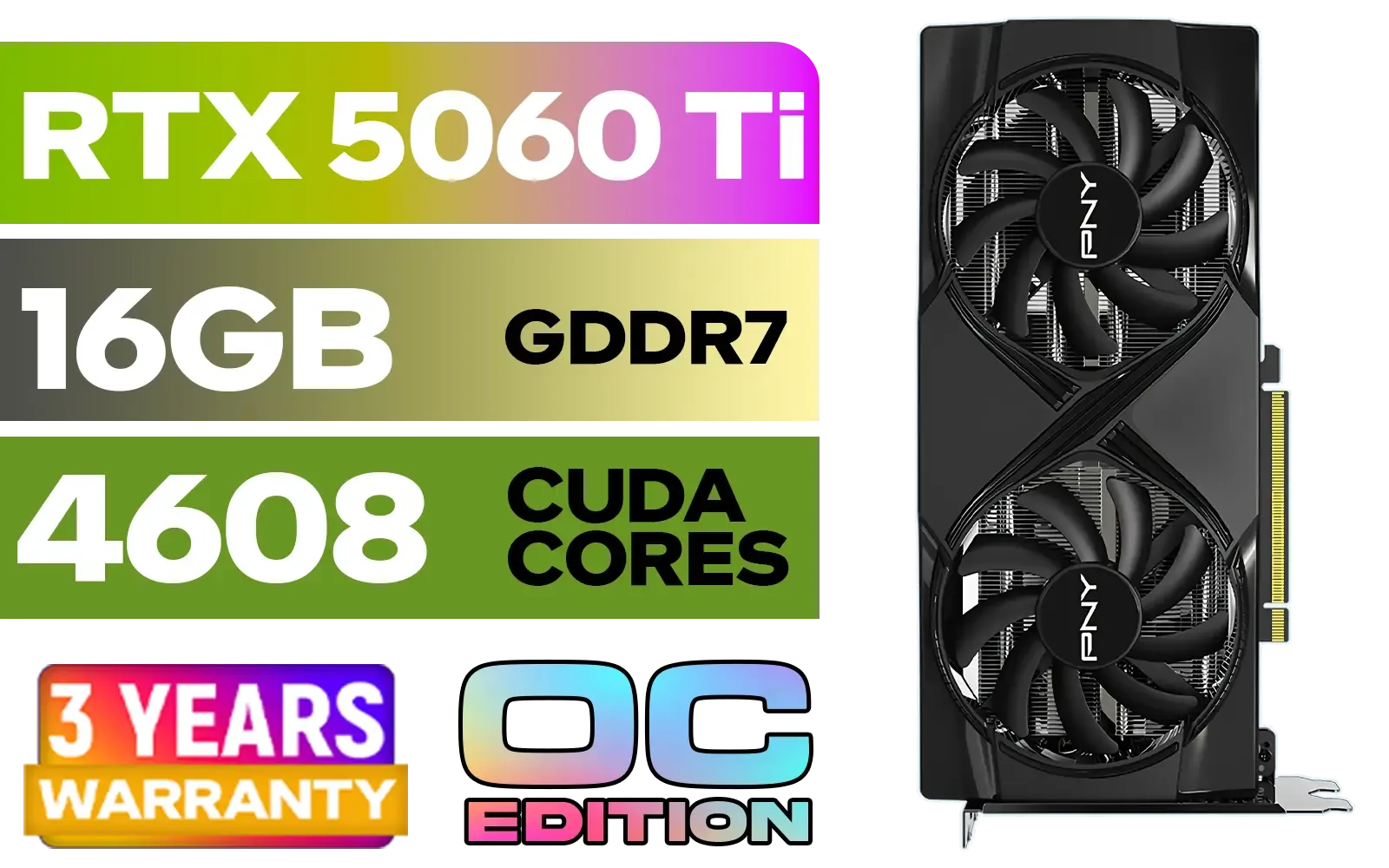
PNY GeForce RTX 5060 Ti 16GB OC Dual Fan Graphics Card / 16GB GDDR7 / 4608 CUDA Cores / 128-bit Memory Interface / Boost Clock: 2692 MHz / 28 Gbps Memory Speed / DisplayPort 2.1b (x3), HDMI® 2.1b / VCG5060T16DFXPB1-O
R10499.00In Stock
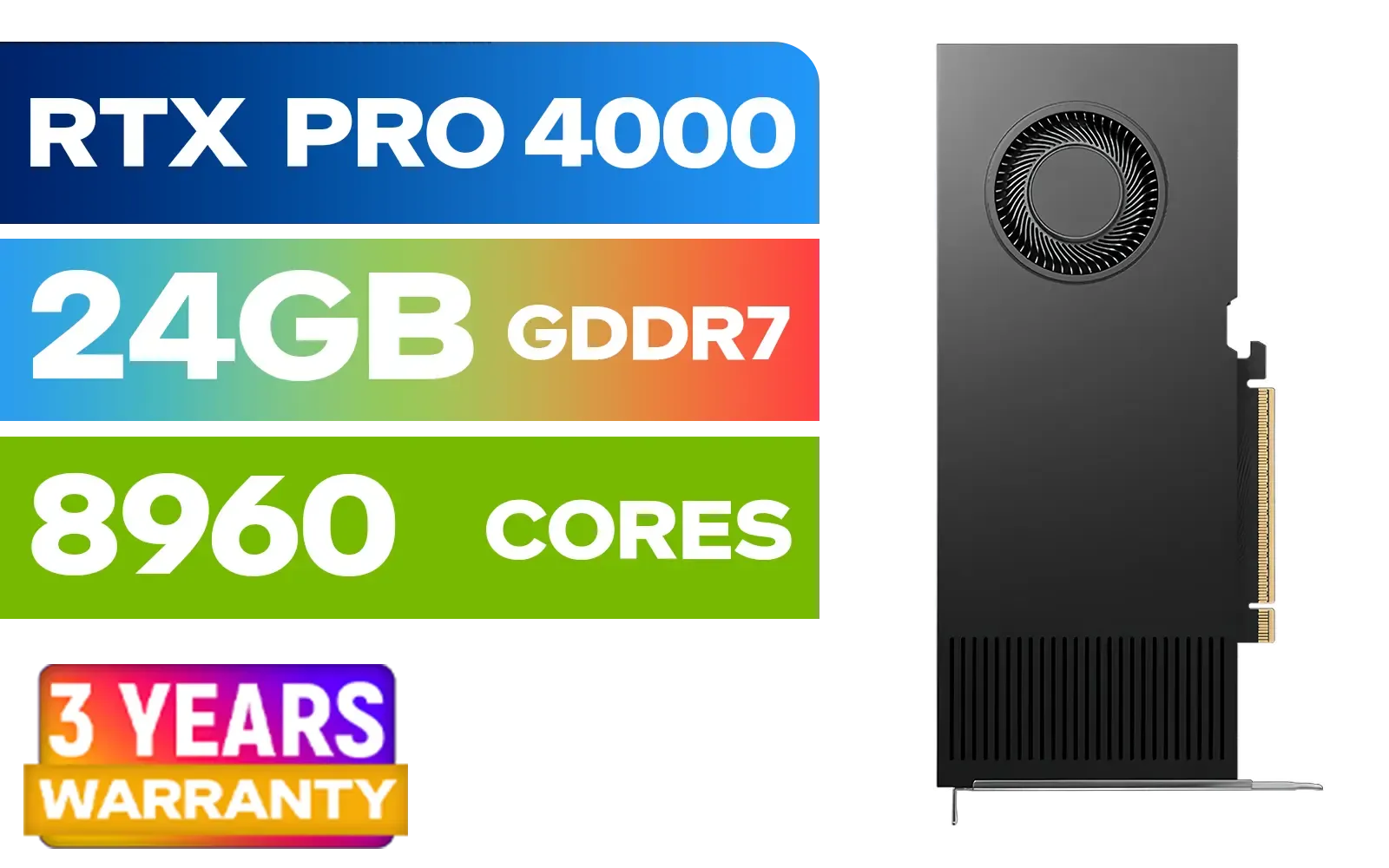
PNY RTX PRO 4000 Blackwell 24GB Graphics Card / 8960 CUDA CORES / 24GB GDDR7 with ECC / 192-bit Memory / VCNRTXPRO4000-PB
R31999.00In Stock
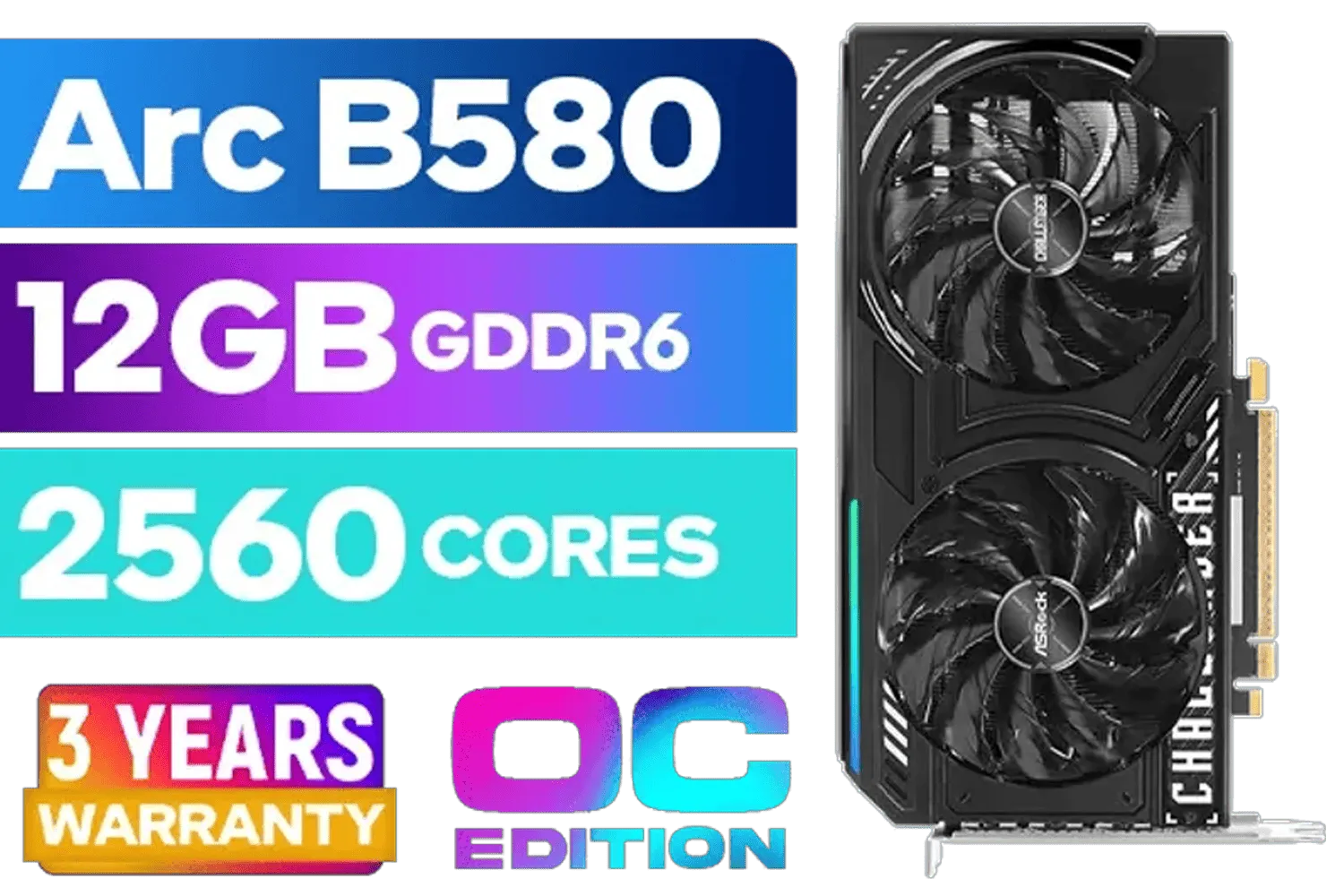
ASRock Intel ARC B580 Challenger OC Graphics Card / 12Gb 192-bit GDDR6 / DirectX 12 Ultimate / 2560 Cores / 2740MHz Engine Clock / 90-GA5LZZ-00UANF
R6499.00In Stock
Intel's Arc Newcomer 🚀
Don't sleep on the newcomer! Intel Arc graphics cards, like the Arc A750, have become surprisingly competitive thanks to massive driver improvements. They punch well above their weight in ray tracing workloads, sometimes outperforming rivals that cost significantly more. For a gamer on a tight budget looking for that next-gen shine, Intel Arc is a seriously compelling option.
TIP FOR YOU
Pro Tip for More FPS ⚡
To make ray tracing on a budget truly shine, always enable an upscaler! Set NVIDIA's DLSS, AMD's FSR, or Intel's XeSS to the 'Quality' or 'Balanced' preset. This uses AI to render the game at a lower resolution and then intelligently upscale it, giving you a massive performance boost with minimal impact on visual quality. It's the secret sauce for smooth, ray-traced gaming.
Making It Work: Settings and Smart Choices
So, you've got your budget RT card. How do you get the best experience? The key is to be selective. Instead of flipping the master "Ray Tracing: Ultra" switch, enable individual effects. Ray-traced shadows and global illumination often provide the biggest visual impact for the performance cost.
It’s also crucial to choose the right tool for the job. While powerful, specialised workstation graphics cards are built for professional applications like CAD or 3D rendering, not gaming. Their drivers and architecture aren't optimised for DirectX, meaning you'll get poor gaming performance for your money. Stick to consumer gaming cards for the best results.

MSI GeForce RTX 5060 8G Gaming Trio OC Graphics Card / 8GB GDDR7 / 3840 Cuda Cores / 128-bit Memory Interface / Boost Clock : 2625 MHz / PCI Express® Gen 5 / 912-V537-021
R8499.00In Stock

XFX SWIFT AMD Radeon RX 9060 XT OC 16GB Graphics Card - Black / 16GB GDDR6 / 2048 Stream Processors / 128-bit Memory Interface / Boost Clock : 3320 MHz / RX-96TSW16BQ
R7999.00In Stock
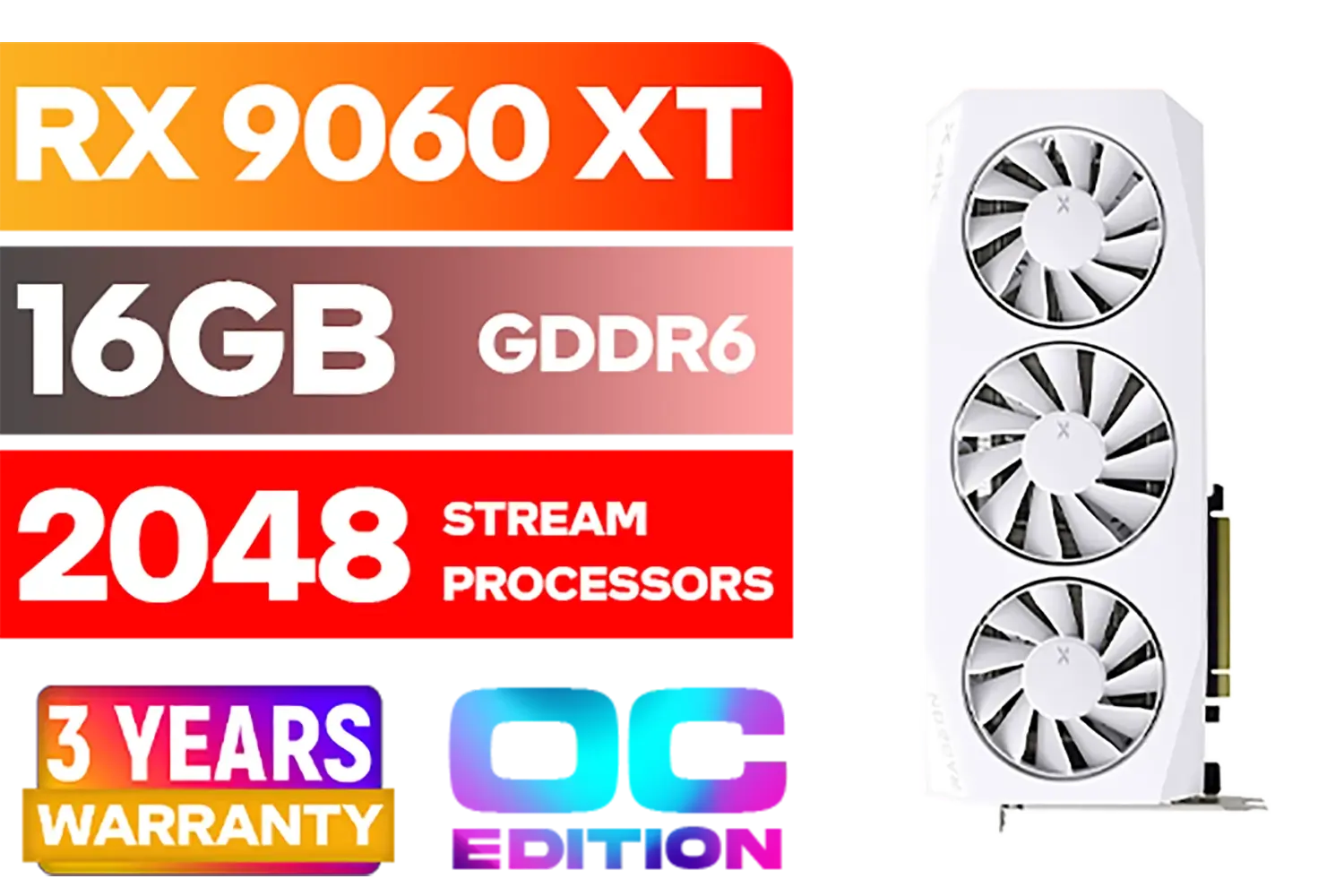
XFX Mercury AMD Radeon RX 9060XT OC White Gaming Edition with 16GB GDDR6 HDMI 2xDP, AMD RDNA 4 / RX-96TMERCW9
R9199.00In Stock
Palit GeForce RTX 5080 GamingPro 16GB GDDR7 / 30Gbps Memory Speed / PCI Express® Gen 5 / NE75080019T2-GB2031A
R24199.00In Stock

MSI Geforce RTX 5070 Ventus 2X 12G OC Graphics Card / 12GB GDDR7 / 6144 Cuda Cores / 192-bit Memory Interface / Boost Clock : 2542 MHz / NVIDIA Blackwell & DLSS 4 / 28Gbps Memory Speed / PCI Express® Gen 5 / 912-V532-009
R13999.00In Stock
ASRock Intel Arc A380 Challenger ITX 6GB OC GDDR6 Graphics Card / 90-GA3KZZ-00UANF
R3199.00In Stock
Is It Worth It for SA Gamers?
Absolutely. Ray tracing on a budget is no longer a dream. For a reasonable price, you can add a layer of visual fidelity to your games that truly makes them feel next-gen. It transforms a rainy night in a city into a breathtaking spectacle of reflections or makes a dark corridor feel genuinely menacing with realistic shadows.
You'll need to be smart with your settings and embrace upscaling tech, but the payoff in atmosphere and immersion is well worth it. You're not just buying a graphics card; you're investing in a more beautiful and believable gaming world. ✨
Ready to See the Light? The world of real-time ray tracing is more accessible than ever. Stop dreaming and start playing with next-gen visuals. Explore our huge range of graphics cards and find the perfect GPU to light up your gaming world.
Related Products

PNY GeForce RTX 5070 EPIC-X 12GB OC Graphics Card / 12GB GDDR7 / 6144 Cuda Cores / 192-bit Memory Interface / Base Clock: 2160 MHz / 28 Gbps Memory Speed / DisplayPort 2.1b (x3), HDMI® 2.1b / VCG507012TFXXPB1-O
R13299.00In Stock

XFX SWIFT AMD Radeon RX 9060 XT OC Triple Fan 16GB GDDR6 GPU - White / AMD RDNA 4 Architecture / 3rd Gen Radeon Raytracing Accelerators/ AMD Fidelity FX Super Resolution 4.0 Upscaling Technology / RX-96TS316W7
R8499.00In Stock

MSI Geforce RTX 5060 Ventus 2X 8G OC Graphics Card - White / 8GB GDDR7 / 3840 Cuda Cores / 128-bit Memory Interface / Boost Clock : 2527 MHz / PCI Express® Gen 5 / 912-V537-018
R7999.00In Stock
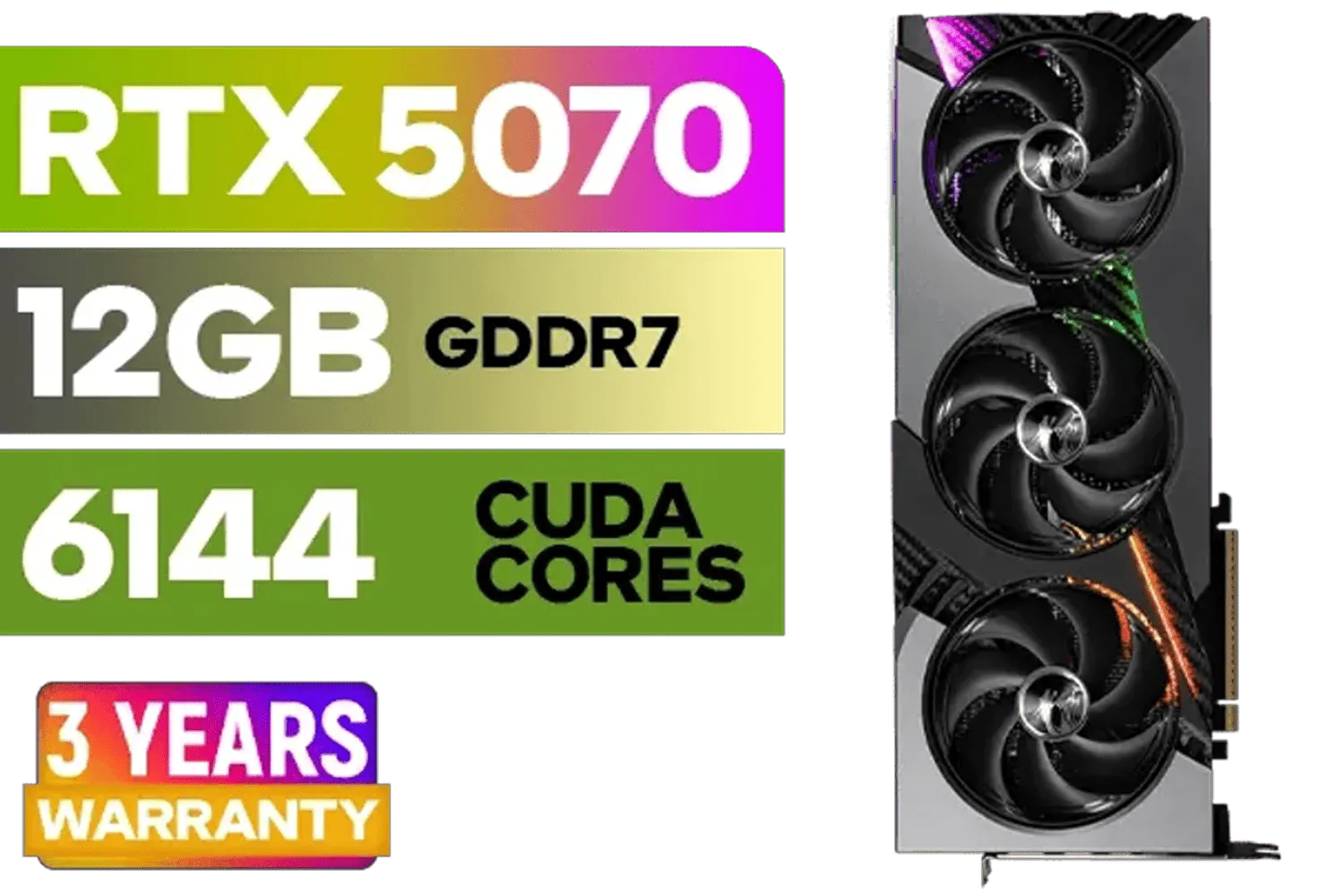
MSI GeForce RTX 5070 12GB VANGUARD SOC Launch Edition / 12GB GDDR7 / 6144 Cuda Cores / Boost: 2640 MHz / 28Gbps Memory Speed / PCI Express® Gen 5 / 912-V532-050
R15299.00In Stock

LEADTEK NVIDIA RTX PRO 6000 Blackwell 96GB GDDR7 GPU / Compatible with RTX PRO Sync / GDDR7 Memory with ECC / 126W0000100
R186999.00In Stock
ASRock Intel Arc A380 Challenger ITX 6GB OC GDDR6 Graphics Card / 90-GA3KZZ-00UANF
R3199.00In Stock
Expect lower FPS than raster-only rendering; cheap ray tracing GPUs often need DLSS or reduced settings to hit smooth framerates.
Affordable options with RT cores and good drivers give the best value; look for recent entry-level RTX cards or AMD RDNA2 refreshes.
Some integrated and older cards support basic ray tracing features, but expect major performance compromises without DLSS or upscale tech.
Lower ray tracing quality, enable DLSS or FSR, lower resolution or use dynamic resolution to regain significant FPS on budget GPUs.
For competitive play, prioritize FPS over ray tracing; turn RT off or use minimal settings to preserve responsiveness and input latency.
Upgrade to a midrange RTX or RDNA2+/RDNA3 card with more RT cores, and pair with a modest CPU to avoid GPU bottlenecks.
Yes—DLSS or FSR can dramatically improve FPS with ray tracing enabled, making visual upgrades more practical on cheap GPUs.











