



Razer Barracuda X battery life: 10 ways to maximise
Checklist: 1) diagnose drain; 2) tweak power settings; 3) update firmware; 4) manage audio/wireless. Razer Barracuda X battery life: learn proven tips to maximise runtime for longer wireless play ⚡🔋

You’re deep in a clutch moment on Nuke, the last one standing… and suddenly your headset beeps its dreaded low-battery warning. Ja, we’ve all been there. The Razer Barracuda X is a fantastic, versatile headset known for its solid performance, but even its epic battery needs a little help to go the distance. Ready to keep your comms crystal clear from the first round to the last? Let’s dive into 10 practical ways to maximise your Razer Barracuda X battery life.

Dell WH3024 Wired Headset / Built-in AI-based noise cancellation microphone / In-line control / Leatherette memory foam ear cushions / 520-BBDH
R1299.00In Stock

Promate Panda KidSafe Kawaii Style Wireless Kids Headset - Aqua / 1000mAh Battery / Up to 40 hours of Playtime / AUX Support / LED Illuminated Ears / PANDA.AQUA
R399.00In Stock
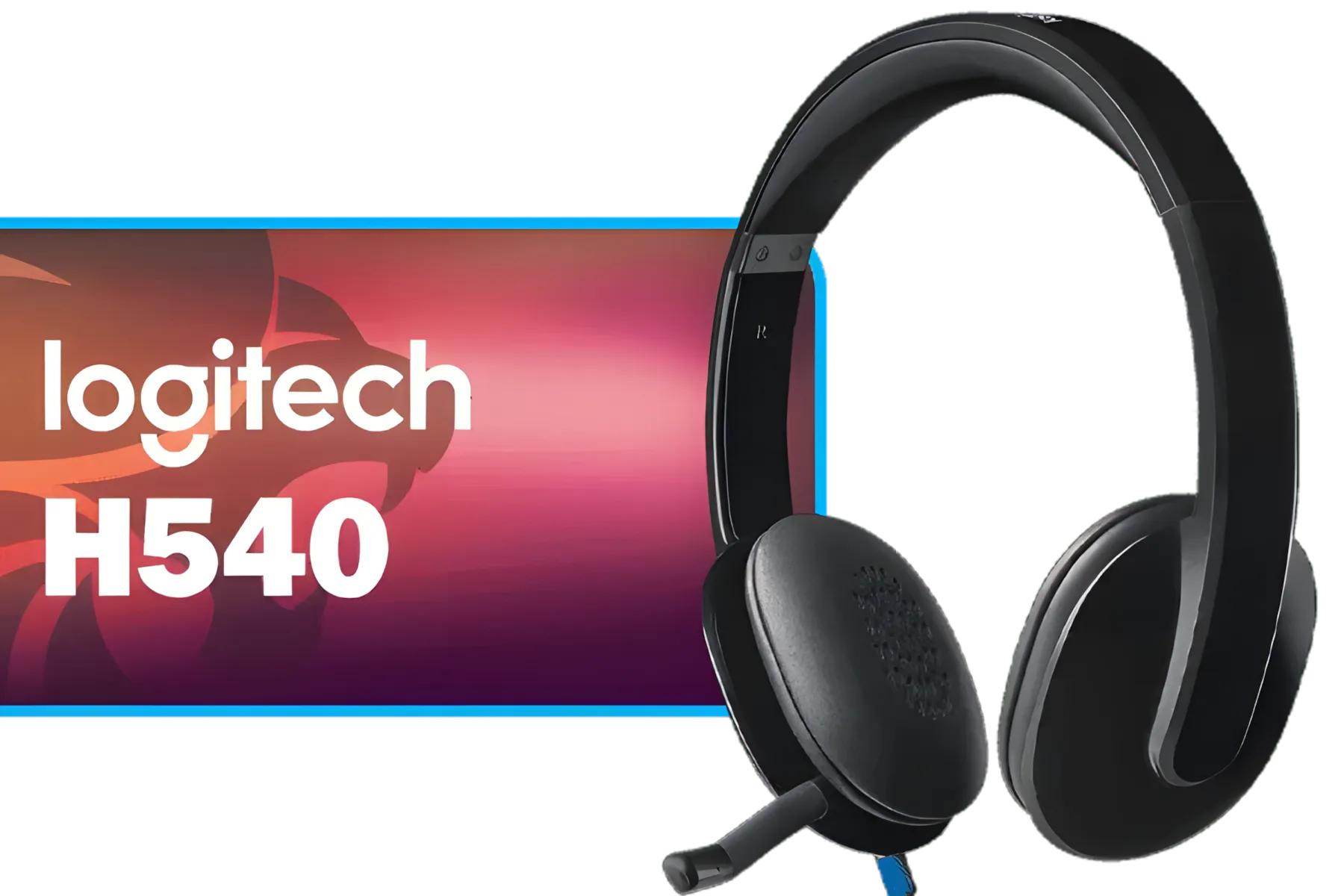
Logitech High-performance USB Headset H540 for Windows and Mac, Skype Certified / 981-000480
R739.00In Stock

Marvo Pulz 70W White Wireless Gaming Headset / Bluetooth 5.3 & 2.4G & Wired Modes / 40MM Drivers / Detachable Micboom Arm / Rechargeable Battery / RGB Backlight / HG9086W-WH
R549.00In Stock

Promate Simba Over-Ear Hi-Definition SafeAudio™ Wired Headset - Emerald / 40mm Drivers / Adjustable Headband / 3.5mm Aux Connector / Audio Sharing / SIMBA.EMERALD
R299.00In Stock

Turtle Beach Stealth 500 PC Wireless Headset - Black / 2.4GHz Wireless & Bluetooth® 5.2 / 40mm Drivers / Flip-to-Mute Microphone / QuickSwitch Button / TBS-5104-05
R1899.00In Stock
Understanding Your Barracuda X's Power 🔋
First things first, let's set a baseline. Razer officially rates the Barracuda X for up to 50 hours of use on a single charge. That's a massive amount of playtime, but it's an "up to" figure. Real-world usage—think high volume, Chroma RGB glowing, and constant mic use—will naturally affect the final number. Our goal is to get you as close to that 50-hour mark as possible, every single time.
10 Ways to Maximise Your Razer Barracuda X Battery Life
These simple tweaks can add hours to your wireless freedom. Implement a few, and you'll notice a real difference in how often you need to reach for that charging cable.
1. Lower the Volume
It sounds obvious, but it's the biggest power drain. Your headset's drivers need more electricity to produce louder sounds. Dropping your system volume from 90% to a more comfortable 60% can significantly extend your playtime without sacrificing crucial in-game audio cues.
2. Tame the Chroma RGB
The vibrant Chroma RGB on your earcups looks incredible, but it's a constant power draw. If you're settling in for a long session, consider dimming the brightness or switching to a static colour profile in Razer Synapse. For maximum battery savings, turning it off completely is your best bet.
3. Prioritise 2.4GHz HyperSpeed
While Bluetooth is handy for connecting to your phone, the included 2.4GHz USB-C dongle is optimised for low-latency, high-efficiency gaming. When you're on your PC or console, stick with the HyperSpeed Wireless connection. It generally provides a more stable and power-efficient link for intense gaming.
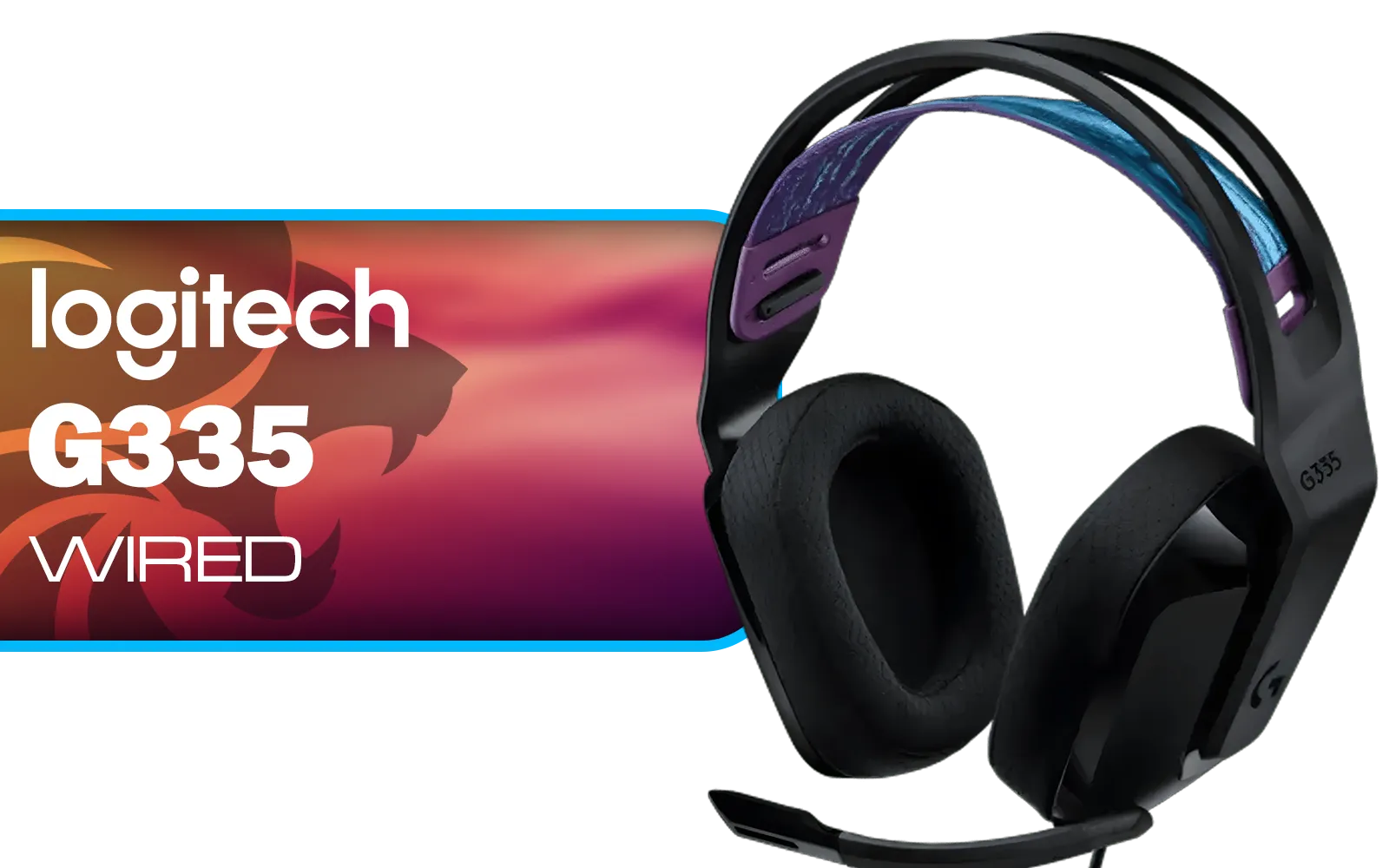
Logitech G335 Wired Gaming Headset - Black / Multi-platform Compatibility / Unidirectional Microphone / 40mm Neodymium Drivers / Crystal Clear Communication / 240 Grams Light Weight / 981-000978
R999.00In Stock

SteelSeries Arctis Nova 1P Multi-System Gaming Headset — Hi-Fi Drivers — 360° Spatial Audio — Comfort Design — Durable — Lightweight — Noise-Cancelling Mic — PS5/PS4, PC, Xbox, Switch - Black / 61611
R1499.00In Stock

HP DHE-8000 USB Phone Operators Headphone — Black - High Quality Anti-rocking - Low Interference PU Earphone Cable - Clear Voice Communication - Rotating Ear Cups - For PC or Mac - Omnidirectional Microphone / DHE-8000
R399.00In Stock

Promate Jewel HD Stereo KidSafe Wired Headset - Bubblegum / Safe Audio Levels / Adjustable Headband / 3.5mm Aux Connector / Audio Sharing / JEWEL.BUBBLEGUM
R249.00In Stock
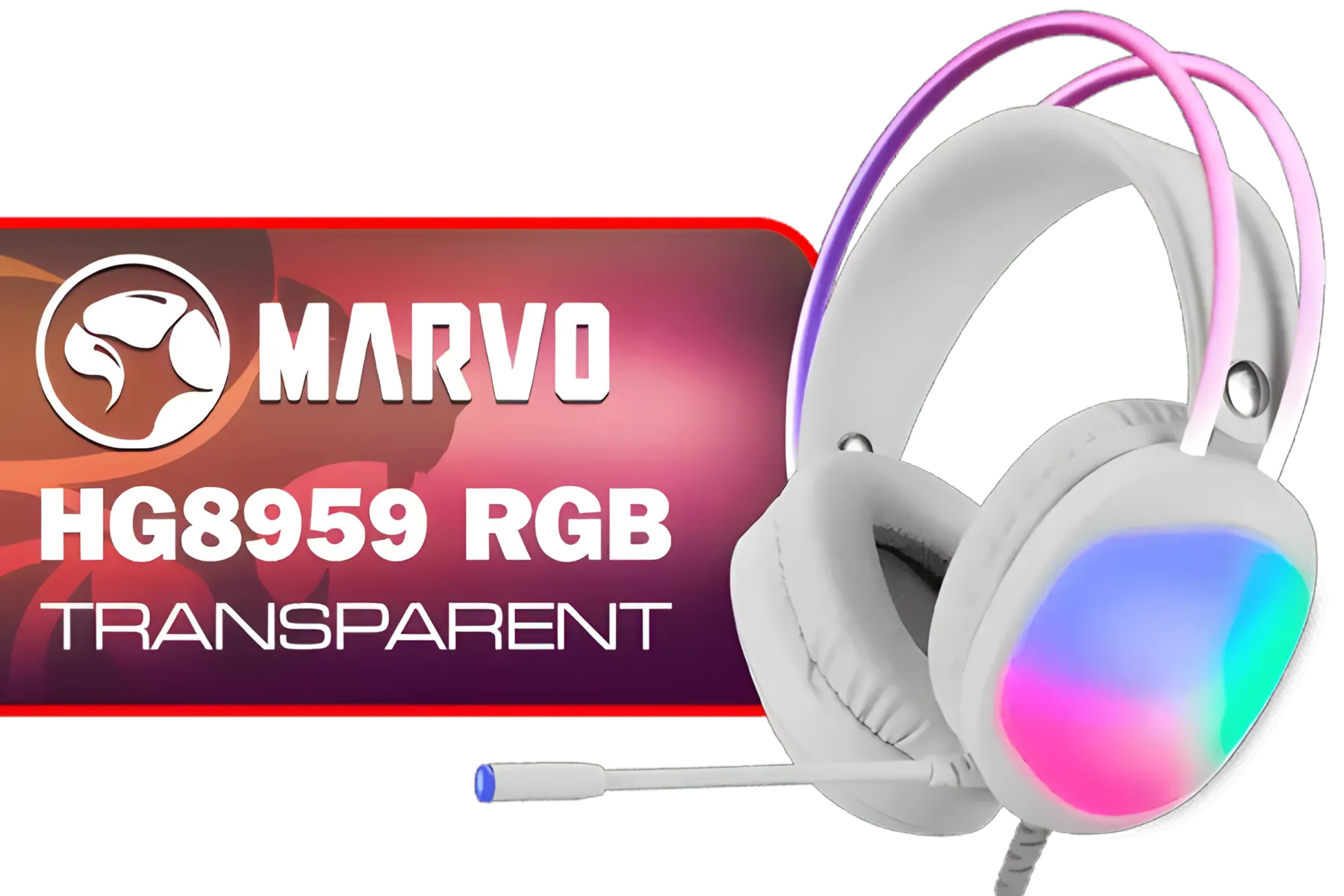
MARVO HG8959 RGB Transparent Wired Gaming Headset / 50mm Speaker Size / Omnidirectional Microphone / Over-ear Design for Powerful Bass Sounds / Soft-cushioned Leather ear Cups / Self-adjustable Headband / HG8959
R299.00In Stock

SteelSeries Arctis Nova 7X Wireless Multi-Platform Gaming & Mobile Headset / Nova Acoustic System / Simultaneous Wireless 2.4GHz + Bluetooth / 38Hr Battery / USB-C / Xbox, PC, PS, Switch, Mobile / 61565
R2499.00In Stock
4. Be Smart with THX Spatial Audio
THX Spatial Audio is brilliant for immersive, competitive gaming, but the extra processing requires more power. If you're just chilling in Discord, watching YouTube, or listening to music, switch back to standard stereo. You can easily toggle it in Razer Synapse.
TIP FOR YOU
Firmware Pro Tip ⚡
Razer frequently releases firmware updates that can include power management optimisations. Always check the Razer Synapse app or the official support site to ensure your Barracuda X is running the latest version. This simple step can fix bugs and improve the overall battery performance of your device.
5. Keep Your Firmware Updated
Speaking of software, keeping your headset's firmware up to date is crucial. These updates often include performance improvements and bug fixes, some of which directly address power efficiency. It's a quick, easy way to ensure optimal Razer Barracuda X battery life. This applies to many other Razer headsets as well.

Logitech G733 Lightspeed Wireless RGB Gaming Headset - White / Lightsync RGB lighting / Fully Customizable / Blue VO!CE Technology / 40mm PRO-G Audio Drivers / DTS Headphone:X 2.0 Surround Sound / USB-C Charging Port / 20m Wireless Range / 981-000882/83
R2799.00In Stock
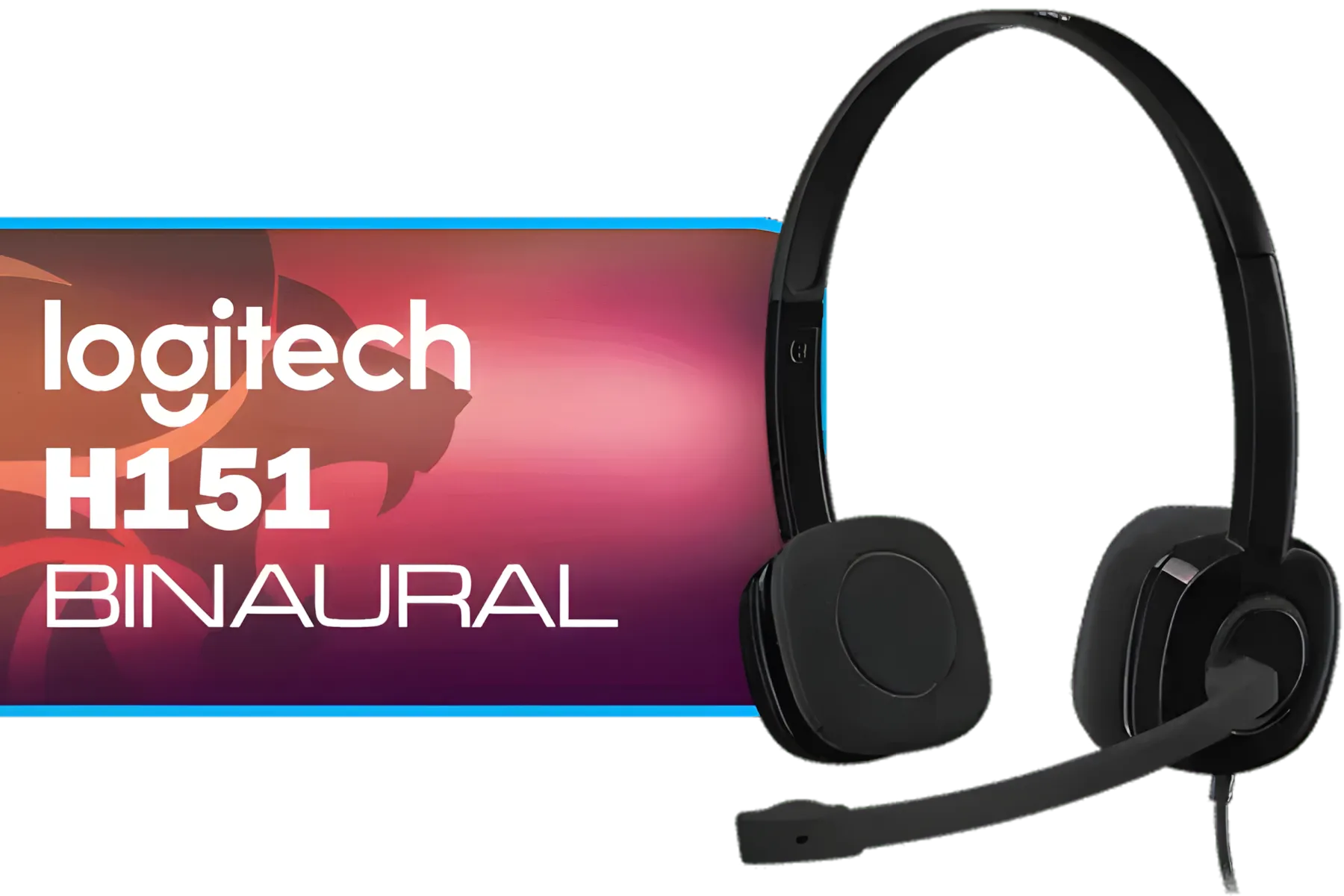
Logitech H151 Binaural Head-Band Headset, Black, (Headset, Black) / 981-000589
R429.00In Stock
Marvo Pulz 70W White Wireless Gaming Headset / Bluetooth 5.3 & 2.4G & Wired Modes / 40MM Drivers / Detachable Micboom Arm / Rechargeable Battery / RGB Backlight / HG9086W-WH
R549.00In Stock
Logitech G335 Wired Gaming Headset - Black / Multi-platform Compatibility / Unidirectional Microphone / 40mm Neodymium Drivers / Crystal Clear Communication / 240 Grams Light Weight / 981-000978
R999.00In Stock

Razer Kraken Kitty V2 Bluetooth Gaming Headset - Black / 40mm audio drivers / Up to 40-hour battery life / USB-C fast charging support / noise-cancelling microphone / RZ04-04860500-R3M1
R2499.00In Stock
Plantronics HW520 EncorePro Binaural Headset / Noise canceling circuit / Flexible boom / PLT- HW520
R1699.00In Stock
6. Mute Your Mic When Idle
Your microphone is always listening when it's active, which consumes a small but steady amount of power. Use the physical mute button on the earcup when you're not actively talking. It's a small habit that adds up over a multi-hour session.
7. Tweak Your EQ Settings
Custom equaliser (EQ) settings, especially those that heavily boost the bass, can make the drivers work harder and consume more power. If you're not in a competitive match, try using a flatter EQ profile or the default setting to conserve energy.
8. Set Up Auto-Shutdown
We've all walked away from our PC and forgotten to turn the headset off. Use Razer Synapse to set a custom auto-shutdown timer (e.g., 15 or 30 minutes). This ensures your headset powers down automatically when not in use, saving precious battery for when you actually need it.
9. Charge Before It's Empty
Modern lithium-ion batteries don't like being fully drained. For optimal long-term health, try to charge your Barracuda X when it hits around the 20% mark. Consistently running it down to 0% can degrade the battery's maximum capacity over time.
Promate Simba Over-Ear Hi-Definition SafeAudio™ Wired Headset - Emerald / 40mm Drivers / Adjustable Headband / 3.5mm Aux Connector / Audio Sharing / SIMBA.EMERALD
R299.00In Stock

Promate Panda KidSafe Kawaii Style Wireless Kids Headset - Bubblegum / 1000mAh Battery / Up to 40 hours of Playtime / AUX Support / LED Illuminated Ears / PANDA.BUBBLEGUM
R399.00In Stock
Logitech G335 Wired Gaming Headset - Black / Multi-platform Compatibility / Unidirectional Microphone / 40mm Neodymium Drivers / Crystal Clear Communication / 240 Grams Light Weight / 981-000978
R999.00In Stock
HP DHE-8000 USB Phone Operators Headphone — Black - High Quality Anti-rocking - Low Interference PU Earphone Cable - Clear Voice Communication - Rotating Ear Cups - For PC or Mac - Omnidirectional Microphone / DHE-8000
R399.00In Stock

Logitech G733 Lightspeed Wireless RGB Gaming Headset - Black / Lightsync RGB lighting / Fully Customizable / Blue VO!CE Technology / 40mm PRO-G Audio Drivers / DTS Headphone:X 2.0 Surround Sound / USB-C Charging Port / 20m Wireless Range / 981-000864
R1799.00In Stock
Logitech G335 Wired Gaming Headset - White / Multi-platform Compatibility / Unidirectional Microphone / 40mm Neodymium Drivers / Crystal Clear Communication / 240 Grams Light Weight / 981-001018
R999.00In Stock
10. Store It Properly
When you're not using it, turn your headset off completely rather than leaving it in standby mode. Storing it in a cool, dry place also helps maintain the battery's health over the long run.
By adopting these habits, you'll ensure your gear is always ready for action. Finding the right gaming headset is one thing; knowing how to get the most out of it is what makes you a pro. 🚀
Ready for Uninterrupted Audio? Getting the most from your gear is key. If these tips have you thinking about an upgrade or a new addition, we've got you covered. Explore our full range of gaming gear and find the perfect audio solution to conquer your game.
Related Products
Marvo HG9084W PULZ 80W Wireless Gaming Headset / Stereo Sound / 50mm Speaker Drivers / Ergonomic Design / Static RGB Backlight / Up to 50 Hours of Playback Time / Detachable Microphone / HG9084W
R499.00In Stock

Promate Panda KidSafe Kawaii Style Wireless Kids Headset - Lilac / 1000mAh Battery / Up to 40 hours of Playtime / AUX Support / LED Illuminated Ears / PANDA.LILAC
R499.00In Stock

Razer BlackShark V2 X Wired Gaming Headset - Black / 7.1 Surround Sound Capable / Triforce 50mm Drivers / HyperClear Cardioid Mic / Memory Foam Cushion - for PC, PS4, Nintendo Switch - 3.5mm Headphone Jack / RZ04-03240100-R3M1
R999.00In Stock

Dell WH125 USB-A Wired Headset / Clear Voice Pickup With Noise Reduction / Adjustable 270° Rotatable Boom Mic / Universal UC Platform Compatibility / Lightweight 125g All-Day Comfort / 520-BBLV
R799.00In Stock
Logitech G733 Lightspeed Wireless RGB Gaming Headset - White / Lightsync RGB lighting / Fully Customizable / Blue VO!CE Technology / 40mm PRO-G Audio Drivers / DTS Headphone:X 2.0 Surround Sound / USB-C Charging Port / 20m Wireless Range / 981-000882/83
R2799.00In Stock
Logitech G522 Lightspeed Wireless RGB Gaming Headset - White / RGB lighting with 16.8M colors / PRO-G drivers / Switch between wireless, Bluetooth, or wired / Up to 60-Hour Battery / Tune audio and voice with G HUB / 981-001550
R3339.00In Stock
Typical runtime is up to 16 hours depending on volume and features. Using power saving and reduced RGB extends Razer Barracuda X battery life.
Yes. Disabling Chroma RGB or using a static, low-brightness profile reduces drain and improves battery runtime.
Often. Firmware updates fix power bugs and optimise performance. Check Razer updates regularly to help extend battery life.
Enable auto-sleep, lower microphone sensitivity when idle, and use Bluetooth only when necessary to cut unnecessary power use.
Wired use bypasses the battery, so it preserves charge during long sessions but won’t change overall battery health.
Lower in-game volume, limit surround or EQ processing, and disable unused mic monitoring to extend barracuda x battery life during play.
Store at around 40-60% charge and in a cool, dry place. Avoid prolonged full-charge storage to protect battery health.











