



Razer Gen-3 Optical Switches Improve Reaction Time
Razer Gen-3 Optical Switches boost reaction time in competitive play by using light-based actuation, reduced debounce, and faster signal paths — giving pros consistent, sub-millisecond responsiveness. ⚡️🎮
|
Loading tags...

In the heat of a clutch Valorant round, milliseconds make the difference between a legendary ace and a disappointing "Thrifty" for the enemy team. You flick, you click... but did your mouse react as fast as you did? For too long, a tiny hardware delay has been the unseen enemy. But what if your click could be registered at the speed of light? That’s the promise behind the tech that's changing the game for competitive players.
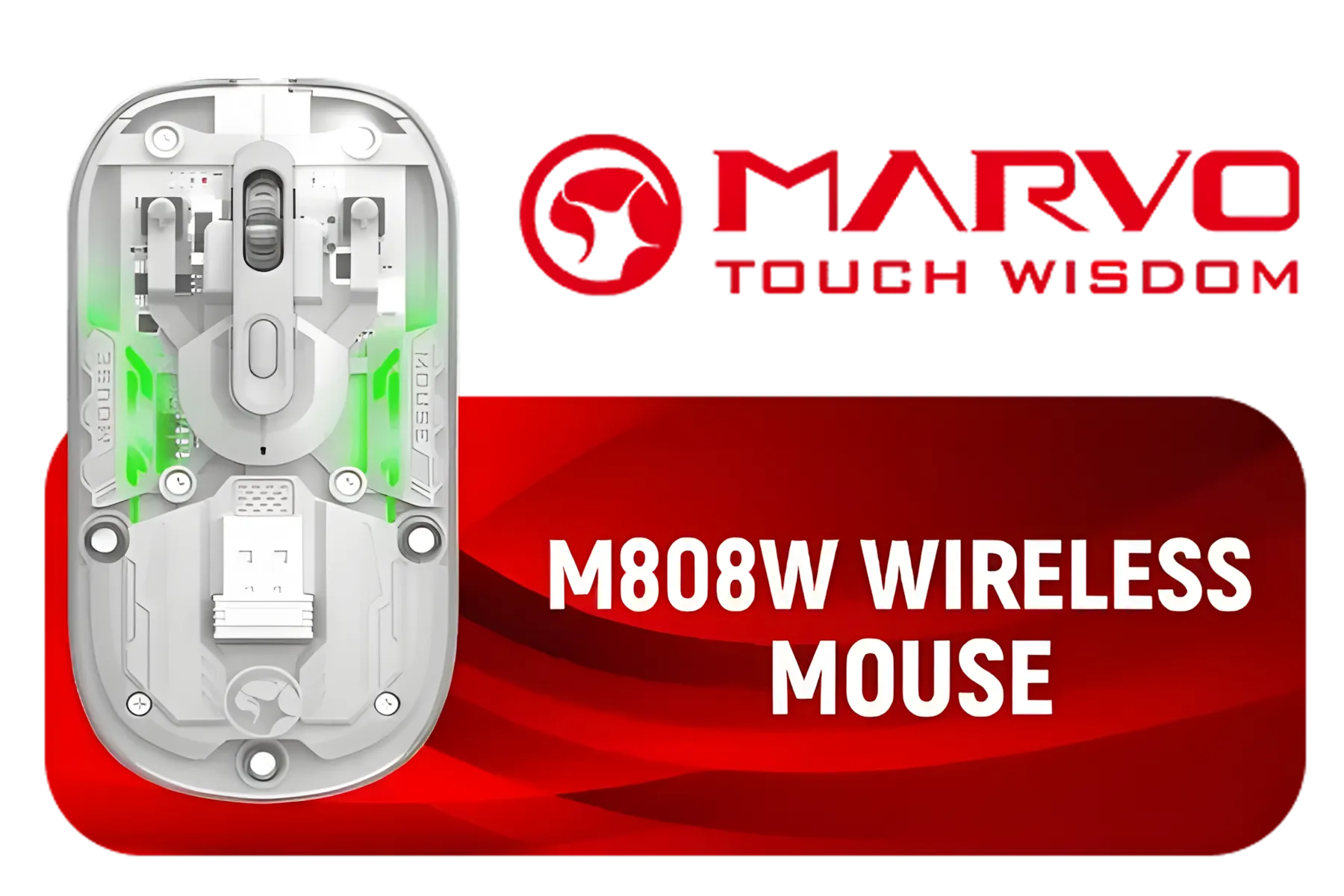
MARVO M808W Wireless Mouse / Up to 1600 DPI / 6 Programmable Buttons / RGB Backlight / polling rate up to 100Hz / M808W
R199.00In Stock

HP Z3700 Wireless Mouse - Black/Dragonfly Blue / Up to 10m Wireless Range / 1200 DPI / 3 Buttons / V0L81AA
R399.00In Stock

MARVO Niro 320 | G867 – Wireless Gaming Mouse - Black / Tri-Mode Connectivity / 1000Hz Polling Rate (wired & 2.4G) / DPI up to 8000 / Ultra-Lightweight – only 58g / Long Battery Life / G867W
R299.00In Stock

MARVO M413 WIRED MOUSE / Up to 7200 DPI / 7 Buttons / RGB Backlight / polling rate up to 125Hz / MARVO M413
R249.00In Stock

Razer Orochi V2 Mobile Wireless Gaming Mouse: Ultra Lightweight - 2 Wireless Modes - Up to 950hrs Battery Life - Mechanical Mouse Switches - 5G Advanced 18K DPI Optical Sensor - White / RZ01-03730400-R3G1
R1699.00In Stock

HP Z3700 Dual Silver Mouse, Bluetooth 5.0, USB-A dongle, 2.4 GHz Wireless Connection, Multi-Surface Tracking, Silent clicks, Up to 1600 dpi, 16-Month Battery Life, 50g, Silver / 758A9AA
R549.00In Stock
How Razer Gen-3 Optical Switches Sharpen Your Clicks
At the heart of the discussion is how a mouse registers your click. Traditional mechanical switches work by forcing two metal contacts together. It's effective, but it creates electrical "noise" that the mouse's firmware has to ignore for a few milliseconds. This is called debounce delay, and it's a tiny, built-in lag you can't escape.
The Razer Gen-3 Optical Switches throw that entire concept out the window. 🚀
Instead of a physical contact, they use a beam of infrared light. When you click, a shutter blocks the beam, instantly sending the signal to your PC. There's no debounce, no delay... just pure, unadulterated speed. This means the Razer Gen-3 Optical Switches improve reaction time by removing a critical hardware bottleneck that exists in many older mice.
More Than Just Speed: The Durability Factor
Faster clicks are great, but what about longevity? Because optical switches have fewer moving parts grinding against each other, they last significantly longer. Razer rates their third-generation optical switches for an insane 90 million clicks. This enhanced durability also eliminates the dreaded double-click issue that plagues many mechanical switches over time, ensuring your inputs remain crisp and intentional for years.
While Razer leads with this tech, it's always wise to see what the competition offers. Many players find fantastic performance with competing options from Logitech, while others seek out affordable Marvo gaming mice that deliver great value.

Marvo G997W Monka Prime Wireless Gaming Mouse - White / 26000 DPI / 6-Step DPI / Polling rate: 1000HZ(wired ) 4000HZ(2.4G) / Type-C Cable 1.8M / G997W
R849.00In Stock

SteelSeries Aerox 3 Wireless - Super Light Gaming Mouse - 18,000 CPI TrueMove Air Optical Sensor - Ultra-Lightweight 68g Water Resistant Design - 200 Hour Battery Life – Snow / 62608
R2499.00In Stock
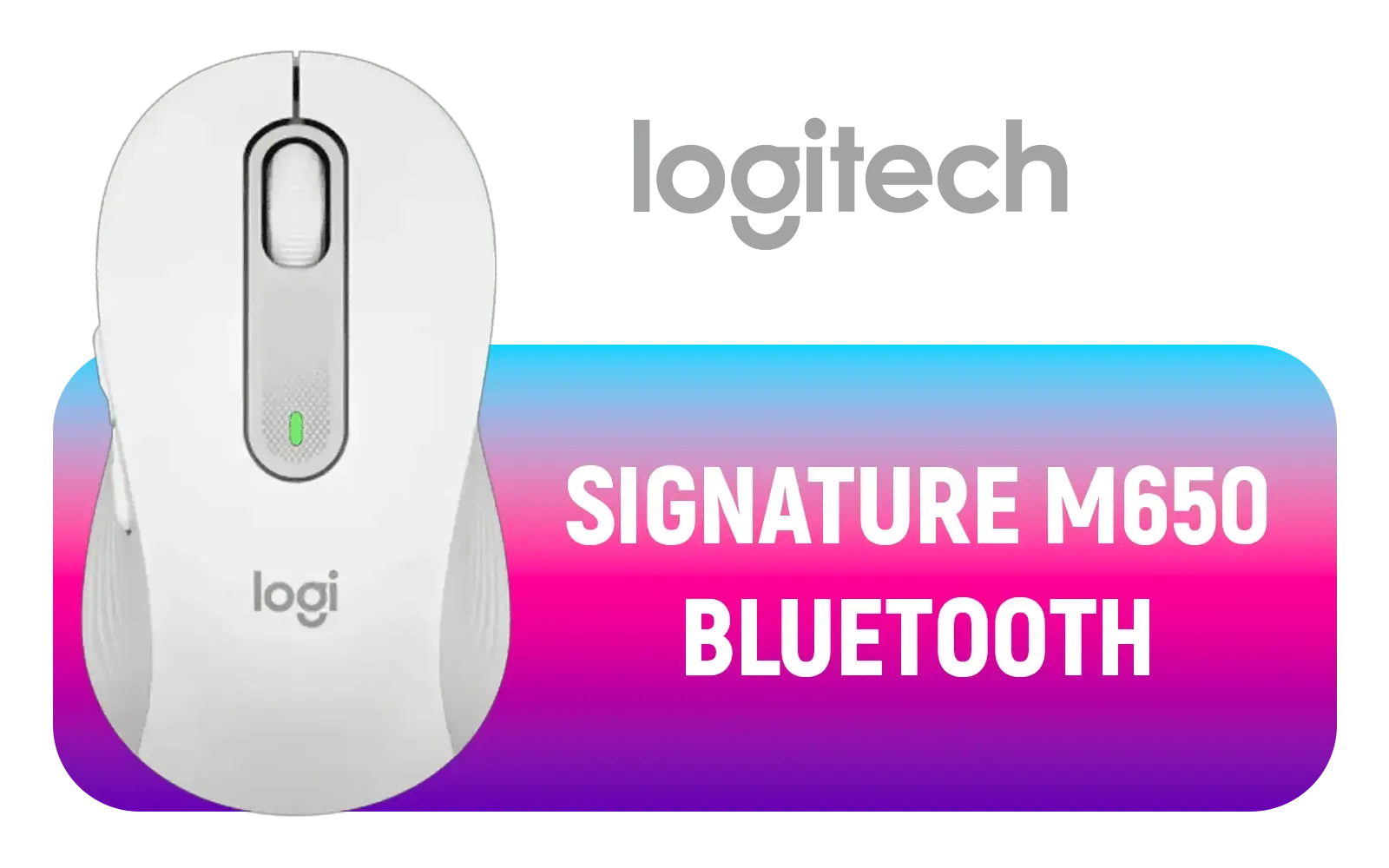
Logitech Signature M650 Wireless Mouse - For Small to Medium Sized Hands, 2-Year Battery, Silent Clicks, Customizable Side Buttons, Bluetooth, for PC/Mac/Multi-Device/Chromebook - Off White - 910-006255
R699.00In Stock

ENDGAME GEAR OP1we Wireless Gaming Mouse, CompX CX52850 Microcontroller, Pixart PAW3370 Optical Sensor, Mod-Friendly, Hybrid Skate Design, Claw Grip, 2.1 oz, Black / PGW-EG-MOU-026
R1649.00In Stock

Logitech Signature M650 Wireless Mouse - For Small to Medium Sized Hands, 2-Year Battery, Silent Clicks, Customizable Side Buttons, Bluetooth, for PC/Mac/Multi-Device/Chromebook - Rose / 910-006254
R699.00In Stock

Corsair Harpoon RGB Wireless Gaming Mouse / Advance Optical Sensor With 10,000 DPI / Dynamic RGB Lighting / Up to 60 Hours of Battery Life / Six Fully Programmable Buttons / Ultra-Durable Omron Switches / CH-9311011-AP
R1099.00In Stock
TIP FOR YOU
Find Your Perfect Sensitivity ⚡
Your lightning-fast switch is only half the battle. Pair it with the right DPI (Dots Per Inch). Start with a baseline of 800 DPI and adjust your in-game sensitivity. A lower overall sensitivity (eDPI) is generally better for tactical shooters, allowing for more precise aiming. Use an aim trainer to find what truly works for your muscle memory!
So, Do Razer Optical Switches Really Make You Faster?
Let's be clear: this tech won't magically give you the reflexes of a pro. However, it ensures that your existing reaction speed is translated to the game with the least possible delay. The actuation is faster and more consistent, giving you a more reliable tool for those split-second moments.
When you pair this instant actuation with a high-performance sensor, the entire package feels incredibly responsive. Many of the best mice in the 4000 – 12000 DPI sweet spot now focus on combining top-tier sensors with advanced switch technology, giving you a true competitive advantage. Even everyday workhorse brands are stepping up their game with reliable peripherals from HP that offer solid performance.

SteelSeries Prime Mini Gaming Mouse - Black / 18000 CPI Increments / Prestige OM Optical Magnetic Switches / TrueMove Pro Gaming Sensor / Super Mesh USB-C Cable / 61g Ultra Lightweight / 62421
R1279.00In Stock

ASUS TUF M4 Gaming Wireless Gaming Mouse | Dual Wireless Modes - Bluetooth/RF 2.4 GHz, 12K DPI Optical Sensor, 6 Programmable Buttons / 90MP02F0-BMUA00
R699.00In Stock

Razer Pro Click V2 Vertical Edition Wireless Mouse / Vertical 6-Button Ergonomic Design with Base Support / AI Prompt Master / Up to 6 Months of Battery Life / RZ01-05250100-R3G1
R2899.00In Stock

Gamdias ZEUS E4 RGB Optical Gaming Mouse / Up to 7200 Adjustable DPI / ZEUS-E4
R249.00In Stock

Logitech M171 Wireless Mouse - Grey / Compatible With PC, Mac, Laptop, 2.4 GHz with USB Mini Receiver / Optical Tracking / 12-Months Battery Life, Ambidextrous / 910-006866
R169.00In Stock

Logitech® M240 Silent Bluetooth Mouse - Off-White / For Small-to-Medium Hands / 1x AA Battery (Pre-Installed) / 3 Buttons / 910-007120
R289.00In Stock
Ultimately, the move to a mouse with Razer Gen-3 Optical Switches is about removing variables and trusting your gear completely. When you know your click is the fastest it can be, you can focus on the one thing that matters... winning. ✨
Ready to Feel the Speed? Upgrading your mouse is one of the most impactful changes you can make to your gaming setup. Stop letting debounce delay steal your kills. Explore our incredible range of gaming mice and find the perfect tool to unleash your true potential.
Related Products
Razer Pro Click V2 Vertical Edition Wireless Mouse / Vertical 6-Button Ergonomic Design with Base Support / AI Prompt Master / Up to 6 Months of Battery Life / RZ01-05250100-R3G1
R2899.00In Stock

Razer Deathadder V4 Pro Wireless Mouse - White / 56 g Ultra-Lightweight Design / Razer™ HyperSpeed Wireless Gen-2 / Razer™ Optical Scroll Wheel / RZ01-05330200-R3G1
R3999.00In Stock
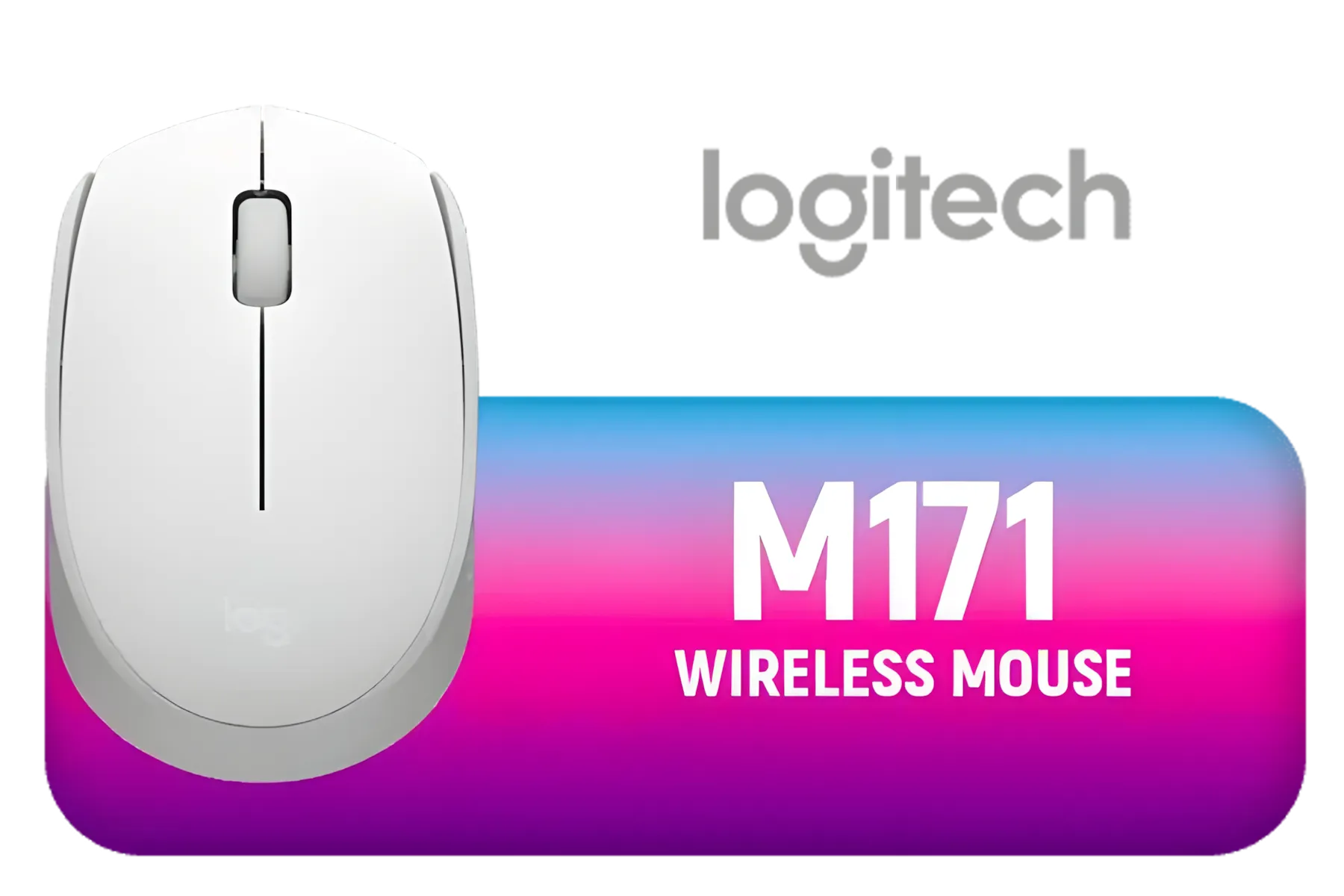
Logitech M171 Wireless Mouse - White / Up to 1000 DPI / Line-by-line scroll wheel / Three-button control layout / Wireless optical tracking / 910-006867
R169.00In Stock

HP 420 Programmable Bluetooth Mouse - Bluetooth with Swift Pair to 3 Multi-Devices, 4K DPI, Quiet clicks, Compatible with Windows/Mac/Chromebook, Laptop, Notebook Black / 7M1D3AA
R699.00In Stock
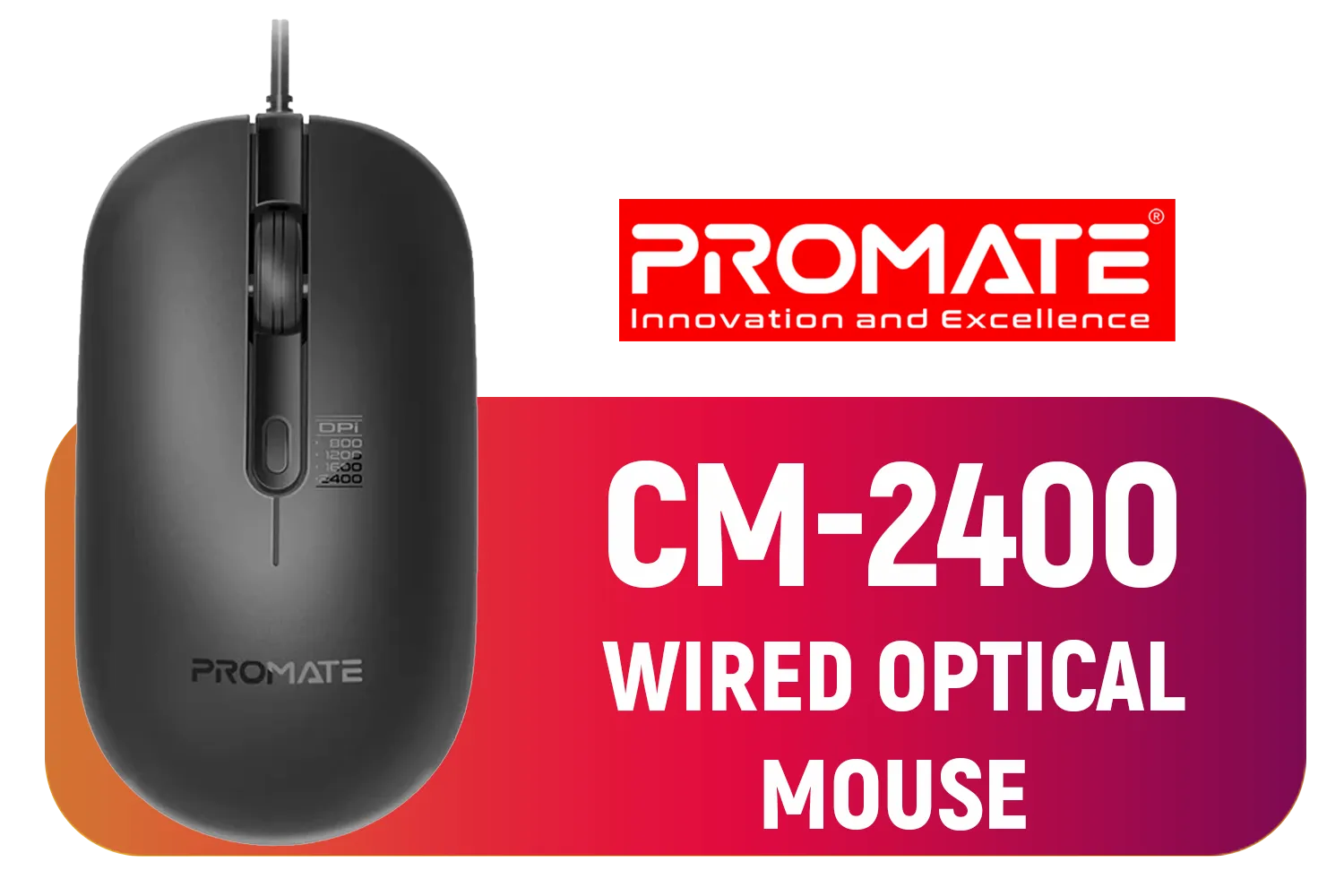
Promate CM-2400 Ergonomic Optical Mouse / 800, 1200, 1600, 2400 DPI / Ambidextrous Design / Mac OS & Windows OS Compatible / CM-2400
R199.00In Stock

HP Z3700 Wireless Mouse - Black/Silver / Up to 10m Wireless Range / 1200 DPI / 3 Buttons / X7Q44AA
R399.00In Stock
They use light-based actuation and reduced debounce to register keystrokes faster, cutting effective input latency and giving more consistent sub-millisecond responses.
Yes — optical actuation removes physical contact delay, often resulting in faster response than many mechanical designs; see optical vs mechanical switch response time tests.
Expect measurable reductions in actuation latency; real-world gains vary by setup but tests show sub-millisecond improvements in many cases.
Many pro gamers adopt optical switches for consistency and speed; pro gamer keyboard switches gen-3 are popular in competitive lineups.
They improve responsiveness and consistency, which helps split-second inputs, but they complement skill rather than replace practice or strategy.
They work on compatible Razer keyboards and often require standard drivers for macros and lighting; hardware provides the latency benefits, not extra software.
Use online input lag tests, high-speed camera or frame-by-frame video, and measuring reaction time keyboard switches comparisons to track gains.











