



RGB vs ARGB GPU Cables: What's the Real Difference?
- RGB vs ARGB GPU cables: compare options; - Explain wiring & compatibility; - Recommend when to use each. RGB vs ARGB GPU cables: Clear, practical breakdown of wiring, compatibility and install tips to pick the right cable for your PC build. ⚡🔧
|
Loading tags...
You've just slotted in that beastly new graphics card. Your rig is ready to dominate, but the stock power cables are… well, a bit boring. You want that custom PC glow, that final visual pop. You start browsing and see two options: RGB and ARGB GPU cables. They look similar, but the price isn't. So, what's the real difference between RGB and ARGB GPU cables, and which one is right for your Mzanzi build? Let's dive in. ✨

Promate 8k CrystalClarity™ UCB-C to HDMI Cable / 8K UHD Resolution @ 60Hz / Aluminum Shell / 48Gbps Max Link Bandwidth / 1.8m Cable / MEDIACORD-8K
R499.00In Stock
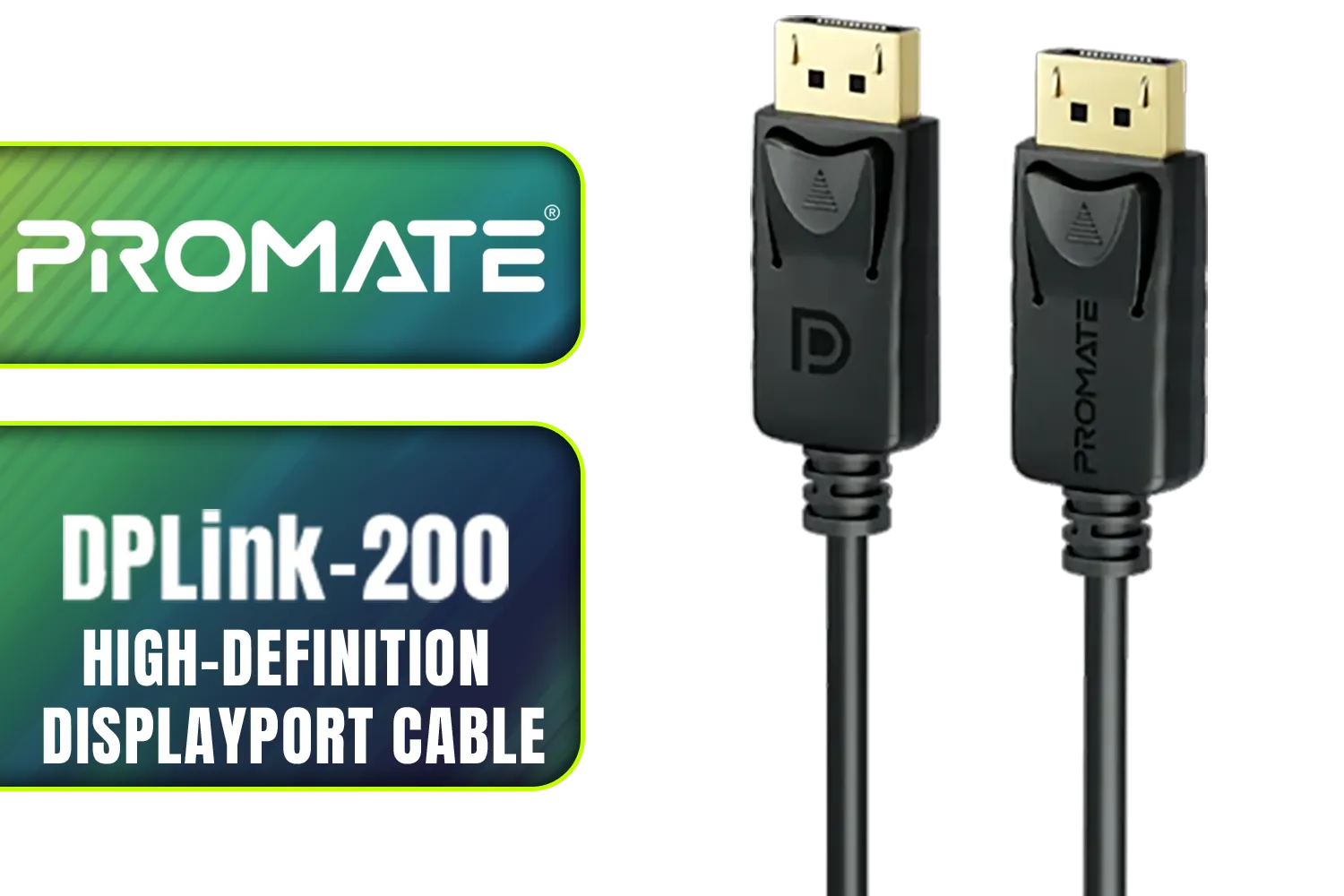
Promate DPLink-200 8K@60Hz High-Definition DisplayPort Cable / Display Port 1.4 / 2M Cable / Supports up to 8K UHD / DPLink-200
R299.00In Stock
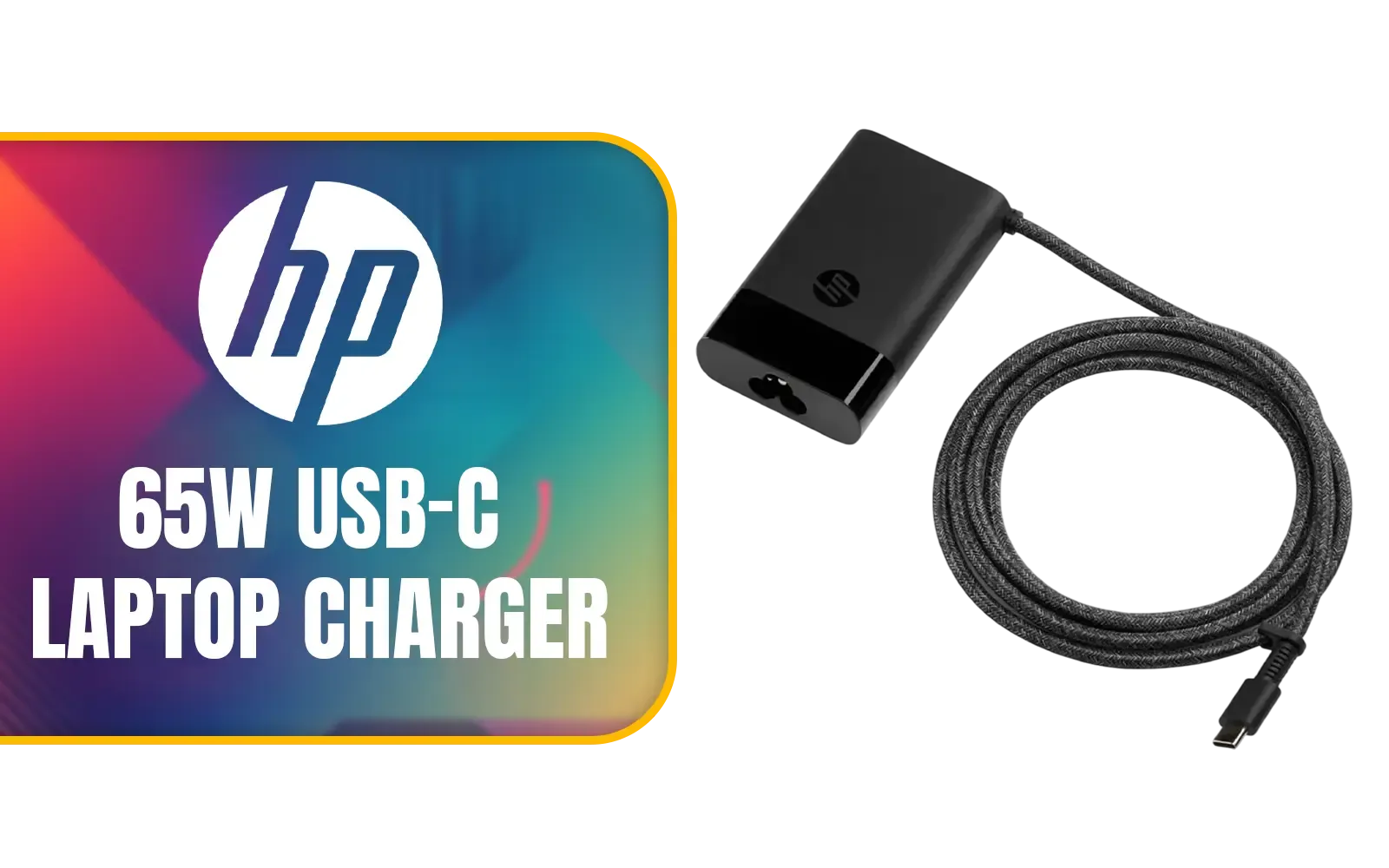
HP 65W USB-C Laptop Charger / AC power adapter USB Type-C cable / 671R2AA
R699.00In Stock
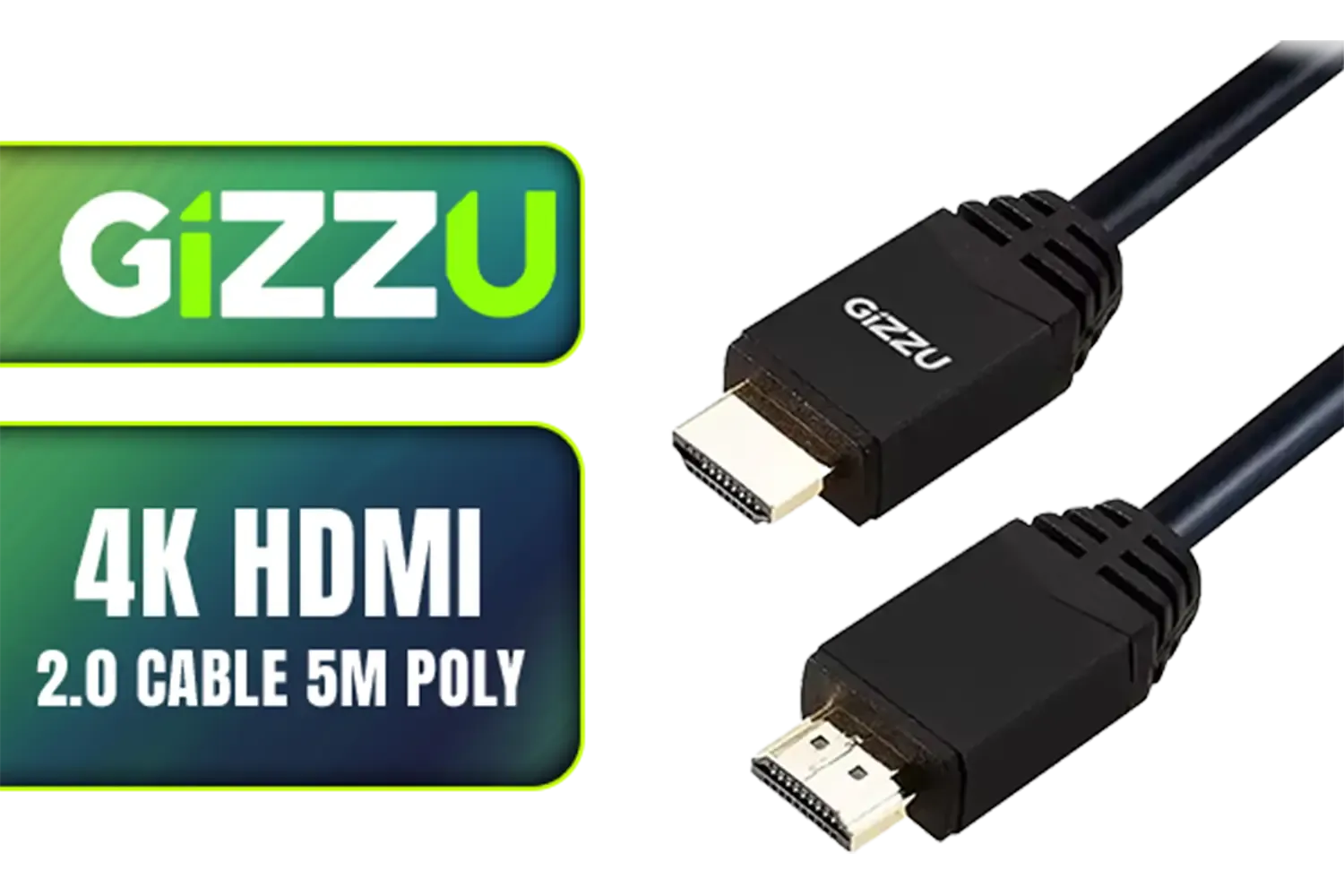
Gizzu 4K HDMI 2.0 Cable 5m Poly / Supports 4K at 60Hz Resolution / Up to 18Gbps Bandwidth / 3D and HDR for Vivid Colors / GCPHH5
R199.00In Stock
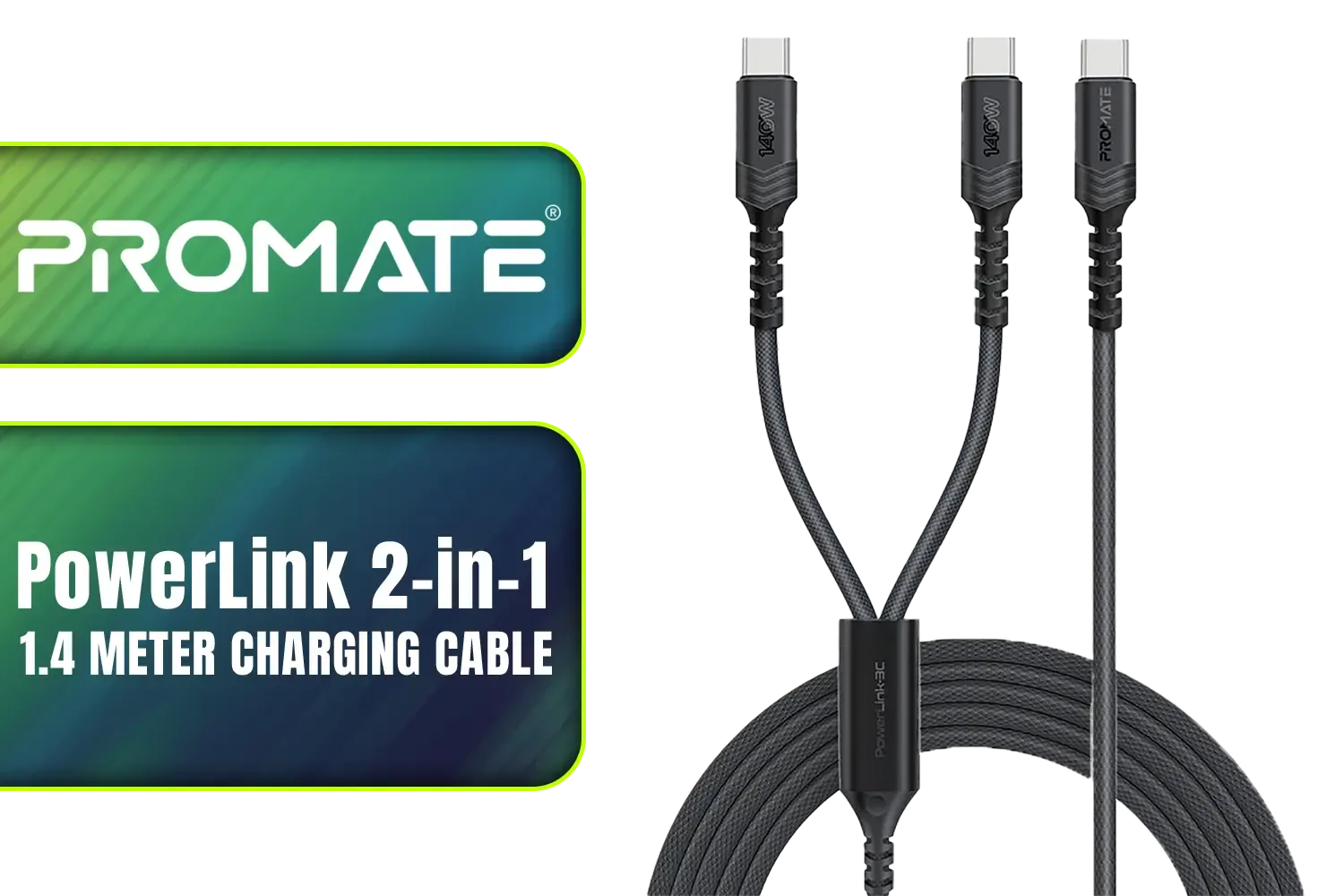
Promate PowerLink 2-in-1 High-Speed Charging Cable - 1.4 Meter / 140W Power Delivery / High Tensile Strength Cable / PD2.0 / PD3.0 / PD3.1 Support / 480Mbps Data Transfer / 1.4m Cable Length / Durable Fabric-Braided Cable / PowerLink-3C.Black
R399.00In Stock
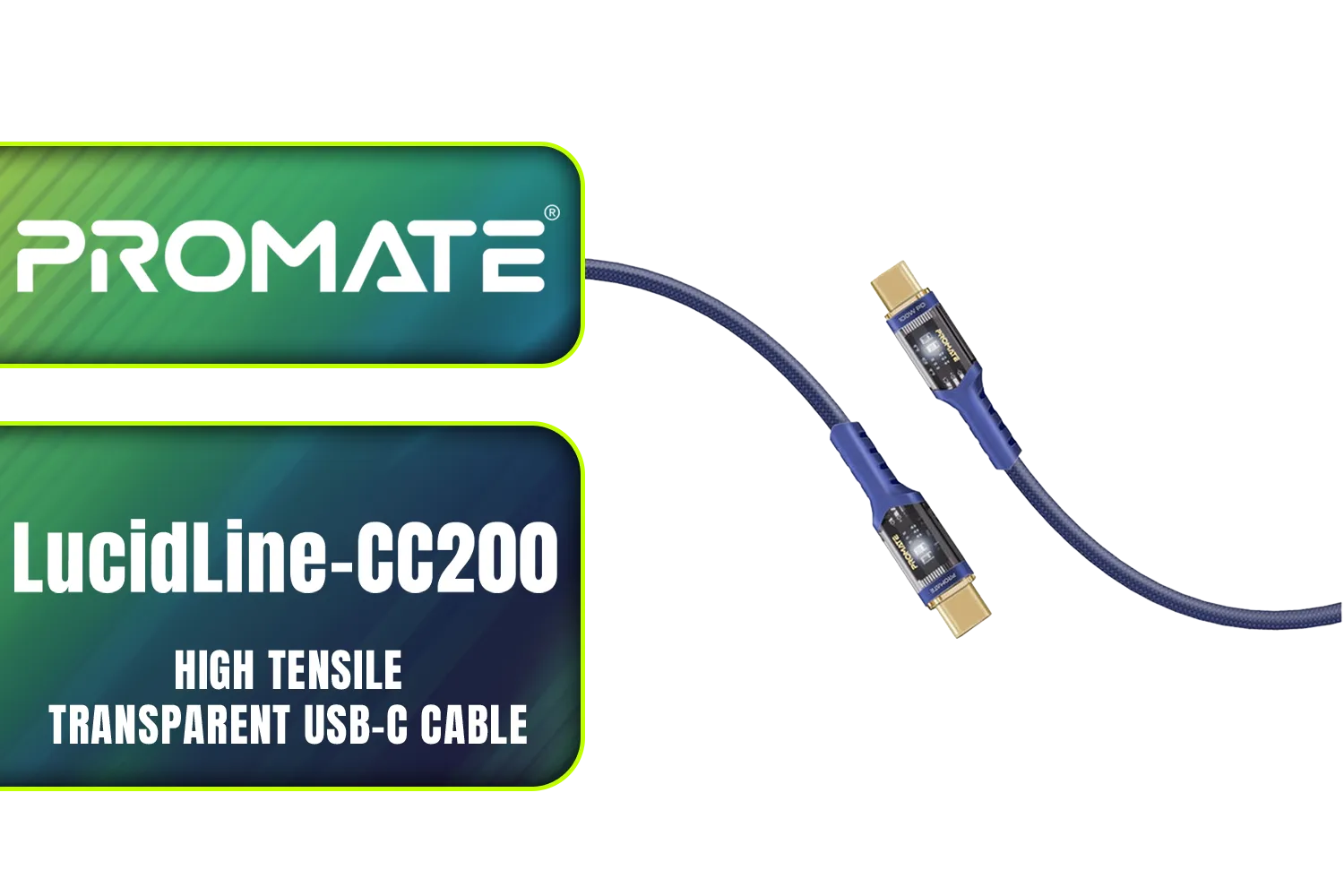
Promate LucidLine-CC200 High Tensile Transparent USB-C Cable with LED Light - Navy / Lightning-fast 100W Charging / Nylon Braided Exterior / LED lights / Speedy Data Transfers at 480Mbps / LucidLine-CC200.Navy
R199.00In Stock
The Basics of RGB: Simple, Solid Colour
Think of standard RGB as the original glow-up for PC components. It’s the foundational tech that brought customisable lighting to the masses. When you see a component or cable labelled "RGB," it almost always refers to a non-addressable system.
Here’s the simple breakdown:
- How it Works: All the LEDs on an RGB strip or cable are connected to the same circuit. This means they all display the exact same colour at any given moment. You can cycle through colours, have them breathe or flash, but you can't have a rainbow effect flowing down the cable.
- The Connector: Standard RGB uses a 12-volt, 4-pin connector. It’s a common header on most modern motherboards.
- The Vibe: It’s perfect if you’re after a clean, single-colour theme for your build. Want an all-red "demon mode" or a cool blue setup? RGB gets the job done beautifully and is often more budget-friendly.
Winx Power Easy 85W Desktop Charger / Ultra-compact, space-saving design / Charge your notebooks, tablets, mobile phones, & handheld gaming devices / WX-DC101
R599.00In Stock
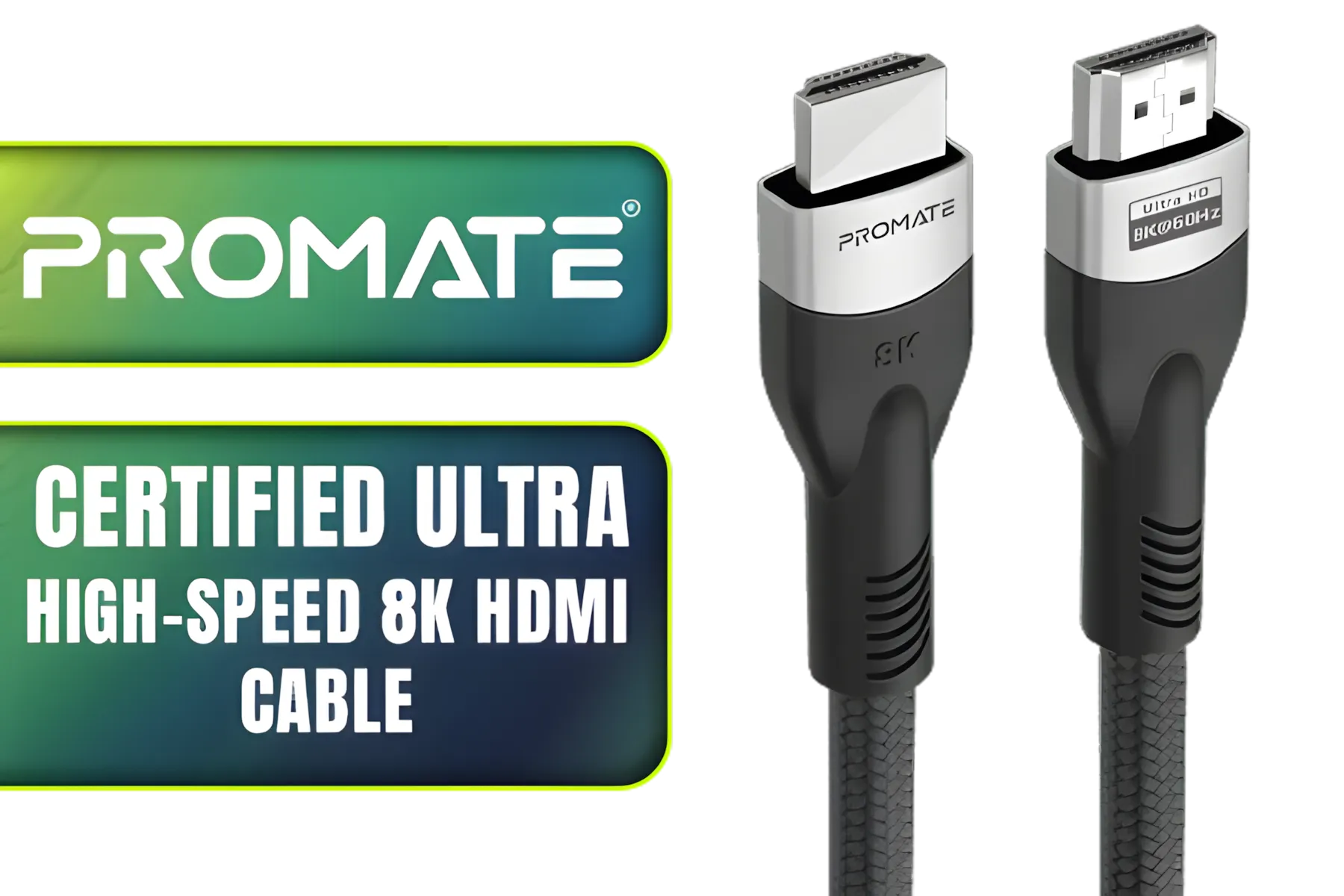
Promate Certified Ultra-High-Speed 8K HDMI® Cable / 8k @ 60Hz HDMI / 5M Cable / 48Gbps Transfer Rate / PRIMELINK8K-500
R349.00In Stock
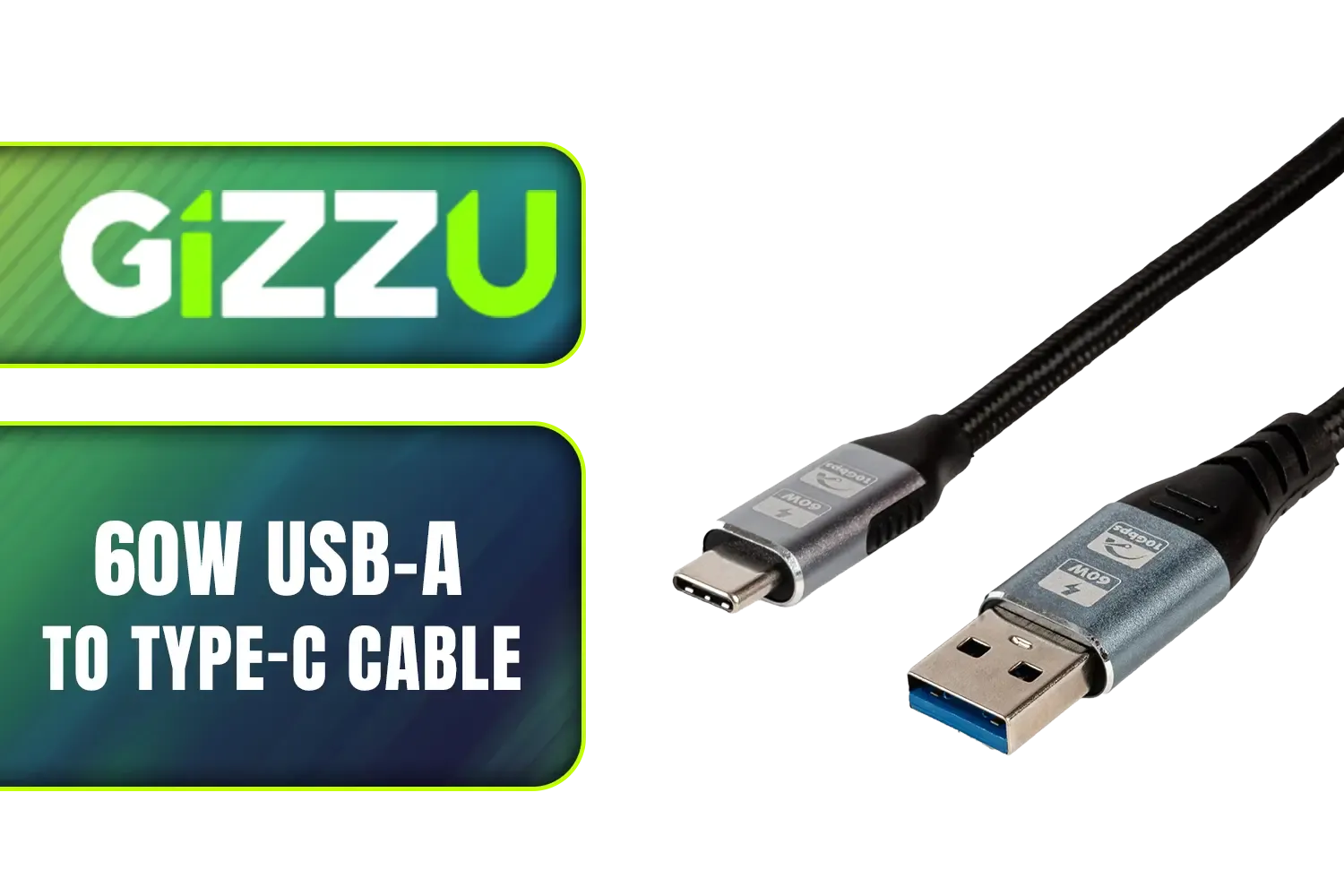
Gizzu 60W USB-A to Type-C Cable - 2m / 60W Fast Charging / Up to 10Gbps Transmission Rate / GCPU3C06010G-02
R199.00In Stock

HP DHC HD02 3M Male to Male HDMI Cable, 8K 60Hz / 4K 120Hz Support Resolution, 48Gbps Data Transfer Rate, 24AWG Cable Cores, 3m Cable Length, Black / DHC-HD02-3M
R199.00In Stock
Promate DPLink-200 8K@60Hz High-Definition DisplayPort Cable / Display Port 1.4 / 2M Cable / Supports up to 8K UHD / DPLink-200
R299.00In Stock
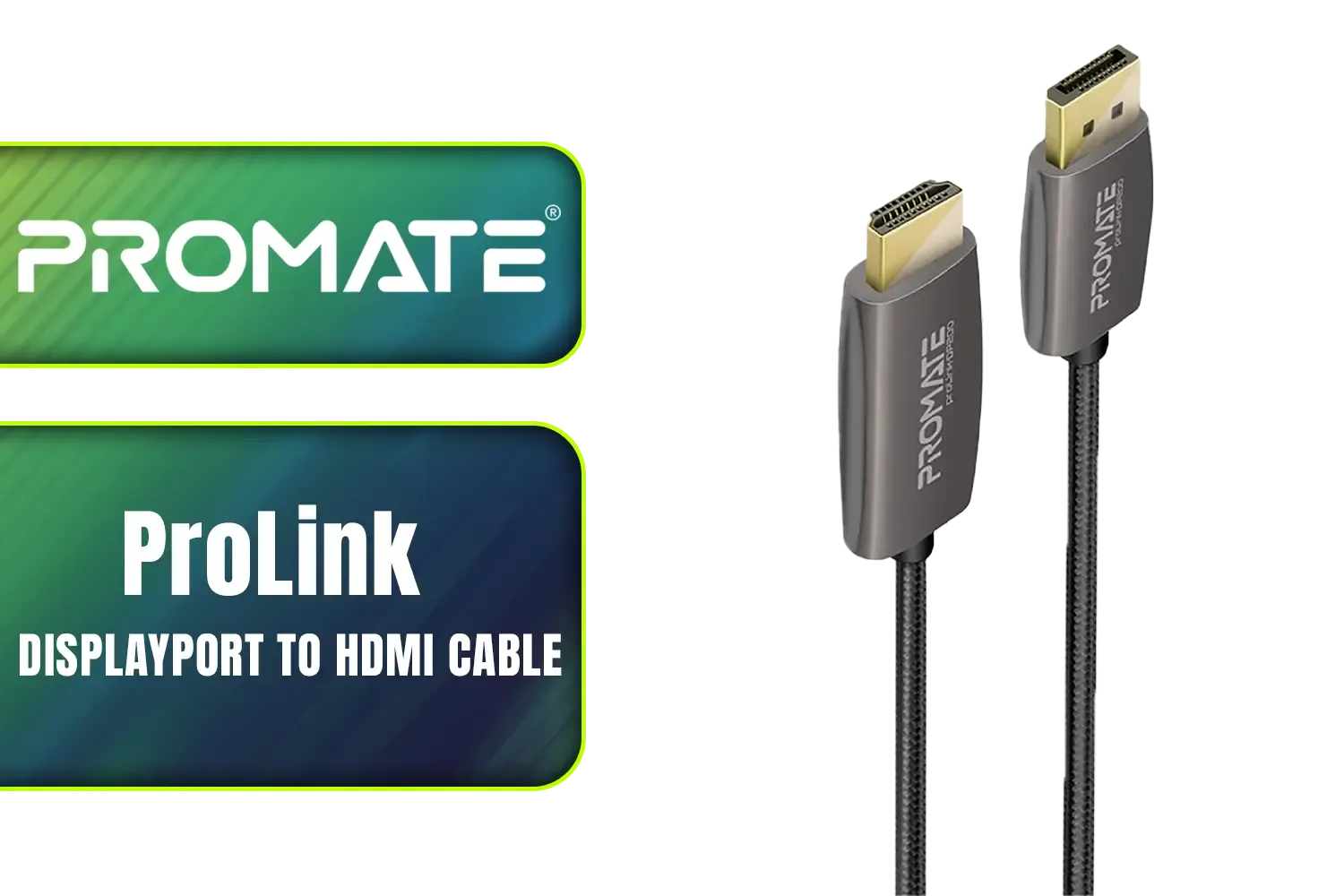
Promate ProLink 2 Meter DisplayPort to HDMI® Cable / 4K UHD Output at 60Hz / Stable Signal with Advanced IC Chip / Durable, Corrosion-Resistant Construction / ProLink-DP200
R399.00In Stock
Enter ARGB: The Next Level of Customisation 🎨
ARGB stands for Addressable RGB, and that one word—"Addressable"—is the key. It represents a massive leap forward in lighting control and is what powers the mesmerising, multi-colour effects you see in high-end builds.
With ARGB, each individual LED on the cable has a tiny microchip, allowing it to be controlled independently from the others.
- How it Works: This individual control means you can create complex, flowing animations. Think rainbow waves, chasing colours, and reactive lighting that syncs with your game. The level of customisation is practically limitless, letting you truly express your personal style.
- The Connector: ARGB uses a 5-volt, 3-pin connector. It's crucial to note that 12V RGB and 5V ARGB connectors are not interchangeable. Plugging one into the other can permanently damage your components!
- The Vibe: If you want your PC to be a dynamic light show and the centrepiece of your setup, ARGB is the way to go. A high-quality GameMax 12VHPWR ARGB extension cable, for instance, can completely transform the look of your new GPU.
TIP FOR YOU
Check Your Headers! 💡
Before you click "add to cart" on any lighting gear, grab your motherboard's manual or look up its specs online. You need to confirm if you have 4-pin 12V RGB headers or 3-pin 5V ARGB headers. Buying the wrong type is a frustrating and common mistake. No headers? Don't stress! You can often use a separate controller hub that connects via USB.
RGB vs ARGB GPU Cables: The Head-to-Head Comparison
So, when you're staring at two different cable options, which one should you choose? The core difference between RGB and ARGB GPU cables comes down to control, complexity, and connection.
Let’s break it down:
| Feature | Standard RGB | Addressable RGB (ARGB) |
|---|---|---|
| Control | All LEDs are one colour at a time. | Each LED can be a different colour. |
| Effects | Static colours, breathing, flashing. | Rainbow waves, chasing effects, complex animations. |
| Connector | 4-pin (12V) | 3-pin (5V) |
| Cost | Generally more affordable. | Tends to be more expensive due to advanced tech. |
| Best For | Clean, single-colour themes and budget-conscious builds. | Maximum customisation and eye-catching dynamic effects. |
Ultimately, the choice is yours. If you prioritise a sleek, uniform look or are building on a tighter budget, standard RGB is a fantastic choice. However, if you crave that next-level "wow" factor with fluid, multi-colour animations, investing in ARGB is a no-brainer. Even if you're not into lighting, upgrading from stock cables to clean, individually sleeved premium cables can make a huge difference to your build's aesthetics and airflow.

Gizzu 4K HDMI 2.0 Cable 10m Poly / Supports 4K at 60Hz Resolution / Up to 18Gbps Bandwidth / 3D and HDR for Vivid Colours / GCPHH10
R399.00In Stock
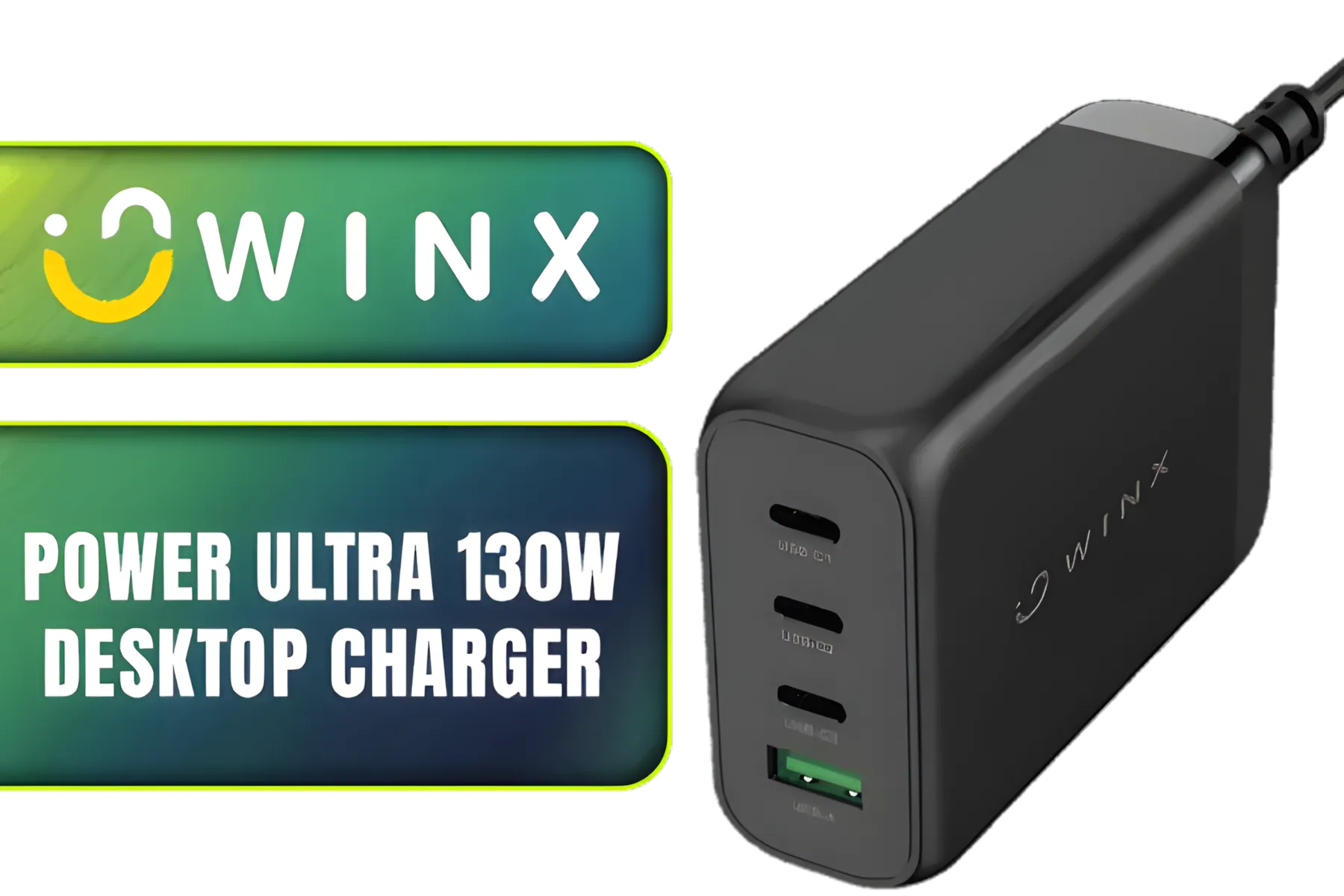
Winx Power Ultra 130W Desktop Charger / Ultra-compact, space-saving design/ Charge your notebooks, tablets, mobile phones, & handheld gaming devices / WX-DC102
R849.00In Stock
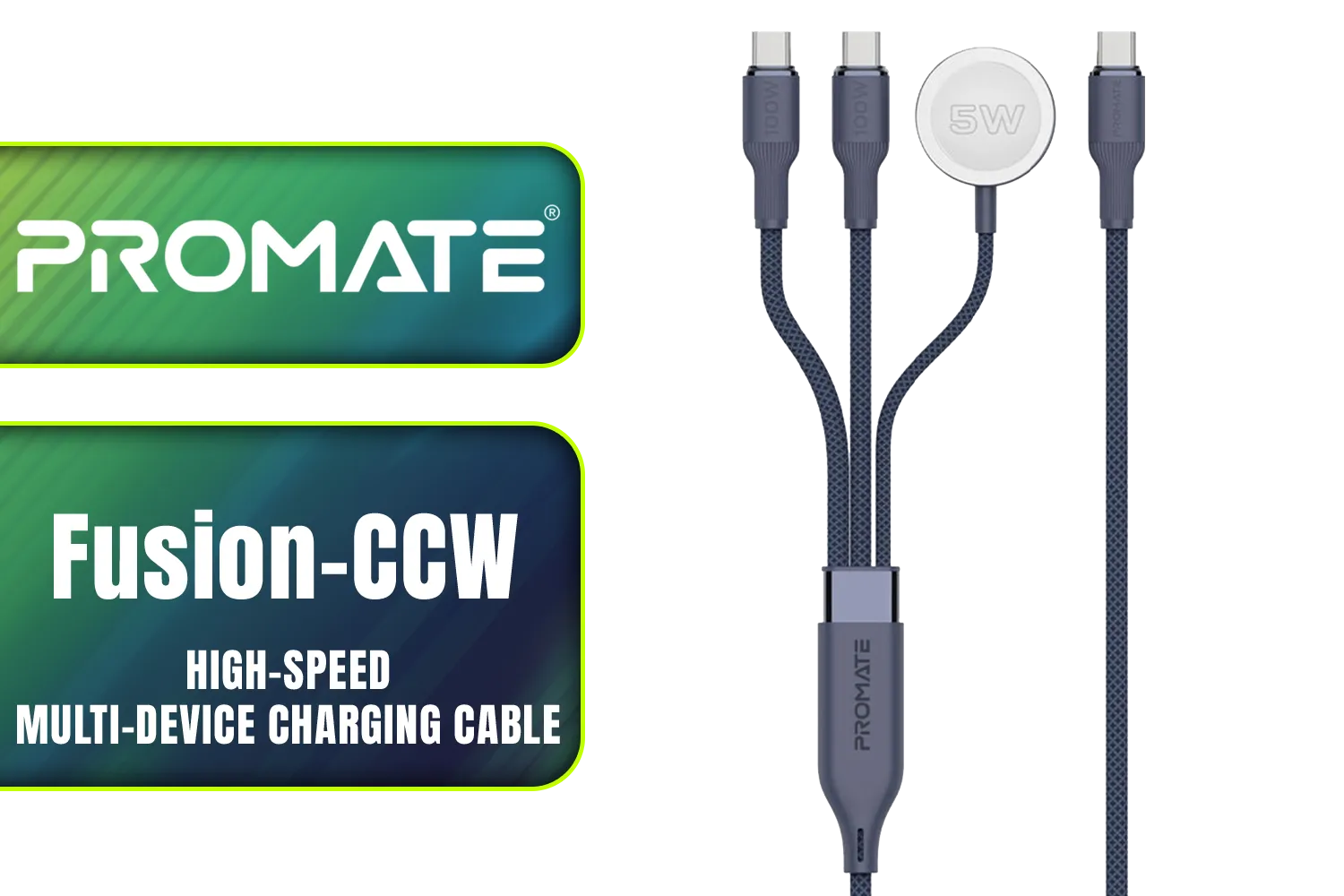
Promate Fusion-CCW High-Speed Nylon Braided Multi-Device Charging Cable - Blue / Rapid 100W Multi-Device Charging / Apple Watch Charger / 480Mbps Data Transfer / Reinforced Nylon-Braided Durable Design / Fusion-CCW.Blue
R449.00In Stock

Gizzu 1080P VGA Cable 1.8m Poly / GCPVV18
R149.00In Stock
Promate WatchLink-C Fabric Braided Apple Watch Charging Cable / Fast 5W magnetic charging power / 1.2m cable length / Flexible fabric braided exterior / Durable aluminum and plastic build / WatchLink-C
R249.00In Stock
HP DHC-VG100 VGA Cable Black 2 Meters SVGA BK - monitor, Smart TV, 1080p resolution / DHC-VG100-2M
R199.00In Stock
Choosing the Right Cable for Your Mzanzi Rig
Deciding between RGB and ARGB GPU cables isn't just about specs; it's about the vision for your PC. Are you building a stealthy, all-black rig with a single accent colour? Or a vibrant powerhouse that lights up the room?
Your motherboard's capabilities are the most important technical factor, but your personal aesthetic is the final decider. Both technologies offer a brilliant way to move beyond boring stock cables and put the finishing touches on a PC that is truly yours.
Ready to Light Up Your Rig? The RGB vs ARGB debate comes down to your personal style and motherboard compatibility. Either way, upgrading your cables is one of the best ways to customise your build. Explore our wide range of PC cables and lighting accessories and give your rig the glow-up it deserves.
Related Products
Promate Transparent 1.2 Meter Charging Cable with LED Light - Black / Rapid 100W Laptop & Phone Charging / Transparent LED Connectors / 480Mbps Data Transfer & Charging / Reinforced Nylon-Braided Durable Design / LUCIDLINE-CC120.BLACK
R129.00In Stock

Mad Catz F.R.E.Q. DAC-L Digital-to-Analog Audio Converter - USB Type-C to 3.5 mm - AF00W3INBL001-0
R299.00In Stock
LinkQnet USB Type-C to VGA Female Converter / CNV-USBC-VGA-LQ
R299.00In Stock
Promate Certified Ultra-High-Speed 8K HDMI® Cable / 8k @ 60Hz HDMI / 5M Cable / 48Gbps Transfer Rate / PRIMELINK8K-500
R349.00In Stock
Promate Springy 60W Self-Organizing Magnetic USB-C Cable - Blue / Durable nylon braided thick copper core /480Mbps Data sync and charge / Springy.Blue
R199.00In Stock
Winx Power Ultra 130W Desktop Charger / Ultra-compact, space-saving design/ Charge your notebooks, tablets, mobile phones, & handheld gaming devices / WX-DC102
R849.00In Stock
RGB uses a single-channel 12V signal for uniform color; ARGB uses 5V addressable pins to control each LED individually for per-LED effects.
Not always. ARGB needs a 5V addressable header; connecting to a 12V RGB controller can damage LEDs. Check argb vs rgb compatibility before linking.
No meaningful performance drop. ARGB draws small additional power for LEDs but doesn't impact GPU compute or FPS in normal use.
Match the 3-pin 5V ARGB plug to your motherboard/controller header and confirm pinout. Refer to argb gpu cable pinout before plugging in.
No—standard RGB splitters are 12V and non-addressable. Using them on ARGB (5V) can cause failure. Use dedicated 5V ARGB splitters instead.
ARGB wins: addressable rgb gpu cable benefits include per-LED control, advanced animations, and color zones for precise lighting setups.
Buy from reputable PC retailers or the GPU maker. Search for 'best argb gpu cable', verified reviews, and clear voltage/pinout specs before purchasing.











