



RTX 5060 DLSS 3.5: Max Performance Guide for Infinity 2 OC
RTX 5060 DLSS 3.5: Unlock higher frame rates and crisper visuals on your Infinity 2 OC with step-by-step settings, driver tips, and quick benchmarks ⚡🎮
|
Loading tags...

The hype is real, folks. Whispers of the NVIDIA RTX 5060 are echoing through every Discord channel in South Africa, and the graphically brutal world of Infinity 2 OC is the perfect battleground to test its mettle. Getting buttery-smooth frame rates in this beast of a game requires more than just raw power… it requires smart optimisation. This is your ultimate guide to mastering the RTX 5060 DLSS 3.5 settings for maximum performance. 🚀

Palit GeForce RTX 5090 GameRock 32GB GDDR7 512-Bit PCIe 5.0 Desktop Graphics Card / NE75090019R5-GB2020G
R47999.00In Stock

MSI GeForce RTX 5070 12GB Shadow 2X OC Graphics Card / 6144 Cuda Cores / 192-bit Memory Interface / Boost Clock : 2542 MHz / NVIDIA Blackwell & DLSS 4 / TORX Fan 5.0 / Nickel-Plated Copper Baseplate / 912-V532-011
R11999.00In Stock

XFX Swift AMD Radeon RX 9070 OC Graphics Card - White / 3584 Stream Processors / 256-bit Memory Interface / Boost Clock :2700 MHz / AMD RDNA™ 4 Architecture / RX-97SWFB3W9
R13499.00In Stock

Leadtek NVIDIA RTX A400 4GB GDDR6 Workstation Graphics Card / 768 Nvidia CUDA Cores / 96GB/s Memory Bandwidth / Nvidia Ampere Architecture / 126W7000100
R3699.00In Stock
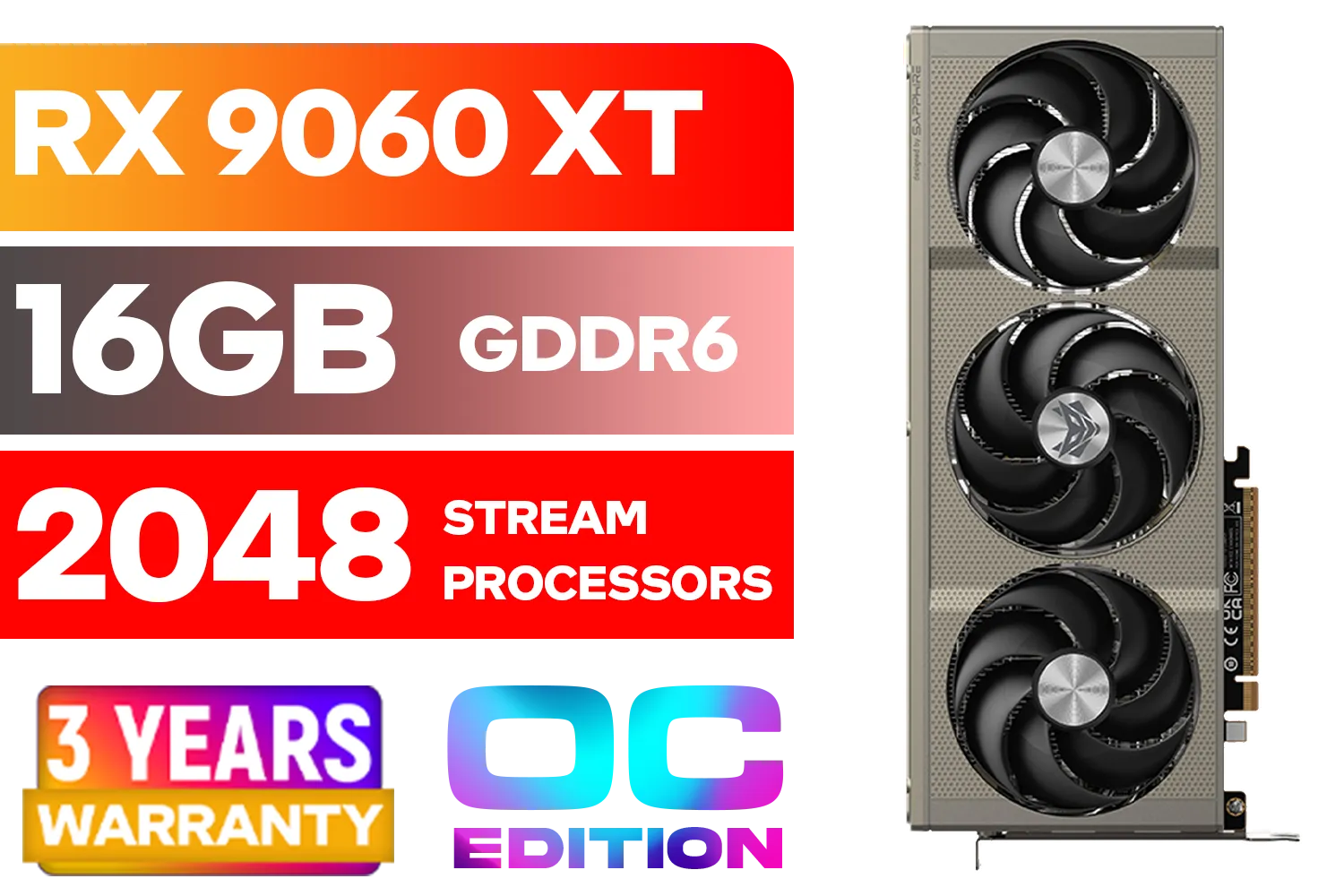
SAPPHIRE NITRO+ RX 9060 XT OC 16GB Graphics Card / 16GB GDDR6 Memory / 2048 Stream Processors / 128-bit Memory Interface / Boost Clock : 3320 MHz / AMD RDNA™ 4 Architecture / 32 Ray Accelerators / 11350-01-20G
R8899.00In Stock
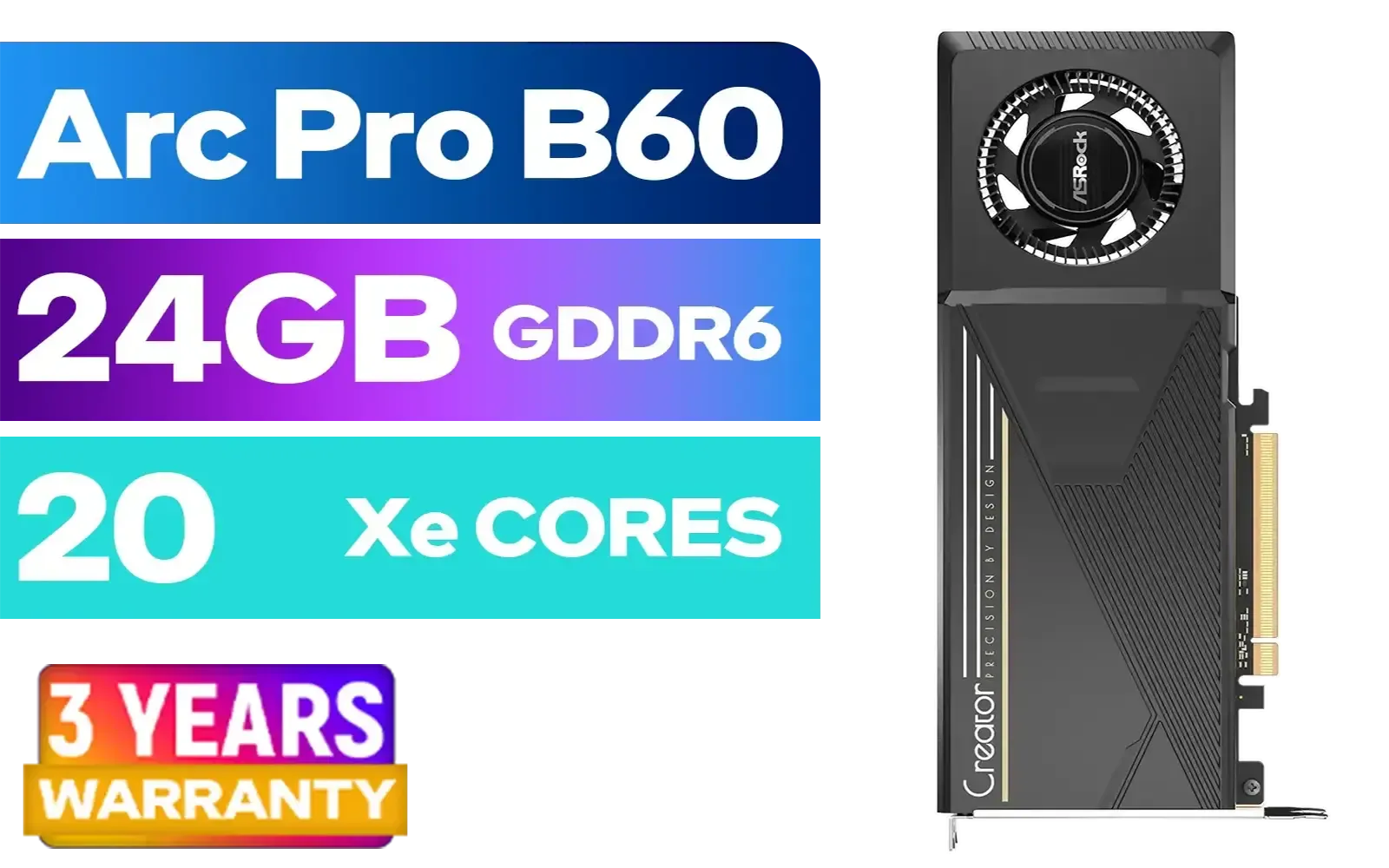
ASRock Intel Pro B60 Creator 24GB Graphics Card / 24GB 192-bit GDDR6 / GPU Clock: 2400 MHz / Microsoft® DirectX® 12 Ultimate / 160 Intel® XMX Engines / Intel® Xe2-HPG Architecture / 90-GA60ZZ-00UBNF
R12499.00In Stock
Understanding DLSS 3.5 and Ray Reconstruction
Before we dive into the settings, let's quickly break down what makes this tech so special. DLSS 3.5 isn't just about creating frames out of thin air. Its secret weapon is Ray Reconstruction, a new AI model that dramatically improves the quality of ray-traced graphics. It cleans up visual noise and produces sharper, more accurate lighting and reflections. For a game like Infinity 2 OC with its complex, neon-drenched cityscapes, this is a massive visual and performance win. While you wait for the 50-series to drop, you can still get a taste of cutting-edge tech by exploring our full range of graphics cards.
Your RTX 5060 Performance Optimisation Checklist 🔧
Getting the best RTX 5060 DLSS 3.5 performance isn't just a "set it and forget it" affair. To squeeze every last frame out of your rig, you need a methodical approach. Follow these steps to get a flawless 1440p experience in Infinity 2 OC.
Step 1: Always Start with Drivers
This might seem obvious, but it's the most common mistake we see. Before you even launch the game, make sure you have the absolute latest NVIDIA Game Ready Driver installed. These drivers are specifically optimised for new releases and often contain crucial performance enhancements for DLSS features.

SAPPHIRE NITRO+ RX 9070 Gaming OC 16GB Graphics Card / 16GB GDDR6 Memory / 3584 Stream Processors / 256-bit Memory Interface / Boost Clock : 2700 MHz / AMD RDNA™ 4 Architecture / 56 Ray Accelerators / 11349-01-20G
R13599.00In Stock
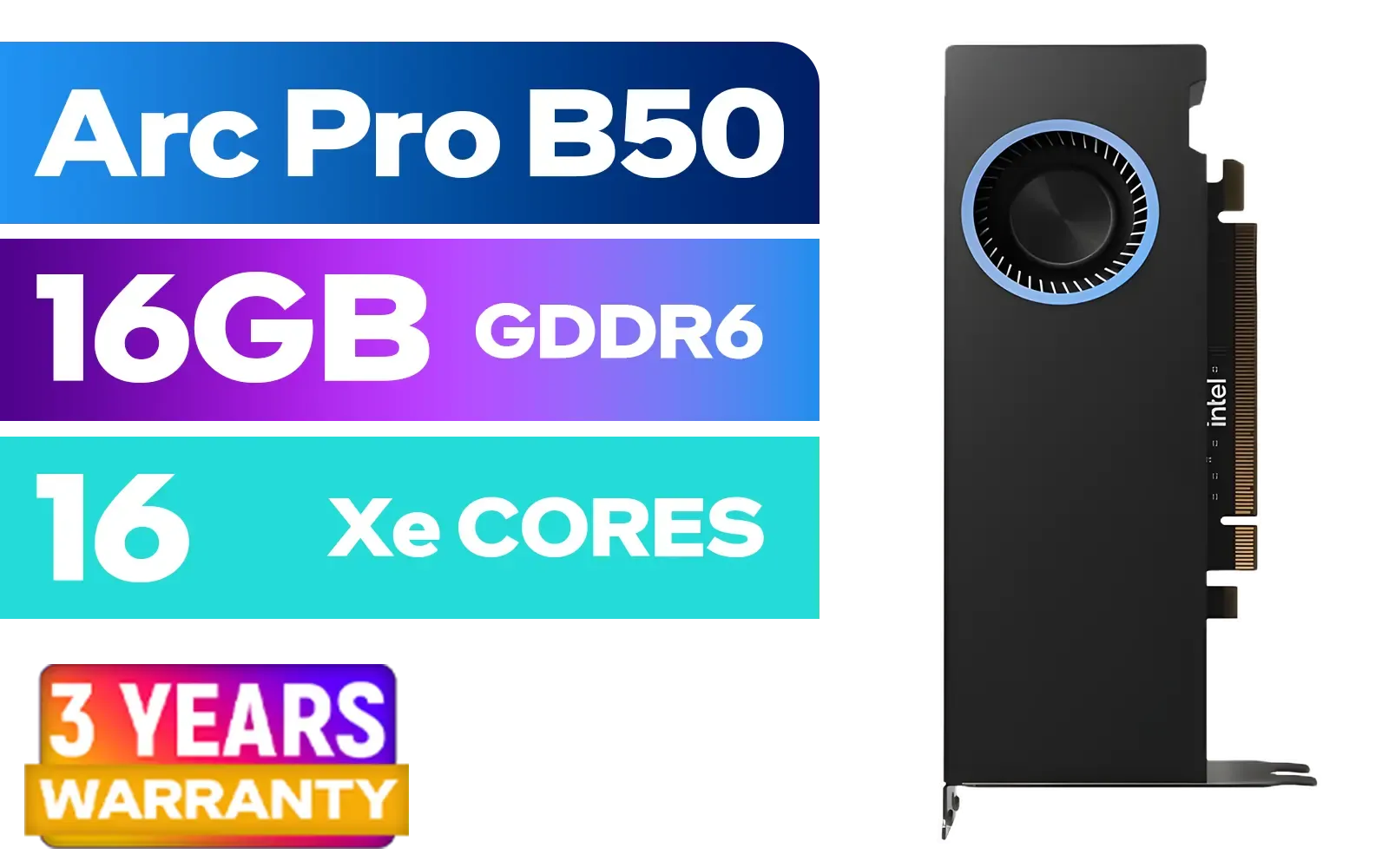
Intel Arc Pro B50 16GB Workstation Graphics Card / 16GB GDDR6 / 128 XMX Engines / 128 Vector Engines / 16 Xe2 Cores / 128-bit / Max Dynamic Clock: 2600MHz / PCIe 5.0 x8 Interface / 33P6PEB0BB
R7999.00In Stock
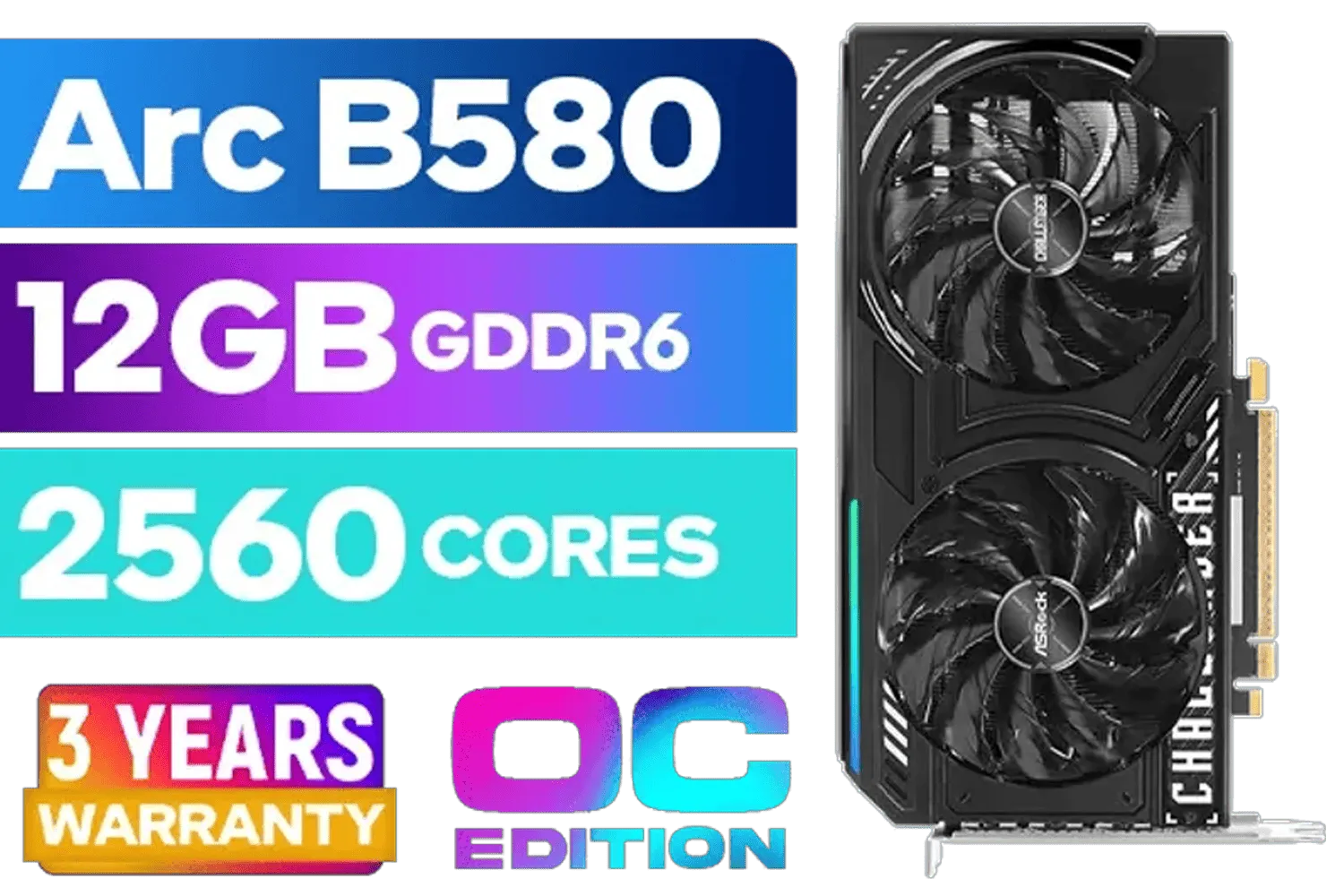
ASRock Intel ARC B580 Challenger OC Graphics Card / 12Gb 192-bit GDDR6 / DirectX 12 Ultimate / 2560 Cores / 2740MHz Engine Clock / 90-GA5LZZ-00UANF
R6499.00In Stock

XFX SWIFT AMD Radeon RX 9070 XT Triple Fan 16GB GDDR6 GPU - White / AMD RDNA 4 Architecture / 3rd Gen Radeon Raytracing Accelerators/ AMD Fidelity FX Super Resolution 4.0 Upscaling Technology / RX-97TSWF3W9
R14799.00In Stock
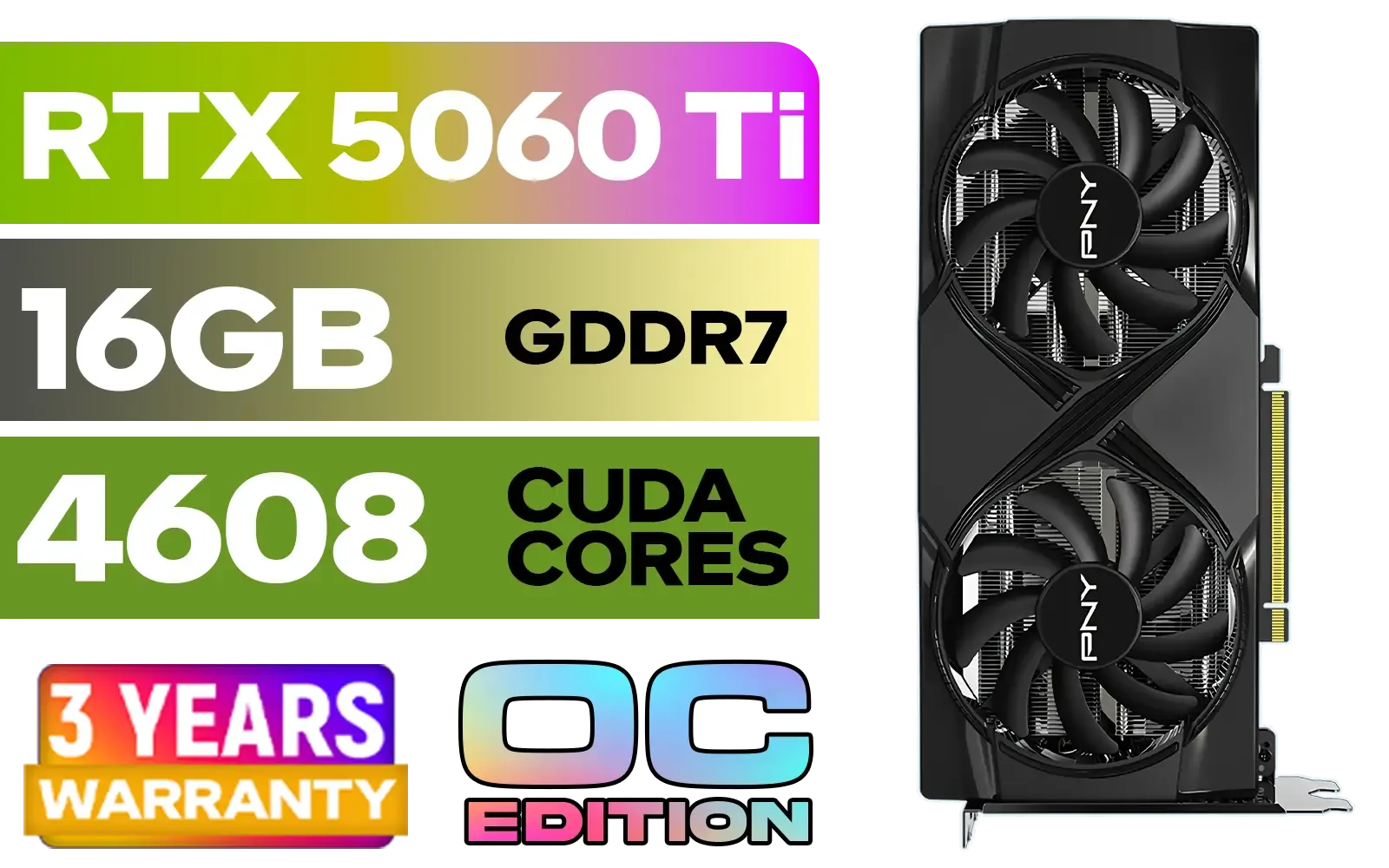
PNY GeForce RTX 5060 Ti 16GB OC Dual Fan Graphics Card / 16GB GDDR7 / 4608 CUDA Cores / 128-bit Memory Interface / Boost Clock: 2692 MHz / 28 Gbps Memory Speed / DisplayPort 2.1b (x3), HDMI® 2.1b / VCG5060T16DFXPB1-O
R10499.00In Stock

MSI Geforce RTX 5070 Ventus 2X 12G OC Graphics Card / 12GB GDDR7 / 6144 Cuda Cores / 192-bit Memory Interface / Boost Clock : 2542 MHz / NVIDIA Blackwell & DLSS 4 / 28Gbps Memory Speed / PCI Express® Gen 5 / 912-V532-009
R13999.00In Stock
Step 2: Fine-Tuning In-Game Settings
Once you're in the Infinity 2 OC graphics menu, you'll see the key DLSS options. Here's our recommended starting point for a balanced setup:
- DLSS Super Resolution: Set this to "Quality". While "Performance" gives you more frames, "Quality" provides a sharper image that's almost indistinguishable from native resolution, especially with the power of an RTX 5060.
- DLSS Frame Generation: Toggle this "On". This is the core of DLSS 3's performance uplift and is essential for hitting high refresh rates.
- Ray Reconstruction: Leave this on "Auto". The game and driver will intelligently enable it when ray tracing is active to give you the best image quality.
This combination offers a fantastic blend of visual fidelity and speed. Many of today's powerful GeForce graphics cards already leverage DLSS 3 to achieve incredible results.
TIP FOR YOU
Monitor Your FPS in Real-Time ✨
Use the NVIDIA Performance Overlay (press Alt+R by default with GeForce Experience installed) to see your FPS, latency, and GPU usage live. This is the best way to see the impact of your settings changes instantly, helping you find that perfect balance between performance and quality.
Step 3: Don't Forget System-Level Tweaks
Your PC's overall health matters. Ensure Windows Game Mode is enabled, close unnecessary background applications like browsers or streaming apps, and make sure your CPU isn't a bottleneck. While competitors like the latest Radeon graphics cards have their own upscaling tech, the AI-driven Ray Reconstruction in DLSS 3.5 gives NVIDIA a distinct edge in ray-traced titles.

Palit GeForce RTX 5070 Ti GameRock 16G / 16GB GDDR7 / 28Gbps Memory Speed / PCI Express® Gen 5 / NE7507T019T2-GB2030G
R17999.00In Stock
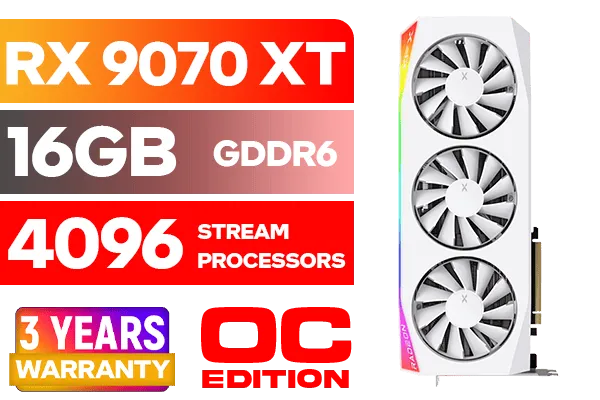
XFX Mercury AMD Radeon RX 9070 XT OC Magnetic Air Edition Graphics Card - White / 4096 Stream Processors / 256-bit Memory Interface / Boost Clock : 3100 MHz / AMD RDNA™ 4 Architecture / RX-97TMARGW9
R16299.00In Stock
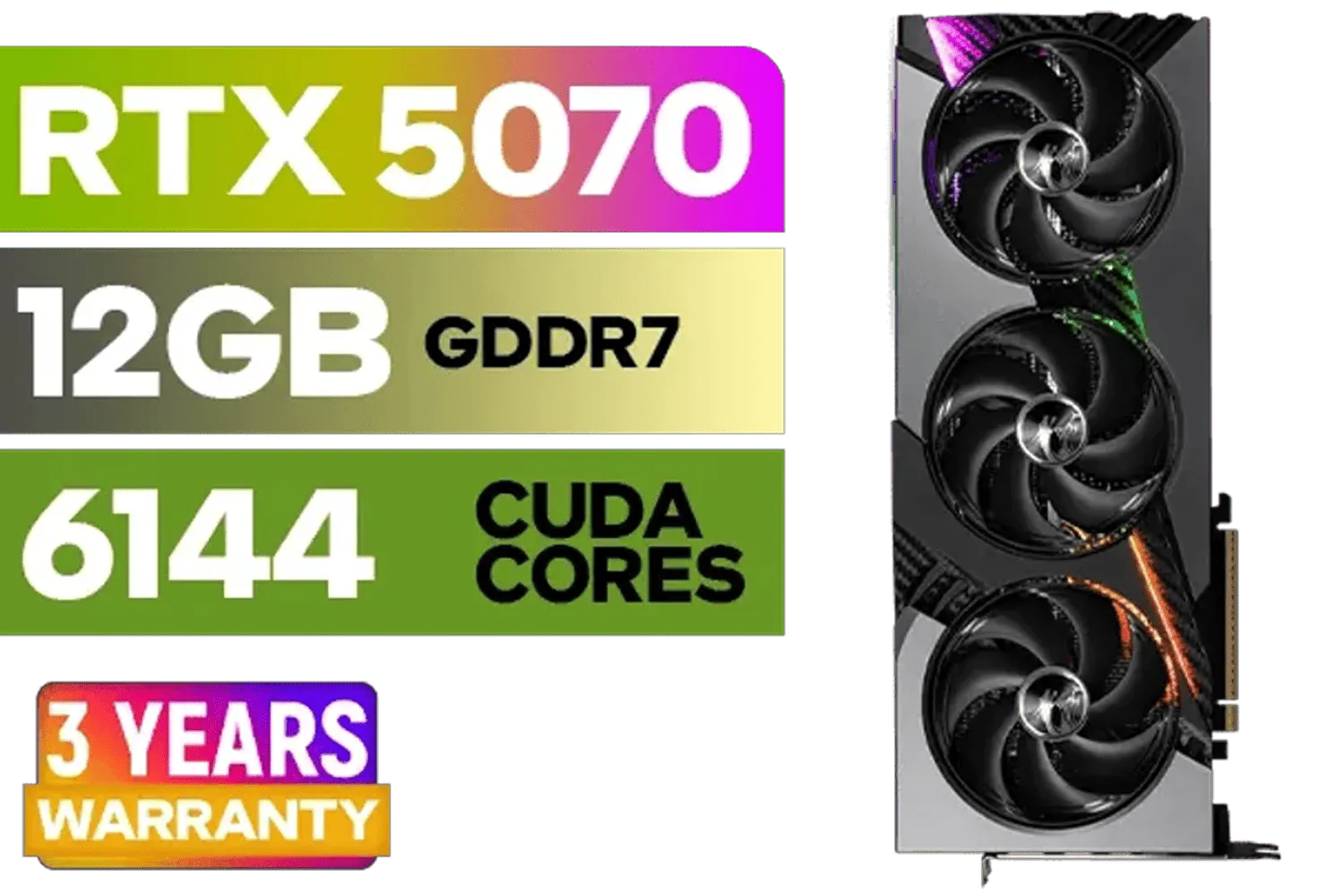
MSI GeForce RTX 5070 12GB VANGUARD SOC Launch Edition / 12GB GDDR7 / 6144 Cuda Cores / Boost: 2640 MHz / 28Gbps Memory Speed / PCI Express® Gen 5 / 912-V532-050
R15299.00In Stock

MSI GeForce RTX 5070 Ti 16G Gaming Trio OC Graphics Card / 16GB GDDR7 / 8960 Cuda Cores / 256-bit Memory Interface / Boost Clock : 2572 MHz / PCI Express® Gen 5 / 912-V531-272
R21199.00In Stock

XFX Quicksilver AMD Radeon RX 9070 XT Graphics Card / 4096 Stream Processors / 256-bit Memory Interface / Boost Clock : 2970 MHz / AMD RDNA™ 4 Architecture / RX-97TQICKB9
R14999.00In Stock

MSI GeForce RTX 5080 16G VENTUS 3X OC Plus Graphics Card / PCI Express Gen 5 / 10752 Cuda Cores / 16GB GDDR7 / Nickel-plated Copper Baseplate / 912-V531-293
R27999.00In Stock
Is the RTX 5060 the Perfect Card for SA Gamers?
All signs point to yes. The RTX 5060 is shaping up to be the new sweet-spot champion, delivering next-generation performance that's perfect for high-refresh-rate 1080p and 1440p gaming without forcing you to sell a kidney. It's built to handle demanding titles like Infinity 2 OC by leveraging smart tech like DLSS 3.5, not just brute force. When they launch, keep an eye out for partner models, as options from brands like MSI's custom cooled cards often provide superior cooling and factory overclocks for even more performance.
Ultimately, mastering the RTX 5060 DLSS 3.5 settings is your ticket to a truly next-gen experience. It’s the key to unlocking fluid, beautiful, and responsive gameplay in the titles you can't wait to play.
Ready to Unleash Maximum Performance? The next generation of gaming is almost here. Whether you're planning an upgrade or building a new rig from scratch, Evetech has the hardware to power your victory. Explore our massive range of NVIDIA graphics cards and find the perfect GPU to conquer your world.
Related Products
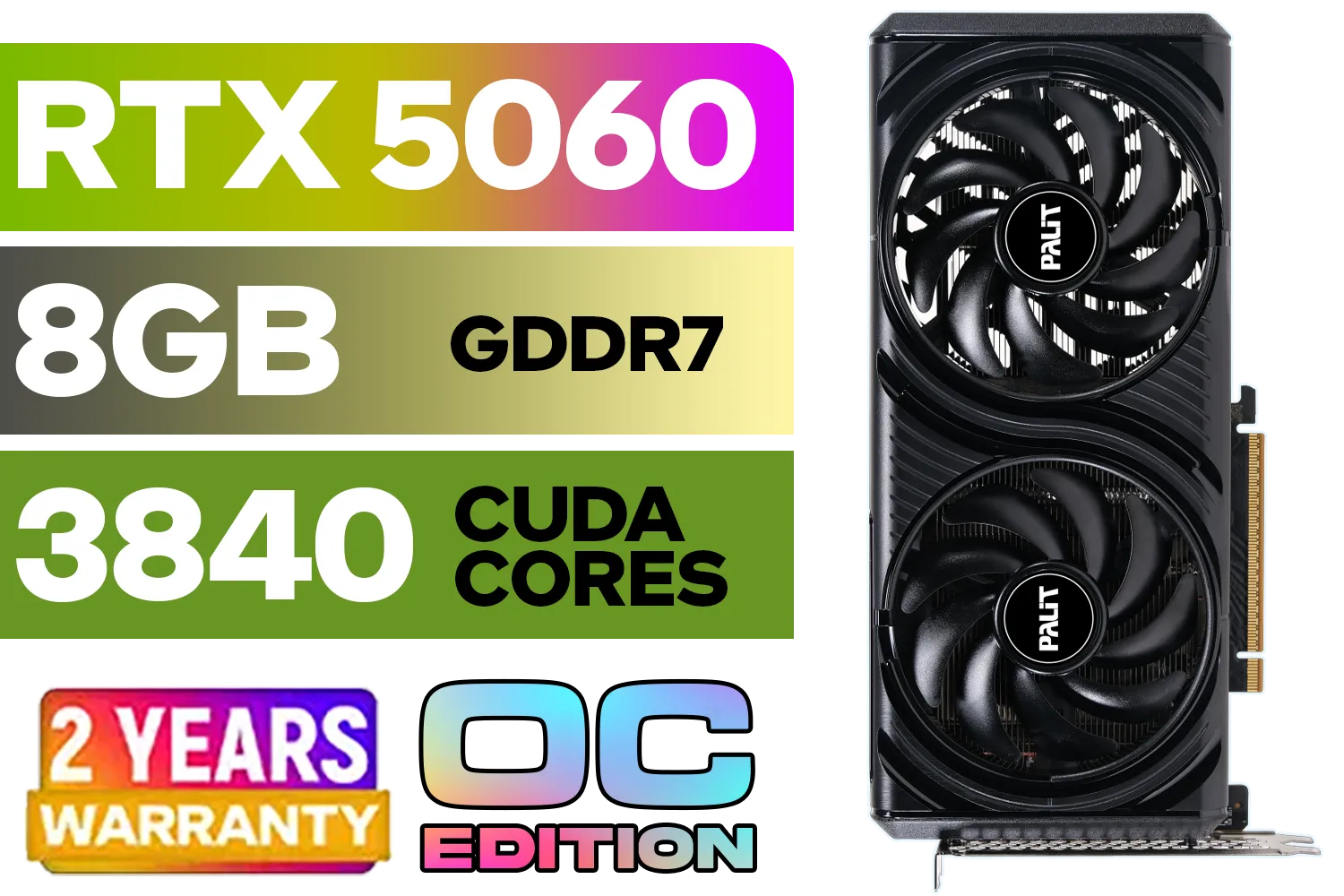
Palit GeForce RTX 5060 Infinity 2 OC 8GB GDDR7 / 28Gbps Memory Speed / PCI Express® Gen 5 / NE75060V19P1-GB2063L
R7999.00In Stock
XFX SWIFT AMD Radeon RX 9070 XT Triple Fan 16GB GDDR6 GPU - White / AMD RDNA 4 Architecture / 3rd Gen Radeon Raytracing Accelerators/ AMD Fidelity FX Super Resolution 4.0 Upscaling Technology / RX-97TSWF3W9
R14799.00In Stock

ASRock Intel ARC B580 Steel Legend OC Graphics Card / 12Gb 192-bit GDDR6 / DirectX 12 Ultimate / 2560 Cores / 2800MHz Engine Clock / 90-GA5CZZ-00UANF
R6999.00In Stock
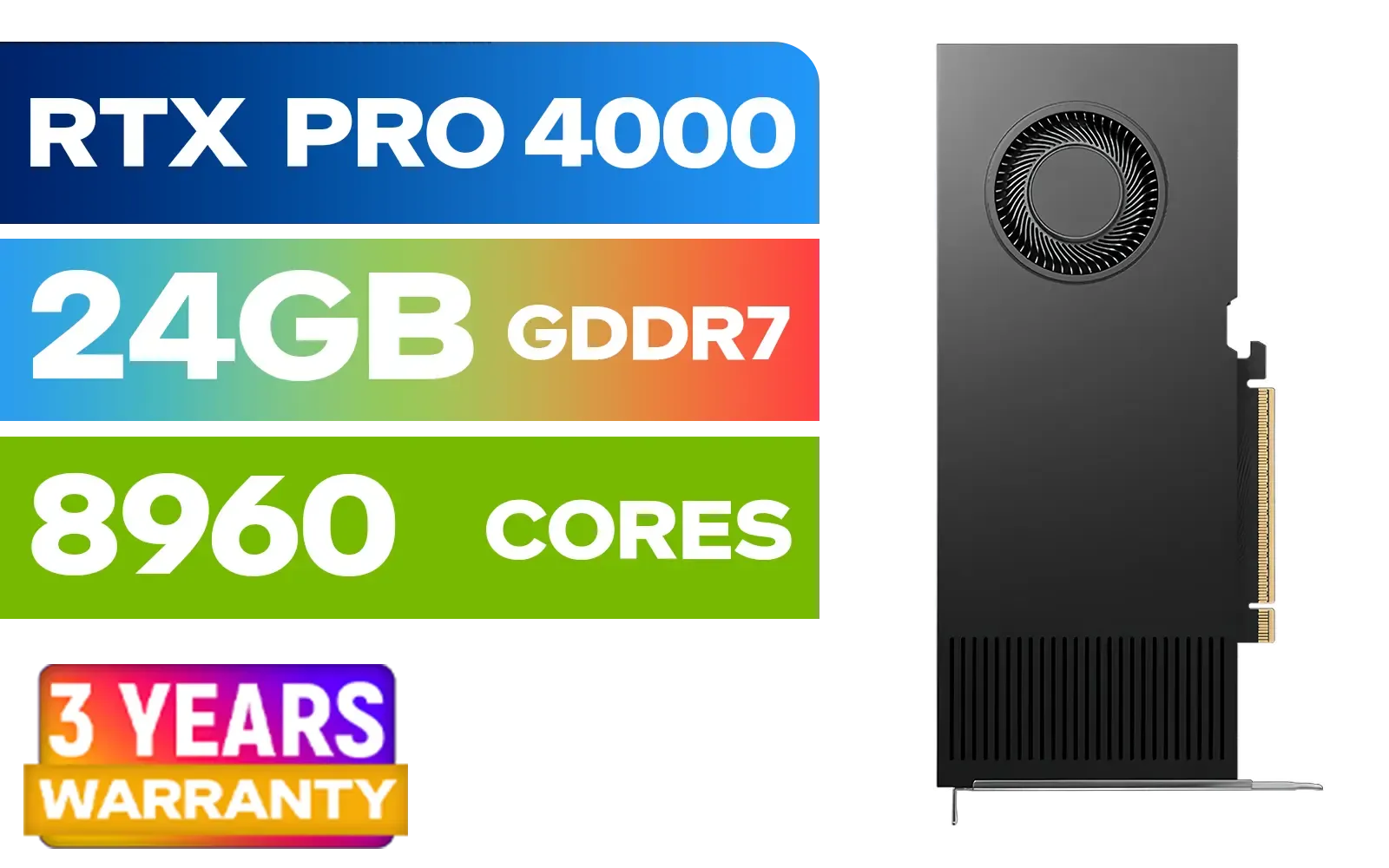
PNY RTX PRO 4000 Blackwell 24GB Graphics Card / 8960 CUDA CORES / 24GB GDDR7 with ECC / 192-bit Memory / VCNRTXPRO4000-PB
R31999.00In Stock
MSI GeForce RTX 5070 12GB VANGUARD SOC Launch Edition / 12GB GDDR7 / 6144 Cuda Cores / Boost: 2640 MHz / 28Gbps Memory Speed / PCI Express® Gen 5 / 912-V532-050
R15299.00In Stock
SAPPHIRE NITRO+ RX 9070 Gaming OC 16GB Graphics Card / 16GB GDDR6 Memory / 3584 Stream Processors / 256-bit Memory Interface / Boost Clock : 2700 MHz / AMD RDNA™ 4 Architecture / 56 Ray Accelerators / 11349-01-20G
R13599.00In Stock
DLSS 3.5 is Nvidia's frame generation and upscaling tech. On the RTX 5060 Infinity 2 OC it raises FPS and sharpness while reducing GPU load.
Update GeForce drivers, enable DLSS in the game's graphics menu or Nvidia Control Panel, and select a DLSS 3.5 supported mode for best results.
Start with DLSS Quality or Balanced, enable frame generation selectively, and adjust render scale to balance FPS and clarity for your target resolution.
Frame generation can add slight latency in some scenarios. Use NVIDIA Reflex, test presets, and prefer Quality mode to minimize added input lag.
Yes. DLSS 3.5 boosts effective FPS with ray tracing enabled, letting the RTX 5060 sustain higher RT settings with smoother gameplay.
Results vary by game and CPU, but expect typical GPU-bound gains from 30% up to 70% in some titles when using DLSS 3.5.
Run repeatable in-game tests, log min/avg/max FPS, compare DLSS modes and render scales, and test after each driver update for accurate RTX 5060 benchmarks.











