



RTX 5070 Best Settings to Maximise Performance
RTX 5070 best settings to maximise performance: practical MSI GeForce RTX 5070 Gaming Trio OC tuning — overclock, power, fan curves and DLSS tips for higher FPS and stable temps. ⚙️🔥
|
Loading tags...

Unlocking RTX 5070 Best Settings for Top Performance ⚡
South African gamers know that every frame counts—especially when streaming your favourite battles or diving into intense modded worlds. Tweaking the RTX 5070 best settings can seriously up your gameplay smoothness and visual fidelity. Whether you’re battling lag or chasing 4K dreams, these tips will help you get maximum performance from your graphics card right here at home.
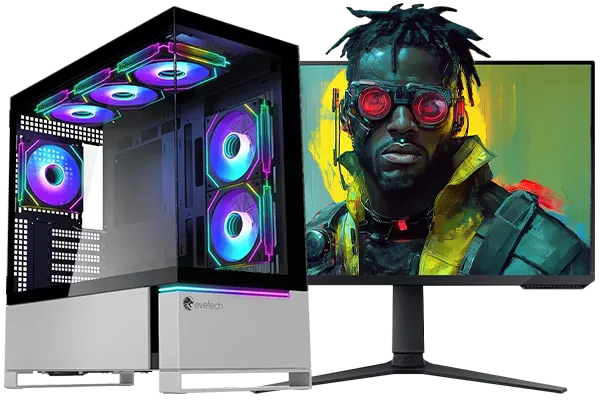
Intel Core Ultra 7 265K 5.5GHz RTX 5070 Ti 16GB DDR5 Gaming PC
R43049.00In Stock
![[Pre Built] AMD Ryzen 7 9800X3D RX 9070 XT Gaming PC](https://img.evetech.co.za/repository/ProductImages/ryzen-7-9800-x-3-d-rx-9070-xt-gaming-pc-48-gb-main-1600px-v1.webp)
[Pre Built] AMD Ryzen 7 9800X3D RX 9070 XT Gaming PC
R67199.00In Stock
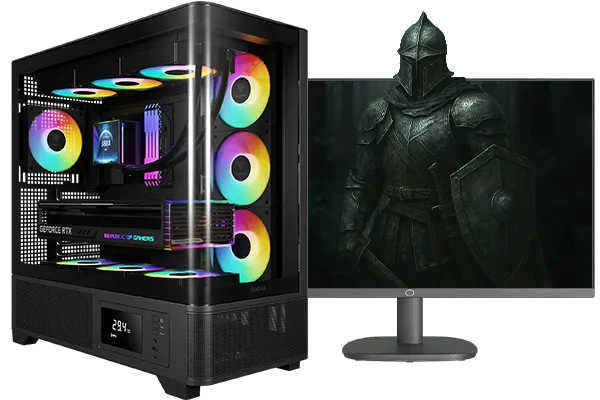
Intel Core Ultra 5 245K 5.2GHz RTX 5060 Ti 16GB DDR5 Gaming PC
R30449.00In Stock

RYZEN 9 9900X 5.6GHz RTX PRO 6000 96GB DDR5 Next Gen Workstation PC
R210524.00In Stock

Intel Core Ultra 5 225F 4.9GHz RX 9060 XT 16GB DDR5 Gaming PC
R24464.00In Stock
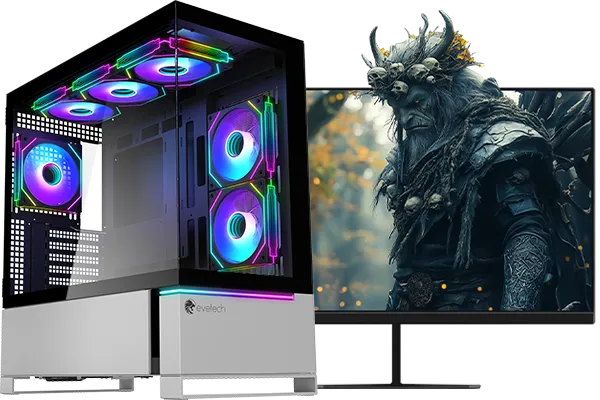
RYZEN 7 7800X3D 5.0GHz RTX 5080 32GB DDR5 Gaming PC
R48719.00In Stock
Optimise RTX 5070 Settings for Smooth Gameplay
The RTX 5070 is a powerhouse for gaming, but default settings don’t always unlock its full potential. Start by adjusting the NVIDIA Control Panel. Set the Power Management Mode to “Prefer Maximum Performance” to keep your GPU running at peak speeds. Also, lower the Vertical Sync settings or disable it to reduce input lag—perfect for competitive play.
For South Africans streaming over fibre or fast LTE, optimising in-game settings like shadows and textures can reduce unnecessary GPU strain without a visible drop in detail.
Consider updating drivers regularly via MSI’s dedicated pages to squeeze out incremental improvements and stability: MSI Nvidia graphics cards at Evetech.
AMD RYZEN 9 9900X 5.6GHz RTX 4000 Blackwell 24GB DDR5 Workstation PC
R56174.00In Stock

Intel Core Ultra 5 225F 4.9GHz GT 710 2GB DDR5 PC
R11864.00In Stock

RYZEN 5 8500G 5.0GHz with Vega Graphics DDR5 PC
R11024.00In Stock

Intel Core Ultra 5 225F 4.9GHz RTX 3050 6GB DDR5 Gaming PC
R16274.00In Stock
![[Pre Built] Intel Core Ultra 7 265K RTX 5070 Gaming PC](https://img.evetech.co.za/repository/ProductImages/intel-core-ultra-7-265-kf-rtx-5070-gaming-pc-pbs-main-1600px-v1.webp)
[Pre Built] Intel Core Ultra 7 265K RTX 5070 Gaming PC
R38114.00In Stock
![[Pre Built] Intel Core Ultra 7 265KF RX 9070 XT Gaming PC](https://img.evetech.co.za/repository/ProductImages/intel-core-ultra-7-265-kf-rx-9070-xt-gaming-pc-pbs-main-1600px-v1.webp)
[Pre Built] Intel Core Ultra 7 265KF RX 9070 XT Gaming PC
R42209.00In Stock
Balancing Ray Tracing and Performance 🔧
Ray tracing delivers stunning lighting effects but demands a lot from your RTX 5070. Rather than maxing out these effects, try toggling ray tracing on selectively for reflections and shadows while keeping other settings moderate. This balance preserves that immersive depth and maintains solid frame rates.
For those weighing options, AMD Radeon cards also offer competitive visuals with potentially lower power usage. Check out the AMD Radeon graphics cards range if you want a side-by-side comparison or future upgrade paths.
TIP FOR YOU
Tip Box – Keep Your RTX 5070 Cool
Lower your fan curve by 5% in MSI Afterburner to shave off 2°C—this keeps your rig quieter while maintaining stable FPS. Cooler hardware lasts longer and stays reliable during marathon gaming sessions.
Fine-Tuning RTX 5070 Settings with Software Tools
NVIDIA’s GeForce Experience is a handy tool to auto-optimise your games based on your RTX 5070’s capabilities. But manual tweaks often deliver better results. Experiment with anti-aliasing methods: using FXAA or TAA can smooth edges with less impact than MSAA.
When shopping for components, pairing the RTX 5070 with quality parts matters. Evetech’s extensive selection of NVIDIA GeForce GTX cards offers excellent backup options or multi-GPU setups for enthusiasts.
Expert Tips from the South African Gaming Community 🚀
Local players often share that setting texture quality to high and anti-aliasing to medium hits the sweet spot. Combining this with moderate in-game shadow options maximises FPS without sacrificing that crisp visual feel that makes your game pop.
Finally, don’t forget your display settings—ensure your monitor’s refresh rate matches your GPU output to avoid screen tearing. G-Sync compatible screens are a perfect match for the RTX 5070 and offer a smoother gaming experience.
![[Pre Built] AMD RYZEN 5 5500 ARC A380 Gaming PC](https://img.evetech.co.za/repository/ProductImages/gamdias-talos-e3-gaming-case-ryzen-5-5500-arc-a380-gaming-pc-pbs-main-1600px-v1.webp)
[Pre Built] AMD RYZEN 5 5500 ARC A380 Gaming PC
R12494.00In Stock

AMD RYZEN 5 3600 4.2GHz ARC A380 6GB Gaming PC
R9659.00In Stock
AMD RYZEN 9 9900X 5.6GHz RTX 4000 Blackwell 24GB DDR5 Workstation PC
R56174.00In Stock

AMD RYZEN 5 3600 RTX 3050 Budget Gaming PC
R11024.00In Stock

RYZEN 5 9600X 5.2GHz ARC B580 12GB DDR5 Gaming PC
R21419.00In Stock
Intel Core Ultra 7 265K 5.5GHz RTX 5070 Ti 16GB DDR5 Gaming PC
R43049.00In Stock
Upgrade and Support: Where to Buy Your RTX 5070 in SA
If you’re ready to boost your setup or grab accessories for your new RTX 5070, explore Evetech’s offers on NVIDIA and ATI graphics cards. They stock the latest in performance parts with local warranty and support, so you’re covered after purchase.
Elevate Your Gaming Experience Today Ready to unlock your RTX 5070’s full potential? Shop now at Evetech for performance that leaves lag in the dust.
Related Products

AMD RYZEN 7 9800X3D RTX Pro 4500 DDR5 Workstation PC
R78644.00In Stock
![[Pre Built] AMD RYZEN 9 9900X RX 9070 XT Gaming PC](https://img.evetech.co.za/repository/ProductImages/ryzen-9-9900-x-rx-9070-xt-gaming-pc-pbs-main-1600px-v1.webp)
[Pre Built] AMD RYZEN 9 9900X RX 9070 XT Gaming PC
R42524.00In Stock
AMD RYZEN 9 9900X 5.6GHz RTX 4000 Blackwell 24GB DDR5 Workstation PC
R56174.00In Stock

Intel Core Ultra 9 285K 5.7GHz RTX 5090 32GB DDR5 Gaming PC
R80114.00In Stock

RYZEN 5 9600X 5.2GHz A400 4GB DDR5 Workstation PC
R18164.00In Stock

RYZEN 7 9700X 5.5GHz RTX 5070 12GB DDR5 Gaming PC
R34334.00In Stock
Use a modest core OC, +150–250MHz memory, raise power limit to 110–120%, and enable DLSS Performance mode for the best RTX 5070 performance.
Set power limit ~110%, increase temp limit to safe margin, tune fan curve, and apply a small core clock +100–200MHz using MSI Afterburner settings RTX 5070.
Yes — undervolt to reduce temps and power draw while maintaining FPS. Follow an RTX 5070 undervolt guide and test stability per game.
Use an aggressive fan curve: 40% at 50°C, 65% at 65°C, and 100% at 85°C to keep MSI GeForce RTX 5070 Gaming Trio OC temps stable under load.
For max FPS choose DLSS Performance or Balanced depending on resolution; use DLSS settings for RTX 5070 to preserve image quality at 1440p.
Stability varies, but many reach +100–250MHz core and +500–1000MHz memory. Test with benchmarks and monitor temps for safe overclocking.
Increase power limit to 110–120% for sustained boosts. Use the RTX 5070 power limit settings and monitor VRM temps to avoid throttling.











