



Ryzen 7 5700 Requires Discrete GPU: Why and What to Do
• Explain reasons • Show impact • Recommend GPUs • Avoid compatibility pitfalls. Ryzen 7 5700 Requires Discrete GPU - learn why this CPU lacks integrated graphics, how it affects builds, and the best GPU choices for gaming and productivity. 🔧🎮
|
Loading tags...

You've just unboxed your powerful new AMD Ryzen 7 5700, carefully seated it in the motherboard, and hit the power button… only to be met with a blank screen. What gives? Don't panic! This is a common moment for many PC builders. The simple truth is that the Ryzen 7 5700 requires a discrete GPU to send a signal to your monitor. This isn't a flaw; it's a feature designed for pure performance.
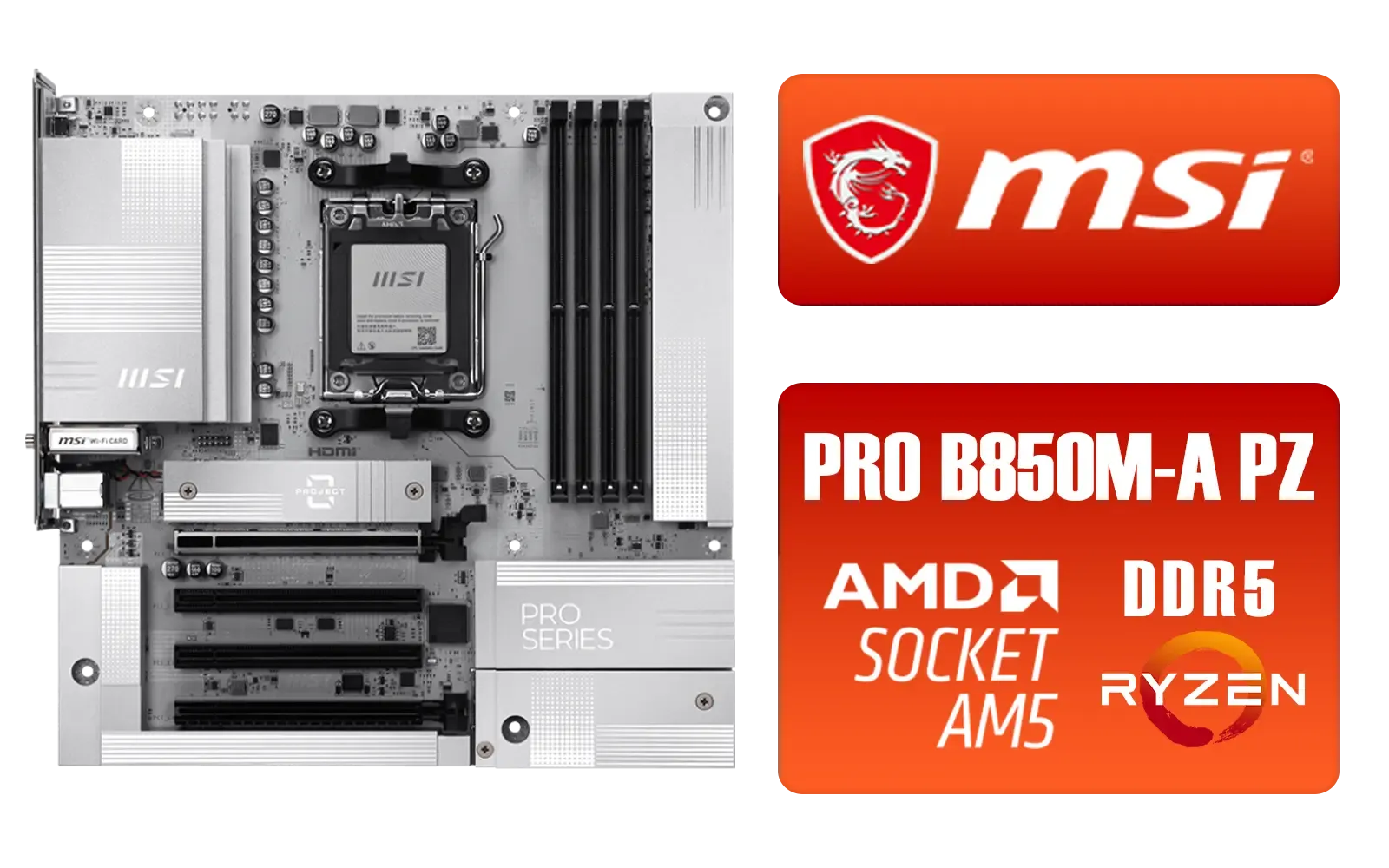
MSI PRO B850M-A WIFI PZ AMD Motherboard / Supports AMD Ryzen™ 9000 / 8000 / 7000 Series / Dual Channel DDR5-8200+ (OC) / Direct 8+2+1 Power System (60A SPS) / Lightning Gen 5 x4 M.2 / 5G LAN & Wi-Fi 7 / 911-7E78-001
R4999.00In Stock

ASRock Phantom Gaming B850 Riptide WIFI AMD Ryzen Motherboard / Supports AMD Socket AM5 Ryzen™ 9000, 8000 and 7000 Series Processors / AMD B850 Chipset / USB4 Type-C (10Gbps) Connectivity / 90-MXBQT0-A0UAYZ
R4999.00In Stock
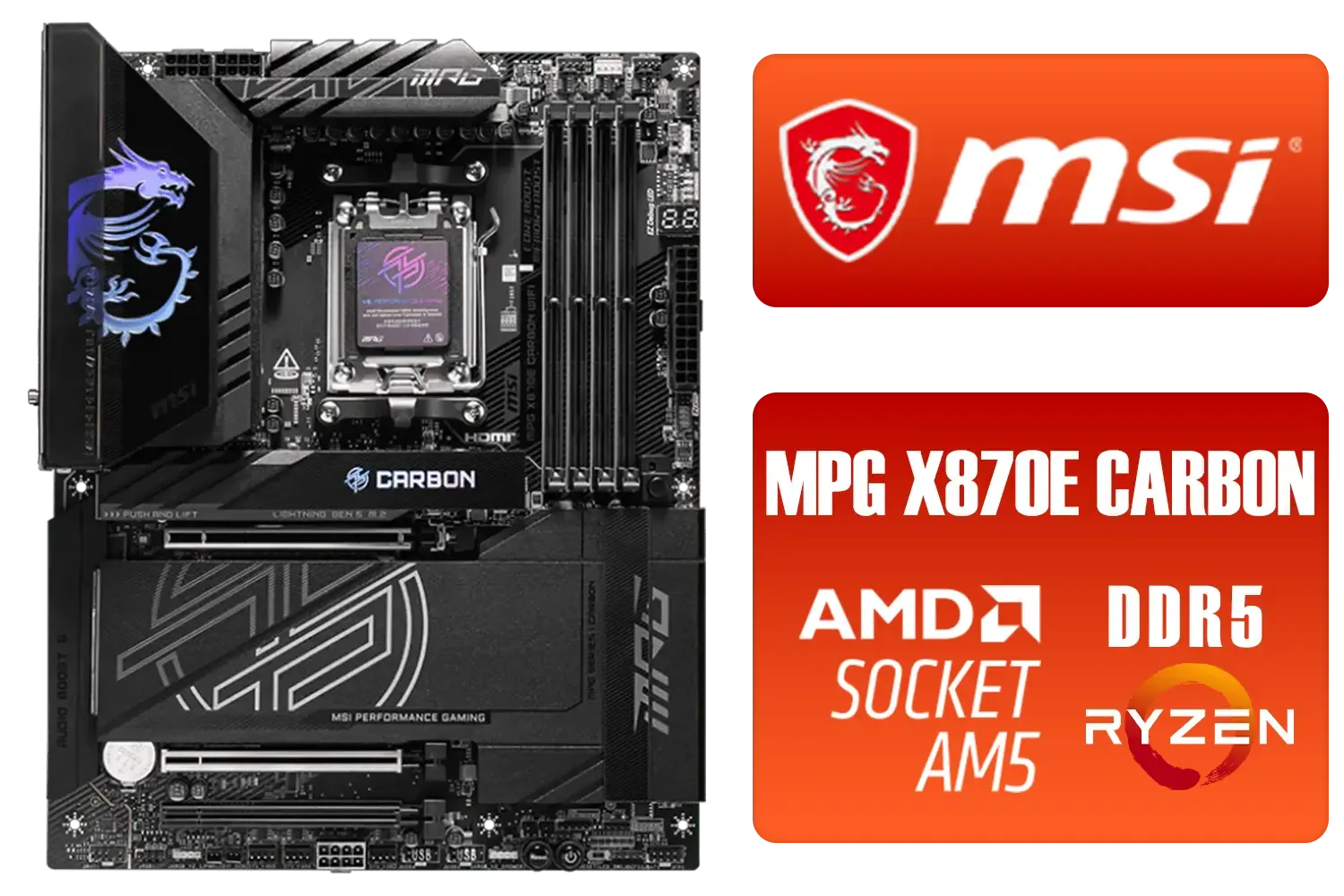
MSI MPG X870E Carbon Wi-Fi AMD Motherboard / ATX Motherboard / AMD X870 Chipset / Supports AMD Ryzen™ 9000/ 8000/ 7000 Series Desktop Processors / Socket AM5 / Lightning Gen 5 / DDR5 MEMORY SUPPORT / 3x PCI-E x16 slot / 4x M.2 Slots / Wi-Fi 7 / Supports Bluetooth® 5.4 / 911-7E49-001
R9399.00In Stock

ASRock X870E Taichi WIFI AMD Ryzen Motherboard / Supports AMD Socket AM5 Ryzen™ 9000, 8000 and 7000 Series Processors / AMD X870 Chipset / USB4 Type-C (40Gbps) Connectivity / 90-MXBP90-A0UAYZ
R10999.00In Stock

ASRock Phantom Gaming X870E Nova WIFI AMD Ryzen Motherboard / Supports AMD Socket AM5 Ryzen™ 9000, 8000 and 7000 Series Processors / AMD X870 Chipset / USB4 Type-C (40Gbps) Connectivity / 90-MXBPX0-A0UAYZ
R8599.00In Stock

MSI PRO B840-P WIFI Motherboard, ATX - Supports AMD Ryzen 9000/8000 / 7000 Processors, AM5 - DDR5 Memory Boost (8000+ MT/s OC), PCIe 4.0 x16, M.2 Gen4, Wi-Fi 7, 2.5G LAN / 911-7E57-001
R4199.00In Stock
Understanding Why Your Ryzen 7 5700 Needs a GPU
In the world of processors, there's a key distinction between a CPU (Central Processing Unit) and an APU (Accelerated Processing Unit). A standard CPU, like your Ryzen 7 5700, focuses 100% of its silicon on processing tasks… the heavy lifting for games, applications, and your operating system.
An APU, on the other hand, is a hybrid that includes both processing cores and basic graphics cores on the same chip. AMD typically signals this by adding a "G" to the model name, like the Ryzen 7 5700G.
Because the Ryzen 7 5700 requires a discrete GPU, it means AMD dedicated all the space on the chip to its 8 powerful Zen 3 cores. For a gamer or creator, this is fantastic news. It means you're getting maximum CPU performance for your money, without paying for onboard graphics you were probably going to bypass anyway. 💡
What to Do: Building Around Your Powerful CPU 🚀

Asus Rog Strix TRX40-E Gaming AMD Ryzen Threadripper ATX Motherboard / 3rd Gen AMD Ryzen / 16 power stages / Wi-Fi 6 / 2.5 Gbps LAN / USB 3.2 Gen 2 / Three M.2 / Aura Sync RGB / AMD Socket sTRX4
R4999.00In Stock

MSI MEG X870E GODLIKE AMD Motherboard / AM5 Socket / E-ATX Form Factor / 4x DDR5 DIMM Slots / Supports AMD Ryzen™ 9000/ 8000/ 7000 Series Desktop Processors / 911-7E48-001
R33999.00In Stock

MSI PRO B850-P WIFI Motherboard, ATX - Supports AMD Ryzen 9000/8000 / 7000 Processors, AM5 - DDR5 Memory Boost (8200+ MT/s OC), PCIe 5.0 x16 & 4.0 x16, M.2 Gen5, Wi-Fi 7, 5G LAN / 911-7E56-002
R4599.00In Stock
MSI PRO B840-P WIFI Motherboard, ATX - Supports AMD Ryzen 9000/8000 / 7000 Processors, AM5 - DDR5 Memory Boost (8000+ MT/s OC), PCIe 4.0 x16, M.2 Gen4, Wi-Fi 7, 2.5G LAN / 911-7E57-001
R4199.00In Stock
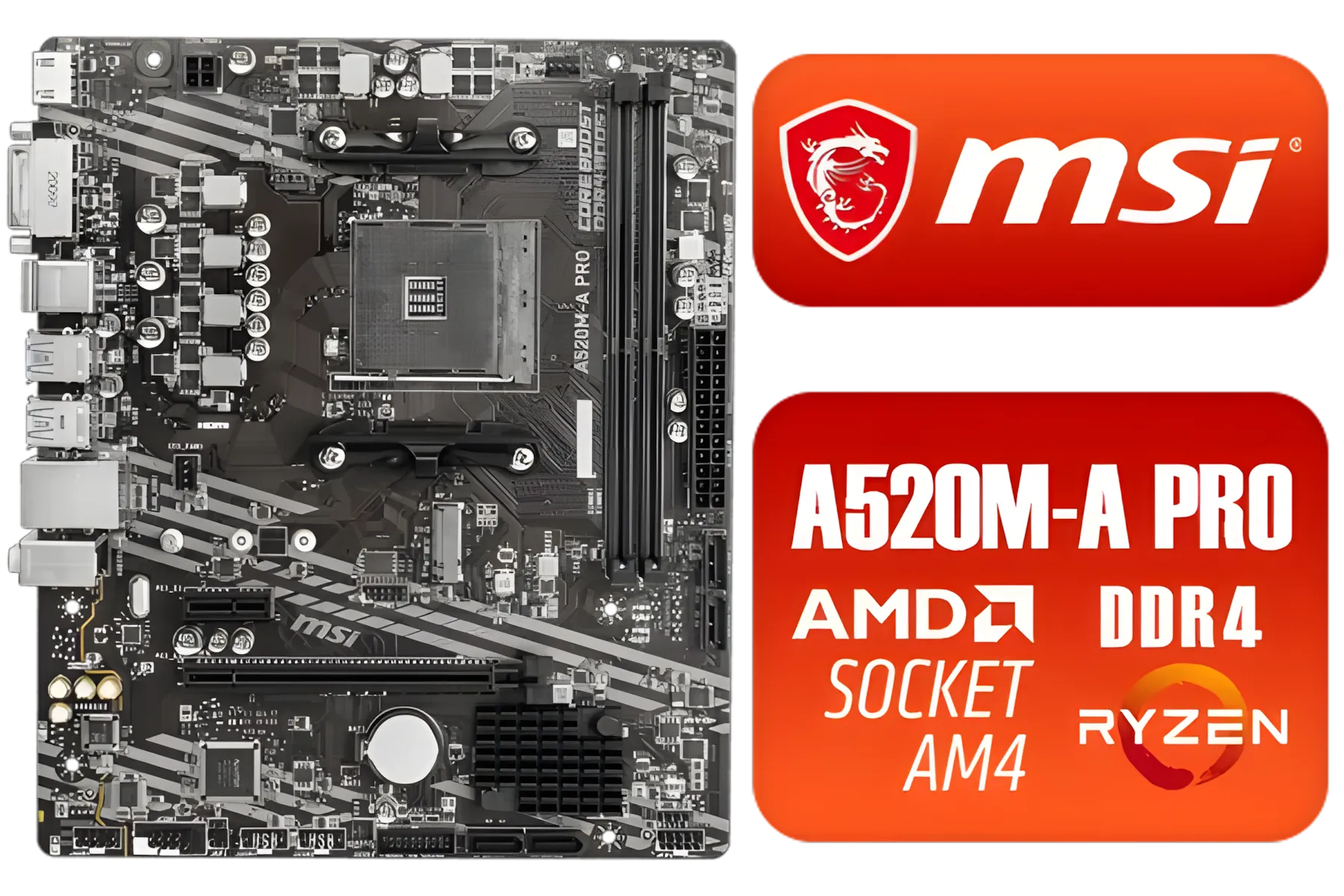
MSI A520M-A PRO AMD Ryzen M-ATX Motherboard / 3rd Gen AMD Ryzen Desktop Processors / Supports AMD Ryzen 5000 Series, 5000 G-Series, 4000 G-Series, 3000 Series, 3000 G-Series, / Supports DDR4 Memory, up to 4600(OC) MHz / AMD Socket AM4 / AMD A520 Chipset / Studio Grade Sound Quality / A520M-A-PRO
R1399.00In Stock
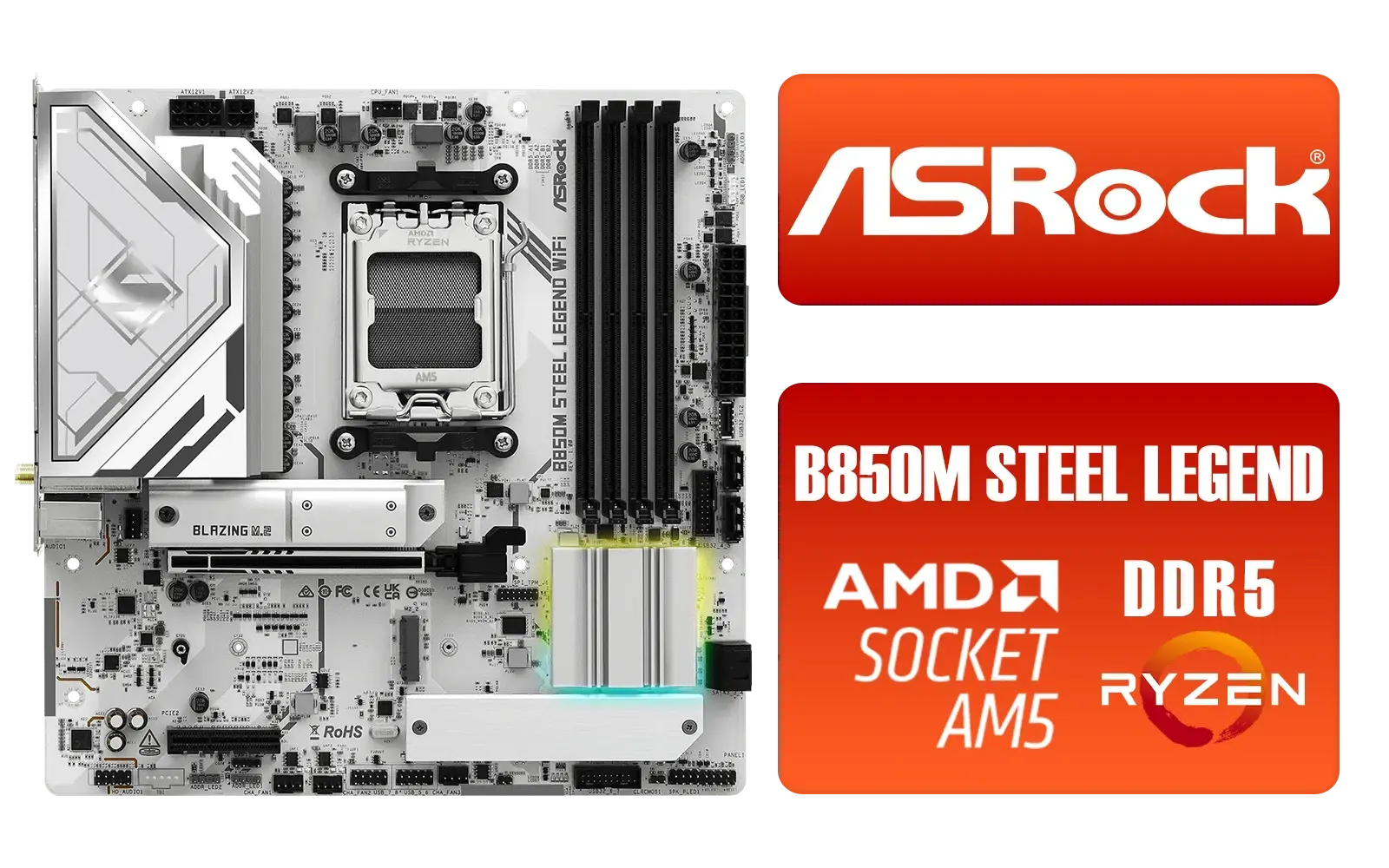
ASRock B850M Steel Legend WiFi AMD Motherboard / Supports AMD Socket AM5 Ryzen™ 9000, 8000 and 7000 Series Processors / AMD B850 Chipset / PCIe Gen5 (Graphics, M.2) / Dual Channel DDR5 / 2.5G LAN & Wi-Fi 7 / BIOS Flashback Button / 90-MXBS20-A0UAYZ
R3899.00In Stock
Now that you know a dedicated graphics card is necessary, how do you complete your build? The good news is you've already got the heart of a beastly machine. You just need to pair it with the right components.
Step 1: Choose the Right Foundation
Your CPU needs a home, and that's the motherboard. For the Ryzen 7 5700, you'll need a compatible motherboard from the AM4 platform, like a B550 or X570 chipset. These boards offer modern features and a stable platform for your processor to shine. When browsing our AMD motherboard selection, look for features like PCIe 4.0 support to get the most out of a modern graphics card and fast NVMe SSDs.
TIP FOR YOU
Check the Specs Before You Click 🔧
Always check the official specifications of a CPU before buying. Look for a line item called "Integrated Graphics" or "Graphics Model". If it says "N A" or "Discrete Graphics Card Required", you'll know you need to budget for a separate GPU. This little check can save you a lot of head-scratching later!
Step 2: Pair it With the Perfect Graphics Card
This is where the fun begins. Because the Ryzen 7 5700 is such a capable processor, it won't bottleneck even high-end graphics cards. This gives you incredible flexibility.
Whether you're aiming for ultra-smooth 1080p esports titles with a budget-friendly card or breathtaking 4K visuals with a top-tier GPU, your CPU is ready for the challenge. Your choice of GPU will define your PC's gaming and graphical performance, so it's the most important part of the puzzle. You can find excellent B550 and X570 options in our full range of AMD Motherboards to suit any build and budget.
Asus Rog Strix TRX40-E Gaming AMD Ryzen Threadripper ATX Motherboard / 3rd Gen AMD Ryzen / 16 power stages / Wi-Fi 6 / 2.5 Gbps LAN / USB 3.2 Gen 2 / Three M.2 / Aura Sync RGB / AMD Socket sTRX4
R4999.00In Stock
MSI A520M-A PRO AMD Ryzen M-ATX Motherboard / 3rd Gen AMD Ryzen Desktop Processors / Supports AMD Ryzen 5000 Series, 5000 G-Series, 4000 G-Series, 3000 Series, 3000 G-Series, / Supports DDR4 Memory, up to 4600(OC) MHz / AMD Socket AM4 / AMD A520 Chipset / Studio Grade Sound Quality / A520M-A-PRO
R1399.00In Stock
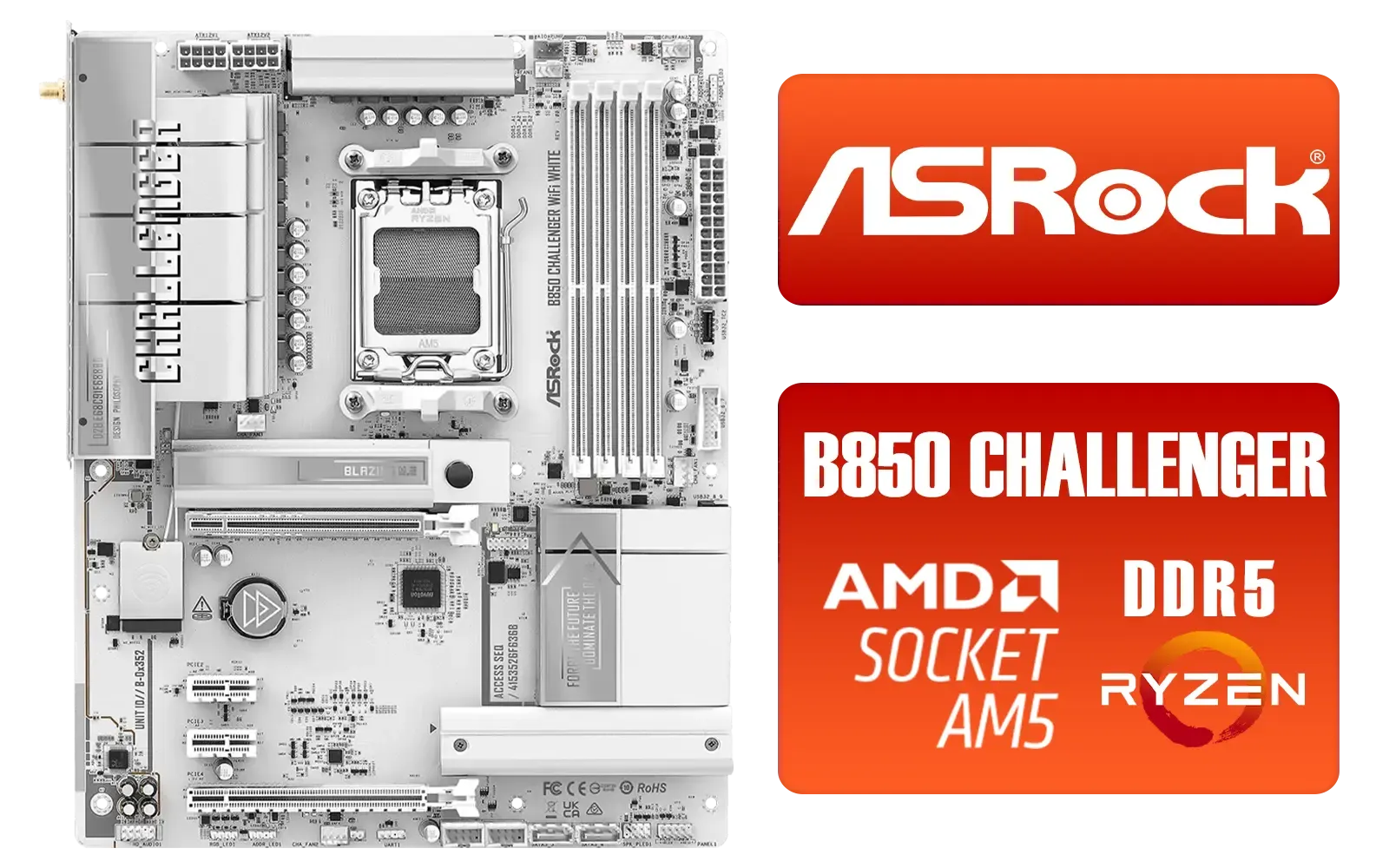
ASRock B850 Challenger WiFi AMD Motherboard - White / Supports AMD Socket AM5 Ryzen™ 9000, 8000 and 7000 Series Processors / AMD B850 Chipset / PCIe Gen5 (Graphics, M.2) / Dual Channel DDR5 / 90-MXBTF0-A0UAYZ
R4199.00In Stock
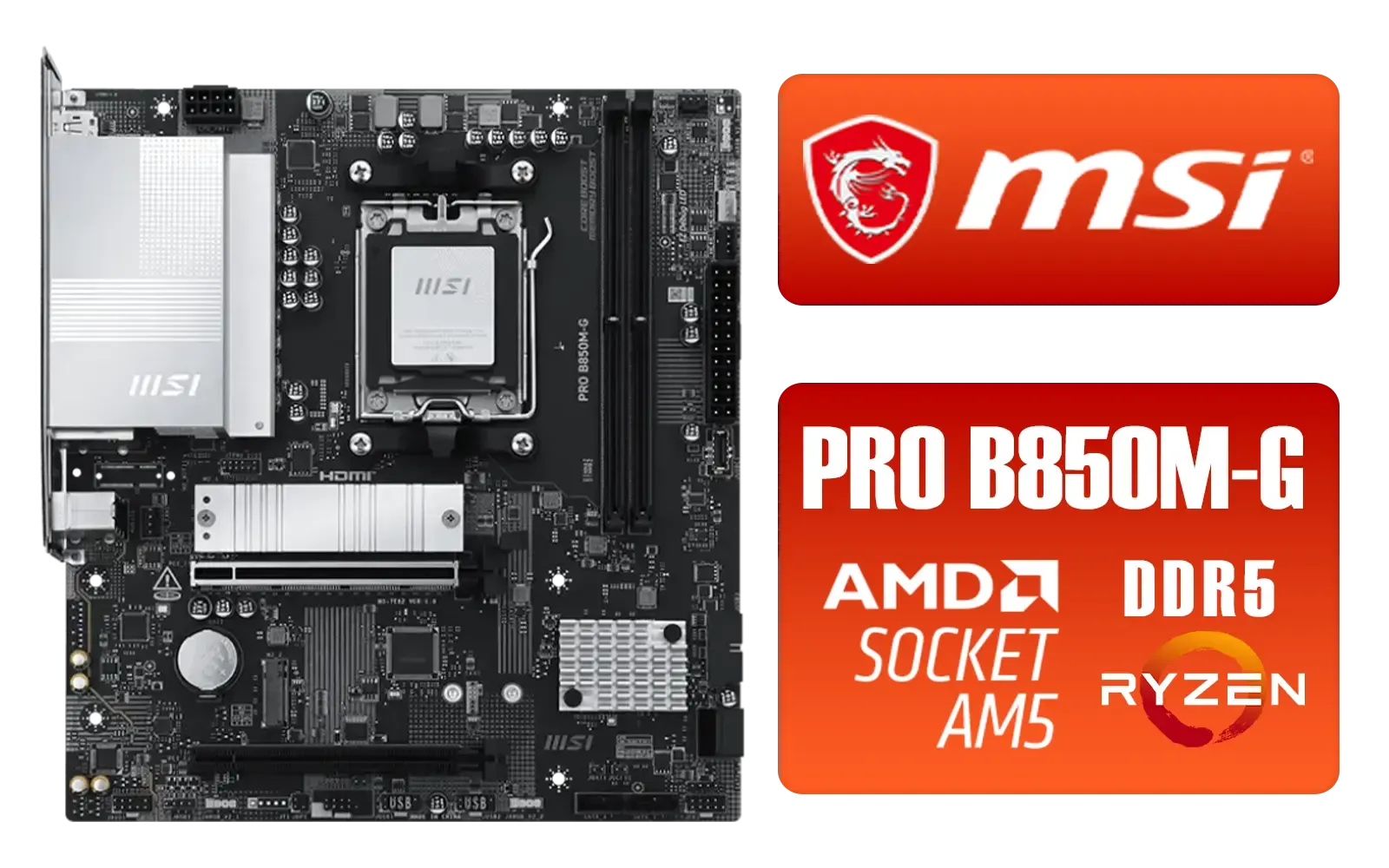
MSI PRO B850M-G AMD Motherboard / Supports AMD Ryzen™ 9000 / 8000 / 7000 Series / Dual Channel DDR5-8200+ (OC) / Direct 7+2+1 Power System (P-PAK) / Lightning Gen 5 x4 M.2 / 5G LAN / 911-7E82-001
R2999.00In Stock

ASRock X870 PRO RS WIFI AMD Ryzen Motherboard / Supports AMD Socket AM5 Ryzen™ 9000, 8000 and 7000 Series Processors / AMD X870 Chipset / USB4 Type-C (40Gbps) Connectivity / 90-MXBQ00-A0UAYZ
R5499.00In Stock
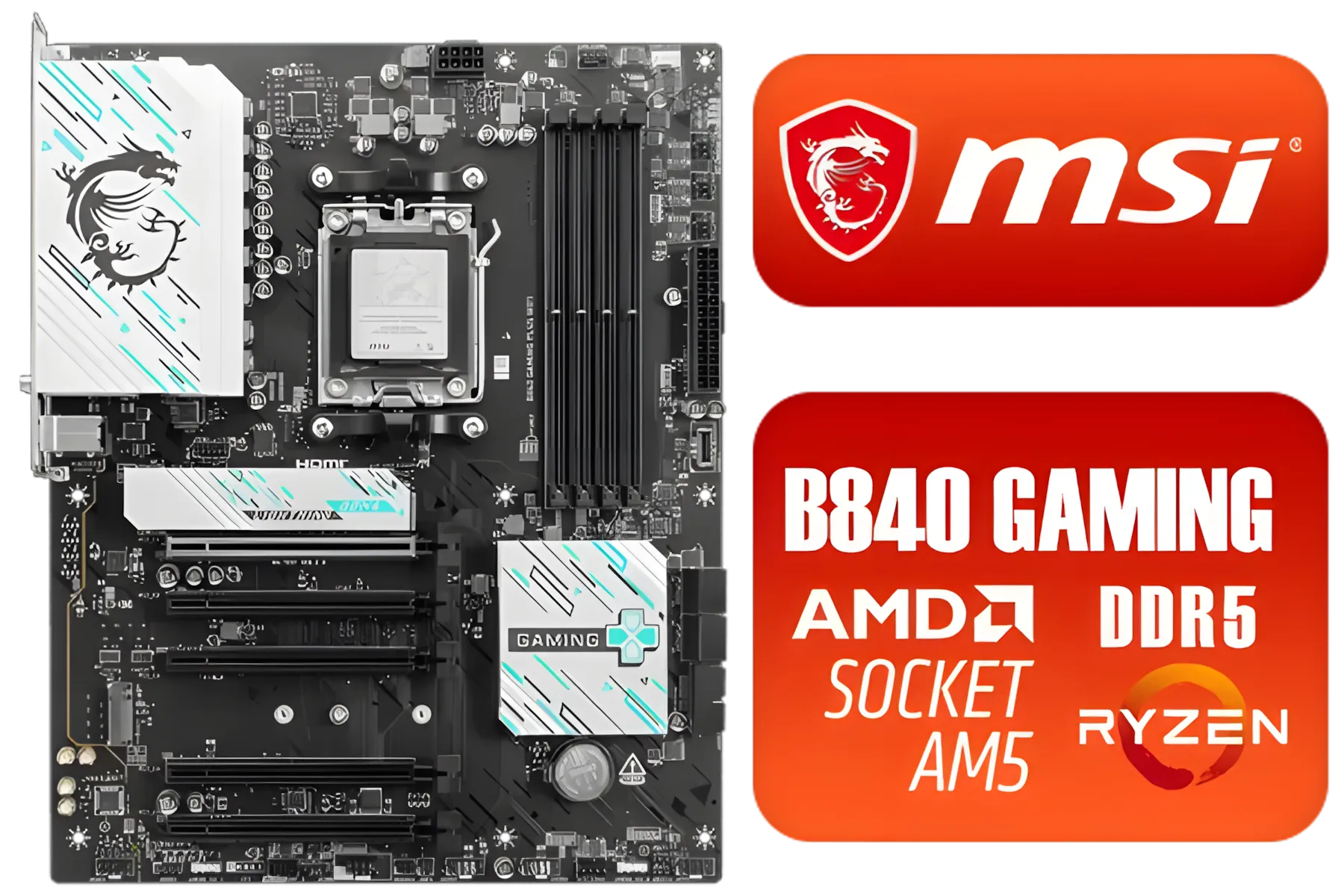
MSI B840 GAMING PLUS WIFI AMD Motherboard / AM5 Socket / ATX For Factor / 4x DDR5 DIMM Slots / Supports AMD Ryzen™ 9000/ 8000/ 7000 Series Desktop Processors / 911-7E57-002
R4899.00In Stock
The Bottom Line: A Feature, Not a Flaw
Ultimately, the fact that the Ryzen 7 5700 requires a discrete GPU is a sign of its focused, performance-first design. You get more raw processing power for your ZAR, with the freedom to choose a graphics card that perfectly matches your gaming ambitions. You've made a great choice for your PC's brain; now it's time to give it some graphical muscle.
Ready to Unleash Your Ryzen 7 5700? The Ryzen 7 5700 is a processing beast, and pairing it with the right GPU is the final step to building a legendary rig. Don't let the choice overwhelm you. Explore our massive range of graphics cards and find the perfect match to conquer your world.
Related Products

MSI Pro B860-P WIFI Intel Motherboard / 12+1+1+1 Duet Rail Power / Supports Intel Core Ultra Processors / PCIe 5.0 and Gen 5 M.2 / Thunderbolt 4 and Wi-Fi 7 / 911-7E41-001
R4799.00In Stock
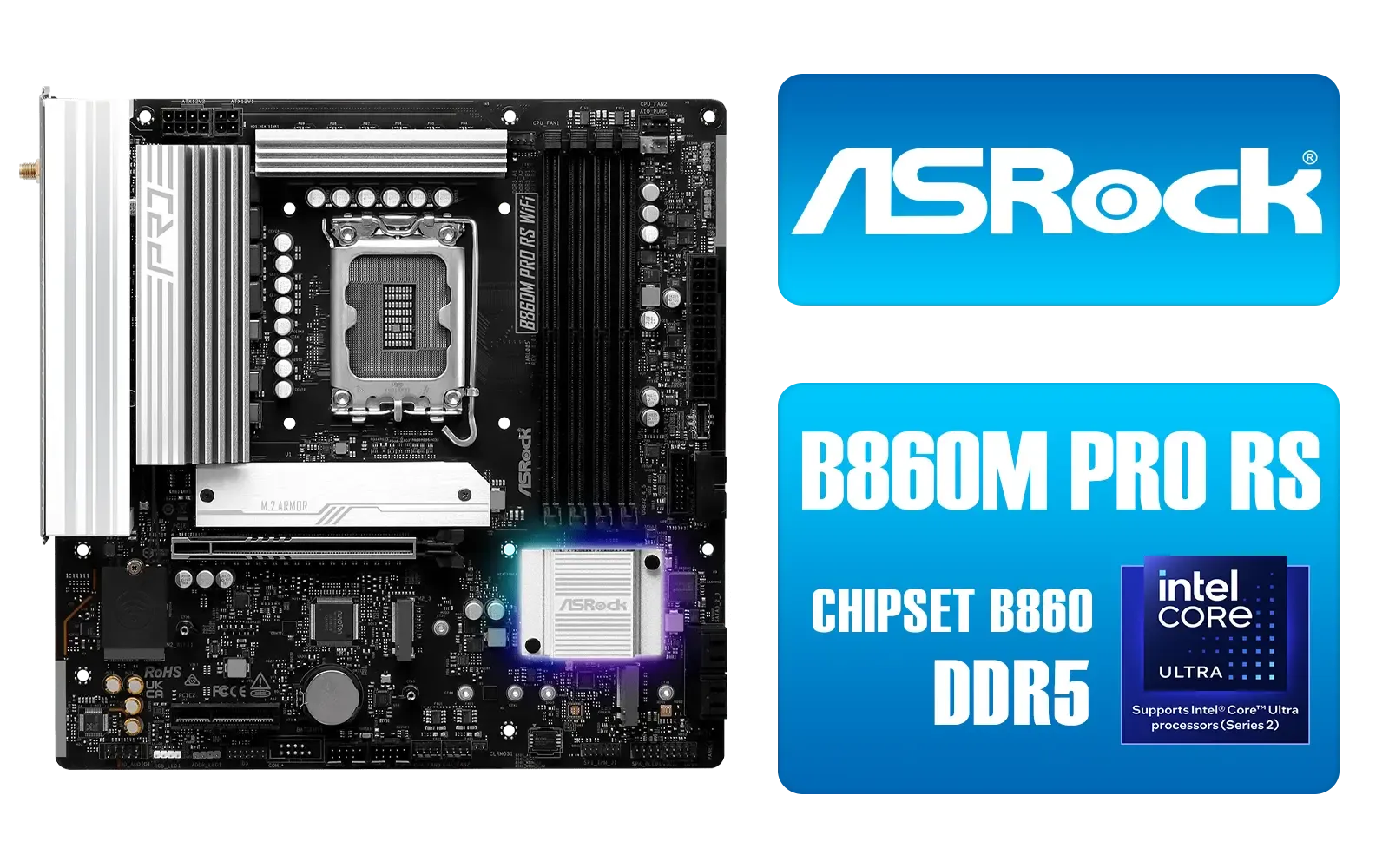
ASRock B860M Pro RS WiFi Intel Motherboard / Micro-ATX Form Factor / Supports Intel® Core™ Ultra Processors (Series 2) / LGA 1851 CPU Socket / PCIe Gen5 (Graphics, M.2) / Dual Channel DDR5 / 2.5G LAN & Wi-Fi 6E / 90-MXBRQ0-A0UAYZ
R3599.00In Stock

MSI MAG B860 TOMAHAWK WIFI Motherboard, ATX - Supports Intel Core Ultra Processors (Series 2), LGA 1851 - DDR5 Memory Boost 9200+ MT/s OC, 1 x PCIe 5.0 x16, 1 x M.2 Gen5, 5G LAN, Wi-Fi 7 / 911-7E39-001
R5999.00In Stock
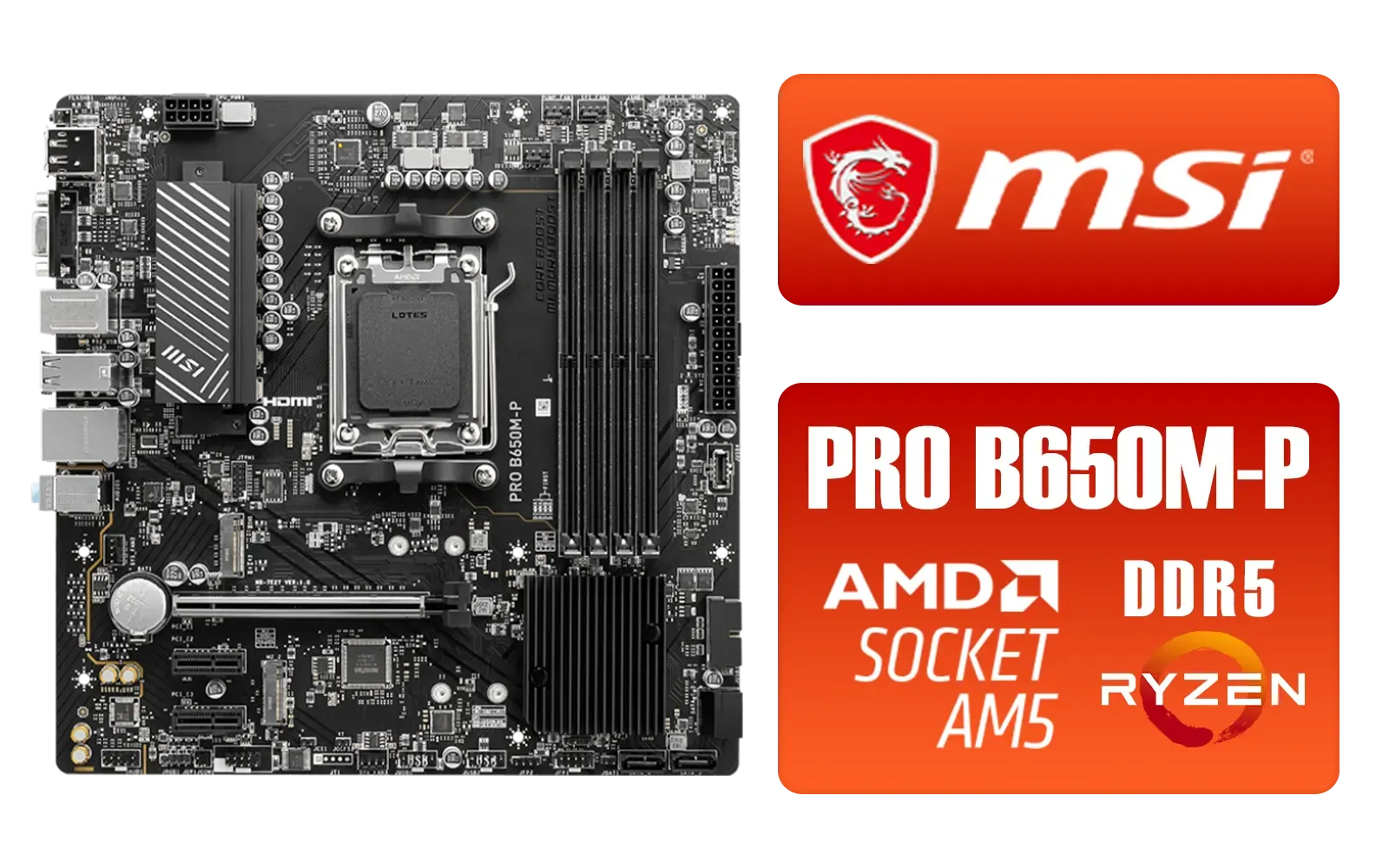
MSI PRO B650M-P PRO Series Motherboard (AMD AM5, mATX, DDR5, PCIe 4.0, M.2, SATA 6Gb/s, USB 3.2 Gen 2, HDMI/DP, AMD Ryzen 7000 Series Desktop Processors) - 911-7E27-001
R2499.00In Stock
MSI MAG Z890 Tomahawk Wi-Fi Intel Motherboard / ATX Form Factor / Supports Intel® Core™ Ultra Processors (Series 2) / LGA 1851 CPU Socket / 4x DDR5 UDIMM Supporting up to 256GB / 911-7E32-003
R7999.00In Stock
MSI PRO B850M-A WIFI PZ AMD Motherboard / Supports AMD Ryzen™ 9000 / 8000 / 7000 Series / Dual Channel DDR5-8200+ (OC) / Direct 8+2+1 Power System (60A SPS) / Lightning Gen 5 x4 M.2 / 5G LAN & Wi-Fi 7 / 911-7E78-001
R4999.00In Stock
No. The Ryzen 7 5700 has no integrated graphics (iGPU), so you need a discrete GPU for video output and gaming.
AMD shipped the 5700 without an iGPU core; discrete GPUs provide display, gaming and compute performance the CPU lacks.
No. Onboard ports depend on a CPU iGPU. With the 5700's lack of iGPU, those ports stay inactive until a discrete GPU is installed.
For 1080p-1440p, mid-tier cards like RTX 3060/4060 or Radeon 6600 XT/7600 pair well—see best gpu for ryzen 7 5700 gaming guides.
Yes. A GPU raises system power needs—check PSU headroom and reference power consumption ryzen 7 5700 with gpu when planning.
Generally none; ensure BIOS supports Ryzen 5000 and choose recommended chipsets like B550 or X570 for ryzen 7 5700 b550 compatibility.
Match GPU to resolution, budget and PSU. Follow how to choose gpu for ryzen 7 5700 checklists for bottleneck and fit.











