



Ryzen 7000 Passive Cooling: Optimize PC Without CPU Cooler
Ryzen 7000 passive cooling: practical, proven steps to lower CPU temps without a CPU cooler — improve case airflow, VRM cooling, fan curves and thermal pads for safer performance. 🧊⚙️
|
Loading tags...

Is the hum of your PC killing your vibe during a tense Warzone match? We’ve all been there. The dream for many PC builders is a rig that’s not just powerful, but whisper-quiet. This leads to a fascinating question: is Ryzen 7000 passive cooling possible? Can you really build a modern, high-performance PC without a traditional CPU cooler spinning away? Let's dive into the world of silent computing and see if it's a practical goal for South African gamers.
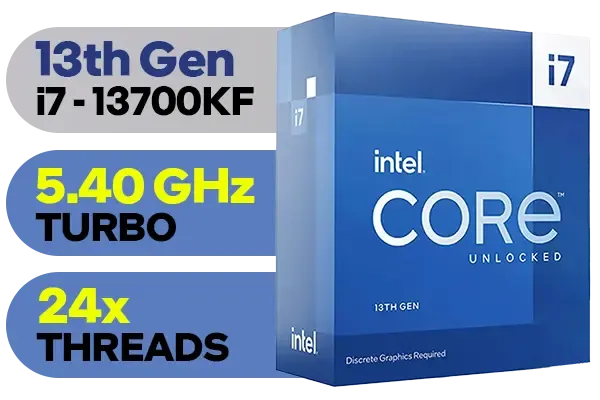
Intel 13th Gen Core i7 13700KF Desktop Processor 16 (8P+8E) Cores up to 5.40 GHz Unlocked LGA1700 Series Chipset 253W / <span style="color: red;" >Discrete Graphics Card Required</span> / BX8071513700KF
R9499.00In Stock

AMD Ryzen 7 9700X 8-Core 16-Threads 3.8GHz (5.5GHz Max Boost) Socket AM5 65W Desktop Processor / Zen 5 Architecture / AMD Radeon™ Graphics / Cooler Not Included / 100-100001404WOF
R7199.00In Stock
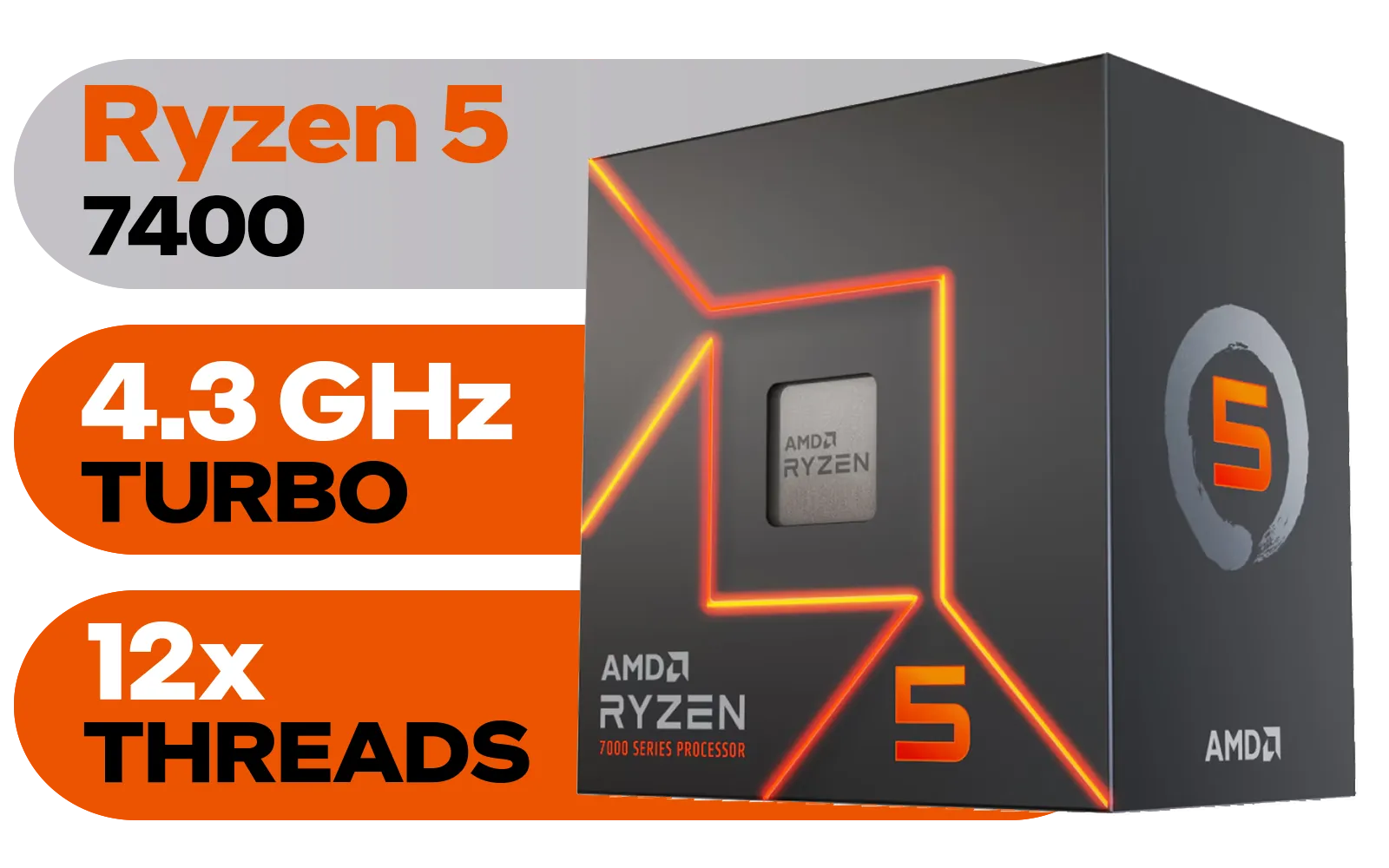
AMD Ryzen 5 7400 6-Core 12-Threads 3.3GHz (4.3GHz Max Boost) Socket AM5 65W Desktop Processor / 22MB Cache / AMD Ryzen 7000 Series Desktop Processor / Wraith Stealth CPU Cooler Included / Integrated AMD Radeon Graphics / 100-100001900BOX
R3299.00In Stock

Intel Core Ultra 5 225F Processor / 10x (6P + 4E) Cores / 10x Threads / Up to 4.9GHz Turbo Boost / LGA 1851 Series Chipset 121W / AI Accelerator Technology / Discrete Graphics Required / BX80768225F
R3699.00In Stock
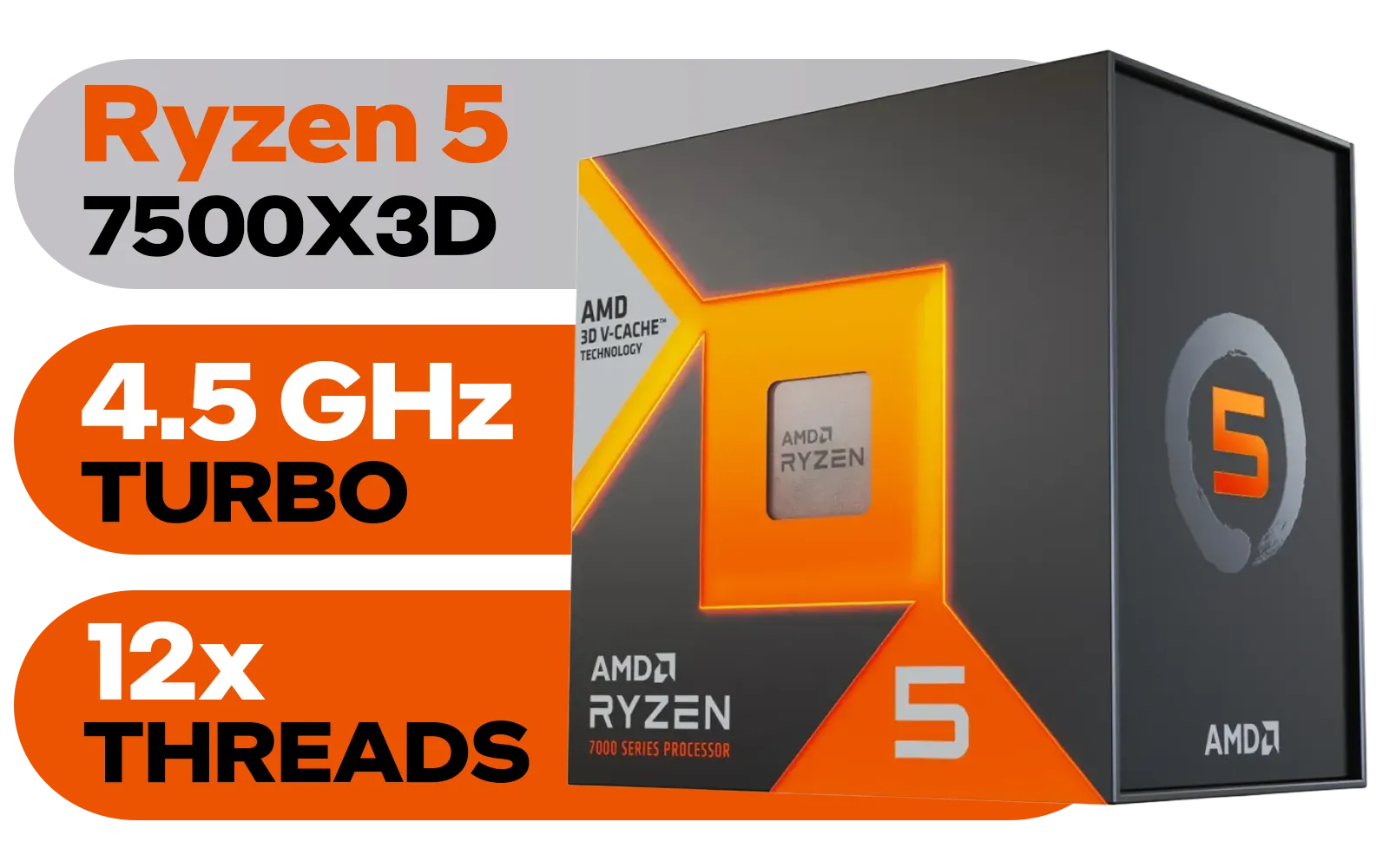
AMD Ryzen 5 7500X3D 6-Core 12-Threads 4.0GHz (4.5GHz Max Boost) Socket AM5 65W Desktop Processor / 102MB 3D V-Cache / AMD Ryzen 7000 Series Desktop Processor / No CPU Cooler Included / Integrated AMD Radeon Graphics / 100-100001904WOF
R6399.00In Stock
AMD Ryzen 5 3500X Boxed Processor / 6x Cores - 6x Threads / 3.60Ghz Base Clock / Up to 4.10GHz Max Boost Clock / AM4 Socket / 32MB L3 Cache / Discrete Graphics Card Required / 100-100000158BOX
R1699.00In Stock
Understanding the Challenge of Passive Cooling a Ryzen 7000 CPU
First, what is passive cooling? It’s a method of dissipating heat using only a large heatsink with no fans attached. The goal is to let natural convection and ambient airflow do all the work. It’s the ultimate silent solution. ⚡
However, modern processors are powerful heat generators. While AMD's Zen 4 architecture is incredibly efficient, a concept called Thermal Design Power (TDP) tells us how much heat a cooler needs to handle. For a Ryzen 7000 passive cooling project to even be considered, you must choose your chip carefully. High-end models like the 7950X are simply too hot. Instead, you'd look at the 65W models, like the Ryzen 5 7600 or Ryzen 7 7700, which are much more manageable. You can see the thermal specifications for these and other chips among the latest AMD CPUs.
Can You Really Run a PC Without a CPU Cooler?
Let’s be clear: you can't run a PC with no cooler at all. You're simply swapping an active cooler (the fan-and-heatsink combo you know) for a massive passive one. Think of it as upgrading from a noisy aircon unit to a silent, heat-absorbing wall.

AMD Ryzen 9 9900X3D Processor / 12-Core 24-Threads / 4.4GHz Base Clock (Up to 5.5GHz) / Socket AM5 / Zen 5 Architecture / 140MB Cache / Integrated AMD Radeon™ Graphics / 100-100001368WOF
R12999.00In Stock

Intel 14th Gen Core i3-14100F Desktop Processor 4(4P+0E) Cores up to 4.70GHz LGA1700 Series Chipset 58W / Discrete Graphics Card Required / BX8071514100F
R2049.00In Stock

Intel Core Ultra 9 285K Desktop Processor / 24x (8P + 16E) Cores / 24x Threads / Up to 5.7GHz Turbo Boost / LGA 1851 Series Chipset 250W / Integrated Intel® Graphics / CPU Cooler Not Included / BX80768285K
R12699.00In Stock
AMD Ryzen 5 7500X3D 6-Core 12-Threads 4.0GHz (4.5GHz Max Boost) Socket AM5 65W Desktop Processor / 102MB 3D V-Cache / AMD Ryzen 7000 Series Desktop Processor / No CPU Cooler Included / Integrated AMD Radeon Graphics / 100-100001904WOF
R6399.00In Stock

AMD Ryzen 5 9600X 6-Core 12-Threads 3.9GHz (5.4GHz Max Boost) Socket AM5 65W Desktop Processor / Zen 5 Architecture / AMD Radeon™ Graphics / Cooler Not Included / 100-100001405WOF
R5199.00In Stock

Intel Core Ultra 7 265K Processor / 20x (8P + 12E) Cores / 20x Threads / Up to 5.5GHz Turbo Boost / LGA 1851 Series Chipset 159W / Integrated Intel® Graphics / CPU Cooler Not Included / BX80768265K
R6999.00In Stock
Successfully building a PC without a CPU cooler fan requires a few key things:
- A Monster Heatsink: You'll need a specialised passive cooler like the Noctua NH-P1. These are enormous, heavy pieces of engineering designed for maximum surface area.
- A High-Airflow Case: A case with plenty of mesh panels (front, top, and back) is non-negotiable. The goal is to avoid trapping hot air.
- Strategic Component Choice: Every component adds heat. Using an efficient power supply and an M.2 SSD instead of older hard drives helps reduce the total thermal load inside your case.
TIP FOR YOU
Check Your Temps! 🌡️
Before attempting any advanced cooling setup, get familiar with monitoring software like HWiNFO64 or Ryzen Master. Keep a close eye on your CPU's 'Tdie' temperature under load. For Ryzen 7000, staying below 95°C is the official limit, but for a silent build's longevity, aiming for under 85°C is a much safer target.
Optimising Your Build for Silent, Fanless Performance
Achieving stable Ryzen 7000 passive cooling isn't just about bolting on a big heatsink. It's about fine-tuning your entire system. One of the most effective techniques is undervolting. By slightly reducing the voltage sent to the CPU through your motherboard's BIOS, you can significantly cut down on heat output with a minimal impact on performance.
It's a delicate balance. This approach is also popular in the small form factor (SFF) community, where builders often use low-power chips to manage heat in tiny spaces. For comparison, many builders attempting quiet builds also look at Intel's non-K series CPUs, which often have lower power targets.
Finally, consider our South African climate. A fanless PC running in a cool Johannesburg winter will behave very differently than one in a humid Durban summer. Your room's ambient temperature becomes a critical part of your PC's cooling system.
Intel Core Ultra 7 265K Processor / 20x (8P + 12E) Cores / 20x Threads / Up to 5.5GHz Turbo Boost / LGA 1851 Series Chipset 159W / Integrated Intel® Graphics / CPU Cooler Not Included / BX80768265K
R6999.00In Stock
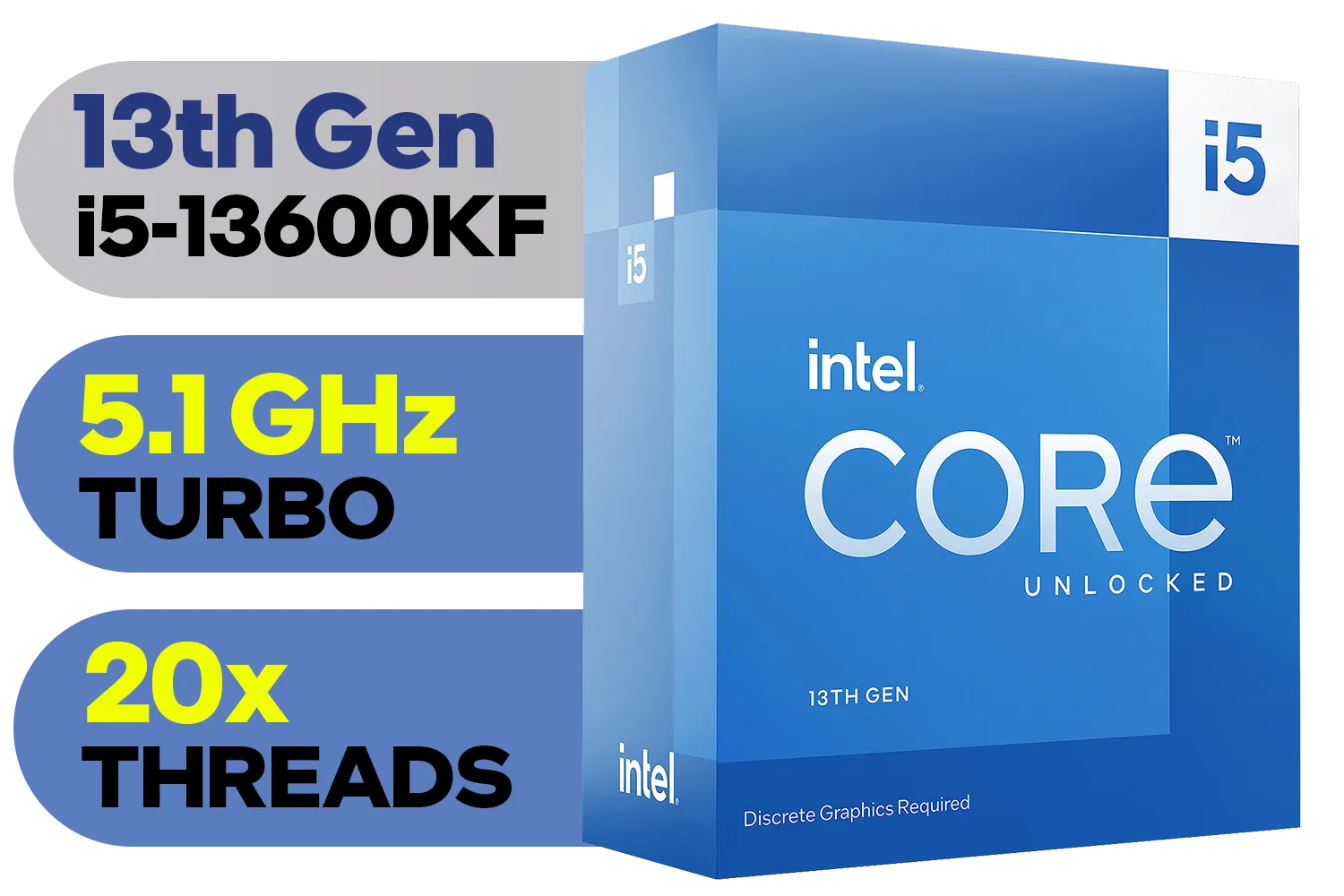
Intel 13th Gen Core i5-13600KF Desktop Processor 14 (6P+8E) Cores up to 5.10 GHz Unlocked LGA1700 Series Chipset 125W / <span style="color: red;" >Discrete Graphics Card Required</span> / BX8071513600KF
R6999.00In Stock
AMD Ryzen 5 7400 6-Core 12-Threads 3.3GHz (4.3GHz Max Boost) Socket AM5 65W Desktop Processor / 22MB Cache / AMD Ryzen 7000 Series Desktop Processor / Wraith Stealth CPU Cooler Included / Integrated AMD Radeon Graphics / 100-100001900BOX
R3299.00In Stock

Intel Core Ultra 5 245KF Desktop Processor / 14x (6P + 8E) Cores / 14x Threads / Up to 5.2GHz Turbo Boost / LGA 1851 Series Chipset 159W / Discrete Graphics Required / CPU Cooler Not Included / BX80768245KF
R4499.00In Stock
Intel Core Ultra 9 285K Desktop Processor / 24x (8P + 16E) Cores / 24x Threads / Up to 5.7GHz Turbo Boost / LGA 1851 Series Chipset 250W / Integrated Intel® Graphics / CPU Cooler Not Included / BX80768285K
R12699.00In Stock

AMD Ryzen 9 9900X 12-Core 24-Threads 4.4GHz (5.6GHz Max Boost) Socket AM5 120W Desktop Processor / Zen 5 Architecture / AMD Radeon™ Graphics / Cooler Not Included / 100-100000662WOF
R9299.00In Stock
The Verdict: Is a Passively Cooled Ryzen 7000 PC Worth It?
So, can you do it? Yes, it's technically possible with the right 65W Ryzen 7000 CPU, a massive passive heatsink, and a high-airflow case. 🔧
But is it practical for most people? Probably not.
The reality is that you’re paying a premium for specialised, heavy components and accepting lower performance limits to achieve absolute silence. For 99% of gamers and creators, a modern air cooler or All-In-One (AIO) liquid cooler offers vastly superior performance for the price, while still being incredibly quiet. Solutions from brands like Noctua, Deepcool, or Cooler Master can keep even powerful CPUs cool without making a racket, often for less than the cost of a giant passive heatsink. This approach allows you to get more performance from a wider range of affordable processors under R7000.
Ultimately, Ryzen 7000 passive cooling is an awesome enthusiast project, but for a reliable, powerful gaming rig, a quality active cooler is still the smartest choice. ✨
Ready to Build Your Perfect PC? The dream of a silent PC is awesome, but for raw gaming power and reliability, a well-cooled rig is king. Whether you're planning a silent masterpiece or a performance beast, finding the right CPU is the first step. Explore our massive range of CPUs and find the perfect heart for your build.
Related Products

AMD Ryzen 5 3400G Processor with Radeon Vega 11 Graphics / 4x Cores - 8x Threads / 3.7GHz Base Clock - Up to 4.2GHz Max. Boost Clock / 6MB Game Cache / Wraith Spire Cooler Included / Socket AM4 / 65W / YD3400C5FHBOX
R1499.00In Stock

AMD Ryzen 9 9950X3D 16-Core 32-Threads 4.3GHz (5.7GHz Max Boost) Socket AM5 170W Desktop Processor / Zen 5 Architecture / AMD Radeon™ Graphics / Cooler Not Included / 100-100000719WOF
R15499.00In Stock
AMD Ryzen 5 9600X 6-Core 12-Threads 3.9GHz (5.4GHz Max Boost) Socket AM5 65W Desktop Processor / Zen 5 Architecture / AMD Radeon™ Graphics / Cooler Not Included / 100-100001405WOF
R5199.00In Stock
Intel 14th Gen Core i3-14100 Desktop Processor 4(4P+0E) Cores up to 4.70GHz Unlocked LGA1700 Series Chipset 60W / BX8071514100
R3449.00In Stock

Intel 11th Gen Core i7-11700K Rocket Lake up to 5.0GHz 16MB Cache LGA 1200 95W BX8070811700K Desktop Processor / Intel SpeedStep Technology / Intel Virtualization Technology (VT-x) / Intel® UHD Graphics 750 / Require 500 Series Chipset MB (Z590,B560,H570)
R7399.00In Stock
AMD Ryzen 9 9900X3D Processor / 12-Core 24-Threads / 4.4GHz Base Clock (Up to 5.5GHz) / Socket AM5 / Zen 5 Architecture / 140MB Cache / Integrated AMD Radeon™ Graphics / 100-100001368WOF
R12999.00In Stock
Yes for light tasks if you use strong case airflow and VRM cooling, but cooling ryzen 7000 without cooler risks high temps under load.
Prioritize case airflow, tuned fan curves, quality thermal pads and VRM heatsinks — case airflow tips ryzen 7000 are key.
Passive methods can help Ryzen 7700 in low-load use; higher-end chips like 7800/7900 usually need active cooling — see ryzen 7700 passive cooling notes.
Install VRM heatsinks, direct case airflow to the VRM and use thermal pads; vrm cooling for am5 prevents thermal throttling.
Yes. Quality thermal pads improve heat transfer to chassis or heatsinks and reduce hotspots — thermal pad ryzen 7000 helps temps.
Raise case fan RPM earlier and use temp-based profiles in BIOS or software; a smart fan curve ryzen 7000 profile keeps temps stable.
Not ideal. Gaming drives sustained loads and ryzen 7000 no cooler temps will spike; passive setups suit light use or emergency testing.











