



Ryzen 9000 Build Guide: Perfect Pairing with MSI MAG X870E
Ryzen 9000 build guide: Optimize performance, compatibility, and thermals when pairing AMD's Ryzen 9000 series with the MSI MAG X870E. Step-by-step parts list, BIOS tweaks, cooling and OC tips for reliable high FPS builds. ⚙️🔥

So, you’re gearing up for AMD’s next-gen Zen 5 processors? The hype in the local PC building scene is real. With the promise of serious performance gains, a new Ryzen 9000 series CPU deserves a foundation that won’t hold it back. This isn’t just about plugging things in; it’s about creating a balanced system. This Ryzen 9000 build guide is here to help you nail the most critical choice: the motherboard.
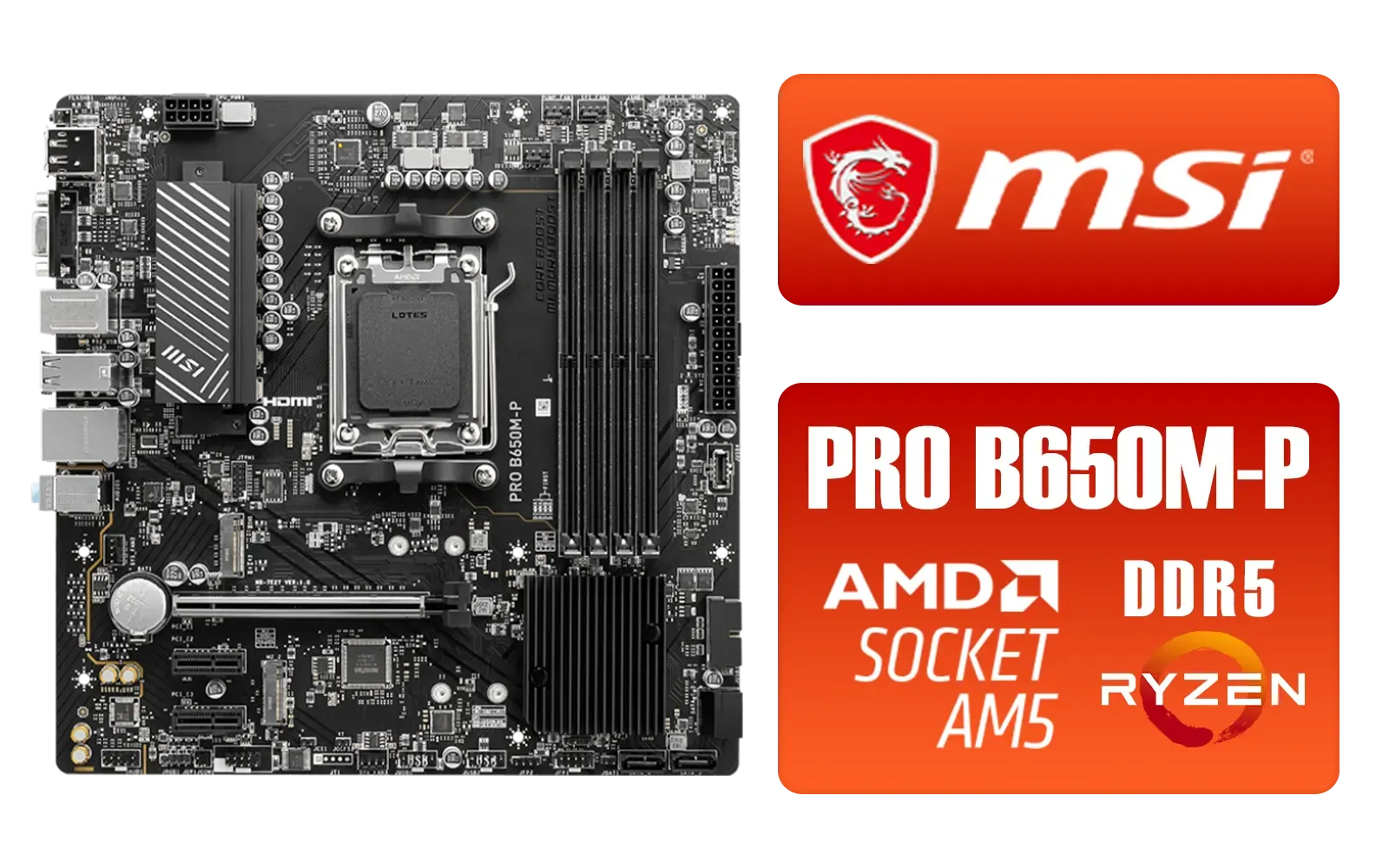
MSI PRO B650M-P PRO Series Motherboard (AMD AM5, mATX, DDR5, PCIe 4.0, M.2, SATA 6Gb/s, USB 3.2 Gen 2, HDMI/DP, AMD Ryzen 7000 Series Desktop Processors) - 911-7E27-001
R2499.00In Stock

MSI PRO B760M-E DDR4 mATX Motherboard (Supports 12th/13th Gen Intel Processors, LGA 1700, DDR4, 4.0, M.2, Gigabit LAN, USB 3.2 Gen1, mATX) - 911-7D48-013
R2199.00In Stock
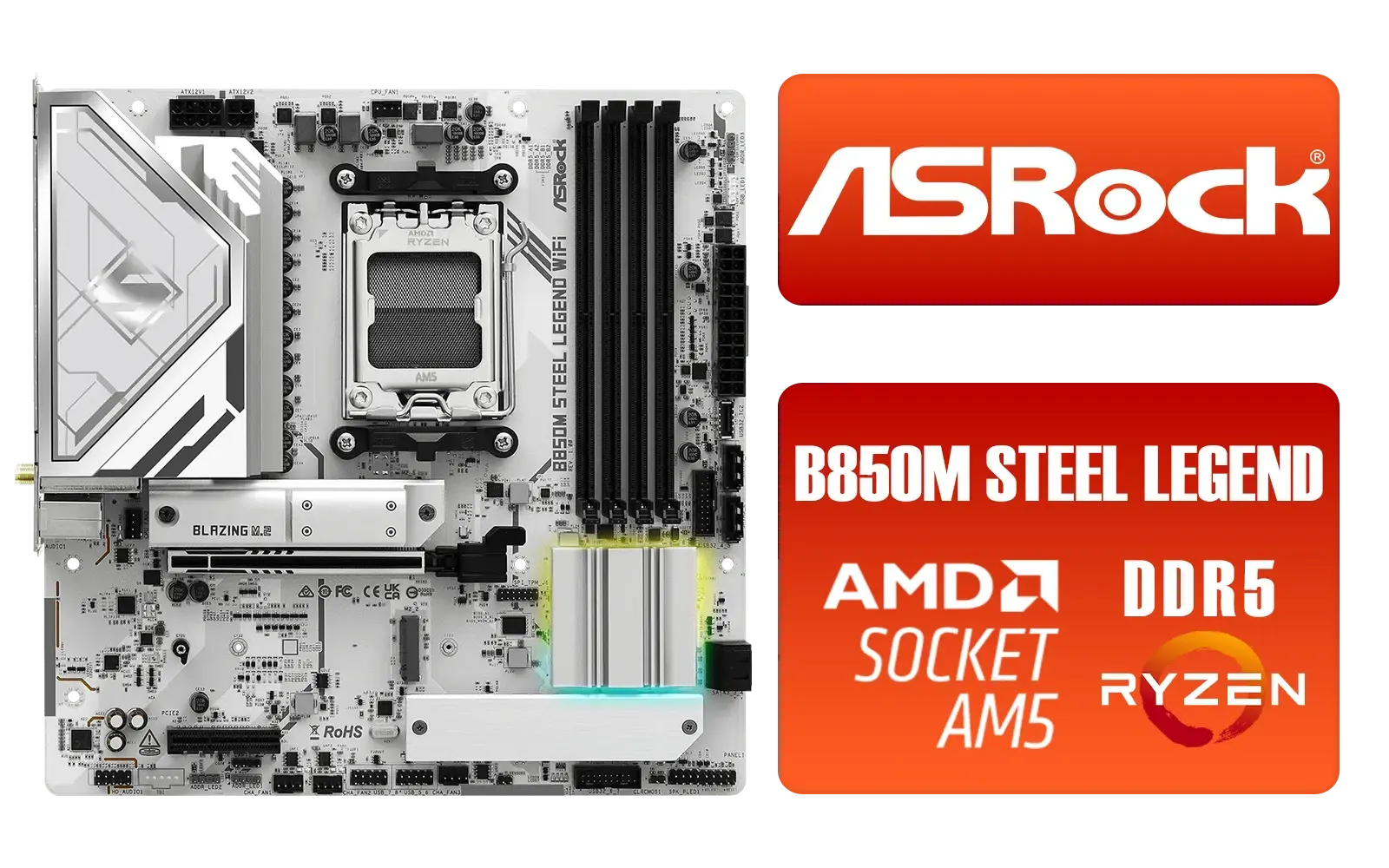
ASRock B850M Steel Legend WiFi AMD Motherboard / Supports AMD Socket AM5 Ryzen™ 9000, 8000 and 7000 Series Processors / AMD B850 Chipset / PCIe Gen5 (Graphics, M.2) / Dual Channel DDR5 / 2.5G LAN & Wi-Fi 7 / BIOS Flashback Button / 90-MXBS20-A0UAYZ
R3899.00In Stock

MSI PRO B850-P WIFI Motherboard, ATX - Supports AMD Ryzen 9000/8000 / 7000 Processors, AM5 - DDR5 Memory Boost (8200+ MT/s OC), PCIe 5.0 x16 & 4.0 x16, M.2 Gen5, Wi-Fi 7, 5G LAN / 911-7E56-002
R4599.00In Stock
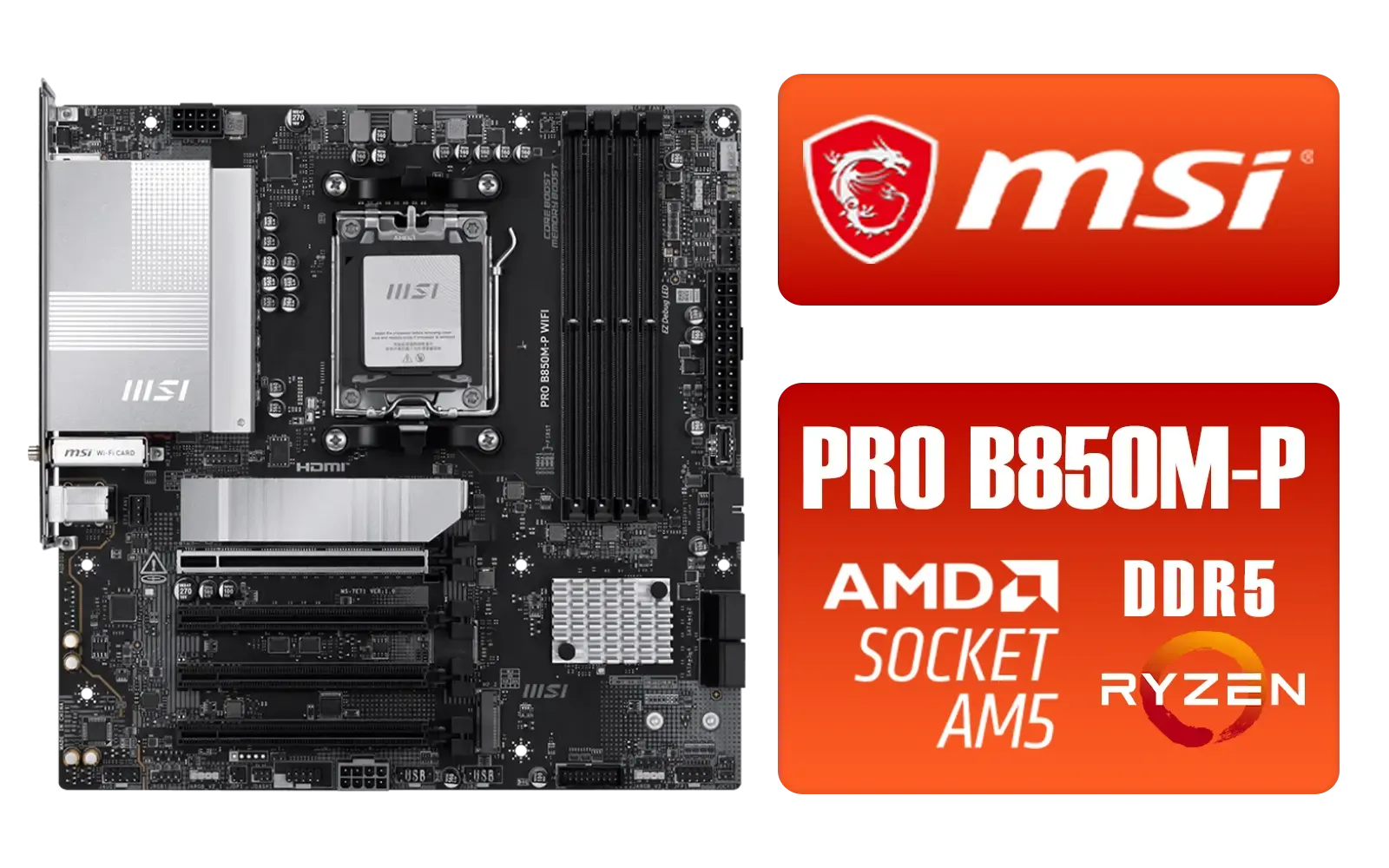
MSI PRO B850M-P WIFI AMD Motherboard / Supports AMD Ryzen™ 9000 / 8000 / 7000 Series / Dual Channel DDR5-8200+ (OC) / Direct 7+2+1 Power System (P-PAK) / 8-pin CPU Power Connector / PCIe 5.0 Slot & Lightning Gen 5 x4 M.2 / 5G LAN & Wi-Fi 7 / 911-7E71-001
R4199.00In Stock
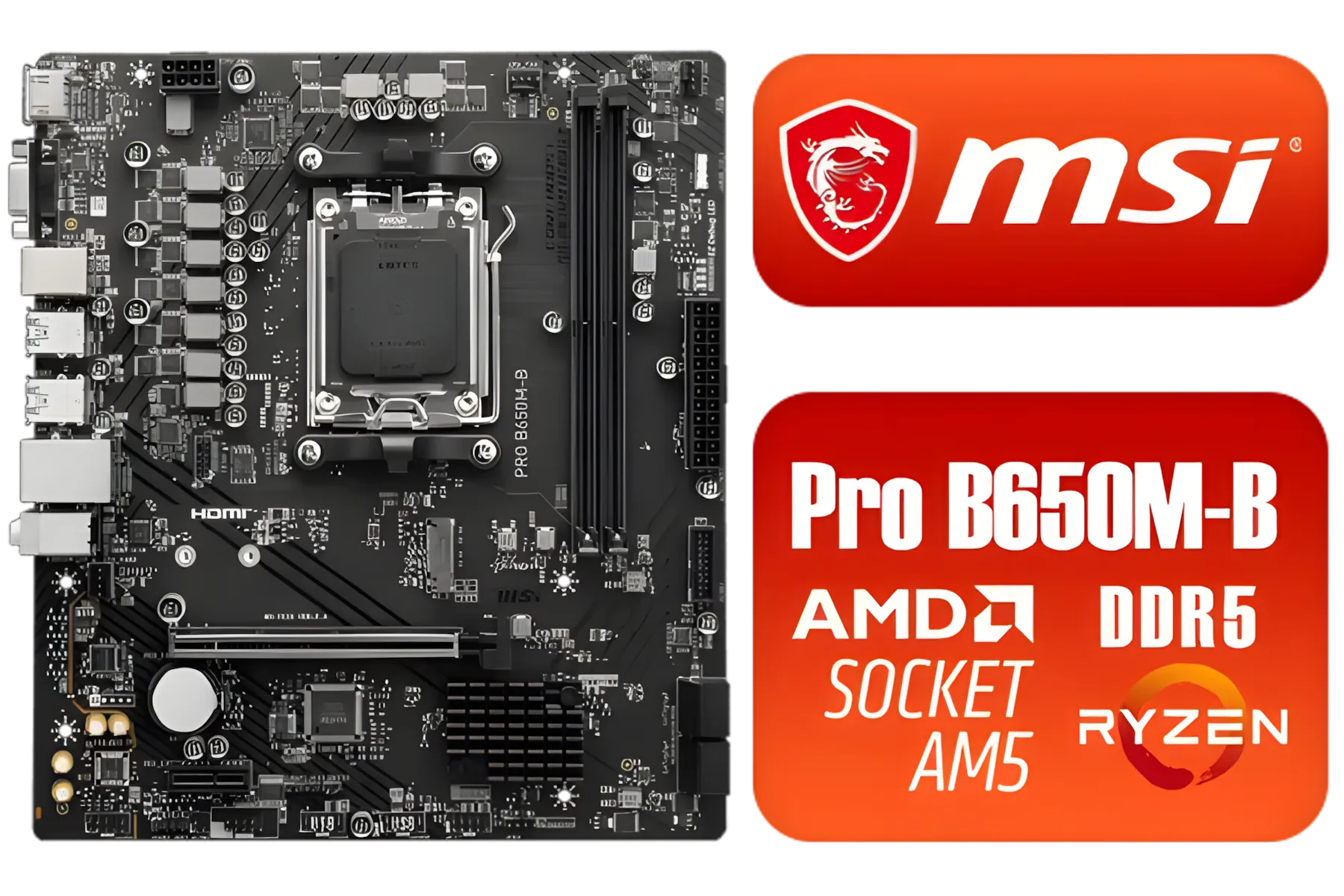
MSI Pro B650M-B AMD Ryzen Motherboard / AMD Socket AM5 / AMD B650 Chipset / 2 DIMMs, Dual Channel DDR5-6800+MHz (OC) /1x PCIe 4.0 x16 slot / 911-7E28-005
R2149.00In Stock
Why Your Motherboard is Key for a Ryzen 9000 Build
Think of your motherboard as the central nervous system of your PC. It connects every single component, from your CPU and RAM to your graphics card and storage. A cheap, underpowered board will bottleneck your shiny new Ryzen 9000 CPU, starving it of stable power and limiting its potential. You wouldn't put budget tyres on a supercar, right? 🏎️
The new X870E chipset is specifically engineered for Zen 5, bringing key advancements like mandatory PCIe 5.0 for both the GPU and primary NVMe slot, plus faster USB4 support. This isn't just about today's performance; it's about building a rig that's ready for tomorrow's lightning-fast components. For any serious Ryzen 9000 build, starting with the right chipset is non-negotiable.
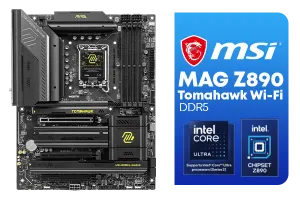
MSI MAG Z890 Tomahawk Wi-Fi Intel Motherboard / ATX Form Factor / Supports Intel® Core™ Ultra Processors (Series 2) / LGA 1851 CPU Socket / 4x DDR5 UDIMM Supporting up to 256GB / 911-7E32-003
R7999.00In Stock

ASRock X870E Taichi WIFI AMD Ryzen Motherboard / Supports AMD Socket AM5 Ryzen™ 9000, 8000 and 7000 Series Processors / AMD X870 Chipset / USB4 Type-C (40Gbps) Connectivity / 90-MXBP90-A0UAYZ
R10999.00In Stock
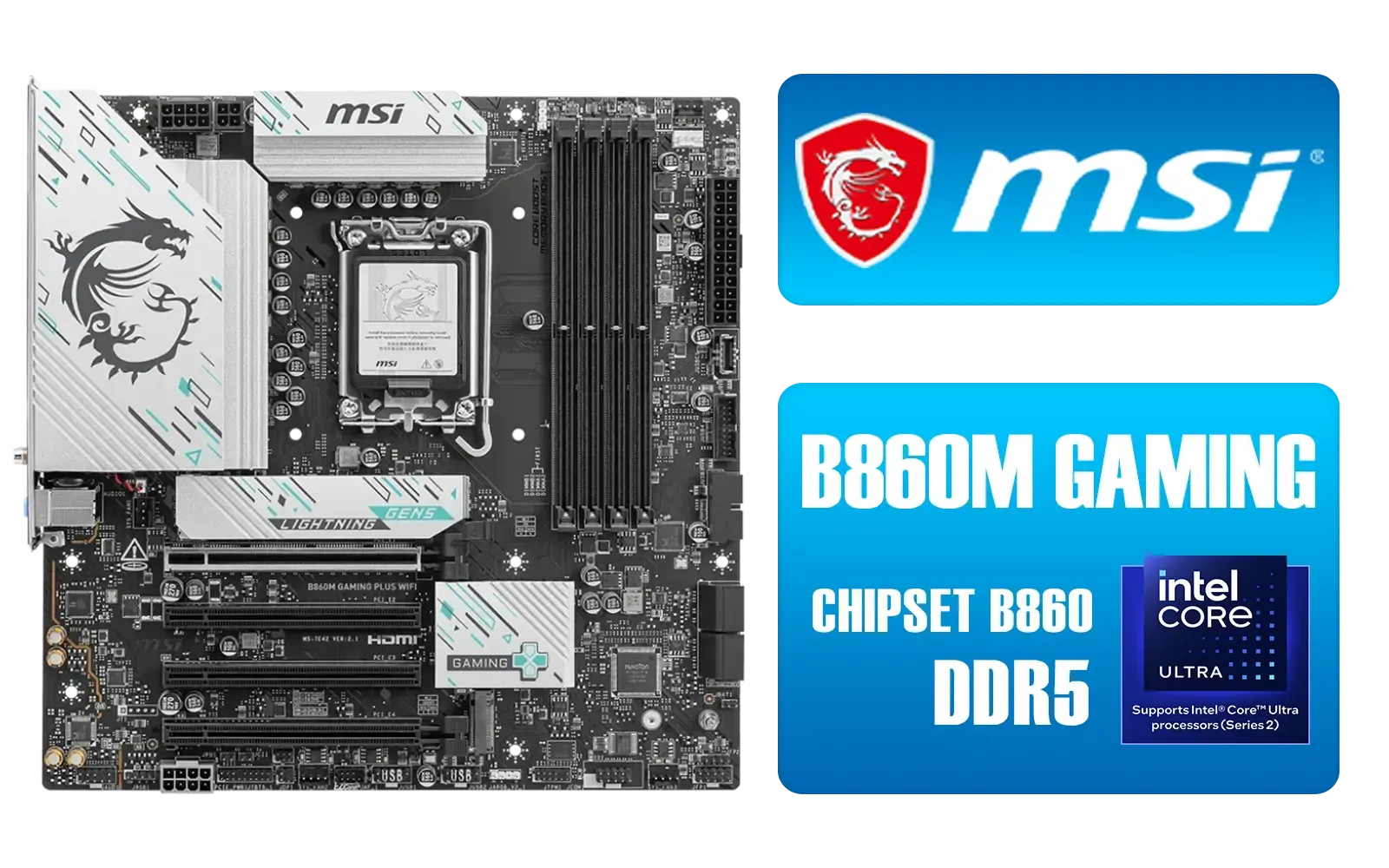
MSI B860M Gaming Plus WiFi Intel Motherboard / Micro-ATX Motherboard / Supports Intel® Core™ Ultra (Series 2) / Dual Channel DDR5-8800+ (OC) / 12+1+1+1 Duet Rail Power System with P-PAK / Intel® Killer™ 5G LAN & Wi-Fi 7 / PCIe 5.0 Slot / Lightning Gen 5 x4 M.2 / Front USB Type-C / 911-7E42-003
R4699.00In Stock
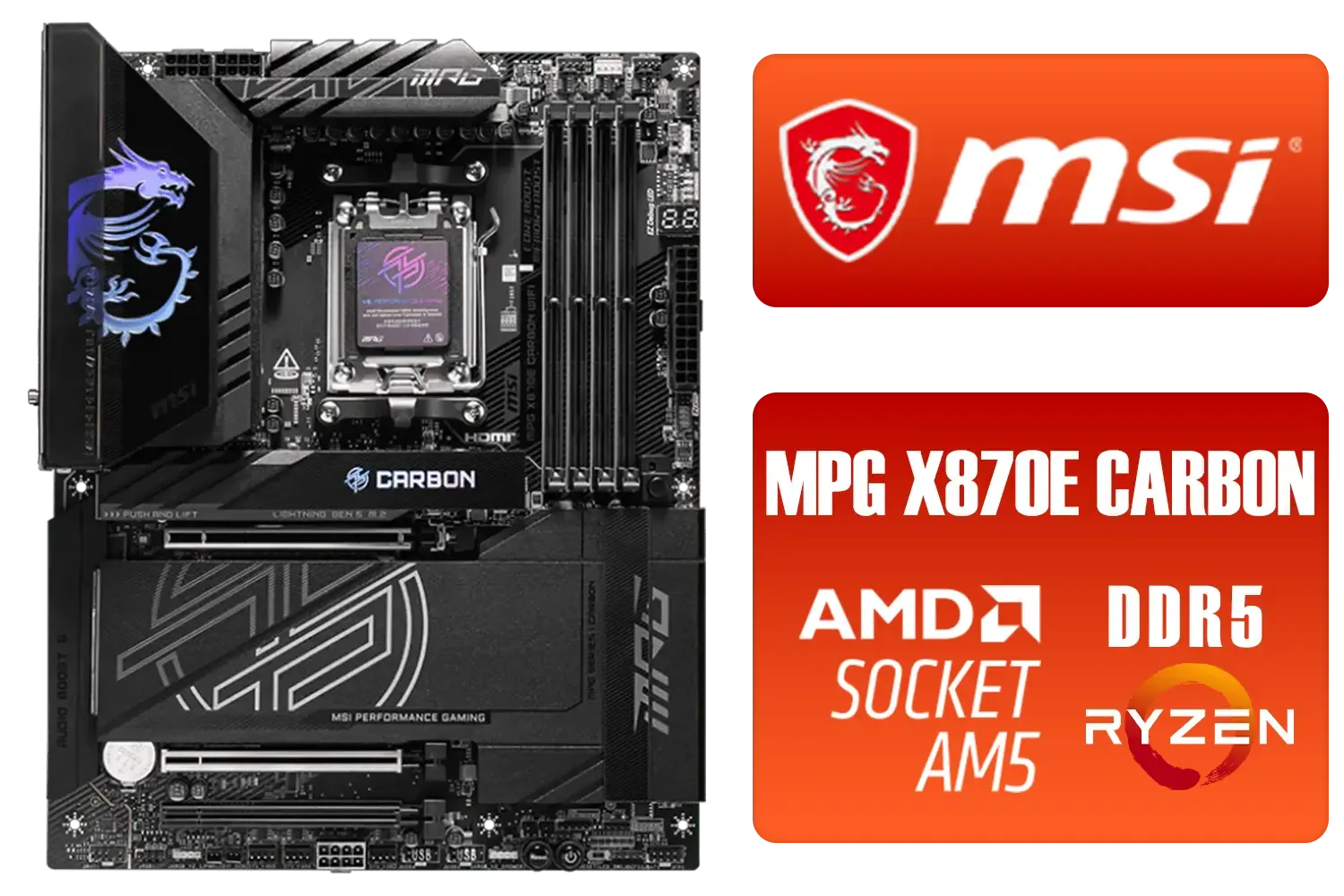
MSI MPG X870E Carbon Wi-Fi AMD Motherboard / ATX Motherboard / AMD X870 Chipset / Supports AMD Ryzen™ 9000/ 8000/ 7000 Series Desktop Processors / Socket AM5 / Lightning Gen 5 / DDR5 MEMORY SUPPORT / 3x PCI-E x16 slot / 4x M.2 Slots / Wi-Fi 7 / Supports Bluetooth® 5.4 / 911-7E49-001
R9399.00In Stock

ASRock B860 Steel Legend WiFi Intel Motherboard / ATX Form Factor / Supports Intel® Core™ Ultra Processors (Series 2) / LGA 1851 CPU Socket / 4x DDR5 DIMM Supporting up to 256GB / 90-MXBR30-A0UAYZ
R5599.00In Stock

MSI MAG B860 TOMAHAWK WIFI Motherboard, ATX - Supports Intel Core Ultra Processors (Series 2), LGA 1851 - DDR5 Memory Boost 9200+ MT/s OC, 1 x PCIe 5.0 x16, 1 x M.2 Gen5, 5G LAN, Wi-Fi 7 / 911-7E39-001
R5999.00In Stock
The Perfect Pairing: MSI MAG X870E TOMAHAWK MAX WIFI
When it comes to a no-nonsense, high-performance motherboard that delivers without an outrageous price tag, MSI's TOMAHAWK series has always been a top contender. The new MSI MAG X870E TOMAHAWK MAX WIFI continues this legacy, making it an ideal partner for your Zen 5 CPU.
Here’s why it stands out in our Ryzen 9000 build guide:
- Robust Power Delivery: It features a powerful VRM (Voltage Regulator Module) design, ensuring your CPU gets clean, stable power even under heavy gaming or rendering loads. This is crucial for maximising boost clocks and potential overclocking.
- Next-Gen Connectivity: With Wi-Fi 7 and 5G LAN, your connection will be as fast as your framerates. Multiple M.2 slots, including Gen5, mean you can install the quickest SSDs on the market for near-instant load times.
- Builder-Friendly Design: MSI has included features like an extended heatsink, M.2 Shield Frozr, and a pre-installed I/O shield. These aren't just for looks; they improve cooling and make the building process smoother. ✨
TIP FOR YOU
First Boot Pro Tip 🔧
When you first boot your new build, jump straight into the BIOS and enable the EXPO profile for your DDR5 RAM. This is AMD's one-click memory overclocking technology. Without it, your expensive high-speed RAM will run at its much slower default speed, leaving significant performance on the table!
Assembling the Rest of Your Rig
A great motherboard is just the start. To complete your build, you need components that complement its capabilities. For a high-end Ryzen 9000 CPU paired with the MSI X870E, consider at least 32GB of high-speed DDR5 RAM (6000MHz is the current sweet spot) and a quality 850W+ Gold-rated power supply.
While the X870E TOMAHAWK is a fantastic premium choice, we understand every builder has a different budget. If you're looking for alternatives that still offer great performance on the AM5 platform, you can browse Evetech's full range of AMD motherboards to find the perfect fit for your specific needs and wallet.

ASRock B850 Steel Legend WIFI AMD Ryzen Motherboard / Supports AMD Socket AM5 Ryzen™ 9000, 8000 and 7000 Series Processors / AMD B850 Chipset / USB4 Type-C (10Gbps) Connectivity / 90-MXBQS0-A0UAYZ
R4699.00In Stock
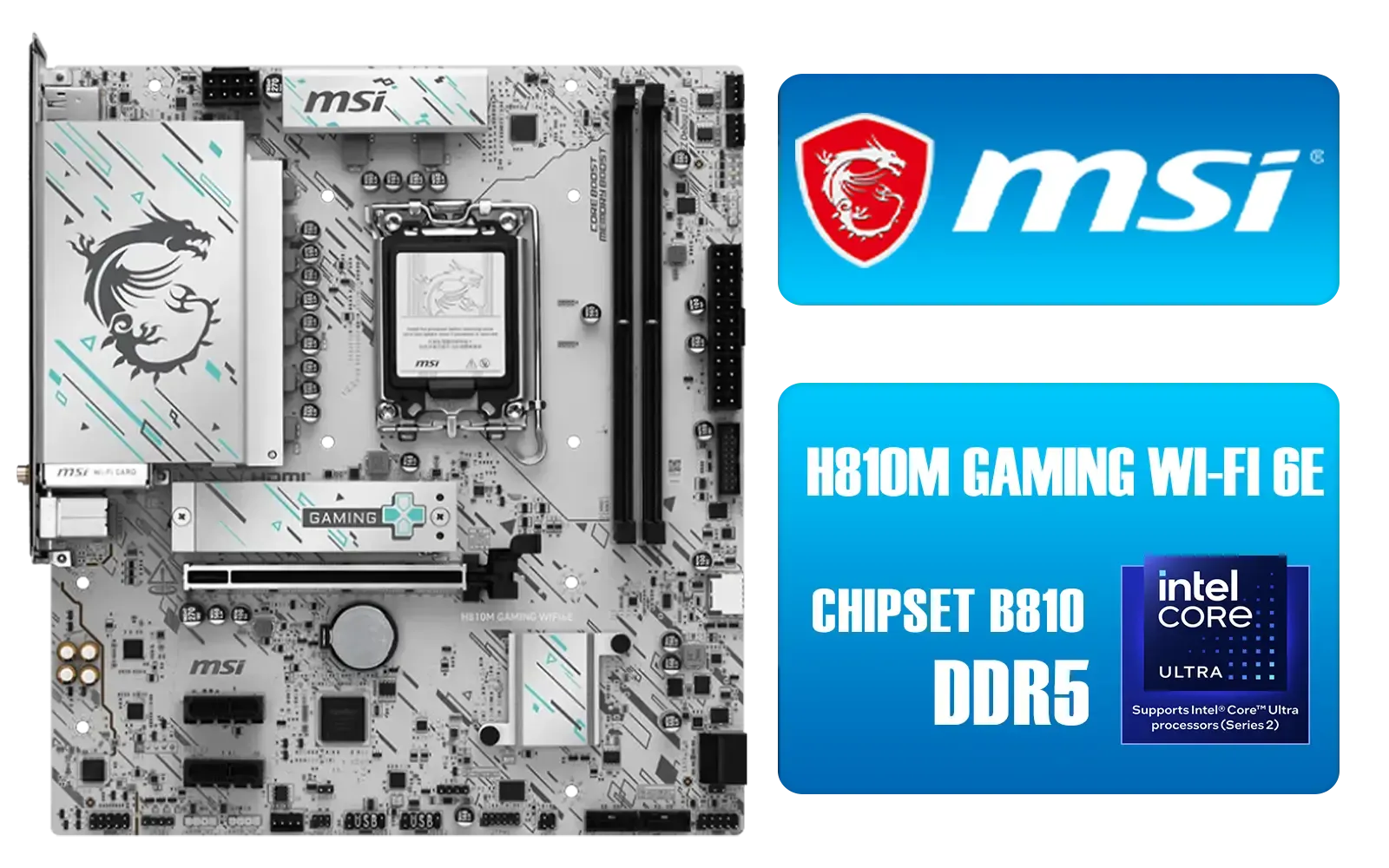
MSI H810M Gaming Wi-Fi 6E Intel Motherboard - White / Supports Intel® Core™ Ultra (Series 2) / Dual Channel DDR5-6400+ (OC) / 6 P-PAK Power System / Lightning Gen 4 x4 M.2 / USB 20G Type-C / Realtek® 2.5G LAN / Wi-Fi 6E / 911-7E64-002
R3499.00In Stock
MSI MAG B860 TOMAHAWK WIFI Motherboard, ATX - Supports Intel Core Ultra Processors (Series 2), LGA 1851 - DDR5 Memory Boost 9200+ MT/s OC, 1 x PCIe 5.0 x16, 1 x M.2 Gen5, 5G LAN, Wi-Fi 7 / 911-7E39-001
R5999.00In Stock

ASRock Phantom Gaming B850 Riptide WIFI AMD Ryzen Motherboard / Supports AMD Socket AM5 Ryzen™ 9000, 8000 and 7000 Series Processors / AMD B850 Chipset / USB4 Type-C (10Gbps) Connectivity / 90-MXBQT0-A0UAYZ
R4999.00In Stock
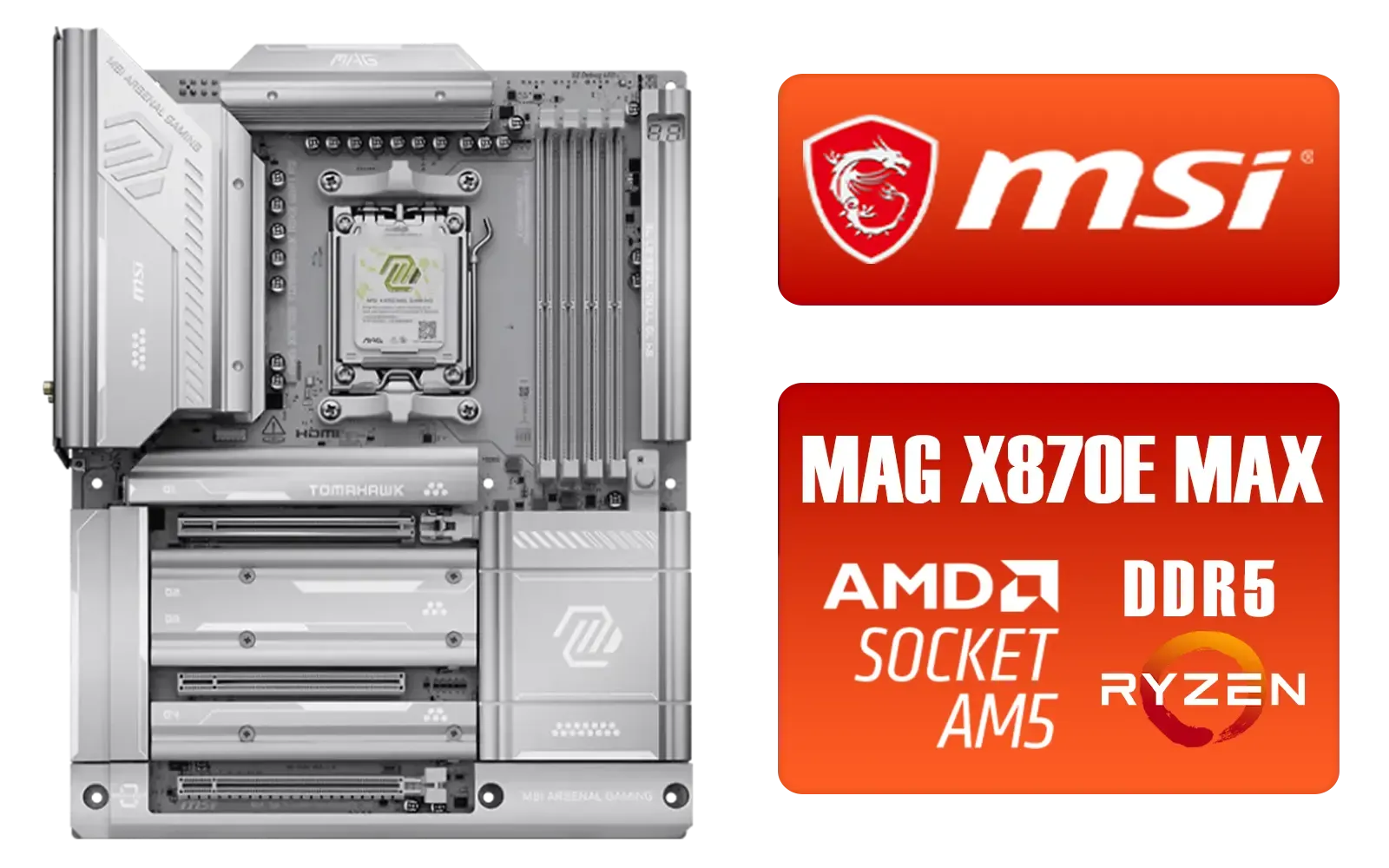
MSI MAG X870E Tomahawk MAX WiFi PZ AMD Motherboard / Supports AMD Ryzen™ 9000 / 8000 / 7000 Series / Dual Channel DDR5-8400+ (OC) / 14+2+1 Duet Rail Power System / Lightning Gen 5 x4 M.2 / USB4 & 5G LAN / Wi-Fi 7 / 911-7E84-001
R7999.00In Stock
MSI PRO B850M-P WIFI AMD Motherboard / Supports AMD Ryzen™ 9000 / 8000 / 7000 Series / Dual Channel DDR5-8200+ (OC) / Direct 7+2+1 Power System (P-PAK) / 8-pin CPU Power Connector / PCIe 5.0 Slot & Lightning Gen 5 x4 M.2 / 5G LAN & Wi-Fi 7 / 911-7E71-001
R4199.00In Stock
Future-Proofing vs. Overspending
Is an X870E board overkill? For a top-tier Ryzen 7 or Ryzen 9 CPU from the 9000 series, the answer is a firm no. Investing in a quality motherboard like this ensures you can upgrade your GPU or storage in a few years without needing a complete platform overhaul. The support for PCIe 5.0 is the single biggest future-proofing feature you can get right now. 🚀
Ultimately, the goal is to build a balanced PC. Our advice is to allocate a healthy portion of your budget to the motherboard. It's the component that ties everything together, and skimping on it is a recipe for instability and disappointment. Whether you're team red or blue, you can explore our huge selection of motherboards to find the perfect foundation for your next dream machine.
Ready to Build Your Zen 5 Powerhouse? The Ryzen 9000 series is set to redefine performance. Pairing it with a top-tier motherboard like the MSI MAG X870E TOMAHAWK is the first step to building a truly epic rig. Explore all the PC components you need and start planning your ultimate build today.
Related Products

MSI MEG Z890 UNIFY-X Intel Motherboard / LGA 1851 Socket / Supports Intel® Core™ Ultra Processors (Series 2) / 2x DDR5 UDIMM Slots / ATX Form Factor / 911-7E20-001
R16299.00In Stock

Asus Rog Strix TRX40-E Gaming AMD Ryzen Threadripper ATX Motherboard / 3rd Gen AMD Ryzen / 16 power stages / Wi-Fi 6 / 2.5 Gbps LAN / USB 3.2 Gen 2 / Three M.2 / Aura Sync RGB / AMD Socket sTRX4
R4999.00In Stock

ASRock B860 Pro RS WiFi Intel Motherboard / ATX Form Factor / Supports Intel® Core™ Ultra Processors (Series 2) / LGA 1851 CPU Socket / 4x DDR5 DIMM Supporting up to 256GB / 90-MXBRK0-A0UAYZ
R3899.00In Stock
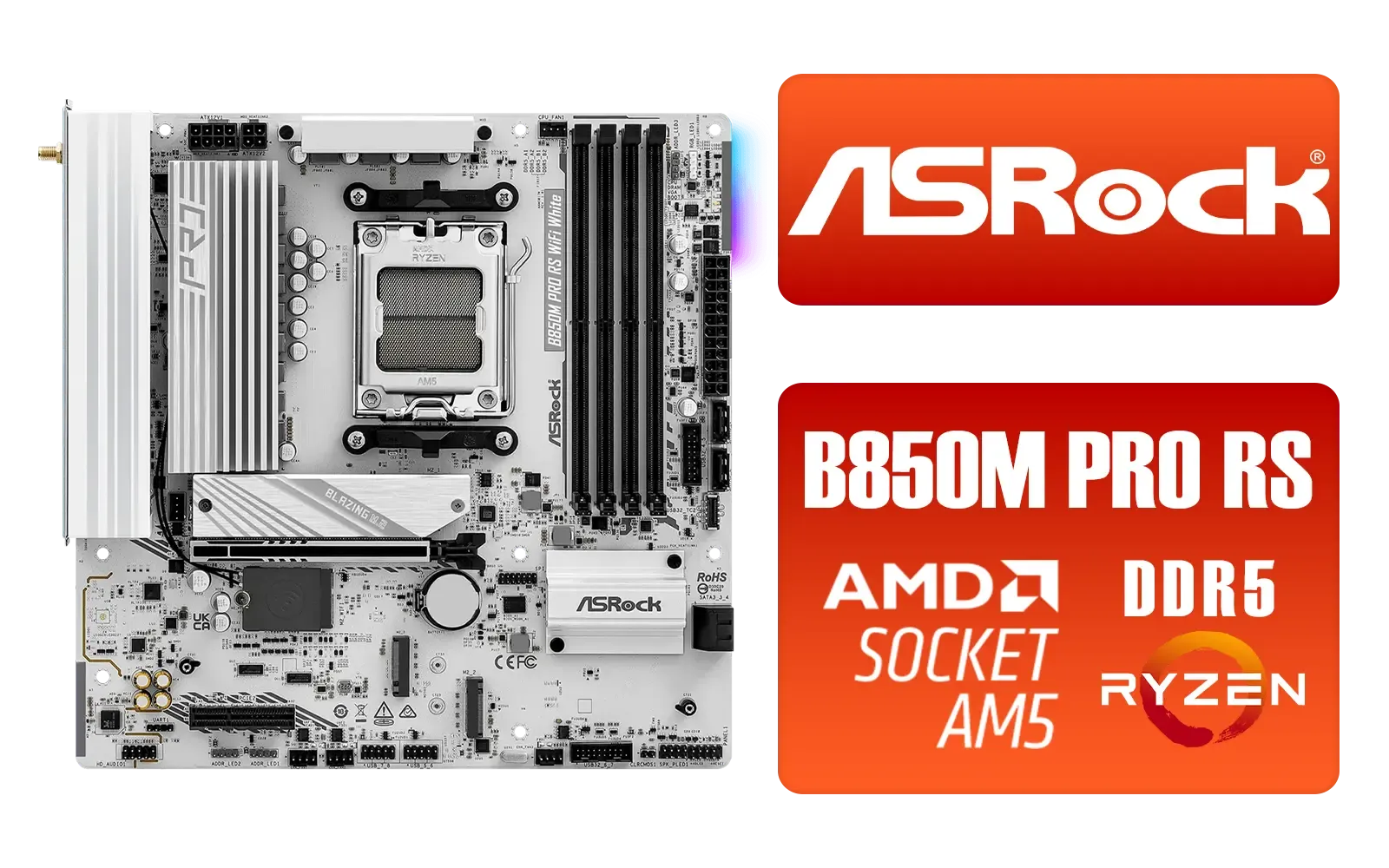
ASRock B850M Pro RS WiFi AMD Motherboard - White / Supports AMD Socket AM5 Ryzen™ 9000, 8000 and 7000 Series Processors / AMD B850 Chipset / PCIe Gen5 (Graphics, M.2) / Dual Channel DDR5 / 8+2+1 Power Phase Dr.MOS for VCore+SOC+MISC / 2.5G LAN & Wi-Fi 6E / 90-MXBT30-A0UAYZ
R3499.00In Stock
ASRock B850 Steel Legend WIFI AMD Ryzen Motherboard / Supports AMD Socket AM5 Ryzen™ 9000, 8000 and 7000 Series Processors / AMD B850 Chipset / USB4 Type-C (10Gbps) Connectivity / 90-MXBQS0-A0UAYZ
R4699.00In Stock
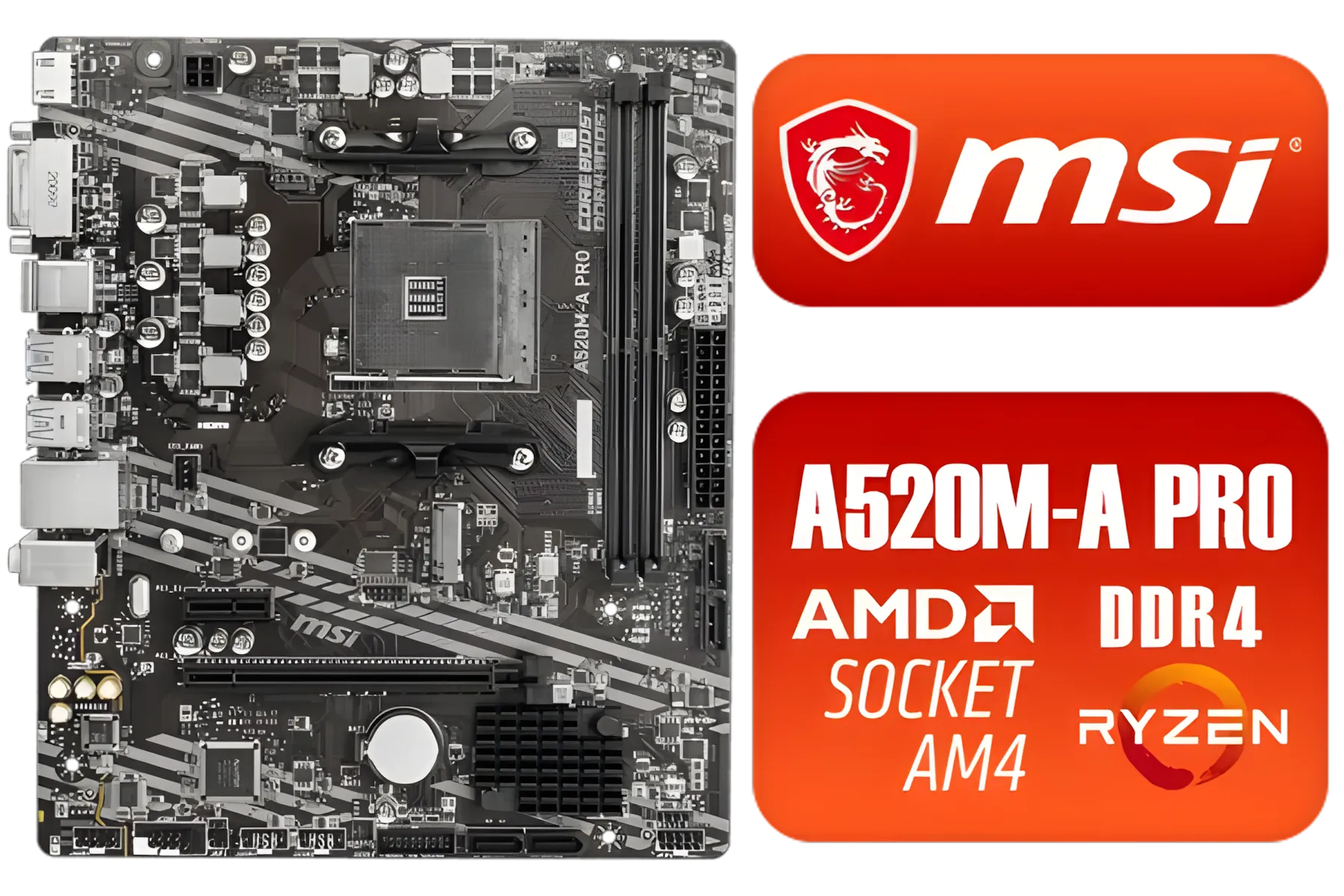
MSI A520M-A PRO AMD Ryzen M-ATX Motherboard / 3rd Gen AMD Ryzen Desktop Processors / Supports AMD Ryzen 5000 Series, 5000 G-Series, 4000 G-Series, 3000 Series, 3000 G-Series, / Supports DDR4 Memory, up to 4600(OC) MHz / AMD Socket AM4 / AMD A520 Chipset / Studio Grade Sound Quality / A520M-A-PRO
R1399.00In Stock
Yes. The MSI MAG X870E supports Ryzen 9000 with a compatible BIOS and DDR5 memory; update BIOS to the latest AGESA for best stability.
Enable DOCP/XMP for DDR5, set PBO limits, adjust voltage curves, and install the latest X870E BIOS for improved memory and CPU compatibility.
High-performance 360mm AIOs or tower air coolers with large radiators manage Ryzen 9000 thermals best; prioritize airflow and static pressure fans.
Use a quality 750W–1000W Gold or better PSU depending on GPU; choose strong 12V rail stability and 80 Plus efficiency for reliable power delivery.
Yes. The X870E has robust VRMs for overclocking Ryzen 9000. Follow safe voltage limits and validate stability with stress testing.
Aim for DDR5-6000 to DDR5-6400 kits with tight timings and DOCP support to maximize Ryzen 9000 performance on the X870E.
Always update the MSI MAG X870E BIOS to the latest AGESA release before installing Ryzen 9000 to ensure full compatibility and memory support.











