



Ryzen 9000 Gaming Build: Balance Performance and Efficiency
Ryzen 9000 gaming build: Maximize FPS while cutting power draw. Learn BIOS tweaks, cooling optimization, RAM tuning, and PSU choices to balance performance and efficiency ⚡️🎮
Howzit, gamers! AMD's new Ryzen 9000 series is here, and the hype is real. But for South African builders, a new CPU isn't just about topping leaderboards... it's about smart performance. How do you build a rig that crushes frames without tripping the power? Let's dive into crafting the perfect Ryzen 9000 gaming build, balancing raw power with next-level efficiency. It’s time to build smarter, not just faster. 🚀

ASRock X870 Steel Legend WIFI AMD Ryzen Motherboard / Supports AMD Socket AM5 Ryzen™ 9000, 8000 and 7000 Series Processors / AMD X870 Chipset / USB4 Type-C (10Gbps) Connectivity / 90-MXBPJ0-A0UAYZ
R5999.00In Stock

ASRock Phantom Gaming B860 Lightning WiFi Intel Motherboard / ATX Form Factor / Supports Intel® Core™ Ultra Processors (Series 2) / LGA 1851 CPU Socket / 4x DDR5 DIMM Supporting up to 256GB / 90-MXBR20-A0UAYZ
R5699.00In Stock

MAG B860M Mortar WiFi Motherboard, mATX - Supports Intel Core Ultra Processors (Series 2), LGA 1851 - DDR5 Memory Boost 9200+ MT/s OC, 1 x PCIe 5.0 x16, 1 x M.2 Gen5, 5G LAN, Wi-Fi 7 / 911-7E40-002
R5599.00In Stock

ASRock Z890 Steel Legend WiFi Intel Motherboard / ATX Form Factor / Supports Intel® Core™ Ultra Processors (Series 2) / LGA 1851 CPU Socket / 4x DDR5 DIMM Supporting up to 256GB / 90-MXBPF0-A0UAYZ
R6699.00In Stock

ASRock X870E Taichi WIFI AMD Ryzen Motherboard / Supports AMD Socket AM5 Ryzen™ 9000, 8000 and 7000 Series Processors / AMD X870 Chipset / USB4 Type-C (40Gbps) Connectivity / 90-MXBP90-A0UAYZ
R10999.00In Stock

ASRock Z890 Taichi WiFi Intel Motherboard / ATX Form Factor / Supports Intel® Core™ Ultra Processors (Series 2) / LGA 1851 CPU Socket / 4x DDR5 DIMM Supporting up to 256GB / 90-MXBPR0-A0UAYZ
R9999.00In Stock
Why a Ryzen 9000 Gaming Build Makes Sense in SA
At the heart of the new Ryzen 9000 series is the "Zen 5" architecture. This isn't just a small step up; AMD is promising a significant leap in Instructions Per Clock (IPC). In simple terms? The CPU gets more work done in the same amount of time, at similar clock speeds.
For you, this means higher frame rates in demanding games and quicker response times in creative apps. More importantly, this performance boost doesn't come with a massive power penalty. A more efficient CPU means less heat, quieter fans, and a slightly happier electricity bill... something every South African can appreciate. A well-planned Ryzen 9000 gaming build is all about getting that top-tier performance without needing a mini power station.
The Foundation: Choosing the Right Motherboard for Ryzen 9000
A powerful CPU needs a solid foundation, and for Ryzen 9000, that starts with the new AM5 motherboards. The X870E chipset is the new top dog, designed to get the absolute most out of Zen 5. It brings mandatory support for PCIe 5.0 for both your graphics card and primary NVMe SSD, plus the latest USB4 ports.
This makes a board like the MSI MAG X870E TOMAHAWK MAX WIFI an excellent choice for a high-end Ryzen 9000 build. It provides the features you need today and future-proofs your rig for tomorrow's lightning-fast components. ✨
Balancing Your Ryzen 9000 Build for Peak Performance
Building a PC is all about balance. You don't put a V8 engine in a go-kart, right? The same logic applies here. The goal is to create a cohesive system where no single component bottlenecks another.

ASRock B860 Steel Legend WiFi Intel Motherboard / ATX Form Factor / Supports Intel® Core™ Ultra Processors (Series 2) / LGA 1851 CPU Socket / 4x DDR5 DIMM Supporting up to 256GB / 90-MXBR30-A0UAYZ
R5599.00In Stock

MSI PRO B850-P WIFI Motherboard, ATX - Supports AMD Ryzen 9000/8000 / 7000 Processors, AM5 - DDR5 Memory Boost (8200+ MT/s OC), PCIe 5.0 x16 & 4.0 x16, M.2 Gen5, Wi-Fi 7, 5G LAN / 911-7E56-002
R4599.00In Stock

ASRock Phantom Gaming Z890 Riptide Intel Motherboard / ATX Form Factor / Supports Intel® Core™ Ultra Processors (Series 2) / LGA 1851 CPU Socket / 4x DDR5 DIMM Supporting up to 256GB / 90-MXBPB0-A0UAYZ
R7699.00In Stock

MSI PRO Z890-S Wi-Fi Intel Motherboard / ATX Motherboard / Supports Intel® Core™ Ultra Processors (Series 2) / LGA 1851 Socket / 4x DDR5 UDIMM Up to 256GB / Intel® Wi-Fi 7 / 911-7E54-001
R5999.00In Stock

MSI MPG Z890 Carbon Wi-Fi Intel Motherboard / ATX Form Factor / Supports Intel® Core™ Ultra Processors (Series 2) / LGA 1851 CPU Socket / 4x DDR5 UDIMM Supporting up to 256GB / 911-7E17-001
R11999.00In Stock
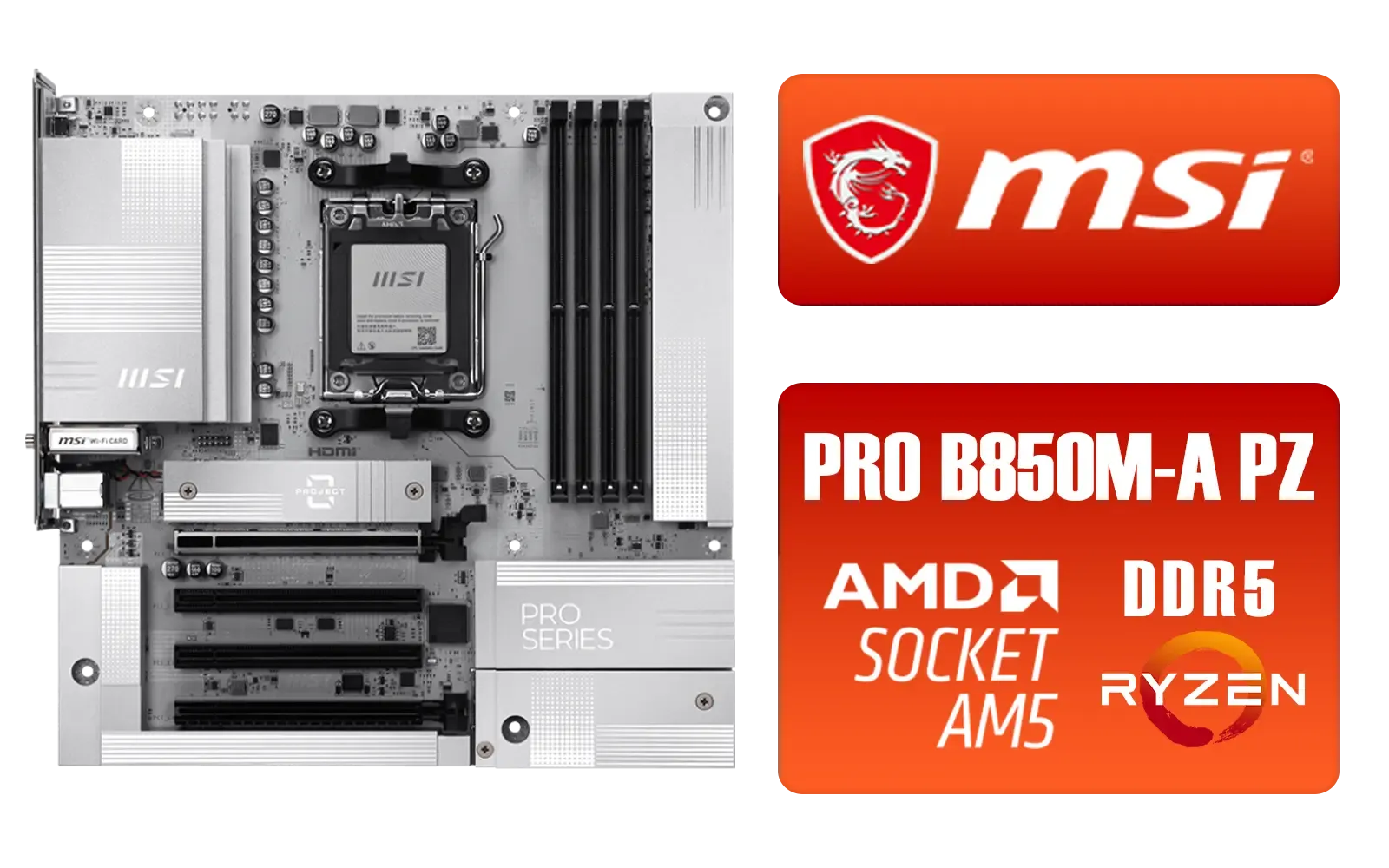
MSI PRO B850M-A WIFI PZ AMD Motherboard / Supports AMD Ryzen™ 9000 / 8000 / 7000 Series / Dual Channel DDR5-8200+ (OC) / Direct 8+2+1 Power System (60A SPS) / Lightning Gen 5 x4 M.2 / 5G LAN & Wi-Fi 7 / 911-7E78-001
R4999.00In Stock
CPU and Motherboard Synergy
While the flagship Ryzen 9 9950X is a monster, the Ryzen 7 9700X will likely be the sweet spot for most gamers, offering incredible performance without the premium price tag. The great news is that Ryzen 9000 CPUs are compatible with older AM5 motherboards (like X670 and B650) after a simple BIOS update. This opens up a world of options. You can explore the full range of AMD motherboards to find one that matches your feature needs and budget perfectly.
TIP FOR YOU
BIOS Flashback is Your Friend 🔧
Planning to use a new Ryzen 9000 CPU on an older X670 or B650 motherboard? Check for a 'BIOS Flashback' button on the rear I O panel. This awesome feature lets you update the motherboard's BIOS with just a USB stick and a power supply... no CPU or RAM needed! It’s the key to unlocking next-gen performance on a last-gen budget.
Allocating Your Budget Wisely
Sometimes, spending less on one part allows you to invest more where it counts. For a pure gaming rig, that's often the graphics card. By carefully comparing different cheap Intel and AMD based motherboards, you might free up a few thousand Rand to upgrade from an RTX 4070 to an RTX 4070 Ti SUPER, which will deliver a much bigger boost in frame rates.
MSI MPG Z890 Carbon Wi-Fi Intel Motherboard / ATX Form Factor / Supports Intel® Core™ Ultra Processors (Series 2) / LGA 1851 CPU Socket / 4x DDR5 UDIMM Supporting up to 256GB / 911-7E17-001
R11999.00In Stock
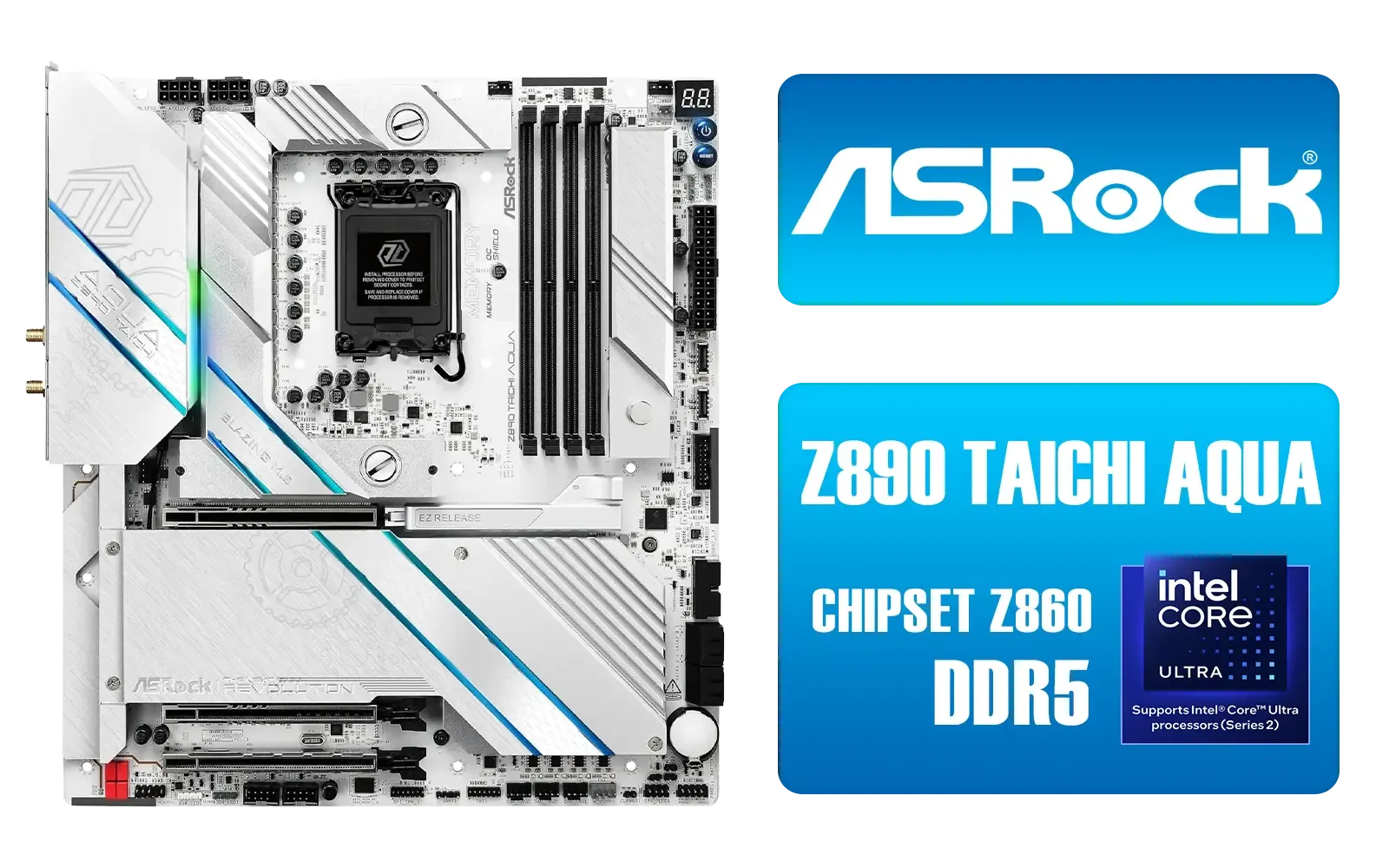
ASRock Z890 Taichi Aqua Intel Motherboard / E-ATX Form Factor / Supports Intel® Core™ Ultra Processors (Series 2) / LGA 1851 CPU Socket / Dual Channel DDR5 / Thunderbolt™ 4 & USB4 Type-C (40 Gb/s) / Marvell 10G LAN & Realtek 5G LAN / 802.11be Wi-Fi 7 / 90-MXBPL0-A0CAYZ
R18499.00In Stock
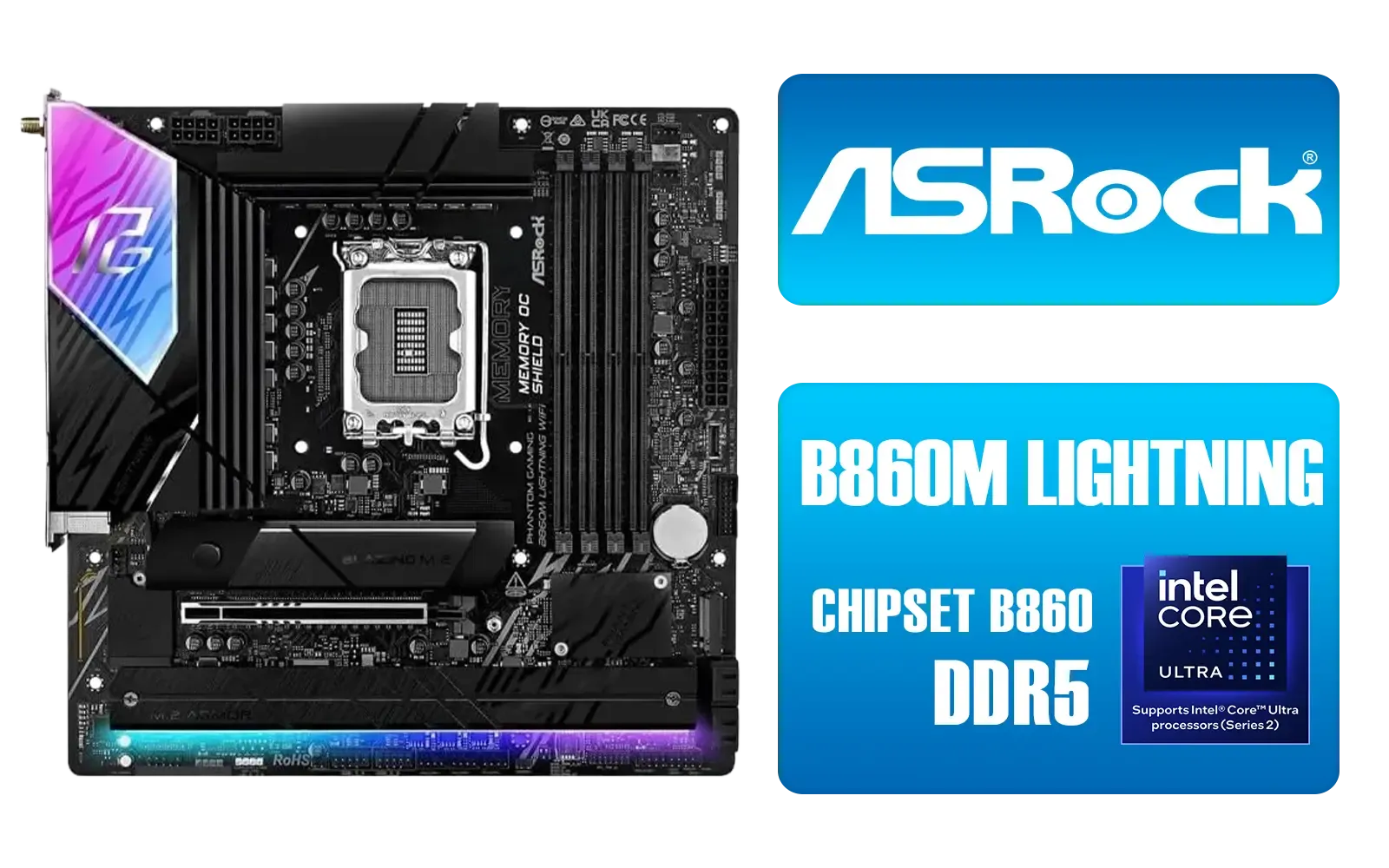
ASRock Phantom Gaming B860M Lightning WiFi Intel Motherboard / Micro-ATX Form Factor / Supports Intel® Core™ Ultra Processors (Series 2) / LGA 1851 CPU Socket / 4x PCIe Gen5 / Dual Channel DDR5 / Thunderbolt™ 4/USB4 Type-C (40 Gb/s) / Killer 2.5G LAN & Wi-Fi 6E / 90-MXBQG0-A0UAYZ
R4399.00In Stock
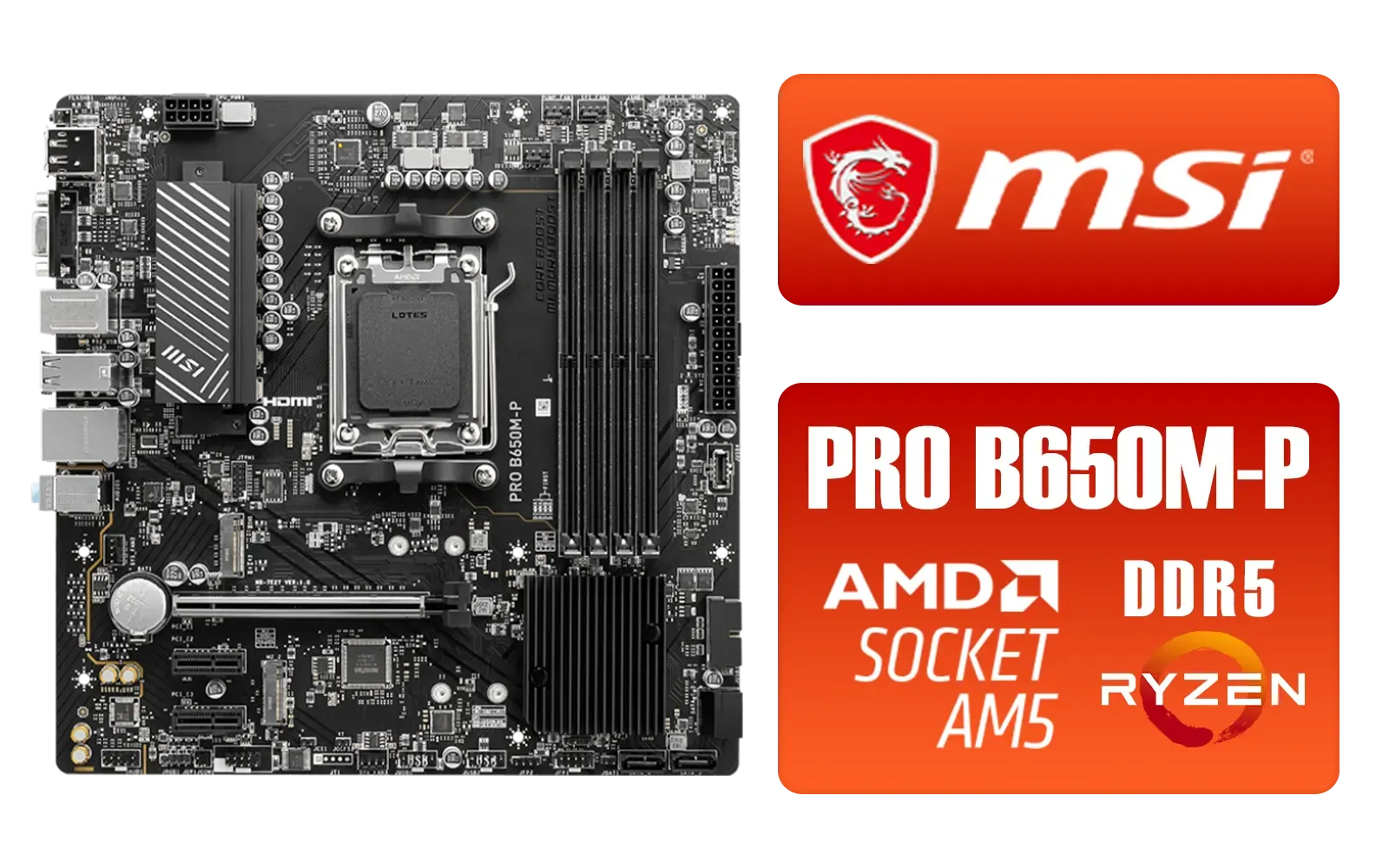
MSI PRO B650M-P PRO Series Motherboard (AMD AM5, mATX, DDR5, PCIe 4.0, M.2, SATA 6Gb/s, USB 3.2 Gen 2, HDMI/DP, AMD Ryzen 7000 Series Desktop Processors) - 911-7E27-001
R2499.00In Stock
MSI PRO B850-P WIFI Motherboard, ATX - Supports AMD Ryzen 9000/8000 / 7000 Processors, AM5 - DDR5 Memory Boost (8200+ MT/s OC), PCIe 5.0 x16 & 4.0 x16, M.2 Gen5, Wi-Fi 7, 5G LAN / 911-7E56-002
R4599.00In Stock

ASRock B850 Steel Legend WIFI AMD Ryzen Motherboard / Supports AMD Socket AM5 Ryzen™ 9000, 8000 and 7000 Series Processors / AMD B850 Chipset / USB4 Type-C (10Gbps) Connectivity / 90-MXBQS0-A0UAYZ
R4699.00In Stock
Completing Your High-Efficiency Ryzen 9000 PC ⚡
With your CPU and motherboard sorted, a few other components are key to finishing your Ryzen 9000 gaming build.
- Memory: DDR5 is the standard here. Aim for a kit running at 6000MHz with CL30 timings, as this is widely considered the "sweet spot" for performance and stability on the AM5 platform.
- Graphics Card: Pair your CPU appropriately. A Ryzen 7 9700X or Ryzen 9 9900X works beautifully with high-end GPUs like the NVIDIA RTX 40-series or AMD's RX 7000-series.
- Power Supply (PSU): Don't cheap out! A high-quality, Gold-rated PSU from a reputable brand will ensure stable power delivery and efficiency, protecting your valuable components.
Building with Ryzen 9000 is about creating a smart, powerful, and efficient machine that's ready for years of top-tier gaming.
Ready to Build Your Zen 5 Powerhouse? A balanced Ryzen 9000 gaming build offers an incredible leap in performance and efficiency. Whether you're starting from scratch or upgrading your current rig, Evetech has everything you need. Explore our massive range of PC components and start planning your ultimate gaming machine today.
Related Products

MSI PRO B860M-A WIFI Motherboard, mATX - Supports Intel Core Ultra Processors (Series 2), LGA 1851-12 DRPS, DDR5 Memory Boost (8600+ MT/s OC), PCIe 5.0 x16 & 4.0 x16, M.2 Gen5, Wi-Fi 7, 5G LAN / 911-7E42-002
R4299.00In Stock
ASRock X870 Steel Legend WIFI AMD Ryzen Motherboard / Supports AMD Socket AM5 Ryzen™ 9000, 8000 and 7000 Series Processors / AMD X870 Chipset / USB4 Type-C (10Gbps) Connectivity / 90-MXBPJ0-A0UAYZ
R5999.00In Stock
MAG B860M Mortar WiFi Motherboard, mATX - Supports Intel Core Ultra Processors (Series 2), LGA 1851 - DDR5 Memory Boost 9200+ MT/s OC, 1 x PCIe 5.0 x16, 1 x M.2 Gen5, 5G LAN, Wi-Fi 7 / 911-7E40-002
R5599.00In Stock
ASRock Phantom Gaming B860M Lightning WiFi Intel Motherboard / Micro-ATX Form Factor / Supports Intel® Core™ Ultra Processors (Series 2) / LGA 1851 CPU Socket / 4x PCIe Gen5 / Dual Channel DDR5 / Thunderbolt™ 4/USB4 Type-C (40 Gb/s) / Killer 2.5G LAN & Wi-Fi 6E / 90-MXBQG0-A0UAYZ
R4399.00In Stock
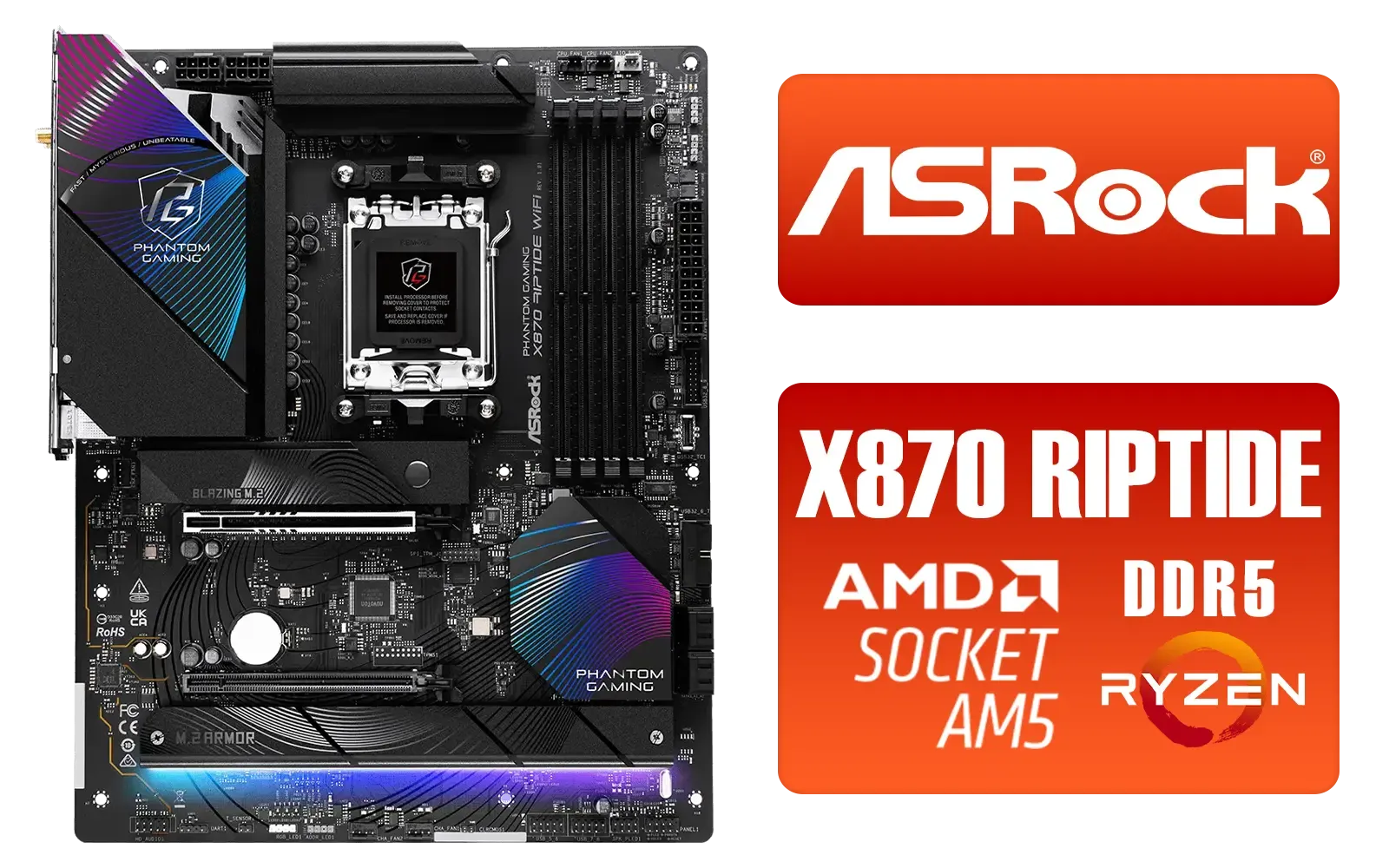
ASRock Phantom Gaming X870 Riptide WiFi AMD Motherboard / Supports AMD Socket AM5 Ryzen™ 9000, 8000 and 7000 Series Processors / AMD B850 Chipset / PCIe Gen5 (Graphics, M.2) / Dual Channel DDR5 / USB4 Type-C Ports (40 Gb/s) / Killer 2.5G LAN & 802.11be Wi-Fi 7 / 90-MXBPP0-A0UAYZ
R6399.00In Stock
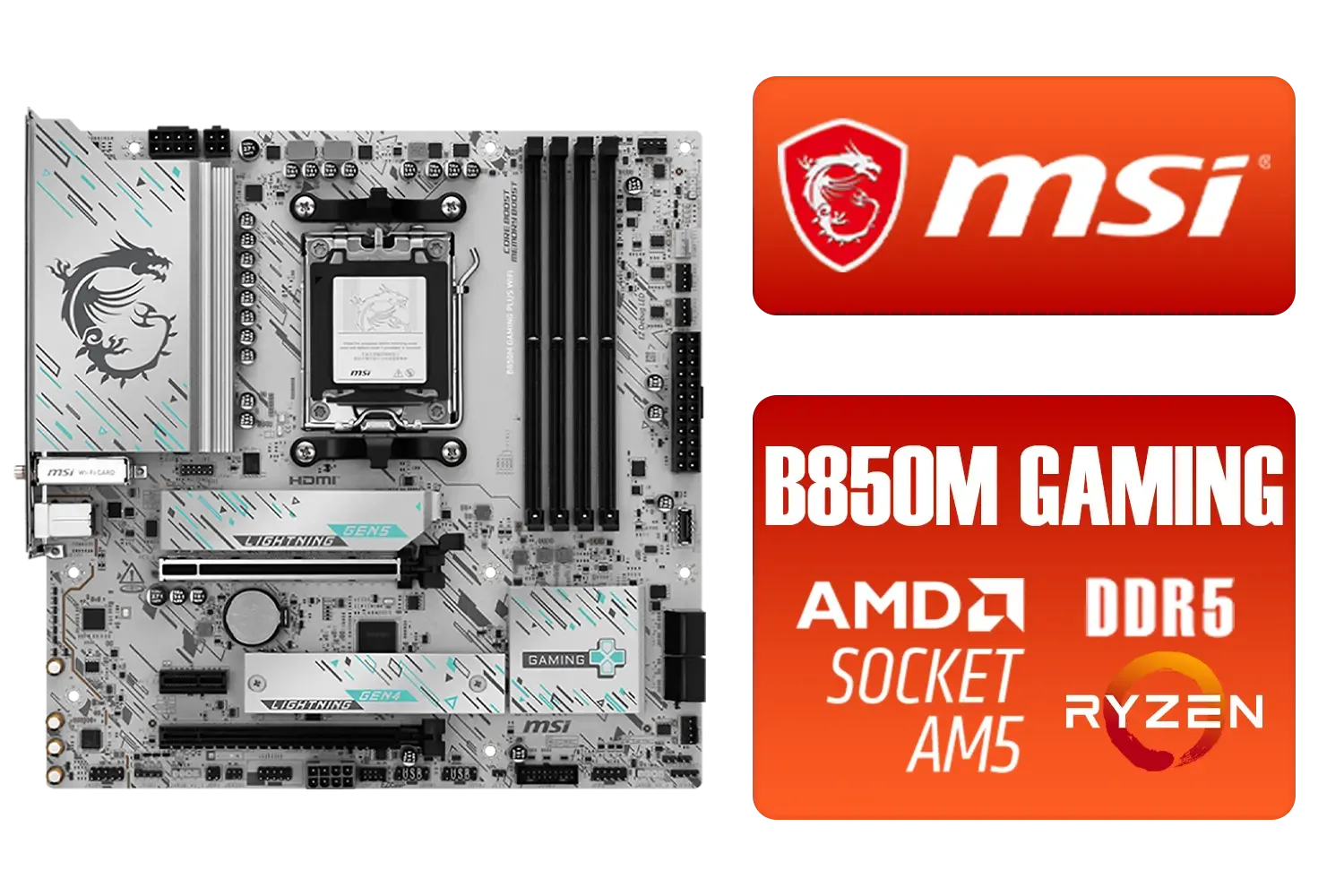
MSI B850M Gaming Plus WiFi AMD Motherboard / mATX / Supports AMD Ryzen™ 9000/ 8000/ 7000 Series Processors / Dual Channel DDR5 Memory Boost 8200+ MT/s OC / 1 x PCIe 5.0 x16 / 5G LAN / Wi-Fi 7 / 911-7E66-001
R4599.00In Stock
Use targeted Ryzen 9000 performance tuning: enable Curve Optimizer, fine-tune RAM timings, and optimize cooling to raise FPS while keeping power steady.
Yes. A cautious undervolt via BIOS or software reduces power and heat while maintaining performance when tested for stability.
High-quality AIOs, efficient air coolers, and optimized airflow lower temps and let the CPU sustain boost clocks without excess fan power.
Look for VRM quality, efficient power phases, and robust BIOS power controls—key for stable performance and lower energy draw.
Prioritize a balanced kit: faster DDR5 with tuned RAM timings often yields the best gaming gains on Ryzen 9000 platforms.
PBO with Curve Optimizer allows smarter boosts—improves FPS but tuned negatives can lower voltage for better efficiency.
Choose an 80 Plus Gold or better PSU to minimize waste and maximize stable power delivery for efficient Ryzen 9000 performance.











