



Ryzen 9000 Motherboard Guide: South African Gamer Picks
-Compare top X670/B650 boards; -Explain AM5 features & compatibility; -Recommend SA buys & budget builds. Ryzen 9000 motherboard guide helps South African gamers compare, choose and buy the ideal AM5 board quickly 🎮⚡
|
Loading tags...

So, you’re ready to jump on AMD’s new Zen 5 architecture? Lekker! The Ryzen 9000 series CPUs are beasts, but they’re only half the story. Pairing one with the wrong motherboard is like putting retreads on a supercar… you’re just not getting the performance you paid for. This Ryzen 9000 motherboard guide is for South African gamers who want to make the smart choice, ensuring every Rand spent translates directly into buttery-smooth frame rates.

MAG B860M Mortar WiFi Motherboard, mATX - Supports Intel Core Ultra Processors (Series 2), LGA 1851 - DDR5 Memory Boost 9200+ MT/s OC, 1 x PCIe 5.0 x16, 1 x M.2 Gen5, 5G LAN, Wi-Fi 7 / 911-7E40-002
R5599.00In Stock
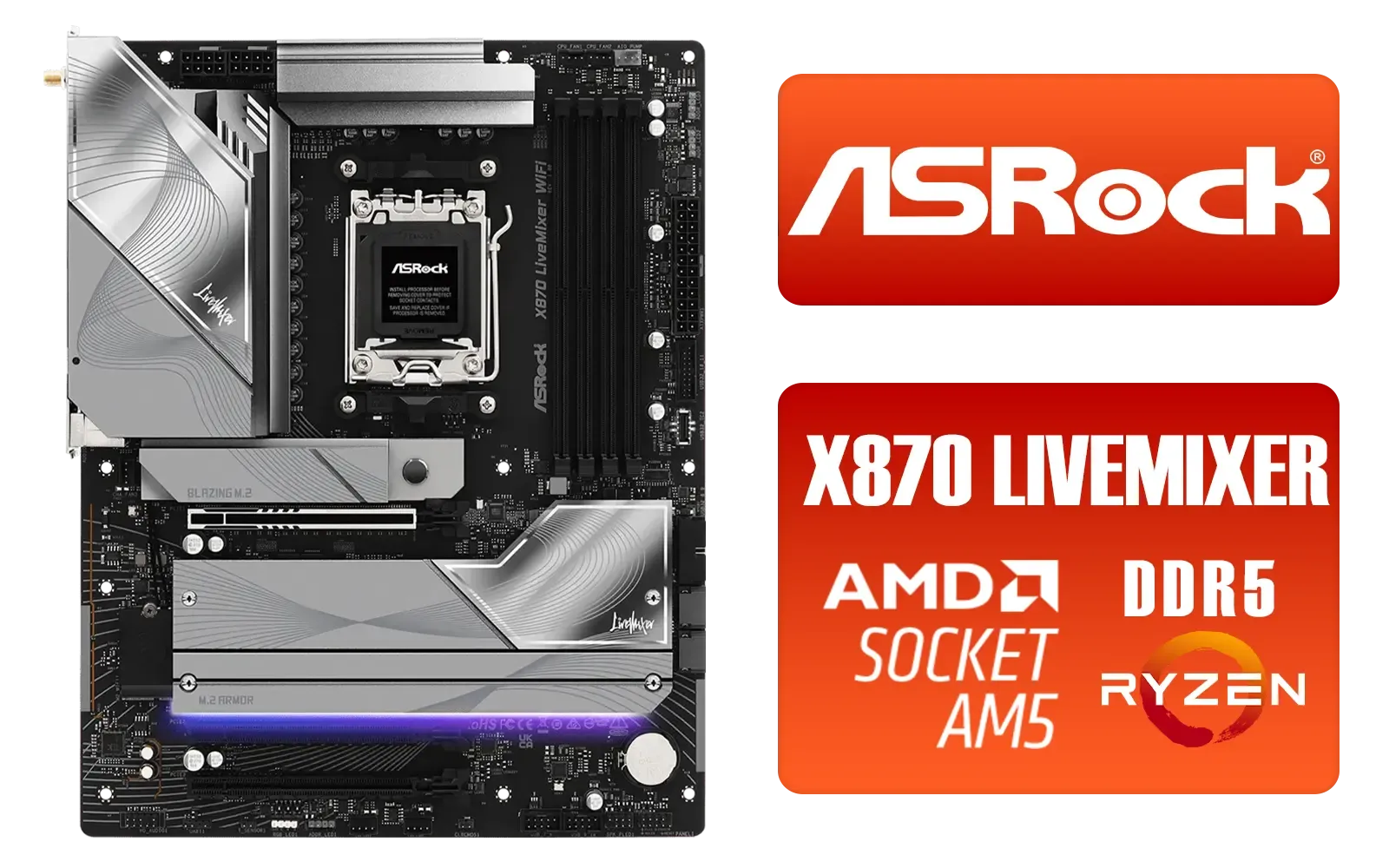
ASRock X870 LiveMixer WiFi AMD Motherboard / Supports AMD Socket AM5 Ryzen™ 9000, 8000 and 7000 Series Processors / AMD X870 Chipset / PCIe Gen5 (Graphics, M.2) / Dual Channel DDR5 / 5G LAN & Wi-Fi 7 / 90-MXBTA0-A0UAYZ
R5599.00In Stock

ASRock Z890 LiveMixer WiFi Intel Motherboard / ATX Form Factor / Supports Intel® Core™ Ultra Processors (Series 2) / LGA 1851 CPU Socket / 4x DDR5 DIMM Supporting up to 256GB / 90-MXBPE0-A0UAYZ
R5999.00In Stock
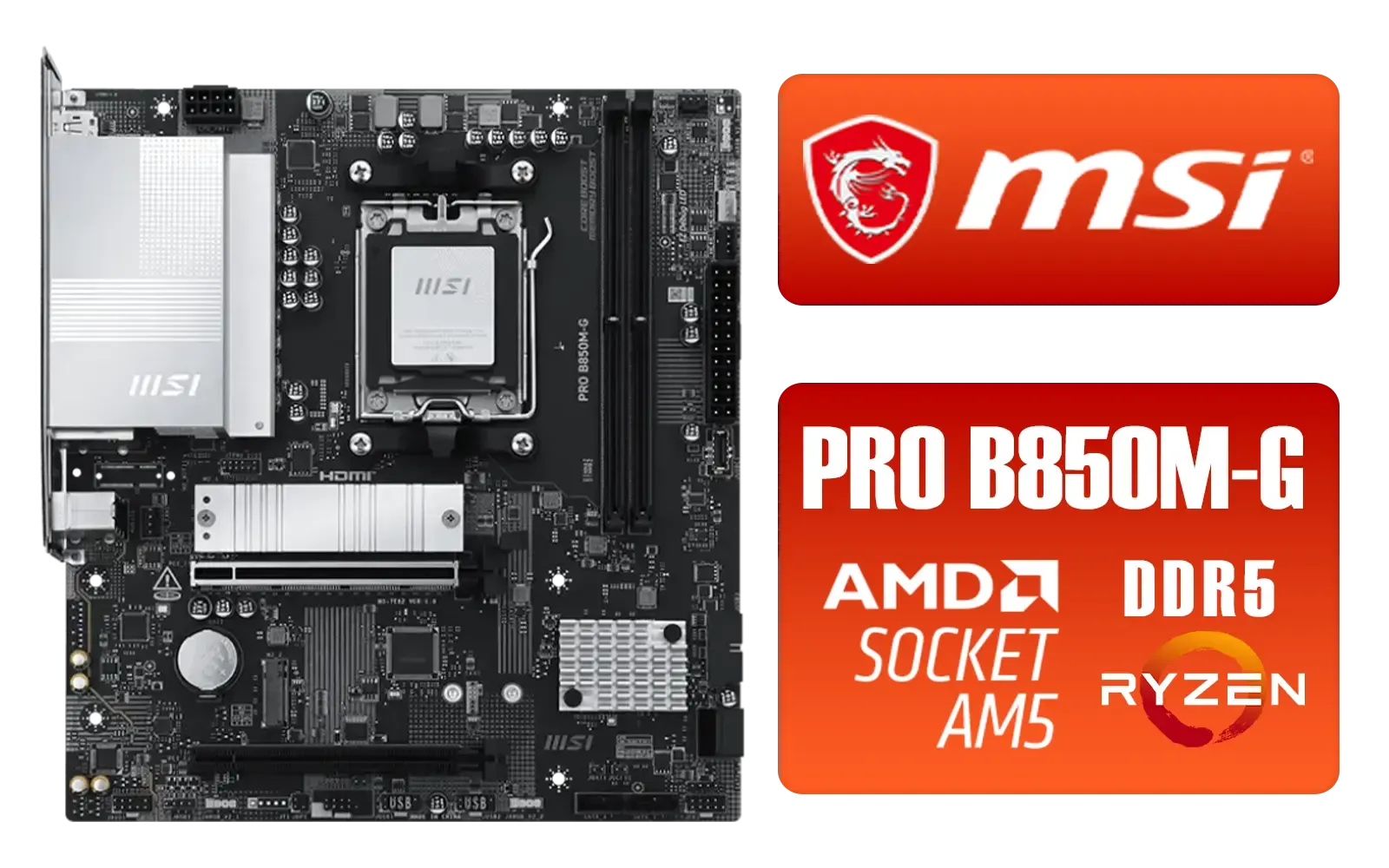
MSI PRO B850M-G AMD Motherboard / Supports AMD Ryzen™ 9000 / 8000 / 7000 Series / Dual Channel DDR5-8200+ (OC) / Direct 7+2+1 Power System (P-PAK) / Lightning Gen 5 x4 M.2 / 5G LAN / 911-7E82-001
R2999.00In Stock
MSI MAG Z890 Tomahawk Wi-Fi Intel Motherboard / ATX Form Factor / Supports Intel® Core™ Ultra Processors (Series 2) / LGA 1851 CPU Socket / 4x DDR5 UDIMM Supporting up to 256GB / 911-7E32-003
R7999.00In Stock
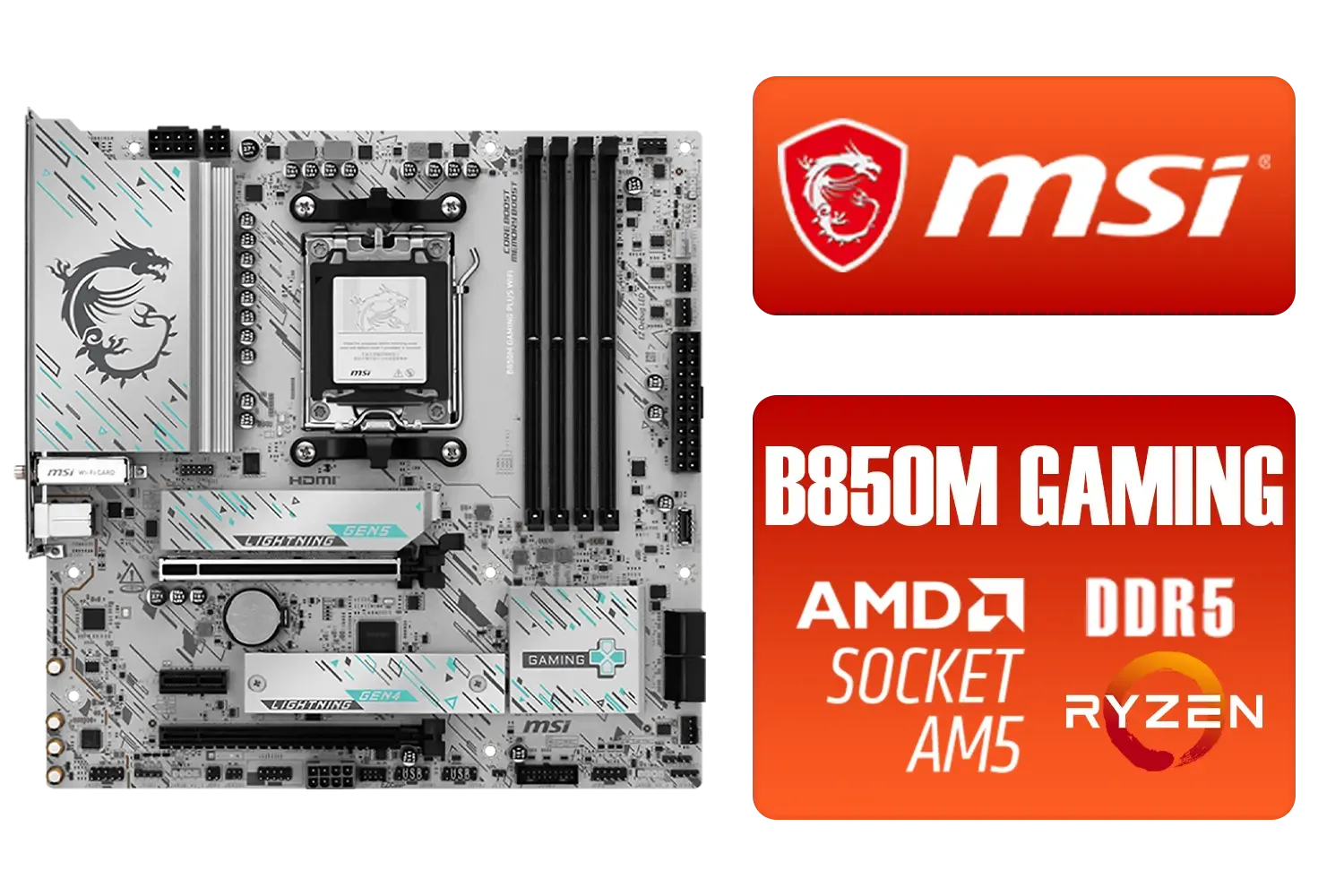
MSI B850M Gaming Plus WiFi AMD Motherboard / mATX / Supports AMD Ryzen™ 9000/ 8000/ 7000 Series Processors / Dual Channel DDR5 Memory Boost 8200+ MT/s OC / 1 x PCIe 5.0 x16 / 5G LAN / Wi-Fi 7 / 911-7E66-001
R4599.00In Stock
Why Your Ryzen 9000 Motherboard Choice is Crucial
Choosing a motherboard isn't just about finding something the CPU fits into. For the Ryzen 9000 series, the new AM5 platform, specifically the X870 and X870E chipsets, is where the magic happens. These boards are engineered with enhanced power delivery to keep the new CPUs boosted, and they unlock next-generation connectivity that will keep your rig relevant for years to come. 🚀
Think of it as the central nervous system of your PC. It dictates your memory speed, storage options (hello, Gen5 NVMe!), and future upgrade paths. Skimping here can bottleneck your entire system. To see what’s on offer, it’s worth browsing the latest range of AMD motherboards to get a feel for the features available at different price points.
Decoding the New X870E & X870 Chipsets
When you start shopping for a Ryzen 9000 motherboard, you'll immediately see two new options: X870E and X870. What’s the difference, and which one do you actually need?
X870E: The "Extreme" Option
The 'E' stands for Extreme, and AMD isn't kidding. An X870E board guarantees you get the best of the best. This means you are mandated to have at least one PCIe 5.0 x16 slot for your graphics card and at least one PCIe 5.0 M.2 slot for an NVMe SSD. For hardcore enthusiasts and creators who need the absolute fastest storage and a future-proof GPU slot, this is the way to go. A prime example is the powerful MSI MAG X870E TOMAHAWK MAX WIFI, which packs these top-tier features alongside robust cooling and Wi-Fi 7.

Asus Rog Strix TRX40-E Gaming AMD Ryzen Threadripper ATX Motherboard / 3rd Gen AMD Ryzen / 16 power stages / Wi-Fi 6 / 2.5 Gbps LAN / USB 3.2 Gen 2 / Three M.2 / Aura Sync RGB / AMD Socket sTRX4
R4999.00In Stock
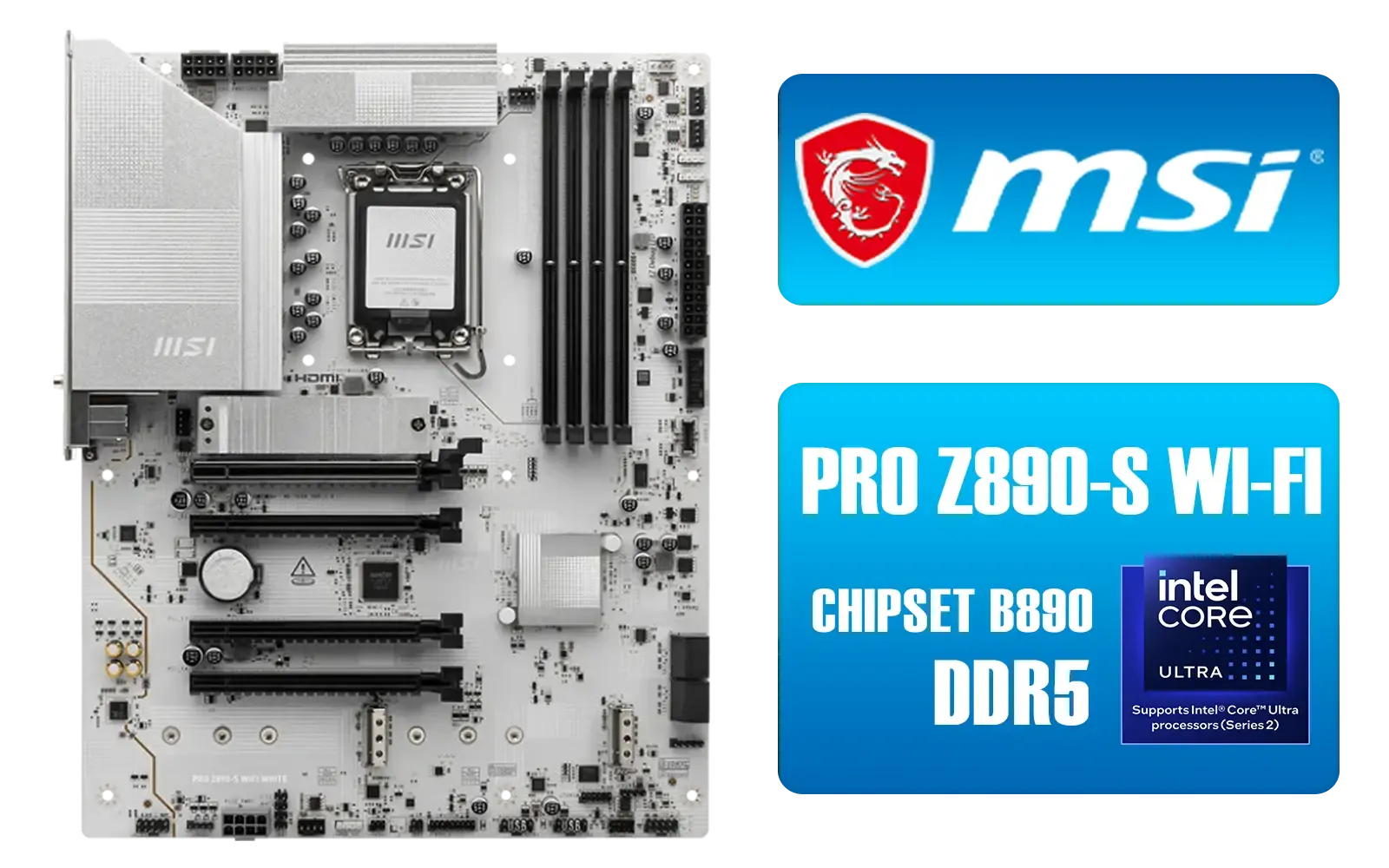
MSI PRO Z890-S Wi-Fi Intel Motherboard - White / ATX Motherboard / Supports Intel® Core™ Ultra Processors (Series 2) / LGA 1851 Socket / 4x DDR5 UDIMM Up to 256GB / Intel® Wi-Fi 7 / 911-7E54-003
R5699.00In Stock

MSI MPG Z890 Carbon Wi-Fi Intel Motherboard / ATX Form Factor / Supports Intel® Core™ Ultra Processors (Series 2) / LGA 1851 CPU Socket / 4x DDR5 UDIMM Supporting up to 256GB / 911-7E17-001
R11999.00In Stock
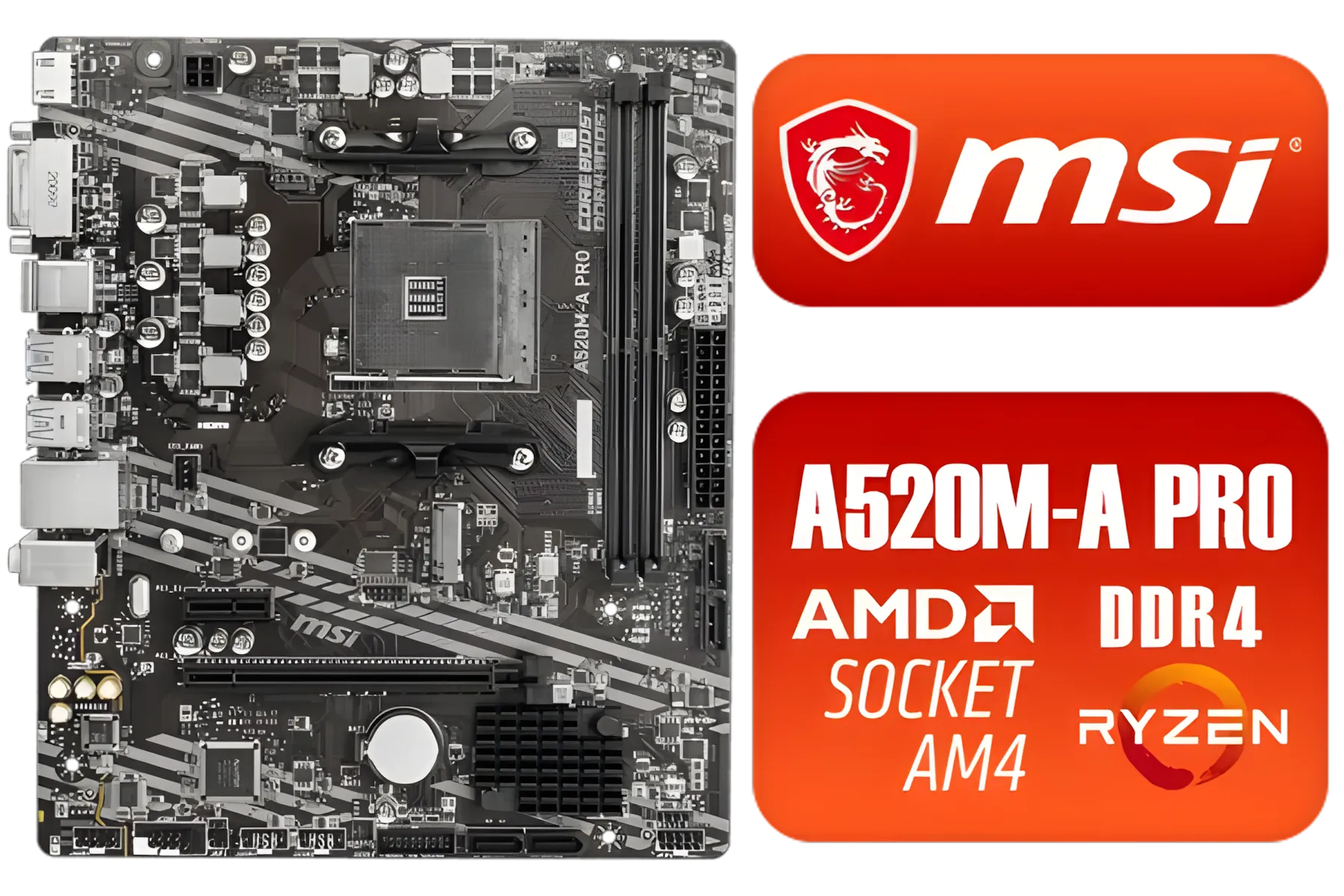
MSI A520M-A PRO AMD Ryzen M-ATX Motherboard / 3rd Gen AMD Ryzen Desktop Processors / Supports AMD Ryzen 5000 Series, 5000 G-Series, 4000 G-Series, 3000 Series, 3000 G-Series, / Supports DDR4 Memory, up to 4600(OC) MHz / AMD Socket AM4 / AMD A520 Chipset / Studio Grade Sound Quality / A520M-A-PRO
R1399.00In Stock
MSI PRO Z890-A Wi-Fi Intel Motherboard / ATX Motherboard / Supports Intel® Core™ Ultra Processors (Series 2) / LGA 1851 Socket / 4x DDR5 UDIMM Up to 256GB / Intel® Wi-Fi 7 / 911-7E32-004
R7899.00In Stock
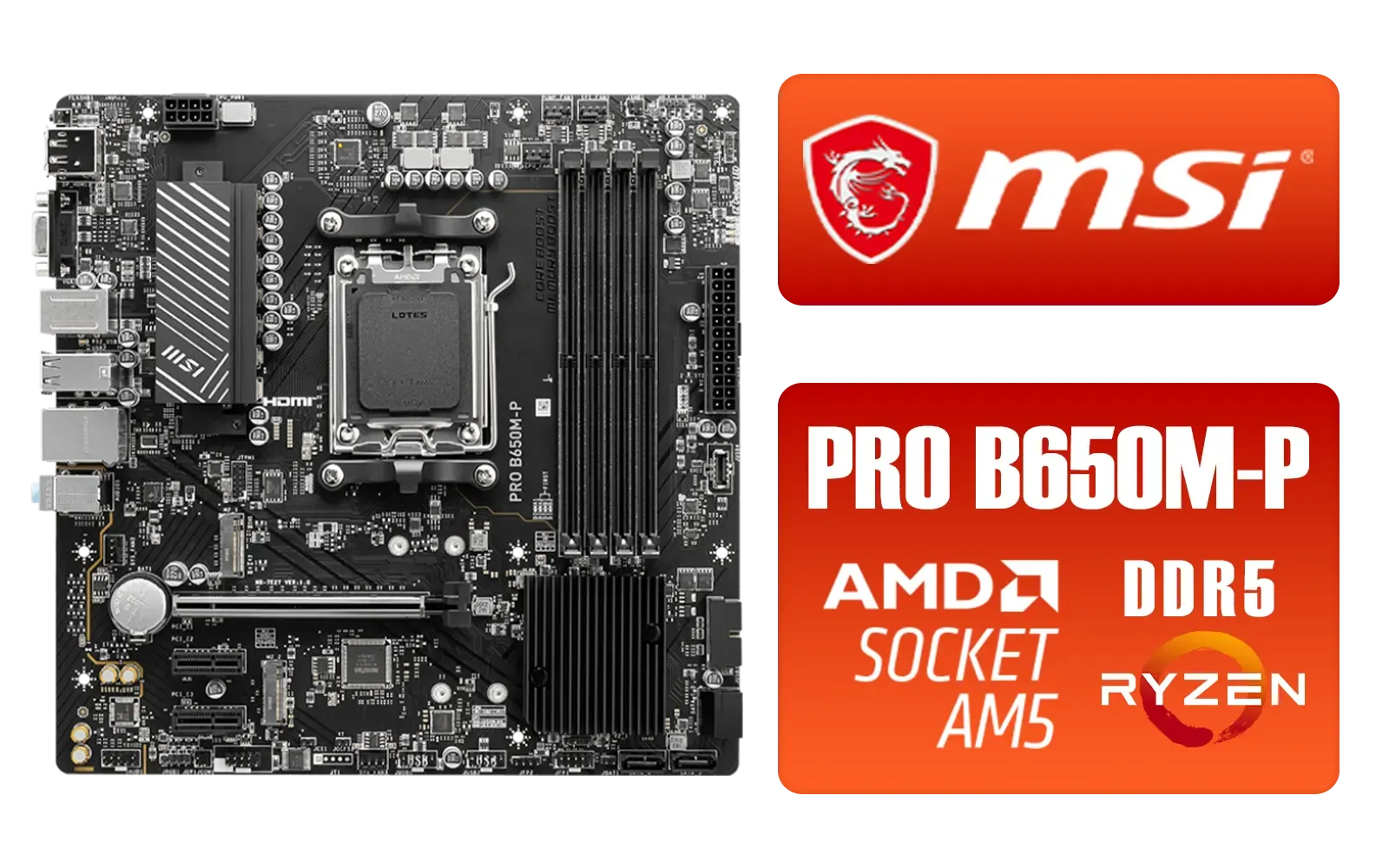
MSI PRO B650M-P PRO Series Motherboard (AMD AM5, mATX, DDR5, PCIe 4.0, M.2, SATA 6Gb/s, USB 3.2 Gen 2, HDMI/DP, AMD Ryzen 7000 Series Desktop Processors) - 911-7E27-001
R2499.00In Stock
X870: The Smart All-Rounder
The standard X870 chipset is the more practical choice for most South African gamers. While PCIe 5.0 support is standard, it's not mandatory for both the GPU and NVMe slot simultaneously. This gives manufacturers flexibility to create more affordable boards that still offer incredible performance. You'll still get USB4 support and all the core benefits of the AM5 platform without paying for extreme features you might not use for another few years.
TIP FOR YOU
BIOS Check 🔧
Before you buy, always check the motherboard's CPU support list on the manufacturer's website. While new X870 E boards will support Ryzen 9000 out of the box, older AM5 boards (like X670 or B650) will need a BIOS update. Look for boards with a 'BIOS FlashBack' button—it lets you update the BIOS with just a USB stick, no CPU needed!
Finding the Right Board for Your Budget
Okay, so how do you pick the perfect board without having to sell a kidney? It’s about matching features to your actual needs.
If you’re building a top-tier rig with a Ryzen 9 9950X and an RTX 4090, investing in an X870E board makes perfect sense to maximise every component. You get the best power delivery and the fastest connectivity, ensuring no compromises.

ASRock Phantom Gaming Z890 Nova WiFi Intel Motherboard / ATX Form Factor / Supports Intel® Core™ Ultra Processors (Series 2) / LGA 1851 CPU Socket / 4x DDR5 DIMM Supporting up to 256GB / 90-MXBPS0-A0UAYZ
R8999.00In Stock
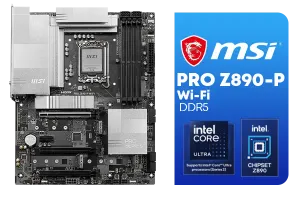
MSI PRO Z890-P Wi-Fi Intel Motherboard / ATX Form Factor / Supports Intel® Core™ Ultra Processors (Series 2) / LGA 1851 CPU Socket / 4x DDR5 UDIMM Supporting up to 256GB / 911-7E34-001
R5999.00In Stock
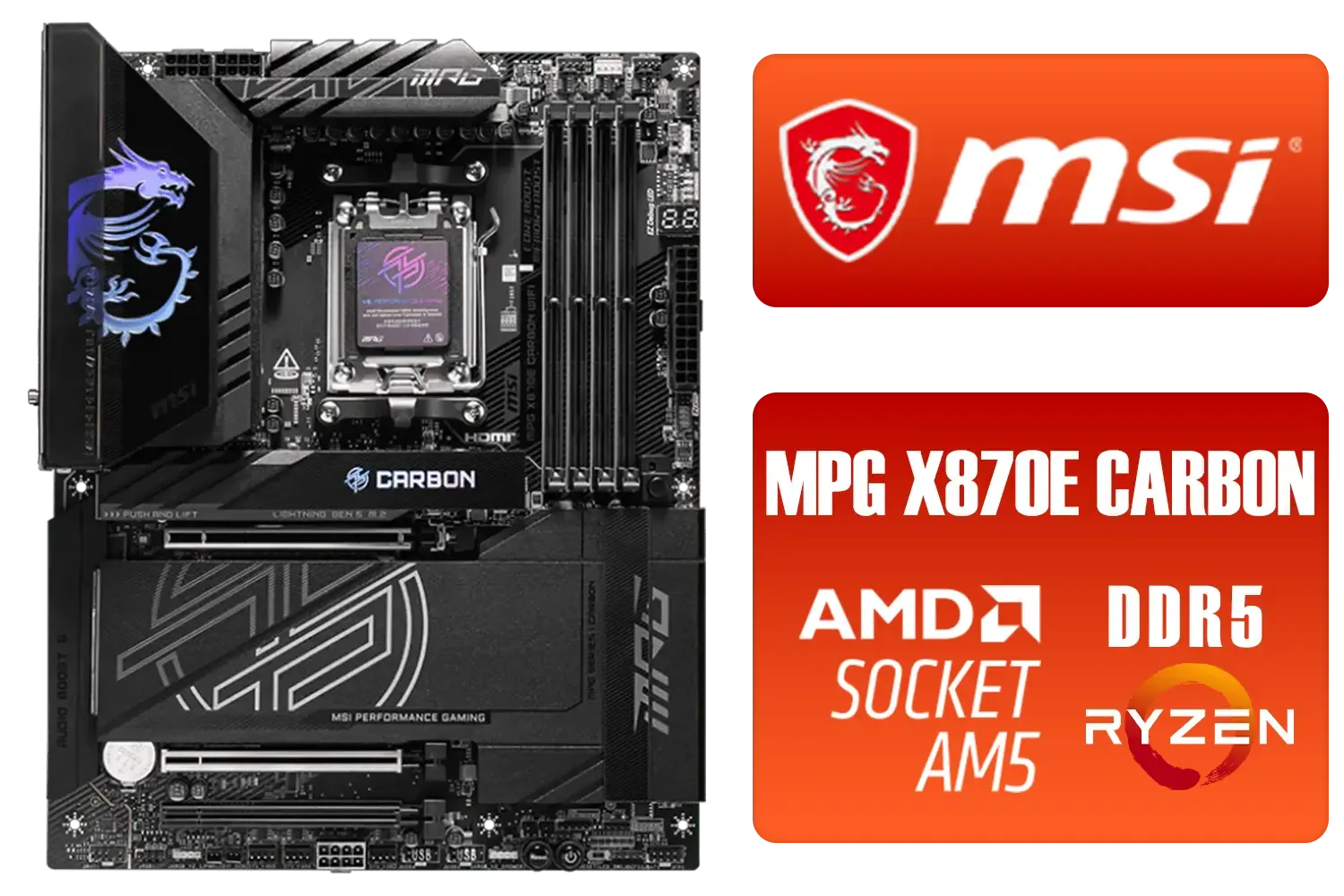
MSI MPG X870E Carbon Wi-Fi AMD Motherboard / ATX Motherboard / AMD X870 Chipset / Supports AMD Ryzen™ 9000/ 8000/ 7000 Series Desktop Processors / Socket AM5 / Lightning Gen 5 / DDR5 MEMORY SUPPORT / 3x PCI-E x16 slot / 4x M.2 Slots / Wi-Fi 7 / Supports Bluetooth® 5.4 / 911-7E49-001
R9399.00In Stock
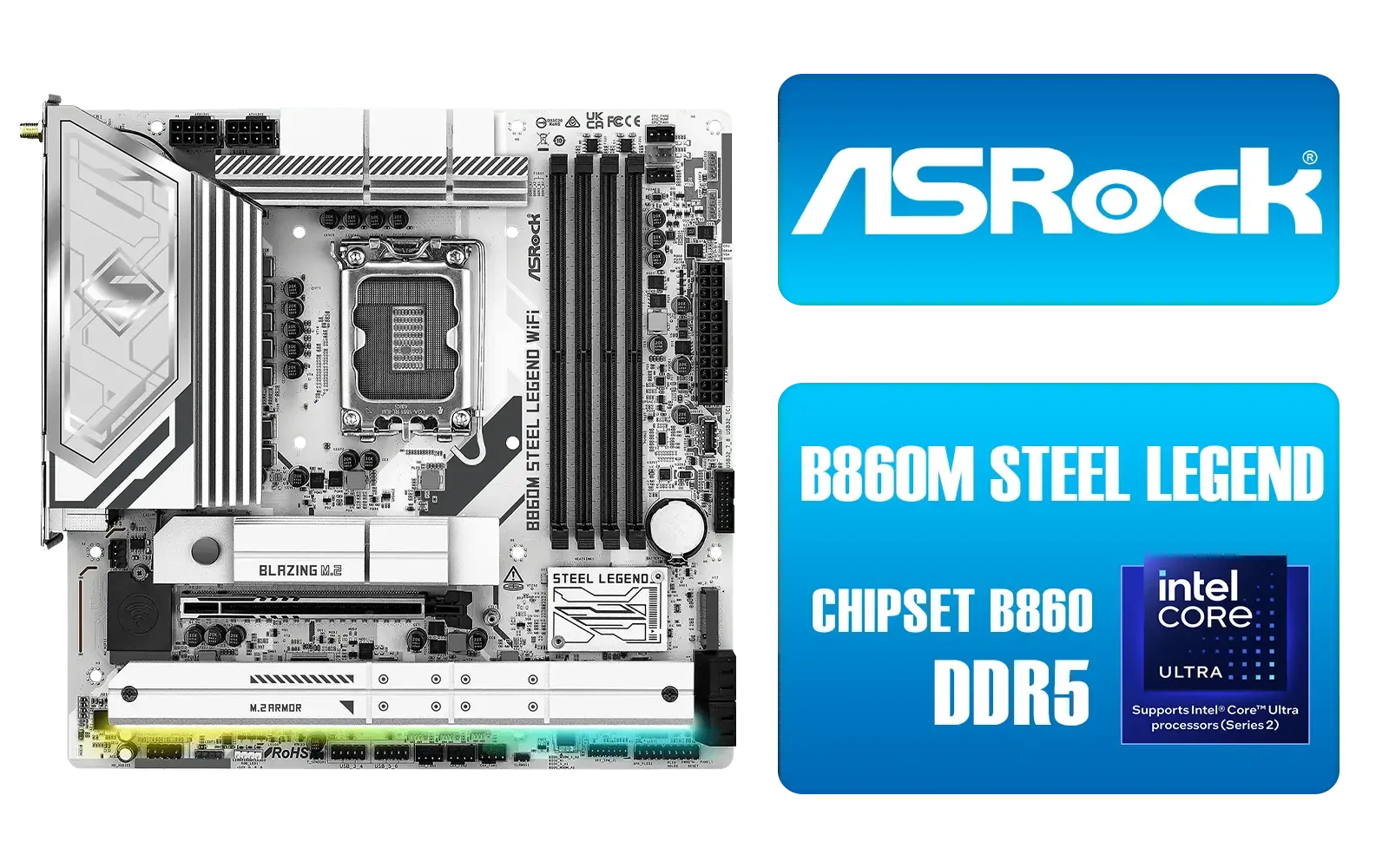
ASRock B860M Steel Legend WiFi Intel Motherboard / Micro-ATX Form Factor / Supports Intel® Core™ Ultra Processors (Series 2) / LGA 1851 CPU Socke / Dual Channel DDR5 / Thunderbolt™ 4/USB4 Type-C (40 Gb/s) / 2.5G LAN & Wi-Fi 6E / 90-MXBQF0-A0UAYZ
R4299.00In Stock

ASRock Phantom Gaming Z890 Riptide Intel Motherboard / ATX Form Factor / Supports Intel® Core™ Ultra Processors (Series 2) / LGA 1851 CPU Socket / 4x DDR5 DIMM Supporting up to 256GB / 90-MXBPB0-A0UAYZ
R7699.00In Stock

ASRock B860 Pro RS WiFi Intel Motherboard / ATX Form Factor / Supports Intel® Core™ Ultra Processors (Series 2) / LGA 1851 CPU Socket / 4x DDR5 DIMM Supporting up to 256GB / 90-MXBRK0-A0UAYZ
R3899.00In Stock
However, if you’re aiming for a more balanced build with a Ryzen 7 9700X, a standard X870 or even a high-quality last-gen B650 board (after a BIOS update) will serve you brilliantly. You can save a few thousand ZAR that could be better spent on a bigger SSD or faster RAM. Don't be afraid to check for great deals on compatible motherboards, as you can often find a bargain that delivers 95% of the performance for a fraction of the cost. ✨
Ultimately, the best Ryzen 9000 motherboard is the one that fits your build, your budget, and your ambitions.
Ready to Build Your Zen 5 Powerhouse? The right Ryzen 9000 motherboard is the foundation of a legendary gaming rig. Stop guessing and start building. Use our Custom PC Builder to pair your perfect board with the latest components and create your dream machine.
Related Products

MSI MEG Z890 ACE Intel Motherboard / LGA 1851 Socket / Supports Intel® Core™ Ultra Processors (Series 2) / 4x DDR5 UDIMM Slots / ATX Form Factor / 911-7E22-001
R14199.00In Stock
Asus Rog Strix TRX40-E Gaming AMD Ryzen Threadripper ATX Motherboard / 3rd Gen AMD Ryzen / 16 power stages / Wi-Fi 6 / 2.5 Gbps LAN / USB 3.2 Gen 2 / Three M.2 / Aura Sync RGB / AMD Socket sTRX4
R4999.00In Stock

ASRock B860 Steel Legend WiFi Intel Motherboard / ATX Form Factor / Supports Intel® Core™ Ultra Processors (Series 2) / LGA 1851 CPU Socket / 4x DDR5 DIMM Supporting up to 256GB / 90-MXBR30-A0UAYZ
R5599.00In Stock

ASRock X870 PRO RS WIFI AMD Ryzen Motherboard / Supports AMD Socket AM5 Ryzen™ 9000, 8000 and 7000 Series Processors / AMD X870 Chipset / USB4 Type-C (40Gbps) Connectivity / 90-MXBQ00-A0UAYZ
R5499.00In Stock

ASRock Phantom Gaming B860 Lightning WiFi Intel Motherboard / ATX Form Factor / Supports Intel® Core™ Ultra Processors (Series 2) / LGA 1851 CPU Socket / 4x DDR5 DIMM Supporting up to 256GB / 90-MXBR20-A0UAYZ
R5699.00In Stock
MSI A520M-A PRO AMD Ryzen M-ATX Motherboard / 3rd Gen AMD Ryzen Desktop Processors / Supports AMD Ryzen 5000 Series, 5000 G-Series, 4000 G-Series, 3000 Series, 3000 G-Series, / Supports DDR4 Memory, up to 4600(OC) MHz / AMD Socket AM4 / AMD A520 Chipset / Studio Grade Sound Quality / A520M-A-PRO
R1399.00In Stock
X670E offers the most features for Ryzen 9000, while X670 and high-end B650 boards balance price and performance. Consider PCIe lanes and VRMs.
Yes, many B650 boards support Ryzen 9 7950X, but choose robust VRMs and cooling for sustained performance and overclocking.
AM5 defines socket and power specs for Ryzen 9000. Check BIOS support and memory compatibility before buying an AM5 motherboard in South Africa.
Value picks commonly include mid-range B650 or entry X670 boards. Look for strong VRMs, DDR5 support, and local availability.
X670E supports more PCIe lanes and device bifurcation for multi-GPU and NVMe RAID—ideal for extreme Ryzen 9000 builds.
Compare Evetech specs, local stock and warranty, check benchmarks, and prioritise VRMs, I/O and DDR5 support for Ryzen 9000.
Some AM5 boards require BIOS updates for full Ryzen 9000 compatibility. Verify vendor notes and update before installing the CPU.











