



Seagate SkyHawk video storage tips for small businesses
Seagate SkyHawk video storage tips to help small businesses protect surveillance footage, choose capacity, and optimize drive life 🔒💾 Practical, actionable steps for reliable video retention.
|
Loading tags...

Running a small business in South Africa is tough enough without worrying if your security cameras are actually recording. From load shedding hiccups to cheap drives failing, losing crucial CCTV footage is a risk you can’t afford. That's why your standard PC hard drive isn't up to the job. For reliable 24/7 surveillance, you need purpose-built tech. This is where optimising your Seagate SkyHawk video storage becomes essential for peace of mind. ✨
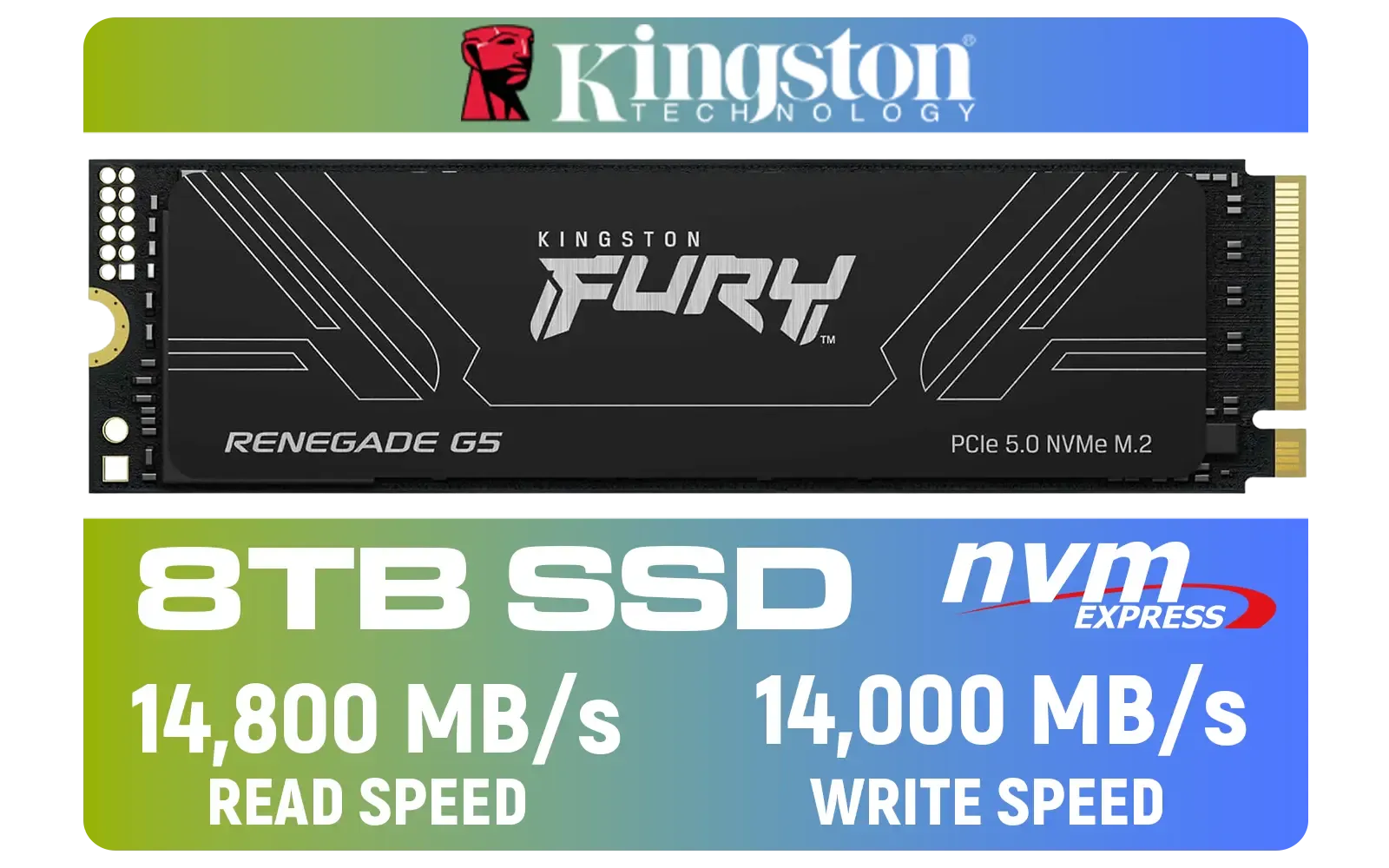
Kingston Fury Renegade G5 8TB PCIe Gen 5.0 NVMe M.2 Internal SSD / Maximum Read Speed 14,800 MB/s / Maximum Write Speed 14,000 MB/s / Advanced thermal design / SFYR2D/8T1
R17899.00In Stock
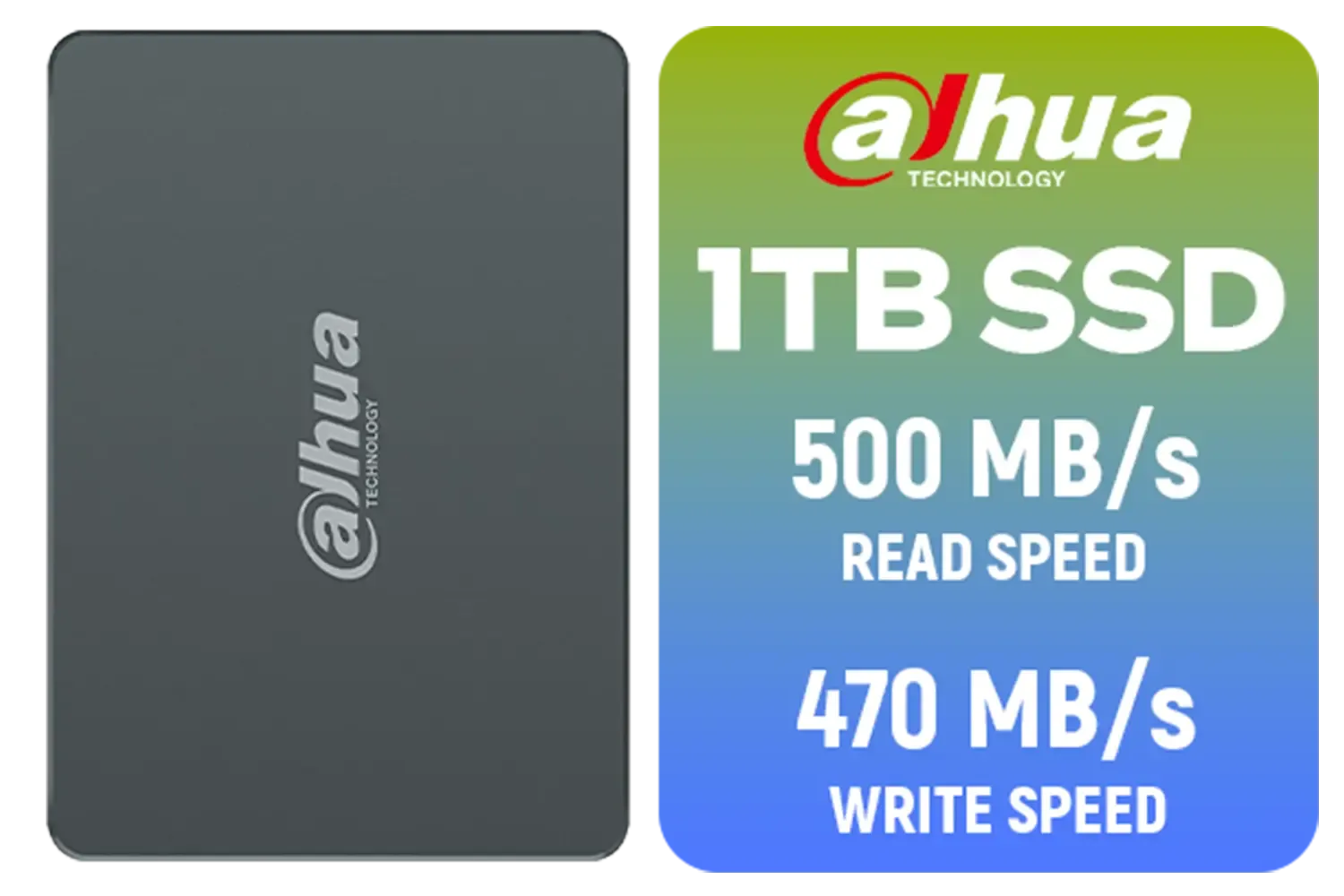
Dahua C800A 1TB 2.5" SATA 3.0 6 Gb/s 3D NAND Solid State Drive (SSD) / Read Speed Up to 500 MB/s / Write Speed Up to 470 MB/s / DHI-SSD-C800AS1TB
R1299.00In Stock
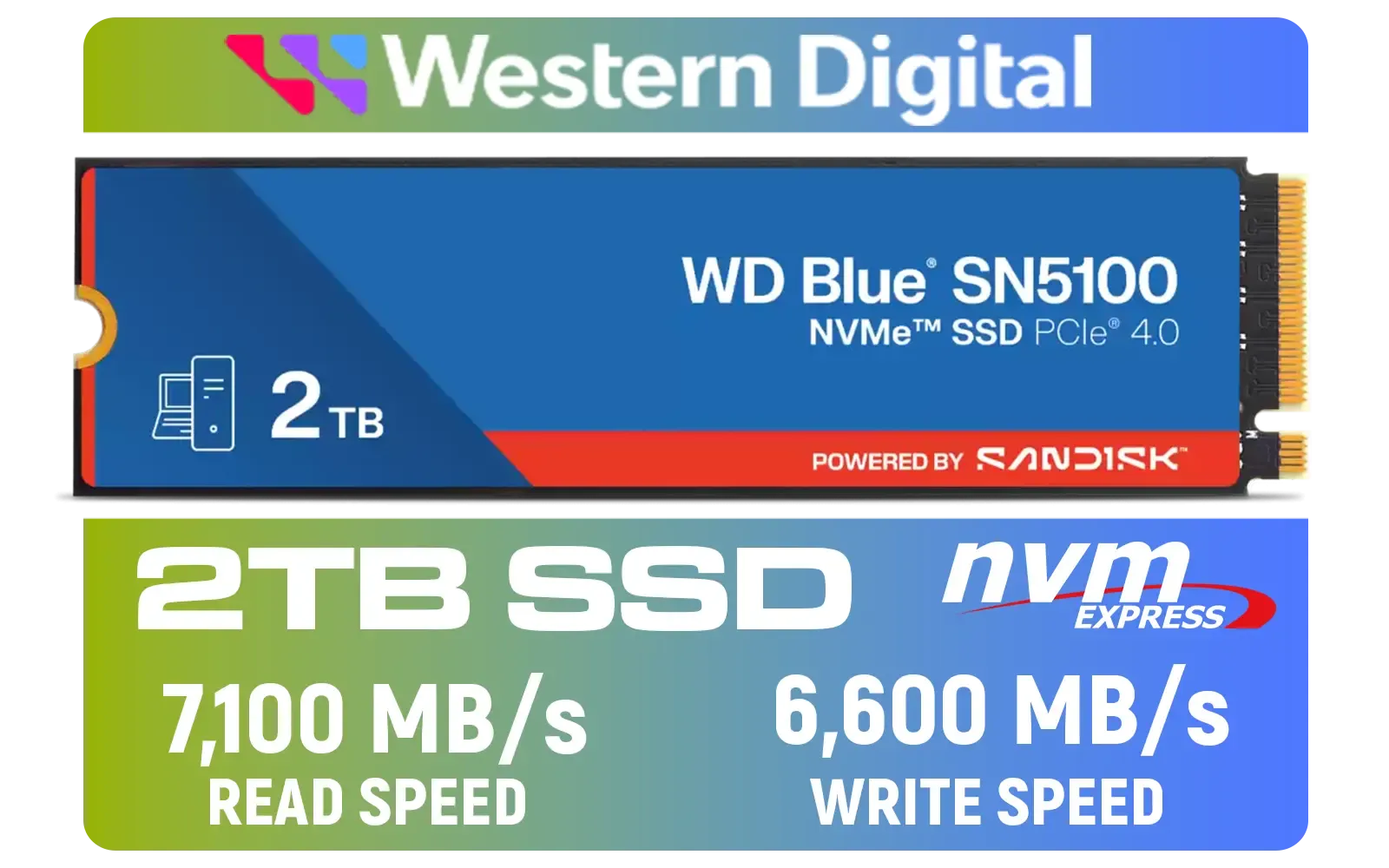
Western Digital 2TB WD Blue SN5100 NVMe Internal Solid State Drive / M.2 2280 Form Factor / Read Speeds up to 7100MB/s / Write Speeds up to 6600MB/s / PCIe Gen 4.0 Interface / nCache™ 4.0 Technology / 3D CBA NAND / Includes Acronis® True Image™ & SanDisk Dashboard Software / WDS200T5B0E
R3799.00In Stock

Kingston KC3000 PCIe 4.0 NVMe M.2 2TB SSD - High-Performance Storage for Desktop and Laptop PCs -SKC3000D/2048G
R3999.00In Stock

DAHUA M.2 PCIe Gen4x4 1TB NVMe SSD / PCIe Gen4.0x4 Supported / Read: Up to 6290 MB/s Write: Up to 5680 MB/s / DHI-SSD-C970VN1TB
R1949.00In Stock
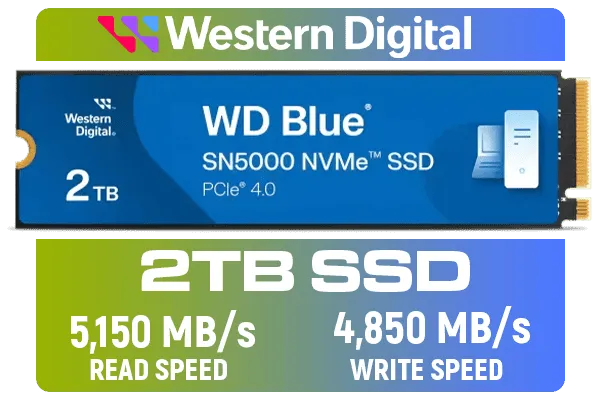
Western Digital 2TB WD Blue SN5000 NVMe Internal Solid State Drive SSD - PCIe Gen 4.0, M.2 2280, Up to 5,150 MB/s / WDS200T4B0E
R3499.00In Stock
Why Your Business Needs Specialised Video Storage
Think about your security system's main job: to write data, constantly, from multiple cameras, 24/7. It almost never stops. A regular desktop drive is built for a balanced mix of reading and writing data—loading apps, opening files, and saving documents. Subjecting it to the relentless workload of a DVR or NVR is a recipe for premature failure.
This is the core difference with a drive like the Seagate SkyHawk. It's engineered specifically for surveillance.
Built for the 24/7 Grind 🔧
SkyHawk drives are designed to record from up to 64 HD cameras simultaneously with zero dropped frames. They feature ImagePerfect™ firmware, which helps to minimise pixelation and downtime. This isn't just marketing speak; it's a fundamental architectural difference that makes this type of Seagate SkyHawk video storage far more reliable than the standard desktop hard drives you'd find in an office PC.
Top Seagate SkyHawk Tips for Peak Performance
Getting the most out of your surveillance system goes beyond just plugging in a drive. A little planning ensures your Seagate SkyHawk video storage solution is both effective and efficient.

KLEVV CRAS C930 2TB M.2 NVMe PCIe Gen4x4 Internal Gaming SSD with Heatsink, Compatible with PS5, up to 7400MB/s with DRAM Cash / K02TBM2SP0-C93
R3999.00In Stock
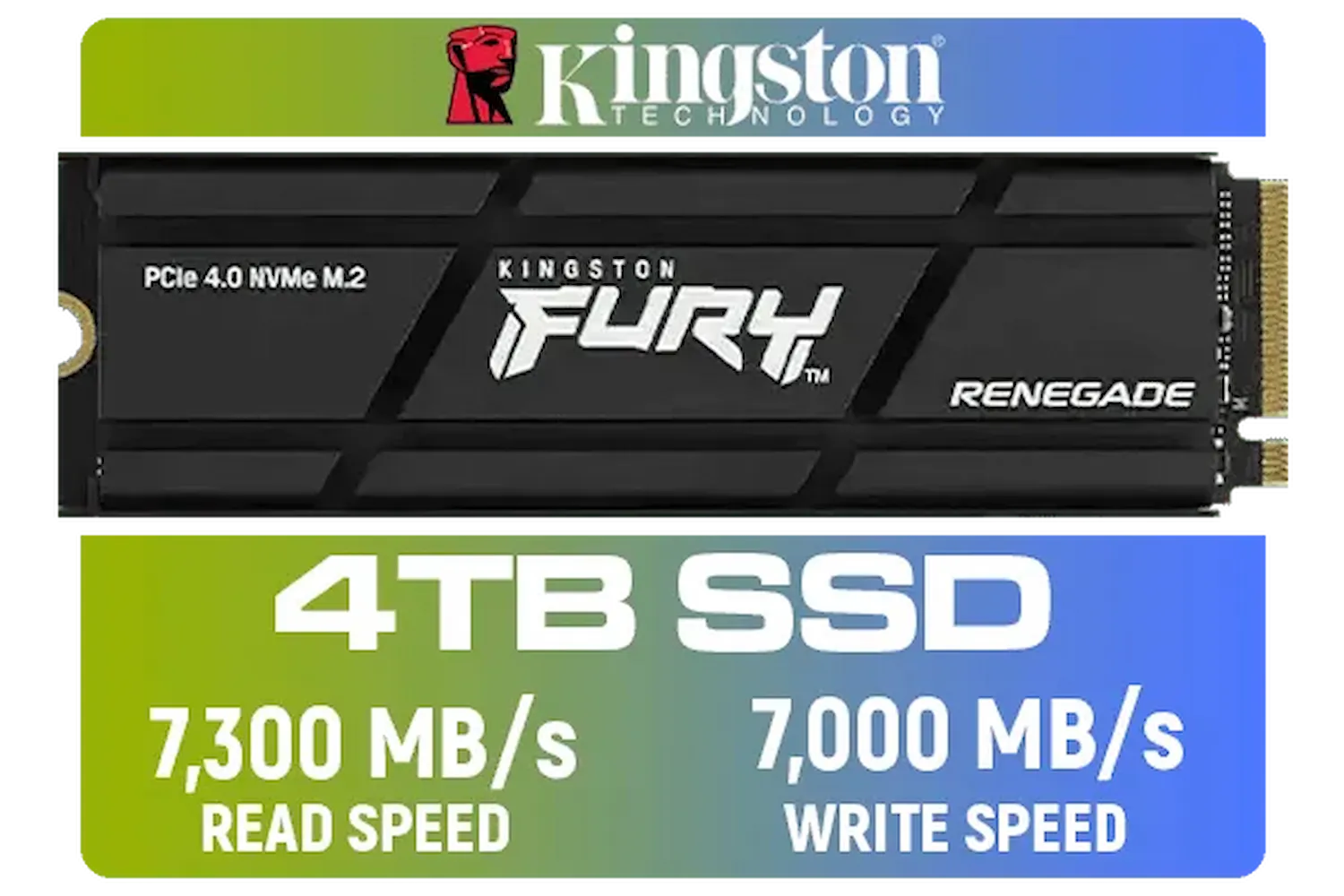
Kingston Fury Renegade 4TB PCIe Gen 4.0 NVMe M.2 Internal Gaming SSD with Heat Sink | PS5 Ready | Up to 7300MB/s | SFYRDK/4000G
R7299.00In Stock

Kingston Fury Renegade 1TB PCIe Gen 5.0 NVMe M.2 Internal SSD / Maximum Read Speed 14,200 MB/s / Maximum Write Speed 11,000 MB/s / Advanced thermal design / SFYR2S/1T0
R4199.00In Stock
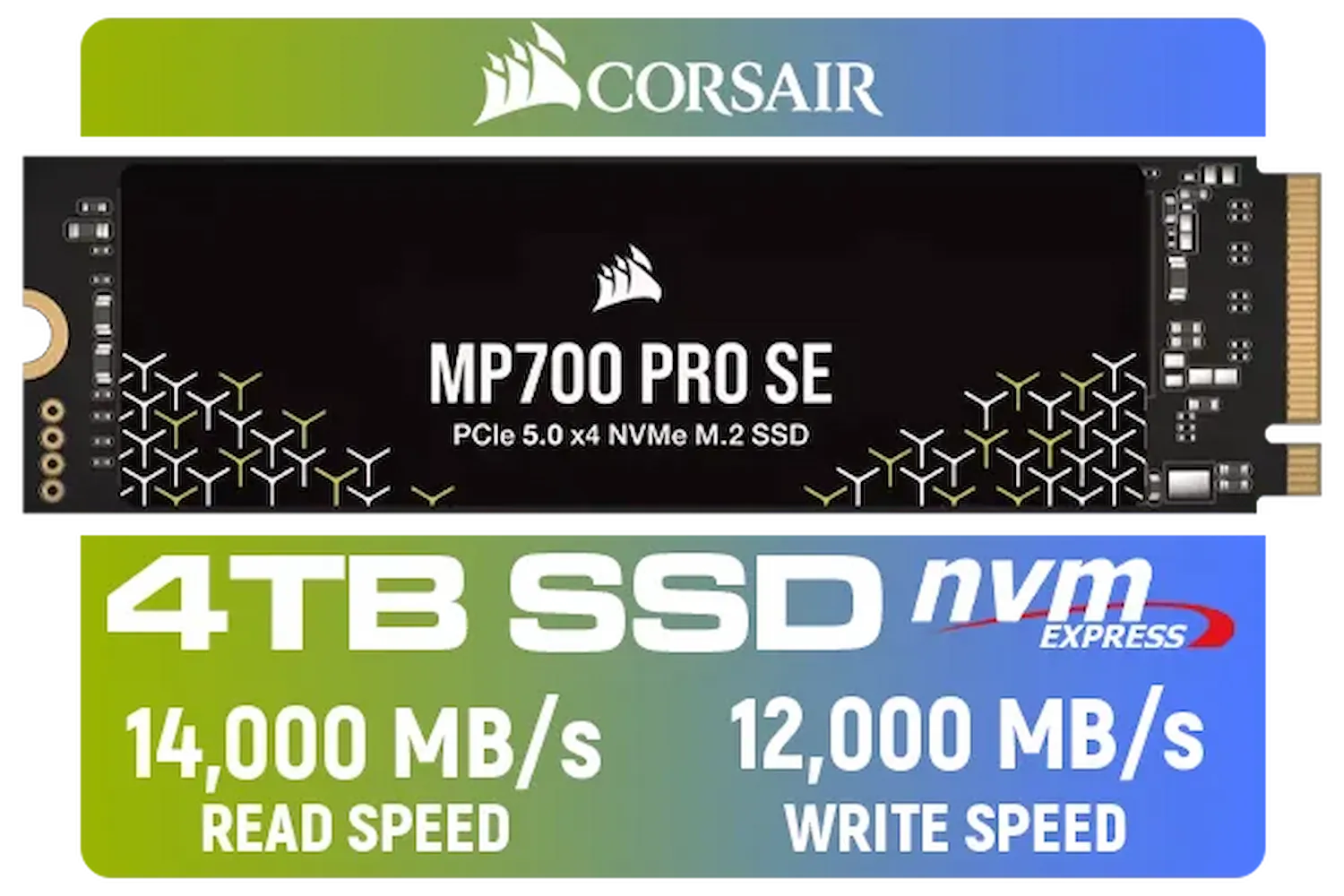
Corsair MP700 PRO SE 4TB PCIe 5.0 x4 NVMe M.2 SSD / Up to 14,000MB/s Sequential Read / Up to 12,000MB/s Sequential Write / M.2 2280 Form Factor / CSSD-F4000GBMP700PNHS
R10999.00In Stock

Kingston XS1000 1TB SSD | Pocket-Sized | USB 3.2 Gen 2 | External Solid State Drive | Up to 1050MB/s | SXS1000/1000G
R1799.00In Stock

ADATA SD810 2000G USB-C 2TB External Solid State Drive - Black / IP68 Water Resistance / Up to 2000 MB/s Read/Write Speeds / USB 3.2 Gen 2 for iPhone 15/Pro/Max, Android / SD810-2000G-CBK
R3199.00In Stock
1. Choose the Right Capacity
Underestimating your storage needs is a common mistake. Before you buy, consider:
- Number of cameras: More cameras mean more data streams.
- Resolution: 4K footage consumes vastly more space than 1080p.
- Frame Rate (fps): Higher frame rates create smoother video but require more storage.
- Retention Period: How many days of footage do you legally or practically need to keep?
Once you have a rough idea, always add at least 20% extra capacity. This gives you a buffer and future-proofs your setup for additional cameras later.
TIP FOR YOU
Quick Storage Calculation Tip 🧮
't guess your capacity! A simple formula is: (Number of Cameras) x (Bitrate in Mbps) x (3600 seconds) x (24 hours) (8 bits) (1,000,000) = GB per day. Multiply by your desired retention days (e.g., 30) to find your total. Always add 20% extra capacity for future-proofing!
2. Consider a Hybrid Storage Approach
For the ultimate surveillance setup, don't just rely on one type of drive. A hybrid model can offer the best of both worlds: speed and capacity. Consider using one of the smaller, faster SSDs for your NVR's operating system. This makes the system interface snappy and reduces boot times significantly. This small upgrade can make a huge difference in usability, so it's worth checking out the latest solid-state drives for a cost-effective performance boost.
3. Plan Your Archiving Strategy
What do you do with critical incident footage? Keeping it on the NVR indefinitely isn't practical. An external drive is perfect for archiving important clips for long-term storage. For quick access and durability, fast external SSDs are fantastic. For larger archives where cost is a bigger factor, high-capacity cost-effective external hard drives are the ideal choice.
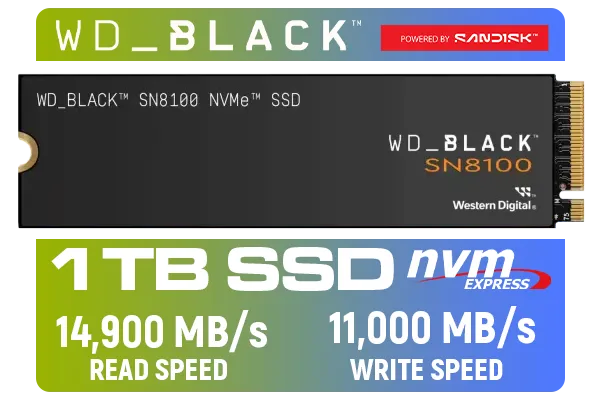
Western Digital SN8100 NVMe Internal Solid State Drive - 1TB / Sequential Read, Write Performance - 14900MB/s, 11000MB/s / PCIe Gen 5 / WDS100T1X0M
R3999.00In Stock

Teamgroup T-Force G70 PRO 1TB NVMe Internal Solid State Drive / Up to 7,000 Read Speed / Up to 5,500 Write Speed / Multiple Caching Systems Available / Patented Graphene Heatsink Technology / TM8FFH001T0C129
R2499.00In Stock
Western Digital 2TB WD Blue SN5000 NVMe Internal Solid State Drive SSD - PCIe Gen 4.0, M.2 2280, Up to 5,150 MB/s / WDS200T4B0E
R3499.00In Stock
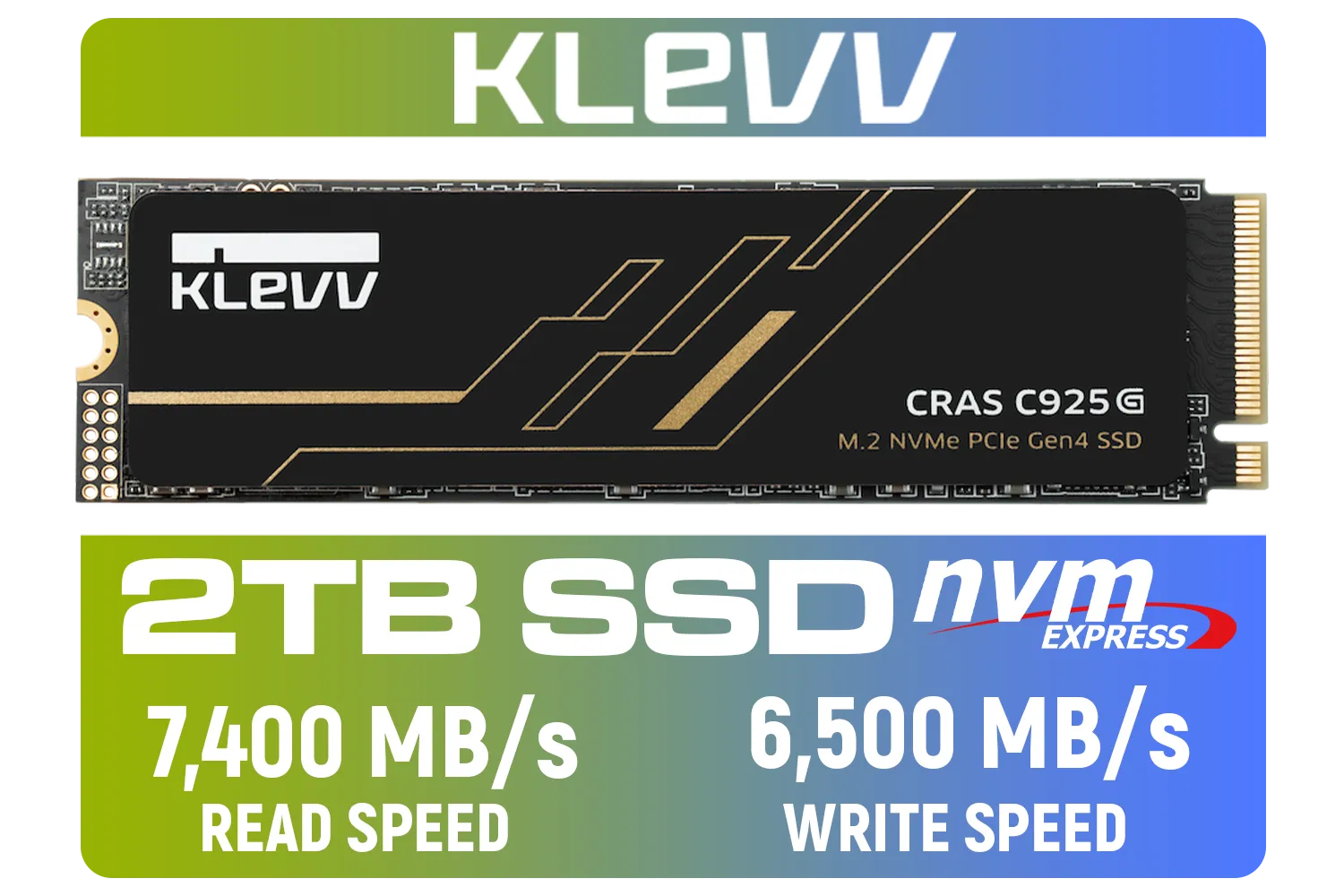
KLEVV CRAS C925G M.2 NVMe Solid State Drive - 2TB / PCIe Gen4x4 / Sequential Read | Write - 7400 | 6500 MB/s / 3D TLC NAND Flash / K02TBM2SP0-25G
R3499.00In Stock
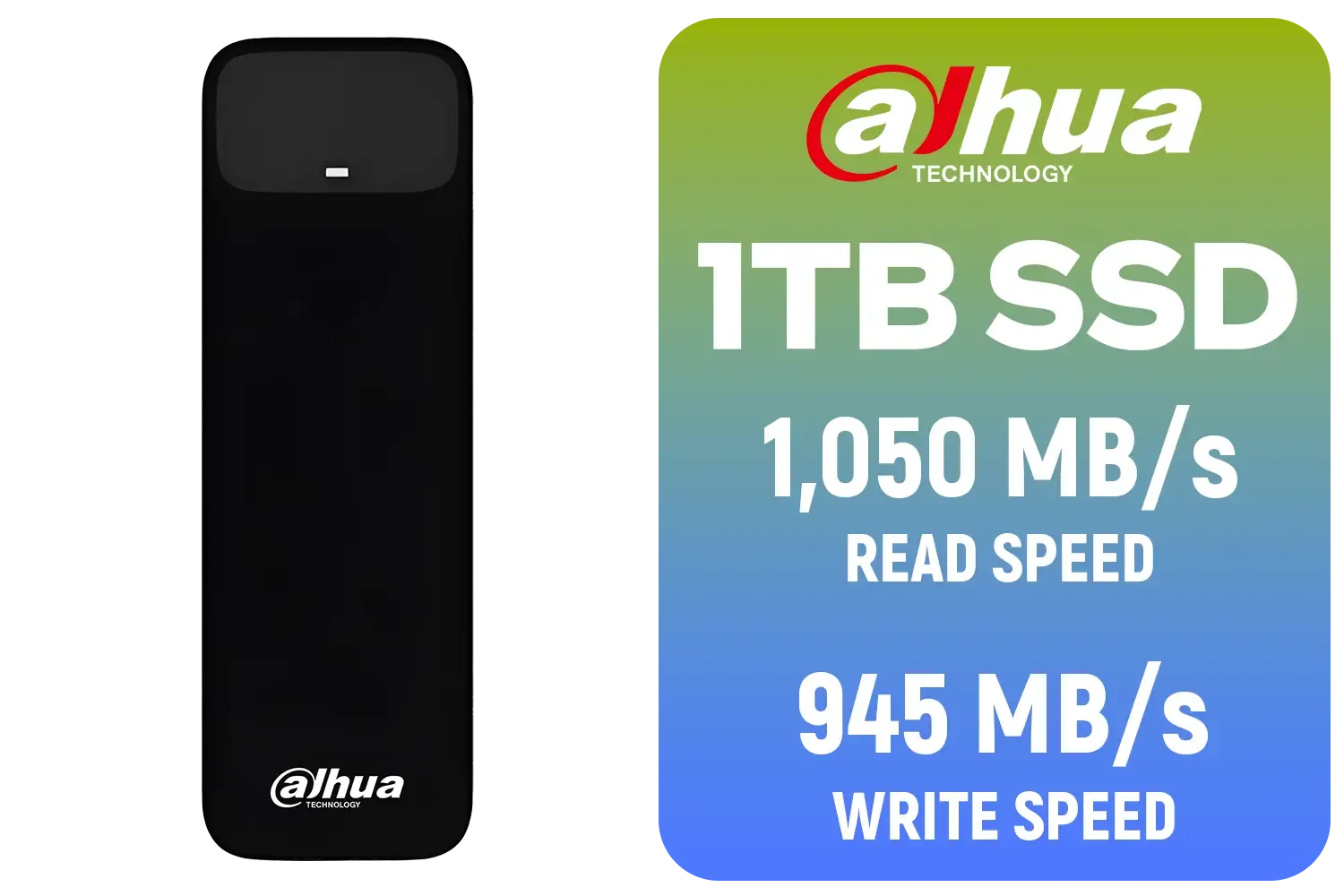
Dahua L7 M.2 1TB NVMe SSD / Read: Up to 1,050 MB/s Write: Up to 945 MB/s / Shock-resistant and drop-resistant design / Aluminum body with heat dissipation / Dual Type-C/Type-A cable included / DHI-PSSD-L7-1TB
R1499.00In Stock
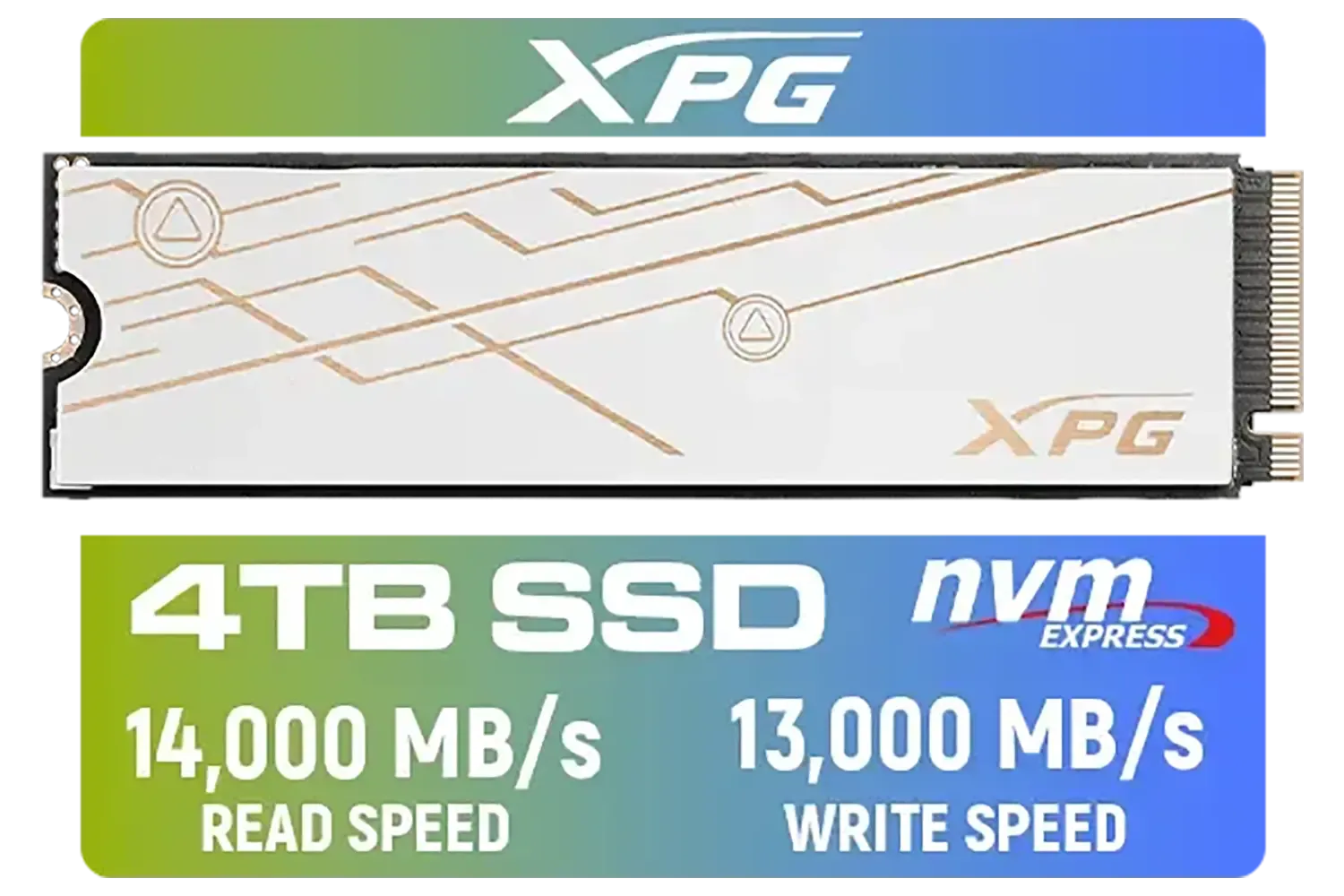
ADATA XPG Mars 980 Blade 4TB NVMe 5.0 Internal Solid State Drive / Up to 14,000MB/s Read Speed and Up to 13,000MB/s Write Speed / SMAR-980B-4TCS
R7999.00In Stock
Maintaining Your Video Storage for Longevity
A key feature of the SkyHawk series is SkyHawk Health Management (SHM). When used with a compatible NVR, this software actively monitors drive health and can provide alerts for prevention, intervention, and recovery. It’s like having a built-in technician.
Beyond software, ensure your NVR or DVR has adequate ventilation. Heat is the enemy of any electronic component, and a cool-running system will help your drives last much longer. A reliable Seagate SkyHawk video storage setup is the backbone of modern security, protecting your assets and giving you one less thing to worry about.
Ready to Secure Your Business? Choosing the right video storage is a critical step in protecting your assets. Don't leave it to chance with the wrong hardware. Explore our full range of surveillance hard drives and build a system you can truly rely on.
Related Products
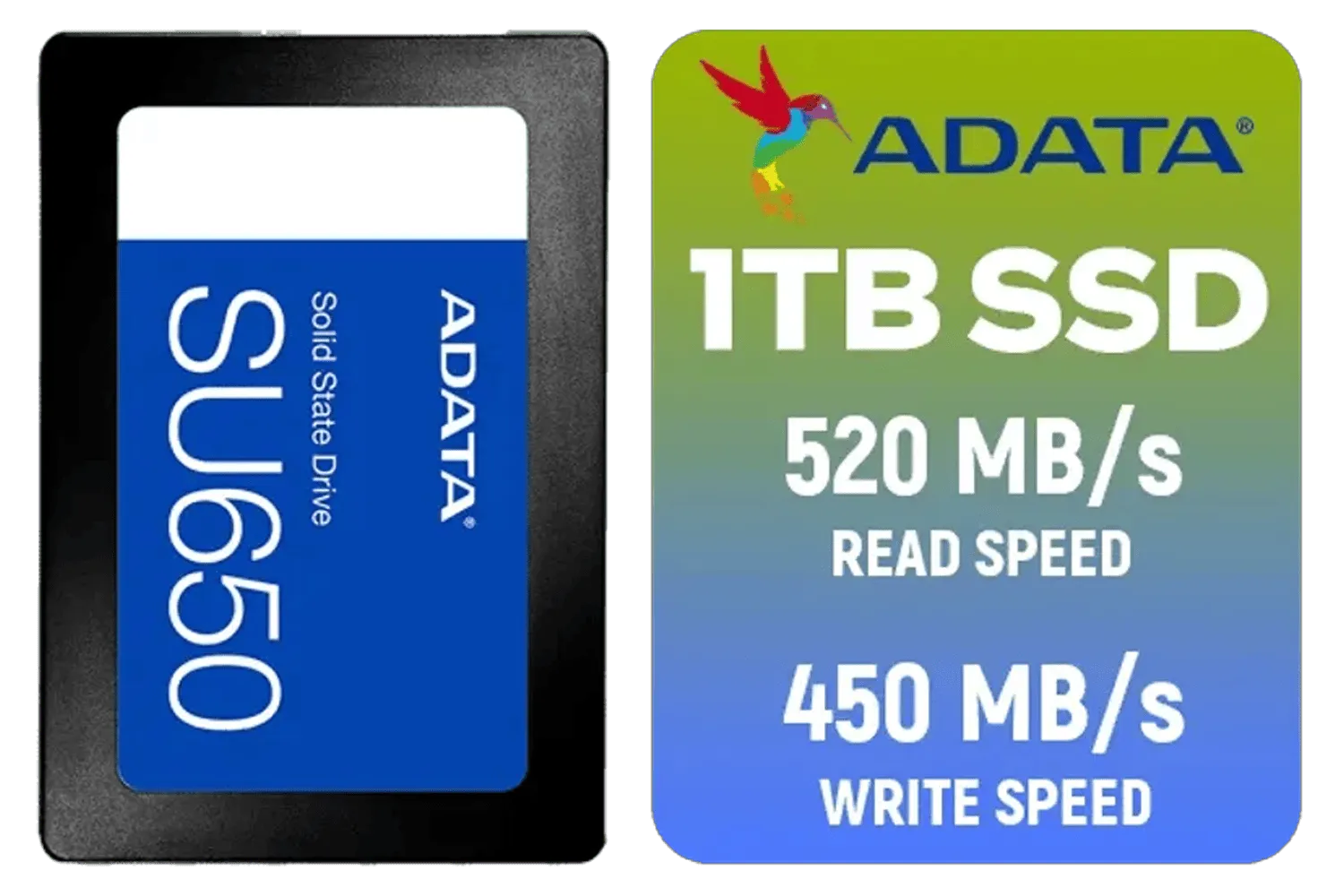
ADATA SU650 1TB 3D-NAND SATA 2.5 inch Internal SSD / ASU650SS-1TT-R
R1399.00In Stock

Kingston KC3000 PCIe 4.0 NVMe M.2 4TB SSD / High-Performance Storage for Desktop and Laptop PCs / SKC3000D/4096G
R8499.00In Stock
Corsair MP700 PRO SE 4TB PCIe 5.0 x4 NVMe M.2 SSD / Up to 14,000MB/s Sequential Read / Up to 12,000MB/s Sequential Write / M.2 2280 Form Factor / CSSD-F4000GBMP700PNHS
R10999.00In Stock
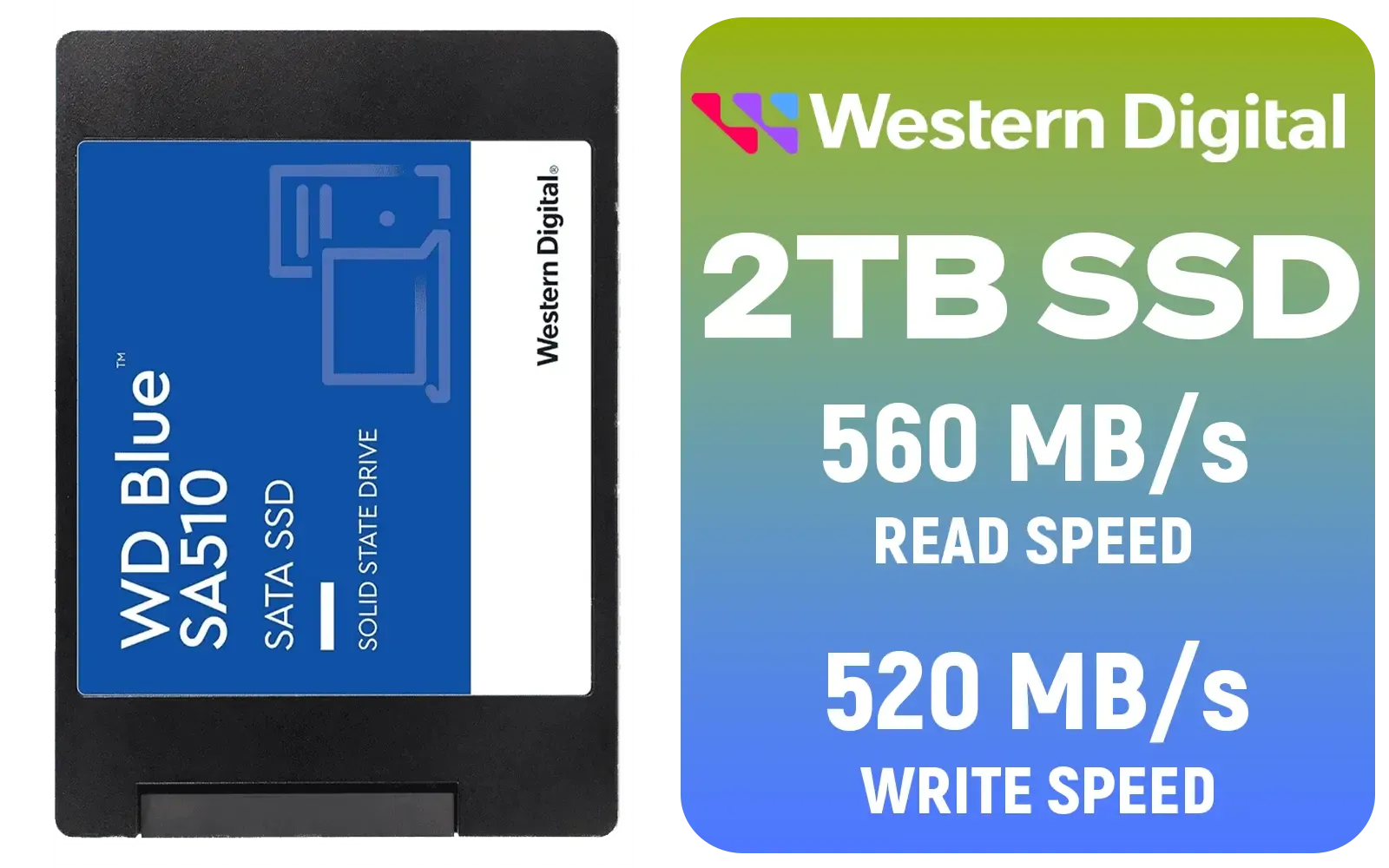
Western Digital Blue SA510 2TB 2.5" Solid State Drive (SSD) / Superior Performance / Multitasking / WD F.I.T. Lab Certified / WDS200T3B0A
R2499.00In Stock
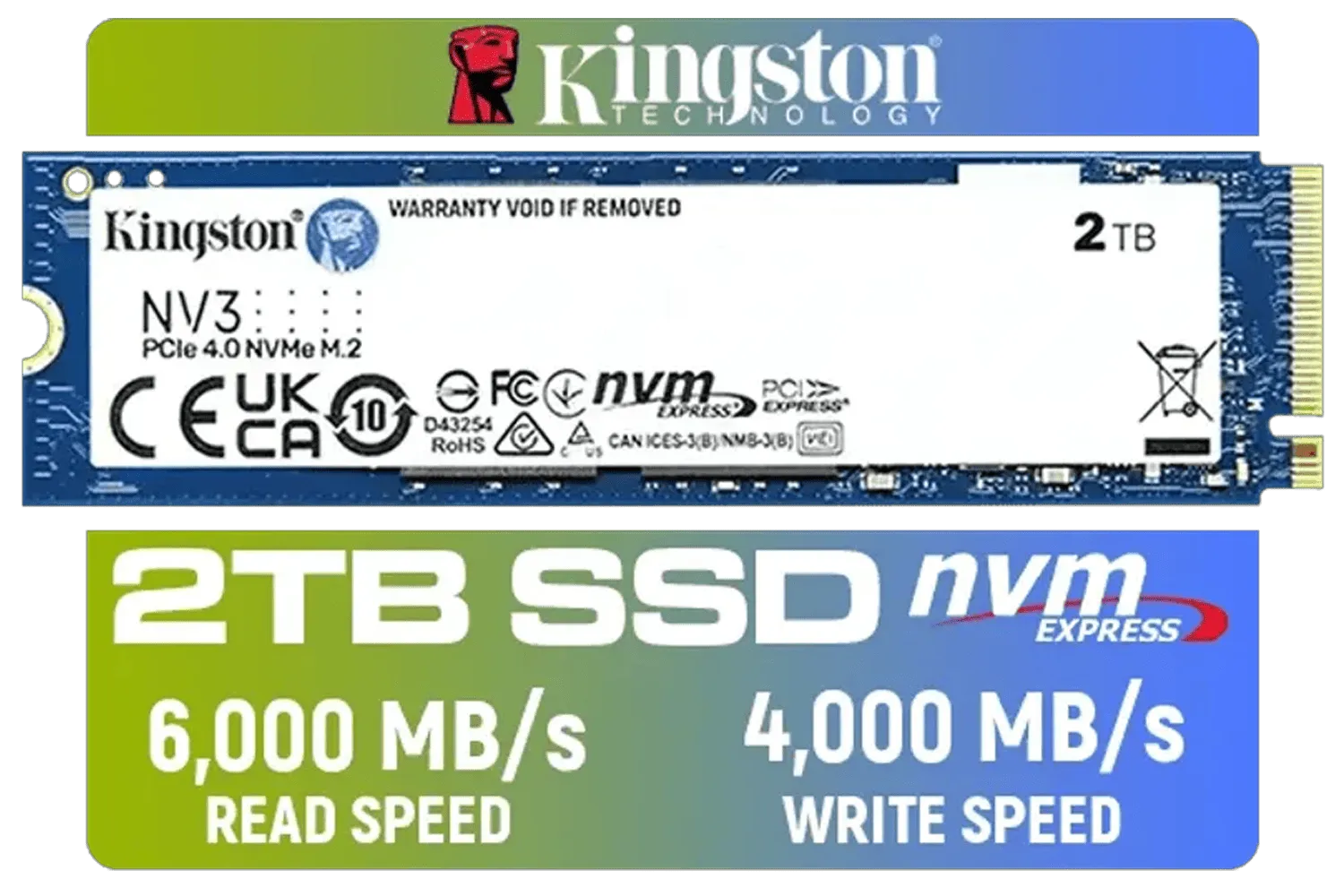
Kingston 2000G NV3 NVMe SSD / Up to 6,000MB/s Read / Up to 4,000MB/s Write / PCIe 4.0 x4 NVMe / M.2 2280 Form Factor / SNV3S/2000G
R3499.00In Stock

Kingston Fury Renegade 4TB NVMe SSD / M.2 2280 Form Factor / PCIe Gen5.0 / Up to 14,800MB/s Read / Up to 14,000MB/s Write / SFYR2S/4T0
R9999.00In Stock
Estimate retention days × cameras × bitrate. Use a SkyHawk capacity guide for small business video to pick HDD TBs that cover your retention target.
Yes. SkyHawk is built for continuous write workloads—choose NAS-rated models and follow SkyHawk NAS vs CCTV storage tips to ensure compatibility.
Enable proper cooling, rotate drives in RAID, avoid constant rebuilds, and follow optimize SkyHawk write endurance best practices.
Yes. RAID 1 or RAID 6 offer redundancy for footage. Configure RAID for SkyHawk surveillance to balance capacity, performance, and fault tolerance.
Map retention to legal and operational needs. Use a SkyHawk retention policy for video footage: shorter retention for routine, longer for incidents.
Use SMART monitoring and Seagate tools. Regular checks and following monitor SkyHawk health for surveillance prevent surprises and protect footage.
Keep drives cool, update firmware, schedule health scans, and use Seagate SkyHawk surveillance HDD maintenance routines to reduce failures.











