




Building a compact PC is a lekker feeling. That small, sleek box fits perfectly on your desk, looking clean and powerful. But cramming high-end components into a tight space creates a serious heat challenge. Without a smart plan for your small case airflow, your new rig could turn into a noisy hotbox that throttles performance when you need it most. Don't worry… we're here to show you how to master the art of balanced intake and exhaust. 🔧

Xigmatek Gaming Y Pro Mid Tower Gaming Case - Black / Supports Motherboards up to E-ATX / 4 x Pre-Installed Fans Included / EN42249
R1599.00In Stock

Fractal Design Torrent Compact White - Clear Tint Tempered Glass Side Panel - Open Grille for Maximum air Intake - Two 180mm PWM Fans Included - Type C - ATX Airflow Mid Tower PC Gaming Case - FD-C-TOR1C-03
R2999.00In Stock

Cooler Master HAF 500 White High Airflow ATX Mid-Tower, Mesh Front Panel, Dual 200mm Customizable ARG Lighting Fans, Rotatable GPU Fan, USB 3.2 Gen 2 Type C and Tempered Glas / H500-WGNN-S00
R2499.00In Stock

Corsair 7000D AIRFLOW Full-Tower Gaming E-ATX PC Case - White / Tempered Glass Side Panel / USB 3.1 Type-C port / Corsair rapid route cable management / Supports Motherboards up to E-ATX / Supports up to 480mm Radiator / 3 x Pre-Installed Fan Included / CC-9011219-WW
R4399.00In Stock

Gamdias Atlas M1 Tempered Glass ATX Gaming Case - Black / Magnetic Dust Filter / Supports Motherboards up to ATX / 3 Built-in 120mm ARGB Fan / ATLAS-M1
R1699.00In Stock

Antec C7 , 3 x 120mm ARGB PWM Reverse fans + 1 x 140mm ARGB PWM Fan, RTX 40 Compatible Type-C, 360mm Radiator Support, Seamless Tempered Glass Front & Side Panels, Mid-Tower E-ATX Gaming Case / 0-761345-10135-6
R2399.00In Stock
Understanding the Basics of Airflow in a Small Case
Before you start mounting fans, let's cover the core principle: cool air in, hot air out. The goal is to create a consistent, efficient wind tunnel through your chassis. In the world of PC building, this leads to three main pressure setups:
- Positive Pressure: More air is pushed into the case (intake) than is pulled out (exhaust). This helps reduce dust buildup as air is forced out of every unfiltered crack and crevice.
- Negative Pressure: More air is pulled out of the case than is pushed in. This can be great for raw cooling performance but tends to suck dust in through unfiltered vents.
- Balanced/Neutral Pressure: Intake and exhaust airflow are roughly equal. This is the sweet spot for most builds, offering a great balance between cooling and dust management.
For compact builds, achieving perfectly balanced intake and exhaust is the gold standard. It ensures every component gets a steady stream of fresh, cool air without creating noisy turbulence or a dust-filled interior.
How to Create Balanced Intake and Exhaust
Nailing your small case airflow isn't about luck; it's about a simple, logical plan. Follow these steps to keep your components cool and quiet.
Step 1: Plan Your Fan Configuration
Every case is different, but the laws of physics are constant: heat rises. A classic configuration that works for most small towers involves:
- Intake: Fans at the front or bottom of the case, pulling cool air in.
- Exhaust: Fans at the rear or top of the case, pushing hot air out.
Take a look at a well-designed chassis like the Cooler Master E301 Mini Tower. Its layout is optimised for this front-to-back, bottom-to-top airflow path, making it easier to achieve a balanced setup right out of the box.

MSI MAG VAMPIRIC 300R Mid Tower Gaming Computer Case 'Black, 1x 120mm ARGB Fan, USB Type-C, Tempered Glass, MSI Center, E-ATX, ATX, mATX, mini-ITX / 306-7G19R21-809
R2699.00In Stock
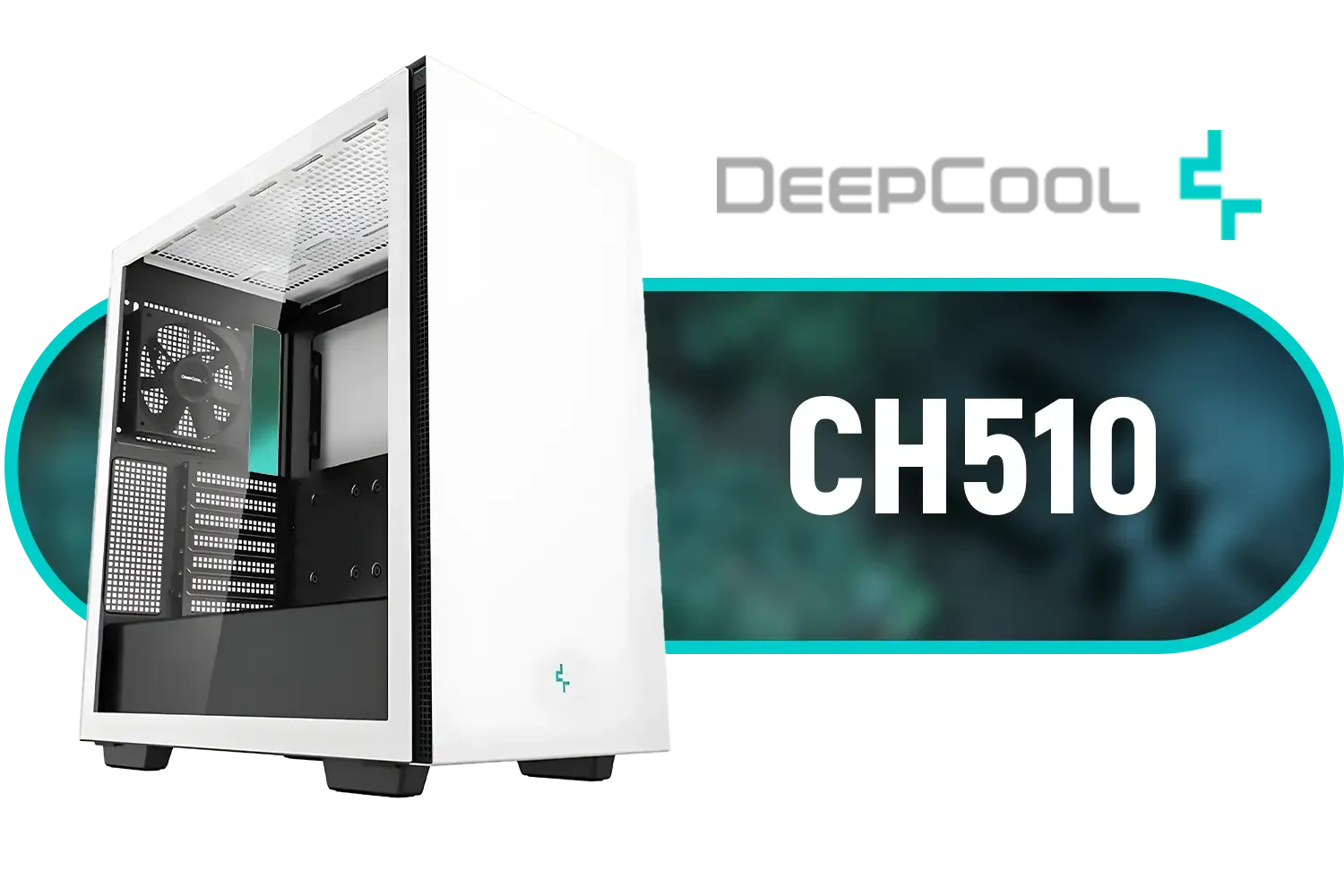
Deepcool CH510 Mid-Tower ATX Computer Case/ Gaming Cabinet - White | Support - Mini-ITX / Micro-ATX / ATX / E-ATX | Pre-Installed 1 x 120mm Rear Fan / CH510 WH
R1199.00In Stock
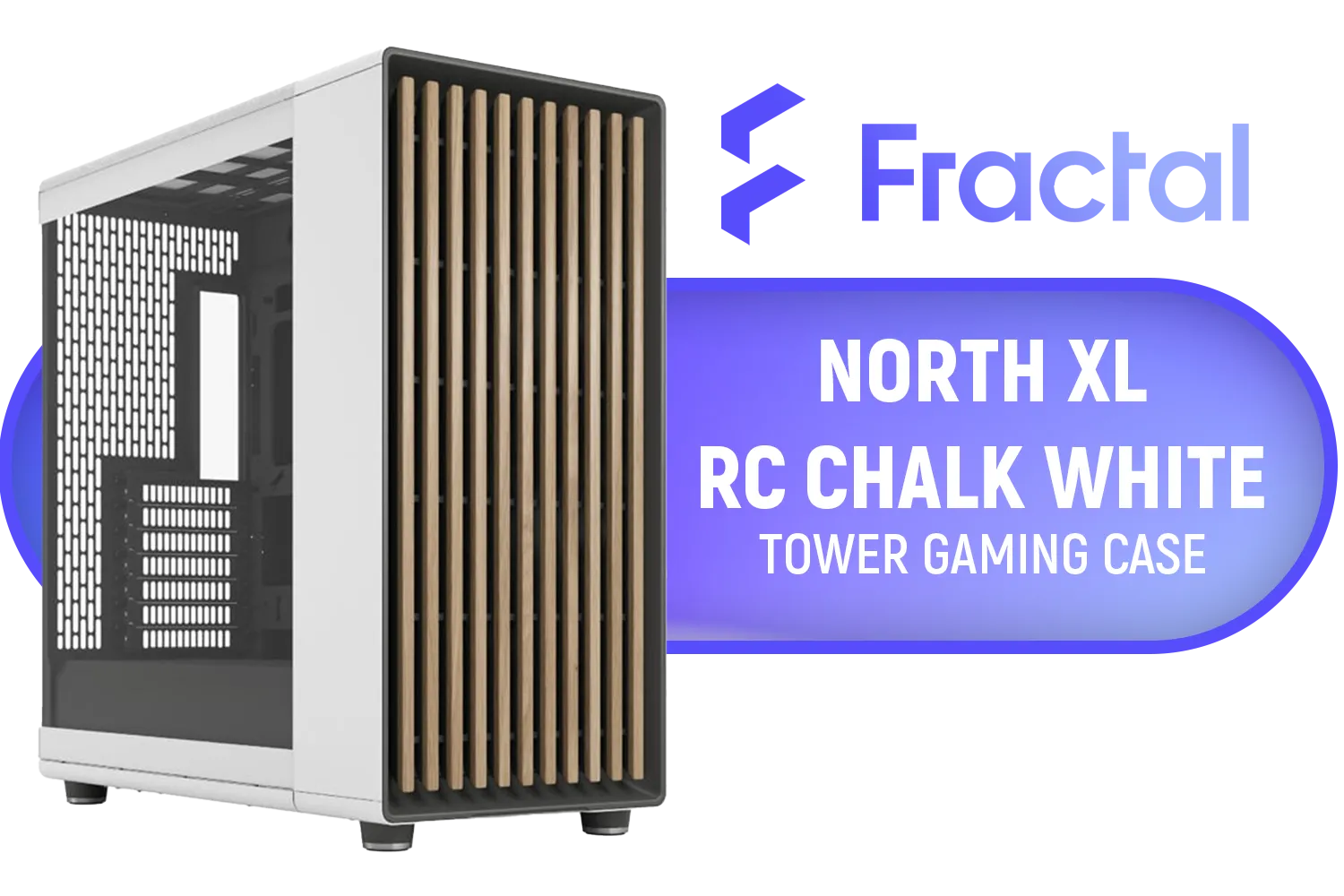
Fractal North XL RC Chalk White TG Clear PC Case / ATX and mATX with rear-facing connectors, Mini-ITX Motherboard Compatibility / 3x Included Aspect 140 mm fans / Tempered Glass / FD-C-NOR1X-06
R3199.00In Stock
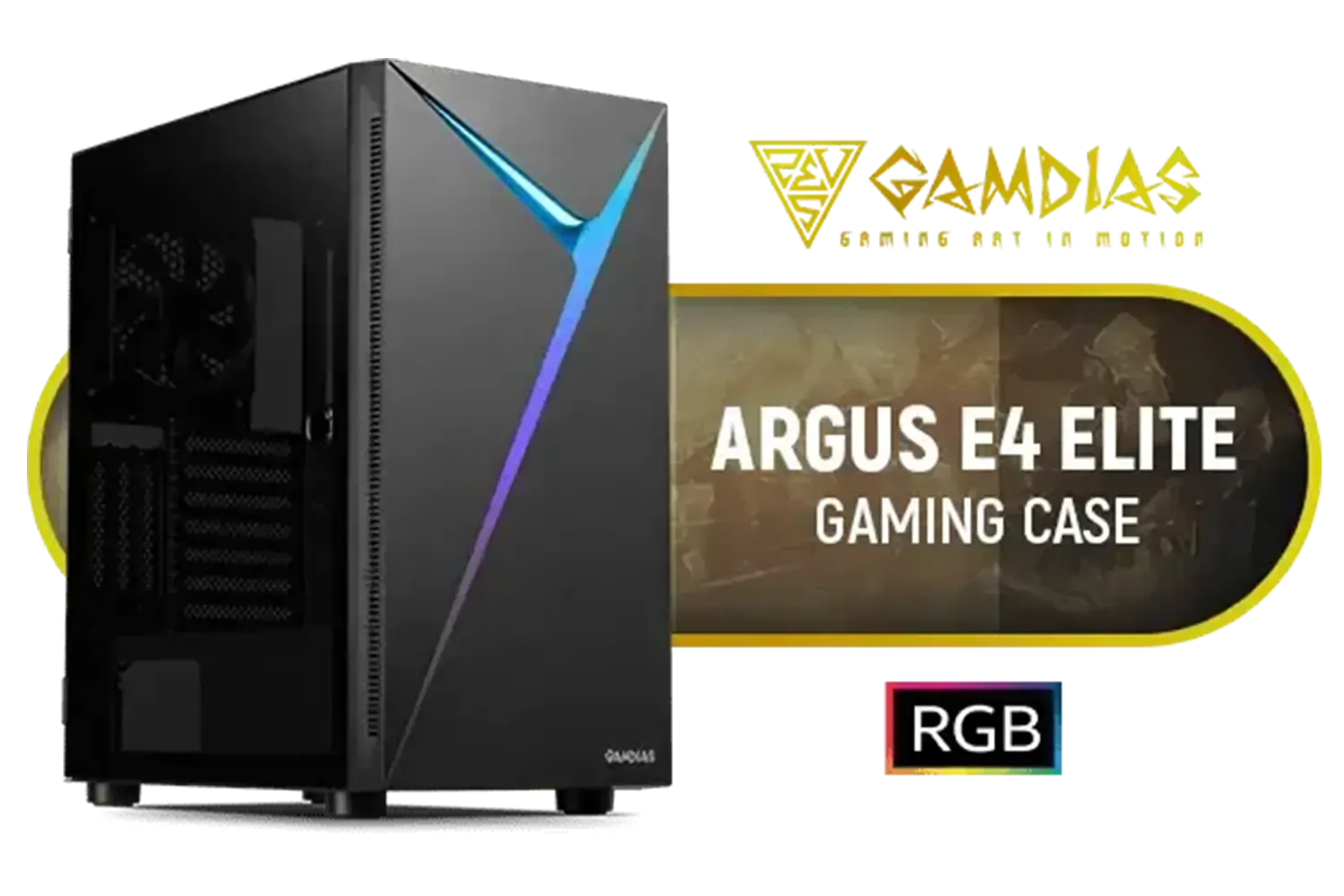
Gamdias Argus E4 Elite Tempered Glass ATX Gaming Case - Black / Supports Motherboards up to ATX / Sync with 5V ARGB Motherboard / RGB Streaming Lighting / 1 Built-in 120mm Rear Fan / Magnetic Dust Filter / ARGUS E4 Elite
R899.00In Stock

Gamemax T20 M-ATX Gaming Case - Black / Three Sided Tempered Glass / Support 5×120mm Fan Mounts / 2 Pre-installed 120mm ARGB Fans / M-ATX (With BTF Support) , ITX Motherboard Support / SFX-L PSU Support / T20-BK
R1299.00In Stock
Cooler Master HAF 500 White High Airflow ATX Mid-Tower, Mesh Front Panel, Dual 200mm Customizable ARG Lighting Fans, Rotatable GPU Fan, USB 3.2 Gen 2 Type C and Tempered Glas / H500-WGNN-S00
R2499.00In Stock
Step 2: Choose the Right Fans
Not all fans are created equal. There are two main types you need to know about:
- Airflow Fans: Designed to move large volumes of air in unrestricted spaces. They are perfect for case intake or exhaust where there's no radiator or dense drive cage in the way.
- Static Pressure (SP) Fans: Designed to force air through tight spaces. Use these for CPU cooler heatsinks, radiators, and pushing air through restrictive front panels or dust filters.
Using the wrong fan type is a common mistake that can seriously hamper your cooling performance.
TIP FOR YOU
Quick Airflow Check ⚡
Not sure which way your fan is blowing? Look for a small arrow on the side of the fan's plastic frame. One arrow shows the direction the blades spin, and the other shows the direction the air moves. No more guesswork!
Step 3: Manage Your Cables (Seriously!)
In a spacious ATX tower, a bit of cable mess might just look untidy. In a compact Mini-ITX or Micro-ATX build, it's a disaster for airflow. Bundles of cables can block intake fans, trap pockets of hot air, and disrupt the clean path from intake to exhaust. Take your time with zip ties and routing channels. Many modern Cooler Master cases include excellent cable management features for this very reason. ✨

Corsair 6500X Mid-Tower Dual Chamber Gaming E-ATX PC Case - Black / Compatible with reverse connector motherboards / Supports Motherboards up to E-ATX / Tempered Glass / Wide cooling flexibility / No Fans Included / CC-9011257-WW
R2499.00In Stock

Fractal Design Meshify 2 - Lite Black / E-ATX, ATX, mATX, Mini-ITX / Light Tinted Tempered Glass Window / Mid Tower Computer Case / 3 x Pre-Installed Fans Included / FD-C-MEL2A-03
R2299.00In Stock

DeepCool CH780 ATX Panoramic case - Tempered Glass Panels - Trinity 140mm ARGB Fans - Dual Chamber Configuration - Vertical Mount and Gen 4 Riser Cable - Type-C - 4x USB 3.0 — Black / CH780
R3499.00In Stock

Gamemax Infinity Plus ATX Mid-Tower Gaming Case - White / Three Sided Tempered Glass / Support 8×120mm or 5×120mm + 2x140mm Fan Mounts / ATX, M-ATX, ITX Motherboard Support / Support BTF Motherboards / ATX PSU Support / No Fans Included / Infinity-Plus-WH
R1299.00In Stock

Xigmatek Lux G Black PC Case Medium Tower ATX / Supports Motherboards up to ATX / 4 x Pre Installed ARGB Fans / EN48687
R1499.00In Stock

DEEPCOOL CC560 MESH V2 Mid-Tower Case - White That Supports - Mini-ITX / Micro-ATX / ATX With Pre-Installed 3 x 120mm Fans in Front and 1 x 120mm Fan in Rear / CC560-MESH-WH-V2
R1199.00In Stock
Common Small Case Airflow Mistakes to Avoid
Even with a good plan, it's easy to make a small mistake that impacts your temperatures. Watch out for these common slip-ups:
- Ignoring GPU Exhaust: High-end graphics cards generate a massive amount of heat. Some vent this heat directly out the back of the case, while others (often "open-air" cooler designs) dump much of it back into your case. If you have an open-air GPU, strong case exhaust is non-negotiable.
- Creating Airflow "Dead Zones": Ensure your airflow path covers all your hot components—the CPU, GPU, VRMs, and NVMe SSD. A poorly placed fan might leave your SSD to cook in a pocket of stagnant air.
- Forgetting Dust Filters: A positive or balanced pressure setup is your best defence against dust. Make sure your intake fans have filters and remember to clean them regularly! A clogged filter suffocates your system, ruining your carefully planned airflow in a small case.
Getting great thermal performance doesn't mean you have to break the bank. Brands like Gamemax offer computer cases that provide smart airflow features at a price that's easy on the wallet.
Ultimately, mastering small case airflow is about a little bit of planning. By understanding the principles and choosing the right foundation, you can build a compact PC that's both powerful and whisper-quiet. The right chassis makes all the difference, providing the layout you need for a cool-running rig. 🚀
Ready to Build Your Cool & Compact Rig? Mastering small case airflow starts with the right foundation. For maximum performance, choice, and value in South Africa, a well-designed case is key. Explore our massive range of computer cases and find the perfect chassis to conquer the heat.
Related Products
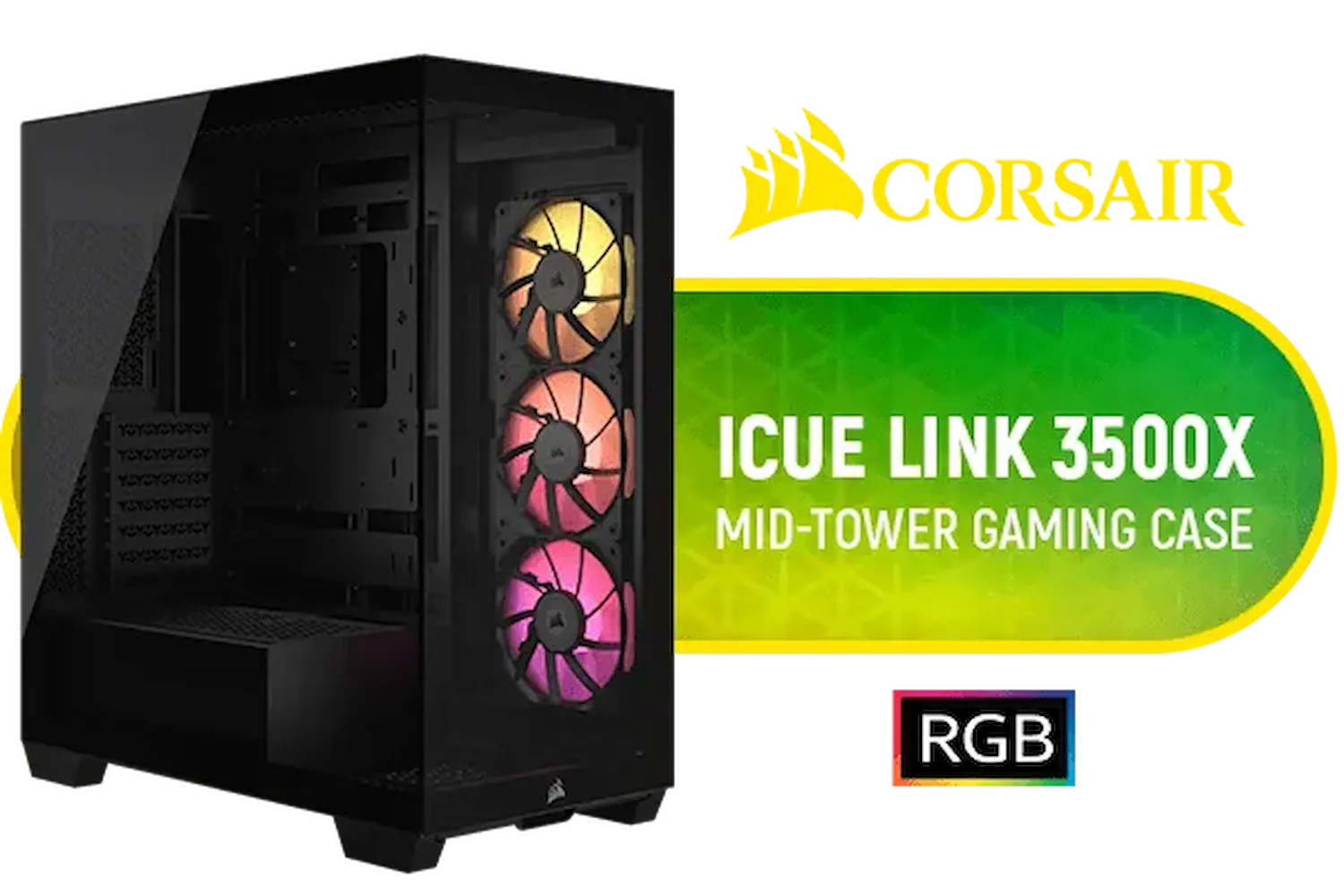
Corsair iCUE LINK 3500X RGB Mid-Tower Gaming E-ATX PC Case / 3x Pre-installed iCUE LINK RX120 fans with iCUE LINK System Hub / Supports up to 10x 120mm Fans / Supports up 360mm Radiator / Removable Glass Panels / Supports Motherboards up to E-ATX / Supports Reverse Connection Motherboards / CC-9011280-WW
R3199.00In Stock

Xigmatek Pano Arctic Mid Tower Gaming Case - White / Supports Motherboards up to E-ATX / 7 x Pre-Installed ARGB Fans Included / EN44267
R2299.00In Stock
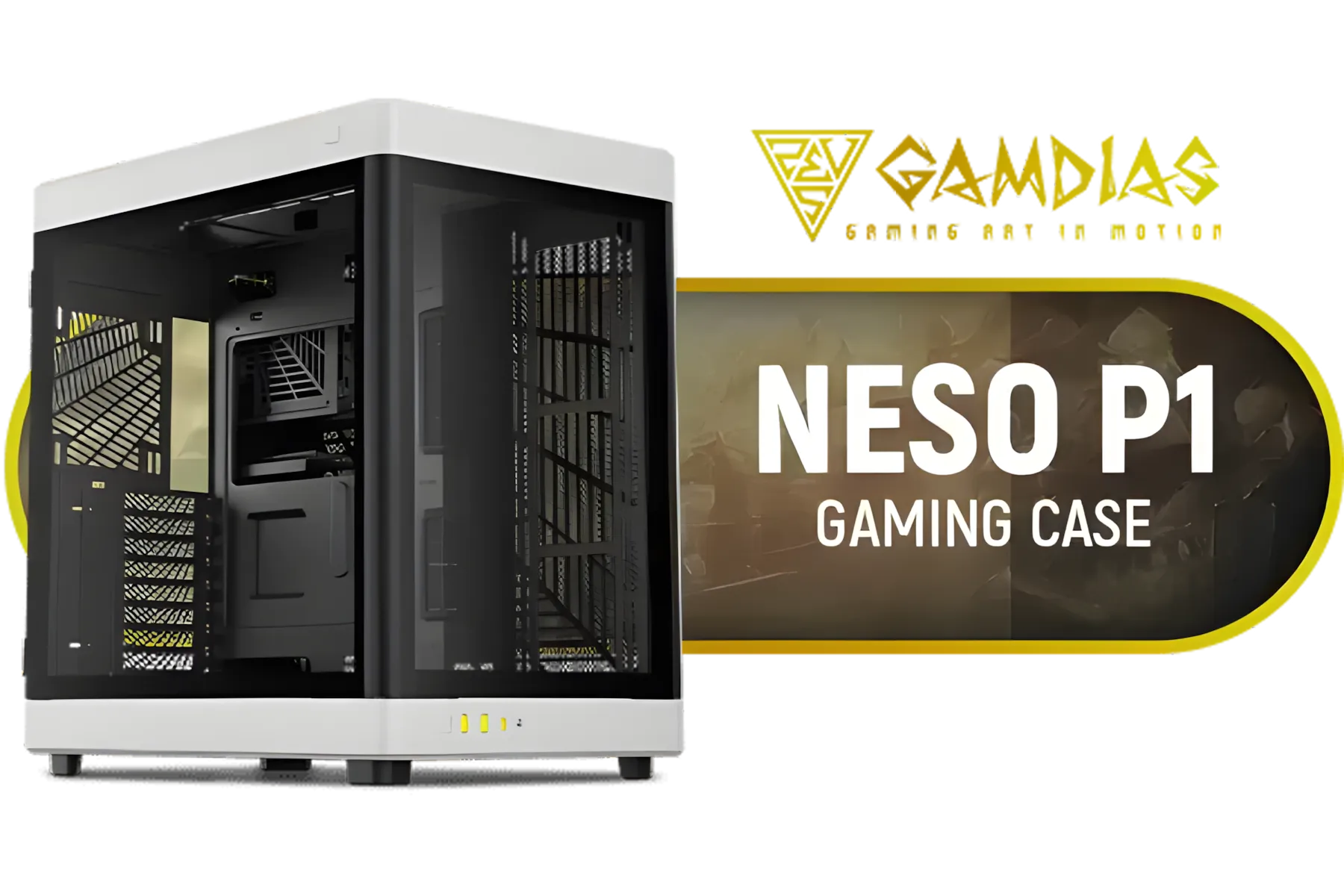
GAMDIAS NESO P1 BW Prime Lifestyle E-ATX Gaming Case - Black/White / Modular Orientation / Full Panoramic Display / Supports Motherboards up to E-ATX / One-touch Release Mechanism / Next-level Airflow Design / No Fans Included / NESO-P1-BW
R2499.00In Stock

Evetech TRIO Elite RGB Tempered Glass ATX Gaming Case / 6x Dual Ring RGB High-Speed PWM Fans Included / Support USB 3.0 & 2.0 / Syncs with MSI Mystic lighting & ASUS aura sync / 5mm Full Sized Tempered Glass / Optimized airflow / Supports 370mm (MAX) long Graphic Card installation
R2299.00In Stock

CORSAIR iCUE 5000T RGB Tempered Glass Mid-Tower Gaming E-ATX PC Case - White / 3x L120 RGB Fans Included / Supports Motherboards up to E-ATX / Clean Cabling / Removable Airflow Panels / CC-9011231-WW
R6999.00In Stock
CORSAIR 9000D RGB AIRFLOW Super Full-Tower PC Case - White / InfiniRail™ fan mounting system / iCUE LINK System Hub Included / Supports up to 18x 120mm fans / No Fans Included / CC-9011274-WW
R8299.00In Stock
Set slightly more intake CFM, align fan placement, and tune fan curves to stabilize pressure and create balanced intake and exhaust small case airflow.
Most mini-ITX builds use 1–2 intakes and 1 exhaust; monitor temps and adjust for mini itx airflow and component layout.
Aim for slight positive pressure to reduce dust; use filtered intakes and balanced exhaust to maintain airflow and dust management small case.
Mount radiators as exhaust if possible (front or top by space) to avoid recirculating heat; radiator placement in small case affects temps.
Filters add minimal restriction but keep parts cleaner long-term; use quality filters and clean regularly for optimal case airflow tips for compact builds.
Use larger low-RPM fans if space allows, balance fan speeds, and create temperature-based fan curves for quiet, efficient small case airflow.
Direct cool intake toward the GPU, route exhaust near rear/top, and balance intake/exhaust CFM; proper fan placement small form factor case improves both CPU and GPU temps.











