



SSD Specs Explained: A Beginner Guide to Benchmarks
Confused by storage jargon? 🚀 We get SSD specs explained simply, breaking down read/write speeds, IOPS, and endurance ratings. Master the numbers, understand benchmarks, and choose the perfect drive for your rig! 💾
|
Loading tags...

Staring at a wall of SSD specs can feel like trying to decode a secret message. Sequential reads, IOPS, TBW… what does it all mean? If you're a South African gamer who just wants faster load times and a snappier PC, you're in the right place. Forget the jargon. This beginner guide to SSD benchmarks is designed to give you the practical knowledge you need to choose the right drive, so you spend less time waiting and more time winning. 🚀

Adata Mars 980 Storm 1TB NVMe SSD / PCIe Gen5 x4 / Up to 14,000MB/s - 13,000MB Sequential Read/Write / SMAR-980S-1TCI
R3699.00In Stock
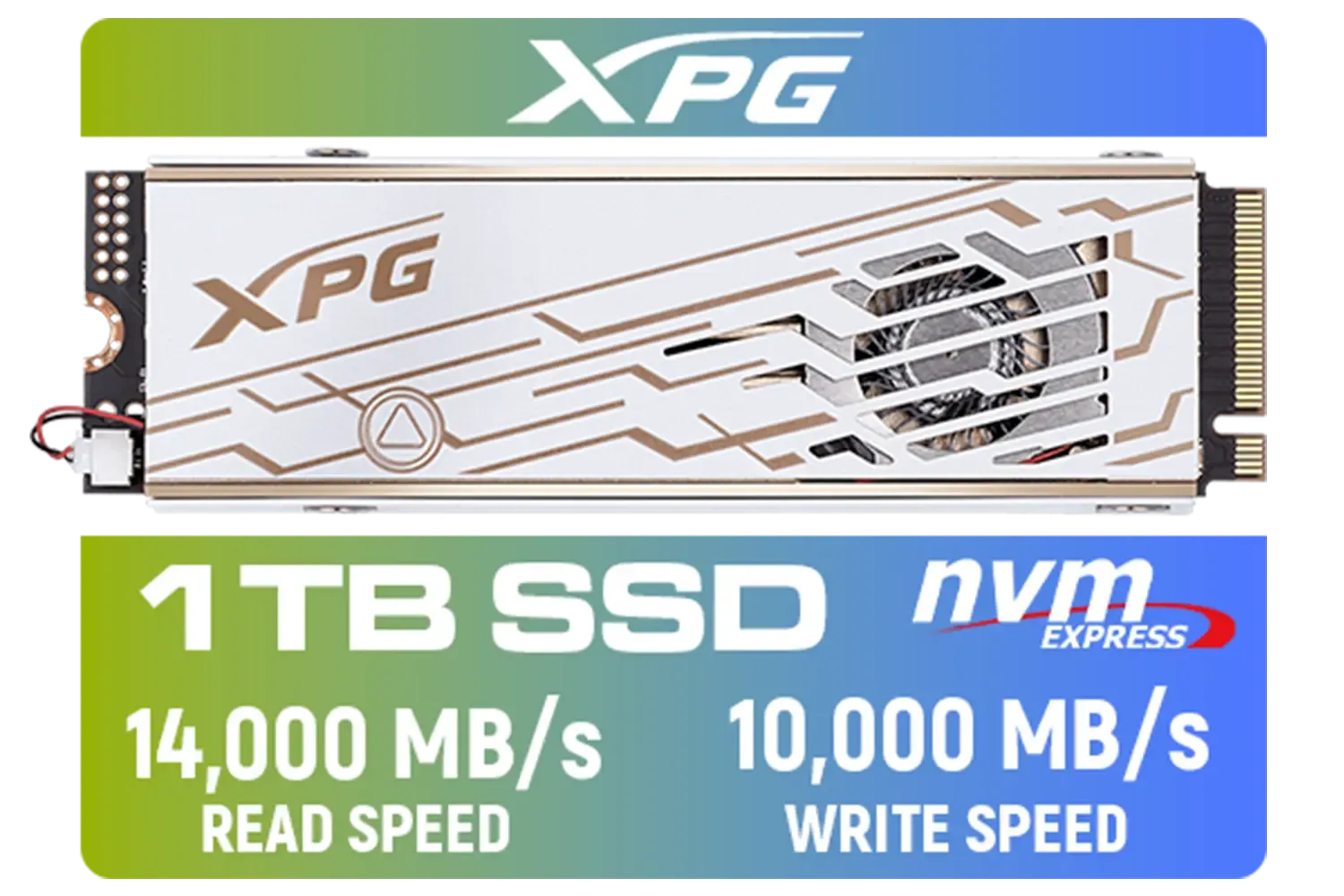
ADATA XPG Mars 980 Pro 1TB NVMe 5.0 Internal Solid State Drive / Up to 14,000MB/s Read Speed and Up to 10,000MB/s Write Speed / SMAR-980P-1TCI
R2999.00In Stock

Kingston KC3000 PCIe 4.0 NVMe M.2 2TB SSD - High-Performance Storage for Desktop and Laptop PCs -SKC3000D/2048G
R3999.00In Stock

Western Digital 500GB WD Blue SN5100 NVMe Internal Solid State Drive / M.2 2280 Form Factor / Read Speeds up to 6600MB/s / Write Speeds up to 5600MB/s / PCIe Gen 4.0 Interface / nCache™ 4.0 Technology / 3D CBA NAND / Includes Acronis® True Image™ & SanDisk Dashboard Software / WDS500G5B0E
R1199.00In Stock
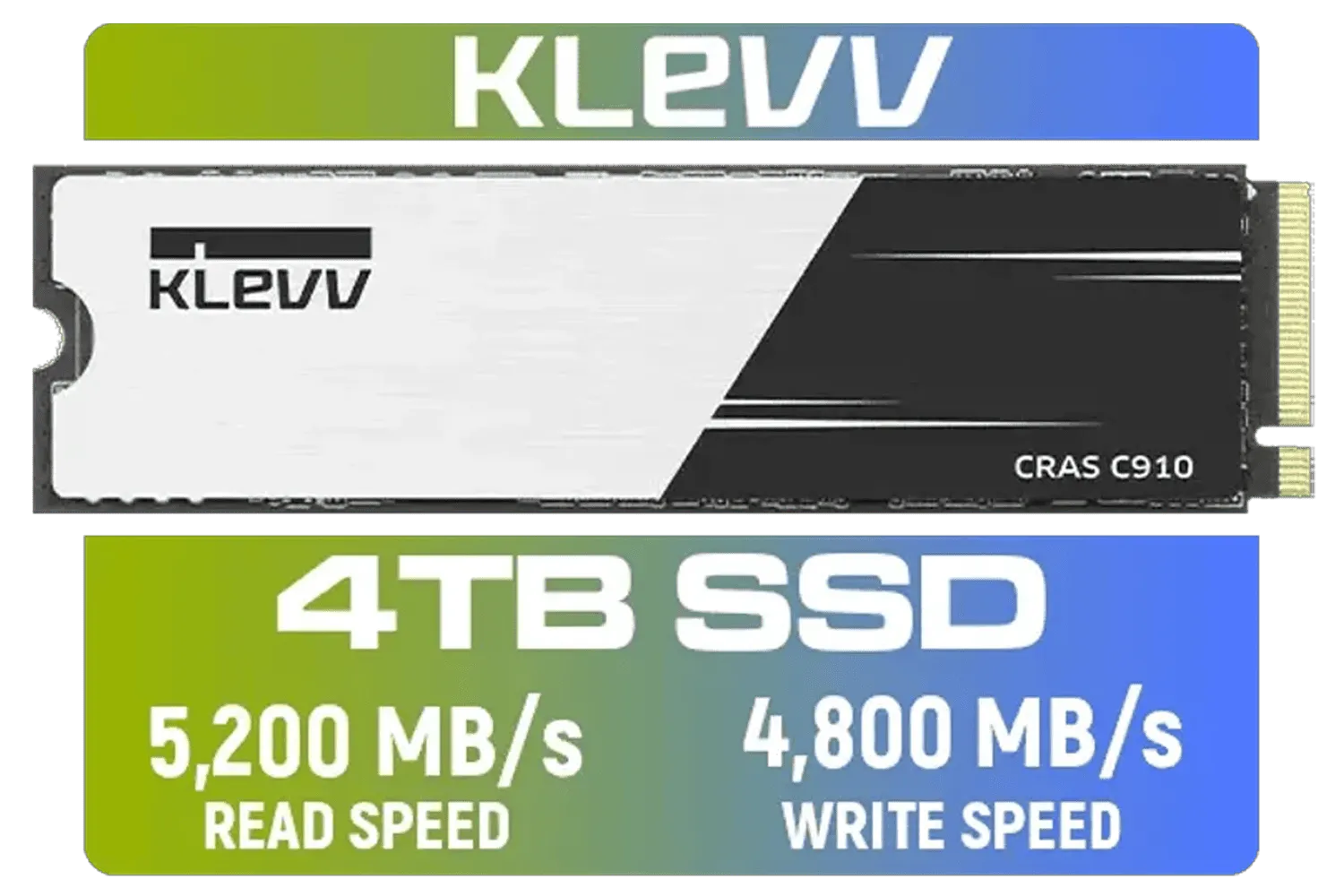
KLEVV CRAS C910 4TB NVME PCIe SSD Gen4x4 / Sequential Read up to 5200MB/s / Sequential Write up to 4800MB/s / Aluminum Heatsink / 3D NAND Technology / K04TBM2SP0-C91
R5999.00In Stock
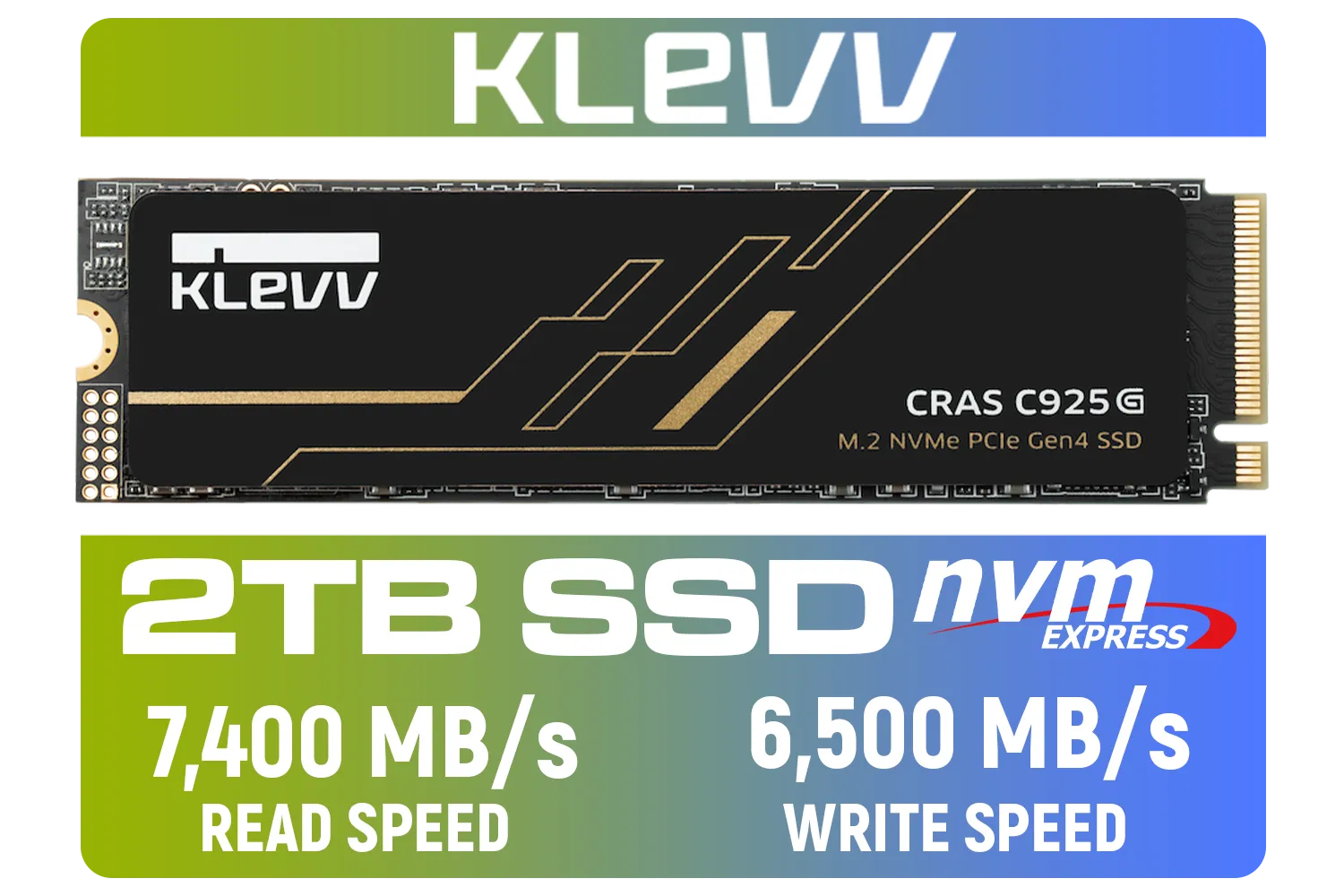
KLEVV CRAS C925G M.2 NVMe Solid State Drive - 2TB / PCIe Gen4x4 / Sequential Read | Write - 7400 | 6500 MB/s / 3D TLC NAND Flash / K02TBM2SP0-25G
R3499.00In Stock
Understanding the Core SSD Specs
Before we dive into benchmarks, let's get the basics sorted. Getting these SSD specs explained properly is the first step to making a smart purchase and ensuring you get the performance you pay for.
Sequential Read/Write Speeds: The Big Numbers
This is the spec you'll see advertised most prominently, measured in megabytes per second (MB/s). Think of it like a highway's speed limit. It tells you how quickly the drive can read or write large, single files—like a 4K movie or a massive game installation file. While a high number looks impressive, it doesn't tell the whole story for everyday gaming performance.
Random Read/Write Speeds (IOPS): The Real-World Hero
This is the metric that truly matters for gaming and operating system responsiveness. Random Read/Write speeds, measured in IOPS (Input/Output Operations Per Second), describe how fast the drive can access lots of small, scattered files. Your Windows OS, your game's texture files, and your application data are all made of these. A drive with high IOPS feels incredibly snappy, making everything from booting up to loading a new level feel instant.
NVMe Generations: Gen3 vs Gen4 (and a Peek at Gen5) ⚡
You'll often see NVMe SSDs labelled as "PCIe 3.0" or "PCIe 4.0". Think of this as the version of the data highway the drive uses. Each new generation roughly doubles the potential top speed.
- PCIe 3.0 (Gen3): The previous standard. Still very fast and offers fantastic value for money. Speeds typically top out around 3,500 MB/s.
- PCIe 4.0 (Gen4): The current sweet spot for gamers. With speeds hitting 7,000 MB/s and beyond, these drives are perfect for future-proofing your rig. A high-performance drive like the Klevv Cras C925G 1TB Gen4 NVMe SSD is a prime example of Gen4 power.
- PCIe 5.0 (Gen5): The new kid on the block. While incredibly fast (10,000+ MB/s), they require the latest motherboards and currently come at a premium price in ZAR.
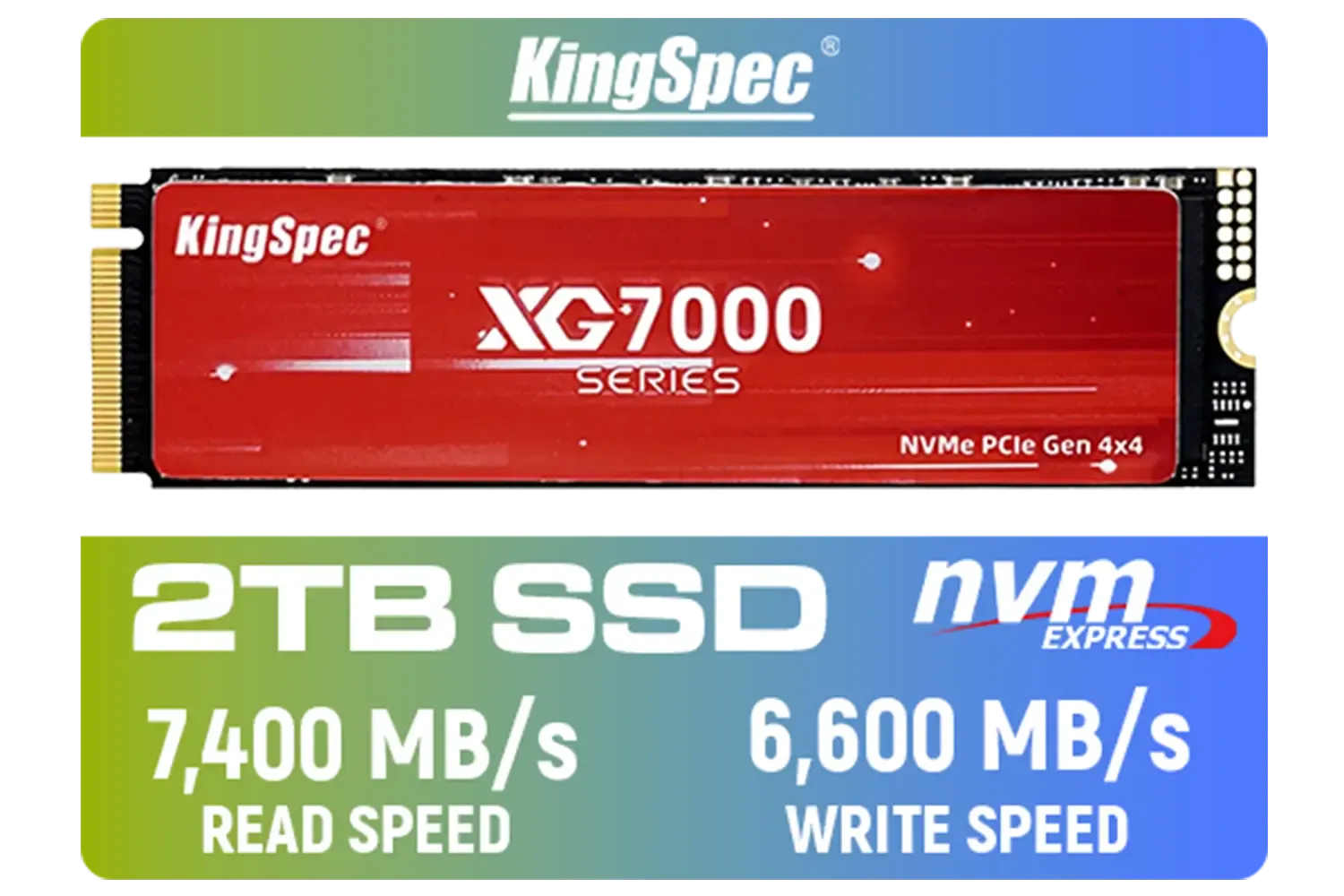
KingSpec XG7000 2TB NVMe Internal Solid State Drive SSD / QLC NAND flash memory / PCIe Gen 4.0, M.2 2280, Up to 7400MB/s/6600MB/s Read/Write Speeds / XG7000-2280-2TB
R3499.00In Stock

Kingston Fury Renegade 1TB PCIe Gen 4.0 NVMe M.2 Internal Gaming SSD with Heat Sink | PS5 Ready | Up to 7300MB/s / SFYRSK/1000G
R2999.00In Stock
Kingston KC3000 PCIe 4.0 NVMe M.2 2TB SSD - High-Performance Storage for Desktop and Laptop PCs -SKC3000D/2048G
R3999.00In Stock
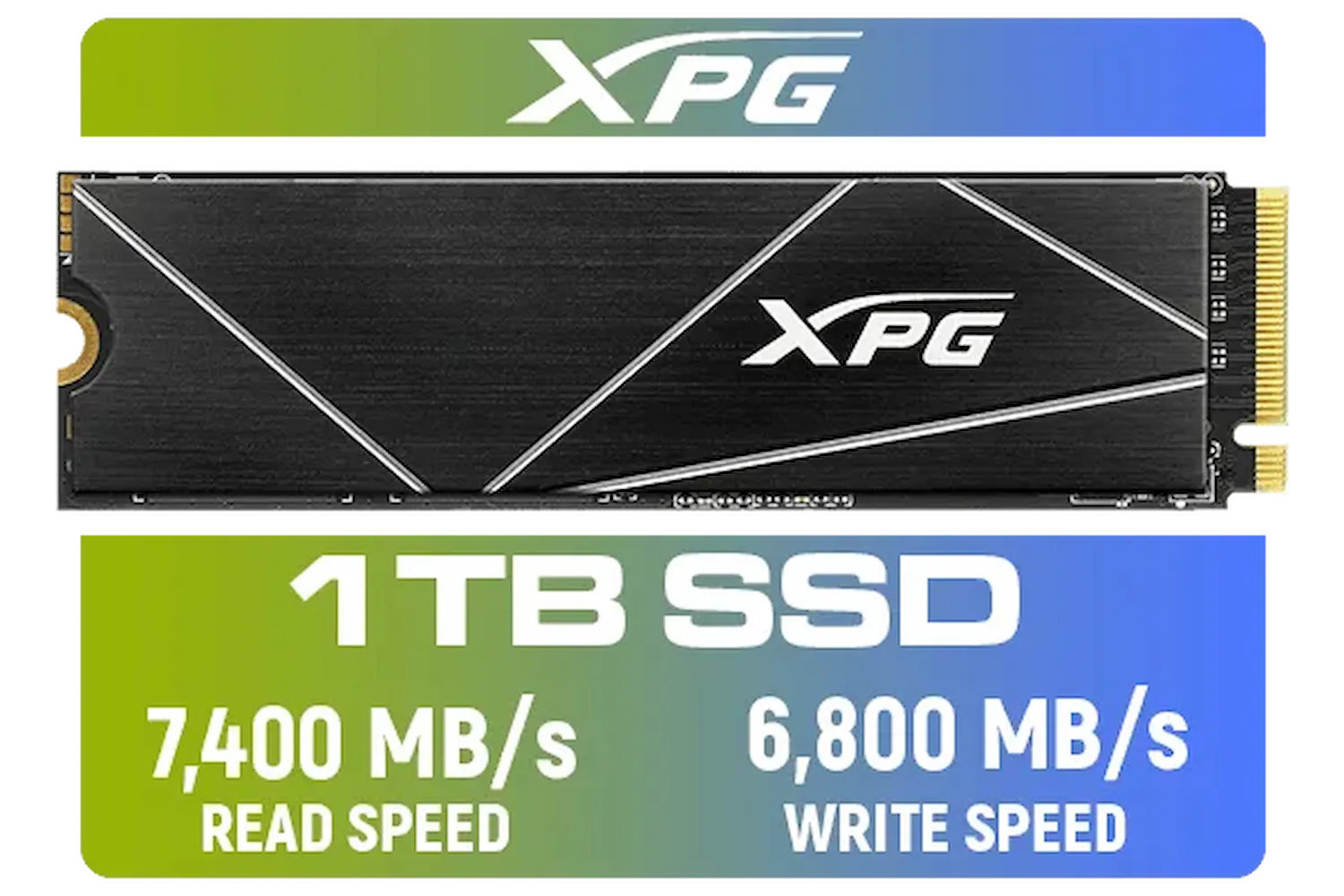
ADATA XPG 1TB GAMMIX S70 Blade - Works with Playstation 5, PCIe Gen4 M.2 2280 Internal Gaming SSD Up to 7,400 MB/s / AGAMMIXS70B-1T-CS
R2599.00In Stock
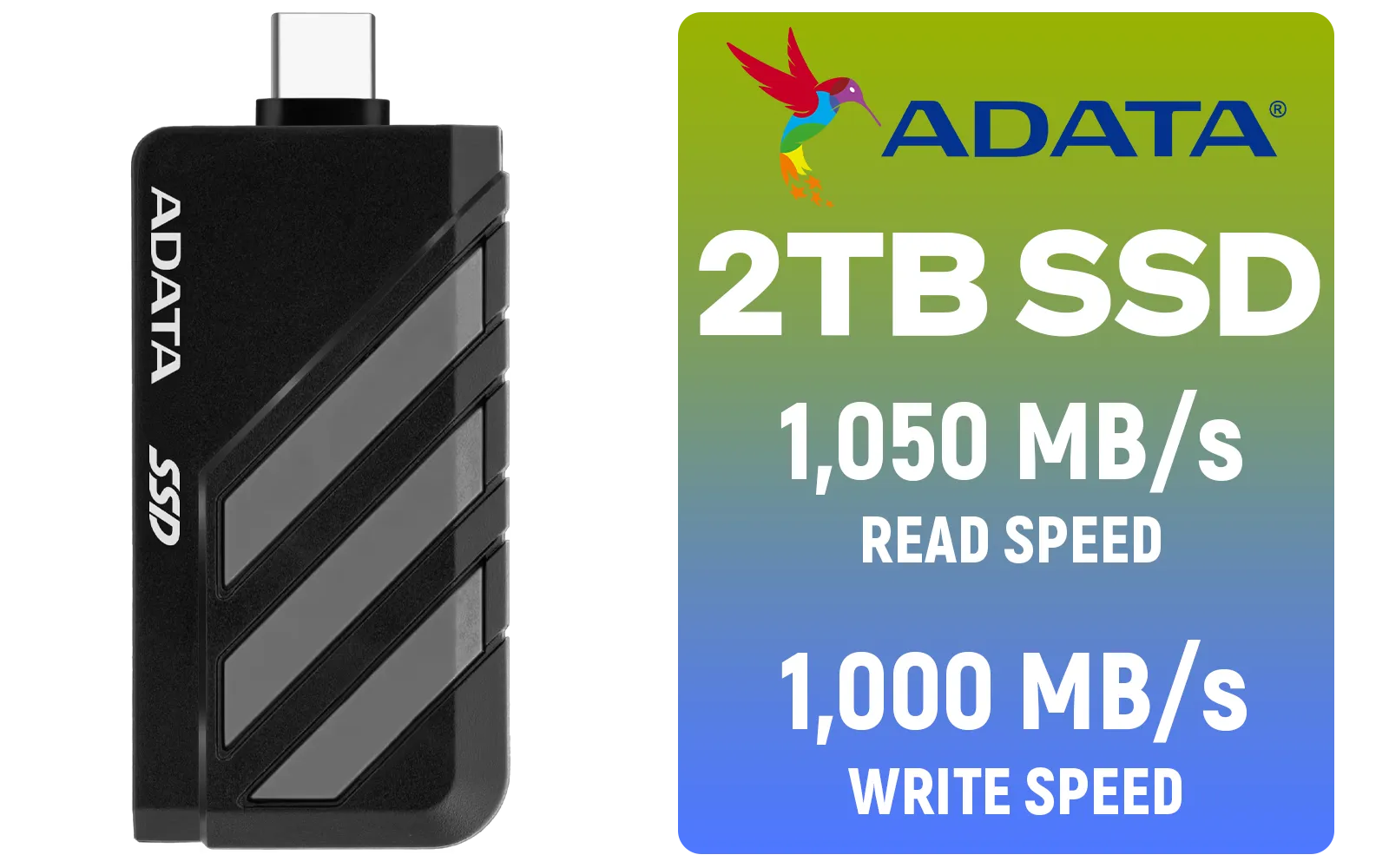
Adata SC735 2TB High-Performance External SSD with USB-C / 1,050MB/s Read & 1,000MB/s Write Speeds / Cable-Free Mobile Phone Compatibility / Gaming Handheld Compatible / Supports Latest Game Consoles / Multi-OS Support / SC735-2000G-CCBK/GY
R3899.00In Stock

Corsair MP600 PRO NH 8TB PCIe Gen4 x4 NVMe M.2 SSD – High-Density TLC NAND – M.2 2280 – DirectStorage Compatible - Up to 7,000MB/sec - No Heatsink - Black / CSSD-F8000GBMP600PNH
R22999.00In Stock
Key SSD Benchmarks Explained for Gamers
Beyond raw speed, a few other benchmarks give you a clearer picture of an SSD's long-term performance and reliability. Understanding these will help you look past the marketing hype.
What is TBW (Terabytes Written)?
TBW is an endurance rating. It tells you how many terabytes of data you can write to the drive over its lifetime before its memory cells start to degrade. It might sound scary, but for the average gamer, it's almost a non-issue. A drive with a 600 TBW rating means you could write 100GB of data every single day for over 16 years! Modern SSDs from top brands like Klevv are built to last.
TIP FOR YOU
Check Your M.2 Slot! 🔧
Before you buy a blazing-fast Gen4 NVMe SSD, double-check your motherboard's specifications. Plugging a Gen4 drive into a Gen3 slot will work, but it will be limited to Gen3 speeds. You need a compatible motherboard to unlock the drive's full potential and get the performance you paid for.
DRAM Cache: The Unsung Performance Booster
Some SSDs come with a small amount of DRAM cache, while cheaper "DRAM-less" models don't. This cache acts as a short-term map for your data, helping the drive find files much faster. Drives with a DRAM cache maintain their high performance more consistently, especially during heavy multitasking or long file transfers. For a primary OS and gaming drive, a model with a DRAM cache is highly recommended.

Corsair MP700 PRO with Air Cooler 2TB M.2 PCIe Gen5 x4 NVMe 2.0 SSD – M.2 2280 – Up to 12,400MB/sec Sequential Read – High-Density TLC NAND – Black / CSSD-F2000GBMP700PROS
R6699.00In Stock

Kingston SNV3S 1TB NVMe SSD / Up to 6,000MB/s Read / Up to 4,000MB/s Write / PCIe 4.0 x4 NVMe / M.2 2230 Form Factor / SNV3SM3/1T0
R1999.00In Stock
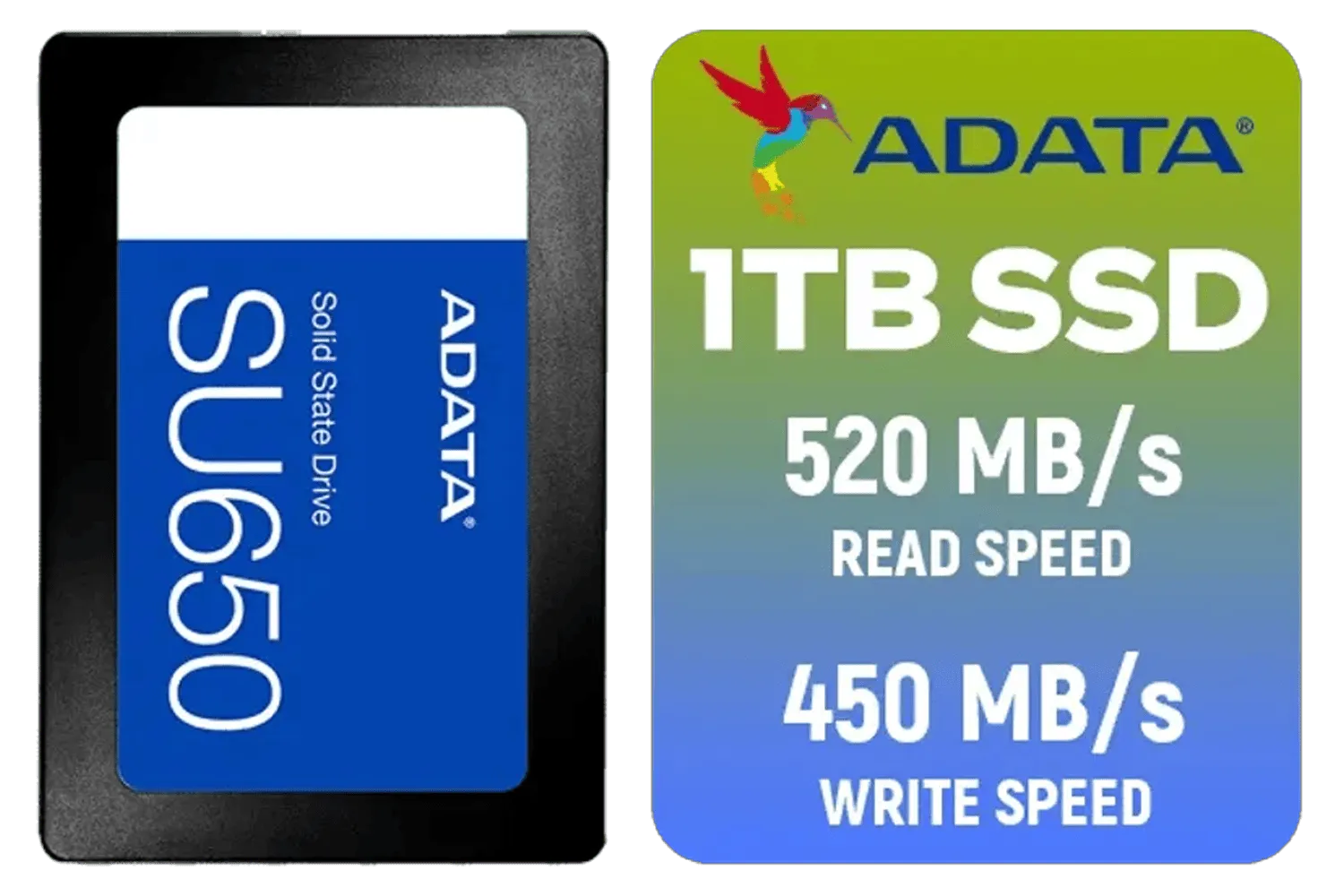
ADATA SU650 1TB 3D-NAND SATA 2.5 inch Internal SSD / ASU650SS-1TT-R
R1399.00In Stock
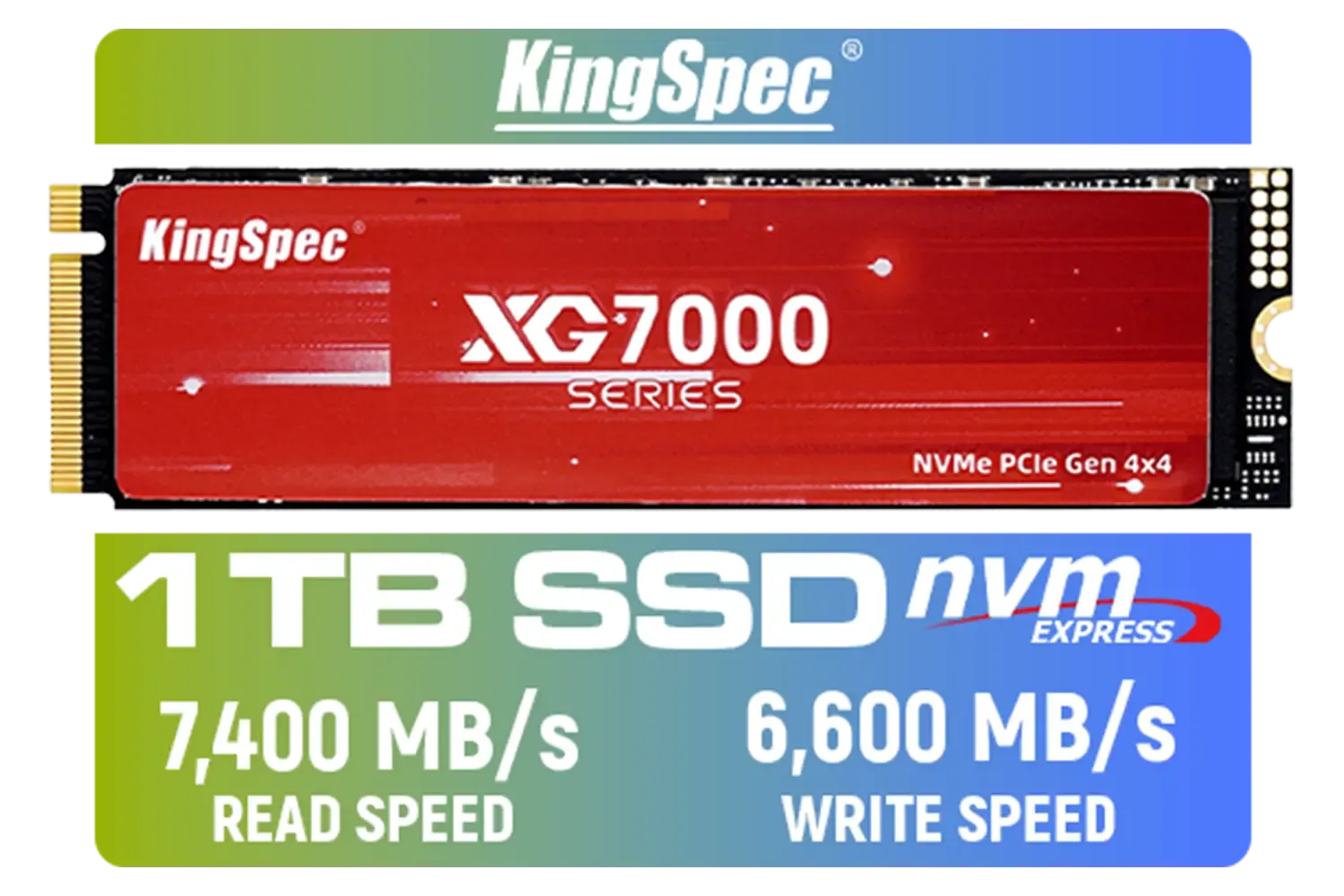
KingSpec XG7000 1TB NVMe Internal Solid State Drive SSD / TLC NAND flash memory / PCIe Gen 4.0, M.2 2280, Up to 7400MB/s/6600MB/s Read/Write Speeds / XG7000-2280-1TB
R1999.00In Stock
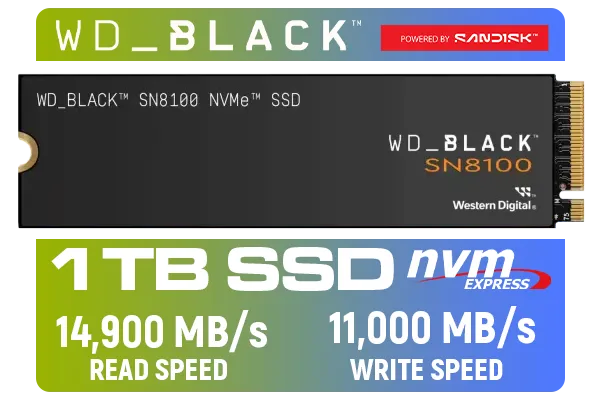
Western Digital SN8100 NVMe Internal Solid State Drive - 1TB / Sequential Read, Write Performance - 14900MB/s, 11000MB/s / PCIe Gen 5 / WDS100T1X0M
R3999.00In Stock

DAHUA M.2 PCIe Gen4x4 1TB NVMe SSD / PCIe Gen4.0x4 Supported / Read: Up to 6290 MB/s Write: Up to 5680 MB/s / DHI-SSD-C970VN1TB
R1949.00In Stock
Putting It All Together: Which SSD Spec Matters Most? ✨
So, after having these SSD specs explained, which one should you prioritise? For South African gamers, the hierarchy of importance looks something like this:
- Form Factor & Interface: An NVMe M.2 drive will always be faster than a 2.5" SATA SSD.
- Random Read/Write (IOPS): This is the biggest contributor to that "fast feeling" and reduced game loading times.
- NVMe Generation: Aim for Gen4 for the best balance of modern speed and value.
- Endurance (TBW): A good indicator of quality, but most modern drives offer more than enough for years of heavy gaming.
Ultimately, the best SSD is one that balances these benchmarks for your specific needs and budget. Understanding these core specs empowers you to look beyond the big numbers on the box and find a drive that delivers real-world performance where it counts. When you're ready to upgrade, you can browse our full range of SSDs with confidence.
Ready to Unleash True Speed? Stop waiting on loading screens. Now that you understand the benchmarks that matter, it's time to find the perfect drive. Explore our massive range of high-performance SSDs and give your PC the speed boost it deserves.
Related Products
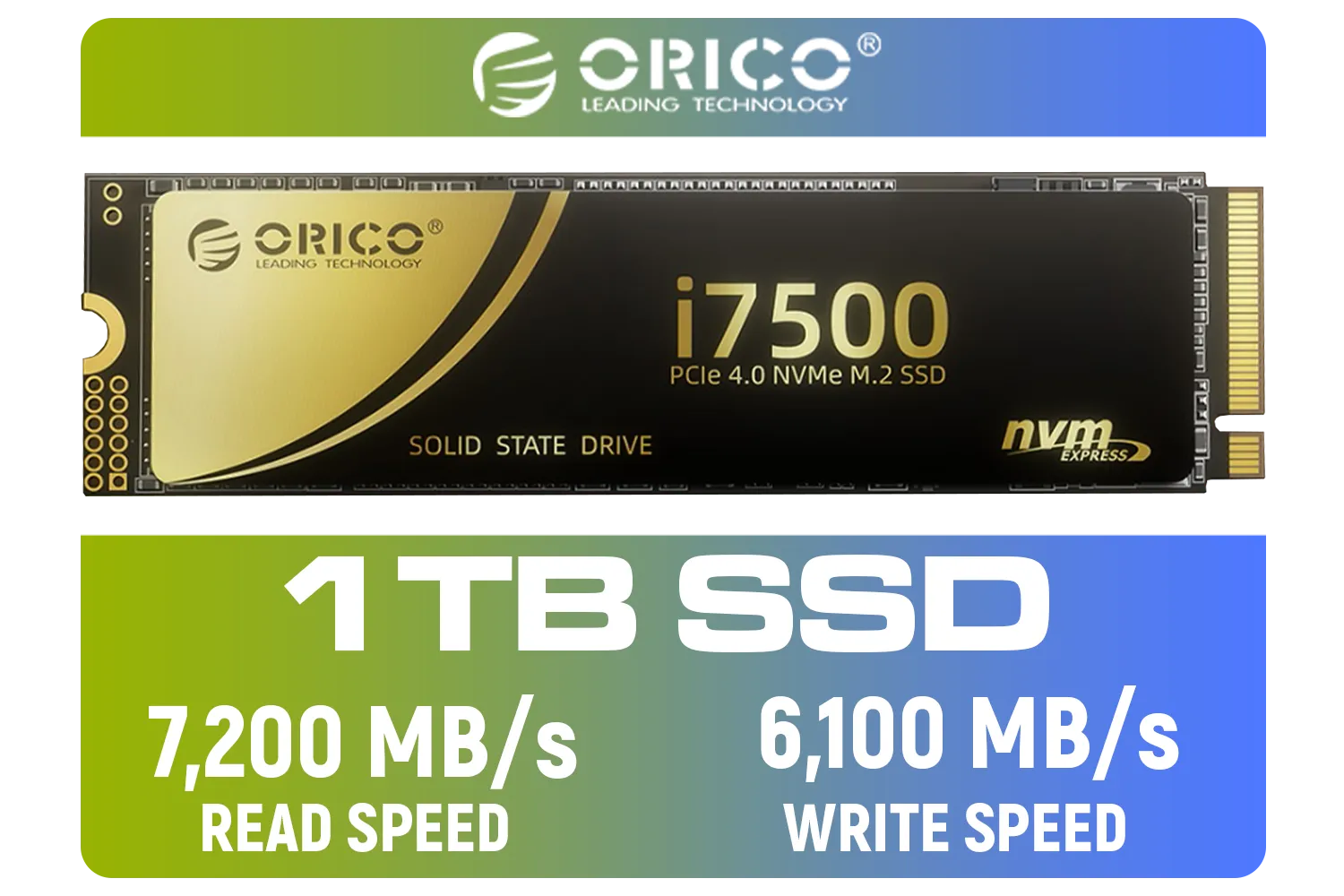
ORICO i7500 M.2 NVMe SSD - 1TB / 3D NAND Flash / PCIe Gen4.0 x4 / Up to 7,200MB/s Read and 6,100MB/s Write Speeds / ORICO-i7500-1TB-GD-BP
R2349.00In Stock
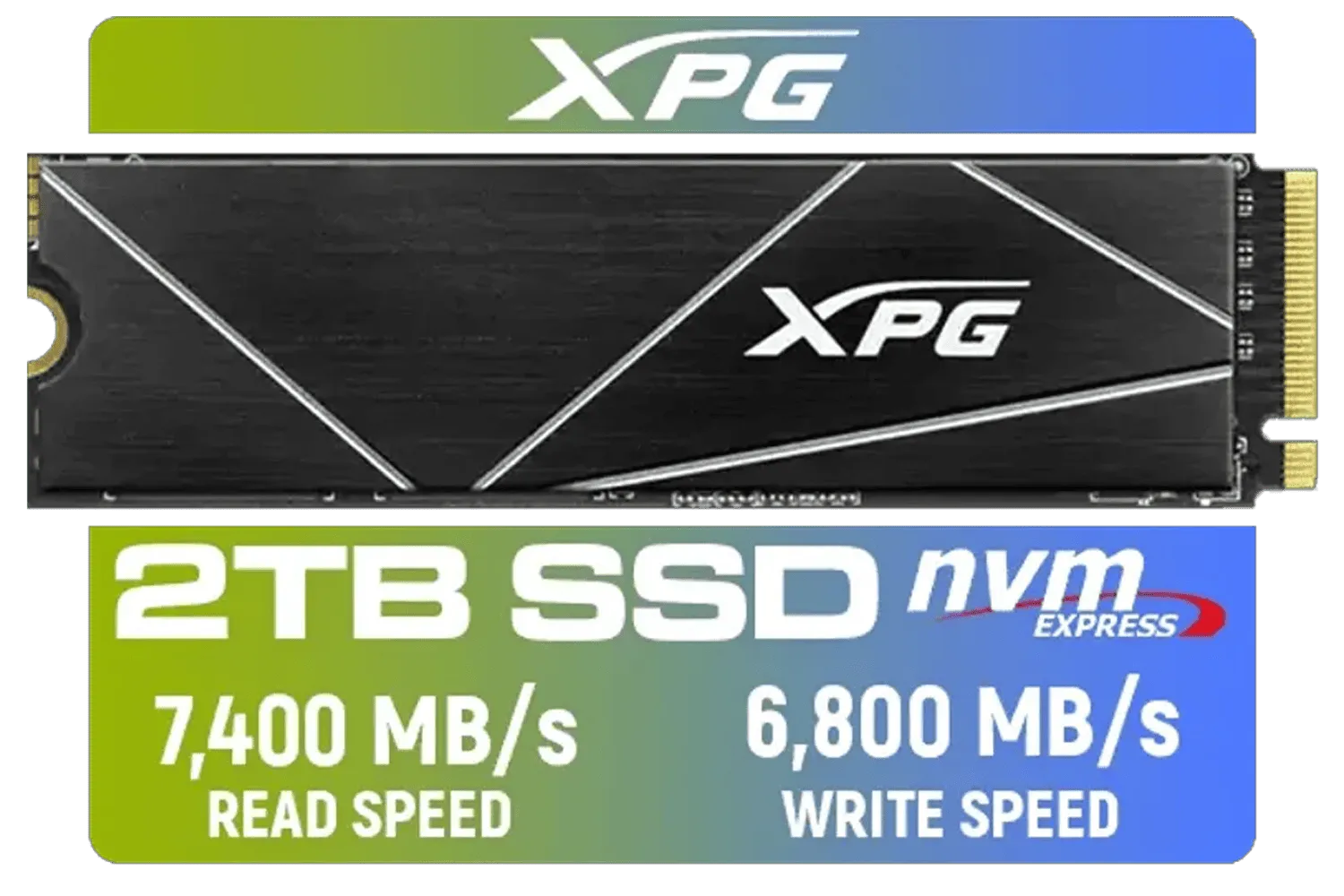
XPG 2TB GAMMIX S70 Blade - Works with Playstation 5, PCIe Gen4 M.2 2280 Internal Gaming SSD Up to 7,400 MB/s (AGAMMIXS70B-2T-CS)
R3699.00In Stock

Kingston Fury Renegade 1TB PCIe Gen 5.0 NVMe M.2 Internal SSD / Maximum Read Speed 14,200 MB/s / Maximum Write Speed 11,000 MB/s / Advanced thermal design / SFYR2S/1T0
R4199.00In Stock

Crucial P310 2TB NVMe Internal Solid State Drive SSD / Sequential read/write speeds up to 7,100/6,000MB/s / Integrated power loss immunity / Error correction code (ECC) / CT2000P310SSD8
R3799.00In Stock
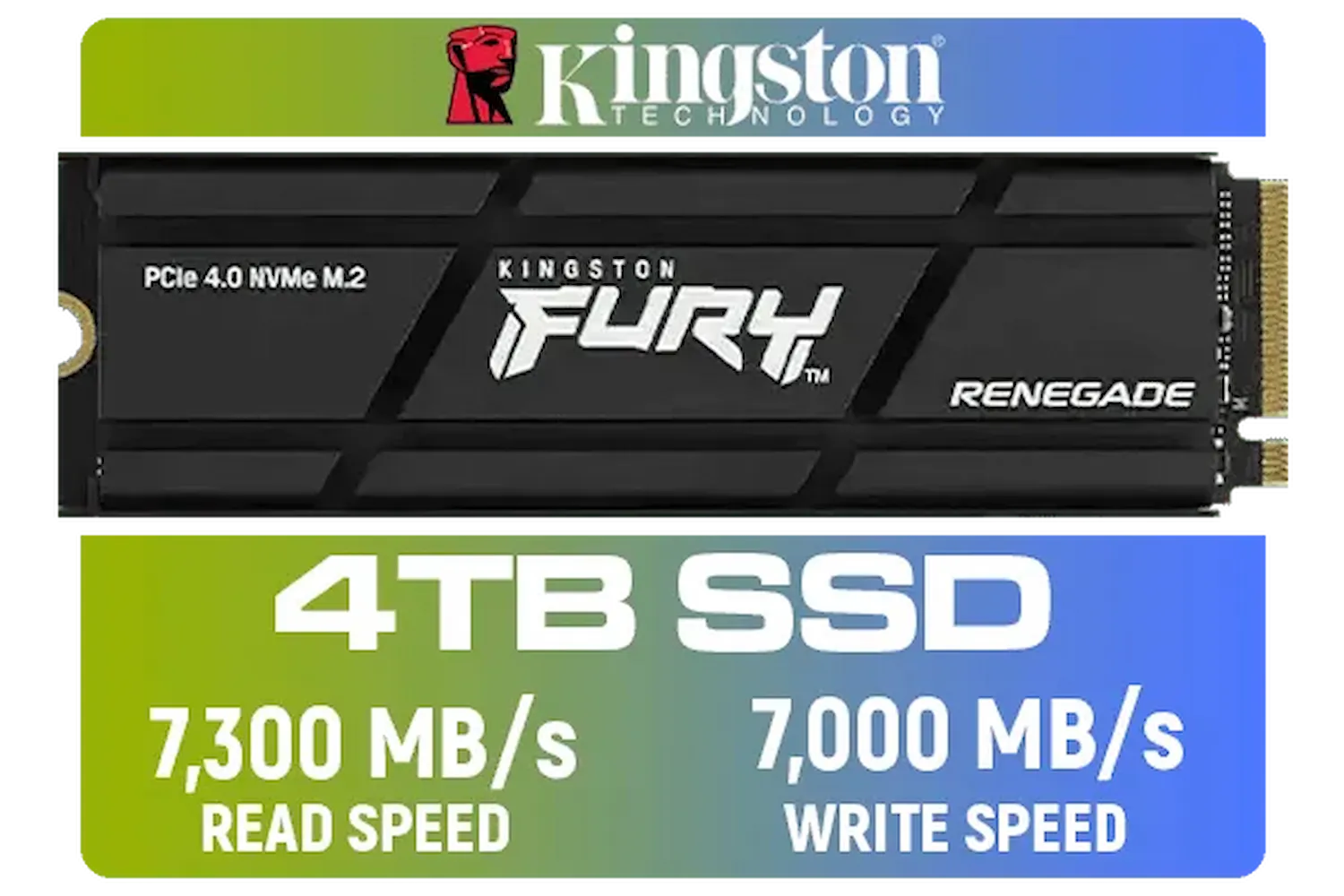
Kingston Fury Renegade 4TB PCIe Gen 4.0 NVMe M.2 Internal Gaming SSD with Heat Sink | PS5 Ready | Up to 7300MB/s | SFYRDK/4000G
R7299.00In Stock

Kingston IronKey Vault Privacy 80 1.92TB External SSD | FIPS 197 | XTS-AES 256GB Encrypted | Touch Screen PIN | Secure Data Protection | IKVP80ES/1920G
R6999.00In Stock
Sequential speeds measure how fast an SSD handles large files like movies. Higher numbers mean faster file transfers and quicker game loads.
Random IOPS indicate how fast the drive accesses small, scattered files. High IOPS improve system responsiveness and reduce stuttering in open-world games.
TBW stands for Terabytes Written. It is the manufacturer's guarantee of how much data can be written to the drive over its lifespan before potential failure.
Yes, NVMe drives utilize the PCIe bus for significantly faster data transfer rates, bypassing the bottleneck limits of the older SATA interface.
Ideally, yes. DRAM cache acts as a high-speed map for data, improving sustained write performance and extending the drive's lifespan compared to DRAM-less units.
Focus on 'Seq Q32T1' for max speed potential and 'Rnd 4K' for OS snappiness. Higher MB/s results indicate better performance for that specific task.











