



How to Sync RGB Chairs with PC Lighting | Evetech
Sync your RGB gaming chair with PC lighting effortlessly 💻⚡️ using Evetech’s expert guide. Discover how LED lighting styles can boost your setup aesthetics.
|
Loading tags...
You’ve spent hours perfecting your battle station. The PC case pulses with a synchronised glow, your keyboard and mouse dance in unison… but your RGB gaming chair is stuck on its own rainbow wave. Sound familiar? For many South African gamers, getting that final piece of the puzzle to join the light show is a real frustration. But it doesn't have to be.
This guide will show you exactly how to sync RGB chairs with PC lighting, turning your fragmented setup into one immersive, unified experience. 🚀
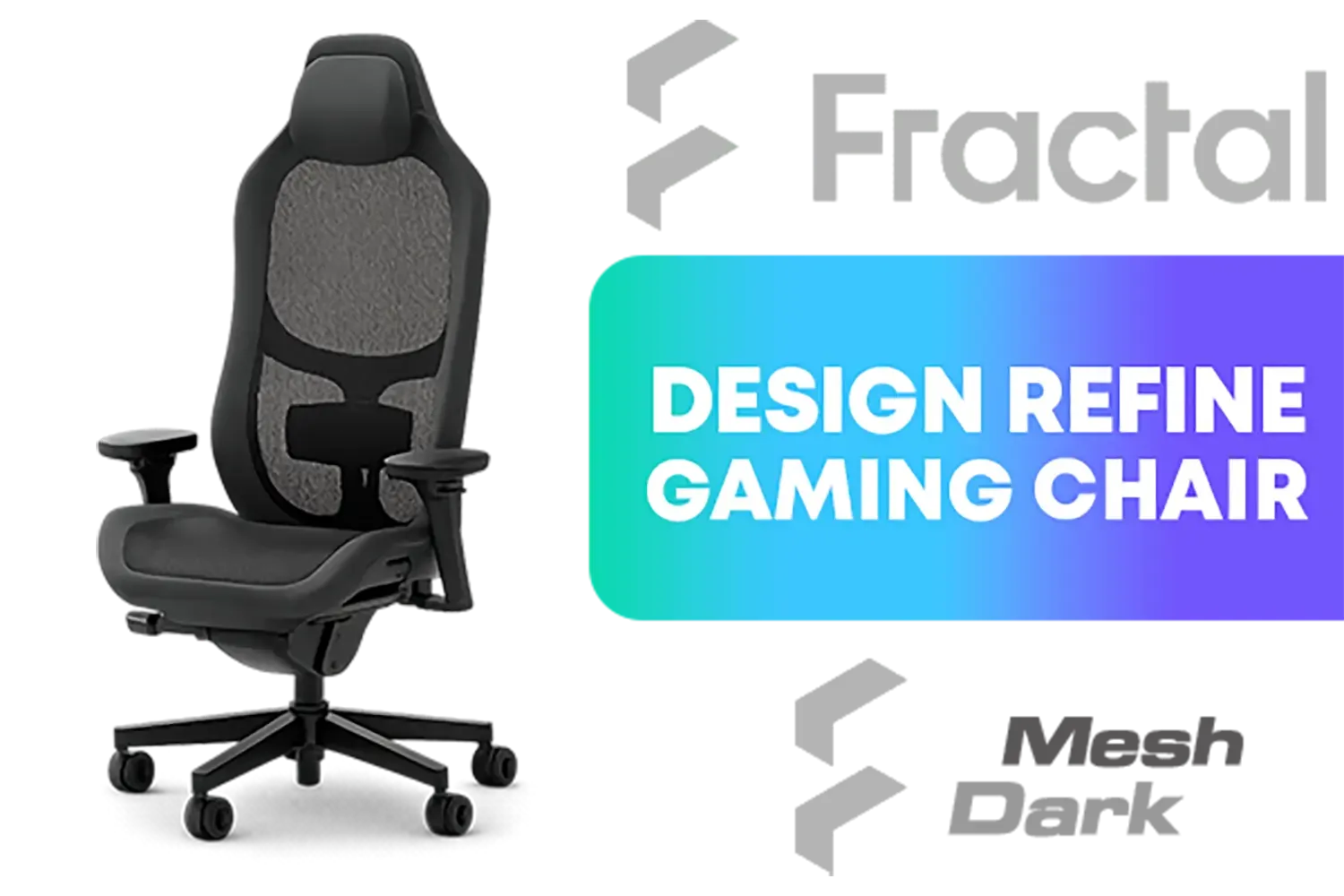
Fractal Design Refine Mesh Dark Gaming Chair - Ergonomic Office Desk Chair Functionality with 4D Adjustable Armrests, High-Back Support, Lumbar Cushion, and Breathable Mesh / FD-CH-RE1M-01
R9499.00In Stock
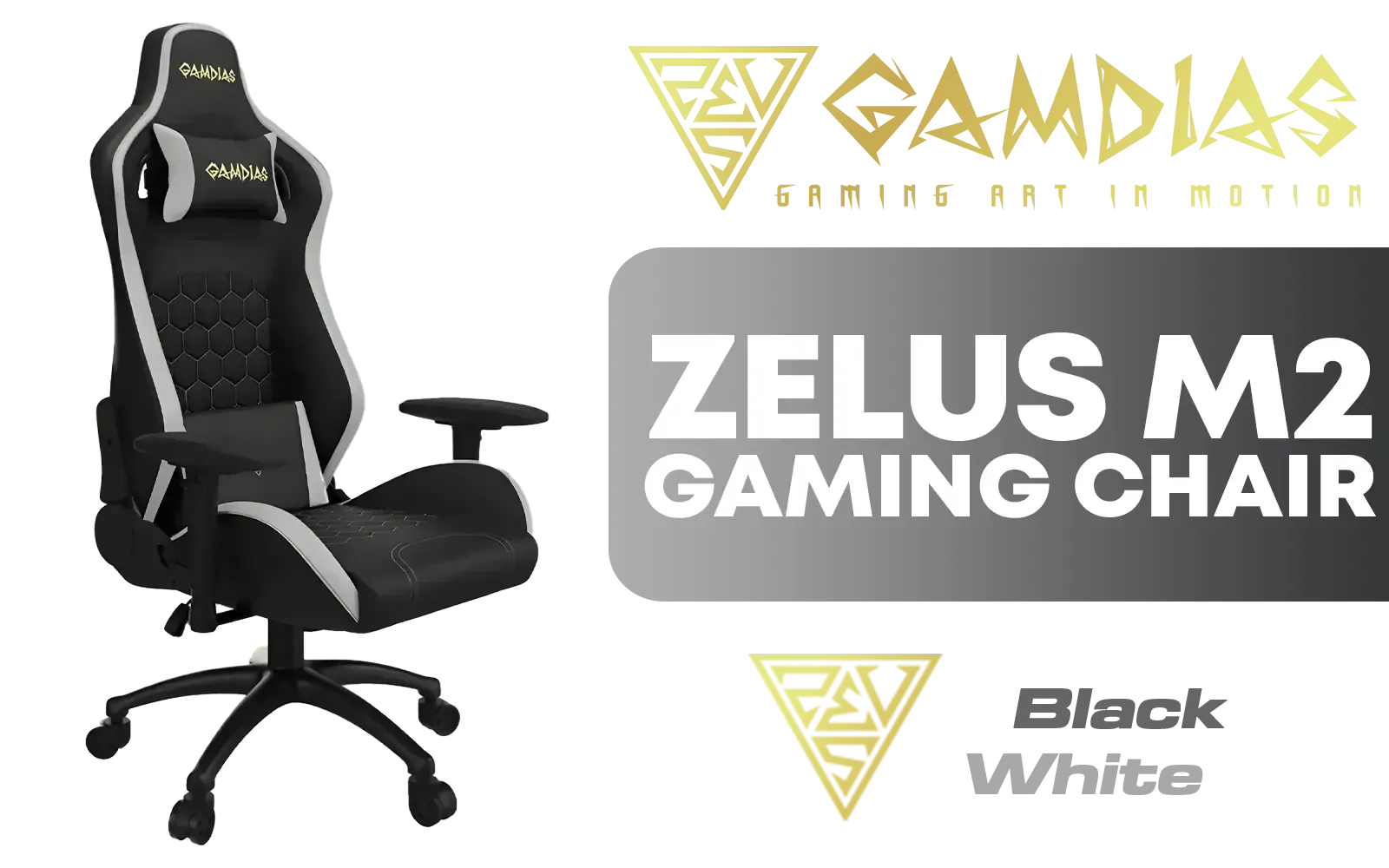
Gamdias Zelus M2 Gaming Chair - Black/White / Leather Style Vinyl Material / Adjustable Back to 150 Degree / 2D Adjustable Armrests / Class 4 Gas Lift / Max Load up to 150kg / ZELUS-M2-BW
R3999.00In Stock
![[BLACK/WHITE] Vertagear Racing Series S-Line SL3800 Gaming Chairs / 100KG Weight Limit / Easy Assembly / Adjustable Seat Height / VG-SL3800SE_WT](https://img.evetech.co.za/repository/ProductImages/vertagear-sl3800-gaming-chair-black-white-1800px-v2.webp)
[BLACK/WHITE] Vertagear Racing Series S-Line SL3800 Gaming Chairs / 100KG Weight Limit / Easy Assembly / Adjustable Seat Height / VG-SL3800SE_WT
R5599.00In Stock
Noblechairs HERO PU JAVA Edition Gaming Chair / Memory Headrest for Increased Comfort / Enlarged 4D Armrests / Comfortable Cold-Foam / Premium Stainless-steel Levers / Max Load 180kg / NBL-HRO-PU-JED
R8599.00In Stock
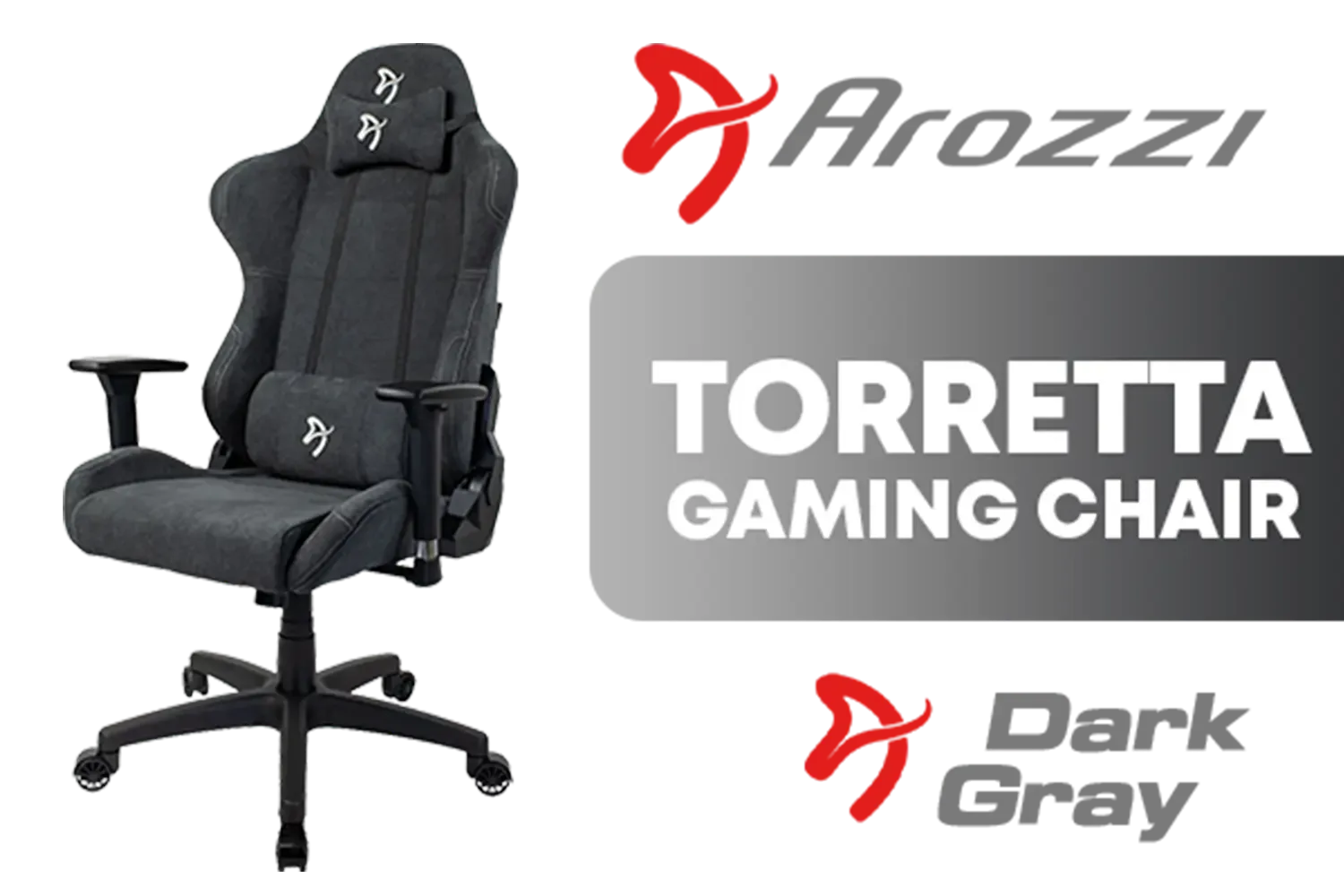
Arozzi Torretta Soft Fabric Gaming Chair - Dark Grey / Soft PU Leather / 3D Adjustable Armrests / Max Load up to 100kg / Durable Upholstery Furniture Fabric / Multidimensional Armrests / Seat and Backrest up to 12° / Tough Metal Frame / TORRETTA-SFB-DG
R4099.00In Stock
![[BLACK/GREEN] Vertagear Racing Series S-Line SL3800 Gaming Chairs / 100KG Weight Limit / Easy Assembly / Adjustable Seat Height / VG-SL3800SE_MG](https://img.evetech.co.za/repository/ProductImages/vertagear-sl3800-gaming-chair-black-green-1500px-v1.webp)
[BLACK/GREEN] Vertagear Racing Series S-Line SL3800 Gaming Chairs / 100KG Weight Limit / Easy Assembly / Adjustable Seat Height / VG-SL3800SE_MG
R5799.00In Stock
Why Bother Syncing Your RGB Chair and PC?
Beyond just looking incredibly cool, syncing your setup's lighting creates a level of immersion that separate effects can't match. Imagine your entire room flashing red when you take damage in Apex Legends, or pulsing with a calm blue as you explore the world of Cyberpunk 2077. That’s the power of a fully integrated system.
A unified aesthetic makes your rig look professional and deliberate. It's the difference between a random collection of parts and a thoughtfully curated gaming environment. Achieving this harmony is the ultimate goal for any RGB enthusiast, creating a setup that’s truly your own.
The Key to Syncing: Software Compatibility
The biggest hurdle in getting your chair's RGB to play nicely with your PC is software. There isn't one single program to rule them all. Instead, major component brands have their own ecosystems:
- ASUS Aura Sync (via Armoury Crate)
- Corsair iCUE
- Razer Chroma RGB
- MSI Mystic Light
- Gigabyte RGB Fusion
For a seamless experience, your gaming chair must be officially compatible with the same software that controls your PC's lighting (usually determined by your motherboard brand). Before you buy, always check the product specifications for that compatibility badge. Finding a great model that works with your system is easier than ever, especially when you check out the best gaming chair deals available in South Africa.
A Step-by-Step Guide to Sync Your RGB Gear 🔧
If you've confirmed your chair is compatible, the process is usually straightforward. Here’s how to connect your chair's RGB to your PC.
Step 1: Check Your Chair's Compatibility
This is the most crucial step. Double-check the chair's product page on Evetech or the manufacturer's website. Look for logos like "Aura Sync Compatible" or "Works with Razer Chroma." This confirms the chair is designed to be detected by that specific software.
Step 2: Connect and Install
Most RGB chairs connect to your PC via a standard USB-A cable. Plug it directly into a USB port on your motherboard's rear I/O panel for the most stable connection. Next, ensure you have the latest version of your brand's control software installed (e.g., Armoury Crate, iCUE). The software should automatically detect the chair as a new device.
TIP FOR YOU
Connection Not Working?
If the software doesn't detect your chair, try a different USB port. Sometimes a powered USB hub can also solve detection issues by providing a more stable power delivery to the chair's RGB controller.
Step 3: Configure Your Lighting Profile
Once detected, your chair will appear alongside your other components in the software dashboard. From here, you can simply add it to your existing lighting group. Now, any effect you apply—static colour, breathing, or reactive game integration—will apply to your chair as well. ✨ You can find some excellent and affordable gaming chairs under R4000 that offer these smart RGB features.
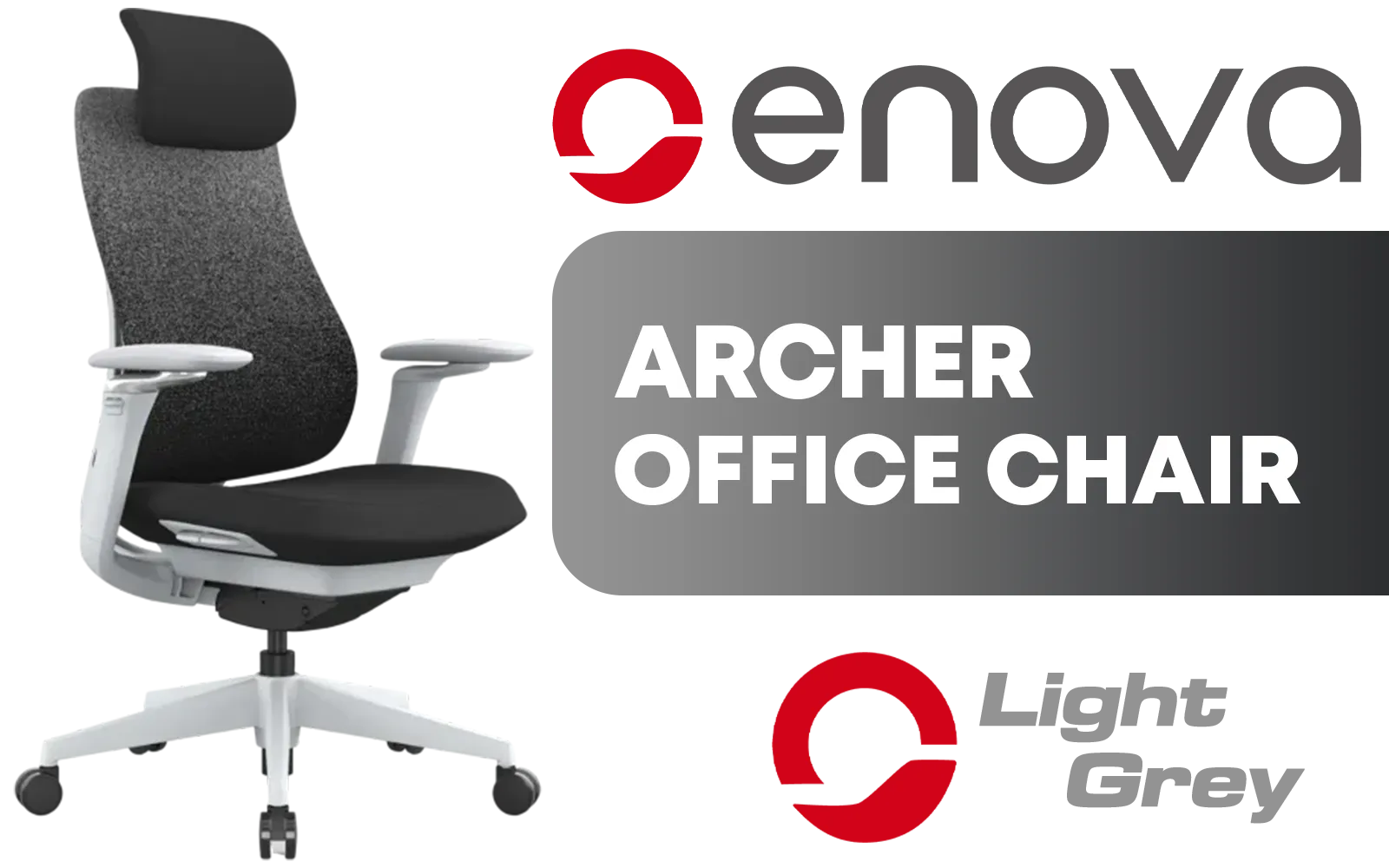
Enova Archer Office Chair - Light Grey Frame / 4-Position Tilt Lock / Dual Axis Armrest / Lumbar Support / Seat Cushion Adjustment / Headrest Adjustment / EAH-001A-HS-Light-GreyFrame
R4299.00In Stock
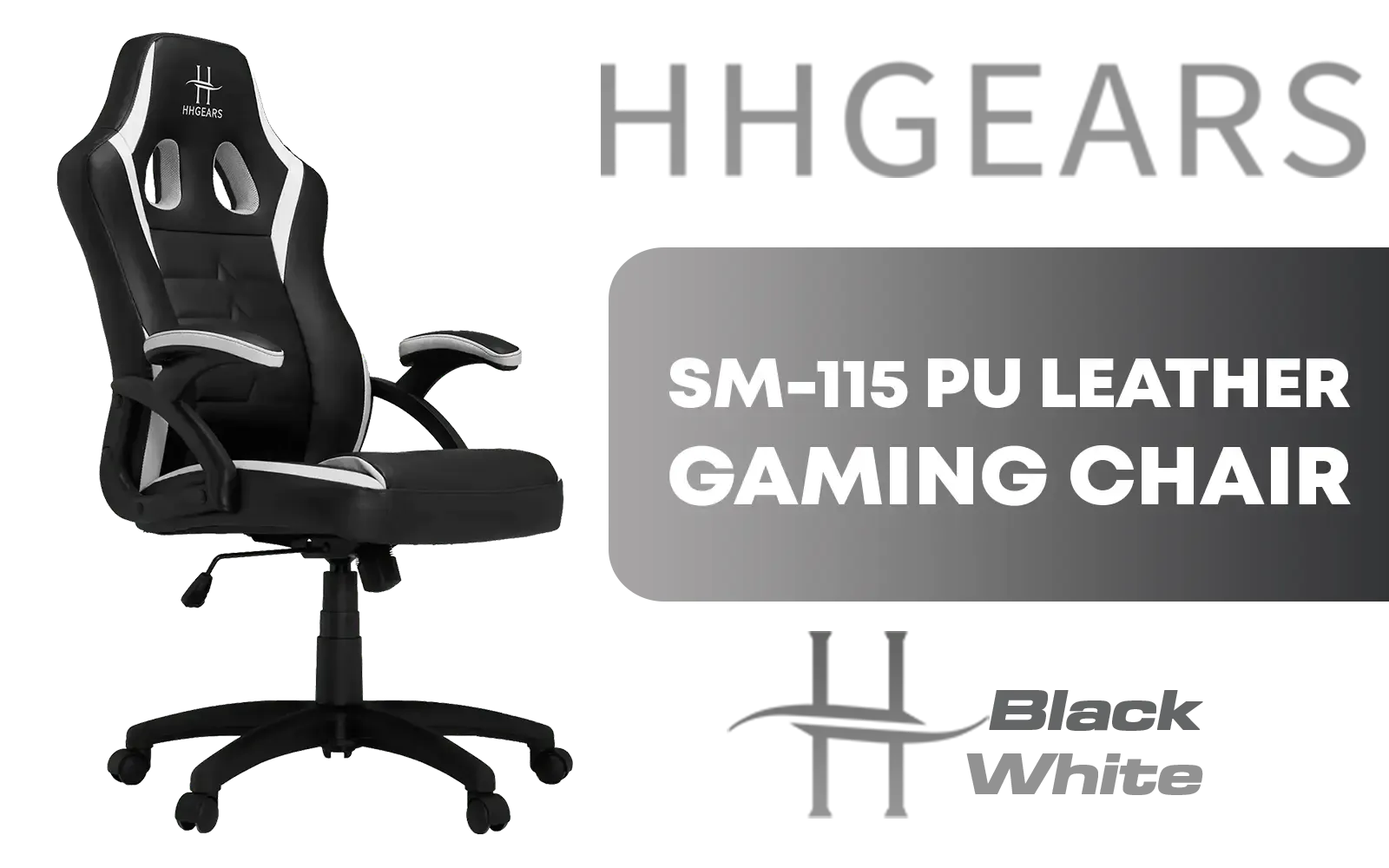
HHGears SM-115 PU Leather Gaming Chair - Black/White / High Quality PU Leather / Height Adjustability / High Quality Stitching / Max Weight Load 90kg / Net Weight 17kg / SM115_BW
R2499.00In Stock

Noblechairs EPIC Mousesports Edition Gaming Chair - Black/Red / Comfortable & Breathable Cold-foam / Adjustable 4D Armrests / Strong Aluminum Base / NBL-PU-MSE-001
R5999.00In Stock
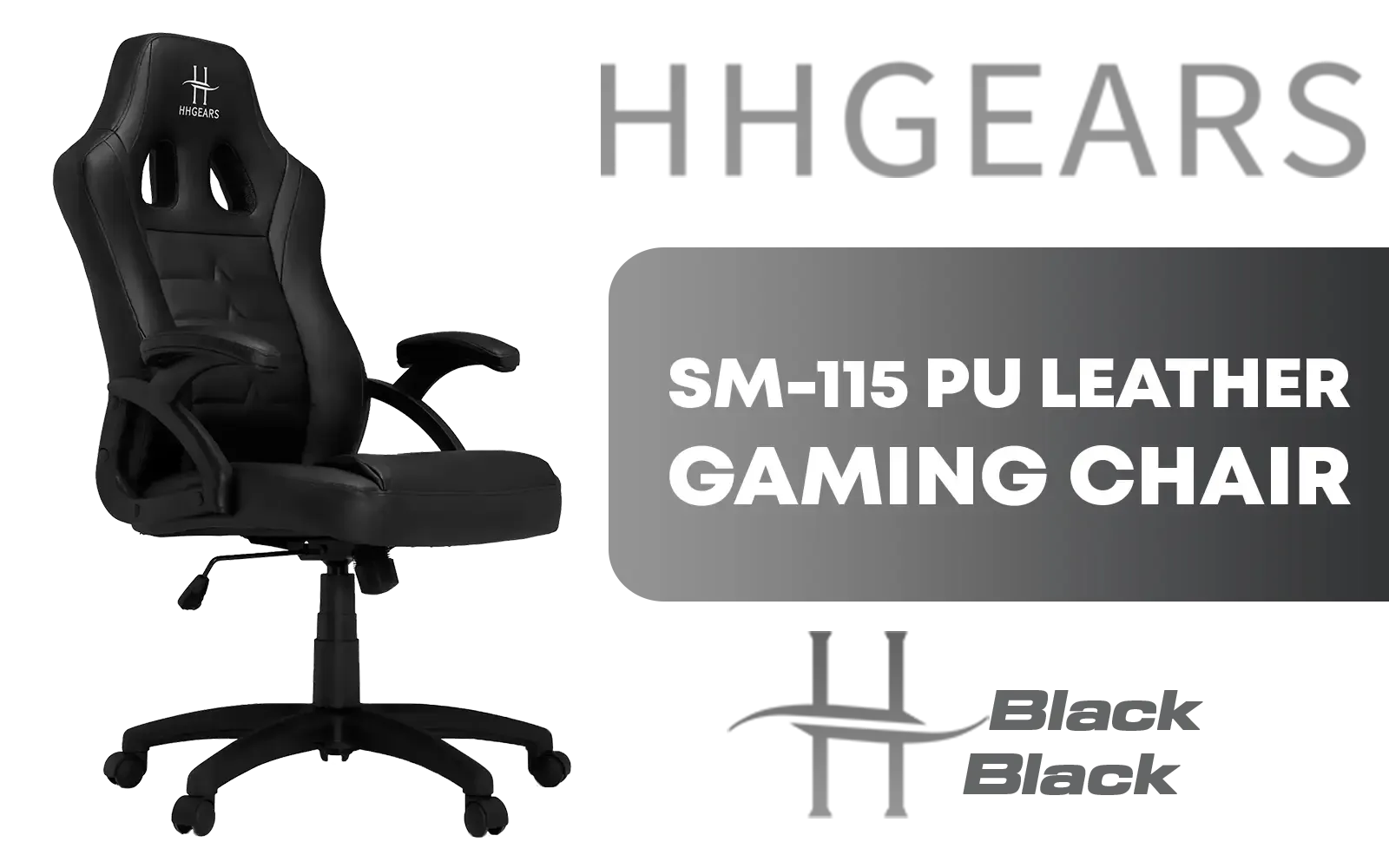
HHGears SM-115 PU Leather Gaming Chair - Black / High Quality PU Leather / Height Adjustability / High Quality Stitching / Max Weight Load 90kg / Net Weight 17kg / SM115_BK
R2499.00In Stock
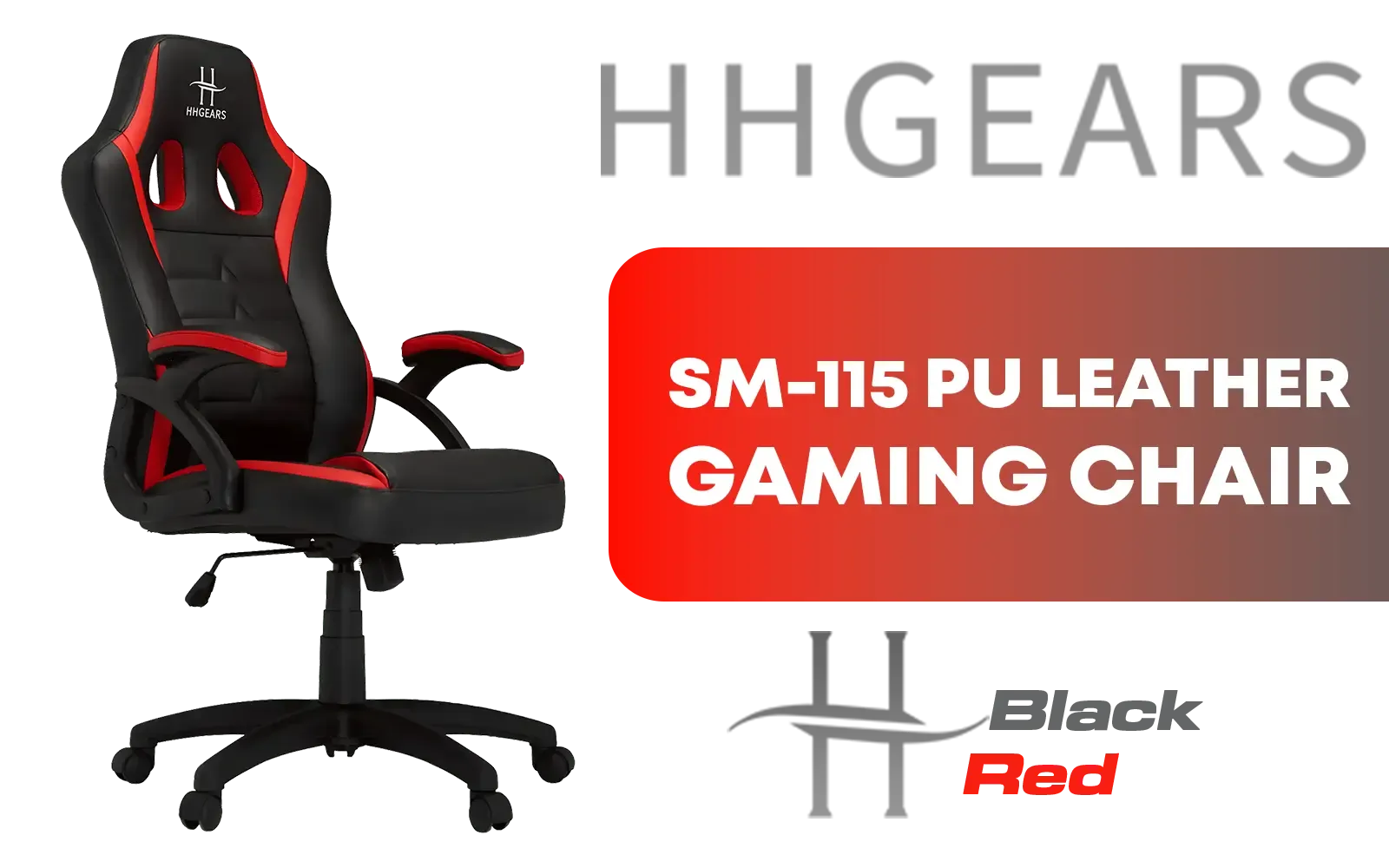
HHGears SM-115 PU Leather Gaming Chair - Black/Red / High Quality PU Leather / Height Adjustability / High Quality Stitching / Max Weight Load 90kg / Net Weight 17kg / SM115_BR
R2499.00In Stock
noblechairs HERO Series Gaming Chair - White Edition / Increased Armrest Surface / Wider Seat Base / Larger Backrest / Powder-coated Wheelbase / Maximum load of Up to 150 kg / NBL-HRO-PU-WED
R8299.00In Stock
What if Your Chair Doesn't Natively Sync?
So, your chair has RGB, but no official software support? Don't despair, you still have options, though they are more advanced.
Universal third-party apps like SignalRGB and OpenRGB aim to control devices from different brands under one roof. Their success can be hit-or-miss and may require some technical tinkering, but they are powerful tools for those willing to experiment.
For the most reliable solution, investing in a chair designed for integration from the start is the best path. Premium gaming chairs above R4000 often feature robust software support, saving you the headache of workarounds and ensuring a flawless lighting sync right out of the box.
Ready to Unify Your Setup? Stop letting your chair march to the beat of its own drum. Explore our massive range of RGB gaming chairs and find the perfect, sync-ready throne for your battle station. Shop the full collection at Evetech and create the immersive setup you deserve.
Related Products
noblechairs HERO Series Real Leather Gaming Chair - Black/Red / Premium Design / Finest Design / Solid Steel Frame / Plenty of Adjustment / Easy Assembly / Max Load 150kg / NBL-HRO-RL-BRD
R11799.00In Stock

Vertagear Racing Series S-Line SL3800 Audi Special Edition Gaming Chairs / 100KG Weight Limit / Easy Assembly / Adjustable Seat Height / VG-SL3800SE_AUDI
R5999.00In Stock
noblechairs HERO Series Gaming Chair - Fallout Vault-Tec Edition / Water-resistant and Breathable / Integrated Adjustable Lumbar Support / Robust Safety Class 4 gas Lift / Durable Steel Frame / Stylish Air Channels / Designed for Users up to 150kg / NBL-HRO-PU-FVT
R8599.00In Stock

Vertagear Racing Series P-Line PL6800 Gaming Chairs - Black/Purple / 181KG Weight Limit / Easy Assembly / Adjustable Seat Height / VG-PL6800SE_MP
R7799.00In Stock
[BLACK/WHITE] Vertagear Racing Series S-Line SL3800 Gaming Chairs / 100KG Weight Limit / Easy Assembly / Adjustable Seat Height / VG-SL3800SE_WT
R5599.00In Stock
![[BLACK/RED] Vertagear Racing Series S-Line SL5800 Gaming Chairs / 113KG Weight Limit / Easy Assembly / Adjustable Seat Height / VG-SL5800SE_BR](https://img.evetech.co.za/repository/ProductImages/vertagear-sl5800-gaming-chair-black-red-1800px-v2.webp)
[BLACK/RED] Vertagear Racing Series S-Line SL5800 Gaming Chairs / 113KG Weight Limit / Easy Assembly / Adjustable Seat Height / VG-SL5800SE_BR
R6999.00In Stock
It aligns your RGB chair’s LED effects with your PC’s lighting for a cohesive aesthetic.
No, compatibility depends on supported software like Aura Sync or RGB software integrations.
Use USB headers or wireless receivers, then enable sync via software like Aura Sync or Razer Synapse.
Install RGB software like Aura Sync, choose effects, and ensure all devices are detected for perfect lighting synergy.
Yes, brands like Evetech offer affordable RGB chairs with USB support for seamless PC lighting integration.
Check for software update errors, USB cable connections, and ensure devices are on the same RGB ecosystem.
Enhanced visuals with PC lighting improve immersion and personalise gaming setups effectively.











