



TRYX LUCA L70 Cooling Guide: Liquid vs Air Performance
Optimizing your TRYX LUCA L70 cooling setup is crucial for peak performance. 🌡️ Whether you choose a massive AIO or a robust air tower, we analyze airflow and clearance to help you decide. Discover the best thermal strategy for your build today! ❄️
|
Loading tags...

So, you’ve got your hands on the slick TRYX LUCA L70 chassis, a brilliant canvas for a powerful PC build. But in South Africa, where summer temps can turn your gaming room into a sauna, one question looms large: how do you keep it cool? This TRYX LUCA L70 cooling guide dives into the age-old debate of liquid vs air performance, helping you decide which path will lead to frosty frame rates and which might leave you thermal throttling.

Xigmatek Duke RGB ATX Mid Tower Gaming PC Case (Black) / 4 x Pre Installed ARGB Fans / EN49158
R1199.00In Stock

Xigmatek Aqua Ultra Air Mid Tower Gaming Case - Black / Supports Motherboards up to E-ATX / 430mm VGA Support / 7 x Pre-Installed ARGB Fans Included / EN41907
R2499.00In Stock

Gamdias Atlas P1 Tempered Glass ATX Gaming Case - Black / Magnetic Dust Filter / 4 Built-in 120mm ARGB Fan / Supports Motherboards up to ATX / Compatible with 455mm GPU / ATLAS-P1
R2499.00In Stock
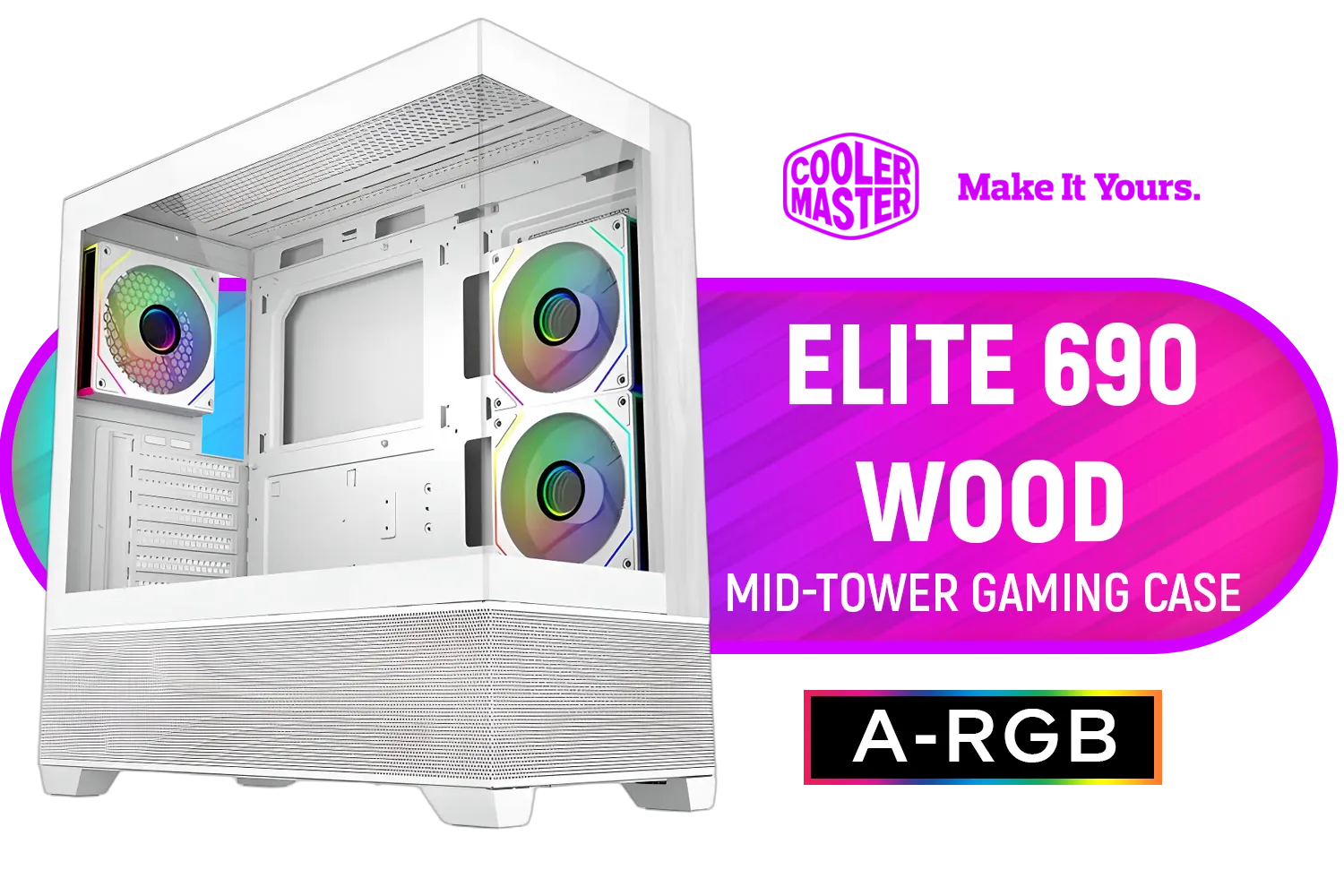
Cooler Master Elite 690 Wood Mid-Tower Gaming Case - White / ITX, Micro-ATX, ATX Motherboard Support / Up to 9 Case Fans / Pre-installed 3x 120mm ARGB Fans / E690-WHNN-S00
R1899.00In Stock

Xigmatek Meta Mid Tower Gaming Case - Black / Supports Motherboards up to E-ATX / 4 x Pre-Installed Fans Included / EN45066
R1799.00In Stock

Xigmatek Gaming Y Pro Mid Tower Gaming Case - Black / Supports Motherboards up to E-ATX / 4 x Pre-Installed Fans Included / EN42249
R1599.00In Stock
The TRYX LUCA L70's Cooling Canvas
Before we pick a side, let's appreciate what we're working with. The LUCA L70 isn't just about looks; its design is geared for serious airflow. With a full mesh front panel and ample ventilation on the top and rear, it's practically begging for a high-performance cooling setup. This inherent breathability is crucial, making it one of the most versatile computer cases for builders who prioritise low temperatures. The spacious interior provides plenty of room for both bulky air towers and lengthy liquid cooling radiators.
Air Cooling Performance: Simplicity and Power 💨
For many builders, air cooling is the gold standard for a reason. It's reliable, cost-effective, and surprisingly powerful, especially in a case with great airflow. The core principle of a good TRYX LUCA L70 cooling setup using air is simple: get cool air in, get hot air out.

Corsair 4000D Airflow Tempered Glass Mid-Tower ATX Gaming Case - White / High-Airflow Front Panel / RapidRoute Cable Management / Supports Motherboards up to ATX / Two Included 120mm Fans(Non RGB) / Fits up to 6x 120mm or 4x 140mm Cooling Fans / Fits up to 2x SSDs and 2x HDDs / CC-9011201-WW
R1749.00In Stock
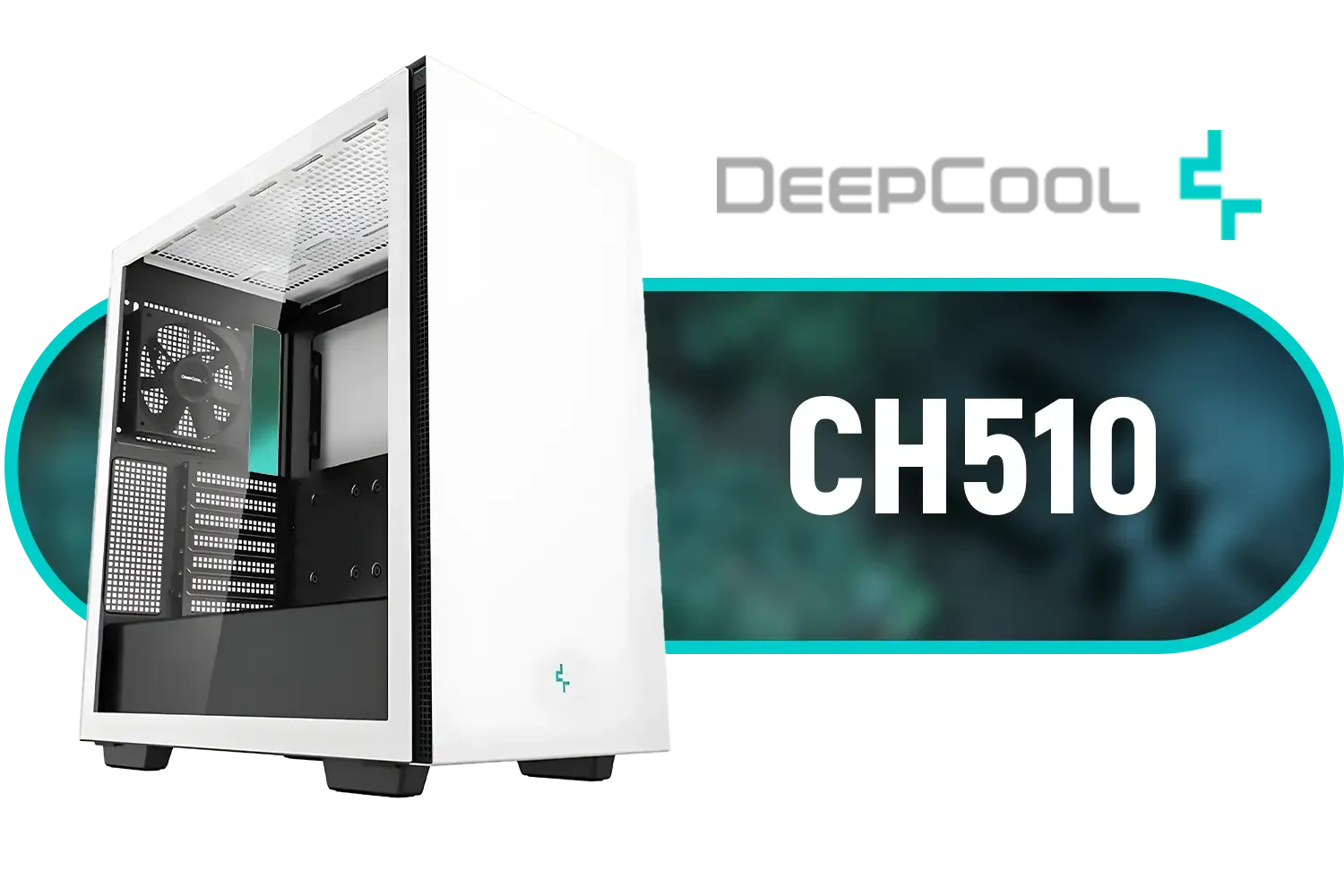
Deepcool CH510 Mid-Tower ATX Computer Case/ Gaming Cabinet - White | Support - Mini-ITX / Micro-ATX / ATX / E-ATX | Pre-Installed 1 x 120mm Rear Fan / CH510 WH
R1199.00In Stock

Fractal Design Pop XL Air RGB White Tempered Glass Clear Tint E-ATX Computer Case / Supports Motherboards up to E-ATX / Flexible Storage Support / Hidden Compartment / 4 x Pre-Installed ARGB Fans Included / FD-C-POR1X-01
R2599.00In Stock

Fractal Design Meshify 2 Compact Lite RGB Black ATX Flexible Light Tinted Tempered Glass Window Mid Tower Computer Case - Radiator Support Up to 360mm - Angular Mesh Design - Up to 4 Drive Mounting Options - 4 x Pre-Installed ARGB Fans Included - FD-C-MES2C-06
R2899.00In Stock
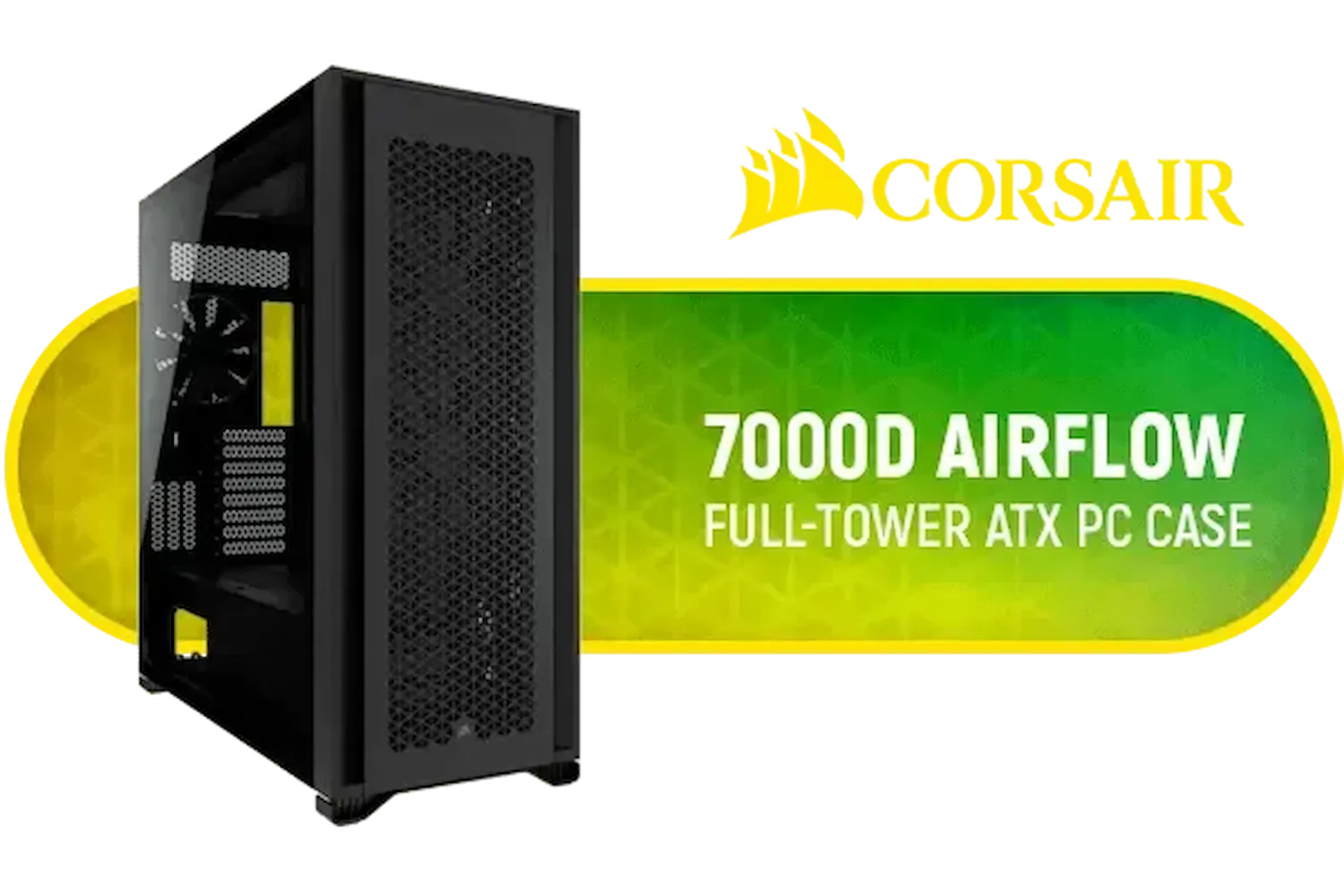
Corsair 7000D AIRFLOW Full-Tower Gaming E-ATX PC Case - Black / Tempered Glass Side Panel / USB 3.1 Type-C port / Corsair rapid route cable management / Supports Motherboards up to E-ATX / Supports up to 480mm Radiator / 3 x Pre-Installed Fan Included / CC-9011218-WW
R4499.00In Stock
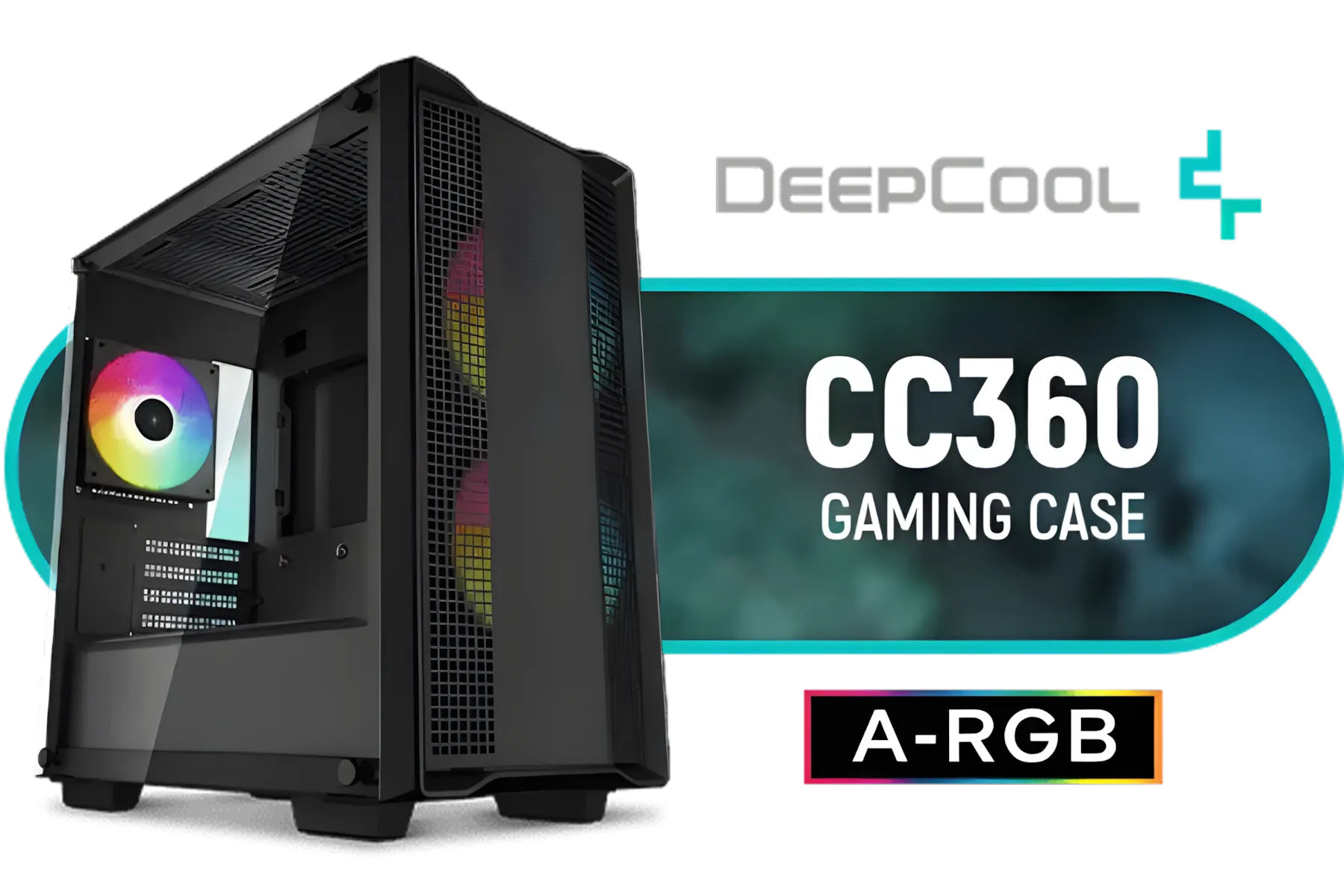
DeepCool CC360 ARGB Tempered Glass Side Panel Gaming Case Black, Supports Motherboards up to Mini-ITX / Micro-ATX / 3 x Pre-Installed ARGB Fans Included / CC360 ARGB
R999.00In Stock
The LUCA L70's mesh front allows two or three 120mm/140mm intake fans to pull in a massive volume of ambient air directly over your components. Pair this with a robust tower cooler on your CPU and one or two exhaust fans at the rear and top, and you have a recipe for success. This configuration creates a consistent wind tunnel that prevents heat from stagnating. It's a tried-and-true method that keeps things simple and minimises points of failure... no pumps, no liquid. This approach is perfected in many other excellent air-flow focused cases from brands like Cooler Master as well.
TIP FOR YOU
Airflow Pro Tip 🔧
For the best results in the LUCA L70, aim for 'positive pressure'. This means having slightly more intake fan power than exhaust. It helps push hot air out of every vent and panel gap, while also reducing the amount of dust pulled into your rig over time. A simple 3-fan intake (front) and 1-fan exhaust (rear) setup is a great starting point.
Liquid Cooling in the TRYX LUCA L70: The Ultimate Chill ❄️
If you're pushing a high-end CPU like a Core i9 or Ryzen 9, or if you plan on overclocking, liquid cooling enters the chat. An All-in-One (AIO) liquid cooler uses a radiator to offer a larger surface area for heat dissipation than most air coolers, often resulting in lower peak temperatures.
The liquid vs air performance debate in the TRYX LUCA L70 is fascinating because the case accommodates both so well. You can mount up to a 360mm radiator in the front or a 240mm radiator on the top.
- Front-Mounted Radiator: This is often the best for CPU temperatures, as the radiator gets fed with the coolest air from outside the case.
- Top-Mounted Radiator: This configuration exhausts hot air directly out of the case, which can help lower the ambient temperature for other components like your GPU.
Aesthetically, an AIO provides that clean, high-tech look that many gamers love, clearing up space around the CPU socket. While more complex than air coolers, modern AIOs are incredibly reliable and a top choice for builds in chassis like these, including many popular choices from Gamemax.
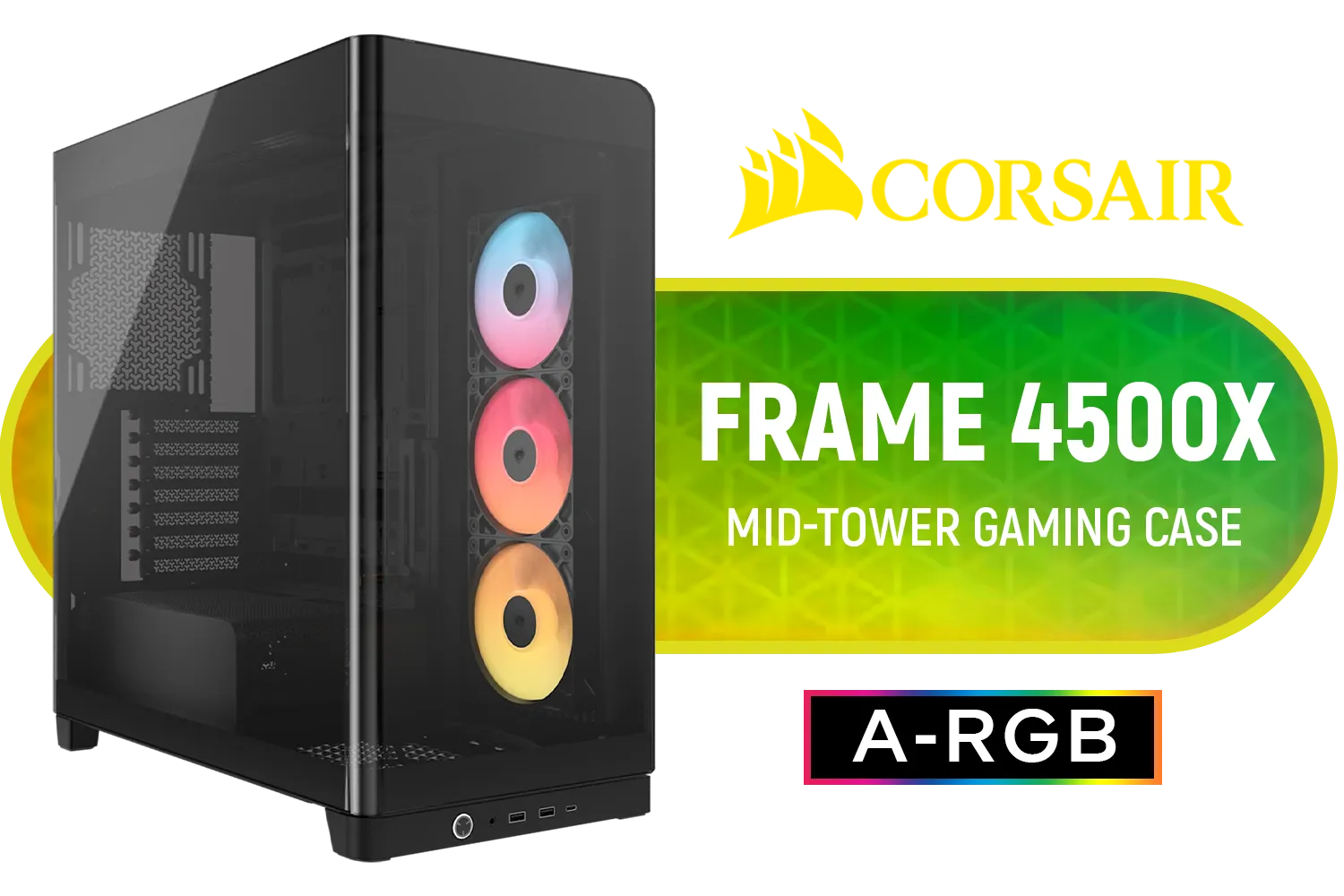
Corsair FRAME 4500X RS-R ARGB Panoramic Glass Mid-Tower Gaming Case - Black / Mini-ITX, Micro-ATX, ATX, E-ATX Motherboard Support / Single-piece Curved Tempered Glass / Dual 360mm Radiator Support / InfiniRail™ Fan Mounting System / 3x Included RS-R ARGB 120mm Reverse-Rotor Fans / Fits up to 10x 120mm or 6x 140mm Cooling Fans / CC-9011314-WW
R3399.00In Stock

Gamdias Atlas M1 Tempered Glass ATX Gaming Case - Black / Magnetic Dust Filter / Supports Motherboards up to ATX / 3 Built-in 120mm ARGB Fan / ATLAS-M1
R1699.00In Stock
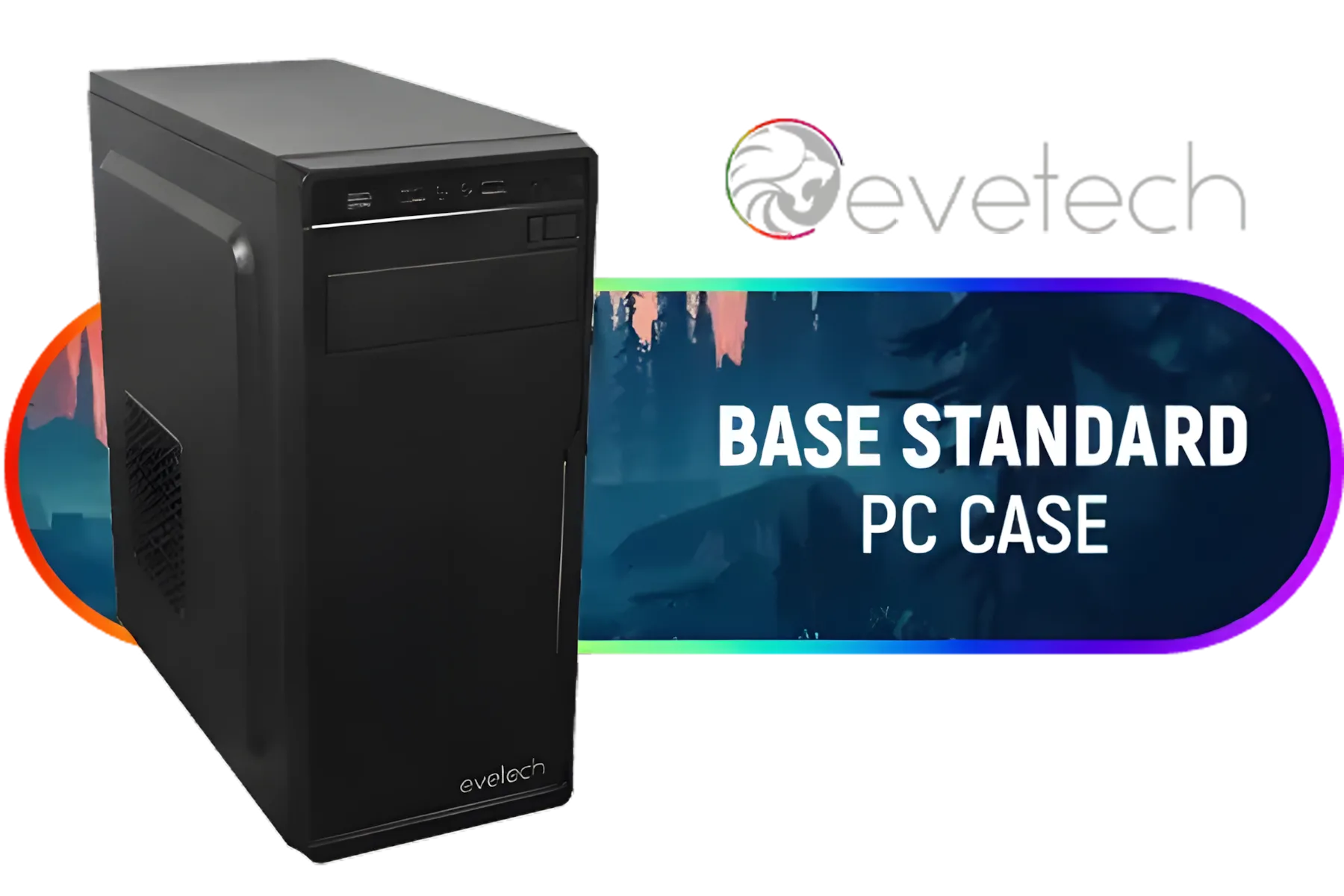
Evetech BASE Standard ATX PC Case / 400W Power Supply / 1x 120mm Fan / 3x 2.5" Drive Bays And 2x 3.5" Drive Bays / 1x USB 3.0 + 2x USB 2.0 / 1x Headphone-out & 1x Audio-in Jack / Supports 7 Expansion Slot
R699.00In Stock
Corsair 4000D Airflow Tempered Glass Mid-Tower ATX Gaming Case - White / High-Airflow Front Panel / RapidRoute Cable Management / Supports Motherboards up to ATX / Two Included 120mm Fans(Non RGB) / Fits up to 6x 120mm or 4x 140mm Cooling Fans / Fits up to 2x SSDs and 2x HDDs / CC-9011201-WW
R1749.00In Stock
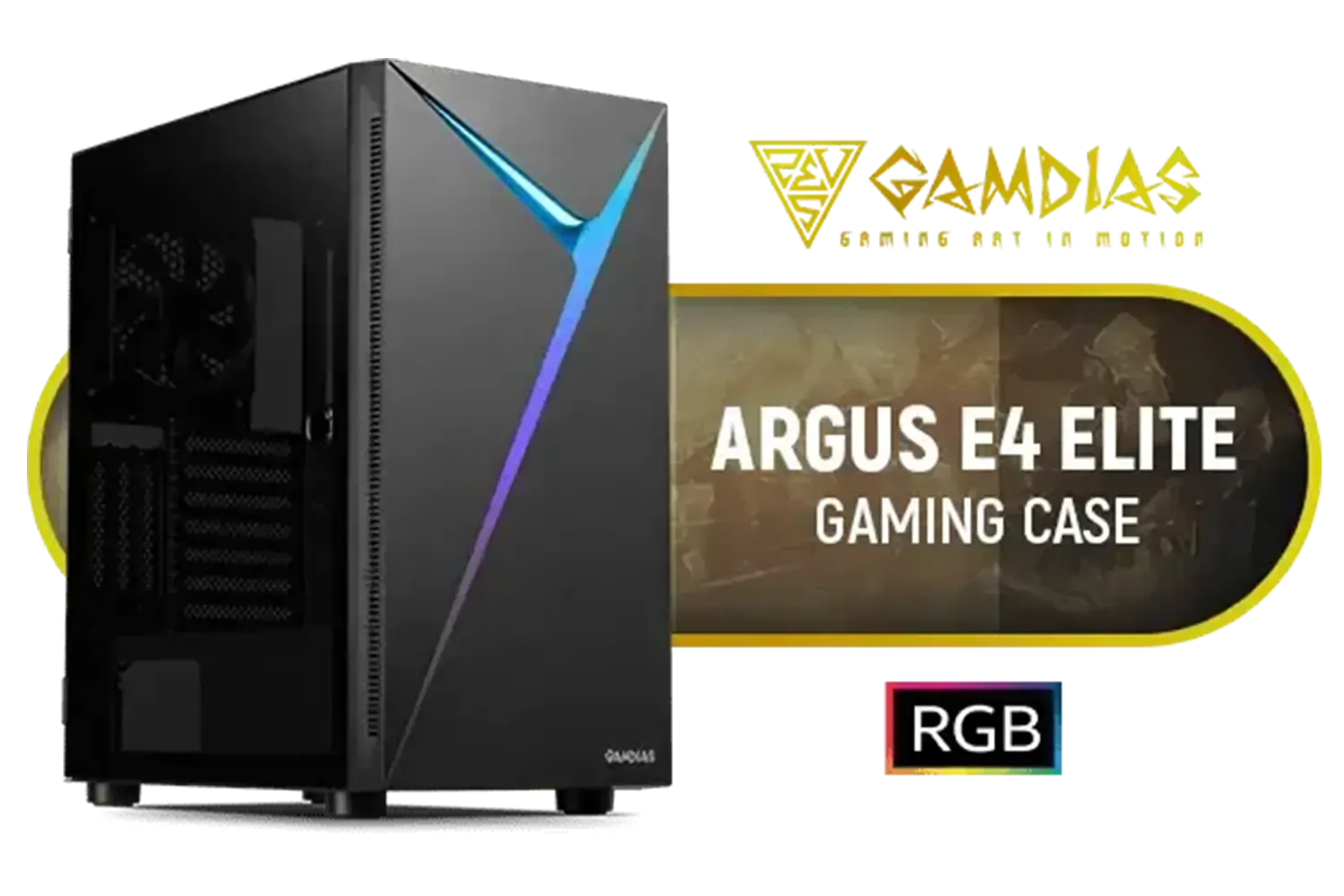
Gamdias Argus E4 Elite Tempered Glass ATX Gaming Case - Black / Supports Motherboards up to ATX / Sync with 5V ARGB Motherboard / RGB Streaming Lighting / 1 Built-in 120mm Rear Fan / Magnetic Dust Filter / ARGUS E4 Elite
R899.00In Stock

Gamdias TALOS E3 MESH Elite E-ATX Gaming Case / 3 Built-in PWM ARGB Fans / Supports Motherboards up to E-ATX / Supports Dual 360mm Radiators / Compatible with 390mm GPU / Perforated Mesh Front Panel Provides Optimal Ventilation / TALOS-E3-MESH-Elite
R1299.00In Stock
The Verdict: Liquid vs Air for Your Build
So, what's the final call for your TRYX LUCA L70 cooling setup? It truly depends on your build and budget.
- Choose Air Cooling if: You value simplicity, reliability, and excellent performance for your money. For most mid-range to high-end gaming builds that aren't pushing extreme overclocks, a premium air cooler in the LUCA L70 is more than enough to deliver fantastic results.
- Choose Liquid Cooling if: You're running a top-tier, high-heat CPU, you plan to overclock significantly, or you want that premium, clean aesthetic. The thermal headroom an AIO provides can give you the edge in performance-intensive tasks.
Ultimately, the TRYX LUCA L70 is a winner either way. Its flexible design is a key reason it stands out in the entire lineup of TRYX gaming cases. Whether you need a small footprint like a compact alternative like the Cooler Master E301 or a mid-tower titan, understanding the cooling philosophy is key. For the LUCA L70, both air and liquid are champions... the choice is yours. ✨
Ready to Master Your Temps? The right cooling solution makes all the difference. Whether you're upgrading your TRYX LUCA L70 or starting a new build, we've got the hardware to keep your PC frosty. Browse our wide selection of CPU coolers and find the perfect match for your rig.
Related Products

Antec NX410 ATX Mid-Tower Tempered Glass Gaming Case - Supports up to 6 Fans - CPU Cooler Support: Up To 168 mm - PSU Support: Up To 165 mm - LED Control Button - 3 x Include ARGB LED Fans — White / 0-761345-81042-5
R1199.00In Stock

Xigmatek Endorphin WD Arctic Mid Tower Gaming Case - White / Supports Motherboards up to E-ATX / 4 x Pre-Installed ARGB Fans Included / EN42218
R2299.00In Stock

Gamemax AERIS 330 Micro-ATX Gaming Case - Black / Supports M-ATX & ITX Motherboards / Supports up to 8x 120mm Fans / 4x 120mm ARGB Fand Pre-Installed / AERIS-330-MB
R999.00In Stock
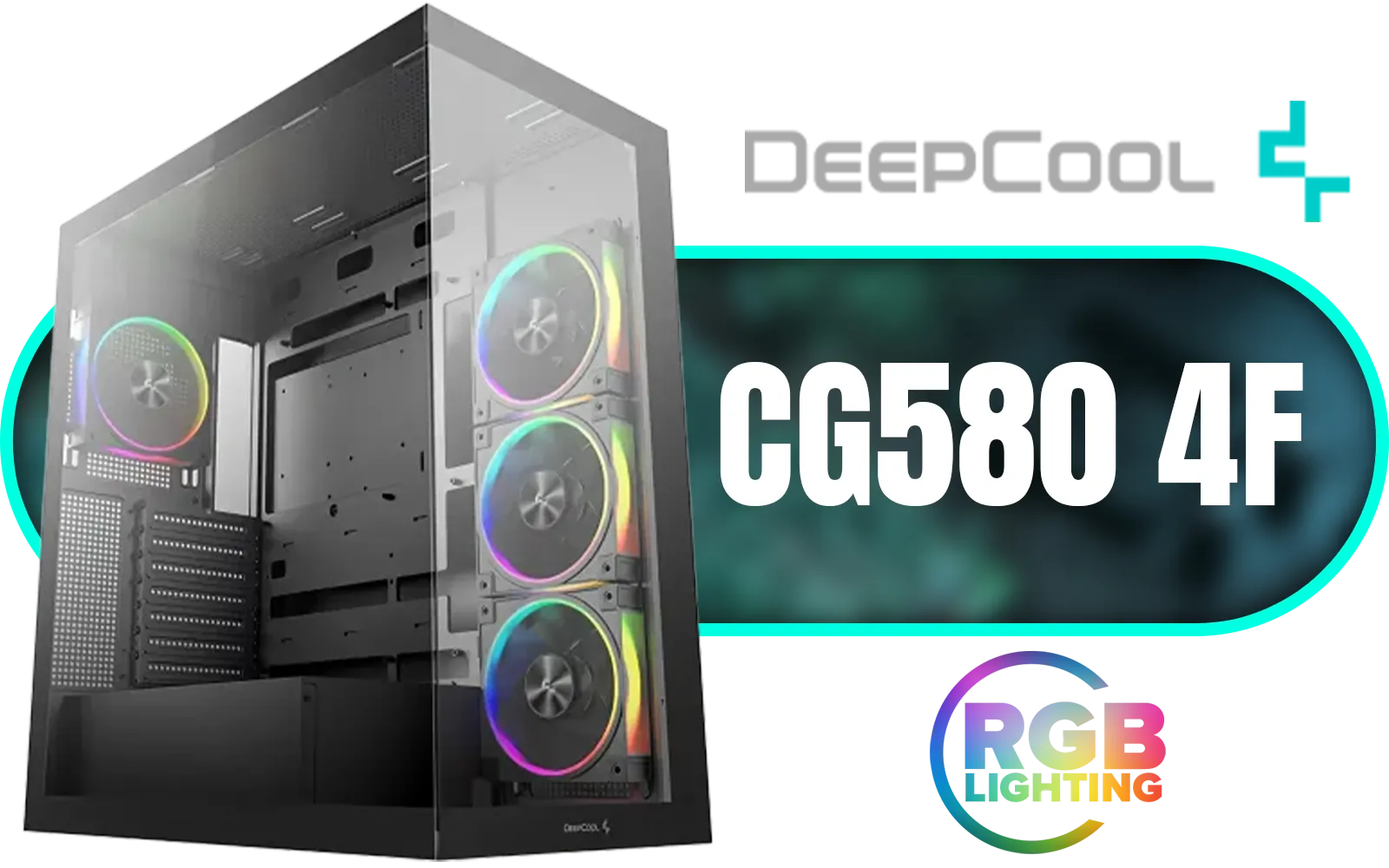
DeepCool CG580 4F V2 ATX Mid Tower Gaming Case - Black / 4 Built-in ARGB Fans / 360mm Radiator Support / No A-Pillar Design / 270° Glass Side & Front Panels / Supports ITX, Micro-ATX, ATX / USB 3.0 / USB Type-C / CG580-4F-V2
R1799.00In Stock
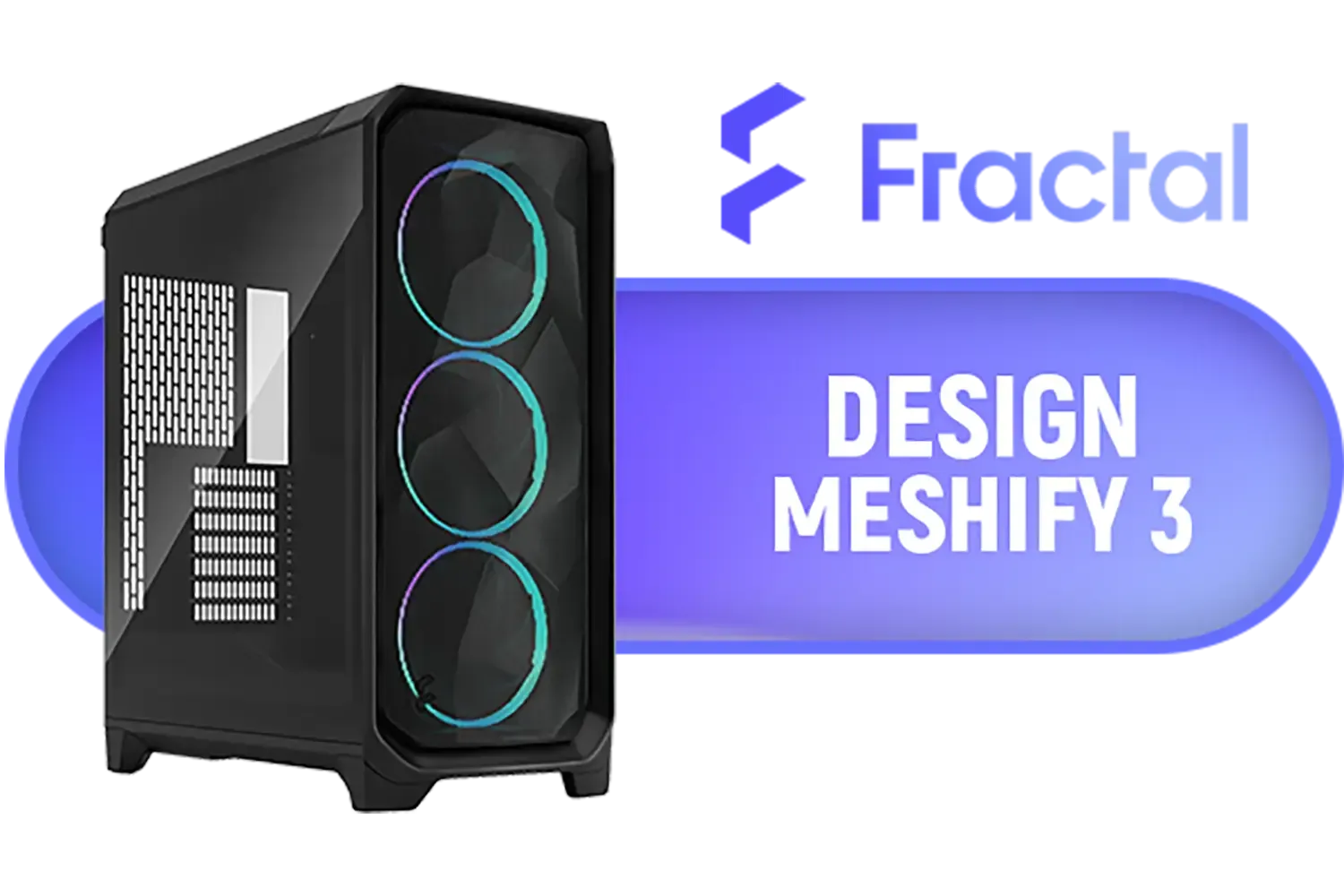
Fractal Design Meshify 3 Tempered Glass Light Tint E-ATX Mid-Tower Gaming Cabinet Case with Three Pre-Installed GP-14 Fans and Detachable Front & Top Filter - Black / FD-C-MES3A-02
R2799.00In Stock
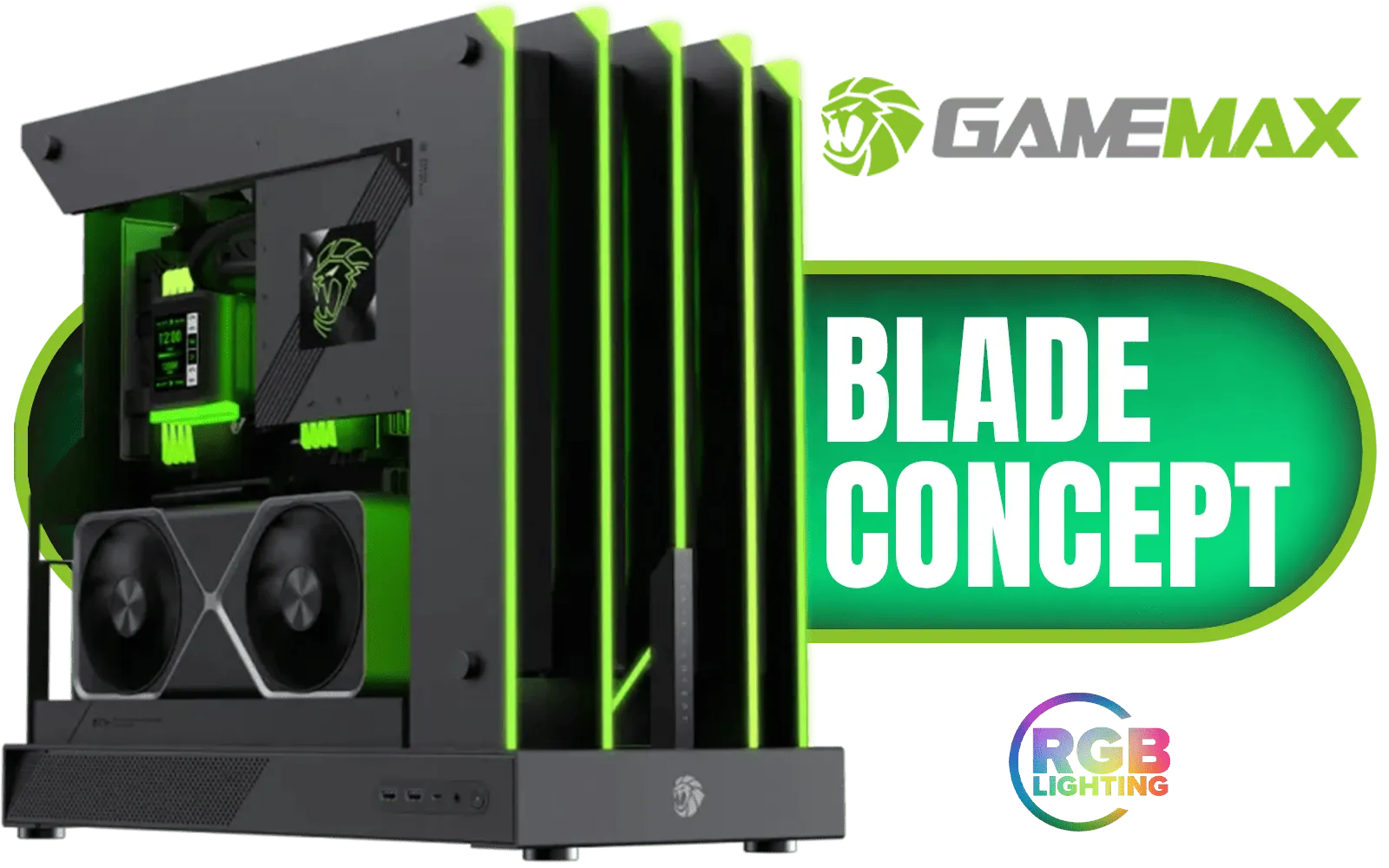
Gamemax Blade Concept ATX Gaming Case / Open-Air Side Design / Does not Support Case Fans / ATX Motherboard Support / ATX PSU Support / Blade-Concept
R3999.00In Stock
Yes, the TRYX LUCA L70 offers extensive radiator support, accommodating 360mm AIOs easily for superior thermal management.
This chassis provides generous air cooler clearance, fitting most high-end tower coolers. Check the spec sheet for exact millimeter limits.
Liquid cooling is ideal for high-end CPUs in the TRYX LUCA L70 due to its radiator mounts, but air cooling works well for mid-range builds.
The TRYX LUCA L70 airflow design optimizes intake and exhaust, ensuring components stay cool regardless of your cooling method.
Absolutely. The spacious interior supports custom loop reservoirs and pumps, making it a favorite for enthusiast water-cooling builds.
To maximize air cooling efficiency, adding high-static pressure fans to the intake can significantly improve internal temperatures.











