



Upgrade PC Case Without Rebuilding: Step-by-Step Guide
Upgrade PC case without rebuilding: follow this clear, tool-safe workflow to move components, preserve settings, and cut downtime. Step-by-step tips, checklists, and compatibility checks 🚚🛠️
|
Loading tags...

Is your trusty gaming PC still a beast on the inside but looking a bit... tired on the outside? Maybe your temps are climbing during those intense Helldivers 2 missions in the summer heat. You don't need a full, wallet-busting rebuild. A simple case swap can breathe new life into your rig. Let's walk through how to upgrade your PC case without rebuilding everything from scratch, giving your setup a massive visual and thermal boost. 🚀

Gamdias Aura GC3 Elite Tempered Glass ATX Gaming Case - Black / Supports Motherboards up to ATX / Mesh Front Panel / Magnetic Dust Filter / 4 Built-in 120mm ARGB Fan / Dual Front Panel Light Strips Design / AURA-GC3-ELITE
R999.00In Stock
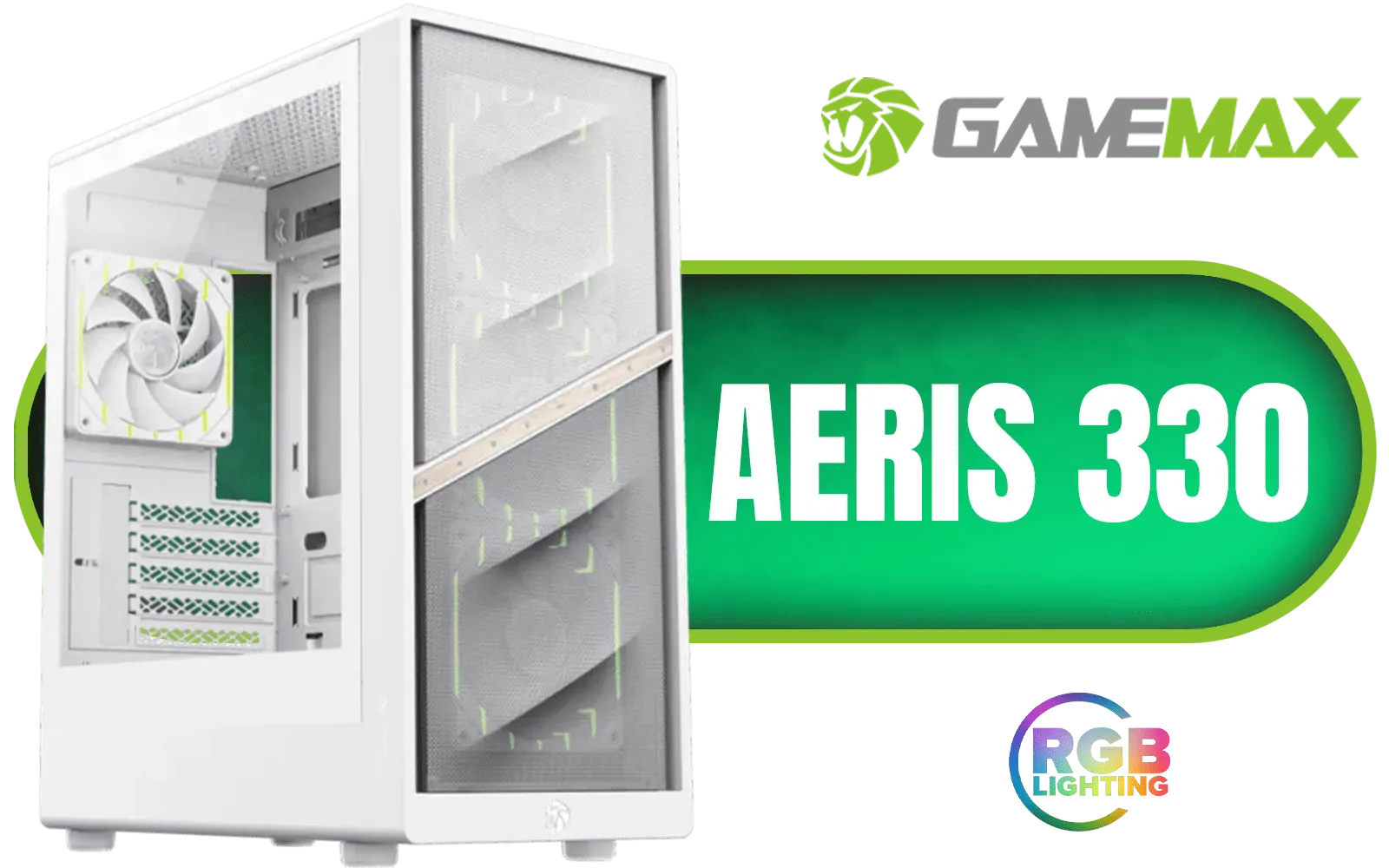
Gamemax AERIS 330 Micro-ATX Gaming Case - White / Supports M-ATX & ITX Motherboards / Supports up to 8x 120mm Fans / 4x 120mm ARGB Fand Pre-Installed / AERIS-330-MW
R999.00In Stock
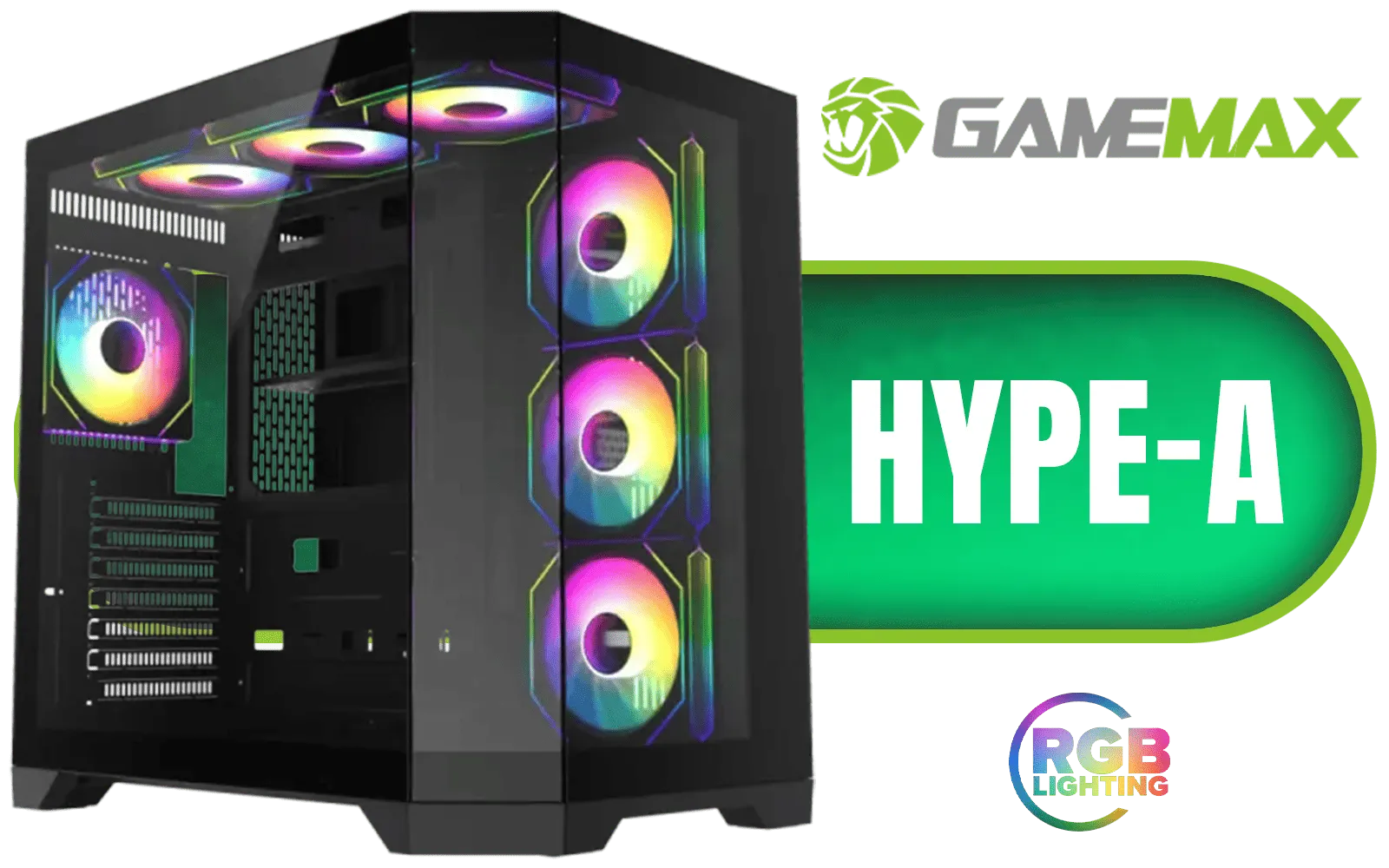
Gamemax Hype-A ATX Mid-Tower Gaming Case - Black / Tempered Glass Side Panels / Support 10×120mm or 4×120mm + 4x140mm Fan Mounts / 3 Pre-installed 120mm ARGB Fans / ATX, M-ATX, Mini-ITX Motherboard Support / ATX PSU Support / HYPE-A-BK
R1599.00In Stock
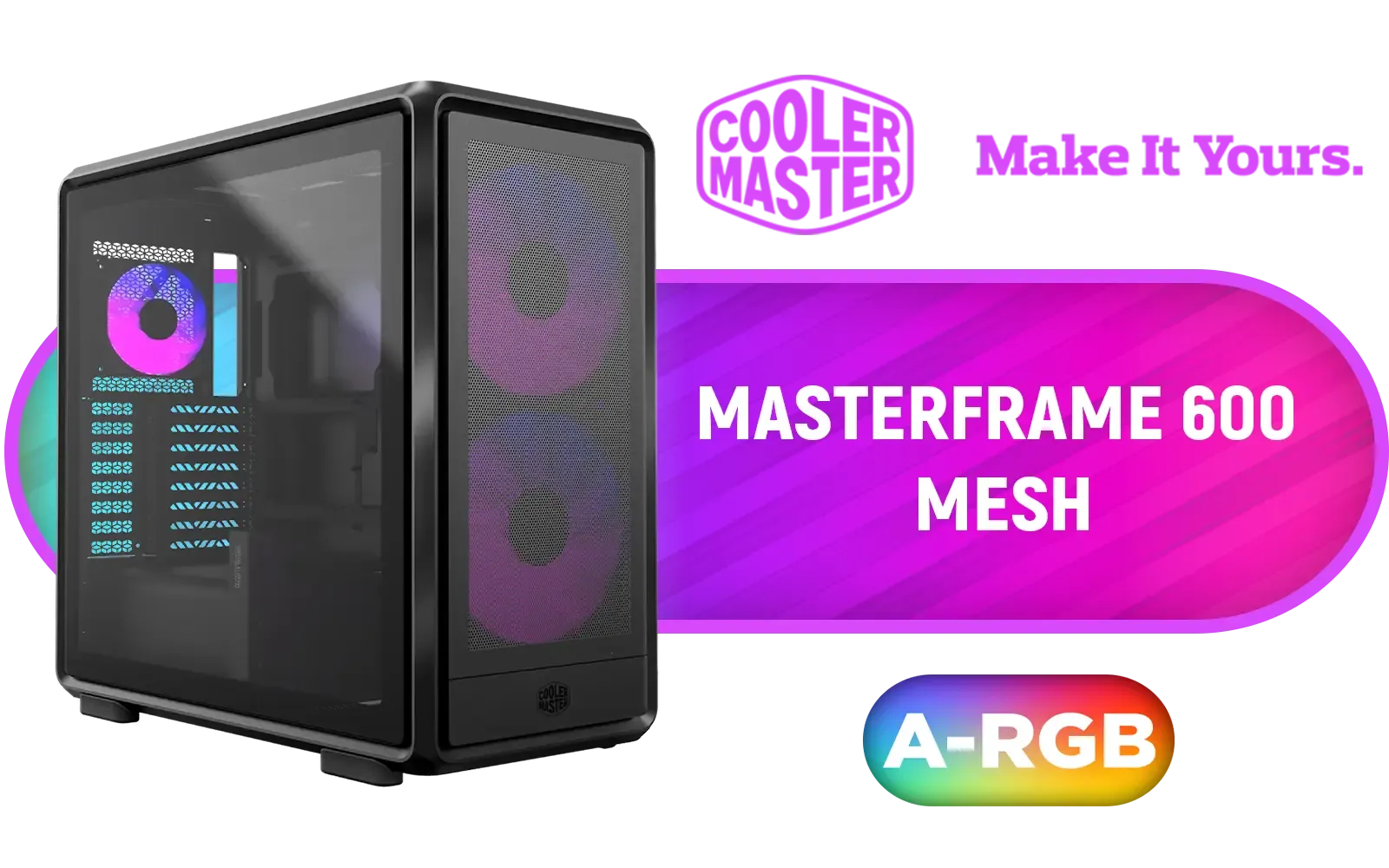
Cooler Master MasterFrame 600 Mesh ARGB Mid-Tower PC Case - Black / Tempered Glass Side Panel / Supports E-ATX Motherboards / FreeForm 2.0 Exo-Structure PC Case / Modular Open-Frame Design / 485mm GPU Clearance / Includes GPU Support Bracket / 2x SickleFlow 200 ARGB Pre-installed Fans / 1x SickleFlow 120 ARGB Pre-installed Fan / MF600M-KGNN-S01
R3299.00In Stock
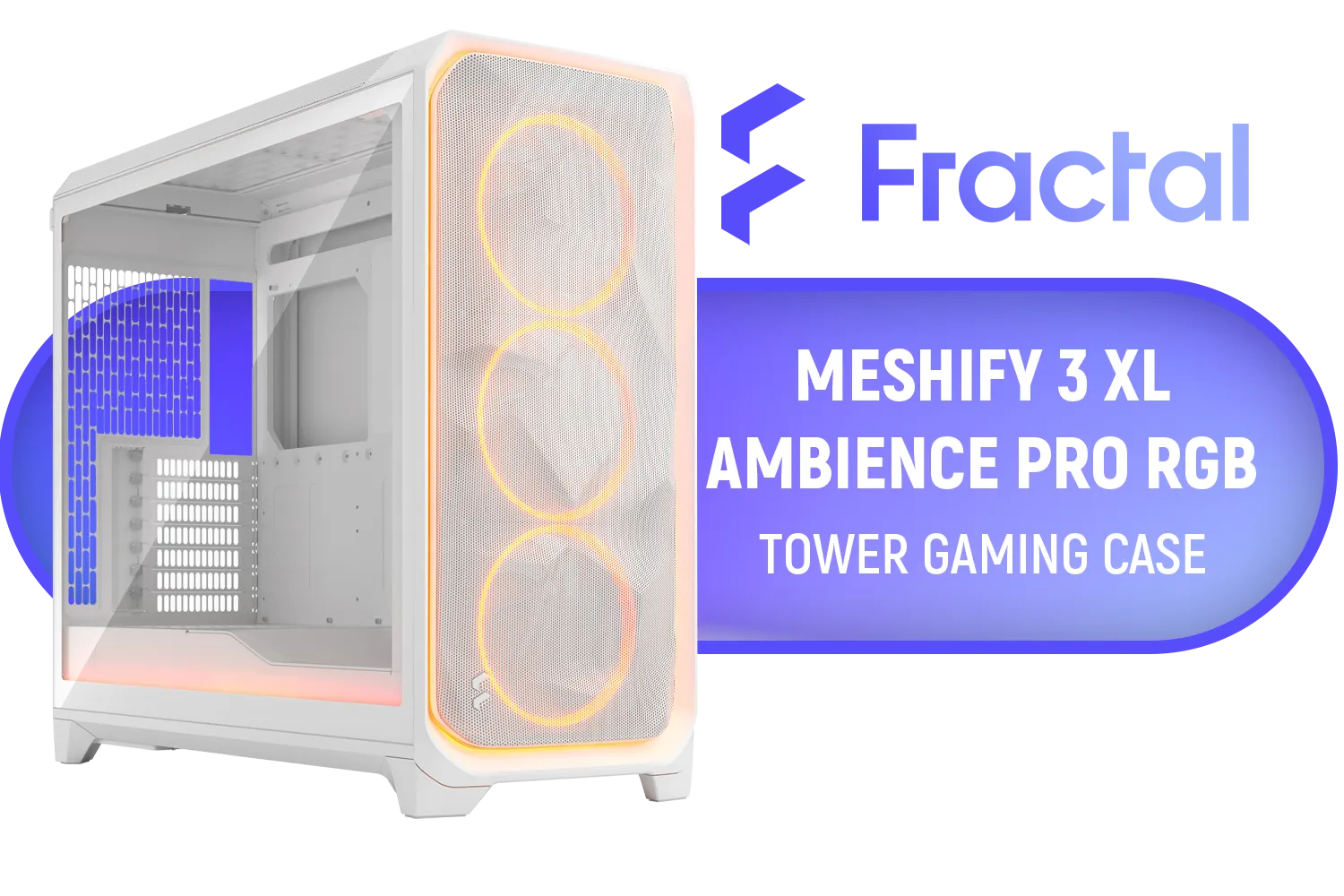
Fractal Design Meshify 3 XL White RGB Tempered Glass Light Tint - High Airflow PC Gaming Case - Mesh Front Panel - Three ARGB Momentum 14 Gen 2 Fans Included - Spacious Interior - GPU up to 512mm / FD-C-MES3X-05
R4499.00In Stock

Gamemax Leader 2 E-ATX Mid-Tower Gaming Case - White / Tempered Glass Side Panel / Support 9×120mm or 8×140mm Fan Mounts / 4 Pre-installed 140mm ARGB Fans + Dedicated Controller / E-ATX, ATX(+ BTF), M-ATX(+ BTF), ITX Motherboard Support / ATX PSU Support / LEADER-2-WH
R1599.00In Stock
Why Bother With a PC Case Upgrade?
Before we get our hands dirty, let's talk about the "why". A case swap isn't just about looks, though a fresh aesthetic is a huge plus. The main benefits of a modern PC case upgrade are practical and performance-enhancing.
- Superior Airflow: Newer cases are designed with airflow as a priority, featuring mesh fronts, better fan placements, and more space. This means lower temperatures for your CPU and GPU, which can lead to more stable performance and a longer lifespan for your components.
- Easier Building & Cable Management: Modern chassis designs include thoughtful features like PSU shrouds, dedicated cable routing channels, and rubber grommets. This makes tidying up your cables a breeze, which not only looks better but also improves airflow.
- Space for the Future: Is that massive new graphics card you've been eyeing too long for your old case? Upgrading gives you the physical space needed for bigger GPUs, AIO coolers, and more storage drives.
- Modern Connectivity: Get access to front-panel USB-C, improved audio jacks, and built-in fan controllers that your older case might be lacking.
Your Step-by-Step Guide to a Seamless Case Swap
The secret to an upgrade of your PC case without a full rebuild is simple: we're going to move the entire motherboard assembly—with the CPU, cooler, and RAM still attached—in one go. This "heart transplant" method saves a ton of time and hassle.

Antec Performance 1 FT, Full Tower, RTX40 Fully Compatible, Temp Display, 4 x Storm T3 PWM Fans, Type-C, Dual TG Side Panels, Removable Top Bracket, High Airflow Mesh Front Panel, E-ATX PC Gaming Case - 0-761345-10088-5
R2599.00In Stock

Fractal Design Pop Silent Black - Tempered Glass Clear Tint – Bitumen panel and sound-dampening foam – TG side panel - Three 120 mm Aspect 12 fans included - ATX Silent Mid Tower PC Case / FD-C-POS1A-02
R1899.00In Stock

Cooler Master HAF 500 High Airflow ATX Mid-Tower, Mesh Front Panel, Dual 200mm Customizable ARG Lighting Fans, Rotatable GPU Fan, USB 3.2 Gen 2 Type C and Tempered Glass / H500-KGNN-S00
R2499.00In Stock

Xigmatek Endorphin WD Arctic Mid Tower Gaming Case - White / Supports Motherboards up to E-ATX / 4 x Pre-Installed ARGB Fans Included / EN42218
R2299.00In Stock

Xigmatek Pano Mid Tower Gaming Case - Black / Supports Motherboards up to E-ATX / 7 x Pre-Installed ARGB Fans Included / EN44250
R2199.00In Stock
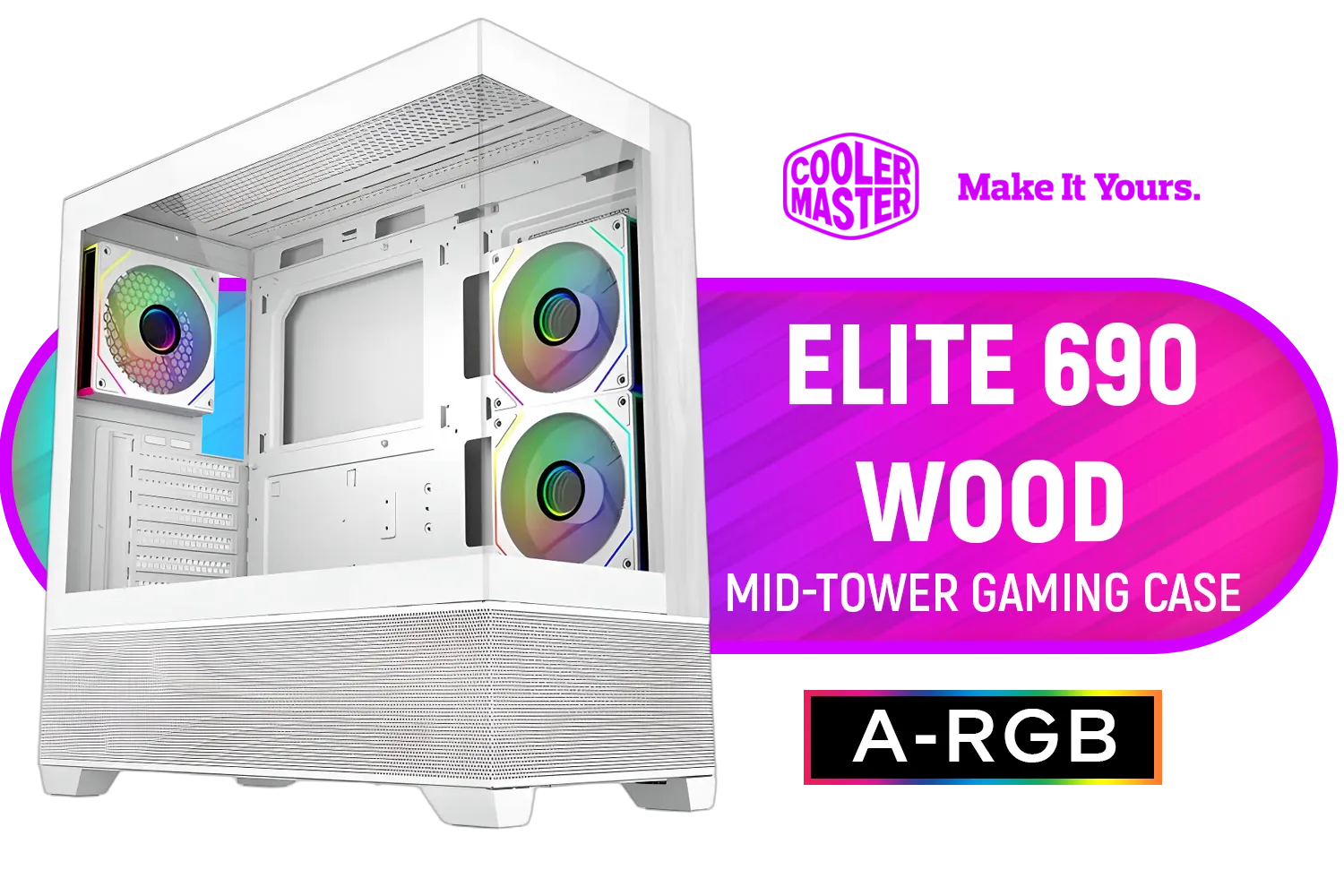
Cooler Master Elite 690 Wood Mid-Tower Gaming Case - White / ITX, Micro-ATX, ATX Motherboard Support / Up to 9 Case Fans / Pre-installed 3x 120mm ARGB Fans / E690-WHNN-S00
R1899.00In Stock
Before You Begin: The Prep Work
A little preparation makes the whole process smooth.
- Gather Your Tools: You'll need a Phillips head screwdriver (a magnetic tip is a lifesaver), some cable ties or velcro straps, and your smartphone for taking pictures.
- Back-Up (Just in Case): It's always wise to back up important data before opening your PC.
- Take Photos! Before you unplug a single cable, take clear photos of your motherboard from multiple angles. Pay close attention to where everything connects: the 24-pin motherboard power, 8-pin CPU power, GPU power, and especially the tiny front-panel connectors.
TIP FOR YOU
Front Panel Connector Pro Tip 🔧
Those tiny individual pins for POWER SW, RESET SW, and HDD LED can be a real pain. Your motherboard manual is your best friend here, showing the exact layout. Can't find it? A clear photo of how they're connected in your old case before you unplug them will save you a massive headache later.
The Transplant: Moving Your Components
Ready? Let's get to it.
- Power Down & Unplug: Shut down your PC completely and unplug it from the wall. Disconnect all peripherals (monitors, keyboard, etc.).
- Open Up: Lay your old case on its side on a non-conductive surface (like a wooden table or the cardboard box your new case came in). Remove the side panels.
- Remove GPU & Drives: Unscrew and carefully remove your graphics card. Unplug and remove your storage drives (SSDs and HDDs).
- Disconnect Motherboard Cables: Using your photos as a guide, unplug all remaining cables connected to the motherboard.
- Lift the Heart: Carefully unscrew the motherboard from the case standoffs. Hold it by the edges or the CPU cooler and lift the entire assembly out.
- Prep the New Case: Make sure the motherboard standoffs in your new case are installed in the correct positions for your motherboard's form factor (ATX, mATX, etc.). Install the I/O shield.
- Install & Reconnect: Gently lower the motherboard assembly into the new case, align it with the standoffs, and screw it in. Now, reinstall your GPU and drives, and reconnect all the cables. This is your chance to do some clean cable management!

Xigmatek Gaming Y Pro Mid Tower Gaming Case - Black / Supports Motherboards up to E-ATX / 4 x Pre-Installed Fans Included / EN42249
R1599.00In Stock

GAMDIAS ATLAS E1 WH Gaming ATX Mid Tower Computer PC Case, Customized Monitor w/Software, 3 x 120mm ARGB Fans(2 Reverse), Supports Motherboards up to ATX, Panoramic Tempered Glass Display, Perforated Airflow Vent PSU Chamber, White / ATLAS-E1-WH
R1399.00In Stock

Xigmatek Cubi M Arctic Mid Tower Gaming Case - White / Supports Motherboards up to M-ATX, Mini-ITX / 6 Pre-Installed ARGB Fans Included / EN42805
R1499.00In Stock

Xigmatek Cubi M Mid Tower M-ATX Gaming Case - Black / Supports Motherboards up to M-ATX, Mini-ITX / 6 x Pre-Installed ARGB Fans Included / EN42799
R1399.00In Stock

Corsair iCUE LINK 5000T LX RGB Mid-Tower High-Performance Gaming E-ATX PC Case / Sleek, uniquely contoured steel chassis / Integrated Aurora RGB Light Strips / Supports Motherboards up to E-ATX / Removable mesh front and roof high airflow panels / 3 x Pre-Installed RGB Fan Included /CC-9011298-WW
R6299.00In Stock
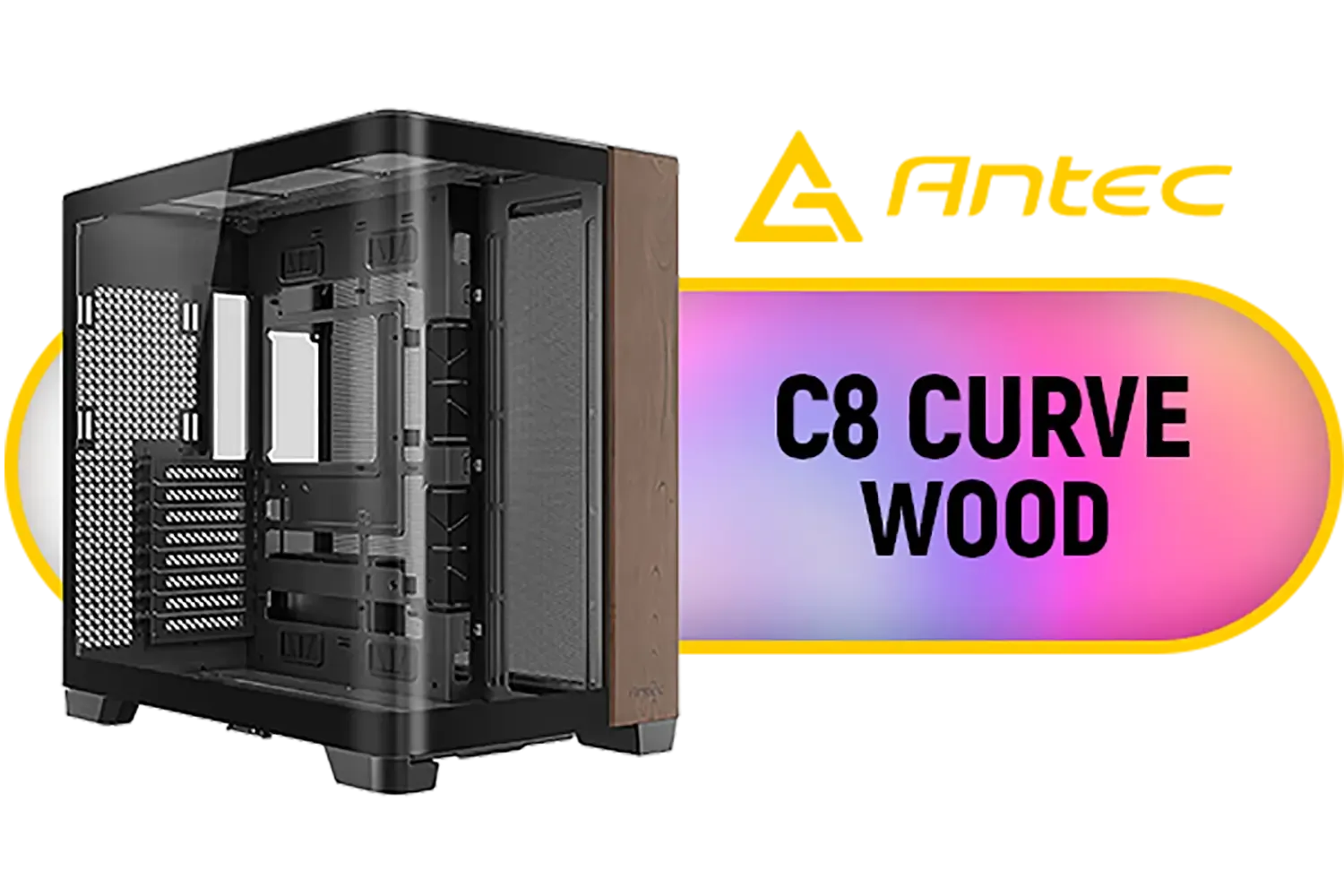
Antec C8 Curve Wood Constellation Gaming Case - Black / Wood-Textured Exterior / Curved Tempered Glass Side Panel / ATX, Micro-ATX, Mini-ITX Support / Supports Up to 6 Cooling Fans / No Fans Included / 0-761345-10158-5
R2499.00In Stock
Choosing the Perfect New Home for Your Hardware
The best part of this upgrade is picking the new case. Think about your needs: do you want a silent build, a high-airflow mesh monster, or a compact rig? A small but mighty option like the Cooler Master E301 Mini-Tower can completely change the look and feel of your desk space. ✨
Brands like Cooler Master have a reputation for quality and innovation, offering fantastic options for every budget. You can explore the full range of Cooler Master cases here to see what fits your style. Alternatively, if you're looking for awesome aesthetics without breaking the bank, brands like GameMax offer incredible value and flashy designs.
Take your time to browse all the computer cases available to find one that not only fits your components but also your personality. This simple upgrade is one of the most rewarding you can do for your PC.
Ready for a Fresh Look & Cooler Temps? Upgrading your PC case is one of the most satisfying and impactful DIY projects you can tackle. It's easier than you think and the results are immediate. Explore our massive range of PC cases and find the perfect new chassis for your rig today.
Related Products
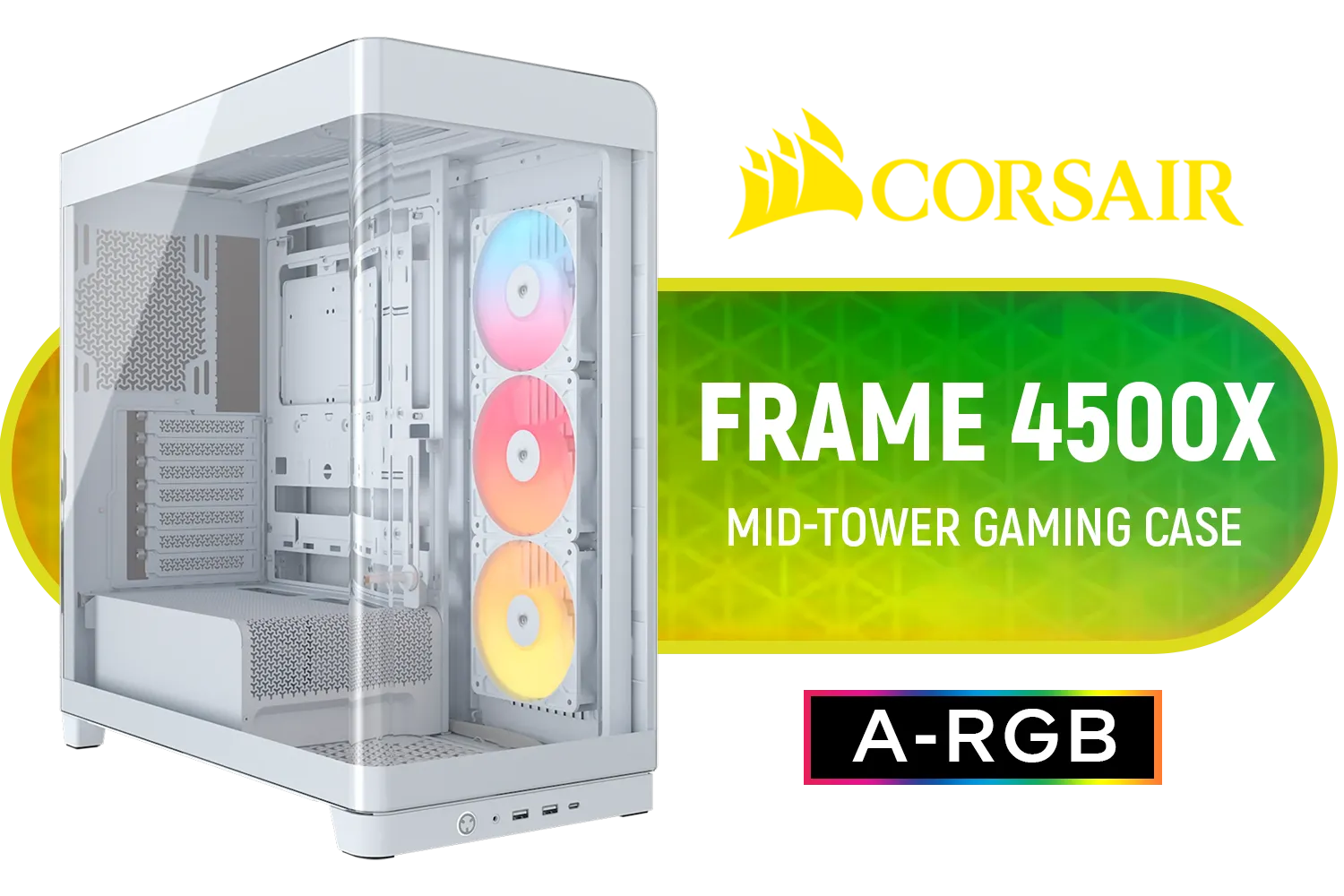
Corsair FRAME 4500X RS-R ARGB Panoramic Glass Mid-Tower Gaming Case - White / Mini-ITX, Micro-ATX, ATX, E-ATX Motherboard Support / Single-piece Curved Tempered Glass / Dual 360mm Radiator Support / InfiniRail™ Fan Mounting System / 3x Included RS-R ARGB 120mm Reverse-Rotor Fans / Fits up to 10x 120mm or 6x 140mm Cooling Fans / CC-9011315-WW
R3499.00In Stock
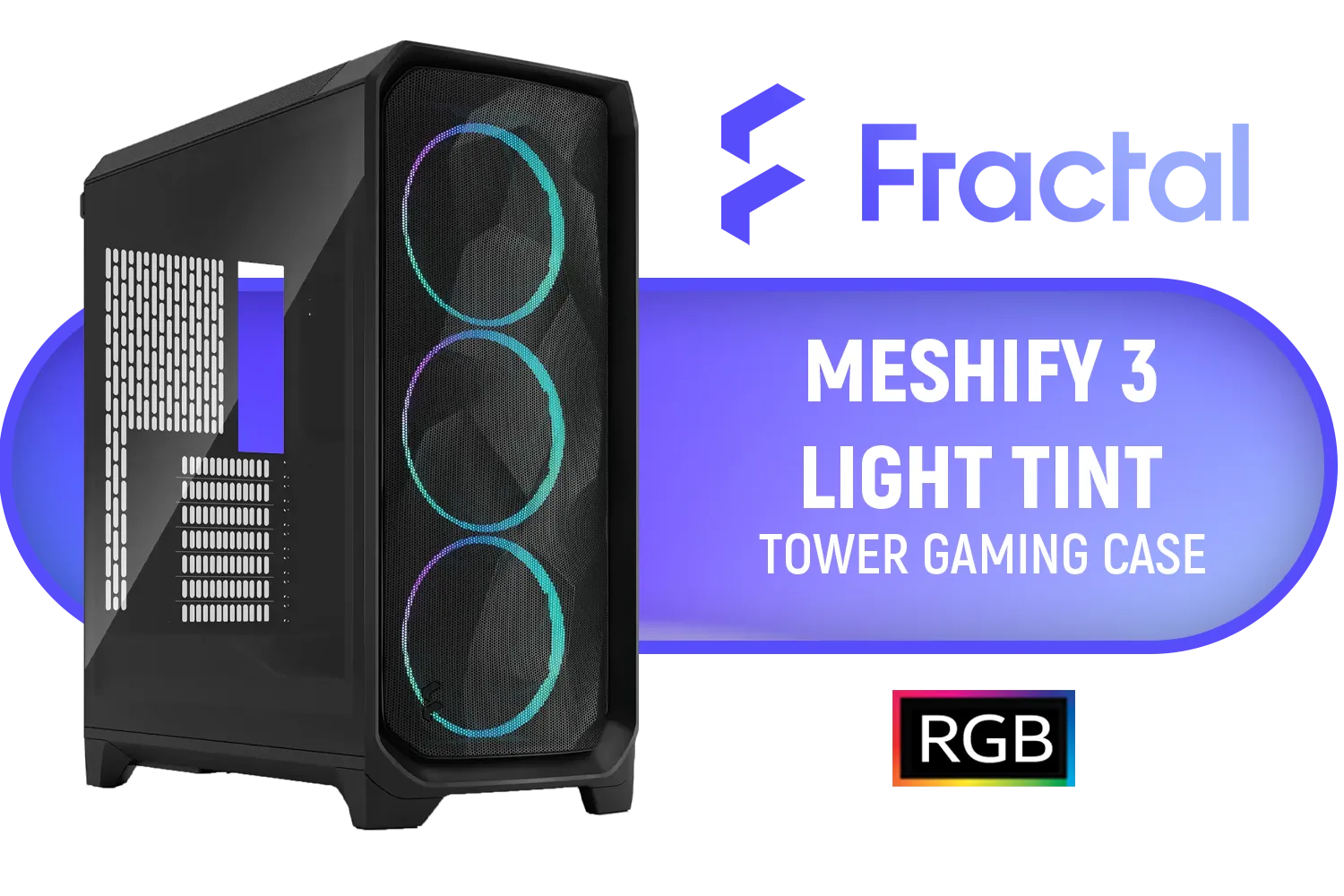
Fractal Design Meshify 3 RGB Black Tempered Glass Light Tint - High Airflow PC Gaming Case - Mesh Front Panel - Three ARGB Momentum 14 Gen 2 Fans Included - E-ATX/ATX/mATX Support / FD-C-MES3A-06
R2899.00In Stock
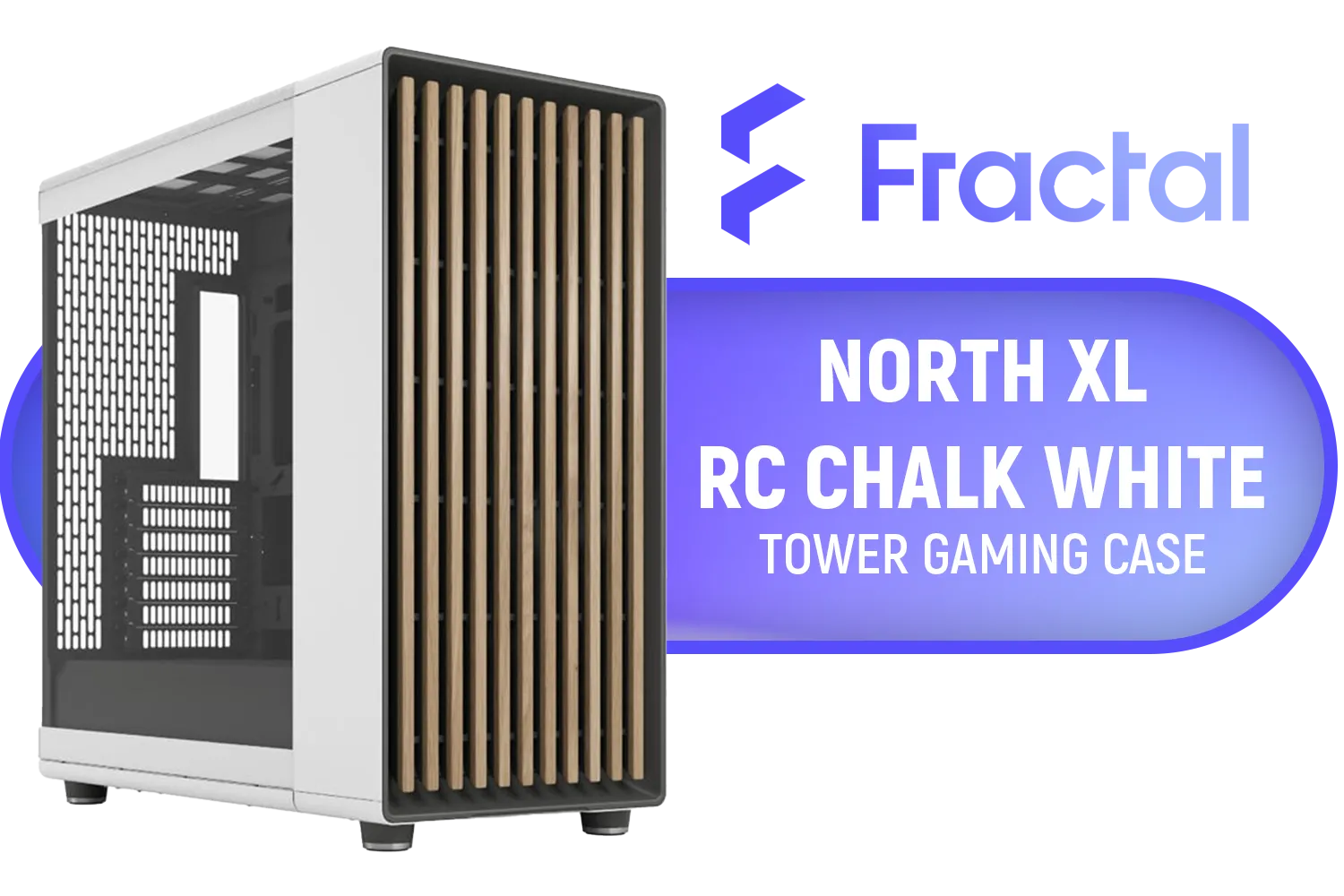
Fractal North XL RC Chalk White TG Clear PC Case / ATX and mATX with rear-facing connectors, Mini-ITX Motherboard Compatibility / 3x Included Aspect 140 mm fans / Tempered Glass / FD-C-NOR1X-06
R3199.00In Stock
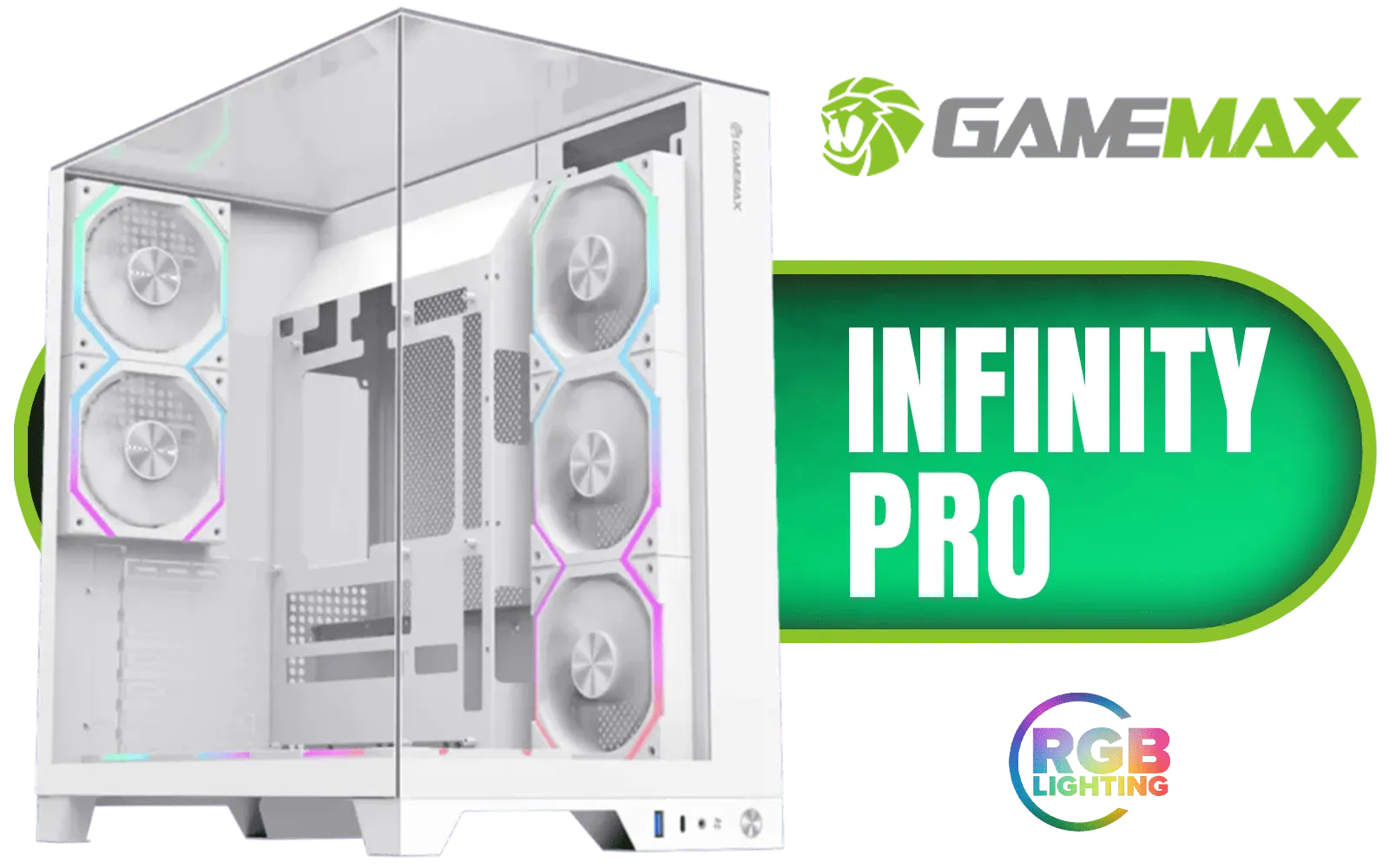
Gamemax Infinity Pro ATX Gaming Case - White / Supports ATX, M-ATX & ITX Motherboards / Supports BTF Motherboards / Supports up to 8x Fans (5x 120mm Included) / Panoramic Tempered Glass Design / Infinity-Pro-WH
R1899.00In Stock
Cooler Master MasterFrame 600 Mesh ARGB Mid-Tower PC Case - Black / Tempered Glass Side Panel / Supports E-ATX Motherboards / FreeForm 2.0 Exo-Structure PC Case / Modular Open-Frame Design / 485mm GPU Clearance / Includes GPU Support Bracket / 2x SickleFlow 200 ARGB Pre-installed Fans / 1x SickleFlow 120 ARGB Pre-installed Fan / MF600M-KGNN-S01
R3299.00In Stock
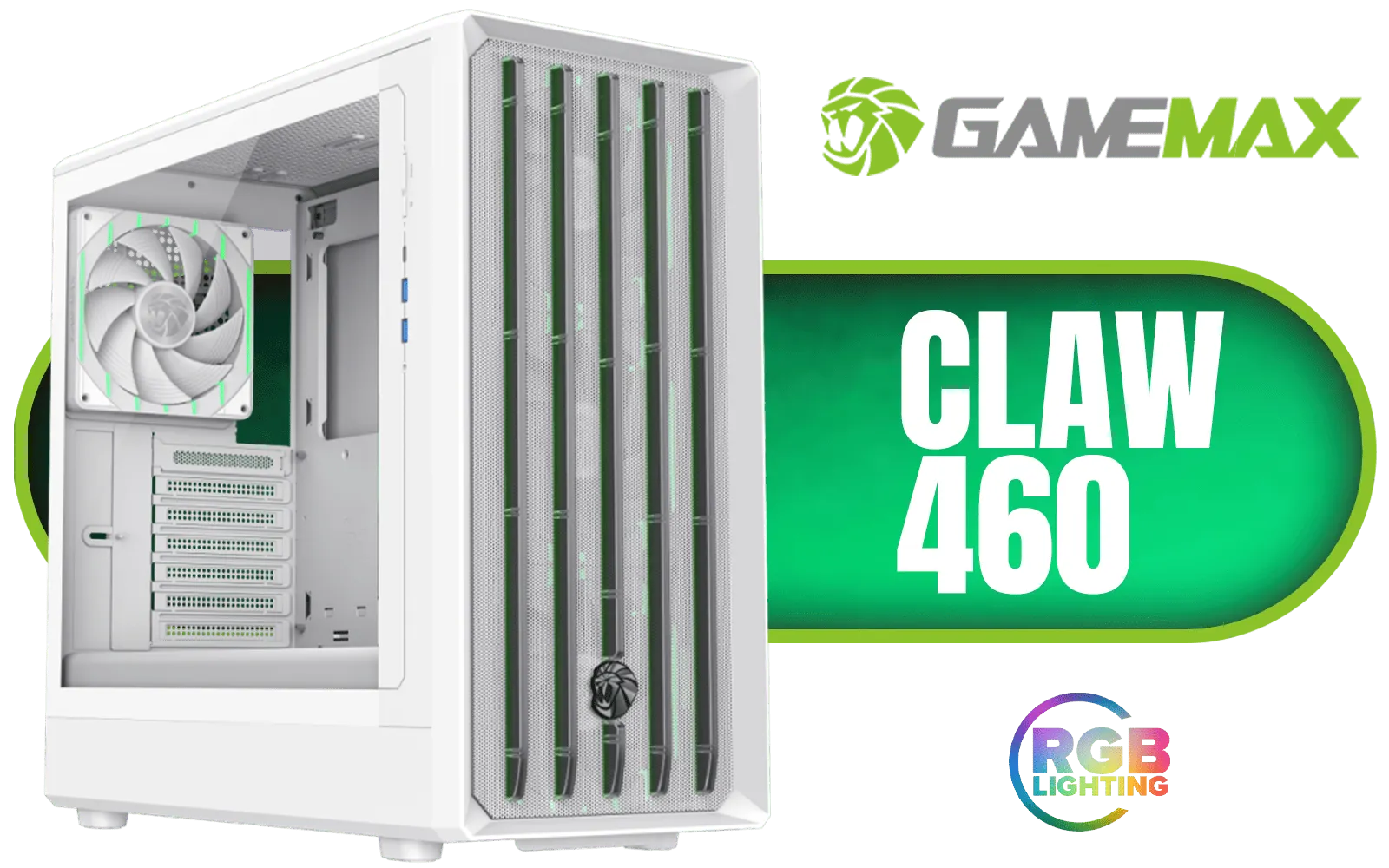
Gamemax CLAW 460 MId-Tower Gaming Case - White / Supports M-ATX & ITX Motherboards / Tool-Free Glass Side Panel / Supports up to 4x 120mm Fans / 4x 120mm ARGB Fans Pre-Installed / CLAW-460-WH
R1499.00In Stock
Yes. You can upgrade PC case without rebuilding the OS by carefully transferring components and preserving motherboard connections; reinstall usually unnecessary.
Basic tools: screwdriver set, anti-static wrist strap, cable ties, thermal paste, and drive adapters to move components safely during a case swap.
Expect 45–180 minutes depending on complexity, cable routing, and drive setups. Allow extra time for troubleshooting and testing.
No. Drives keep their data. Use correct connectors and handle drives gently. Always back up before starting to avoid accidental loss.
Often yes. You may need to remount or reseat the cooler when moving the motherboard or changing standoffs; reapply thermal paste if removed.
Verify motherboard form factor, GPU length, PSU size, and radiator clearance with a pc case upgrade checklist to prevent fit issues.
Yes. Plan cable routes, use cable ties, and re-route front-panel connectors; good planning keeps cable management tidy and reduces install time.











