



Wi-Fi for Rural Areas South Africa: Overcoming Challenges
Struggling with Wi-Fi for rural areas South Africa? Unreliable connections and slow speeds are common, but solutions exist. This guide explores the unique challenges of rural connectivity and reveals the best routers and strategies to get you online, fast. 📶 Stay connected! 🇿🇦
|
Loading tags...
Living on a farm or in a small town shouldn't mean sacrificing your K/D ratio. Yet for many South Africans, getting stable internet feels like an impossible mission. Buffering streams, lag spikes during a crucial online match... it's a frustration we know all too well. The good news? Achieving solid Wi-Fi for rural areas in South Africa is no longer a dream. With the right knowledge and gear, you can build a connection that rivals your city-dwelling friends.
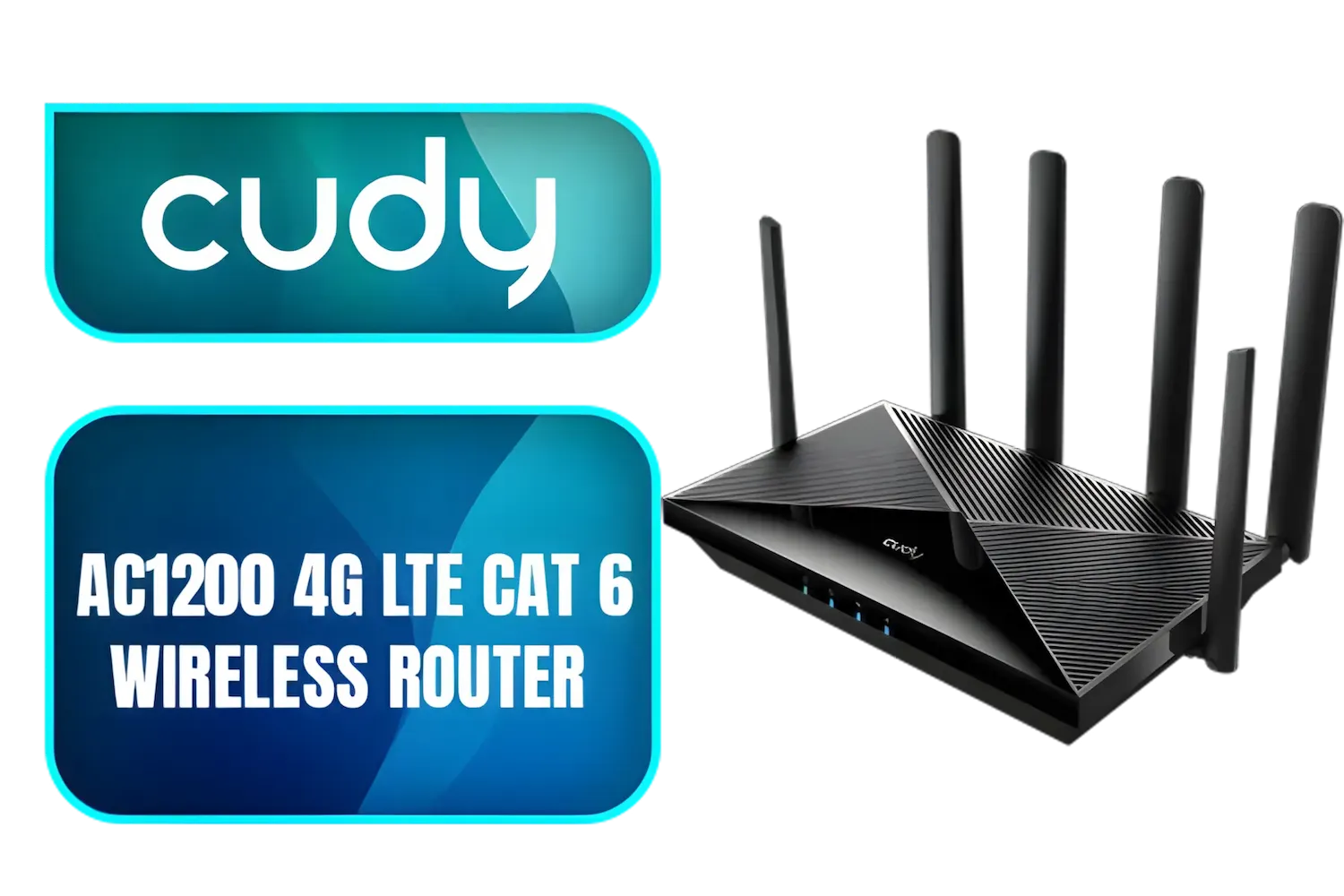
Cudy AC1200 4G LTE CAT 6 Wi-Fi Router / 4G CAT 6 with Max 300Mbps DL / 4x Gigabit Ethernet Port / 2x Nano SIM Slots / 4-Stream Dual-Band Wi-Fi 5 / LT700
R1899.00In Stock
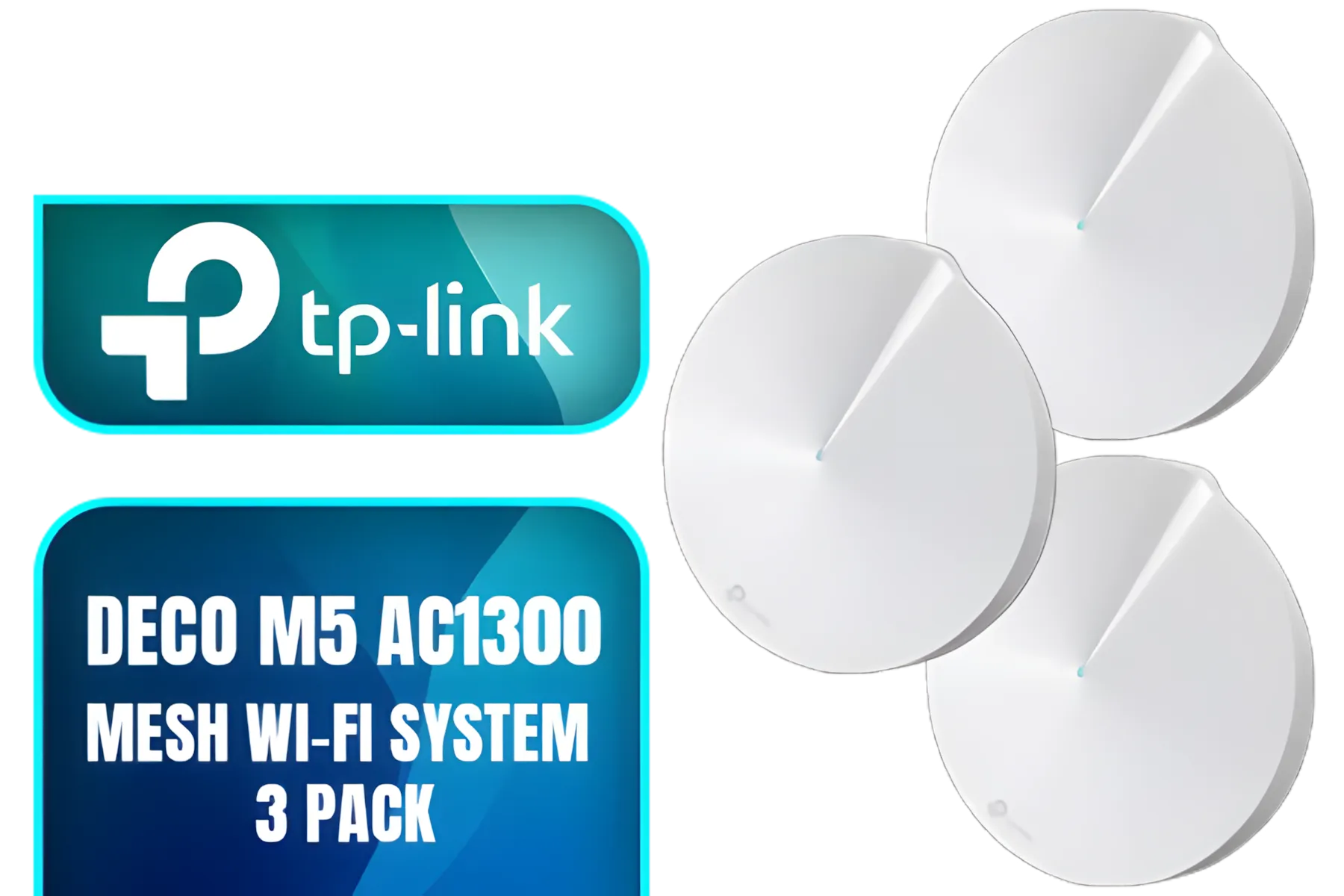
TP-Link Deco M5 AC1300 Whole Home Mesh Wi-Fi System - 3 Pack / Wi-Fi dead-zone killer / TP-Link HomeCare / Enhanced 11AC speeds / Connects over 100 devices / Seamless Roaming / NET-TL-DECO-M5-3PK
R3499.00In Stock
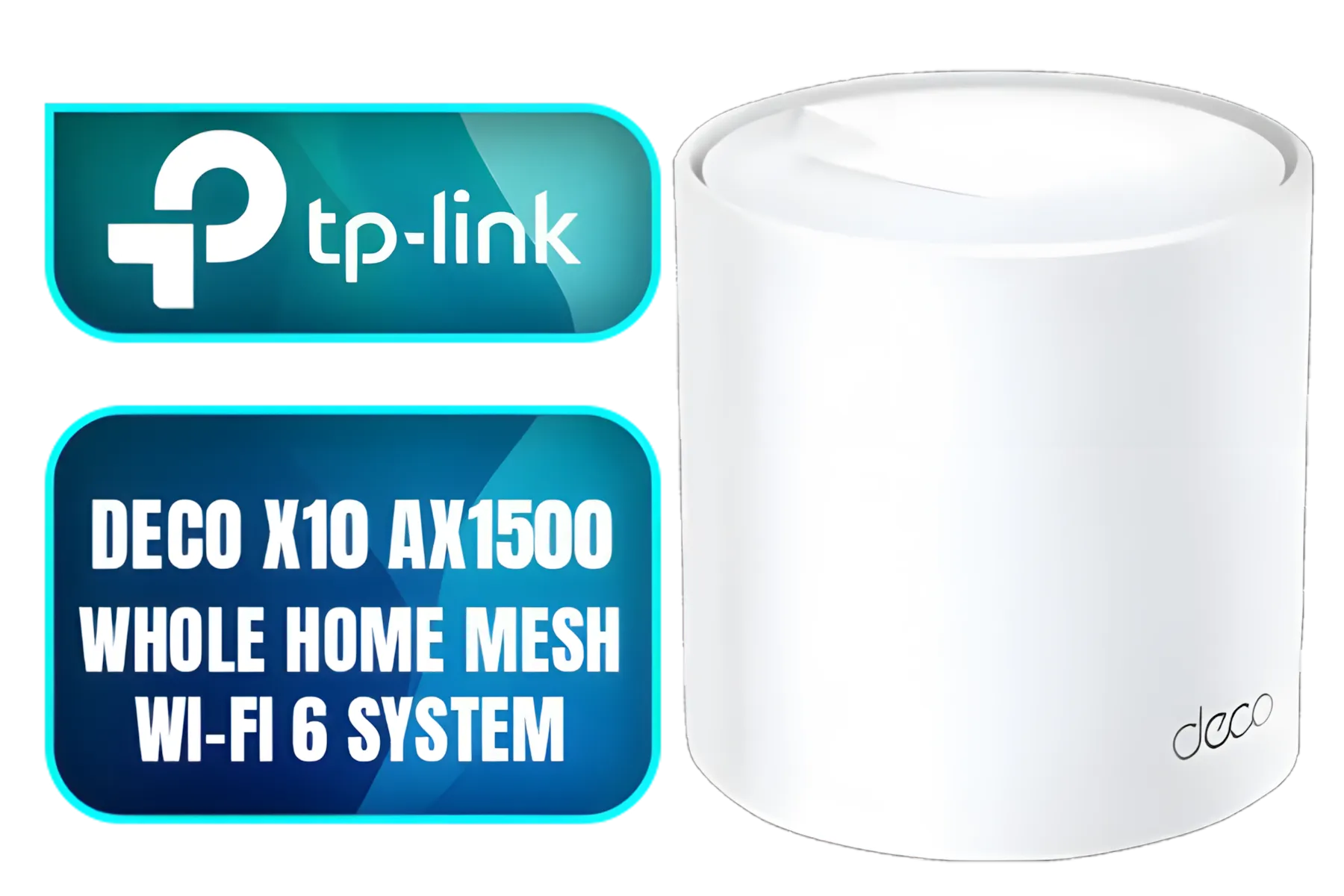
Tp-Link Deco X10 AX1500 Whole Home Mesh Wi-Fi 6 System, Supports OFDMA and MU-MIMO technology, Covers up to 5,600 Sq.Ft - NET-TL-DECO-X10-3PK
R3399.00In Stock
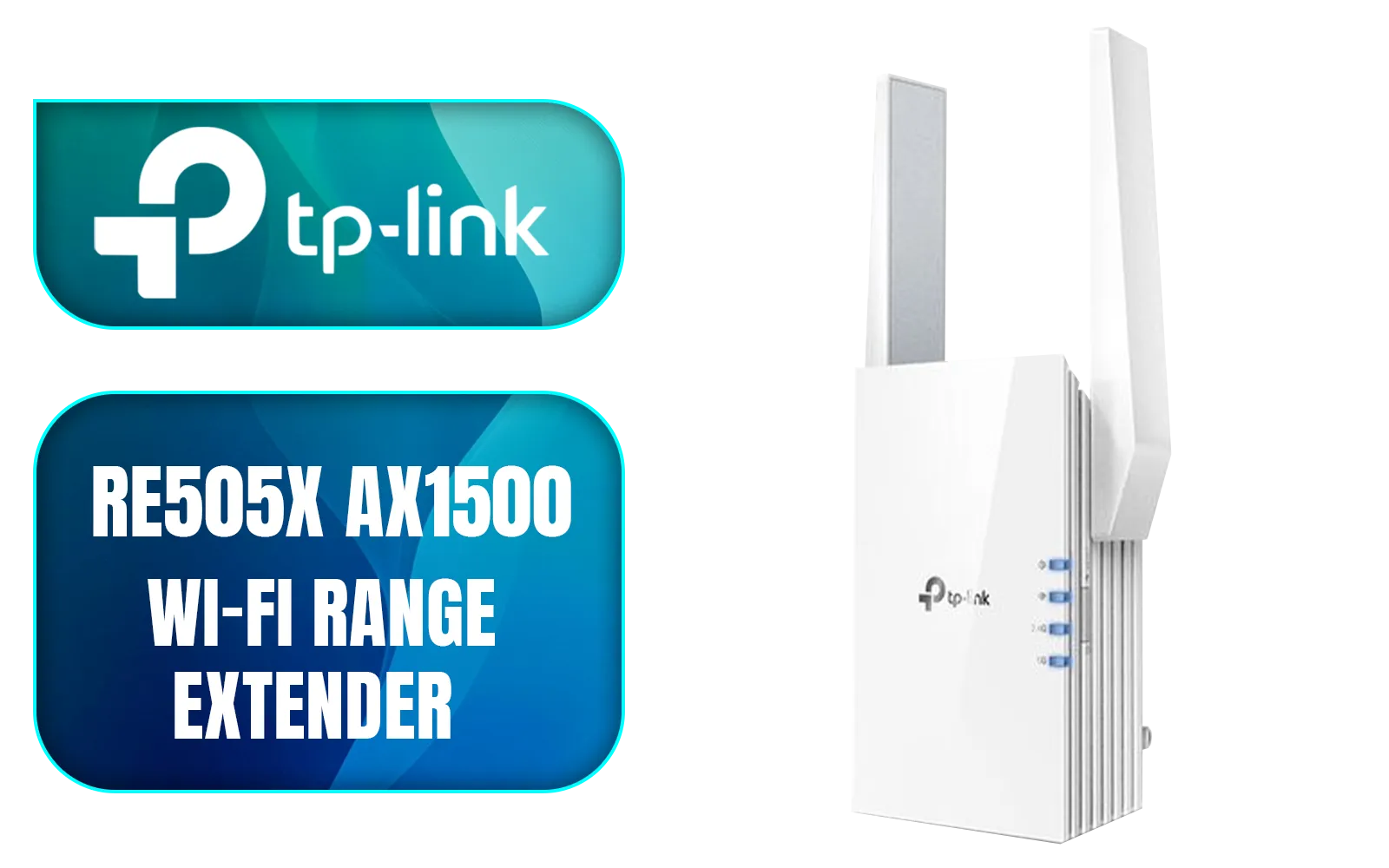
TP-LINK RE505X AX1500 Wi-Fi Range Extender / Built-In Access Point Mode / Gigabit Ethernet Port / Intelligent Signal Light / Cutting-Edge Wi-Fi 6 / Expand Coverage / Adaptive Path Selection / RE505X
R899.00In Stock

TP-Link Tri-Band WiFi 7 BE22000 Whole Home Mesh System (Deco BE85) | 12-Stream 22 Gbps 2× 10G + 2.5G Ports Wired Backhaul, 8× High-Gain Antennas VPN, AI-Roaming, 4×4 MU-MIMO, HomeShield(2-Pack) / NET-DECO-BE85-2PK
R20999.00In Stock
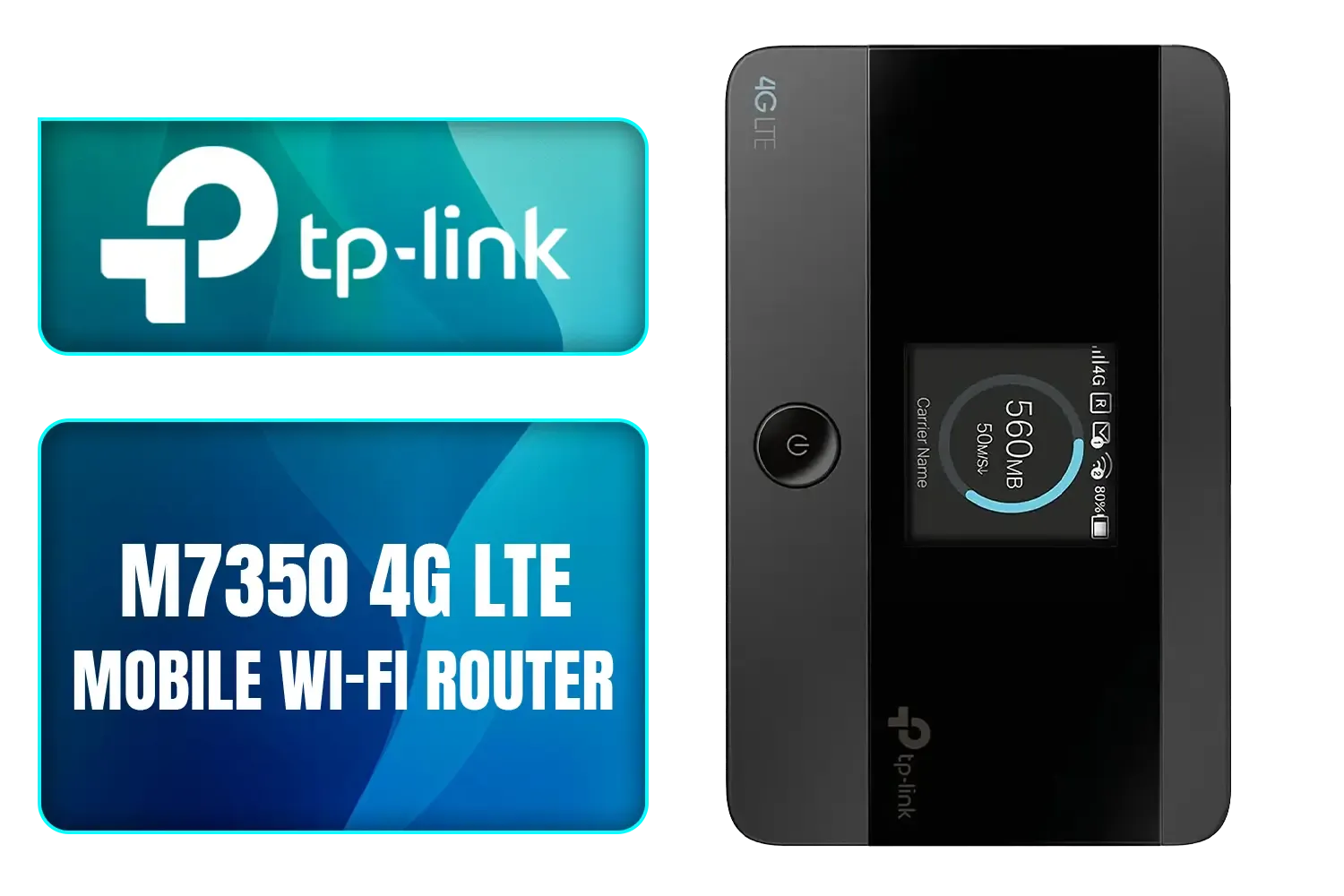
TP-LINK M7350 4G LTE Mobile Wi-Fi Hotspot (Share Wi-Fi with Up to 10 Devices, Long Lasting Battery, Easy to Use, Unlocked) / M7350
R1199.00In Stock
Why Is Rural Internet in South Africa Such a Struggle?
Before diving into solutions, it helps to understand the challenge. Unlike dense urban areas where fibre optic cables are common, rural South Africa faces unique hurdles. Vast distances, challenging terrain like mountains and valleys, and less concentrated populations make it expensive to lay traditional cables. This infrastructure gap is the primary reason why finding reliable internet for farms in SA and small towns often requires a different approach than just plugging into a wall socket.
Exploring Your Options for Better Rural Wi-Fi
Forget waiting for fibre to arrive on your doorstep. Proactive solutions exist right now. The best choice for you will depend on your specific location and needs.
LTE and 5G Mobile Broadband
For many, this is the go-to starting point. Using the same networks as our cellphones, LTE and 5G can deliver impressive speeds.
- Pros: Widely available, easy to set up (often just a SIM card in a router).
- Cons: Signal strength can be inconsistent, performance can dip during peak hours (or load shedding at the nearest tower), and data can be pricey.
Fixed Wireless Internet (WISP)
Think of a Wireless Internet Service Provider (WISP) as a local hero. These companies set up high-powered antennas on hills or towers and beam an internet connection directly to a small receiver dish on your roof.
- Pros: Often more stable and faster than LTE, with lower latency. Many WISPs offer uncapped data packages at competitive prices.
- Cons: Requires a clear line of sight to their tower, and availability is limited to their specific coverage area. A good WISP is a fantastic solution for getting reliable Wi-Fi for rural areas in South Africa.
Satellite Internet
This is the ultimate off-grid solution, available almost anywhere with a clear view of the sky. With new players like Starlink entering the market, it's becoming a more viable option.
- Pros: Unmatched availability. If you can see the sky, you can get connected.
- Cons: Historically high latency (ping), which was a major issue for gamers, though this is improving. It's also typically the most expensive option.

Cudy AC1200 Dual Band Wi-Fi Mesh System - 1 Pack / 10/100Mbps Ethernet Ports + 2 Internal Antennas / 867Mbps on 5GHz and 300Mbps on 2.4GHz / M1200-1PACK
R499.00In Stock
Cudy AC1200 4G LTE CAT 6 Wi-Fi Router / 4G CAT 6 with Max 300Mbps DL / 4x Gigabit Ethernet Port / 2x Nano SIM Slots / 4-Stream Dual-Band Wi-Fi 5 / LT700
R1899.00In Stock

TP-Link Deco X50 AX3000 Whole Home AI-Driven Mesh Wi-Fi 6 System, Dual-Band with Gigabit Ports, Coverage up to 4,500 ft2, Connect up to 150 devices, 1 GHz Dual-Core CPU, HomeShield Security, Pack of 2 / NET-TL-DECO-X50-2PK
R4199.00In Stock
TP-LINK M7350 4G LTE Mobile Wi-Fi Hotspot (Share Wi-Fi with Up to 10 Devices, Long Lasting Battery, Easy to Use, Unlocked) / M7350
R1199.00In Stock
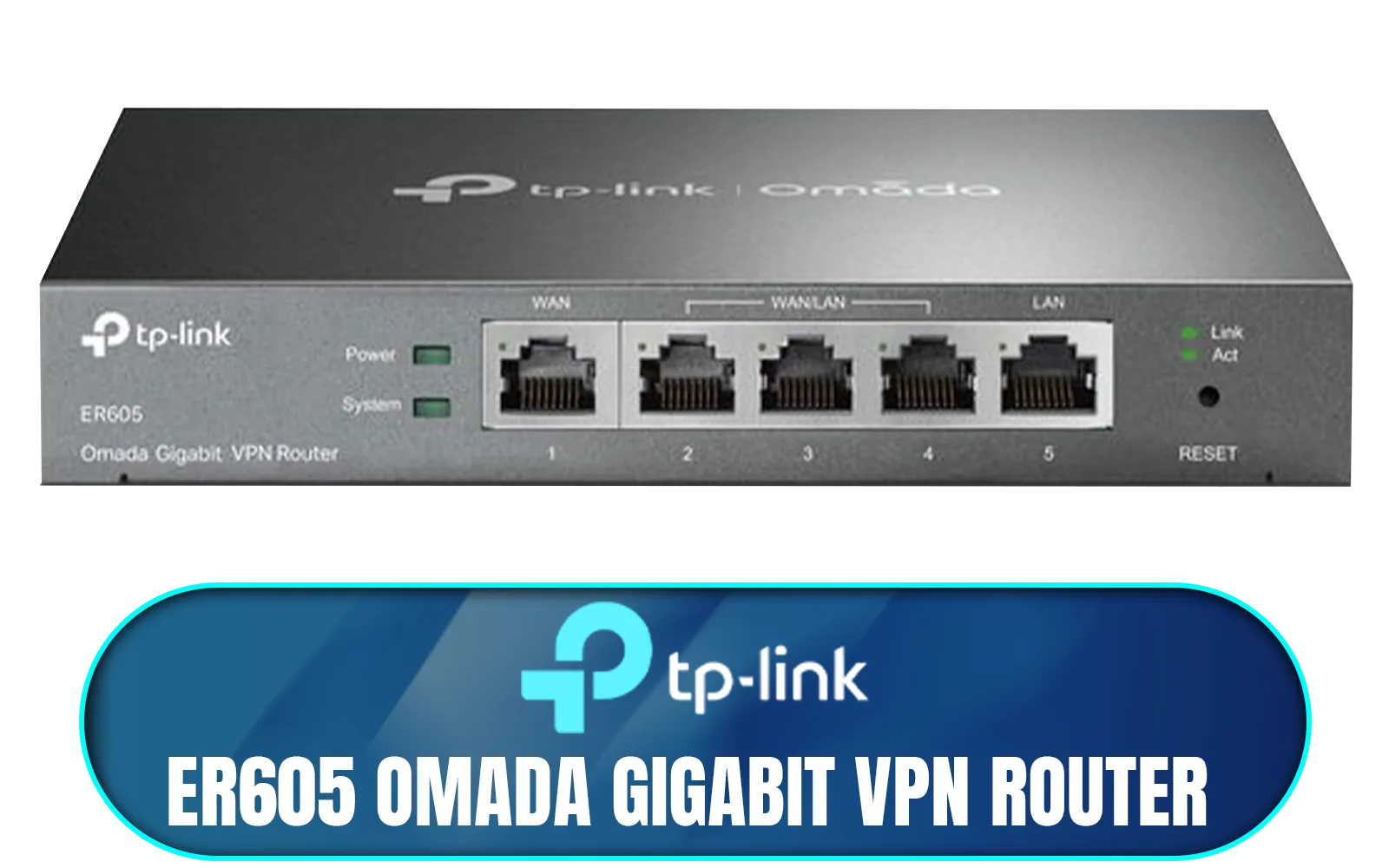
TP-LINK ER605 Omada Gigabit VPN Router / Integrated into Omada SDN / Centralized Management / Five Gigabit Ports / Up to 4 WAN Ports / NET-ER605
R1199.00In Stock
TP-Link Deco M5 AC1300 Whole Home Mesh Wi-Fi System - 3 Pack / Wi-Fi dead-zone killer / TP-Link HomeCare / Enhanced 11AC speeds / Connects over 100 devices / Seamless Roaming / NET-TL-DECO-M5-3PK
R3499.00In Stock
Gear Up to Conquer Bad Connectivity 🚀
Getting a signal to your property is only half the battle. Distributing that signal effectively inside your home is where the real magic happens. The free router your ISP gave you is often a bottleneck. To truly optimise your rural connection, you need the right hardware.
Your entire home network relies on a central brain. A powerful router ensures you get the most out of your internet plan, delivering a strong signal to every corner of your house. Look for models with high-gain antennas and modern Wi-Fi standards (like Wi-Fi 6) to handle multiple devices without breaking a sweat. Investing in one of these top-tier wireless routers is the single biggest upgrade you can make.
Farmhouses and larger properties are notorious for Wi-Fi dead zones. If your signal disappears the moment you walk into the kitchen, you need to extend its reach. A simple way to solve this is with wireless range extenders, which pick up your existing signal and rebroadcast it, covering those hard-to-reach spots.
For the ultimate gaming stability on a desktop PC, nothing beats a direct connection. If your PC is too far from the router for an Ethernet cable, a high-quality PCIe or USB adapter is your next best bet. These dedicated wireless adapters often have much better antennas and reception than the motherboard's built-in Wi-Fi, reducing lag and packet loss.
TIP FOR YOU
LTE Signal Boosting Tip 📡
Your LTE router's position is critical. Place it upstairs and near a window facing your nearest cell tower. Many high-end LTE routers also have ports for external antennas. Mounting a directional antenna on your roof and pointing it at the tower can dramatically improve signal strength and speed, turning a one-bar connection into a fast, stable one.
Finally, choosing quality equipment means you're ready for the future. Many of the best fibre routers also function as powerful standard routers for LTE or WISP connections, giving you a premium device that's ready to go if fibre ever does arrive. Investing in a solid foundation of wireless networking gear ensures you're prepared for any connection type.
Ready to Build a Rock-Solid Rural Network? Don't let your location dictate your online experience. From powerful routers to signal-boosting extenders, the right gear makes all the difference. Explore our complete range of wireless networking solutions and build the stable connection you deserve.
Related Products

Cudy AC1200 Dual Band Wi-Fi Mesh System - 3 Pack / 10/100Mbps Ethernet Ports + 2 Internal Antennas / 867Mbps on 5GHz and 300Mbps on 2.4GHz / M1200-3PACK
R1199.00In Stock
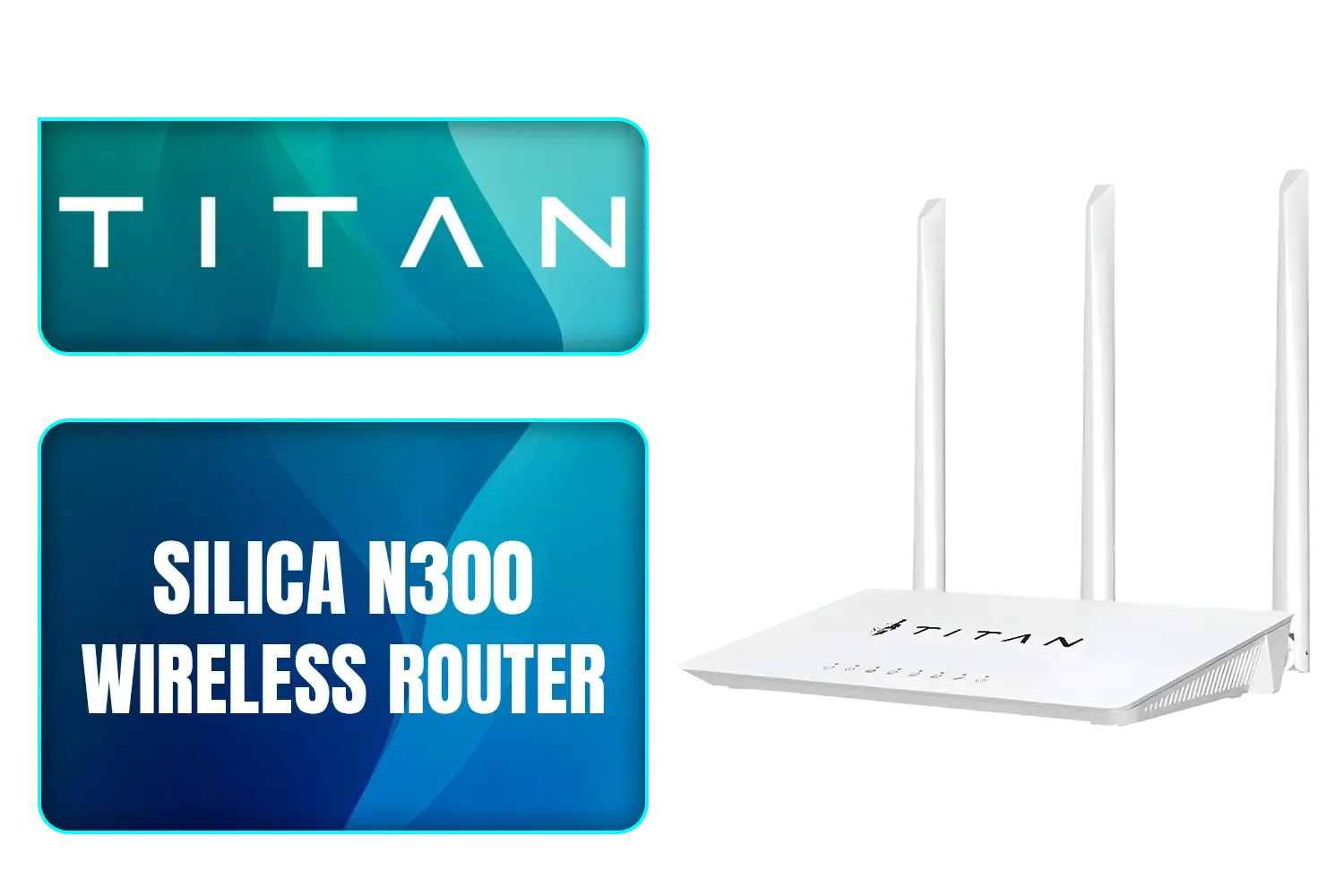
TITAN Silica N300 Wireless Router / Fast Connection / Energy Saving / 32 Users / TIT-CF-WR613N
R399.00In Stock
TP-Link Deco X50 AX3000 Whole Home AI-Driven Mesh Wi-Fi 6 System, Dual-Band with Gigabit Ports, Coverage up to 4,500 ft2, Connect up to 150 devices, 1 GHz Dual-Core CPU, HomeShield Security, Pack of 2 / NET-TL-DECO-X50-2PK
R4199.00In Stock
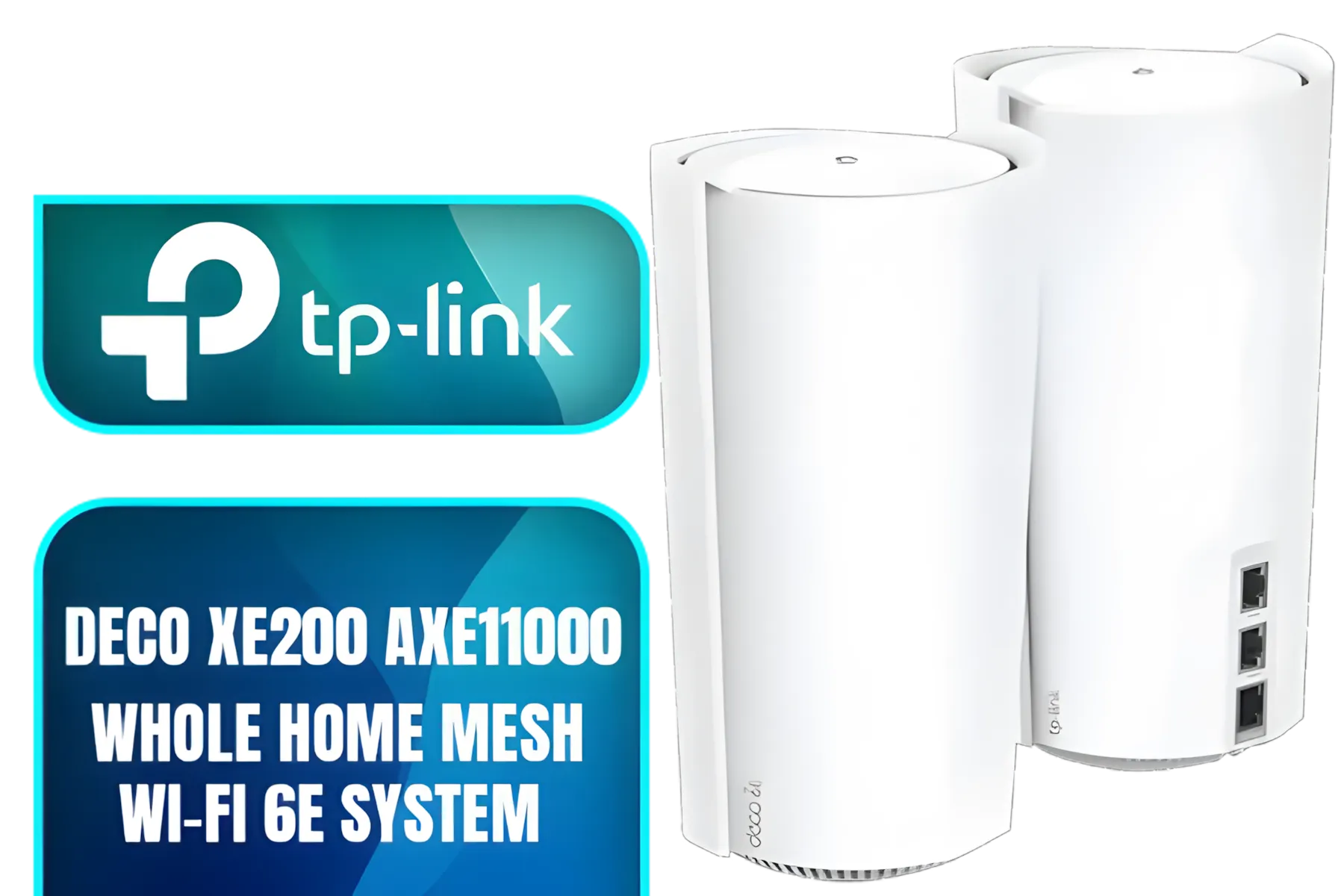
TP-Link Deco Mesh WiFi AXE11000 Tri-Band WiFi 6E Mesh Network System(Deco XE200) - Replaces Wireless Internet Router and Extender, 10Gbps Ethernet Port, Compatible with Alexa, 2-Pack / NET-DECO-XE200-2PK
R13999.00In Stock
TP-Link Deco M5 AC1300 Whole Home Mesh Wi-Fi System - 3 Pack / Wi-Fi dead-zone killer / TP-Link HomeCare / Enhanced 11AC speeds / Connects over 100 devices / Seamless Roaming / NET-TL-DECO-M5-3PK
R3499.00In Stock
TP-LINK RE505X AX1500 Wi-Fi Range Extender / Built-In Access Point Mode / Gigabit Ethernet Port / Intelligent Signal Light / Cutting-Edge Wi-Fi 6 / Expand Coverage / Adaptive Path Selection / RE505X
R899.00In Stock
For most rural areas, LTE/4G or 5G mobile broadband using a powerful router is the best option, offering a balance of speed, reliability, and availability.
Use a long-range Wi-Fi router, consider a mesh Wi-Fi system for larger properties, or install an outdoor Wi-Fi extender to improve coverage and signal strength.
Satellite internet is a viable option where mobile networks are unavailable, but it can be more expensive and have higher latency compared to LTE solutions.
A standard router may struggle. An lte router for rural areas south africa that supports external antennas is better for capturing weaker signals effectively.
If there's no mobile or fibre coverage, your primary options are satellite internet providers or exploring fixed wireless solutions from local WISPs (Wireless ISPs).
Yes, load shedding can disable cell towers. A router connected to a UPS or mini-DC power bank is essential for maintaining connectivity during outages.
A mesh Wi-Fi system uses multiple interconnected nodes to create a single, seamless network, which is ideal for eliminating dead zones in large or oddly shaped rural homes.











