



Loadshedding Gaming: Choosing a Wireless Esports Keyboard
Don't let the lights go out on your rank! 🔋 Find the best wireless esports keyboard for loadshedding. We cover battery life, connectivity, and power-saving tips to keep your gaming setup running perfectly during power outages.
|
Loading tags...

Loadshedding-friendly picks for Loadshedding Gaming: Choosing a Wireless Esports Keyboard ⚡
South African gamers know the pain of losing power mid-match. If you want to keep fragging during rolling blackouts, a wireless esports keyboard can be the difference between a clipped highlight and a lost round. This guide walks you through real choices, practical setup tips, and Evetech links so you can buy with confidence. 🔧

Glorious Panda Mechanical Keyboard Switches - Tactile / Compatible with all GMMK Models / 36 switches per pack / SMD RGB light hole for RGB compatibility / GLO-SWT-HPANDA
R499.00In Stock
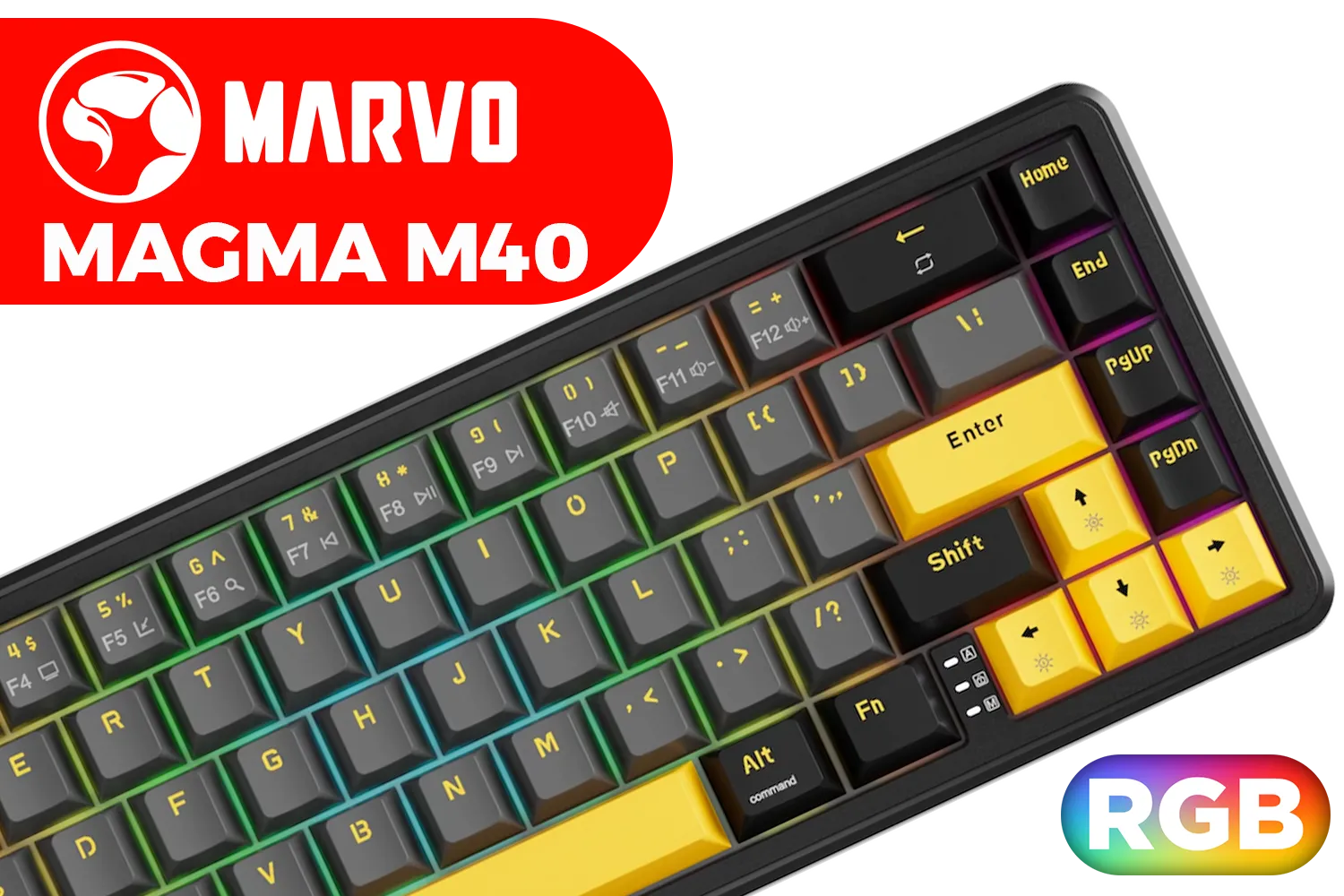
MARVO Magma M40 KG964 Magnetic Gaming Keyboard / Ultra-Fast 8K Polling Rate / Compact 67-Key Layout / Vibrant RGB Lighting / Snap Tap Support + Software Control / KG964
R529.00In Stock

SteelSeries Apex 9 Mini FaZe Clan Edition – HotSwap Optical Mini Keyboard – 60% Compact Design – Optical Switches – RGB Customization – Aluminum Alloy Frame – Double Shot PBT Keycap / 64853
R4999.00In Stock
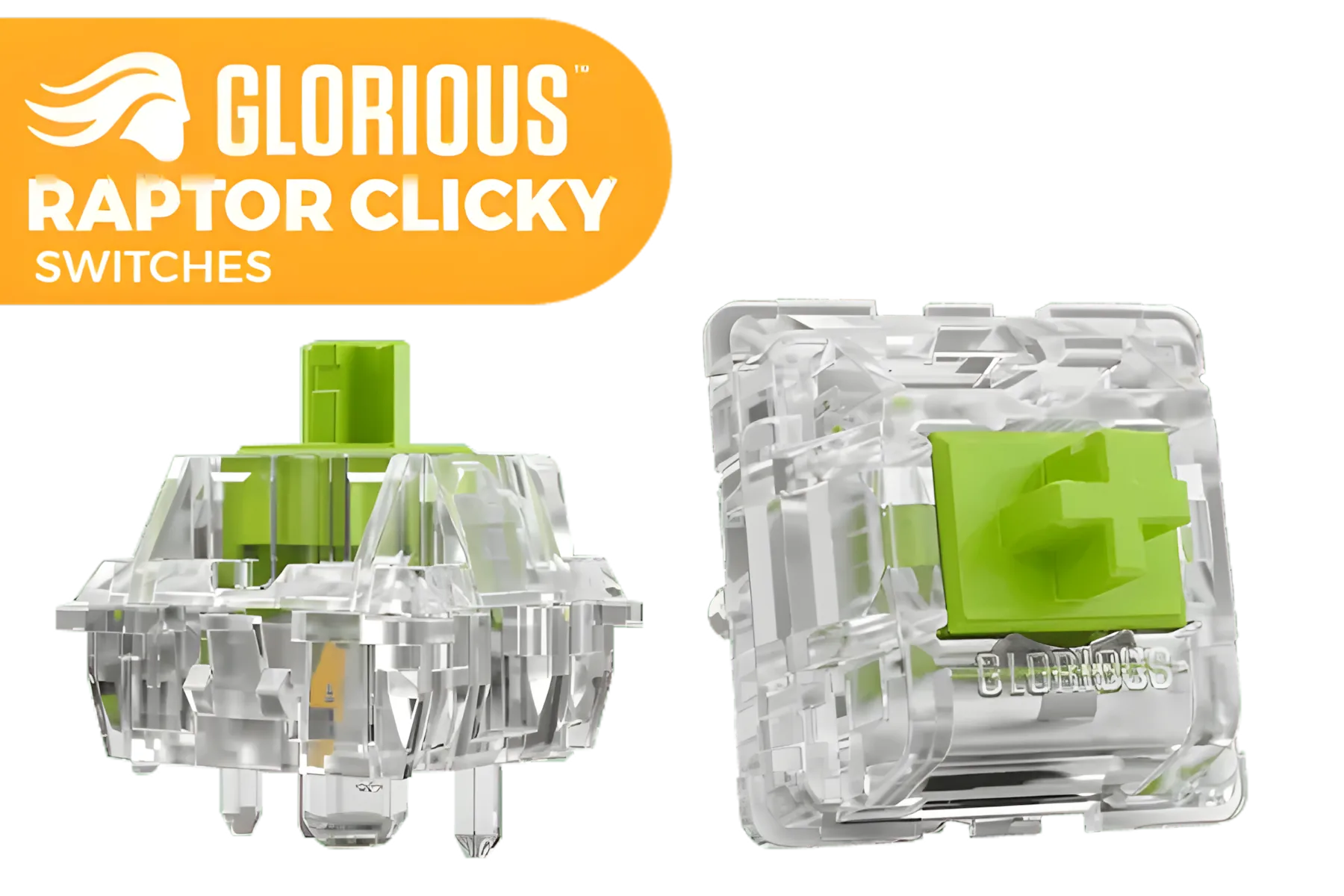
Glorious Raptor Clicky Switches for Mechanical Keyboards for Gaming: 36 PCS, 5-pin, Transparent for MAX RGB, Pre-Lubed, Compatible with MX Keycaps, Premium Click Bar for Thocky Sound / GLO-SWT-RAPTOR-LUBED
R699.00In Stock
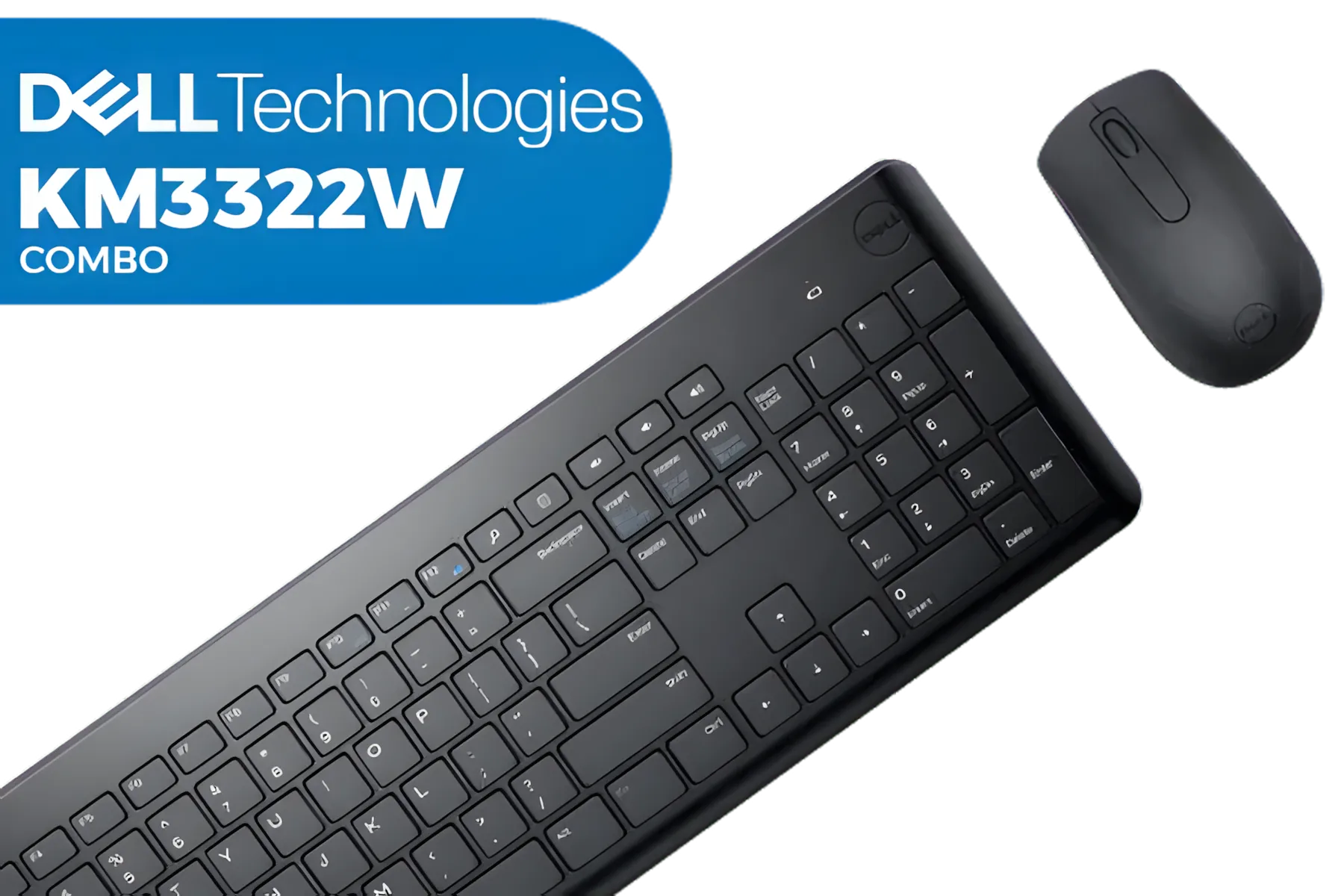
Dell KM3322W Premier Multi-Device Wireless Keyboard and Mouse - Black / 580-AKFZ
R499.00In Stock
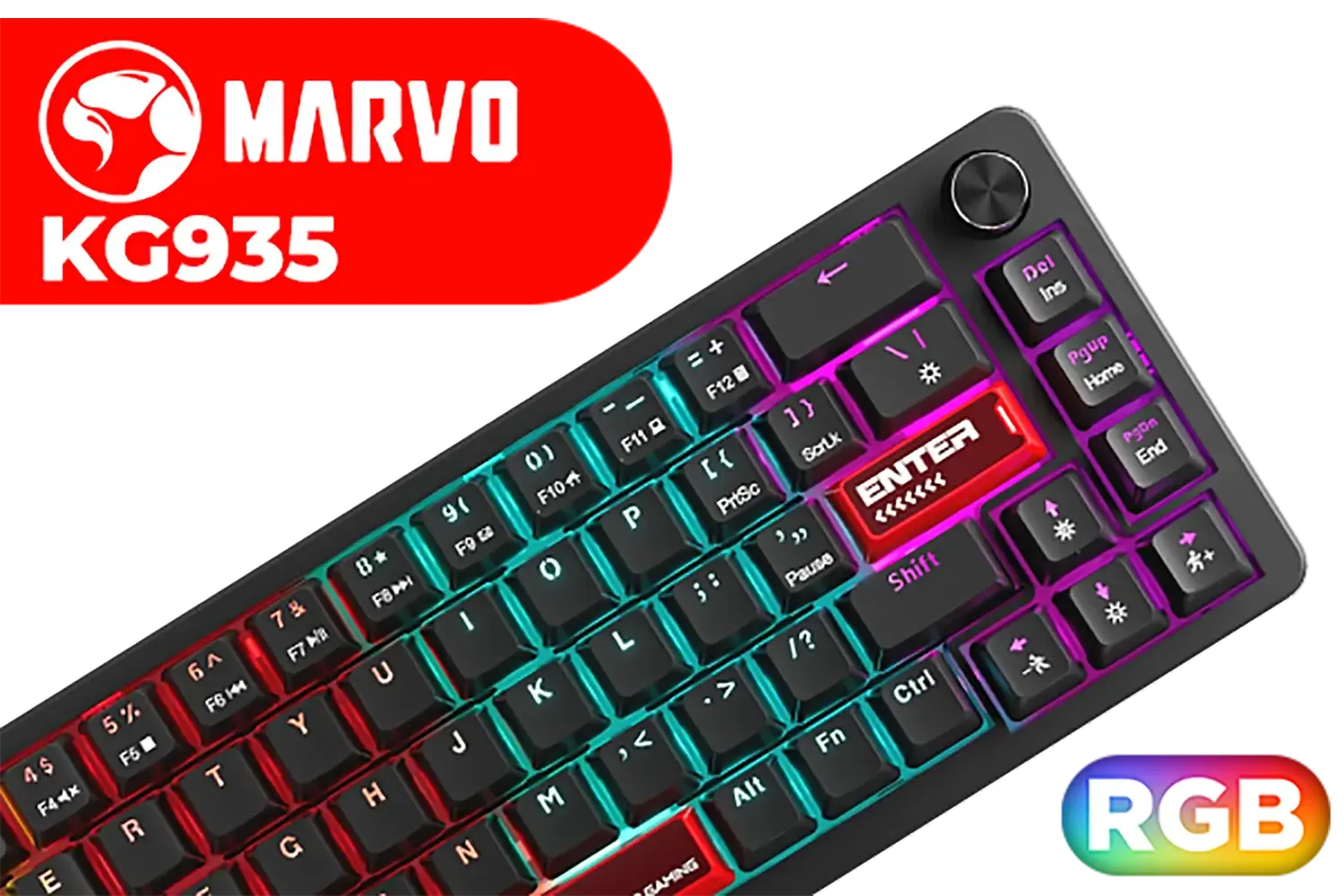
MARVO KG935 RGB Mechanical Gaming Keyboard - Blue Switch / Hot-Swappable Marvo Mechanical Switches / Customizable Rainbow Backlighting Modes / Durable Double Injection Keycaps / 1.6m Braided Type-C Cable / MARVO KG935
R499.00In Stock
Loadshedding gaming essentials: why go wireless for esports
A wireless esports keyboard gives mobility, cable freedom, and — with the right model — battery life that survives short outages. Look for low-latency 2.4GHz dongles or Bluetooth modes that let you switch on the fly. If you’re comparing features and prices in ZAR, start with Evetech’s roundup of affordable options for South African buyers: cheapest gaming keyboards in South Africa.
Choosing a wireless esports keyboard: switches, latency and lighting
Mechanical switches matter for feel and durability. For esports, aim for linear or tactile switches with short travel. If RGB matters to you, browse Evetech’s RGB-ready selection to compare lighting and software support. Battery life often trades off against polling rate and lighting brightness. Many wireless esports keyboards let you toggle RGB or reduce polling rate to extend runtime. For direct comparisons with wired gear, check Evetech’s wired keyboard listings to see trade-offs up close.
TIP FOR YOU
Battery & Latency Tip ⚡
To maximise uptime during loadshedding, use the 2.4GHz dongle mode for the lowest latency and enable a power-saving profile in the keyboard’s software. Dim RGB to stretch battery life, and keep a USB-C cable handy for instant wired fallback.
Practical setup: rigs, backups and what to test before match day ✨
Test these before serious play:
- Switch between wireless and wired modes to confirm seamless fallbacks. For wired fallback examples, see Evetech’s wired keyboard deals.
- Check key rollover and anti-ghosting in your software.
- Map a quick macro or bind that toggles low-power mode or turns off RGB.
If you prefer a pure wireless route, explore Evetech’s wireless keyboard options to compare dongled models versus Bluetooth. For many players, a 2.4GHz dongle keyboard with detachable cable is the sweet spot. Remember to keep spare AA/AAA or a charged USB-C cable in your kit.

MARVO KG980B-EN-B Wired Mechanical Gaming Keyboard / Compact 87 keys / Dazzling RGB lighting with 18 dynamic effects / Full keys rollover support / MARVO KG980B-EN-B
R599.00In Stock
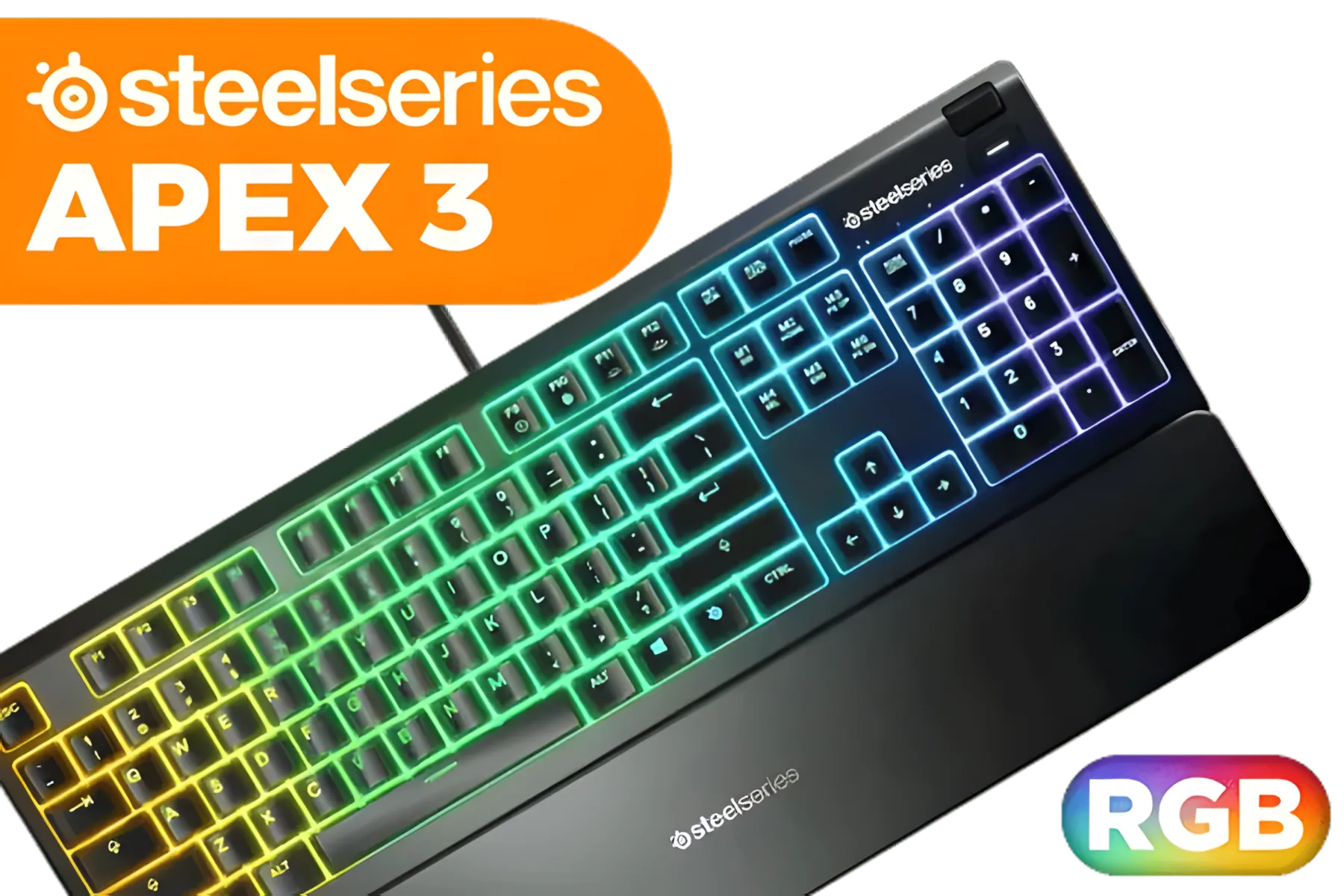
Steelseries APEX 3 Gaming Keyboard - Whisper Quiet Gaming Switches / Water resistant / Dedicated Multimedia Controls / Three-Way Cable Routing / 10-Zone RGB Illumination / 64795
R1199.00In Stock

Glorious Rotary Nnob for GMMK Pro - Gold / Aluminum Knob / Only for GMMK Pro / GLO-ACC-P75-RK-G
R249.00In Stock

Glorious 104 Keys ABS Double Shot Mechanical Keyboard Keycaps - White / Double Shot Injection Legends / Backlight LED Compatible / Unique Dual-layer Casing / Standard Bottom Row / ABS Plastic / Keyboard not Included / G-104-White
R299.00In Stock

Corsair K70 PRO TKL RGB Tenkeyless Mechanical Wired Gaming Keyboard – Pre-Lubed Hall Effect MGX Hyperdrive Adjustable Switches, Simultaneous SOCD and Rapid Trigger, ABS Double-Shot, QWERTY NA – Black / CH-911911G-NA
R3499.00In Stock

Razer BlackWidow V4 X Wired Mechanical Gaming Keyboard - Green Switches Tactile & Clicky / 6 Dedicated Macro Keys / Chroma RGB / Doubleshot ABS Keycaps / Media Controls / Sound Dampening & Stabilizers / RZ03-04700100-R3M1
R3099.00In Stock
Budget to premium: buying local and understanding ZAR value
Prices vary in South Africa by features and brand. If you’re hunting for value, Evetech lists budget-friendly models and competitive deals in ZAR—perfect for comparing entry-level to premium esports keyboards. For deals with specific connectivity and lighting filters, check Evetech’s RGB filter page to match aesthetics and for wireless-specific deals, visit Evetech’s wireless keyboard deals.
Micro-story: a Cape Town clan match saved by a keyboard
Last month a local five-stack in Cape Town hit loadshedding mid-tournament. One player had a wireless esports board with a charged battery and 2.4GHz dongle. While others scrambled, the squad rode that uptime to clutch the round. Small prep, like a charged keyboard, wins matches more often than you think. 🚀
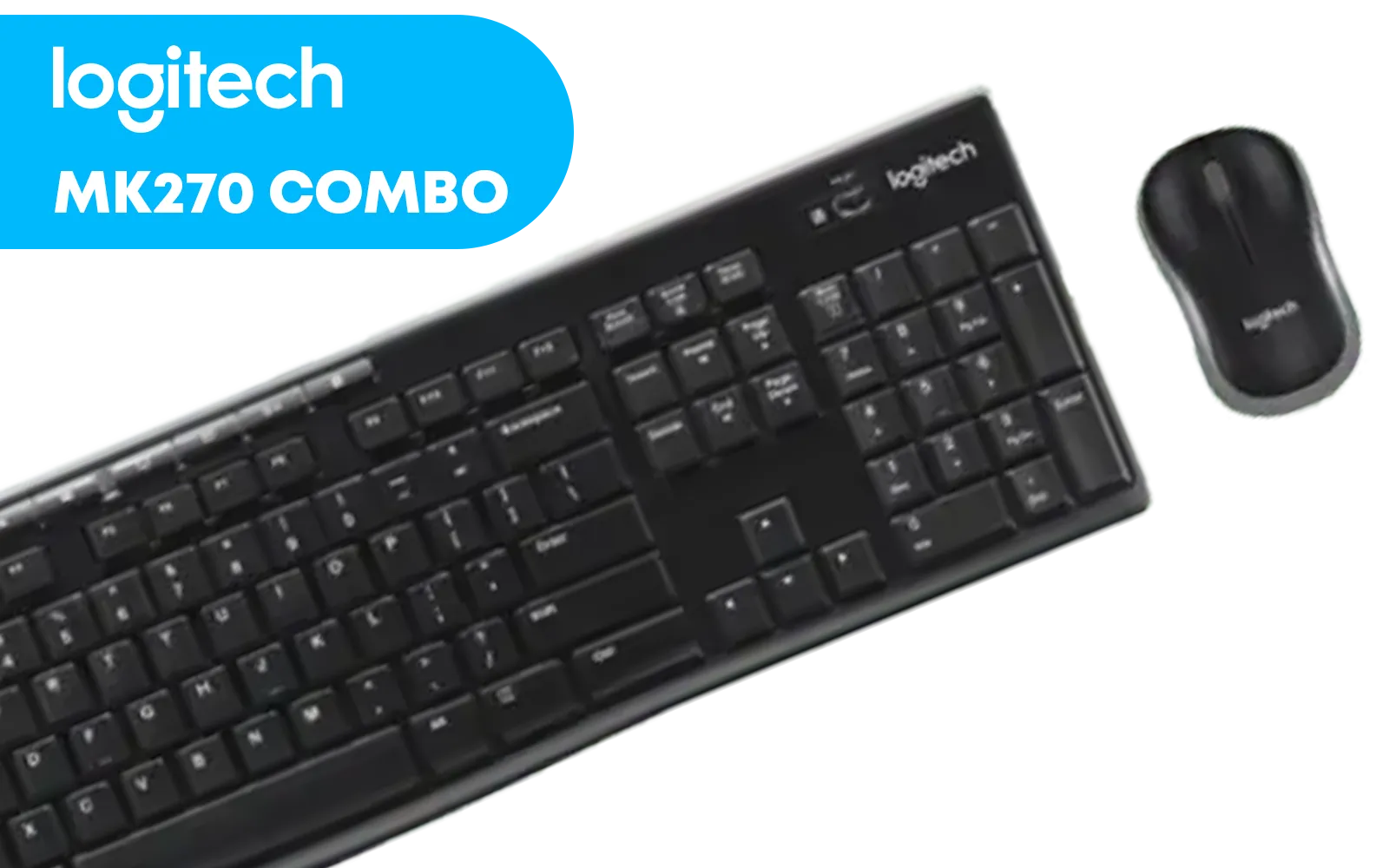
Logitech MK270 Wireless Keyboard And Mouse Combo / Long Battery Life / Eight hot keys / Full-size, spill-resistant keyboard / Instant media Access / Logitech Nano Receiver / 920-004509
R469.00In Stock
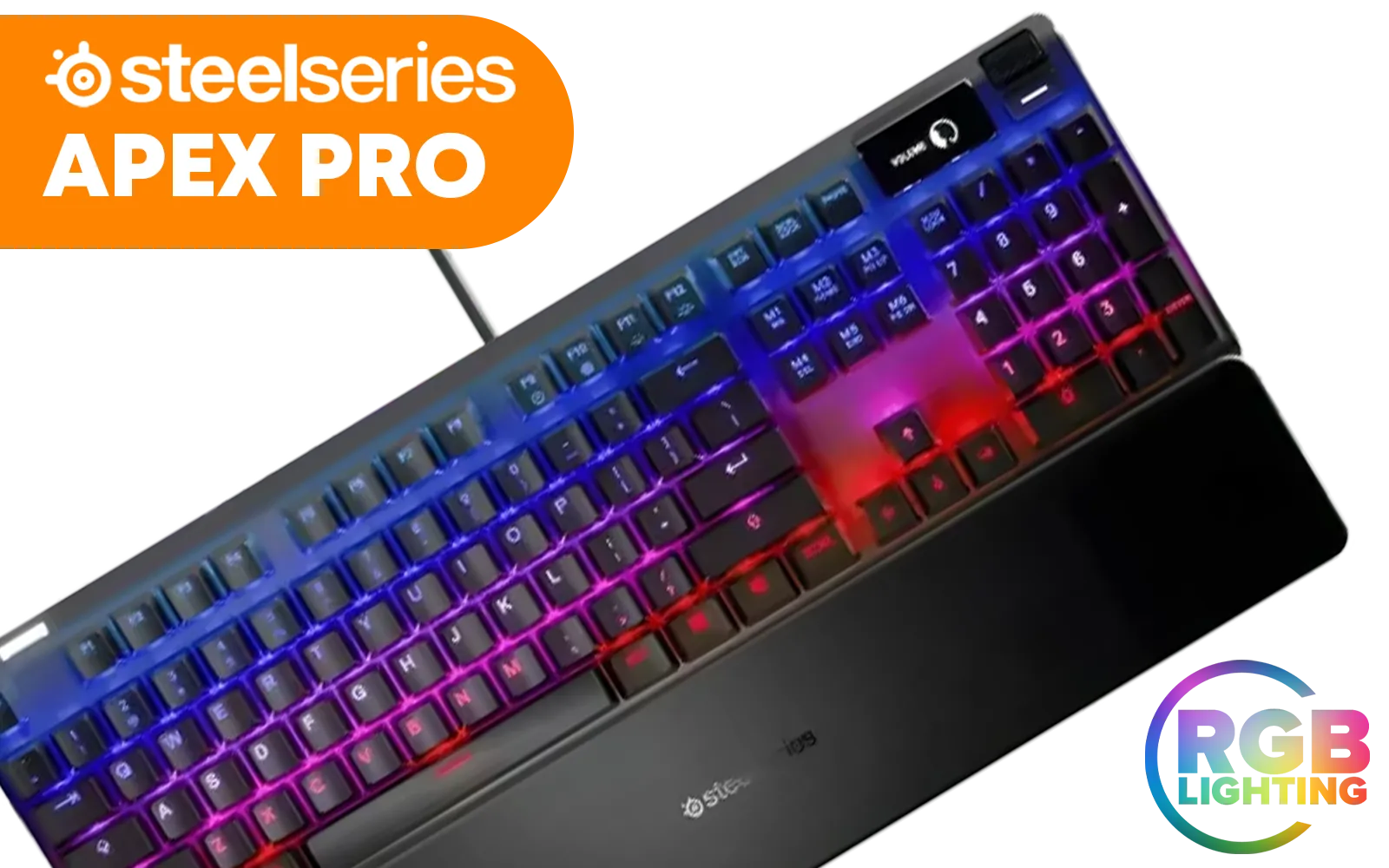
Steelseries Apex Pro RGB Mechanical Gaming Keyboard - OmniPoint Switch / OLED Smart Display / 8x Faster Response / 5x Faster Actuation / 2x Durability / Dynamic Per-Key RGB Illumination / Adjustable Mechanical Switches / Detachable soft-touch Magnetic wrist rest / SS64626
R4999.00In Stock

Glorious Aura V2 145-Key PBT Mechanical Keyboard Keycaps - Black / Full-size standard 145 Key / PBT Keys / LED Light Compatible / US Layout / Fits most mechanical keyboards / Compatible with GMMK 2 & GMMK PRO / <span style="color:red; font-size: 16px;">*Keyboard not Included*</span> / GLO-KC-AURA2-B
R599.00In Stock
Glorious 104 Keys ABS Double Shot Mechanical Keyboard Keycaps - White / Double Shot Injection Legends / Backlight LED Compatible / Unique Dual-layer Casing / Standard Bottom Row / ABS Plastic / Keyboard not Included / G-104-White
R299.00In Stock

Logitech K400 PLUS Wireless Touch Keyboard / 10-Meter Wireless Range / 18-Months Battery Life / Media-Friendly / 920-007145
R529.00In Stock

Glorious GMMK Pro Polycarbonate Switch Plate / Ideal for Tactile or Clicky Switches / 83 Keys / US Layout / GLO-ACC-P75-SP-PC
R349.00In Stock
Final checklist before you buy
- Confirm polling rate settings and battery-saving profiles.
- Check the vendor warranty and local support.
- Match connector types; USB-C gives fast charging and universal fallback.
Ready to Find Your Perfect Match? The Mac vs Windows debate is complex, but for maximum power, choice, and value in South Africa, Windows is hard to beat. Explore our massive range of laptop specials
Related Products

Glorious GPBT 114-Keys Premium PBT Mechanical Keyboard Keycaps - Black Ash / Compatible with GMMK PRO & GMMK 2 / Fits Most Full-size/TKL Compact Keyboards / Non-Transparent Keycaps / US Layout / <span style="color:red; font-size: 16px;">*Keyboard not Included*</span> / GLO-KC-GPBT-B
R799.00In Stock
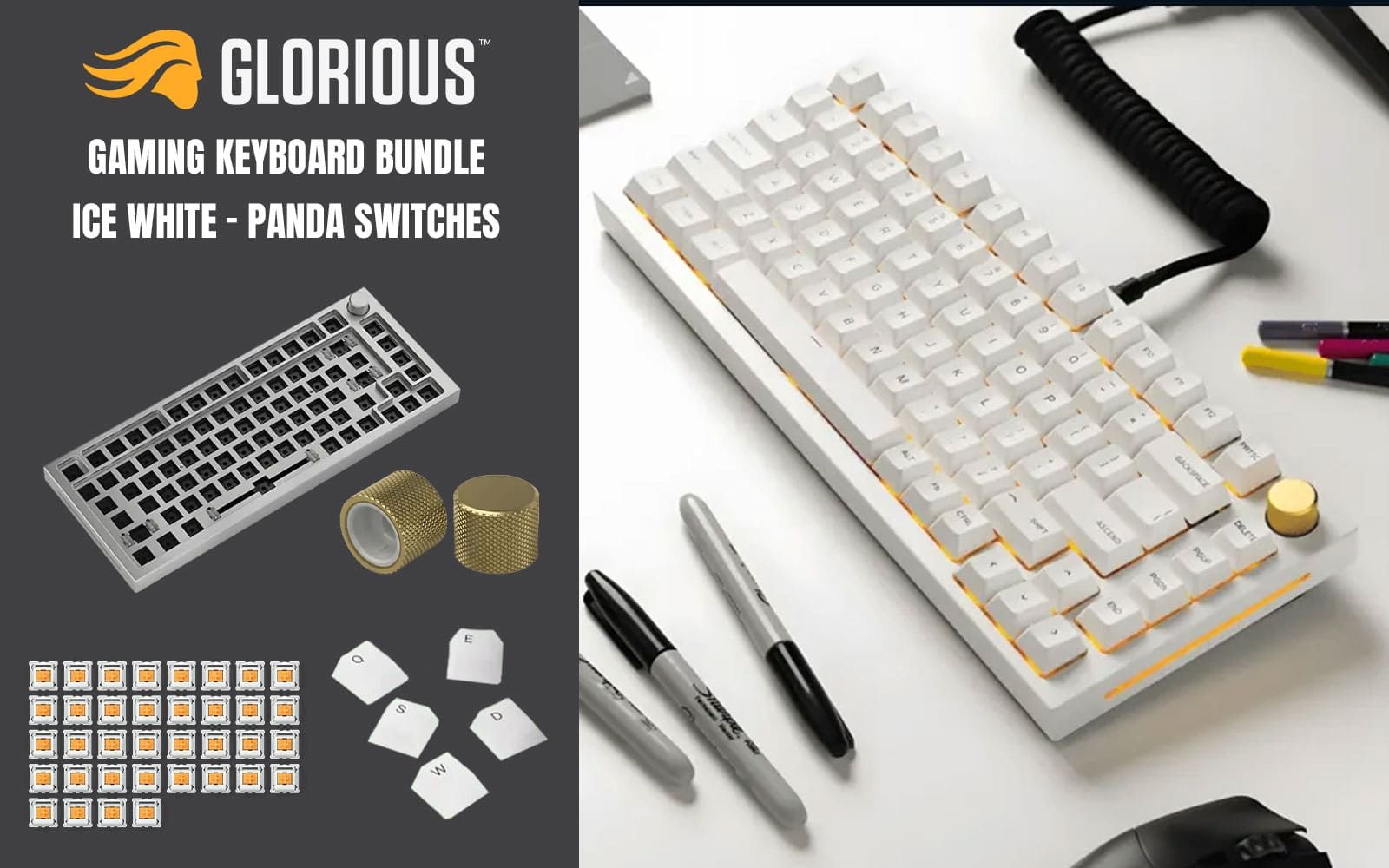
Glorious GMMK Pro Gaming Keyboard Bundle / GMMK Pro Gasket-mounted 75% layout Gaming Keyboard - White Ice, 16.8 million color RGB Lighting - GLO-GMMK-P75-RGB-W / 3 x Panda Mechanical Switches - GLO-SWT-HPANDA / PBT Mechanical Keycaps - White - GLO-KC-GPBT-W / GMMK PRO Rotary Knob - Gold - GLO-ACC-P75-RK-G
R3499.00In Stock
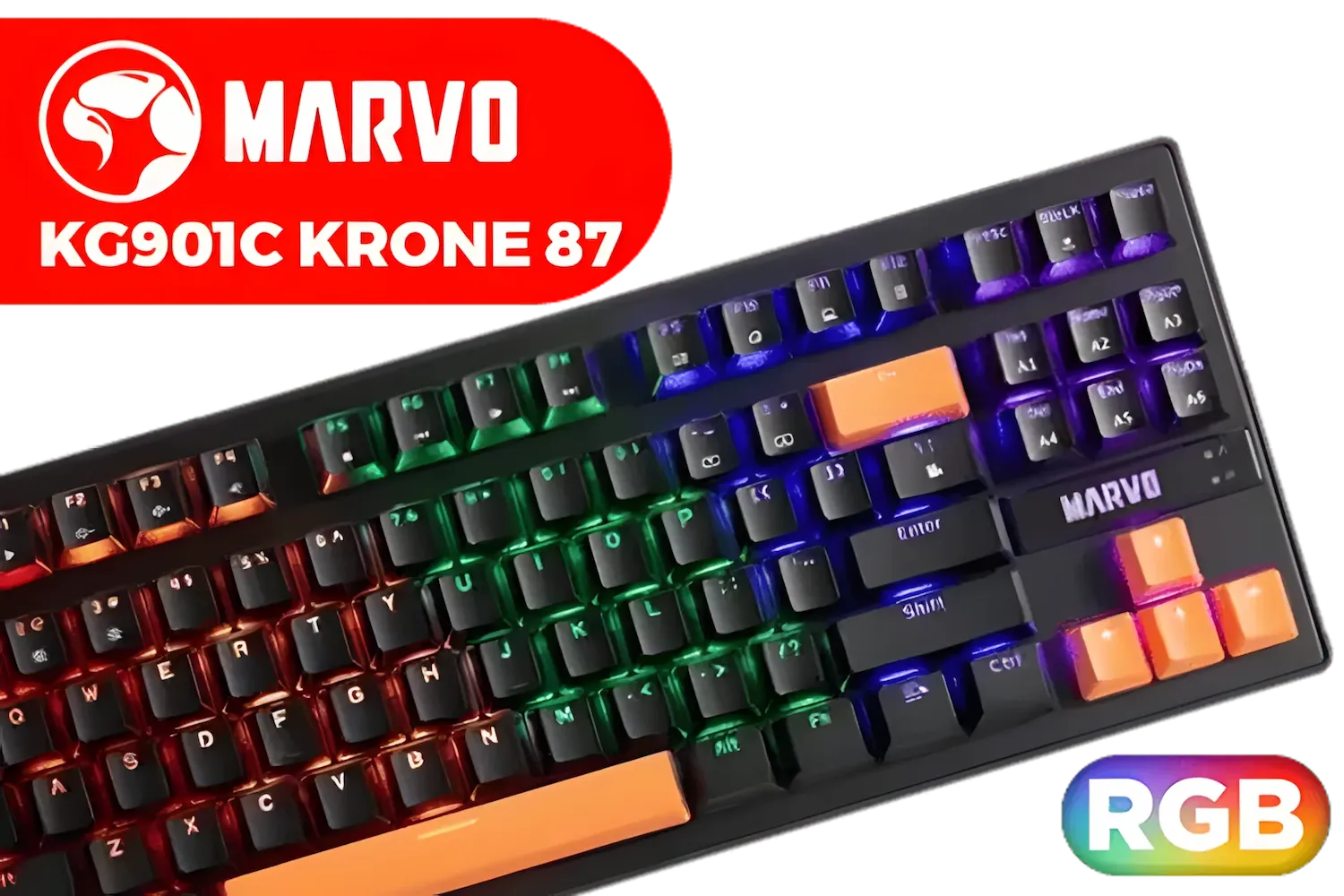
MARVO KG901C Krone 87 Mechanical Gaming Keyboard - Blue Switch / Switch rating: 50 million presses / Backlight: 21 kinds of backlight / Anti-ghosting Support / KG901C
R299.00In Stock

Razer Huntsman V3 Pro TKL Esports Gaming Keyboard / Analog Optical Switches w/Rapid Trigger & Adjustable Actuation / Media Keys & Dial / Doubleshot PBT Keycaps / Aluminum Top Plate / Wrist Rest / RZ03-04980100-R3M1
R4899.00In Stock

Logitech G PRO X 60 LIGHTSPEED Gaming Keyboard - Black / Fully Programmable Keys / Logitech GX Tactile Optical Switches / Lightsync RGB Lighting / 920-011911
R4499.00In Stock

Gamdias Hermes E3 Gaming Keyboard Brown Switch--Black / GAMDIAS Certified Mechanical Switches / 61Key Mechanical Keyboard / Ergonomic design / HERMES-E3-BRN
R129.00In Stock
A loadshedding-friendly keyboard features wireless connectivity with a long battery life (40+ hours) and low power consumption to reduce drain on your UPS or laptop.
Yes, drastically. Turning off RGB lighting can extend a wireless esports keyboard's battery life from 30 hours to over 100 hours, essential for power outages.
2.4GHz offers low latency critical for esports, while Bluetooth saves more power. Use 2.4GHz for competitive matches and Bluetooth for casual tasks.
Yes, but if you are gaming on a laptop, a wired keyboard draws power from the laptop battery. A wireless keyboard with its own battery saves laptop juice.
To be safe for Stage 6 loadshedding, charge your wireless gear whenever power is available. Look for keyboards with fast USB-C charging support.
Absolutely. Modern wireless technology like Logitech Lightspeed or Razer HyperSpeed offers latency virtually identical to wired connections.











