

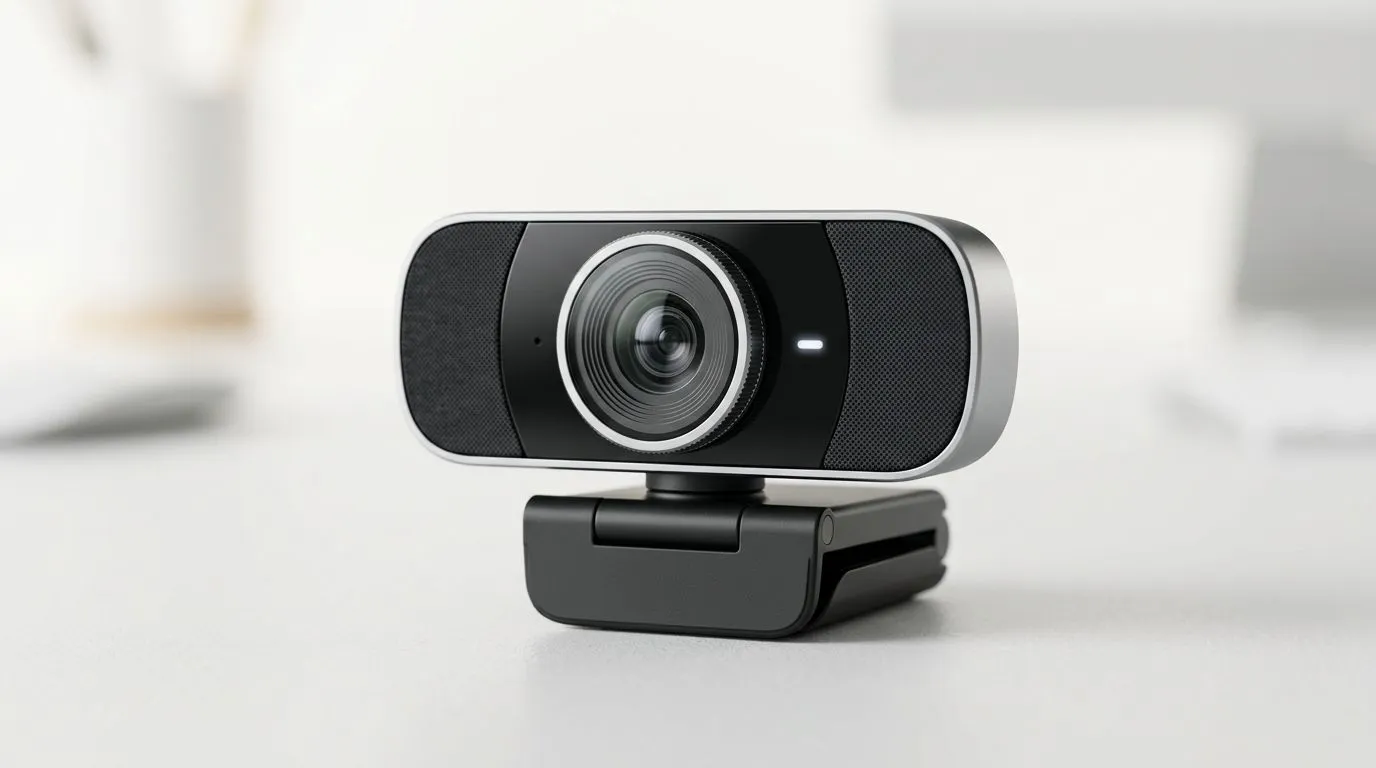
Why a great webcam matters for remote work in South Africa
South African teams are working from homes, coffee shops and co‑working hubs. The right webcam makes you look professional, saves time and stops meetings from feeling flat. Whether pitching to a client in Cape Town or joining a daily standup, choosing the best webcam for remote work South Africa can lift your presence on video instantly. 🎥✨
Key features to prioritise for the best webcam for remote work
Resolution, low‑light performance, and microphone quality matter most. Aim for 1080p for crisp video and at least a 60° to 90° field of view, depending on whether you share your frame with plants or whiteboards. Many budget models and premium options are listed on Evetech — browse the full range to compare specs and prices here: https://www.evetech.co.za/PC-Components/buy-webcams-145.aspx. For ZAR‑conscious buyers, Evetech filters make it easy to view webcams under R1,000 — a practical starting point for basic remote work needs: https://www.evetech.co.za/PC-Components/buy-webcams-145.aspx?max-price=1000.
Resolution and frame rate — what to pick
1080p at 30fps suits most meetings; 60fps is smoother for screen shares with motion. If you use a green screen or stream demos, consider sensors that support 4K; Evetech lists models across price bands you can compare here: https://www.evetech.co.za/PC-Components/buy-webcams-145.aspx?max-price=2000.
Microphone and privacy controls
A built‑in mic is convenient but not all mics are equal. If you take client calls often, prioritise a webcam with an improved microphone or pair a webcam with a USB headset. Many webcams also include a physical privacy cover — a small but important security and peace‑of‑mind feature. Browse higher-end options under R3,000 to see premium mics and additional features: https://www.evetech.co.za/PC-Components/buy-webcams-145.aspx?max-price=3000. 🔧
Framing & Light Tip ✨
Use a three‑quarter window as your key light and position the webcam at eye level. Slightly tilt the camera down for a more natural look. If your room is dim, add a warm LED desk lamp behind the webcam rather than raising screen brightness.
Best webcam choices by use case and budget
- Solo professionals who want simple, reliable video: 1080p webcams under R1,000 are great for daily meetings. See our budget selection here: https://www.evetech.co.za/PC-Components/buy-webcams-145.aspx?max-price=1000.
- Team leads and creators who need sharp image and good mic: mid‑range webcams around R1,000–R2,000 balance quality with price — curated here: https://www.evetech.co.za/PC-Components/buy-webcams-145.aspx?max-price=2000.
- Presenters and streamers: premium webcams with better low‑light sensors and higher frame rates are available up to R3,000 and beyond. Check premium options here: https://www.evetech.co.za/PC-Components/buy-webcams-145.aspx?max-price=3000.
Quick setup checklist before your next call
- Clean the lens; use a microfibre cloth.
- Position the webcam at eye height and check background clutter.
- Test audio and use an external mic if possible.
- Enable hardware acceleration in your meeting app if recommended.
Final thoughts — picking the right webcam for your workflow
Choosing the best webcam for remote work South Africa is about matching features to how you work. Think about lighting, whether you’ll be sharing screens or showing physical objects, and your budget in ZAR. Start with the Evetech main webcam page to compare models and availability: https://www.evetech.co.za/PC-Components/buy-webcams-145.aspx. 🚀
Ready to Find Your Perfect Match? If you want clearer calls and smarter presence on video, the right webcam makes all the difference. Explore our full webcam range and find the model that fits your budget and setup.











