


Dedicated Media Keys for Streamers: Improve Workflow Fast
Dedicated media keys give streamers one-touch control to mute, switch scenes, clip highlights, and adjust audio — cutting task time and boosting consistency 🎛️⚡
Read more- Pick glasses-friendly gaming headset cushions; - Compare memory foam, velour and leather; - Prioritize thickness, clamp and replaceability. Glasses-friendly gaming headset cushions stop temple pain and heat in long sessions 🎧👌
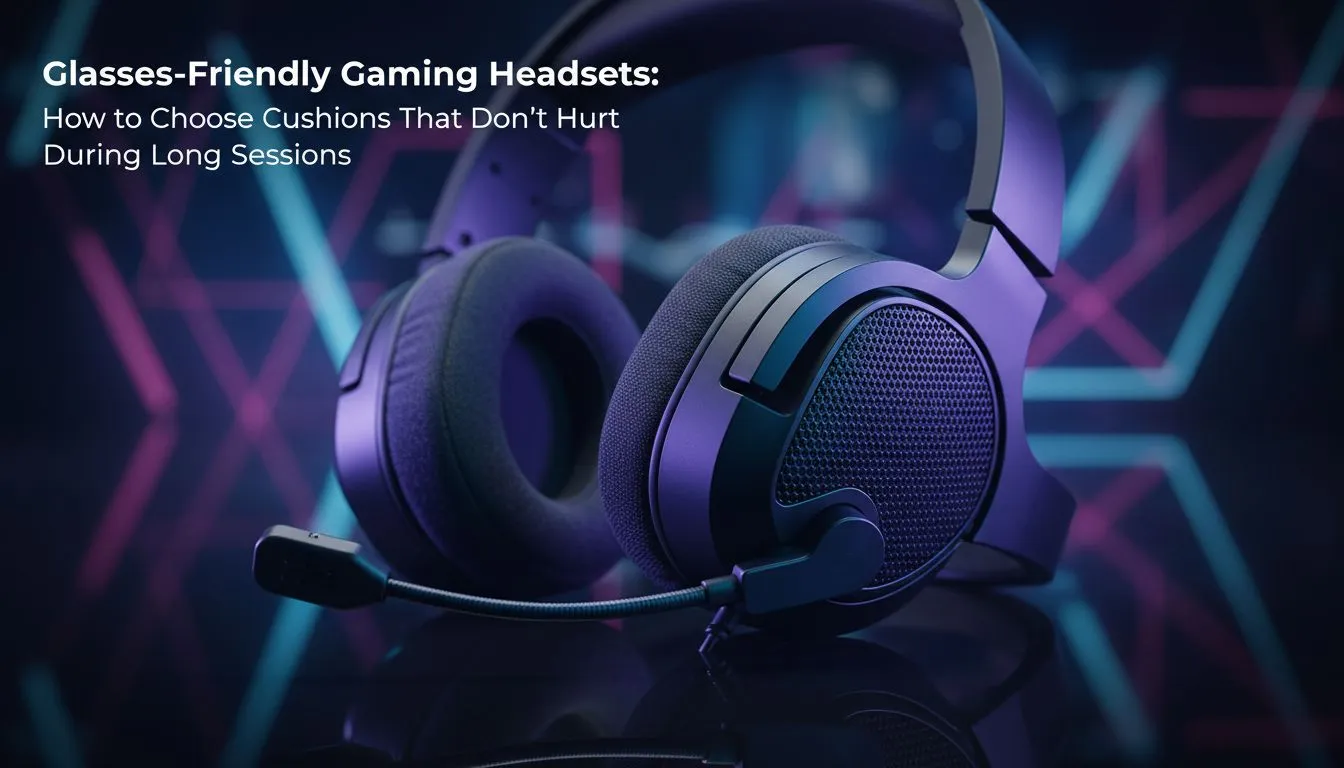
Ever felt like your headset is trying to fuse your glasses frames into your skull? For South African gamers, a marathon session of Apex Legends shouldn't end in a nagging headache. Finding glasses-friendly gaming headset cushions is the secret to pain-free play. Whether you're rocking thick frames or thin wire ones, the right gear ensures your focus remains on the match, not on the pressure against your temples. 🎧
The primary struggle for four-eyed gamers is "clamp force." Most standard headsets are designed to create a tight seal for noise isolation, but this often presses the arms of your glasses into your head. Choosing the right headphone headsets involves looking for ear cups that use high-density memory foam. This material contours around the frames rather than resisting them, maintaining that crucial acoustic seal without the physical bite.
South African summers are no joke, and heat buildup under your ear cups only makes glasses discomfort worse. Look for cushions that feature heat-transfer fabric or cooling gel layers. Brands like Razer have pioneered "ProSpec" designs which feature hidden channels in the foam. This creates a softer path for your glasses to sit. If you are browsing the latest Razer headphones and headsets, you will notice many models now prioritise this ergonomic flexibility.
If your current headset feels too tight, try stretching it over a stack of books slightly wider than your head overnight. This can gently reduce the clamp force of the headband without damaging the internal frame, providing immediate relief for your glasses frames.
If you want a premium experience that ticks every box, the Razer Barracuda X Chroma Wireless Headset in Phantom White is an exceptional choice. It features breathable memory foam ear cushions that are specifically engineered to accommodate eyewear. The lightweight design further reduces the downward pressure on your ears... a vital feature when you are deep into a five-hour raid.
Beyond the cushions, the headband adjustment plays a massive role. Many gamers wear their headsets too low, which puts the weight directly on the ears and the glasses arms. Try extending the headband by one notch on each side to shift the weight to the top of your head. This small tweak can significantly optimise your comfort levels during long sessions.
Ready to Find Your Perfect Match? Don't let discomfort ruin your K/D ratio. Whether you need cooling gel cushions or a lightweight wireless setup, we have the gear to keep you in the game. Explore our massive range of gaming headsets and find the perfect fit for your frames today.
Standard cushions compress against temple arms, increasing pressure and friction. Choose lower-clamp headsets and softer, thicker pads to reduce pain.
Velour and breathable fabric pads reduce friction; memory foam cushions for gaming with glasses balance pressure relief and shape retention.
Aim for medium to thick pads (10–20mm effective cushion) to distribute pressure away from temple arms and avoid hotspots.
Yes. Replaceable cushions let you swap to softer or breathable pads as needed, extending comfort for long sessions.
Light to medium clamp force prevents pinsching. Look for adjustable tension or break-in headbands to fine-tune fit.
Yes. Try thinner temple cutouts, add low-friction fabric, or swap to memory foam or velour pads to reduce pressure.
Choose breathable cushions, perforated leather alternatives, or velour to improve airflow and reduce heat buildup.
Dedicated media keys give streamers one-touch control to mute, switch scenes, clip highlights, and adjust audio — cutting task time and boosting consistency 🎛️⚡
Read more
PBT vs ABS keycaps: Clear, local guide for South African gamers—compare feel, sound, durability and where to buy. Find the best material for your budget and playstyle 🎮🇿🇦
Read more
- Multi-Function Digital Dial: define benefits - Show gamer setups and macros - Offer buying and setup tips Multi-Function Digital Dial puts programmable control at your fingertips for faster actions and smoother streaming. 🎮⚙️
Read more
- Explain benefits; - Show the science; - Compare options; - Recommend picks. Magnetic wrist rest for gaming cuts wrist strain and boosts comfort during long sessions 🕹️✨
Read more
best gaming keyboard South Africa: Learn how to pick a low-latency mechanical keyboard, choose switches, layout and budget for competitive play 🎮⚡
Read more
Best wireless keyboard and mouse combo for small desks — curated, space-saving picks that boost comfort and productivity in tight setups. Find low-profile layouts, compact mice, and reliable range to fit your compact workstation. 🖱️⌨️
Read more
Discover webcams that automatically adjust light and color for crystal-clear video calls 🎥✨. Boost your streaming quality today!
Read more
Discover webcams that blend into your workflow 🎯 Capture moments while you work, stream, or create. Upgrade your setup with smart, multitasking tech!
Read more Dedicated media keys give streamers one-touch control to mute, switch scenes, clip highlights, and adjust audio — cutting task time and boosting consistency 🎛️⚡
Read more
Checklist: 1) Map keyboard actuation depth to genres 2) Step-by-step adjust settings 3) Test and tune for performance 🎮⌨️ Learn keyboard actuation depth for FPS, MOBA, RTS, and RPG to improve response and accuracy.
Read more
Optical switches deliver faster actuation and lower latency than traditional mechanical switches, using light-based triggers and minimal debounce to boost gaming and typing performance ⚡⌨️
Read more
Clean gaming keyboard quickly and safely in dusty or humid conditions with step-by-step tips, tool checklist, and maintenance routines to prevent corrosion and switch failure. 🧼💨
Read more