

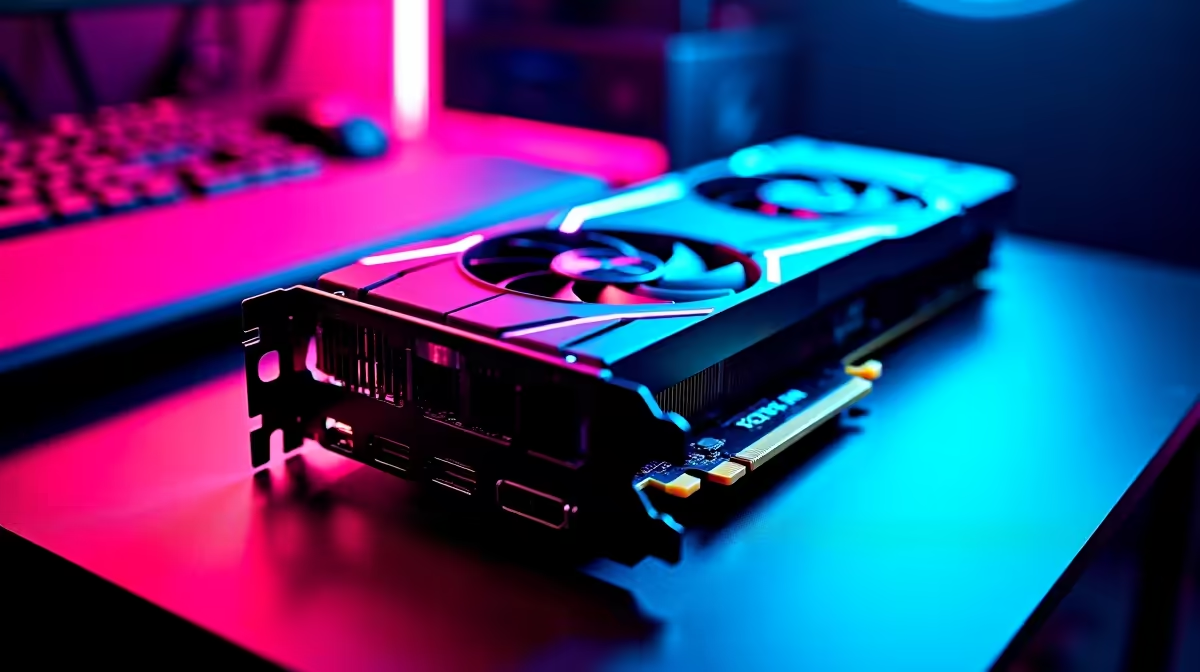
The wait is finally over. GTA 6 is here, and it is demanding... heavily. If you are exploring the neon-soaked streets of Leonida, you need smooth framerates to survive. South African gamers know the struggle of balancing crazy hardware prices in ZAR with next-gen graphics. Fortunately, we have cracked the code. Let us dive into the ultimate GTA 6 settings on RX 9060 for best performance.
Maximising GTA 6 Settings on RX 9060 🚀
The leap in visual fidelity from previous generations is staggering. Rockstar has pushed the boundaries of lighting, physics, and AI density. This means your hardware has to work overtime. AMD has delivered a stellar mid-range contender to handle this. The RX 9060 packs enough VRAM to handle dense cityscapes and complex NPC routines. However, pushing every slider to "Ultra" will quickly humble your rig. To get those buttery framerates without emptying your wallet, you need smart tweaks.
If you are building a custom setup for this beast, browsing the latest graphics cards for sale is your very first step. You want a card that offers pure value for your hard-earned ZAR. The RX 9060 hits that sweet spot perfectly... provided you optimise your game correctly.
Finding the Best Performance for GTA 6
Rockstar's updated Rage engine absolutely loves high texture pools. Leave your textures on High to keep the world looking vibrant and crisp. The real performance killers are volumetric clouds and advanced shadows. Drop these settings down to Medium. You will barely notice the difference while driving at top speed down the highway... but your framerate will definitely thank you.
Not keen on building a rig from scratch? You can skip the cable management hassle entirely. Simply grab one of our pre-built gaming PCs that already feature perfectly balanced components for heavy modern titles.
Framerate Pro Tip ⚡
Turn on AMD FidelityFX Super Resolution (FSR). Setting FSR to 'Quality' mode in your GTA 6 display options will boost your framerates by up to 30 percent while keeping Vice City looking incredibly sharp.
Balancing Visuals and Framerates ✨
Ray tracing looks absolutely incredible during a virtual thunderstorm... but it heavily eats into your GPU power. For the RX 9060, we highly recommend keeping ray-traced reflections off if you want a competitive edge in online lobbies. If you prefer a cinematic story mode experience, you can cap your framerate to 30fps and turn it on.
Want a rig that can handle heavy ray tracing without breaking a sweat? Browse our best gaming PC deals for setups that push the boundaries. Alternatively, if you need to keep gaming during load shedding, modern gaming laptops offer incredible desktop-class performance while running on battery power.
Achieving Best Performance Across the Board 🔧
Optimising your GTA 6 settings on RX 9060 for best performance relies on your entire system architecture. Ensure you have at least 32GB of RAM and a blazing-fast NVMe SSD. Older mechanical hard drives will cause massive stuttering when loading new city districts. GTA 6 streams massive amounts of data continuously. An NVMe drive ensures those textures load instantly as you fly a helicopter over the map.
Keep your eyes peeled for our weekly tech specials to upgrade your storage and memory. A balanced system means zero bottlenecks. When your CPU, RAM, and GPU work in perfect harmony, you get the absolute best out of your hardware. Now, get out there and rule the city.
Ready to Rule the Streets of Leonida? Getting the ultimate GTA 6 experience requires serious hardware, but finding the right balance in South Africa does not have to be stressful. Explore our massive range of gaming PC specials and find the perfect machine to conquer your world.











