

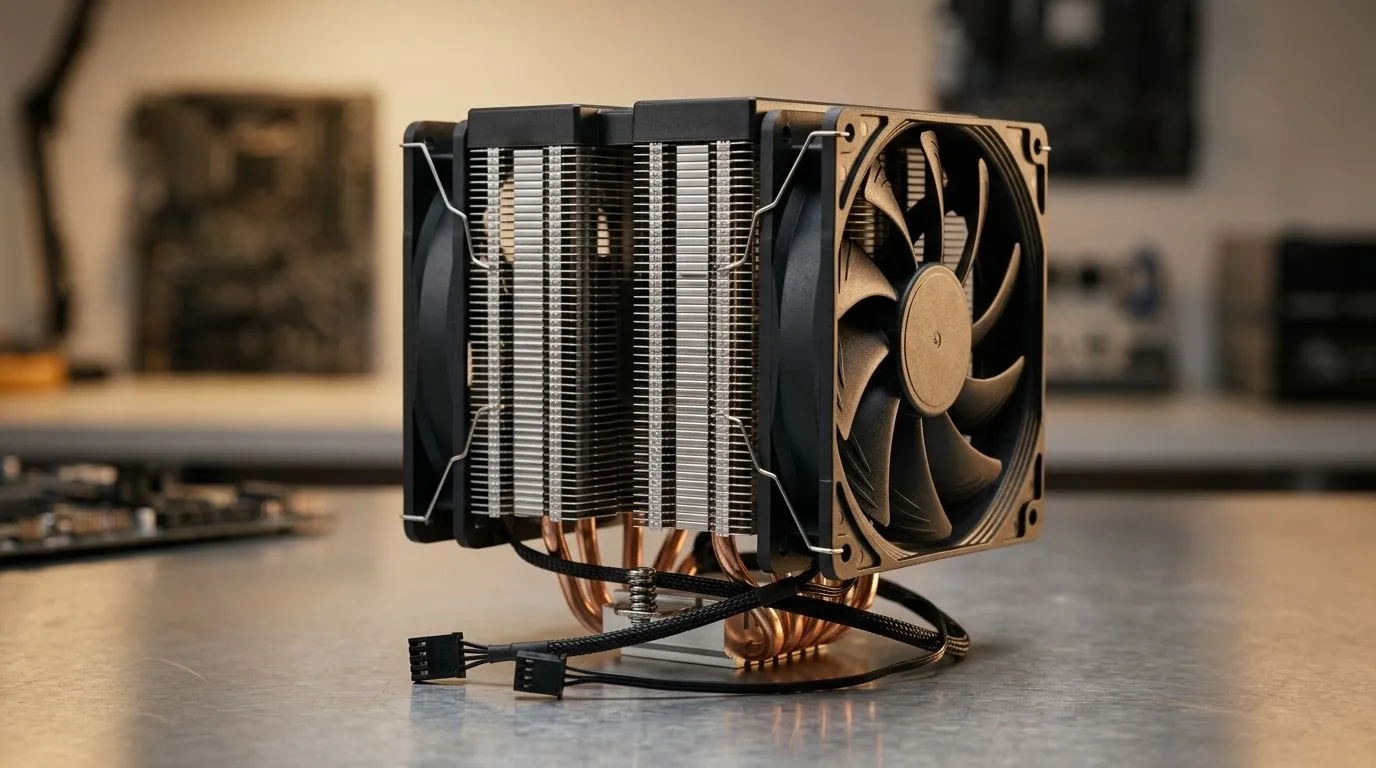
Fix Loud CPU Fans With PWM Dual Fans for Better Cooling: Start Here 🔧
If your PC sounds like it’s about to lift off at idle… you’re not alone. In South Africa, dust, warm rooms, and budget airflow can turn a “normal” cooler into a jet engine. The good news? Often you don’t need a whole new build. You need better fan control and the right cooling setup to match your CPU.
In this guide, we’ll show you how to fix loud CPU fans with PWM dual fans for better cooling, and how to choose an option that actually fits your system.
Why PWM Dual Fans Cut Noise Without Sacrificing Cooling ⚡
PWM (Pulse Width Modulation) lets the motherboard adjust fan speed in fine steps. That means your fans can spin slower when the CPU is cool, and ramp up only when load demands it. Dual-fan designs also spread airflow, so each fan works less to move the same amount of heat.
What usually causes the loud loop:
- Fans running at a fixed high RPM (common with non‑PWM or mismatched headers)
- Dust blocking heatsink fins, forcing fans to compensate
- Cooler size mismatch (too small for your CPU heat output)
- Bad fan curves in BIOS
The goal is simple: quieter idle, stable temps under load, and no thermal throttling.
Quick Checks Before You Buy Anything (You Can Do This Tonight) ✨
Before swapping hardware, do a fast diagnosis. It can save you money.
- Enter BIOS/UEFI and confirm the CPU_FAN header is set to PWM mode (where available).
- Check whether your current fan is 4‑pin PWM or 3‑pin DC style.
- Clean dust from the heatsink fins. Even a light dust layer can raise temps.
- Re-seat the cooler if temps are unusually high after cleaning.
Cooling Pro Tip 🔧
BIOS, set a sensible PWM curve: keep RPM low at idle, then increase gradually after CPU reaches around the mid‑60°C range under load. If you see fans “hunting” up and down, smooth the curve by reducing aggressive spikes, so your system sounds calmer while still staying cool.
Choosing the Right Cooler for Your Case and CPU 🚀
Not every “dual fan” cooler fits every case. Start with fan size and clearance. Most users benefit from air coolers with a proper heatsink base and PWM dual-fan support.
If you want to browse options, start here:
- Explore CPU coolers in Evetech’s catalogue: CPU coolers for your next upgrade
- If you specifically want air cooling: Air cooler options
- Looking for 120mm fan setups for balanced airflow and noise control? 120mm air coolers
- Prefer Deepcool models? Deepcool air coolers
- Or check EINAREX options: EINAREX air coolers
A Mini Decision Story (That’s Probably Yours)
I’ve seen it happen in local builds: a gamer buys a “good enough” cooler, then the fans get louder after a few months. Usually it’s dust plus no PWM control. Add PWM dual fans, clean the fins, and set a calmer curve… and suddenly idle noise feels normal again.
Installation Tips for Better Results (Not Just “Mount and Hope”) 🔧
- Apply thermal paste properly (if you re-seat, clean old paste with isopropyl alcohol).
- Mount evenly and tighten in small increments.
- Confirm airflow direction: front/lower intake, rear/top exhaust, where possible.
- After install, monitor temps for a few real gaming sessions.
If you’re chasing “less noise at idle” and “stable cooling under load,” PWM dual fans give you control. Combine that with the right air cooler size and good maintenance, and your PC stops sounding angry.
Ready to Find Your Perfect Match? If you want quieter cooling and better performance without guessing, Evetech makes it easy to choose the right airflow setup for your CPU. Browse our options, pick a PWM dual-fan air cooler that fits your case, and get ready for smoother gaming sessions.











