

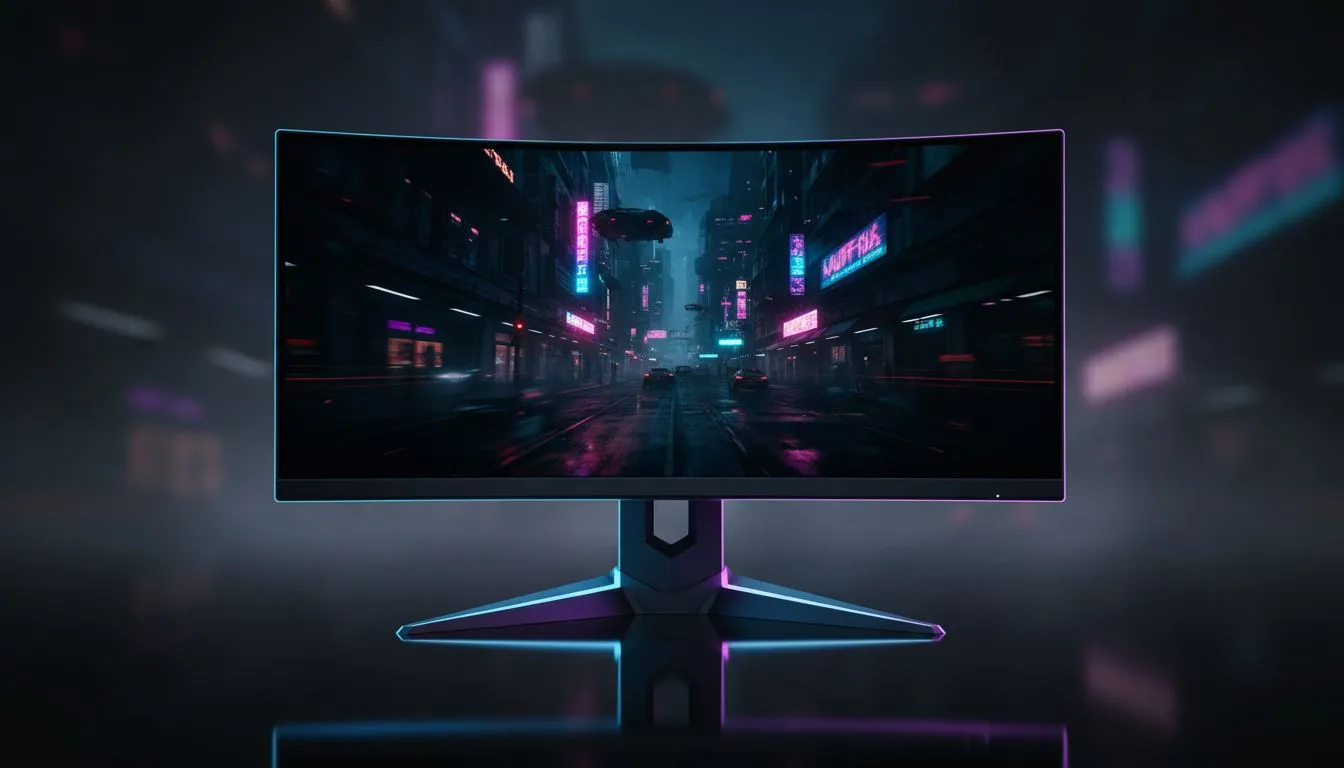
Why Your Night City Shadows Look Grey
Strolling through the neon-soaked streets of Night City should be a visual feast... but for many South African gamers, the shadows look more like muddy grey soup than deep obsidian. If you are struggling to fix washed out blacks Cyberpunk HDR issues, you are not alone. It is a common frustration that ruins the immersion of one of the most beautiful games ever made. 🔧
The problem usually stems from a "raised black floor" within the game engine itself. This means the darkest points of the image are programmed to a dark grey rather than true black. When you combine this with incorrect monitor settings, the result is a hazy, flat image that lacks punch. Finding the best PC monitor deals in South Africa is the first step toward better visuals, but software calibration is the final hurdle.
How to Fix Washed Out Blacks Cyberpunk HDR Settings
The most effective way to address this is through the in-game HDR menu. You need to pay close attention to the "Tone Mapping Midpoint" setting. By default, this is often set too high for most PC monitors available today.
Start by setting your "Maximum Brightness" to match your screen's peak nits. Next, adjust the "Tone Mapping Midpoint" down. A value between 0.60 and 0.90 usually helps "crush" those elevated blacks back to where they belong. This simple tweak restores the contrast that makes the neon lights pop against the dark alleys of Watson. ⚡
HDR Calibration Pro Tip ⚡
Download the "Windows HDR Calibration" app from the Microsoft Store. It creates a custom colour profile for your specific screen. This ensures that Windows communicates the correct luminance boundaries to Cyberpunk 2077 before you even touch the in-game sliders.
Choosing the Right Hardware for HDR
Not all screens handle High Dynamic Range equally. If you are using standard gaming monitors with low peak brightness, HDR can often look worse than SDR. For the best experience, look for displays with local dimming zones or OLED panels.
Many players prefer curved monitors for an immersive RPG experience. The curve helps maintain consistent viewing angles, which is vital for seeing deep blacks across the entire panel. Even if you use portable monitors for gaming on the go, these calibration steps remain essential for a clear image. ✨
Optimising Your Setup for Peak Visuals
Resolution also plays a massive role in how we perceive detail in dark areas. Upgrading to 5K and 4K monitors provides the pixel density needed to resolve fine shadow detail. Without enough pixels, dark scenes can look blocky or "crushed" in the wrong way.
Finally, ensure your signal chain is solid. Using high-quality monitor accessories like certified DisplayPort 1.4 or HDMI 2.1 cables prevents signal degradation. A poor cable can cause flickering or limited colour range, making it impossible to fix washed out blacks Cyberpunk HDR problems effectively. 🚀
Ready to See Night City in a New Light? If your current screen just isn't cutting it, we have the hardware to transform your gaming experience. From budget-friendly panels to high-end OLEDs, we have the best tech in SA. Explore our massive range of gaming monitors and find the perfect display to conquer your world.











