

In the high-octane arena of Rocket League, a split second defines glory or defeat. For South African players, battling local latency is a constant struggle. Whether you are hitting a ceiling shot or a crucial save, your hardware must keep up. Understanding Rocket League CPU Latency: AMD vs Intel — Lowest System Lag is the first step to ensuring your inputs translate to on-screen action instantly. ⚡
The Impact of CPU Latency on Rocket League Performance
Rocket League is surprisingly demanding on your processor. While the graphics are clean, the physics engine runs at a high tick rate. This means your CPU must calculate every car bump and ball pinch in real-time. If your CPU takes too long to process these frames, you experience "input lag". This is the delay between pressing a button and seeing your car jump.
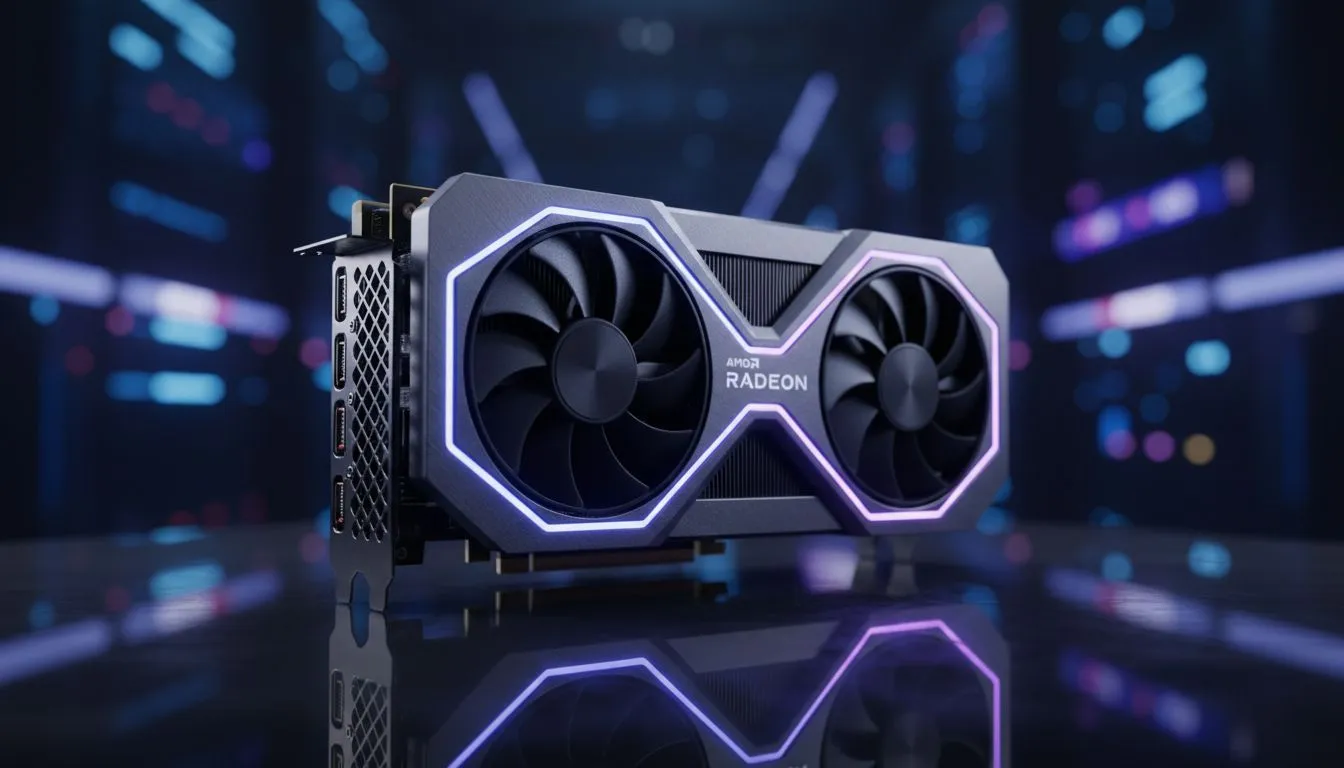
When building a rig for the lowest system lag, your choice of processor is vital. AMD has made massive strides with their 3D V-Cache technology. These chips reduce the time the CPU spends searching for data. If you pair a Ryzen chip with high-performance AMD Radeon graphics cards, you create a very efficient pipeline. This synergy helps in keeping frame times consistent... which is exactly what a competitive player needs.
AMD vs Intel: Finding the Lowest System Lag
Intel has traditionally led the way in single-core clock speeds. This is historically great for esports titles. Their latest hybrid architecture balances performance and efficiency cores well. For those looking at budget-friendly entry points into the ecosystem, Intel Arc graphics cards offer an interesting alternative for smooth 1080p play.
However, latency isn't just about the CPU. It is about how the whole system communicates. High-end premium NVIDIA and ATI graphics cards utilize technologies like Reflex to bypass the render queue. When you use MSI graphics cards with a modern Intel or AMD chip, the communication lag drops significantly. In South Africa, where we often play on European servers with 150ms ping, reducing your local hardware lag by even 5ms can feel like a massive relief. 🚀
Latency Pro Tip ⚡
Disable "One-Frame Thread Lag" in the Rocket League video settings. This setting is designed to help older CPUs but adds a noticeable delay to your inputs. Turning it off allows your CPU to send data to the GPU immediately, lowering your overall system latency for a much snappier feel on the pitch.
Beyond Gaming: Versatility and Stability
Not everyone uses their PC just for scoring goals. Some South African creators need their machines for rendering or heavy multitasking. While gaming CPUs focus on low latency, workstation graphics cards and high-core-count processors ensure stability during long work sessions.
Choosing the winner in the Rocket League CPU Latency: AMD vs Intel — Lowest System Lag debate often comes down to your budget in ZAR. Currently, AMD's X3D chips hold the crown for the lowest frame times... but Intel's top-tier i9 chips offer blistering raw speed that is hard to ignore. Both platforms provide a "lekker" experience if you optimise your settings correctly. ✨
Ready to Find Your Perfect Match? The battle for the lowest latency is won with the right hardware. For the best performance and value in South Africa, Evetech has you covered. Explore our massive range of CPU and GPU deals and find the perfect machine to dominate the pitch.











