

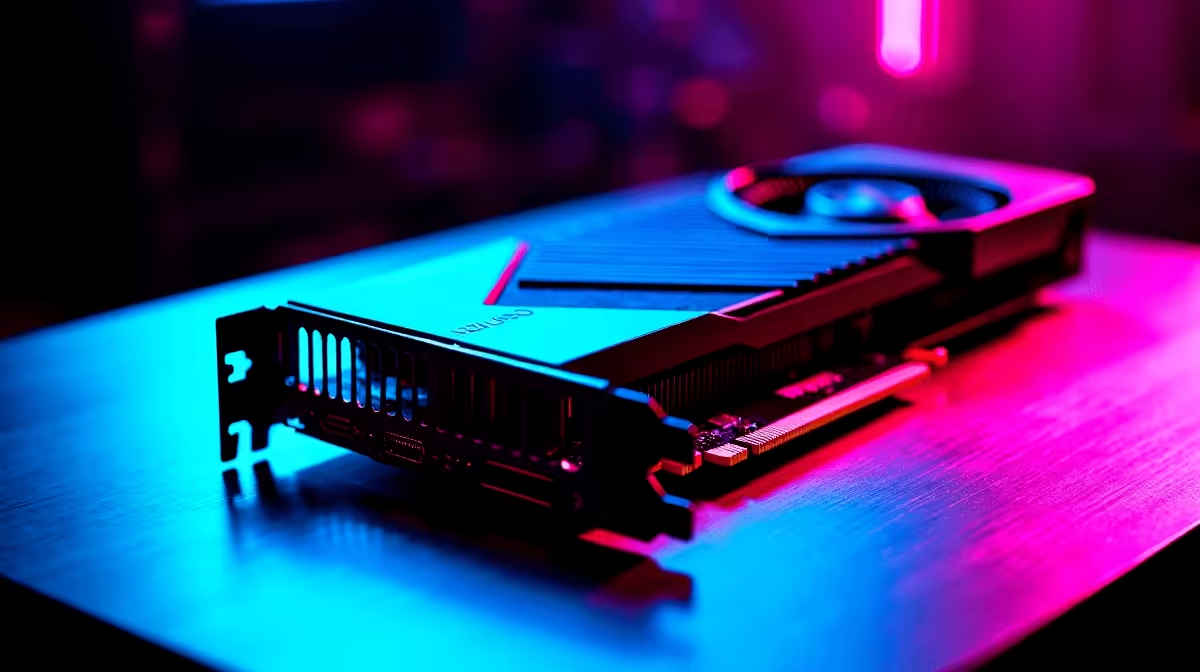
The long-awaited return to Albion is almost here... and South African gamers are prepping their rigs. If you are eyeing the upcoming Fable reboot, you might be wondering if mid-range hardware can handle the magic. Let us dive deep into the RTX 4060 Ti Fable at 1440p performance. We will explore expected FPS benchmarks and the optimal settings to keep your adventure smooth. 🚀
Can the GPU Handle the Magic?
NVIDIA built the 4060 Ti primarily as a 1080p powerhouse. However, with DLSS 3 technology, it punches well above its weight class. Running this highly anticipated title at QHD resolution is entirely possible... provided you manage your expectations. The card features the ultra-efficient Ada Lovelace architecture. This keeps temperatures low and power draw minimal, which is a massive bonus for your electricity bill.
If you plan to build a custom rig for this game, browsing the latest graphics cards is a great starting point. The standard 8GB VRAM buffer might require some texture tweaking at higher resolutions. Meanwhile, the 16GB variant will offer far more breathing room. You will need that extra memory for those lush environments bursting with vibrant colour.
Projected FPS Benchmarks
Fable utilises cutting-edge Unreal Engine 5 rendering techniques. Because of this, we can look at similar next-gen titles to predict performance. Without upscaling, a native 1440p resolution might yield around 45 to 50 frames per second on high settings.
But nobody buys an Ada GPU to ignore its best features. Turning on DLSS Super Resolution changes everything. You can comfortably expect a buttery 70 to 80 FPS. If your current rig is struggling with modern titles, it might be time to look at some best gaming PC deals to ensure you are ready. Alternatively, if you prefer gaming on the move, modern notebooks for sale in South Africa pack enough mobile GPU power to rival desktop performance.
Performance Pro Tip ⚡
To get the absolute best frame rates, always enable DLSS 3 Frame Generation. It uses AI to create extra frames, giving you a massive FPS boost without sacrificing visual clarity during fast-paced combat.
Dialling in the Optimal Settings
Achieving the perfect balance between beautiful graphics and smooth gameplay takes a little effort. To optimise your 4060 Ti setup for 1440p, we recommend dropping volumetric clouds and shadow quality down to medium. 🔧
These settings are notoriously heavy on VRAM. Thankfully, they rarely impact the overall visual magic. Keep textures on high if you have the 16GB card... or drop them to medium for the 8GB version. If you are not keen on building a PC from scratch, grabbing one of our pre-built PC deals takes the hassle out of hardware matching.
You can save those hard-earned Rands for the actual game. Keep an eye on our specials page to score premium gear at unbeatable ZAR prices before launch day. ✨
Ready for the Ultimate Adventure? Preparing for next-gen gaming is complex, but for maximum power, choice, and value in South Africa, an Evetech rig is hard to beat. Explore our massive range of PC specials and find the perfect machine to conquer your world.











