

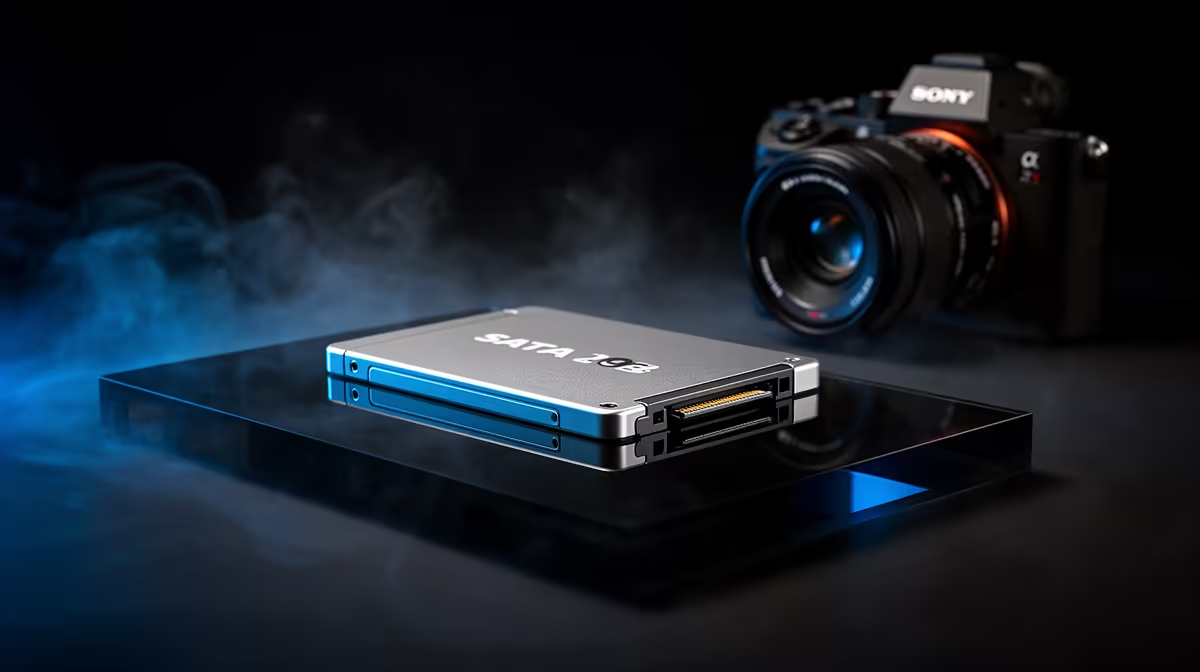
SATA 3 SSD 460MB/s for Video Editing and Large File Transfers: Why SA gamers and creators notice the difference
You know that feeling when a game update or a new clip drags… and the rest of your day follows. In South Africa, where bandwidth and power reliability can vary, storage speed matters more than most people think. A good SATA 3 SSD 460MB/s for Video Editing and Large File Transfers can cut wait times when loading projects, exporting footage, or moving big game installs. 🚀
This isn’t about “faster for the sake of it”. It’s about staying in the flow. Less time staring at progress bars. More time editing, streaming, or jumping into your next match.
SATA 3 SSD throughput explained (and what 460MB/s really means)
SATA 3 is built for solid, consistent performance. Officially, SATA 3 supports up to 6Gbps, which is why many SSDs advertise real-world read speeds that land around the hundreds of MB/s. For a SATA-based drive, 460MB/s is a common ballpark for sequential reads on mid-range models, and that’s exactly what helps when you transfer large files or read big assets in one go.
For creators, sequential speed is where timelines feel smoother during scrubbing. For gamers, it helps when installing and copying game files, especially from one drive to another.
When choosing a drive, remember: real performance depends on the SSD model, the controller, the firmware, and your system’s SATA generation.
Real-world workflows: editing, exports, and moving huge folders
Let’s talk practical. If you do anything like:
- importing 4K footage into your editor,
- rendering exports to a separate drive,
- grabbing an entire Steam library for another PC,
…you’re usually doing lots of “read then write” operations with large, continuous files.
That’s where SATA 3 SSD 460MB/s class drives shine… they keep data moving steadily so your PC spends more time working and less time waiting. 🔧
Productivity Pro Tip ⚡
On Windows, keep your media cache on the SSD you’re editing from. In your editor’s settings, look for “media cache” or “scratch disk” options and point them to your SATA SSD. This reduces stutter during scrubbing and speeds up previews when you’re iterating on the same timeline.
Choosing the right SATA 3 SSD from Evetech (without the usual headaches)
Not all SSDs are the same, even when they share a headline speed. Before you buy, check:
- Form factor: SATA SSDs come in standard 2.5-inch formats, but if you’re upgrading an older PC, this is often the easiest path.
- Brand consistency: some brands manage firmware updates better over time.
- Compatibility: your motherboard needs a free SATA port and power connection.
If you’re browsing options, Evetech’s SSD selection makes it simple to compare models in one place:
- Start with the full list of solid-state drives here: Buy solid-state drives
- Want to narrow it down by brand? Check ADATA: ADATA SSDs at Evetech
- Or go Kingston if that’s your usual go-to: Kingston SSDs at Evetech
- If you’re specifically shopping by size, use the 2280 filter for M.2: M.2 2280 SSDs
- And if you want to compare newer connectivity, explore interface options too: SSDs filtered by interface
🚀 Pro mindset: if you’re building a gaming rig and also editing clips, it’s smart to separate tasks. Use your SSD for projects and installs, then keep bulk archives on a larger drive.
One more thing: match SSD speed to your bottlenecks
If your CPU or RAM is struggling, you won’t magically “fix” performance with an SSD. But in most real upgrade stories… storage is the fastest win you can feel. It’s the difference between “I’ll wait” and “I’m already back in editing”.
CALLTOACTION
Ready to Find Your Perfect Match? The Mac vs Windows debate is complex, but for maximum power, choice, and value in South Africa, Windows is hard to beat. Explore our massive range of laptop specials and find the perfect machine to conquer your world.











