


Bandwidth Explained: What SA Buyers Need to Know
Bandwidth Explained: What Buyers Need to Know. Plain-English explanation of what it means, why it matters & how it affects your buying decisions in SA.
Read moreCan the RTX 5060 Ti Run Fortnite at 60 FPS?. Performance testing verdict with real data & practical recommendations for SA buyers.
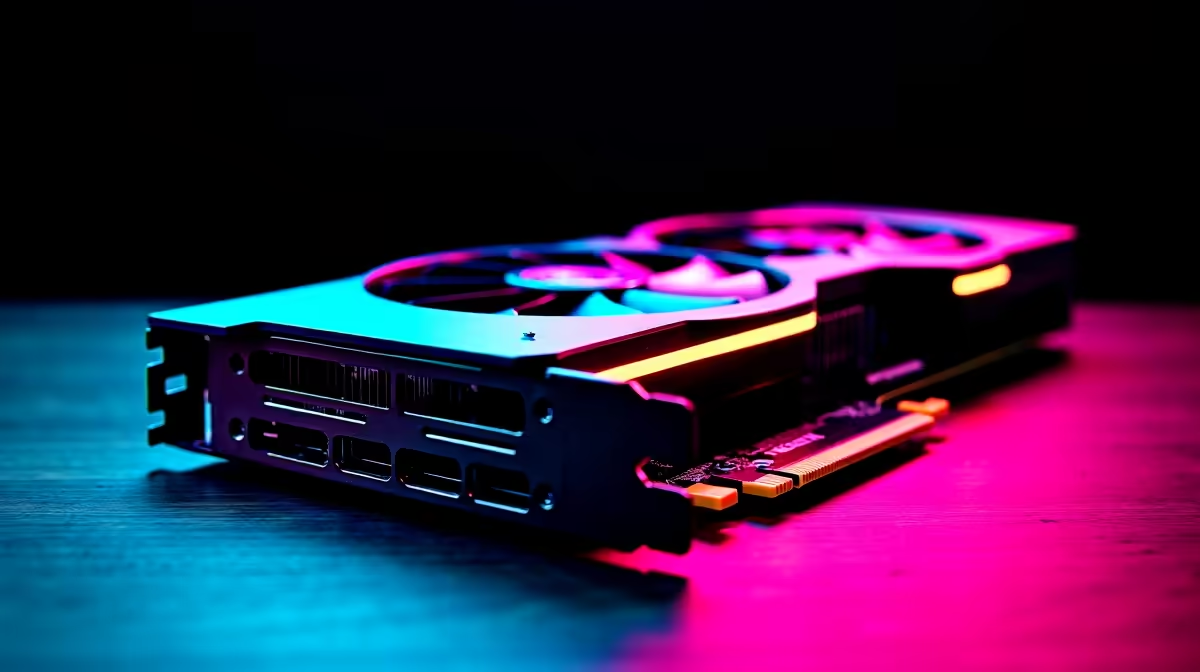
Load up the Battle Bus, Mzansi. If you are eyeing the next generation of Nvidia hardware, you are probably asking... can the RTX 5060 Ti run Fortnite at 60 FPS? The short answer is a massive yes. Aiming for just 60 frames per second on this upcoming powerhouse is like driving a sports car in first gear. Let us look at how to optimise your settings for the ultimate drop.
Nvidia's 50-series architecture brings serious horsepower to your setup. While official ZAR pricing and final specs are still dropping, early performance metrics are incredibly promising. This card will easily handle heavy Unreal Engine 5.1 features. Whether you are cranking up Nanite geometry or Lumen lighting, 60 FPS is light work.
Fortnite is highly demanding when you enable all the next-gen visual features. Nvidia's DLSS technology will play a massive role here. By using AI to upscale your resolution, you get buttery smooth gameplay without sacrificing visual fidelity. If you want to upgrade your rig right now, browse the latest graphics cards for sale to get a feel for current market power.
Fortnite offers two distinct ways to play... breathtaking visual splendour or pure competitive dominance. Here is how to tweak your system for both playstyles.
Want to see the island in stunning detail? Set your global illumination to Epic and turn on hardware ray tracing. The RTX 5060 Ti will comfortably hold above 60 FPS at 1440p resolution. To ensure your CPU does not bottleneck your shiny new GPU, checking out premium gaming PC deals is a smart move for balanced performance.
If you are grinding Ranked mode or playing in local ZA cups, frames win fights. Drop your shadows to low, disable Lumen, and use Performance Mode. You will easily push well past 240 FPS. Every millisecond counts when you are box-fighting a sweaty opponent. High frame rates reduce your input delay significantly. To maintain those frames consistently, you can find excellent pre-built desktop setups that pair fast processors with high-end graphics.
Always enable Nvidia Reflex Low Latency in your Fortnite video settings. Set it to "On + Boost" to keep your system latency as low as possible during intense build fights... a crucial advantage for South African players dealing with higher ping.
Maybe you travel often or need a portable setup for LANs. You do not have to be tethered to a desk to get incredible Fortnite performance. Modern mobile GPUs deliver desktop-class frame rates without the bulk. If you prefer portability, explore our range of high-performance gaming laptops to keep your Victory Royales going on the move.
So, can the RTX 5060 Ti run Fortnite at 60 FPS? Absolutely. With the right tweaks, it will completely redefine your competitive experience. Building or buying a new rig is a solid investment in your gaming future. Always keep an eye out for exclusive tech specials to stretch your rand further when upgrading your ultimate setup.
Ready to Dominate the Island? Do not let dropped frames cost you the Victory Royale. Whether you need a next-gen graphics card or a complete system overhaul, Evetech has the hardware you need at the best prices in South Africa. Upgrade your gaming PC today and experience true performance.
Can the RTX 5060 Ti Run Fortnite at 60 F available at Evetech.co.za with local warranty and fast delivery.
Can the RTX 5060 Ti Run Fortnite at 60 F - check Evetech for latest stock and SA pricing.
Depends on your use case. Can the RTX 5060 Ti Run Fortni offers good value at current Rand pricing.
Bandwidth Explained: What Buyers Need to Know. Plain-English explanation of what it means, why it matters & how it affects your buying decisions in SA.
Read more
Set Up RX 7800 XT for Competitive Gaming. Step-by-step instructions with SA-specific tips, common pitfalls to avoid & expert recommendations.
Read more
Can the Ryzen 5 9600X Handle 4K Gaming Without Bottlenecking Detailed answer with SA data, expert analysis & practical recommendations for local buyers.
Read more
Why Is Ping So High in South Africa for Gaming Detailed answer with SA data, expert analysis & practical recommendations for local buyers.
Read more
Can a 1200W PSU Handle the RX 9070 XT? Power. Plain-English explanation of what it means, why it matters & how it affects your buying decisions in SA.
Read more
How Does Altitude Affect PC Cooling in Gauteng Detailed answer with SA data, expert analysis & practical recommendations for local buyers.
Read more
AMD RX 9050 XT: Rumoured Specs, Price & Release. SA-focused analysis with local pricing data, real-world insights & actionable buying advice.

Can RTX 4080 Super Run AI Workloads for SA Developers Detailed answer with SA data, expert analysis & practical recommendations for local buyers.

Can RTX 4090 Run AI Workloads for SA Developers Detailed answer with SA data, expert analysis & practical recommendations for local buyers.

Top Settings for Intel Arc B580 at Ultrawide 1440p picks evaluated on performance, value & SA availability with current Rand pricing from Evetech.

RTX 4060 CS2 Low Settings at 1080p: FPS Results. Real-world benchmark data, FPS numbers & performance analysis. What SA gamers can actually expect.

Visual Artifacts: Possible GPU Issue Issue #1. Diagnosis steps, proven fixes & when to seek professional help. SA-specific support info included.

Can the RTX 4090 Handle 1440p 144Hz Gaming. Performance testing verdict with real data & practical recommendations for SA buyers.

Top ASUS GPU Under R15000 picks evaluated on performance, value & SA availability with current Rand pricing from Evetech.

GTA 6 Max Settings on RTX 5070. Tested & verified settings for best FPS and visual quality on SA hardware budgets.

Cyberpunk 2077 Max Settings on RTX 5080. Tested & verified settings for best FPS and visual quality on SA hardware budgets.

Starfield Max Settings on RTX 5070 Ti. Tested & verified settings for best FPS and visual quality on SA hardware budgets.

Top RTX 5090 Under R5000 picks evaluated on performance, value & SA availability with current Rand pricing from Evetech.