Quick Answer
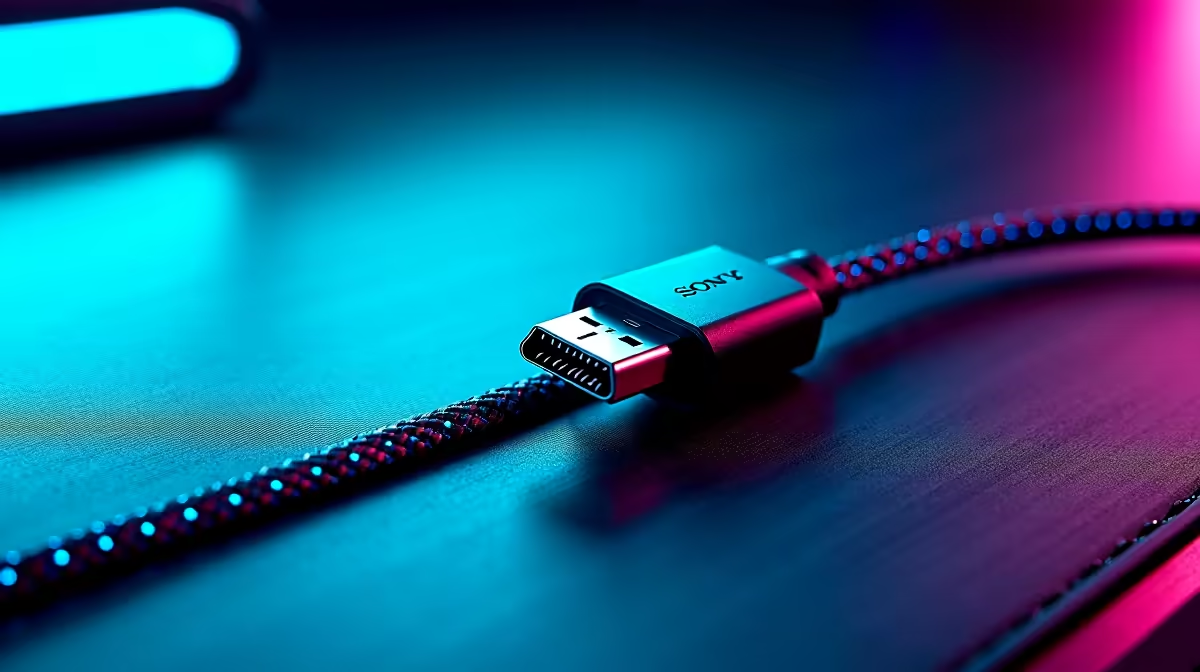
Passive DisplayPort cables work reliably up to 3 metres at 8K/60Hz (DP 2.1) or 1440p/144Hz (DP 1.4). Beyond 3 metres, signal degradation becomes a real risk, so you need an active cable or an active optical cable (AOC) for runs of 5 metres or longer.
How Cable Length Affects Bandwidth and Refresh Rate 🖥️
DisplayPort uses High Bit Rate (HBR) signalling. At DP 1.4 speeds (HBR3, 32.4 Gbps), a quality 1 to 2 metre passive cable handles 4K/144Hz or 1440p/240Hz without issue. Stretch to 5 metres with a cheap passive cable and you may see the GPU drop from HBR3 down to HBR2, silently capping you at 1440p/120Hz or forcing 4K/60Hz. Active cables contain a signal repeater chip that maintains full HBR3 throughput over longer runs, and active optical cables (AOCs) can reach 15 metres or more while keeping DisplayPort 2.1 UHBR10 bandwidth intact. For a standard single-monitor gaming desk (50 cm to 1 metre from PC to display), any certified 8K DP 2.1 passive cable is fine and typically costs R200 to R350 at Evetech.
Multi-Screen and Workstation Runs 🔧
Multi-monitor workstations often need longer cable runs, especially when the PC sits under a standing desk or inside a rack cabinet. For dual 4K/60Hz or triple 1440p/144Hz arrays, keep each passive cable under 2 metres. If your desk is a wide L-shape or you route cables through a cable tray, measure the actual path (not just the direct distance) before buying. A 3 metre rated cable routed around a desk leg can easily become a 4 metre effective run. For workstations driving professional displays at 5 to 10 metres, an active DP 1.4 cable in the R450 to R800 range is money well spent rather than dealing with dropped refresh rates mid-project.
Choosing the Right Length for Gaming Setups 🎮
For a standard gaming tower on the floor or beside a monitor, a 1.8 metre cable is the sweet spot: long enough to reach without stress on the connector, short enough to avoid signal concerns. Triple-screen sim-racing or content-creation rigs sometimes place outer monitors half a metre further from the GPU, making a mix of 1.5 m and 2.5 m cables sensible. Always buy a cable rated for the version of DisplayPort your GPU outputs. An RTX 5080 outputs DP 2.1 UHBR10 (77.4 Gbps), so a cable certified only for DP 1.2 will throttle your bandwidth before the cable length even becomes a factor. Look for "VESA-certified DisplayPort 2.1" on the packaging.
Check the Full Cable Path, Not Just Desk Width ⚡
Before ordering, run a piece of string along the actual route your cable will travel, including behind the monitor stand, through any cable management channel, and down to the PC. The string length is your real cable need. Add 10 cm for a stress-free bend radius at each end.
FAQ
Can I use a passive 5 metre DisplayPort cable for 1440p/144Hz gaming?
A 5 metre passive cable is risky for sustained 1440p/144Hz over DP 1.4. Signal integrity degrades enough that many GPUs fall back to a lower link rate. Spend a bit more on a rated active DP 1.4 cable for runs beyond 3 metres to guarantee full refresh rates.
Do I need a special cable for an RTX 50-series GPU with DisplayPort 2.1?
Yes. To unlock the full UHBR10 or UHBR13.5 bandwidth of DP 2.1 (needed for 4K/240Hz or 8K/60Hz), use a cable explicitly rated for DP 2.1 UHBR. Standard DP 1.4 cables will work at DP 1.4 speeds but will not carry the higher UHBR link rates.
Are there SA warranty paths if an active DisplayPort cable fails?
Yes. Cables purchased through Evetech carry a local warranty. Keep your invoice and contact the support team if the cable stops maintaining sync within the warranty period. Active cables with chip failures can sometimes reset with a power cycle, but a verified hardware fault qualifies for replacement.
Need the right DisplayPort cable length for your setup?
Browse Evetech's range of passive and active DisplayPort cables, from short 1 metre desktop runs to longer active cables for multi-screen workstations, all stocked locally with SA warranty support.