Quick Answer
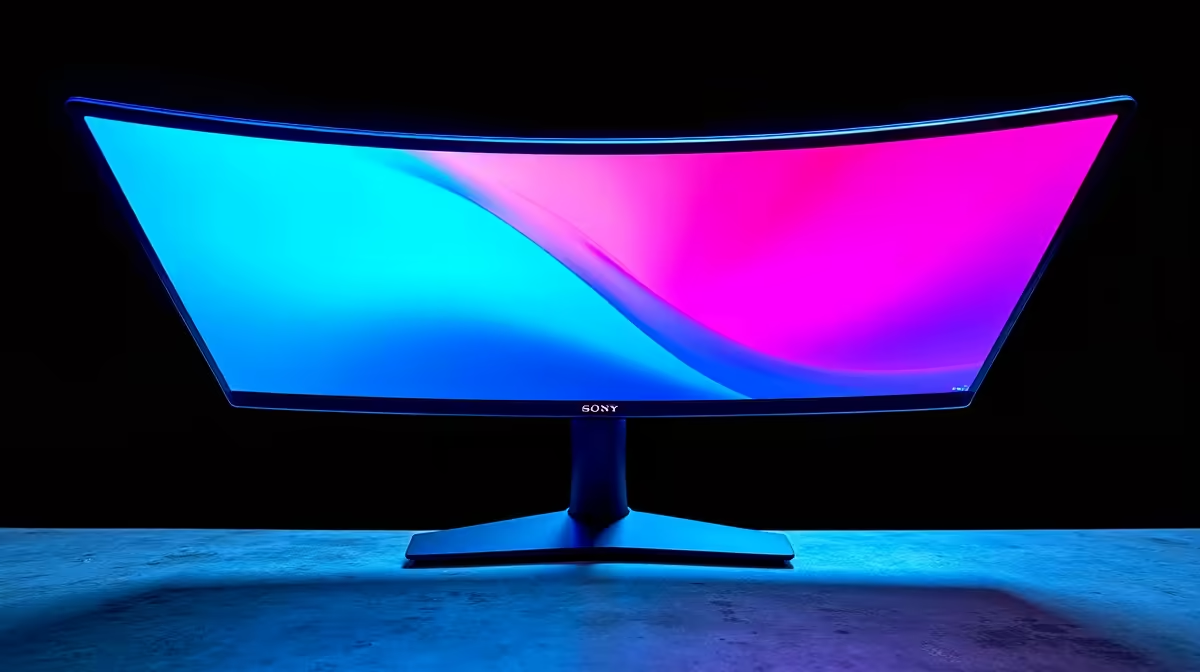
The specs that matter most on a 144Hz curved gaming monitor are panel type, response time, curvature radius, adaptive sync standard, and HDR certification. Refresh rate alone does not define the experience: a 144Hz VA with 1 ms MPRT and FreeSync Premium will outperform a cheaper 144Hz TN with no adaptive sync for virtually every South African gamer.
Panel Type: VA vs IPS in Curved Monitors 🔧
Most 144Hz curved monitors use VA (Vertical Alignment) panels because VA bends naturally without optical distortion, and its high native contrast ratio (typically 2,500:1 to 3,000:1) suits curved shapes well. IPS curved panels exist but are rarer and pricier because the IPS cell does not bend as cleanly. VA gives you deeper blacks for a more immersive look, while IPS offers more consistent colours at wide viewing angles. For a single-user desk setup where you sit centred, VA is the practical winner at 144Hz in the R4,000 to R8,000 price range. TN panels are effectively absent from the curved market because their poor off-axis colour makes curving counterproductive.
Response Time, Overdrive and Motion Clarity 🎮
Manufacturers quote two response time figures: GtG (grey-to-grey, typically 1 ms to 4 ms on mid-range VA) and MPRT (moving picture response time, often quoted as 1 ms with backlight strobing enabled). MPRT is the more consumer-relevant figure for gaming because it reflects perceived motion blur. Enable overdrive at the medium setting in the monitor's OSD for the best balance between fast pixel transition and overshoot ghosting. On VA panels, dark scene ghosting is the main artifact to watch for at 144Hz: fast-moving objects in dimly lit game environments can leave a faint trail. This is notably reduced in newer VA panels using RGBA subpixel layouts, so look for recent model years.
Adaptive Sync, HDR and Connectivity Specs 📡
FreeSync Premium requires a minimum 120Hz native refresh, low framerate compensation (LFC), and less than 1% luma flickering, making it a meaningful step above basic FreeSync. G-Sync Compatible is NVIDIA's version of the same standard. Both work across all modern RTX 40-series and RX 7000-series GPUs. For HDR, DisplayHDR 400 is the most common certification at 144Hz curved monitors under R10,000; it provides genuine highlight improvement over SDR but no local dimming. On connectivity, ensure the monitor includes at least one DisplayPort 1.4 port (to carry 144Hz at 1440p without chroma subsampling) plus two HDMI 2.0 ports for console or secondary device connections.
Check the Overdrive Setting First ⚡
When you first set up your 144Hz curved monitor, open the OSD and check the overdrive or response time setting. Most monitors ship with it set to Normal or Off. Switching to Medium typically cuts GtG times by 30 to 50 percent with minimal overshoot, giving you noticeably sharper motion in fast games without ghosting artefacts.
FAQ
What resolution pairs best with 144Hz on a curved monitor?
1440p (2560x1440) is the sweet spot. It offers sharp visuals on 27-inch to 32-inch curved panels and is drivable at 144 fps by mid-range GPUs like the RTX 4060 Ti or RX 7800 XT. 1080p at 144Hz looks softer on screens above 27 inches, while 4K at 144Hz requires a top-end GPU.
Does curvature radius affect 144Hz gaming performance?
No. The curvature rating (1500R, 1800R, 3000R) is a physical dimension of the panel and has no effect on refresh rate, response time, or signal processing. It affects viewing immersion and ergonomics only.
Is a 144Hz curved monitor good for console gaming?
Yes, provided it has HDMI 2.0 or 2.1. PS5 and Xbox Series X support 120Hz at 1080p and 1440p over HDMI, so a 144Hz curved monitor with HDMI 2.1 can take full advantage of next-gen console frame rates.
Ready to find your 144Hz curved monitor?
Evetech stocks a wide selection of 144Hz curved gaming monitors in 27-inch and 32-inch sizes, from FHD to QHD, with FreeSync Premium and HDR support.