


Bandwidth Explained: What SA Buyers Need to Know
Bandwidth Explained: What Buyers Need to Know. Plain-English explanation of what it means, why it matters & how it affects your buying decisions in SA.
Read moreFix Crimson Desert GPU Not Detected on PC. Step-by-step instructions with SA-specific tips, common pitfalls to avoid & expert recommendations.
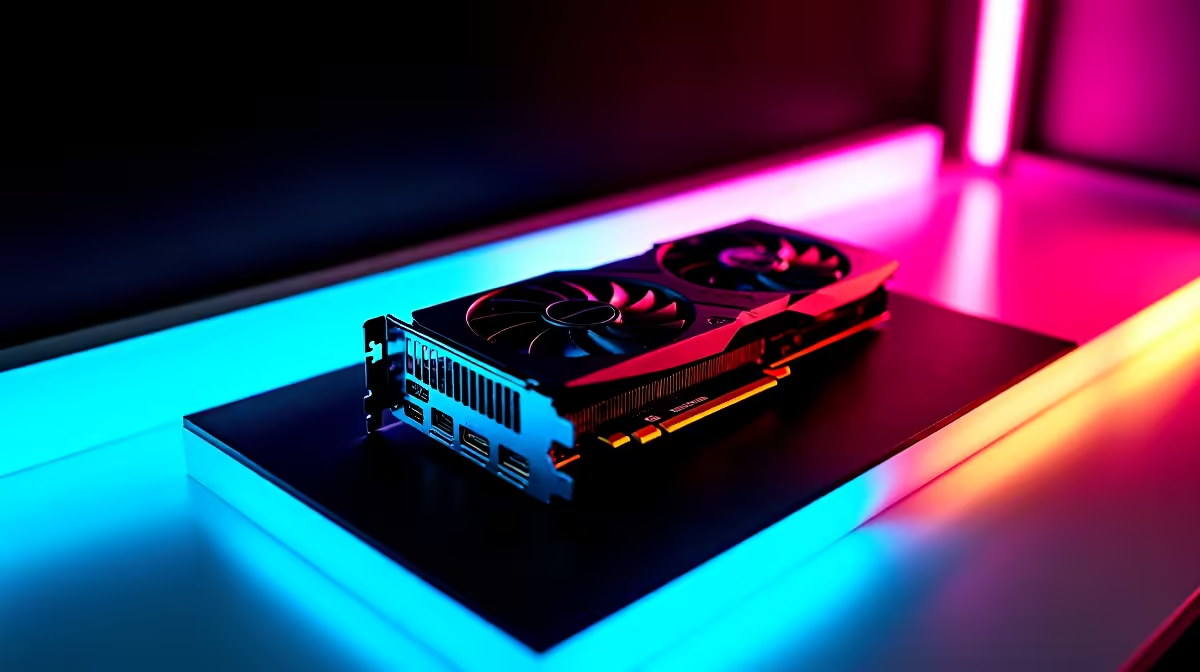
You have finally downloaded Pearl Abyss's massive open-world RPG. Your biltong is ready. Your energy drink is cracked open. But when you launch the game, disaster strikes... a glaring GPU Not Detected error pops up. If you are struggling to fix Crimson Desert GPU not detected on PC, you are not alone. This frustrating bug is ruining launch day for many South African gamers. Let us sort it out.
Before you panic and assume your hardware is broken, take a breath. The Crimson Desert GPU not detected on PC issue usually boils down to software confusion. Your system might be trying to run this heavy next-gen title on integrated graphics instead of your dedicated card. This is incredibly common if you are gaming on laptops and notebooks that automatically switch between power-saving and performance modes.
Let us run through the most effective troubleshooting steps to get you back into the colourful world of Pywel.
Sometimes Windows tries to save power by ignoring your main graphics processor. Go to your Windows Settings, click on Display, and find Graphics Settings. Browse for the Crimson Desert executable file. Once added, click Options and select High Performance. This tells your operating system to use your main graphics card for the heavy lifting.
Outdated drivers are the enemy of new releases. Head to the NVIDIA or AMD website and download the latest drivers. Choose the Clean Install option during setup. This wipes old, corrupted files that often cause the Crimson Desert GPU not detected on PC error.
It sounds silly... but we see this daily. Ensure your monitor cable is plugged directly into your graphics card. If you recently bought one of our pre-built PC deals, double-check the back panel. Motherboard ports only use integrated graphics.
If you are on a desktop and still getting the error, try disabling your integrated graphics entirely via the Windows Device Manager. Just right-click your integrated GPU under Display Adapters and select Disable Device. This forces the game to recognise your dedicated card.
Crimson Desert is a visually demanding beast. If your hardware is several generations old, the game might genuinely not recognise it as a supported device. If you are still rocking a GTX 970, it might be time to look at some modern gaming PC deals to handle next-gen requirements.
Sometimes the issue is not your hardware at all. Corrupted download files can cause the engine to misread your system specs. If you are using Steam, right-click the game in your library and go to Properties. Select Installed Files, and click Verify integrity of game files. This quick scan replaces any missing data that might trigger the Crimson Desert GPU not detected on PC bug.
If you have tried every software fix and your system still refuses to cooperate, your hardware might be failing. GPU degradation is real. Sometimes the only way to fix Crimson Desert GPU not detected on PC is to upgrade your rig. Upgrading does not have to drain your wallet. You do not need to spend R40,000 to get a decent experience. You can always find incredible ZAR value by keeping an eye on our latest tech specials to get your frame rates back where they belong. 🚀
Ready to Find Your Perfect Match? The hardware requirements for modern games are complex, but for maximum power, choice, and value in South Africa, a custom Windows rig is hard to beat. Explore our massive range of gaming specials and find the perfect machine to conquer your world.
How to Fix Crimson Desert GPU Not Detect available at Evetech.co.za with local warranty and fast delivery.
How to Fix Crimson Desert GPU Not Detect - check Evetech for latest stock and SA pricing.
Depends on your use case. How to Fix Crimson Desert GPU offers good value at current Rand pricing.
Bandwidth Explained: What Buyers Need to Know. Plain-English explanation of what it means, why it matters & how it affects your buying decisions in SA.
Read more
Set Up RX 7800 XT for Competitive Gaming. Step-by-step instructions with SA-specific tips, common pitfalls to avoid & expert recommendations.
Read more
Can the Ryzen 5 9600X Handle 4K Gaming Without Bottlenecking Detailed answer with SA data, expert analysis & practical recommendations for local buyers.
Read more
Why Is Ping So High in South Africa for Gaming Detailed answer with SA data, expert analysis & practical recommendations for local buyers.
Read more
Can a 1200W PSU Handle the RX 9070 XT? Power. Plain-English explanation of what it means, why it matters & how it affects your buying decisions in SA.
Read more
How Does Altitude Affect PC Cooling in Gauteng Detailed answer with SA data, expert analysis & practical recommendations for local buyers.
Read more
AMD RX 9050 XT: Rumoured Specs, Price & Release. SA-focused analysis with local pricing data, real-world insights & actionable buying advice.

Can RTX 4080 Super Run AI Workloads for SA Developers Detailed answer with SA data, expert analysis & practical recommendations for local buyers.

Can RTX 4090 Run AI Workloads for SA Developers Detailed answer with SA data, expert analysis & practical recommendations for local buyers.

Top Settings for Intel Arc B580 at Ultrawide 1440p picks evaluated on performance, value & SA availability with current Rand pricing from Evetech.

RTX 4060 CS2 Low Settings at 1080p: FPS Results. Real-world benchmark data, FPS numbers & performance analysis. What SA gamers can actually expect.

Visual Artifacts: Possible GPU Issue Issue #1. Diagnosis steps, proven fixes & when to seek professional help. SA-specific support info included.

Can the RTX 4090 Handle 1440p 144Hz Gaming. Performance testing verdict with real data & practical recommendations for SA buyers.

Top ASUS GPU Under R15000 picks evaluated on performance, value & SA availability with current Rand pricing from Evetech.

GTA 6 Max Settings on RTX 5070. Tested & verified settings for best FPS and visual quality on SA hardware budgets.

Cyberpunk 2077 Max Settings on RTX 5080. Tested & verified settings for best FPS and visual quality on SA hardware budgets.

Starfield Max Settings on RTX 5070 Ti. Tested & verified settings for best FPS and visual quality on SA hardware budgets.

Top RTX 5090 Under R5000 picks evaluated on performance, value & SA availability with current Rand pricing from Evetech.