


Bandwidth Explained: What SA Buyers Need to Know
Bandwidth Explained: What Buyers Need to Know. Plain-English explanation of what it means, why it matters & how it affects your buying decisions in SA.
Read moreRTX 5050 Driver Issues: Common Problems & Fix Them. Step-by-step instructions with SA-specific tips, common pitfalls to avoid & expert recommendations.
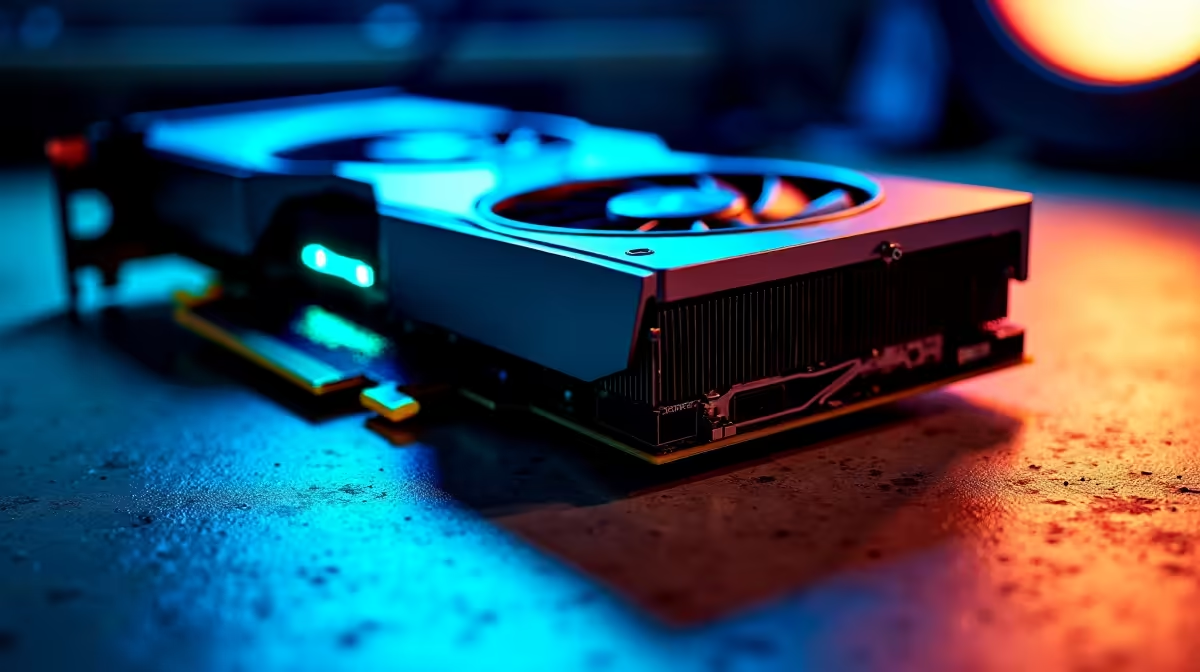
You finally got your hands on the new RTX 5050. You boot up your favourite game, expecting buttery smooth frame rates... and then your screen goes black. Frustrating, right?
As the ultimate budget GPU for South African gamers in 2026, the 5050 is incredible. But early software bugs are causing headaches. Let us look at common RTX 5050 driver issues and how to fix them quickly.
Experiencing random stutters or complete crashes to the desktop? You are not alone. When you look to upgrade your graphics card, old software files often conflict with new hardware.
This is especially true for the new RTX 50-series architecture. If you bought one of the best gaming PC deals recently, the system might still be trying to use outdated registry files. The quickest fix is a clean installation using Display Driver Uninstaller (DDU).
Always boot Windows into Safe Mode before running DDU. This stops background apps from interfering and ensures every single leftover Nvidia file is wiped clean before you install the 2026 drivers.
Another common RTX 5050 driver issue involves fan control. Sometimes the GPU fans simply refuse to spin up during heavy loads... leading to thermal throttling. This is a known bug in the early 2026 Nvidia software releases.
Before you panic and start looking at new pre-built PC deals to replace your rig, check your software. Download MSI Afterburner and set a manual fan curve. This forces the fans to spin regardless of what the Nvidia driver is doing.
Are you gaming on the go? Mobile RTX 5050 chips have their own quirks. Many users report their laptop refusing to switch from integrated graphics to the dedicated GPU. If you are browsing gaming laptops for sale, keep this software quirk in mind.
You can usually fix this by opening the Nvidia Control Panel. Go to Manage 3D Settings and force the High-Performance Nvidia Processor option. Keeping your Windows 11 updated also helps bridge the gap between the CPU and GPU.
If you are still struggling to get good frame rates, it might be time to upgrade. You can easily find a powerful new rig starting from around R15,999 when you check out our latest tech specials online.
Ready for a Hassle-Free Upgrade? Dealing with driver issues can be a massive headache. If you want a system that just works right out of the box, we have you covered. Explore our massive range of gaming PC specials and find the perfect machine to conquer your favourite titles in South Africa.
RTX 5050 Driver Issues: Common Problems available at Evetech.co.za with local warranty and fast delivery.
RTX 5050 Driver Issues: Common Problems - check Evetech for latest stock and SA pricing.
Depends on your use case. RTX 5050 Driver Issues: Common offers good value at current Rand pricing.
Bandwidth Explained: What Buyers Need to Know. Plain-English explanation of what it means, why it matters & how it affects your buying decisions in SA.
Read more
Set Up RX 7800 XT for Competitive Gaming. Step-by-step instructions with SA-specific tips, common pitfalls to avoid & expert recommendations.
Read more
Can the Ryzen 5 9600X Handle 4K Gaming Without Bottlenecking Detailed answer with SA data, expert analysis & practical recommendations for local buyers.
Read more
Why Is Ping So High in South Africa for Gaming Detailed answer with SA data, expert analysis & practical recommendations for local buyers.
Read more
Can a 1200W PSU Handle the RX 9070 XT? Power. Plain-English explanation of what it means, why it matters & how it affects your buying decisions in SA.
Read more
How Does Altitude Affect PC Cooling in Gauteng Detailed answer with SA data, expert analysis & practical recommendations for local buyers.
Read more
AMD RX 9050 XT: Rumoured Specs, Price & Release. SA-focused analysis with local pricing data, real-world insights & actionable buying advice.

Can RTX 4080 Super Run AI Workloads for SA Developers Detailed answer with SA data, expert analysis & practical recommendations for local buyers.

Can RTX 4090 Run AI Workloads for SA Developers Detailed answer with SA data, expert analysis & practical recommendations for local buyers.

Top Settings for Intel Arc B580 at Ultrawide 1440p picks evaluated on performance, value & SA availability with current Rand pricing from Evetech.

RTX 4060 CS2 Low Settings at 1080p: FPS Results. Real-world benchmark data, FPS numbers & performance analysis. What SA gamers can actually expect.

Visual Artifacts: Possible GPU Issue Issue #1. Diagnosis steps, proven fixes & when to seek professional help. SA-specific support info included.

Can the RTX 4090 Handle 1440p 144Hz Gaming. Performance testing verdict with real data & practical recommendations for SA buyers.

Top ASUS GPU Under R15000 picks evaluated on performance, value & SA availability with current Rand pricing from Evetech.

GTA 6 Max Settings on RTX 5070. Tested & verified settings for best FPS and visual quality on SA hardware budgets.

Cyberpunk 2077 Max Settings on RTX 5080. Tested & verified settings for best FPS and visual quality on SA hardware budgets.

Starfield Max Settings on RTX 5070 Ti. Tested & verified settings for best FPS and visual quality on SA hardware budgets.

Top RTX 5090 Under R5000 picks evaluated on performance, value & SA availability with current Rand pricing from Evetech.