Quick Answer
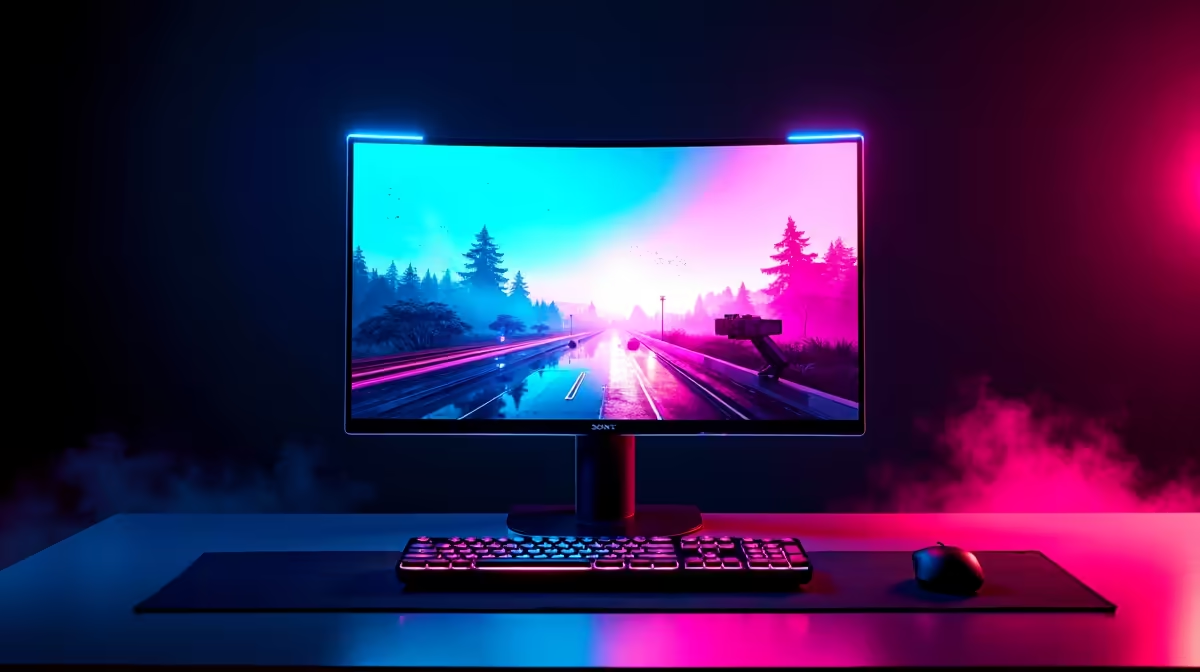
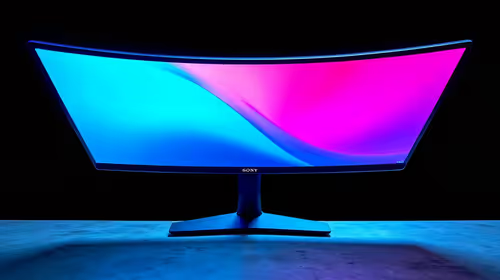
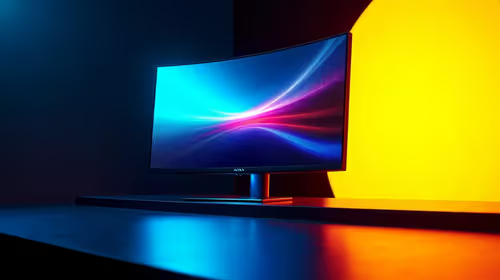
Dual Mode is a hardware feature on certain OLED gaming monitors that lets you switch between two configurations: 3840x2160 (4K) at 240Hz for visually rich gaming, and 1920x1080 (FHD) at 480Hz for ultra-competitive play. Both modes run on the same physical panel; the monitor remaps the pixel matrix depending on which mode is active.
How Dual Mode Works at a Hardware Level 🔧
In Dual Mode, the monitor's scaler combines groups of four pixels into one effective pixel when switching to FHD 480Hz, reducing resolution by half in each dimension but doubling available refresh bandwidth. The result is a true 480Hz signal output measurable on monitoring tools. Input latency in 480Hz mode drops to approximately 1 ms or below on current OLED panels, giving competitive players a response advantage in CS2 and Valorant. In 4K 240Hz mode the same panel delivers cinema-quality visuals at a refresh rate suited to most single-player and semi-competitive gaming.
Which Mode Should You Use and When? 🎮
Choose 4K 240Hz for graphically rich single-player games where visual fidelity matters most: open-world RPGs, racing titles, flight sims. Switch to FHD 480Hz for competitive multiplayer sessions where frame rate and input latency are prioritised over resolution. At 480Hz the human visual system detects motion more smoothly than at 240Hz, and the lower resolution is irrelevant in a fast-paced shooter where you are tracking movement rather than admiring textures. South African esports players competing in CS2 or Valorant locally gain a measurable edge from 480Hz over standard 144Hz setups.
GPU Requirements for Each Mode 💻
For 4K 240Hz you need an RTX 5080 or RTX 5090-class GPU to sustain 200-plus fps in demanding titles at high settings. An RTX 4080 Super hits 4K 240Hz in lighter games and 4K 120 to 180Hz in demanding ones. For FHD 480Hz, the requirement drops: an RTX 4070 or RX 7800 XT can sustain 400-plus fps in competitive shooters at FHD. The Dual Mode panel therefore serves both a high-budget simulation rig and a competitive shooter setup, despite a price tag typically above R18,000.
Set a Quick Mode-Switch Shortcut ⚡
Many Dual Mode monitors allow switching via OSD or a software app. Create a desktop shortcut or assign a macro key to the mode switch so you can flip between 4K 240Hz and FHD 480Hz in under five seconds. Switching mid-game triggers a brief black screen while the scaler reconfigures, so switch between sessions rather than during play.
FAQ
Does Dual Mode work with consoles?
PS5 and Xbox Series X output maximum 4K 120Hz over HDMI 2.1, so they run in the 4K mode at a capped 120Hz. The 480Hz FHD mode requires a PC GPU sustaining 400-plus fps at FHD, which consoles cannot achieve.
Is there a quality penalty for FHD 480Hz on a 4K panel?
Yes, pixel sharpness is lower in FHD mode. However, at 480Hz the motion clarity improvement compensates during active gameplay, and competitive titles are typically played at reduced settings anyway.
What display cable do I need for 4K 240Hz on a Dual Mode monitor?
DisplayPort 2.1 is required for 4K 240Hz at 10-bit colour without compression. Confirm your GPU has a DisplayPort 2.1 output before purchasing the monitor.
Want the flexibility of both 4K and 480Hz on one panel?
Evetech stocks Dual Mode OLED gaming monitors, browse the range online or visit the Evetech store for the latest availability.