

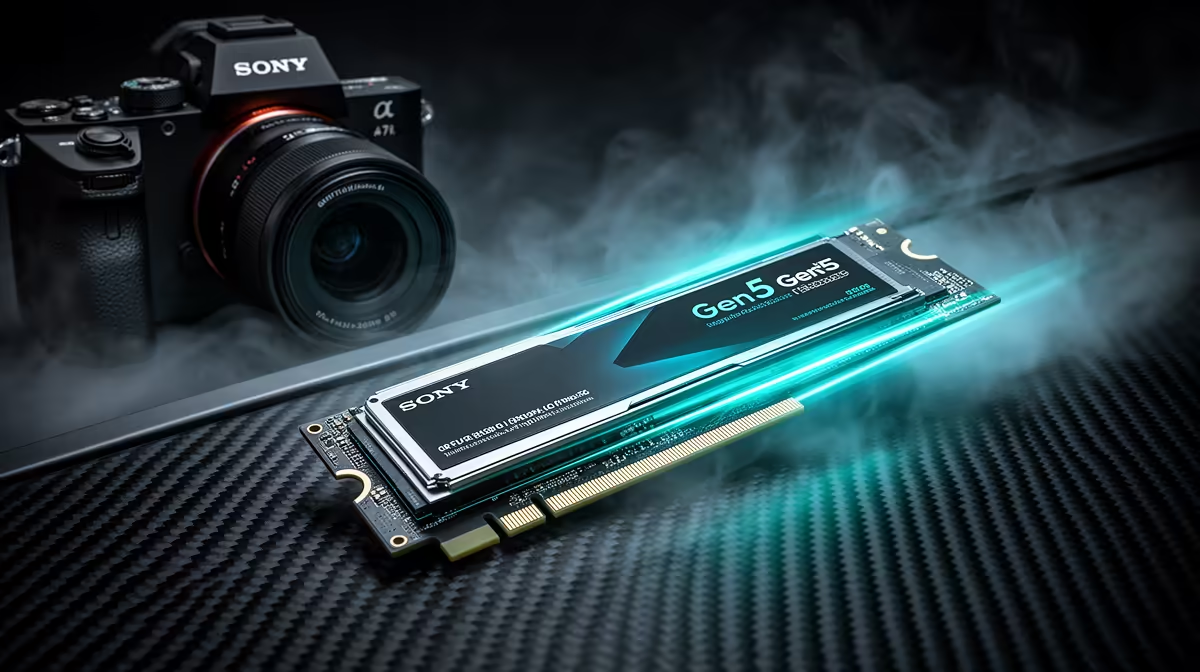
Tired of watching loading screens instead of playing your game? In the time it takes to load a new map in Call of Duty, you could probably make a cup of coffee. But what if you could jump into the action instantly? That's the promise of next-generation storage. The best PCIe Gen5 SSDs in South Africa are here, delivering speeds that make previous drives look like they’re standing still. Ready to make lag a thing of the past? 🚀
Why a PCIe Gen5 SSD is the Ultimate Upgrade
So, what’s all the fuss about? Simply put, a PCIe Gen5 SSD is the fastest storage you can get for your PC right now. Think of it as upgrading from a dirt road to the Autobahn. These drives connect directly to your motherboard's fastest lanes, delivering theoretical speeds double that of the previous Gen4 standard.
For gamers, this means near-instantaneous load times. For creators, it means scrubbing through 8K video timelines without a single stutter. While older drives are still great for general use, if you're chasing peak performance, a Gen5 drive is non-negotiable. The technology is lightyears ahead of even the most reliable 2.5-inch SSDs, which are now best suited for bulk storage or budget-friendly system builds.
Our Top Picks for PCIe Gen5 SSDs in South Africa
Choosing the right drive can feel daunting, but a few models consistently stand out for their raw performance and reliability. Brands like Crucial, Gigabyte, and MSI have released phenomenal options that are becoming more accessible for South African builders.
When you browse for PCIe Gen5 SSDs in South Africa, look for two key things:
- Read/Write Speeds: Aim for anything above 10,000MB/s to truly feel the Gen5 difference.
- Heatsink: These drives run hot! A robust, pre-installed heatsink is essential to prevent thermal throttling and maintain peak performance during intense gaming sessions or heavy file transfers.
Our catalogue of high-performance NVMe SSDs features the latest models designed to push your system to its absolute limits.
Cooling is Key ❄️
Your motherboard's built-in M.2 heatsink might not be enough for a hot-running Gen5 SSD. If your drive comes with its own beefier heatsink, it's almost always better to use that one. Just make sure it fits without obstructing your graphics card or other components before you buy!
Your Easy PCIe Gen5 SSD Install Guide 🔧
Got your new drive? Awesome! Installing it is easier than you think. This simple Gen5 SSD install guide will have you up and running in minutes.
Step 1: Check Your Motherboard
Before anything, confirm your motherboard has a free PCIe 5.0 M.2 slot. It's usually the one closest to the CPU and is often labelled. Using a Gen4 slot will work, but it will cap the drive's speed, defeating the purpose of your upgrade.
Step 2: Power Down and Prep
Safety first! Shut down your PC completely, switch off the power supply at the back, and unplug it from the wall. Press the power button one more time to discharge any lingering electricity. It’s also a good idea to ground yourself by touching a metal part of the PC case.
Step 3: Locate the Slot and Install
Unscrew and remove the M.2 heatsink on your motherboard. You’ll see a small slot with a screw standoff at the opposite end.
- Gently insert your new SSD into the slot at a 30-degree angle.
- Press it down flat. The notch on the end of the SSD should line up with the standoff.
- Secure it with the tiny M.2 screw. Don't overtighten it… just snug is perfect.
- Re-attach the heatsink, making sure to remove any protective plastic film from the thermal pads first.
Step 4: Boot Up and Initialise
Plug everything back in and boot up your PC. The drive won't appear in "My Computer" just yet.
- Right-click the Start Menu and select "Disk Management".
- A window will pop up asking you to initialise the new disk. Choose GPT (GUID Partition Table).
- Right-click the "Unallocated" space of your new drive, select "New Simple Volume", and follow the on-screen wizard to format it.
And that's it! Your blazing-fast new drive is ready for games, apps, and anything else you can throw at it. ✨
Is a Gen5 SSD Worth the Price in SA?
Let's be honest: PCIe Gen5 SSDs are a premium component with a price tag to match. So, is the investment worth it right now in South Africa?
If you're building a top-tier rig for 4K gaming or professional content creation, the answer is a resounding yes. You're not just buying speed for today; you're future-proofing your PC for technologies like Microsoft's DirectStorage, which will allow games to load assets directly from the SSD to the graphics card, bypassing the CPU and unlocking a new level of performance.
For those on a tighter budget, a high-quality Gen4 SSD still offers incredible value. You can always check out the best SSD deals in South Africa to find a drive that perfectly balances price and performance for your needs.
Ready to Obliterate Loading Screens? Upgrading your storage is the single biggest performance leap you can make for your rig. Explore our massive range of SSDs and find the perfect drive to unleash your PC's true potential.











