

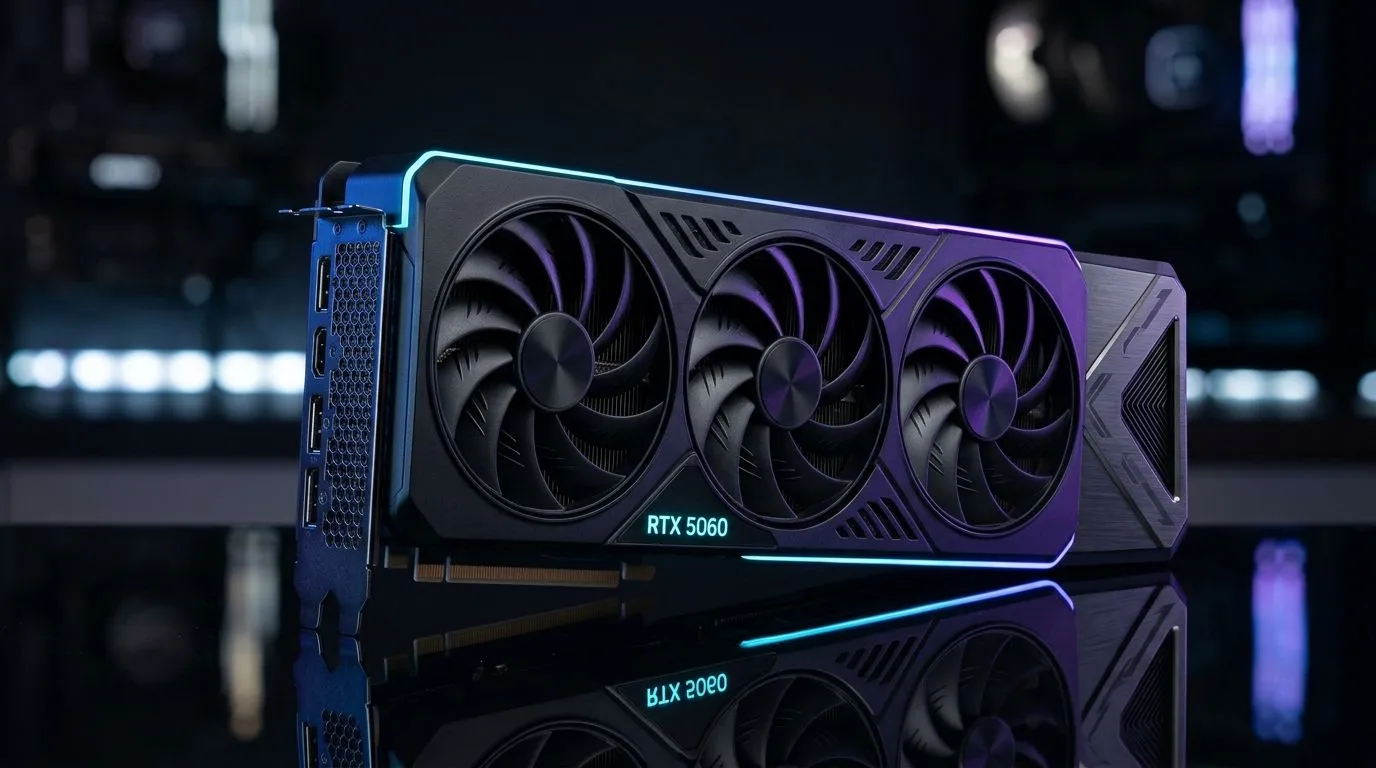
RTX 5060 Buying Guide: How to choose the best card in South Africa (without wasting money) 🚀
So you’re shopping for an RTX 5060… and you want to know if the model you’re looking at will actually feel “smooth” in the games you play. In South Africa, prices can swing fast, and stock can disappear even faster. The goal is simple: pick the RTX 5060 that fits your resolution, your power supply, and your upgrade timeline… not just the one with the fanciest RGB.
In this guide, we’ll walk through what matters, what to double-check before you buy, and how to avoid the common traps that cost gamers real ZAR.
RTX 5060 Buying Guide: Start with your resolution and target FPS ⚡
Before you compare brands and coolers, decide what “good” looks like for you:
- 1080p gaming: You’ll usually care about high settings and stable frame times more than chasing ultra.
- 1440p gaming: Plan for smarter settings (and DLSS-style upscaling where supported).
- 4K gaming: A 60-class card is typically about 4K at lower settings or with upscaling, not native maxed-out everything.
If you’re unsure, think about your current monitor. Upgrade paths are easier when you’re matching GPU power to display needs.
A quick reality check for South African buyers
If your monitor is still 60Hz, higher FPS won’t feel as dramatic as it would on 144Hz. It’s not “bad” to buy performance… it’s just that the experience depends on the refresh rate too.
RTX 5060 Buying Guide: Ensure your PC can actually run it 🔧
The most common buying mistake is assuming “it’ll fit, right?” For every RTX 5060 candidate, check these:
Physical fit (yes, it matters)
- Compare the card’s length against your case clearance.
- Watch for nearby drive cages or front fans.
- Some higher-end coolers are longer and thicker.
Power supply headroom
A GPU upgrade is only smooth if your PSU has enough capacity and the right power connectors. If you’re running a smaller unit or an older budget PSU, double-check before you click “buy”.
Compatibility basics
- Make sure your motherboard has the needed PCIe slot.
- Confirm your case has airflow. Hot GPUs can throttle, and that kills performance.
Quick PC Check ⚡
On your next upgrade, measure your GPU clearance with a ruler and compare it to the card dimensions in the product listing. Then check your PSU model and wattage on the label. It takes 3 minutes and can save you from an annoying “it doesn’t fit” return. No fun on payday budgets.
RTX 5060 Buying Guide: Choose the right brand and model (MSI, Radeon, GeForce, and more) ✨
When you shop in South Africa, the name on the box matters… but not in the way people think. For GPUs, differences usually come from:
- Cooling design (how quiet and how stable under load)
- Clock boosts (usually small, but real)
- Build quality (boost to longevity, especially in warm rooms)
- Warranty and after-sales support (practical, not flashy)
Here’s how to narrow it down using Evetech’s store filters and categories.
Compare options across brands and listings
If you want to browse brand-specific RTX options first, start here for MSI graphics cards:
MSI graphics cards at Evetech
If you’re also considering Radeon alternatives for the same budget window, filter Radeon listings here:
Radeon Graphics Cards on Evetech
If you prefer to see everything in one place and sort by value, use the main category list:
NVIDIA & ATI graphics cards at Evetech
And if you specifically want GeForce options, use this filter to stay focused:
GeForce Graphics Cards on Evetech
RTX 5060 Buying Guide: What “best” really means (value, thermals, and your upgrade path) 🚀
“Best” isn’t just raw performance. In a typical South African upgrade path, the best card is usually the one that delivers:
- Stable performance at your settings
- Good thermals (less throttling under long sessions)
- A PSU-safe upgrade (so you don’t need to replace more than planned)
- An upgrade you won’t regret when you switch monitors later
Build a sensible upgrade timeline
A simple approach that works for a lot of gamers:
- Buy the GPU first if your FPS is your biggest pain.
- Then upgrade the monitor if you’re not benefiting from extra frames (refresh rate).
- Only then consider CPU or RAM changes if the system is bottlenecking.
This sequencing protects your wallet… because you avoid buying two components you don’t fully need yet.
RTX 5060 Buying Guide: Final checklist before you purchase ✅
Before checkout, confirm:
- Your case has enough clearance for the model you chose.
- Your PSU can support the card safely.
- The card matches your target resolution.
- You’re buying from a reputable local retailer with stock reliability.
- You’ve checked current ZAR pricing and availability.
No surprises. Just a clean upgrade that feels good from the first match.
Ready to Find Your Perfect Match? The Mac vs Windows debate is complex, but for maximum power, choice, and value in South Africa, Windows is hard to beat. Explore our massive range of laptop specials and find the perfect machine to conquer your world.











