



1440p vs 4K Gaming: Which Monitor Resolution Should You Buy?
Stuck between 1440p vs 4K gaming setups? We break down pixel density, refresh rates, and GPU demands to help you pick the perfect screen. 🖥️ Find out if crisp visuals or high FPS matters more for your rig. 🚀
|
Loading tags...

So, you’ve built a beast of a PC. The RGBs are synced, the cooling is frosty, and it hums with quiet power. But now you face the final boss of your setup: the monitor. The great 1440p vs 4K gaming debate is raging in South Africa, pitting silky-smooth frame rates against breathtaking visual detail. Which one is right for your rig, your games, and your wallet? Let's settle it.
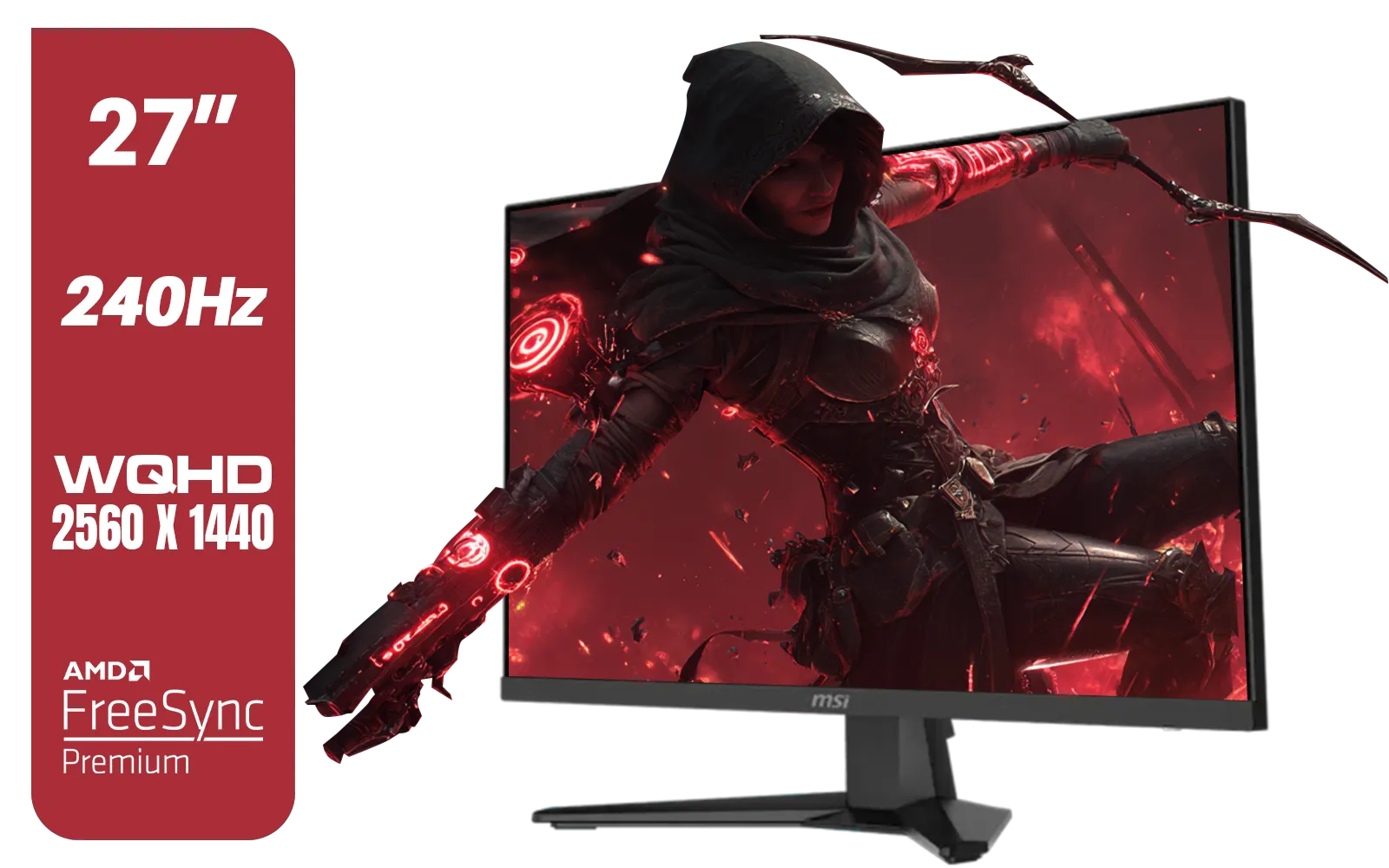
MSI MAG 274QF X24 27" 2560 x 1440 (WQHD) Gaming Monitor / 240Hz Refresh Rate / 0.5ms Response Time / Rapid IPS Panel / AMD FreeSync™ Premium / HDR Ready / 9S6-3CE41H-063
R5999.00In Stock
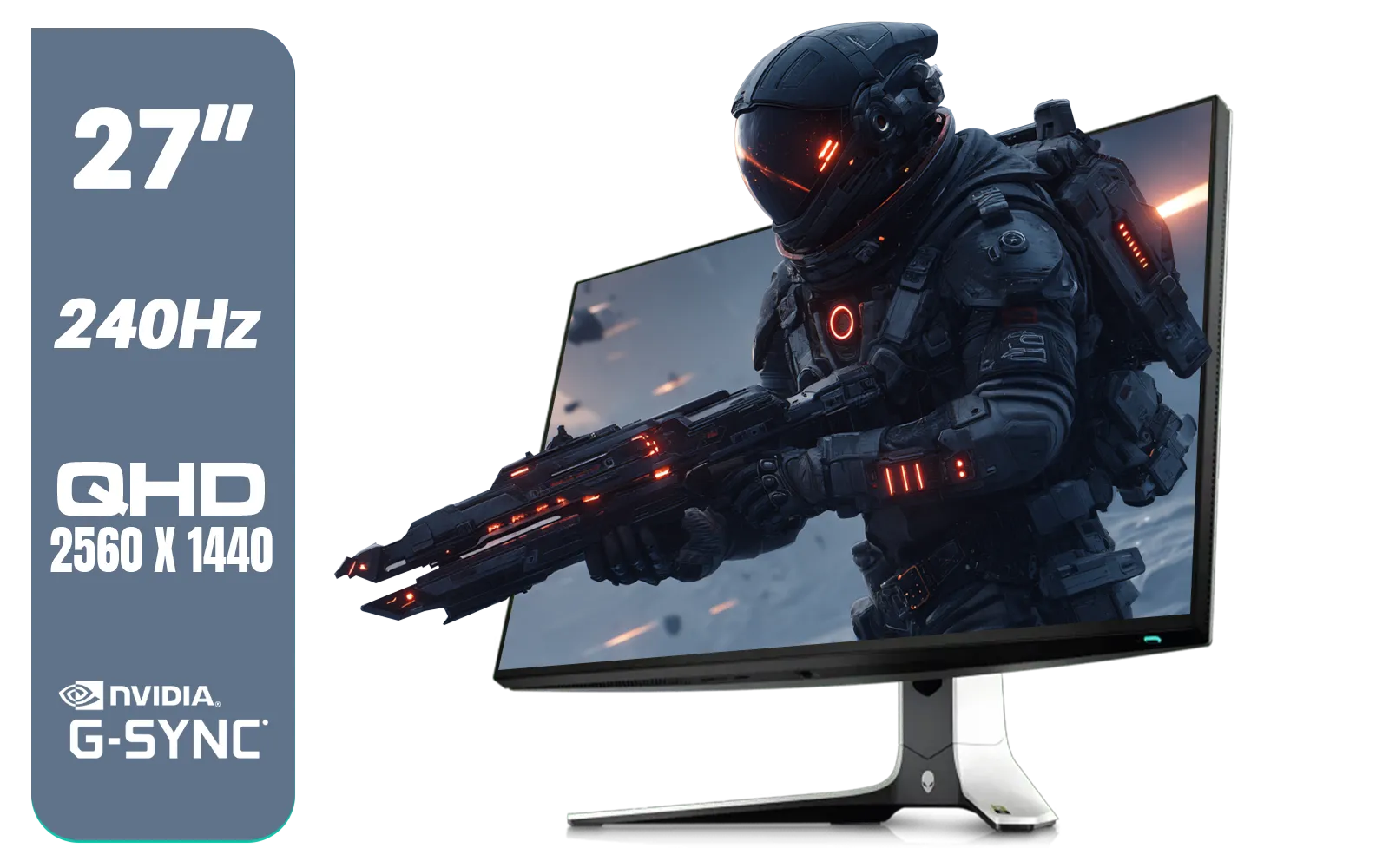
Alienware AW2723DF Gaming Monitor - 27-inch (2560 x 1440) 240Hz Display (DP 1.4), 1ms Response Time, NVIDIA G-Sync, Preset OSD Modes, Height/Tilt/Swivel/Pivot Adjustability - Lunar Light / AW2723DF
R8699.00In Stock
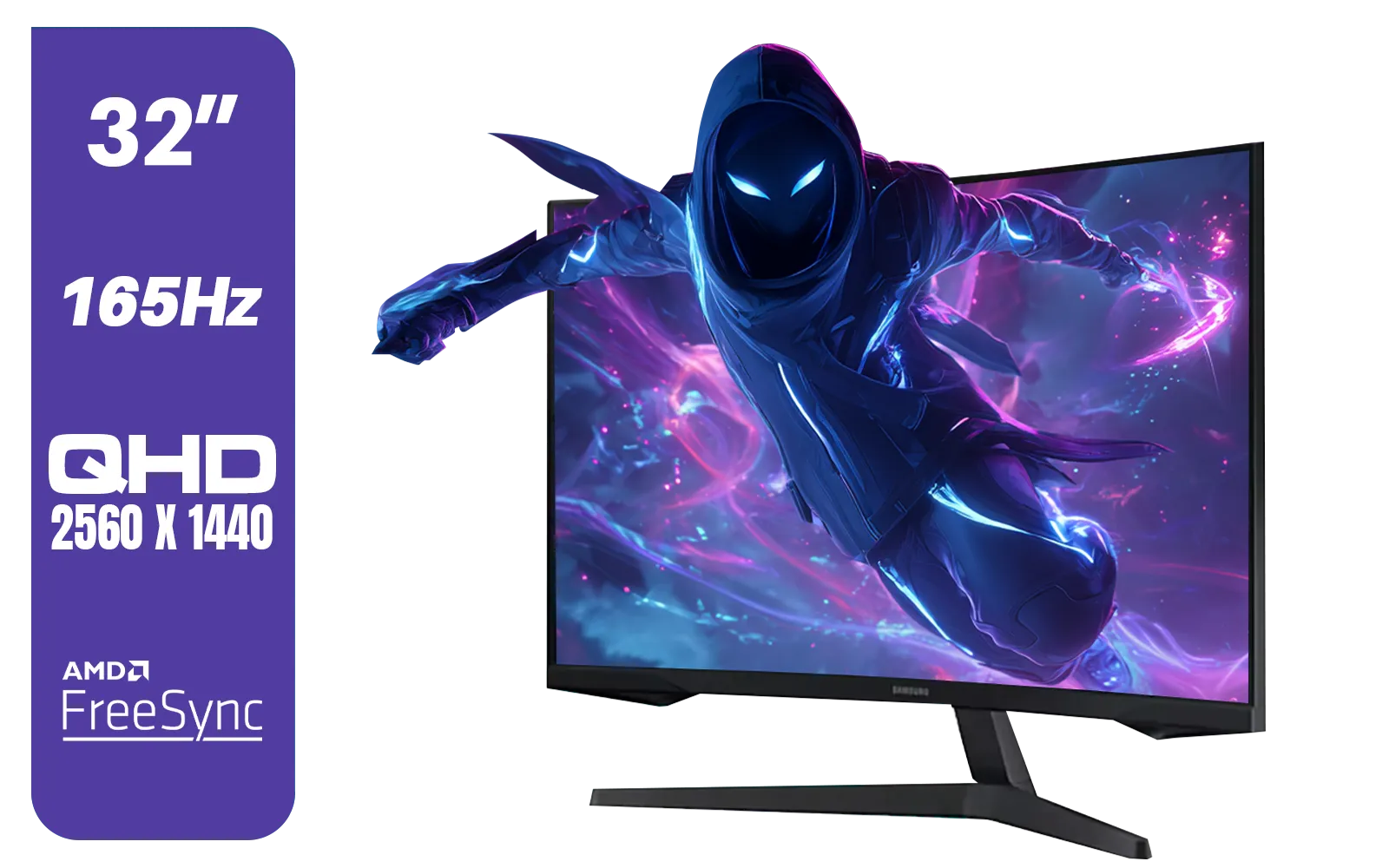
Samsung 32" Odyssey G55C QHD (2560 x 1440) Curved Gaming Monitor / 165Hz refresh rate & 1ms response time (MPRT) / 1000R Curved Screen / AMD FreeSync / LS32CG552EAXXA
R5999.00In Stock
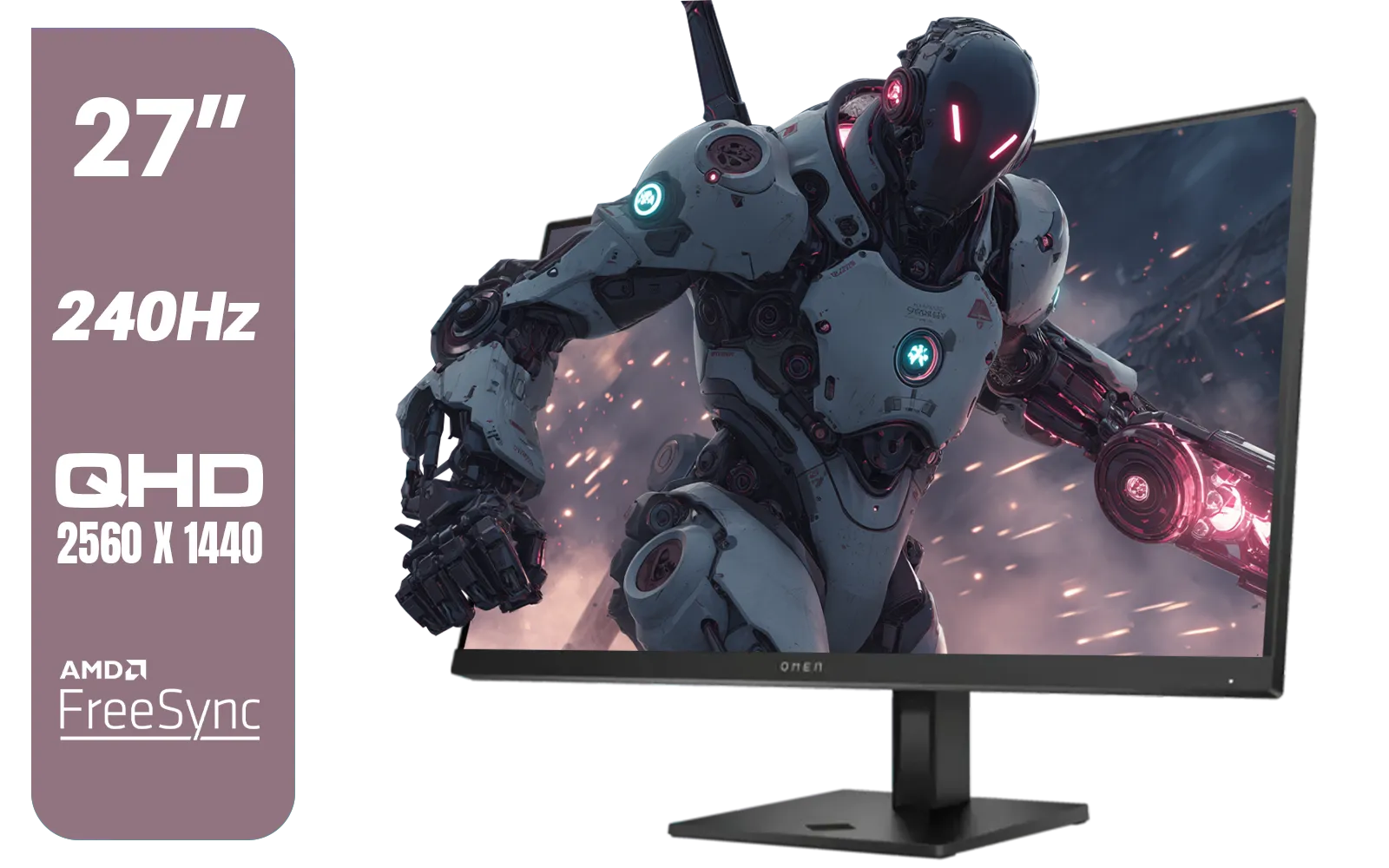
HP OMEN 27qs QHD 240Hz Gaming Monitor / QHD Resolution (2560 x 1440) / AMD FreeSync™ Premium / Eyesafe® certified / Height Adjustable Stand / Pivot Rotation Functionality / 780J4AS
R13499.00In Stock
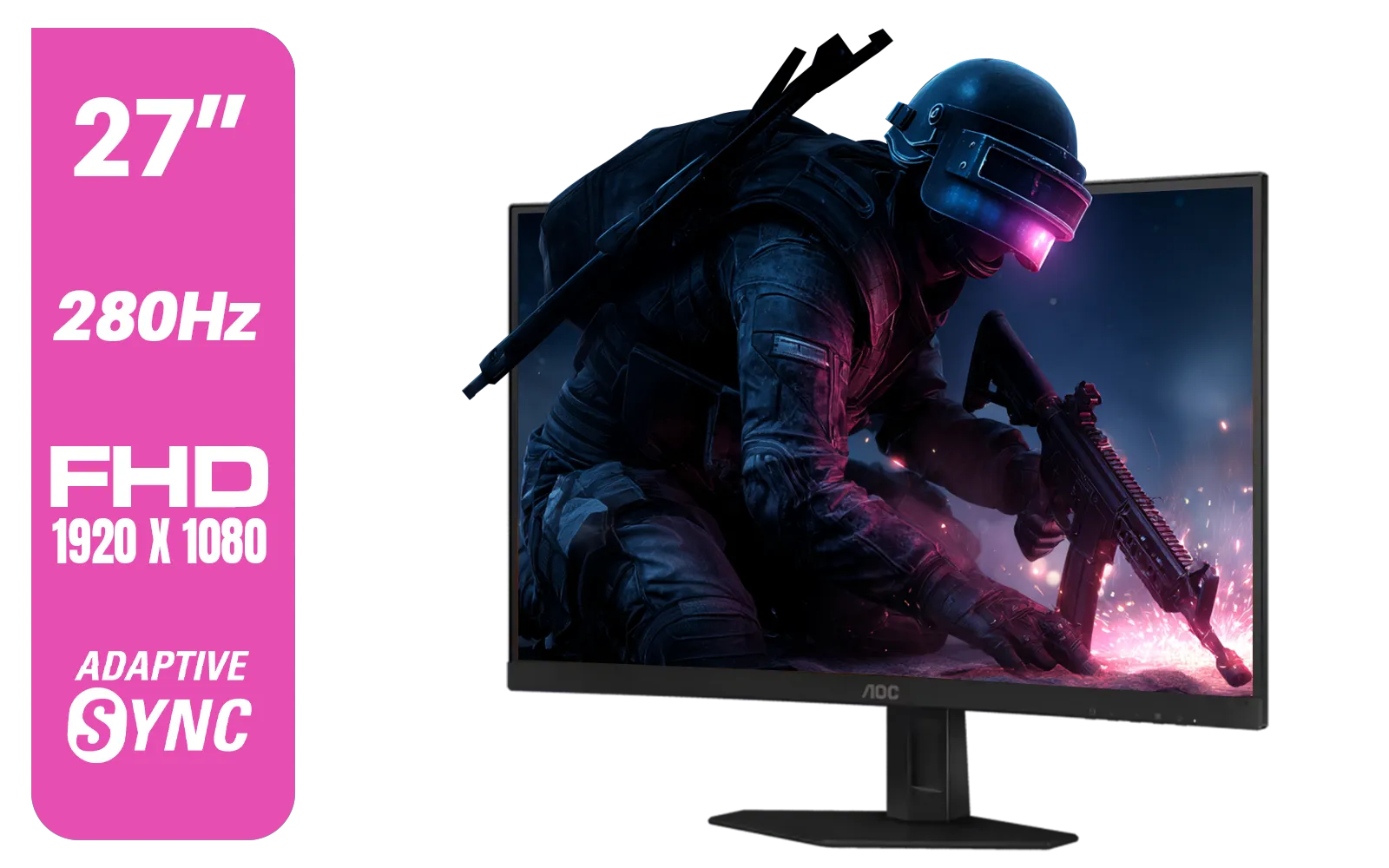
AOC C27G4ZE 27" 280Hz Curved Ultra-Fast Gaming Monitor, 1920 × 1080 (FHD), 0.3ms, Fast VA, 1500R, Adaptive Sync, Three-sided frameless design, Black / C27G4ZE
R4999.00In Stock

HP OMEN 32q QHD 165Hz Gaming Monitor - Black / 1ms / 32" QHD (2560 x 1440) / AMD Freesync™ Premium / 780K0AS
R9999.00In Stock
The Real Difference: Pixels vs. Performance
At its core, the choice between a 1440p (QHD, 2560x1440) and a 4K (UHD, 3840x2160) monitor is a trade-off. Think of it like this:
- 1440p (QHD): This is the current sweet spot for most gamers. It offers a significant visual upgrade over 1080p, delivering crisp, detailed images without demanding god-tier hardware.
- 4K (UHD): This is the pinnacle of visual fidelity. With four times the pixels of 1080p, it delivers incredibly sharp, lifelike images. But that beauty comes at a steep performance cost... your graphics card has to work much harder to render all those extra pixels.
Deciding between 1440p vs 4K gaming isn't just about the screen; it's about the engine driving it.
Your Graphics Card is the Deciding Factor 🔧
Before you even look at a monitor, look at your GPU. This is the single most important factor in the 1440p vs 4K gaming decision. An underpowered GPU trying to run a 4K display is like putting a scooter engine in a bakkie… it’s just not going to end well.
The 1440p "Sweet Spot"
For the vast majority of PC gamers, 1440p is the perfect balance. Modern mid-range to high-end GPUs (like NVIDIA's RTX 4060/4070 or AMD's RX 7700 XT/7800 XT) can easily push high frame rates at this resolution. This means you get gorgeous visuals and the fluid, responsive gameplay essential for competitive titles. It’s the undisputed value champion, and you can explore a massive variety in our collection of all gaming monitors to find your match.
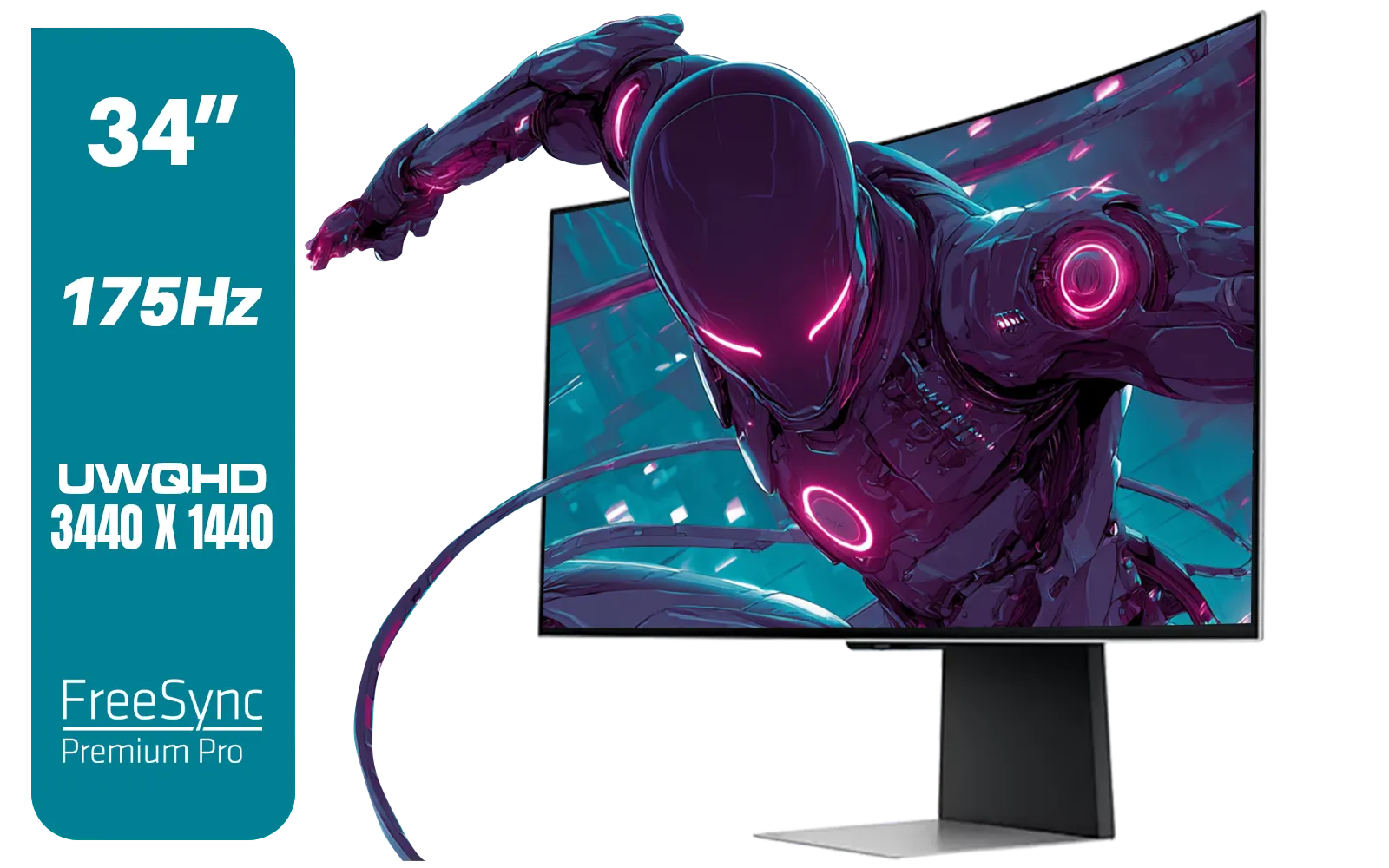
SAMSUNG Odyssey G8 Gaming 34" Monitor / 3440 x 1440 1800R OLED / 175Hz / GtG 0.03ms / FreeSync Premium Pro / G-Sync Compatible / LS34DG852SAXXA
R24999.00In Stock

ViewSonic TD1655 15.6" Full HD (1920 x 1080) Portable Touchscreen Monitor / Ultra-portable Design / Advanced in-cell Capacitive Touchscreen / 2-Way Power With USB Type-C / Frameless Design / Portrait and Landscape Modes / dual integrated speakers / TD1655
R5199.00In Stock
MSI MAG 274QF X24 27" 2560 x 1440 (WQHD) Gaming Monitor / 240Hz Refresh Rate / 0.5ms Response Time / Rapid IPS Panel / AMD FreeSync™ Premium / HDR Ready / 9S6-3CE41H-063
R5999.00In Stock
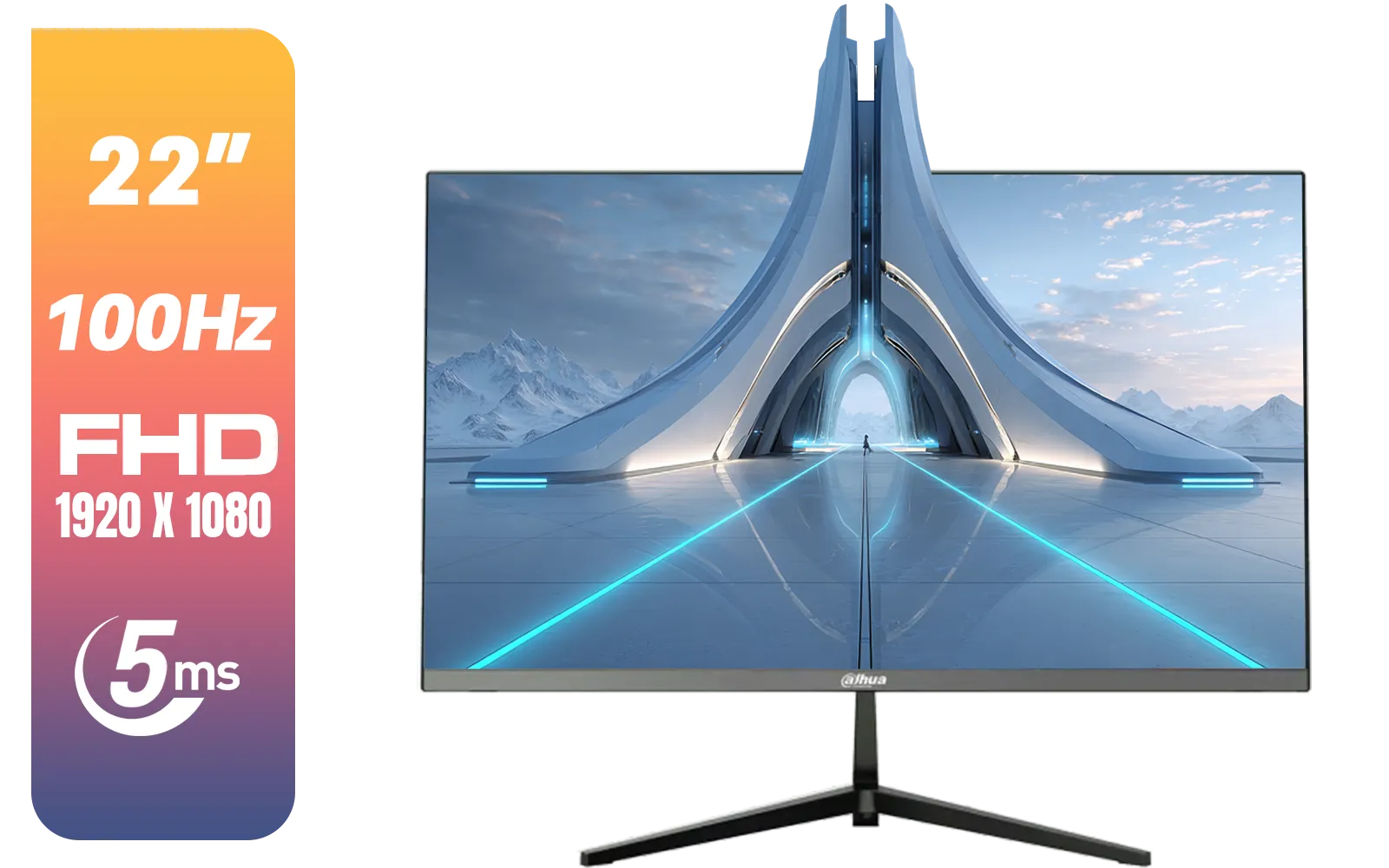
Dahua LM22-A200X 22" 100Hz LED Monitor / Ultra Narrow Bezel Design / 5ms Response Time / FHD 1920x1080 / 100Hz Refresh Rate / Anti Blue Light / DHI-LM22-A200X
R1399.00In Stock
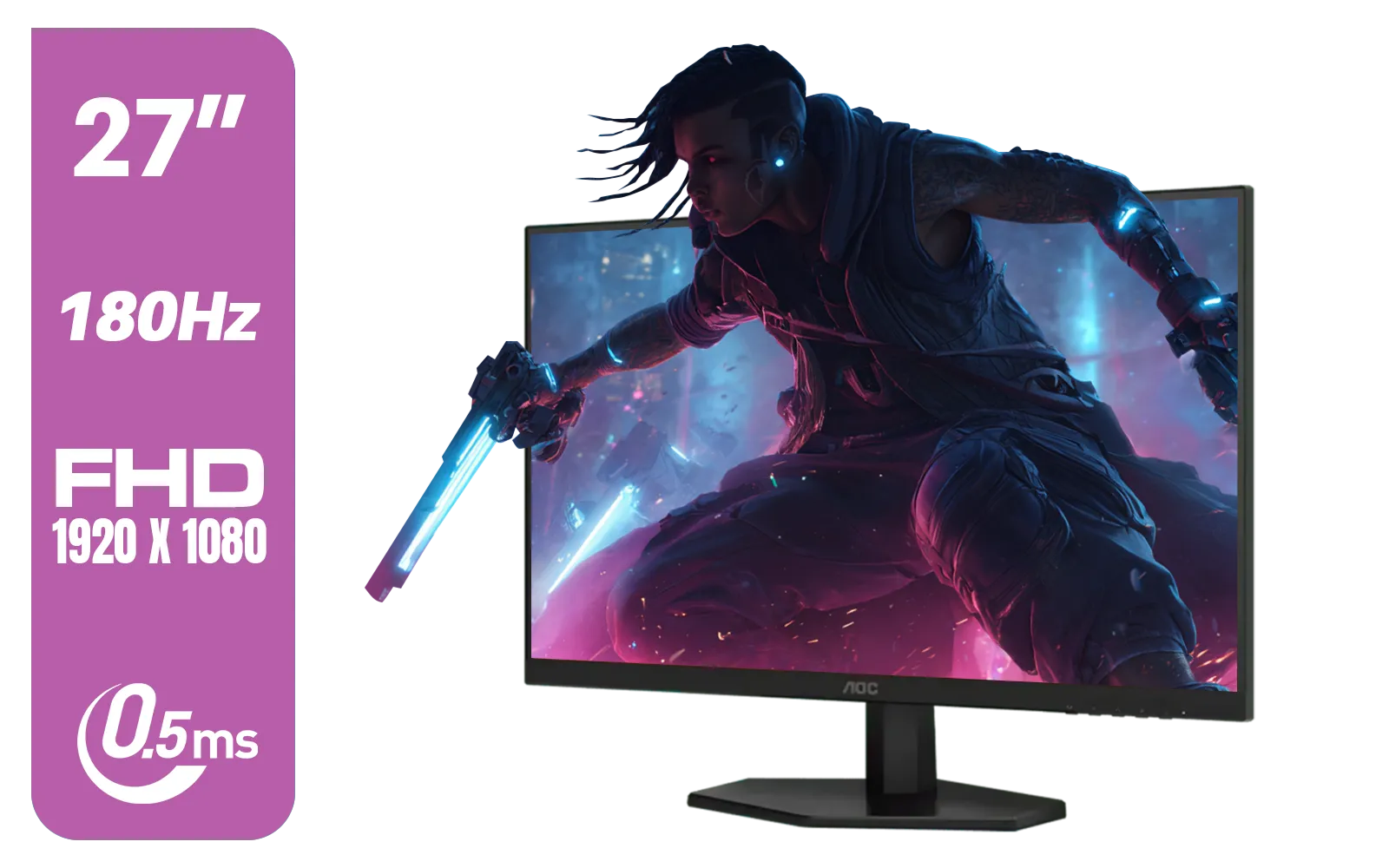
AOC 27G42E 27" 180Hz Ultra-Fast Gaming Monitor, 1920 × 1080 (FHD), 0.5ms, Fast IPS, Adaptive Sync, 3-Sided Frameless Design, Black / 27G42E
R3199.00In Stock
Alienware AW2723DF Gaming Monitor - 27-inch (2560 x 1440) 240Hz Display (DP 1.4), 1ms Response Time, NVIDIA G-Sync, Preset OSD Modes, Height/Tilt/Swivel/Pivot Adjustability - Lunar Light / AW2723DF
R8699.00In Stock
The Power-Hungry 4K Experience
Ready for 4K gaming? Your PC better be. To achieve a stable 60+ FPS at 4K with high settings in modern AAA titles, you'll need a top-tier graphics card like an RTX 4080 Super, RTX 4090, or RX 7900 XTX. While the visual payoff is immense, the investment is too. If you have the hardware to back it up, browsing our specialised 5K & 4K monitors will feel like being a kid in a candy store.
TIP FOR YOU
Check Your Ports! ⚡
Before buying a high-refresh-rate 1440p or 4K monitor, ensure your graphics card has the right outputs. DisplayPort 1.4 is generally required for the highest refresh rates and resolutions. HDMI 2.1 also supports these, but always check the monitor's specific requirements to get the performance you paid for.
What Games Do You Play? 🎮
The right resolution also depends heavily on your favourite genres.
- For the Competitive Player (CS2, Valorant, Apex Legends): 1440p is your champion. In these games, refresh rate is king. A 144Hz or 240Hz 1440p monitor gives you a massive competitive advantage with smoother motion and faster reaction times. A 4K monitor might look slightly sharper, but you'll sacrifice the high frame rates that win matches.
- For the Cinematic Explorer (Cyberpunk 2077, Baldur's Gate 3, Starfield): If you live for breathtaking landscapes and immersive storytelling, 4K is where the magic happens. The level of detail brings virtual worlds to life like nothing else. For maximum immersion in these beautiful worlds, consider one of the many curved monitors available, which wrap the action around your field of view.
Screen Size, Setup, and Final Touches
Pixel density—how many pixels are packed into each inch of screen—is crucial. On a typical 27-inch monitor, 1440p looks incredibly sharp. The jump to 4K on a screen this size is noticeable, but not always dramatic. However, once you go up to 32 inches and beyond, 4K becomes almost essential to maintain that crisp image.
Your choice impacts your entire setup, from the desk space you need to the accessories that complete the experience. Whether you're decking out a full battle station or just need a second screen for Discord, there's a huge world of PC monitors to fit your space. You can even grab one of the latest portable monitors for gaming on the go or as a handy secondary display.
Once you’ve chosen your screen, don't forget the final touches. A good monitor arm or a high-quality cable can make a huge difference to your comfort and performance. Make sure to check out the essential monitor accessories to perfect your setup. ✨
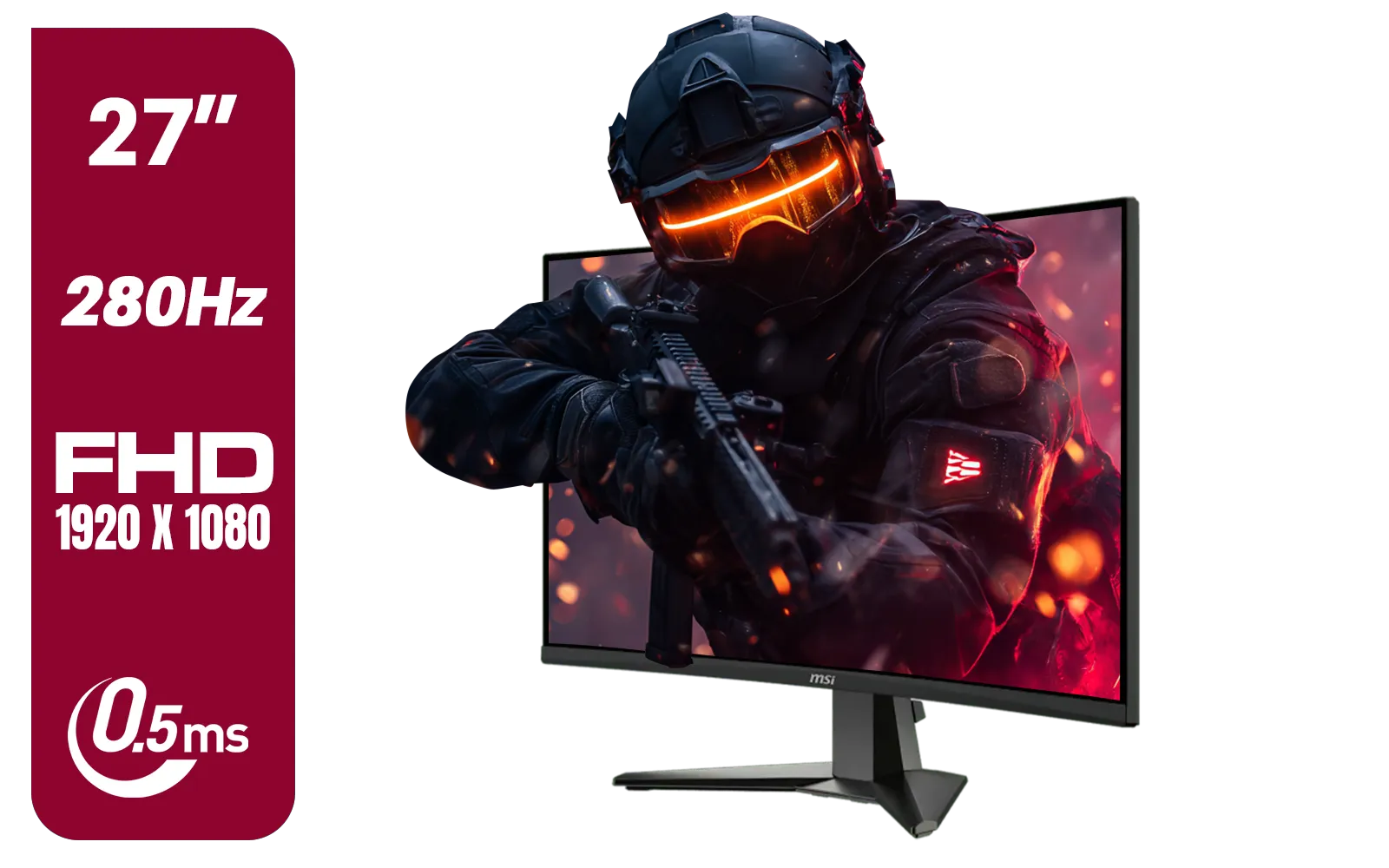
MSI MAG 276CXF 27-inch 1920 x 1080 (FHD) Curved Monitor, 280Hz, HDMI, DisplayPort, VGA Port, VESA Mountable, Tilt, Slim Bezel, 0.5ms, Black / 9S6-3CE01M-037
R4799.00In Stock
SAMSUNG Odyssey G8 Gaming 34" Monitor / 3440 x 1440 1800R OLED / 175Hz / GtG 0.03ms / FreeSync Premium Pro / G-Sync Compatible / LS34DG852SAXXA
R24999.00In Stock

HP 524SF G5 FHD Gaming Monitor - Black/Silver / 24" FHD (1920 x 1080) / Anti-glare / 1x HDMI 1.4, 1x VGA / -5 to +25 degrees Adjustable Tilt / 94C17AS
R3699.00In Stock
Samsung 32" Odyssey G55C QHD (2560 x 1440) Curved Gaming Monitor / 165Hz refresh rate & 1ms response time (MPRT) / 1000R Curved Screen / AMD FreeSync / LS32CG552EAXXA
R5999.00In Stock

MSI G321Q 31.5" WQHD IPS 2K Flat Monitor, 170Hz Refresh Rate, 1ms MPRT Response Time, 1.07B Display Colors, 16:9 Aspect Ratio, 1200:1 Contrast Ratio, G-Sync / AMD Freesync, HDR, Black / 9S6-3DB91A-041
R6999.00In Stock
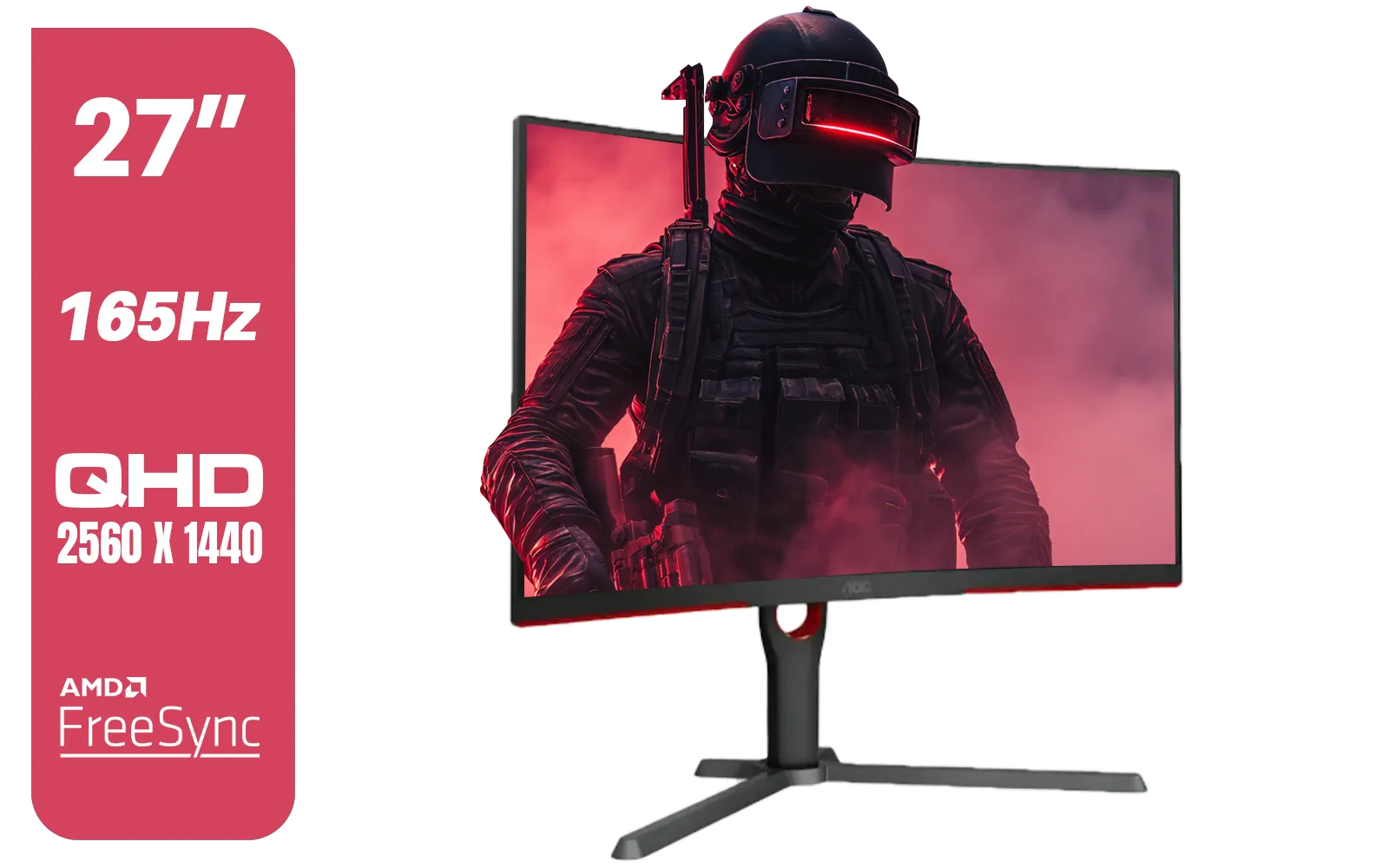
AOC CQ27G3S 27" QHD (2560x1440) 165Hz 1ms VA Curved FreeSync HDR Gaming Monitor / Superior High Quality Viewing / Ultra-smooth Tear-free Gaming / Enjoy top-tier Gaming Performance / Instant Response Times / Illuminate Your Visuals / Reducing Shortwave Blue Light / CQ27G3S
R6399.00In Stock
The Verdict: Which Resolution Should You Buy?
The 1440p vs 4K gaming debate doesn't have one winner; it has the right choice for you.
- Choose 1440p if: You prioritise high frame rates, play competitive shooters, have a mid-to-high-end GPU, and want the best performance-for-your-rand.
- Choose 4K if: You have a top-tier GPU, crave the absolute best visual quality for single-player epics, use a larger screen (32"+), and your budget allows for a premium experience.
Ultimately, both are fantastic upgrades that will make your games look better than ever. The key is matching the monitor to your hardware and your playstyle.
Ready to See the Difference? The 1440p vs 4K debate is all about what you value most: speed or spectacle. Whatever your choice, the perfect display is waiting to bring your games to life. Explore our massive range of gaming monitors and find the perfect screen to conquer your world.
Related Products

HP 524SH G5 FHD Gaming Monitor - Black/Silver / 24" FHD (1920 x 1080) / IPS Panel / 1x HDMI 1.4, 1x VGA / Eye Ease with Eyesafe Certification / 94C19AS
R4299.00In Stock
Samsung 32" Odyssey G55C QHD (2560 x 1440) Curved Gaming Monitor / 165Hz refresh rate & 1ms response time (MPRT) / 1000R Curved Screen / AMD FreeSync / LS32CG552EAXXA
R5999.00In Stock

AOC 24B20JH2 IPS Panel Monitor, FHD 1920x1080, 100Hz, 106% sRGB, for Home and Office, HDMI x1, VGA ×1, Low Blue Mode, Black / AOC-24B20JH2
R2299.00In Stock

HP 527SH G5 FHD Gaming Monitor - Black/Silver / 27" FHD (1920 x 1080) / IPS Panel / 1x HDMI 1.4, 1x VGA / Eye Ease with Eyesafe Certification / 94C50AS
R4799.00In Stock
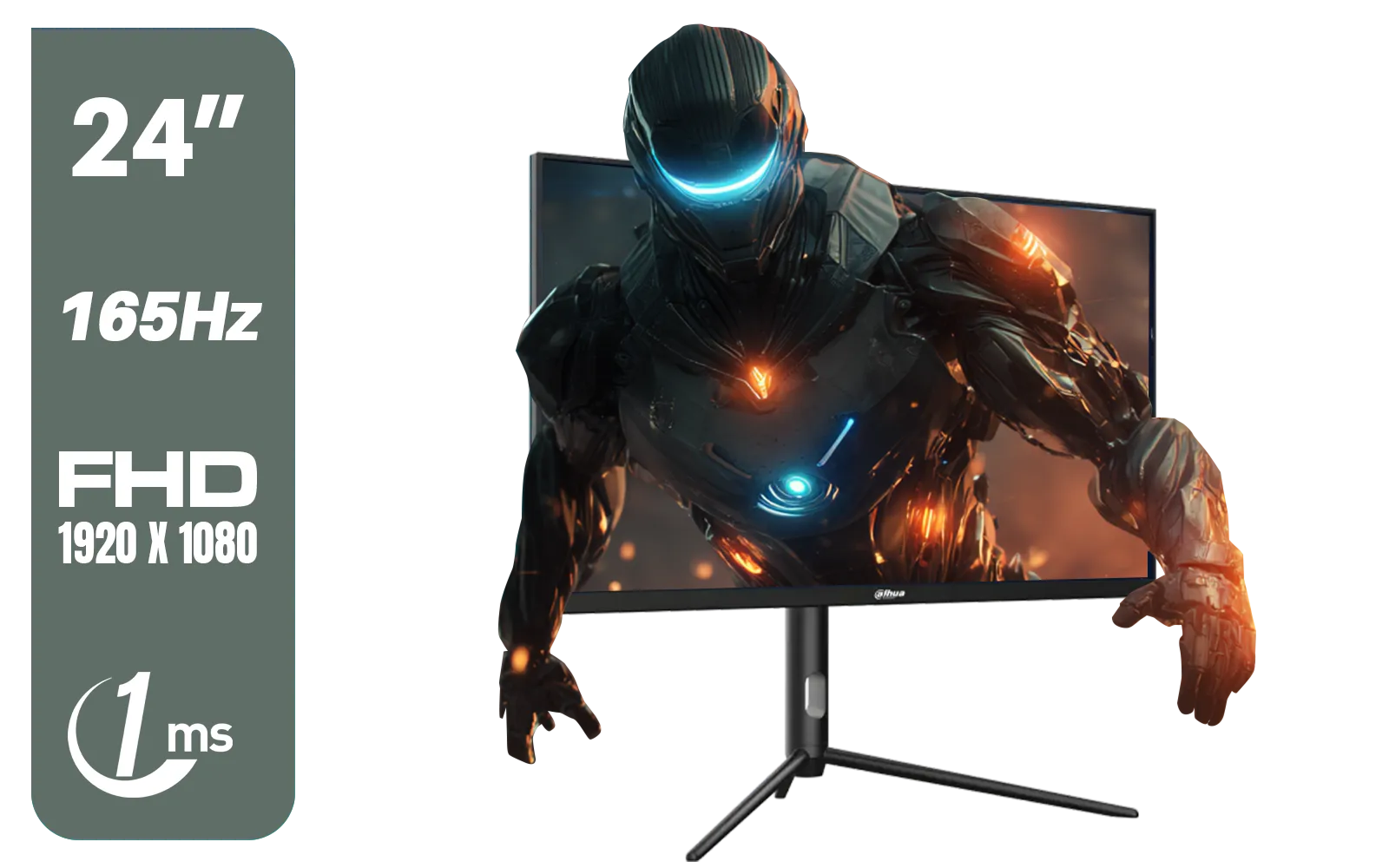
Dahua 24 inch FullHD IPS panel 165Hz 1ms fast response time Ultra-thin bezel Monitor with DisplayPort, HDMI, VGA, Height Adjustable Stand / DHI-LM24-E231A
R2899.00In Stock
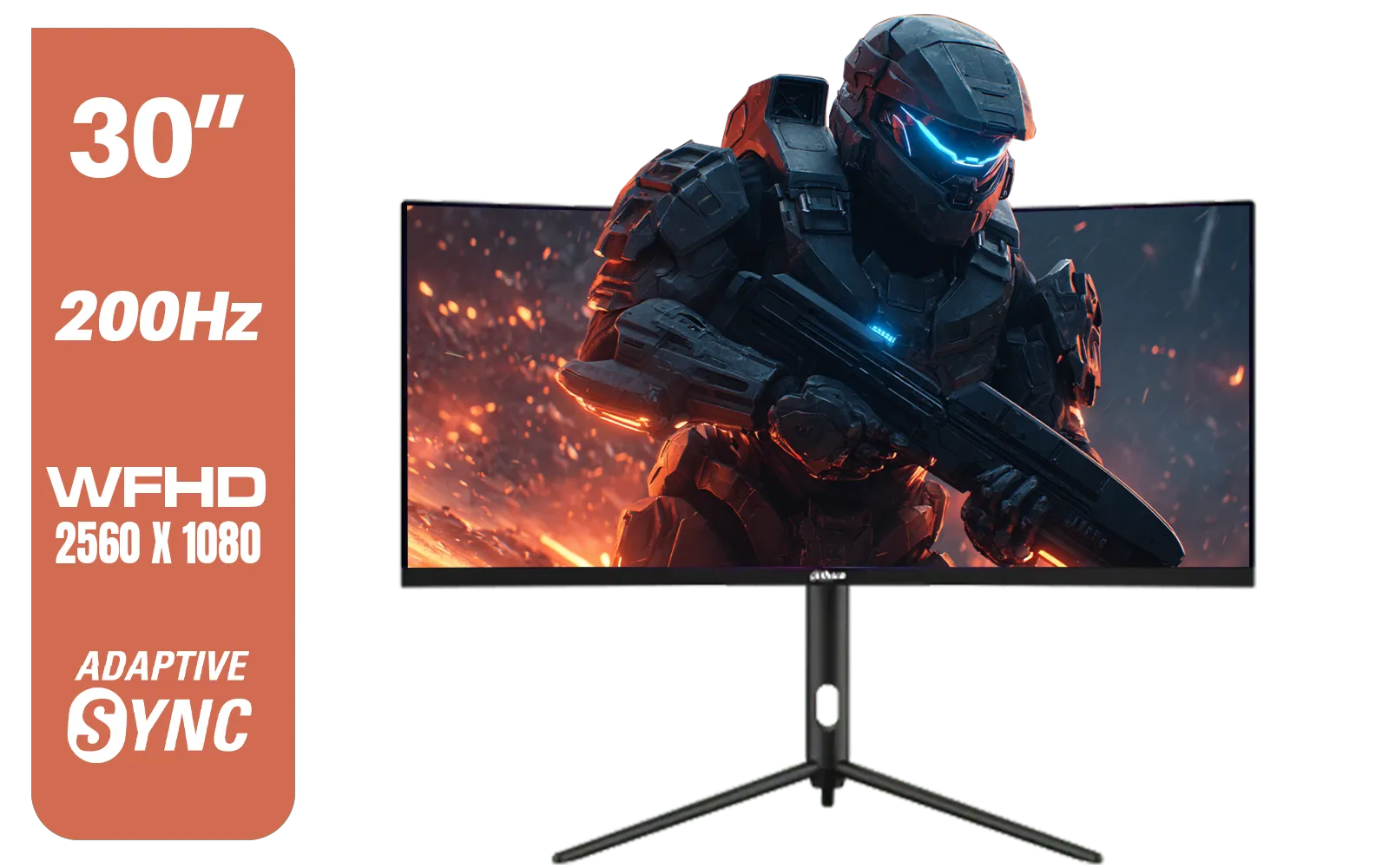
Dahua 30" Ultrawide WFHD 200Hz 1MS DCR Intelligent Adaptive-Sync HDMI DP VA Gaming Monitor Black / DHI-LM30-E330CA
R3999.00In Stock
For competitive gaming, 1440p is often better as it allows higher refresh rates and FPS with mid-range GPUs, whereas 4K demands top-tier hardware for smooth play.
Yes, on screens larger than 27 inches, 4K offers noticeably sharper text and textures compared to 1440p, enhancing immersion in RPGs and cinematic games.
To run modern AAA titles at 4K with decent frame rates, you generally need high-end cards like an NVIDIA RTX 4080 or AMD Radeon RX 7900 XTX.
Most gamers prefer 1440p 144Hz because the smoother motion and lower input lag provide a significant competitive advantage over the sharper static image of 4K 60Hz.
At 27 inches, the pixel density of 1440p is usually the sweet spot; 4K diminishes returns here, requiring scaling that may not justify the performance cost.
Yes, 4K has four times the pixel count of 1080p and over twice that of 1440p, putting a massive load on your GPU and often halving frame rates compared to QHD.











