24-pin Cable Extensions: Why They Matter in Custom PC Builds
24-pin cable extensions boost power routing, cable management, and aesthetics in custom PC builds. Learn compatibility checks, install tips, and buying advice. ⚡🛠️
|
Loading tags...

Why Your Custom PC Build Deserves a Better 24-Pin Cable
You’ve spent weeks picking the perfect CPU and a beastly graphics card. Your case has a stunning tempered glass side panel. But when you look inside, what do you see? A thick, ugly bundle of ketchup-and-mustard cables snaking its way to your motherboard. It’s a common sight that ruins an otherwise clean build. This is precisely why 24-pin cable extensions have become an essential part of modern PC building in South Africa. 🔧

Razer Ripsaw X USB Capture Card with Camera Connection for Full 4K Streaming / Direct-to-Stream Recording, No Memory Limits / HDMI 2.0 & USB 3.0 for Low-Latency Streaming / 4K 30FPS Capture for Clear Video / RZ20-04140100-R3M1-SN
R1999.00In Stock
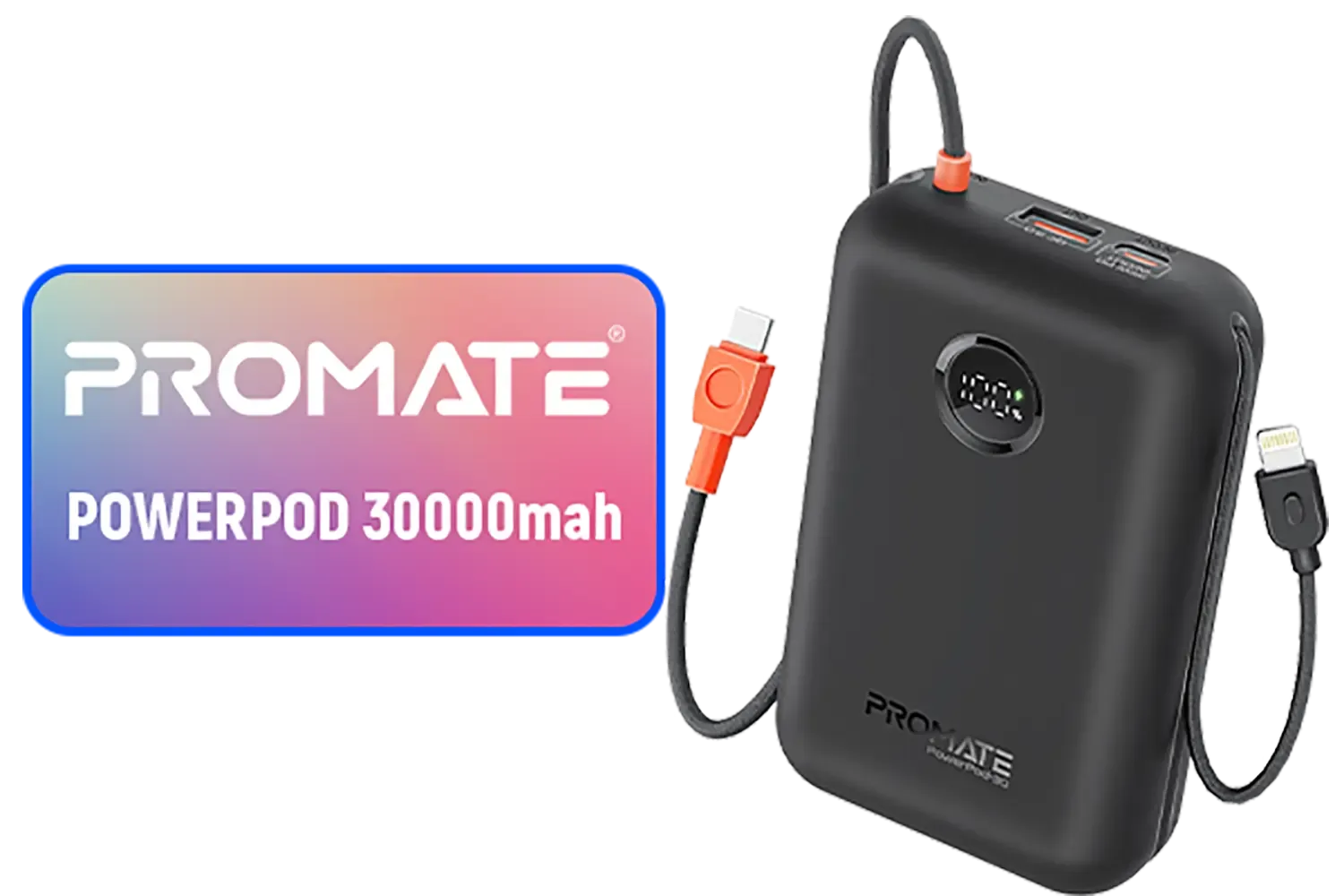
Promate PowerPod 30000mAh Ultra-Compact Power Bank - Black / Built-In USB-C & Lightning Cables / 22.5W Quick Charge 3.0 Support / Automatic Voltage Regulation / Compact Design / Overcharge & Voltage Protection System / PowerPod-30.Black
R799.00In Stock

Promate PowerBolt 240W USB-C Cable / USB-C Thundebolt 3 / 8K@60Hz Video Support / 2Meter Length / POWERBOLT240-2M
R399.00In Stock
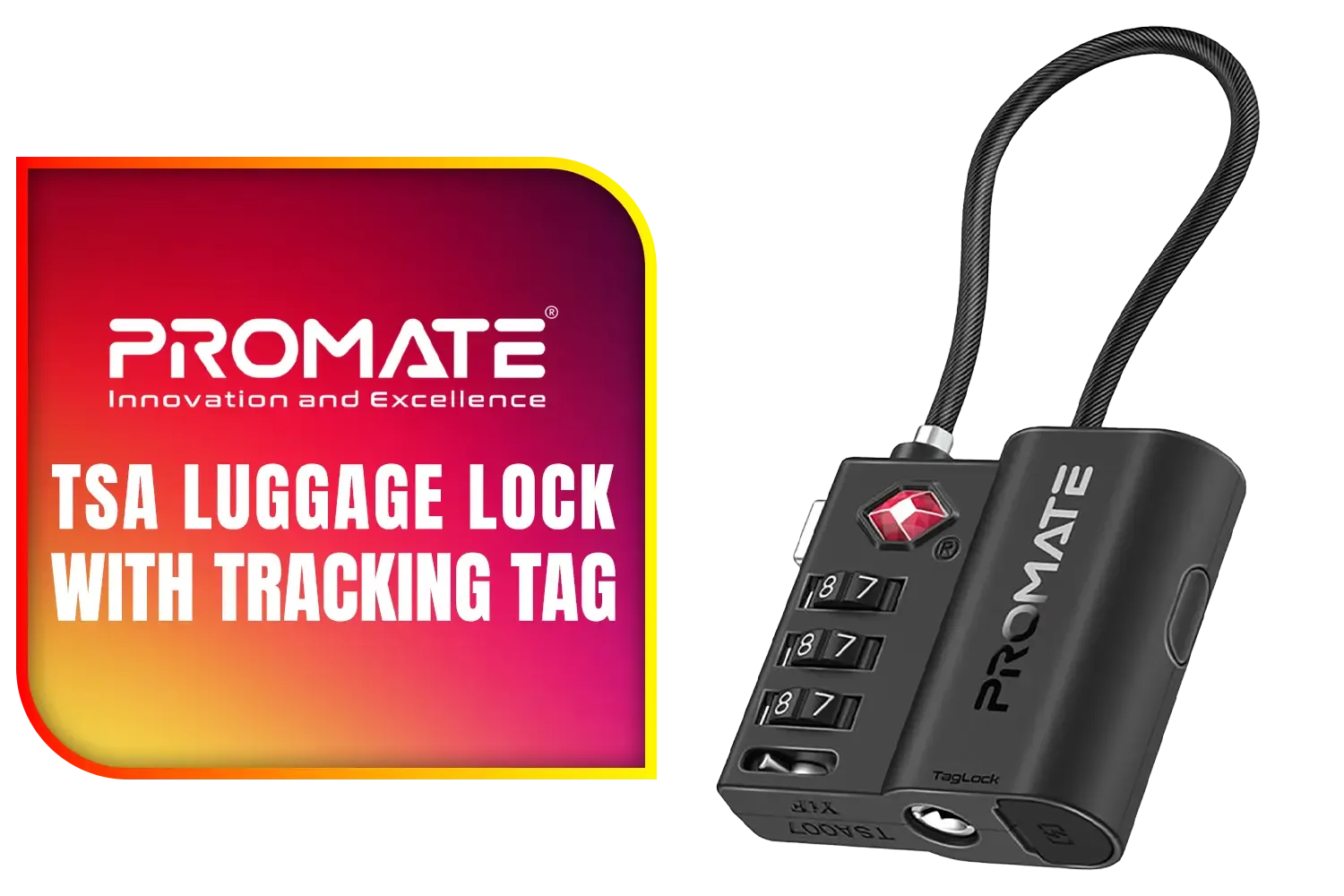
Promate TSA Luggage Lock with Smart Precision Tracking Tag / Smart lock with combination security / 75-day rechargeable battery life / End-to-end encrypted location data / Cut-resistant steel cable shackle / TagLock
R399.00In Stock
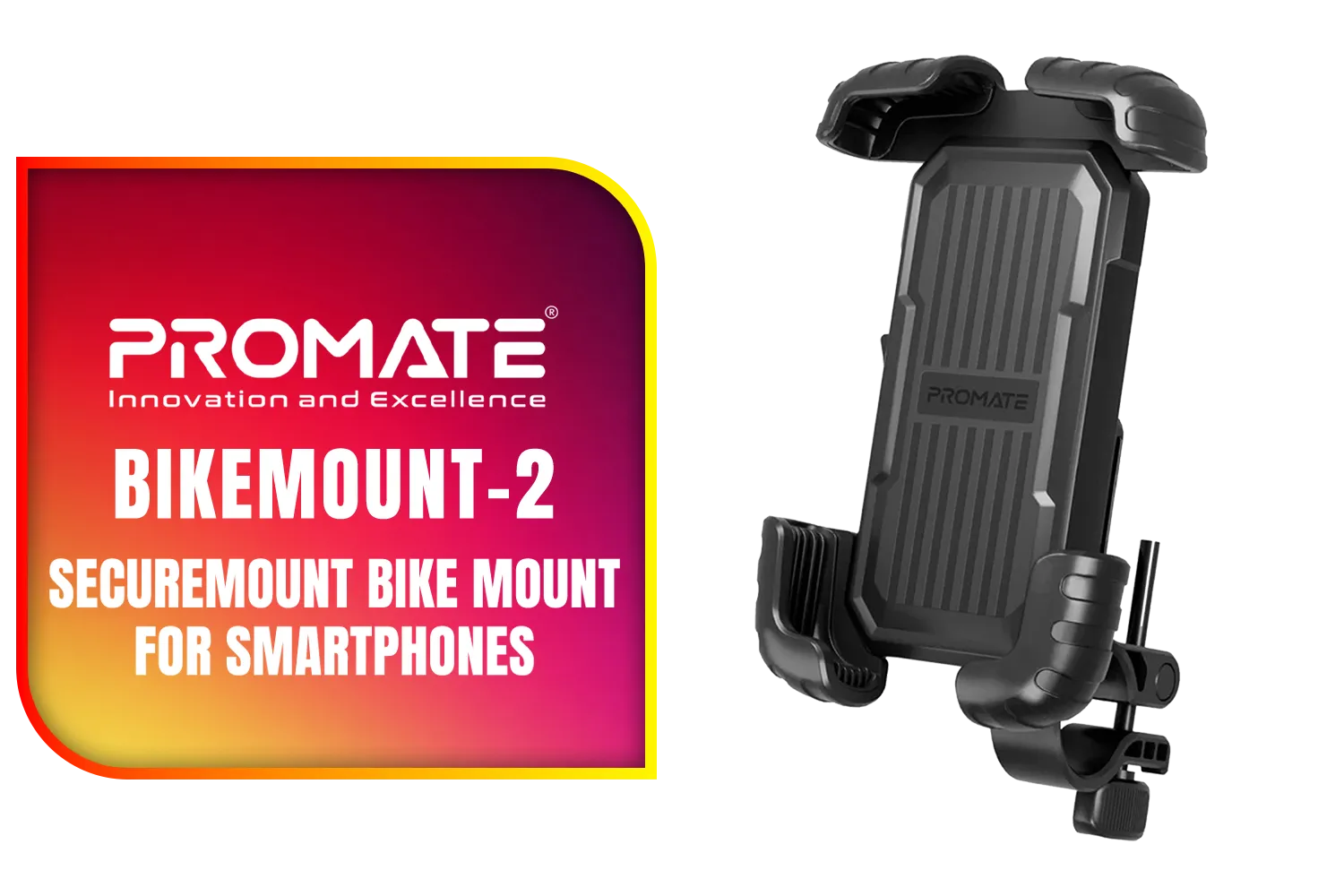
Promate Quick-Clamp SecureMount Bike Mount for Smartphones / Universal Bike Smartphone Mount / 360° Swivel Head / 4.7" - 6.9" Phone Support / Silicone Anti-Slip Material / BikeMount-2
R299.00In Stock

Promate EzHub Aluminum USB Hub / 7 USB 3.0 ports / USB-C Adaptor / 5Gbps Transfer Rate / Data & Charge / EZHUB-7
R399.00In Stock
These simple additions don't just add a splash of colour; they transform the entire look and feel of your rig, making your cable management cleaner and your final build something to be proud of.
The Aesthetic and Functional Perks of Cable Extensions
Let's be honest, the main reason most builders grab a set of 24-pin cable extensions is for the visual upgrade. Instead of the stiff, bland cables that come with most power supplies, you get individually sleeved wires in a vibrant array of colours. This allows you to perfectly match your build's theme, whether you're going for an all-white arctic look or a vibrant RGB setup. A clean, colour-coordinated motherboard power cable is often the centrepiece of a build's interior.
But it’s not just about looks. These extensions add a bit of extra length, which can make routing the bulky 24-pin cable much easier, especially in smaller or dual-chamber cases. This extra flexibility helps you achieve those clean, straight lines that are otherwise impossible with stock cables. It's one of the most cost-effective yet impactful essential gaming accessories you can buy.
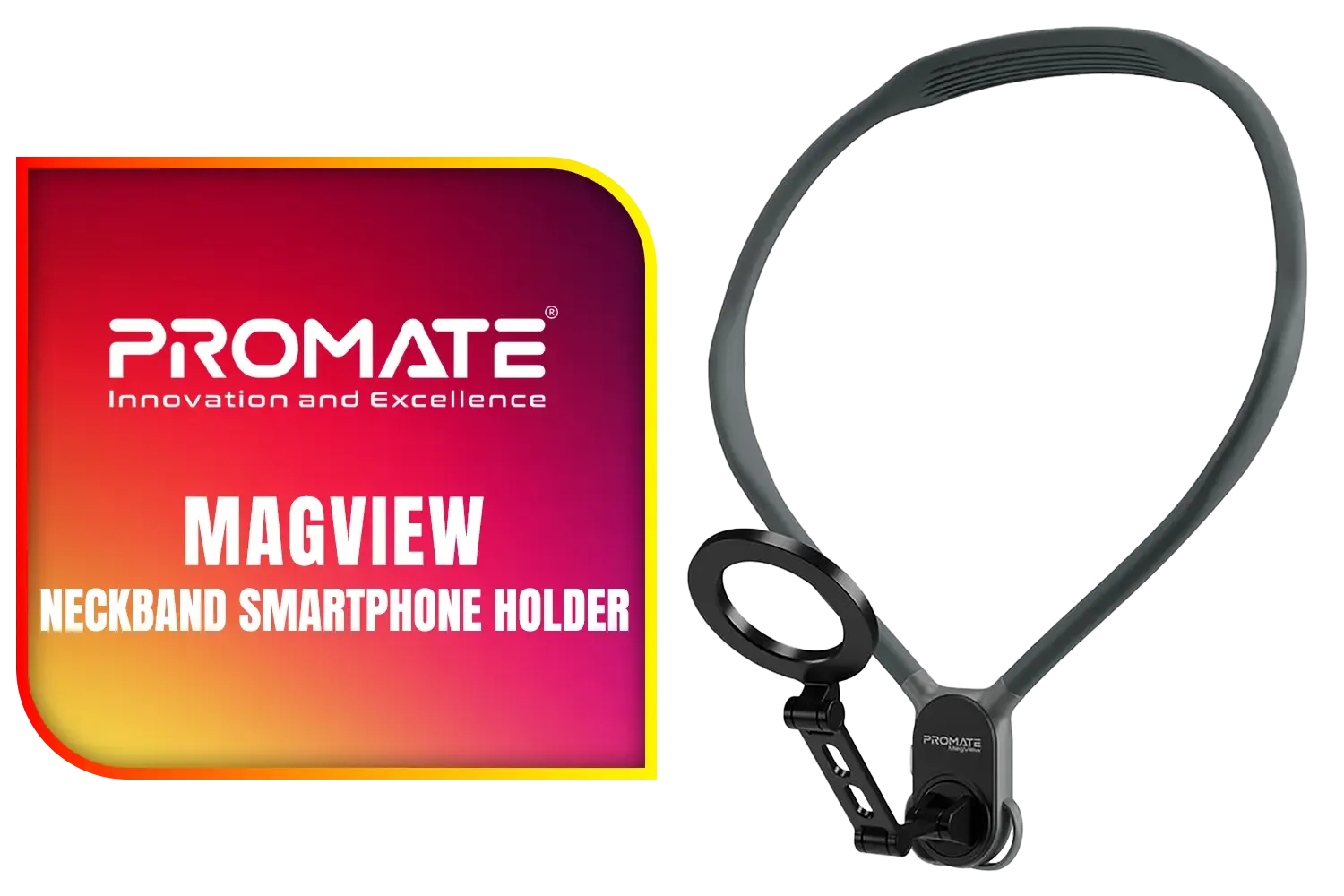
Promate MagView Neckband Smartphone Holder - Black / Powerful N52 Magnets / 360° Flexible Neckband / Secure Anti-Slip Mount / Adjustable Belt for Extra Stability / Durable Silicone and Aluminum Build / MagView.Black
R599.00In Stock
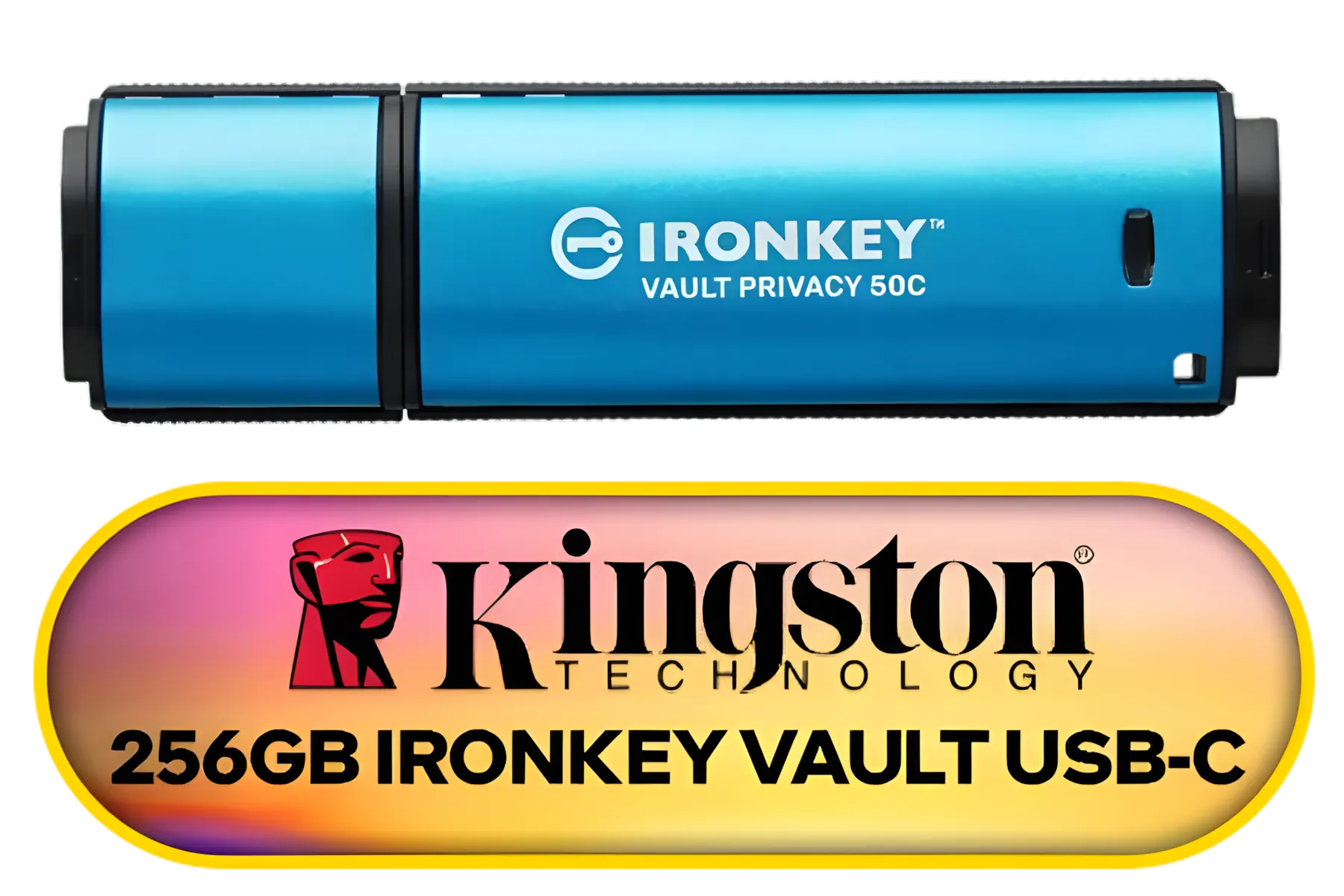
Kingston Ironkey Vault Privacy 50 USB-C 256GB Flash Drive | FIPS 197 Certified | XTS-AES 256-bit | BadUSB and Brute Force Protection | Mult-Password Option | IKVP50C/256GB
R3499.00In Stock

Kingston Ironkey D500S 256GB Encrypted Flash Drive | Dual Hidden Partition | FIPS 140-3 Level 3 | XTS-AES 256-bit | BadUSB and Brute Force Protection | Multi-Pin Option | IKD500S/256GB
R6499.00In Stock
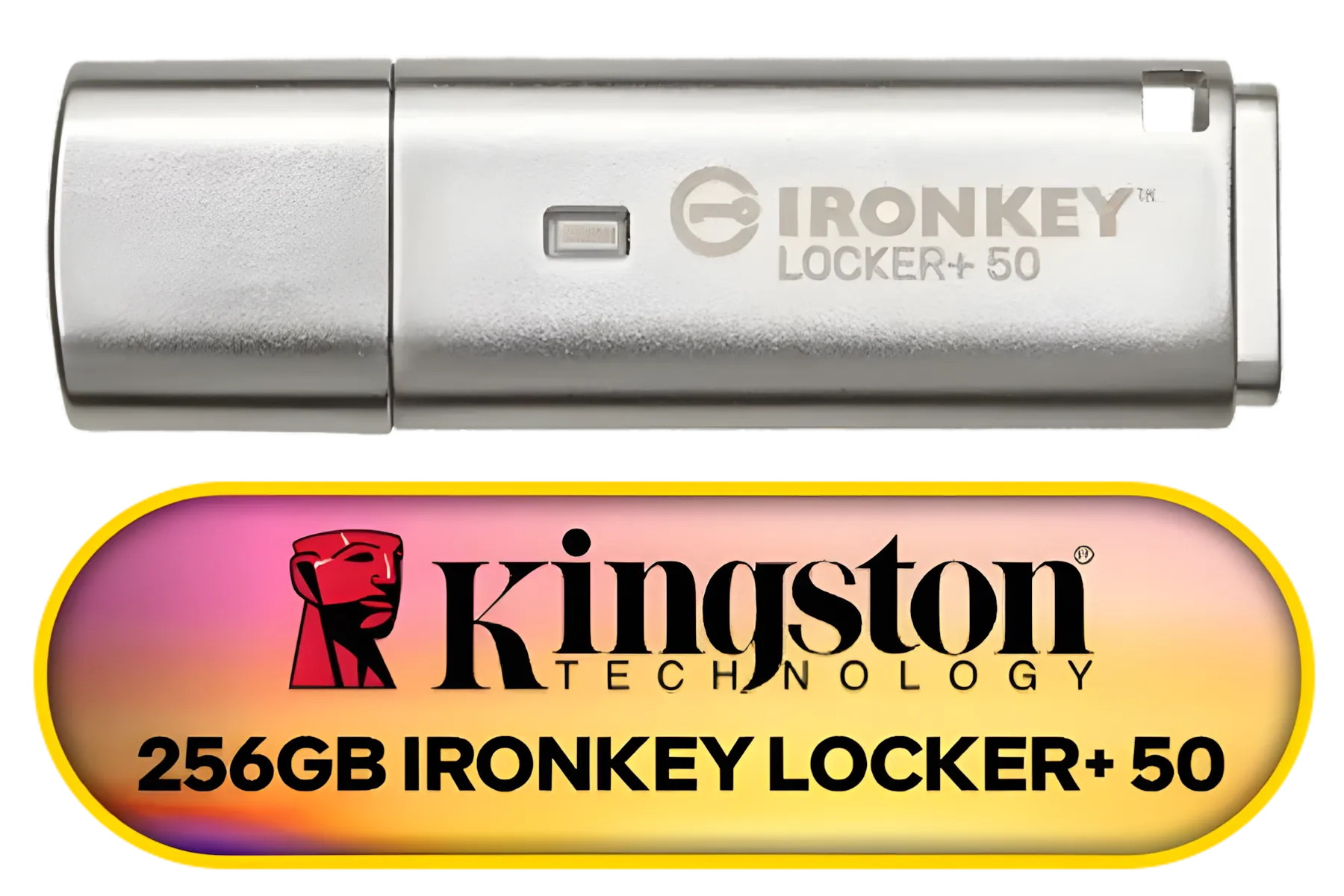
Kingston Ironkey Locker+ 50 256GB Encrypted USB Flash Drive | USB 3.2 Gen 1 | XTS-AES Protection | Multi-Password Security Options | Automatic Cloud Backup | Metal Casing | IKLP50/256GB
R1999.00In Stock

GIZZU Wall Charger Dual USB Port 3.4A - White - GWC2U34W
R199.00In Stock

Corsair Elgato Stream Deck Dials Set - Blue / 34GBD9901-BLU-SP
R399.00In Stock
Extensions vs. Full Modular Cables: Know the Difference
It's a common point of confusion for new builders: what's the difference between cable extensions and a full set of custom modular cables?
- Cable Extensions: These plug into the end of your existing, non-detachable power supply cables. They are universally compatible because they don't connect directly to the PSU itself. This makes them a safe, easy, and affordable upgrade. Many builders start here when customising their gaming accessories.
- Full Modular Cables: These replace your PSU's stock cables entirely, plugging directly into the power supply unit. Warning: These are PSU model-specific! Using a Corsair cable on an EVGA PSU (or vice-versa) can permanently damage your components due to different pinouts.
For 99% of builders, high-quality extensions from brands like Promate are the smarter, safer choice.
TIP FOR YOU
Cable Comb Magic ✨
Your sleeved extension kit will likely come with small plastic 'combs'. Don't ignore them! Slide these onto your 24-pin and GPU cables before plugging them in. They train the individual wires to sit perfectly straight and parallel, giving you that professional, ultra-clean look. It's a small step that makes a massive difference.
Installing Your 24-Pin Extension
Installation is incredibly straightforward, which is part of the appeal.
- Power Down: Completely unplug your PC from the wall.
- Locate & Disconnect: Find the main 24-pin power cable connected to your motherboard. Carefully press the clip and pull it out.
- Connect the Extension: Plug your PSU's original 24-pin cable into the female end of the extension. You'll hear a click as it locks in place.
- Route & Reconnect: Route the new, beautiful extension cable through your case's management channels and plug the male end into the motherboard.
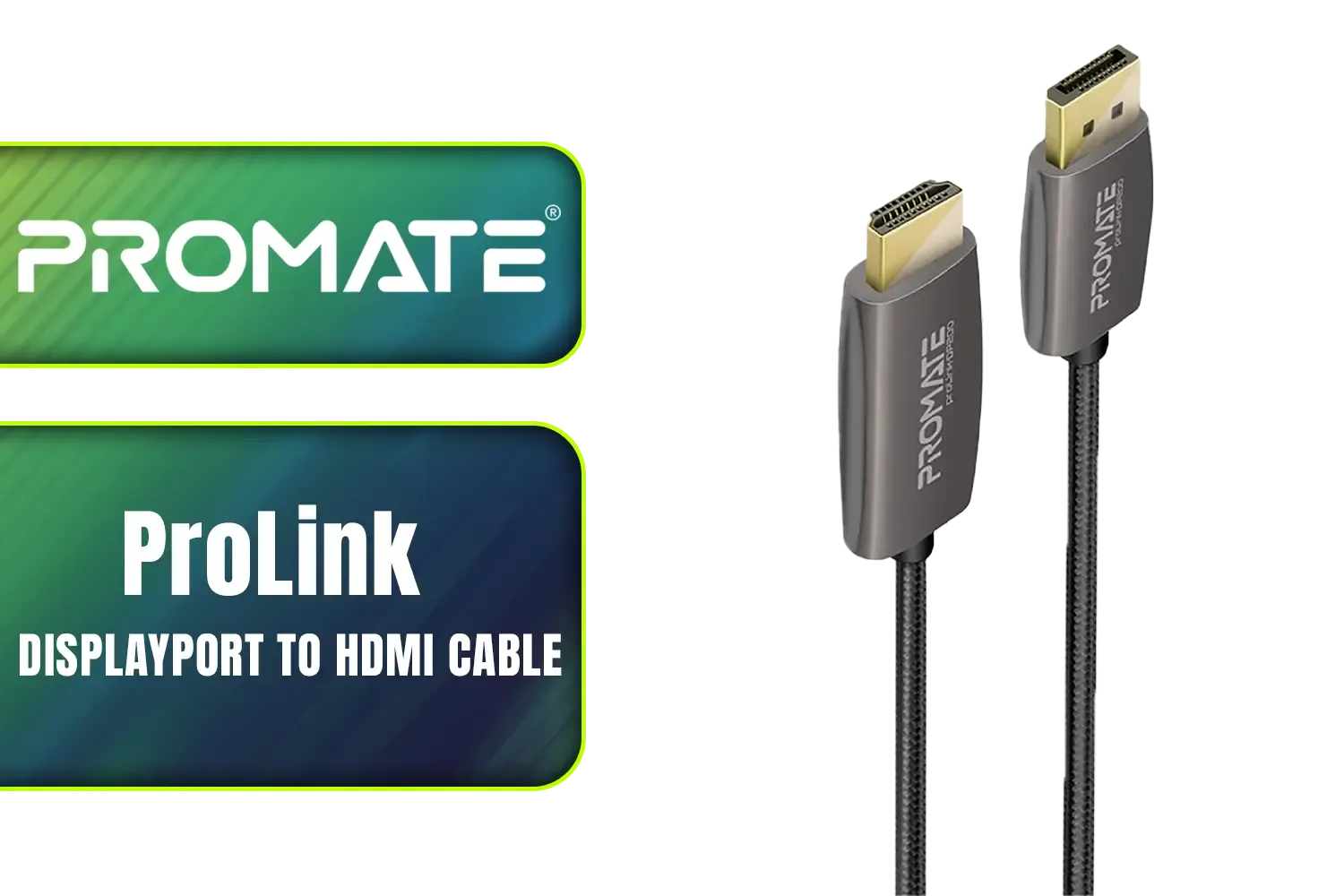
Promate ProLink 2 Meter DisplayPort to HDMI® Cable / 4K UHD Output at 60Hz / Stable Signal with Advanced IC Chip / Durable, Corrosion-Resistant Construction / ProLink-DP200
R399.00In Stock
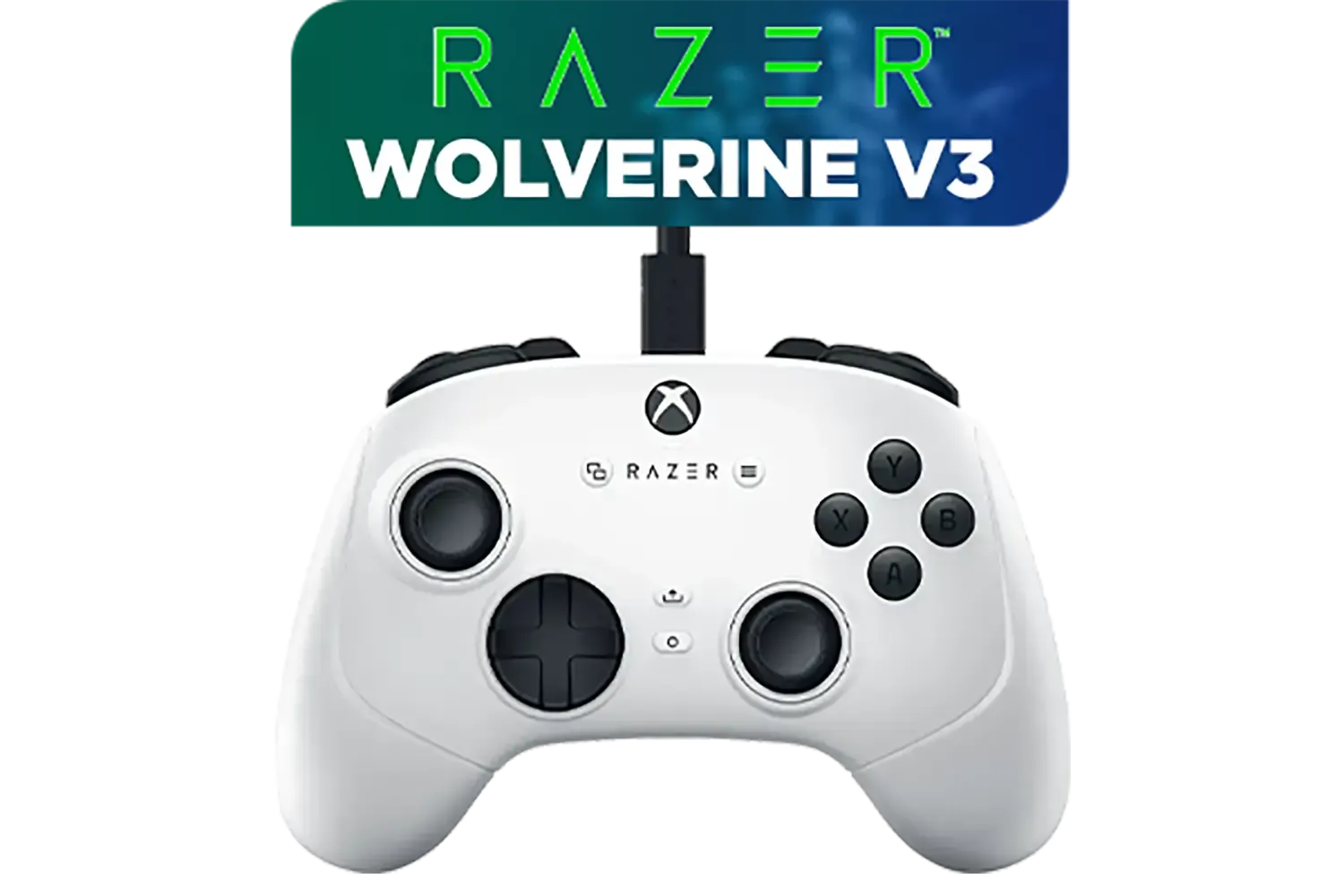
Razer Wolverine V3 Tournament Edition XBOX/PC, 6 Remappable Buttons to Outplay Them All, 1000Hz Polling Rate for Competitive Play on PC, Wired Esports Controller - White / RZ06-05210200-R3M1
R2699.00In Stock
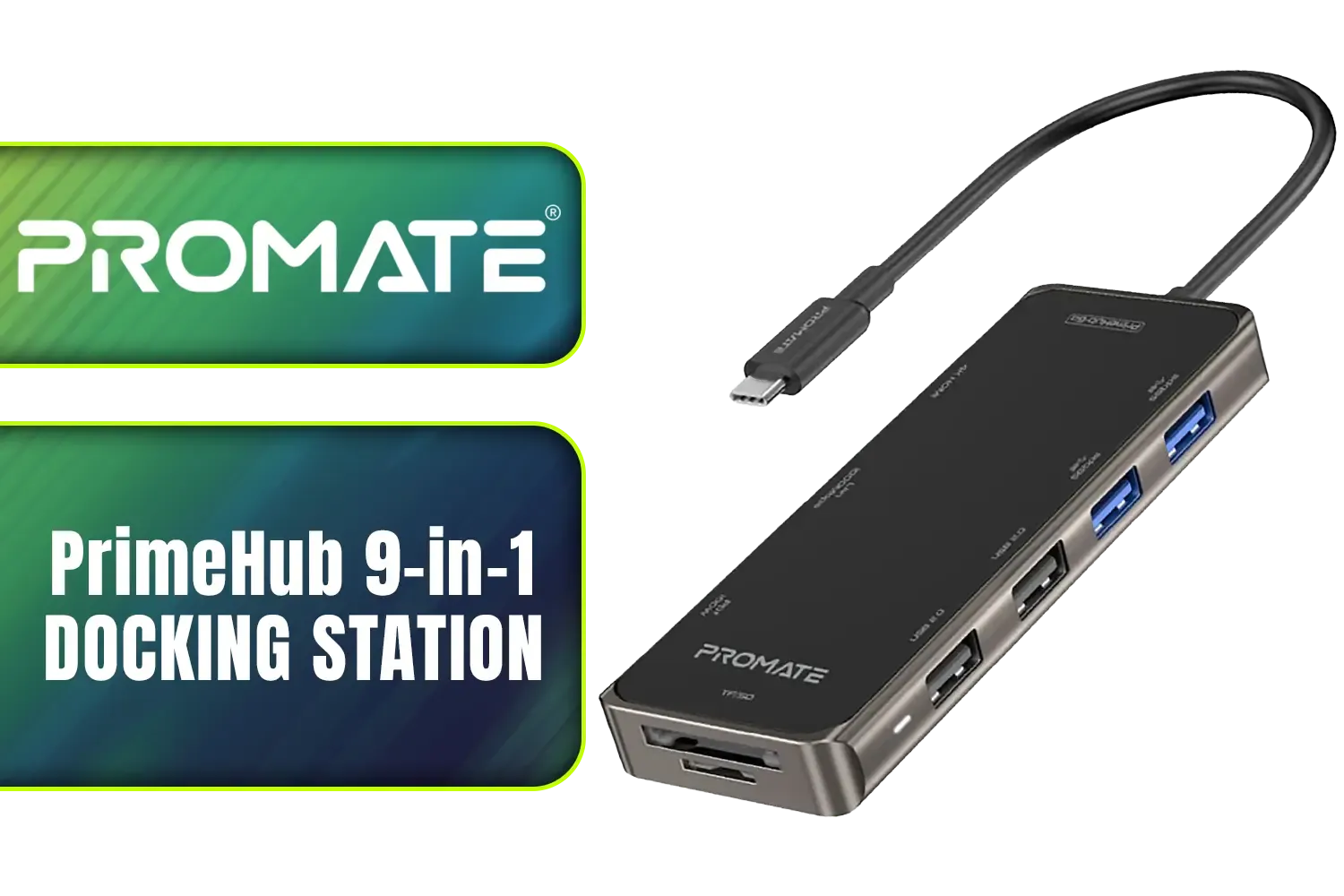
Promate PrimeHub 9-in-1 Docking Station / USB Type-C 100W PD / USB Type-A 3.0 & 2.0 Ports / 1x 4K HDMI Ports / RJ45 Port @ 1000Mbps / SD & MicroSD Slots / PrimeHub-Go
R799.00In Stock
Razer Ripsaw X USB Capture Card with Camera Connection for Full 4K Streaming / Direct-to-Stream Recording, No Memory Limits / HDMI 2.0 & USB 3.0 for Low-Latency Streaming / 4K 30FPS Capture for Clear Video / RZ20-04140100-R3M1-SN
R1999.00In Stock

Promate Cradleless Magnetic Smartphone Holder for Car Monitor / Aluminium Crafted / For 7~14.6mm Car Monitors / Metal Rings Included / MAGHOLD-90
R299.00In Stock

Cooler Master MasterAccessory ARGB GPU Support Bracket, Edge-Lit ARGB Tempered Glass, Universal GPU Bracket, Multiple Orientations / MCA-U000R-GSBTG-00
R499.00In Stock
That's it! You've just massively improved your PC's internal aesthetics. While you're at it, consider upgrading other visible cables, like your GPU power cables, for a cohesive look. You can often find comprehensive cable solutions that bundle the most important ones together. Why settle for less when you can find in-stock cable solutions and have your rig looking its best in no time? 🚀
Ready to Elevate Your Build's Aesthetics? A messy interior can spoil an otherwise perfect custom PC. For a small investment, sleeved cable extensions offer one of the biggest visual upgrades you can make. Explore our wide range of cable solutions and give your rig the clean, professional look it deserves.
Related Products

Promate xWatch SL 2.01" Fitness Tracker Smartwatch with Bluetooth Calling - Green / IP68 Water Resistance / 2.01" TFT Display / Heart Rate/SPO2/Step/Sleep/ Women Health Tracker / 100+ Customized Watch Faces / XWATCH-SL.GREEN
R749.00In Stock
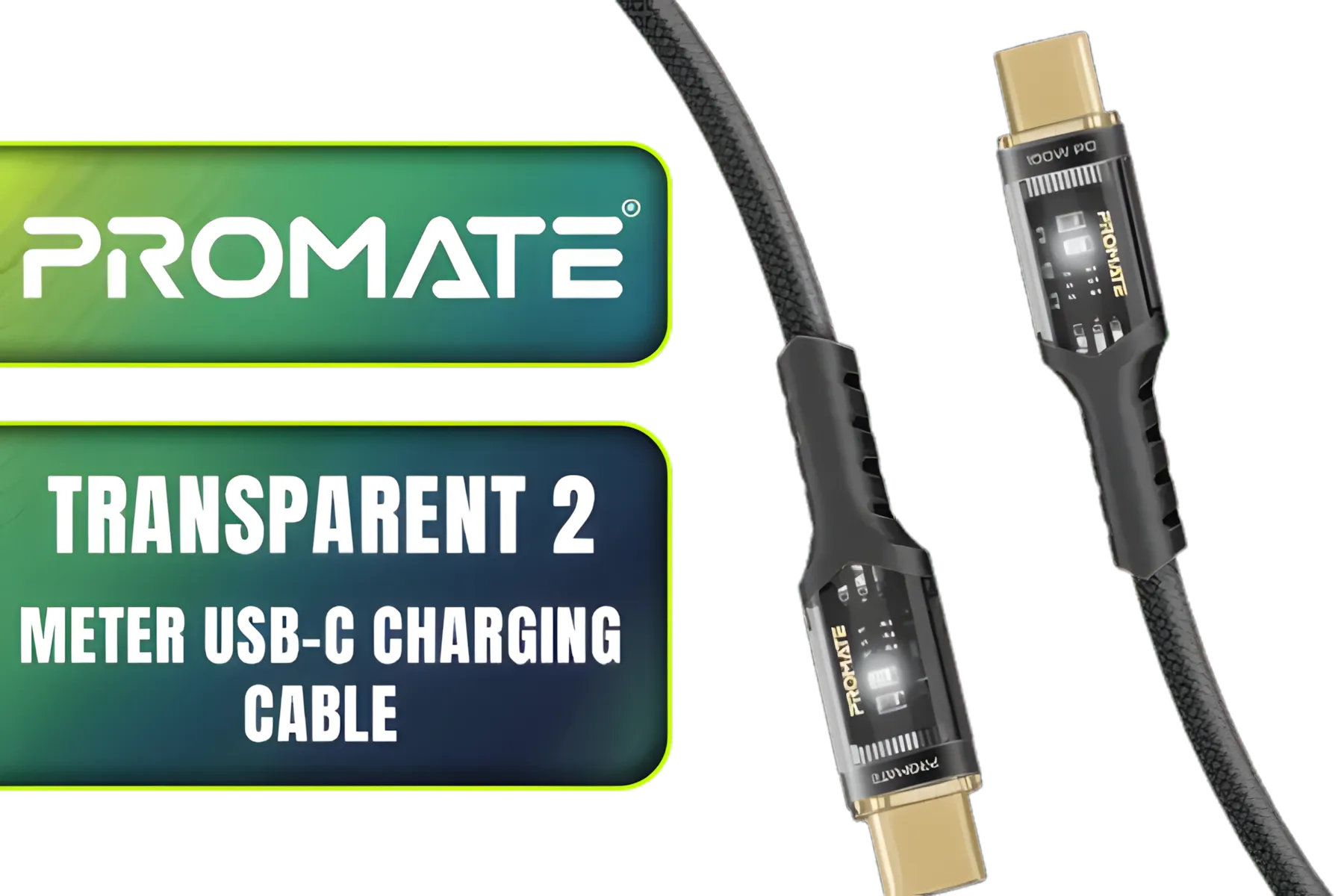
Promate Transparent 2 Meter Charging Cable with LED Light - Black / Rapid 100W Laptop & Phone Charging / Transparent LED Connectors / 480Mbps Data Transfer & Charging / Reinforced Nylon-Braided Durable Design / LUCIDLINE-CC200.BLACK
R149.00In Stock

Promate xWatch RM 1.78" Fitness Tracker Smartwatch with Bluetooth Calling - Silver / IP68 Water Resistance / 1.78" Curved AMOLED Display / Heart Rate/SPO2/Step/Sleep/ Women Health Tracker / 100+ Customized Watch Faces / XWATCH-RM.SILVER
R849.00In Stock

Promate PowerPack-20 Pro 20000mAh Power Bank with AC Charger / 20000mAh Power Bank / 27W Power Delivery / USB-C and Lightning Cables / AC/DC Dual Mode Charging Input / POWERPACK-20PRO
R999.00In Stock
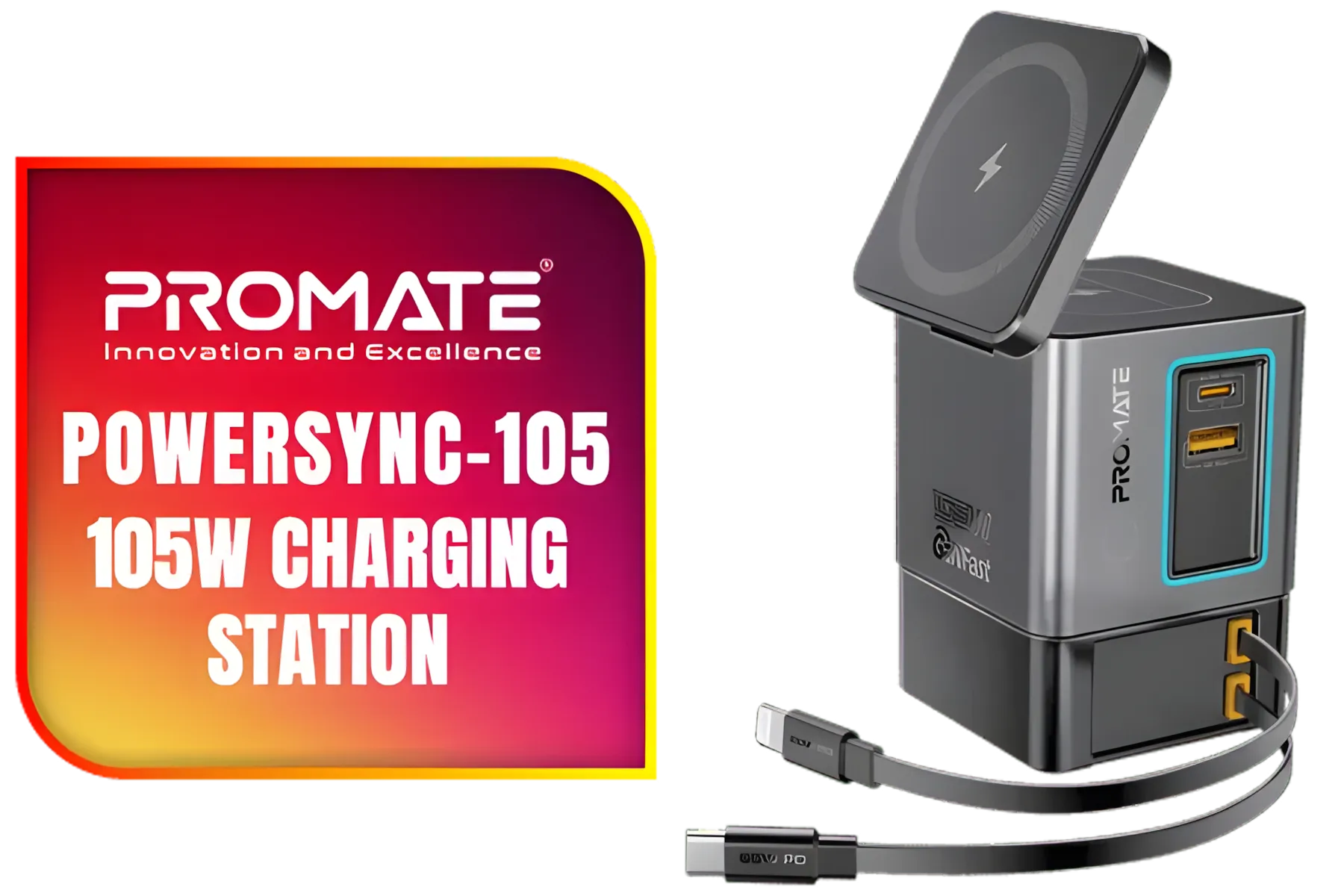
Promate PowerSync-105 105W Charging Station with Dual Retractable Cables / 15W MagSafe Compatible Wireless Charger / 65WPD USB-C Cable & 20W Lightning Cable / 5W Wireless Charger / RGB / PowerSync-105.EU
R1049.00In Stock
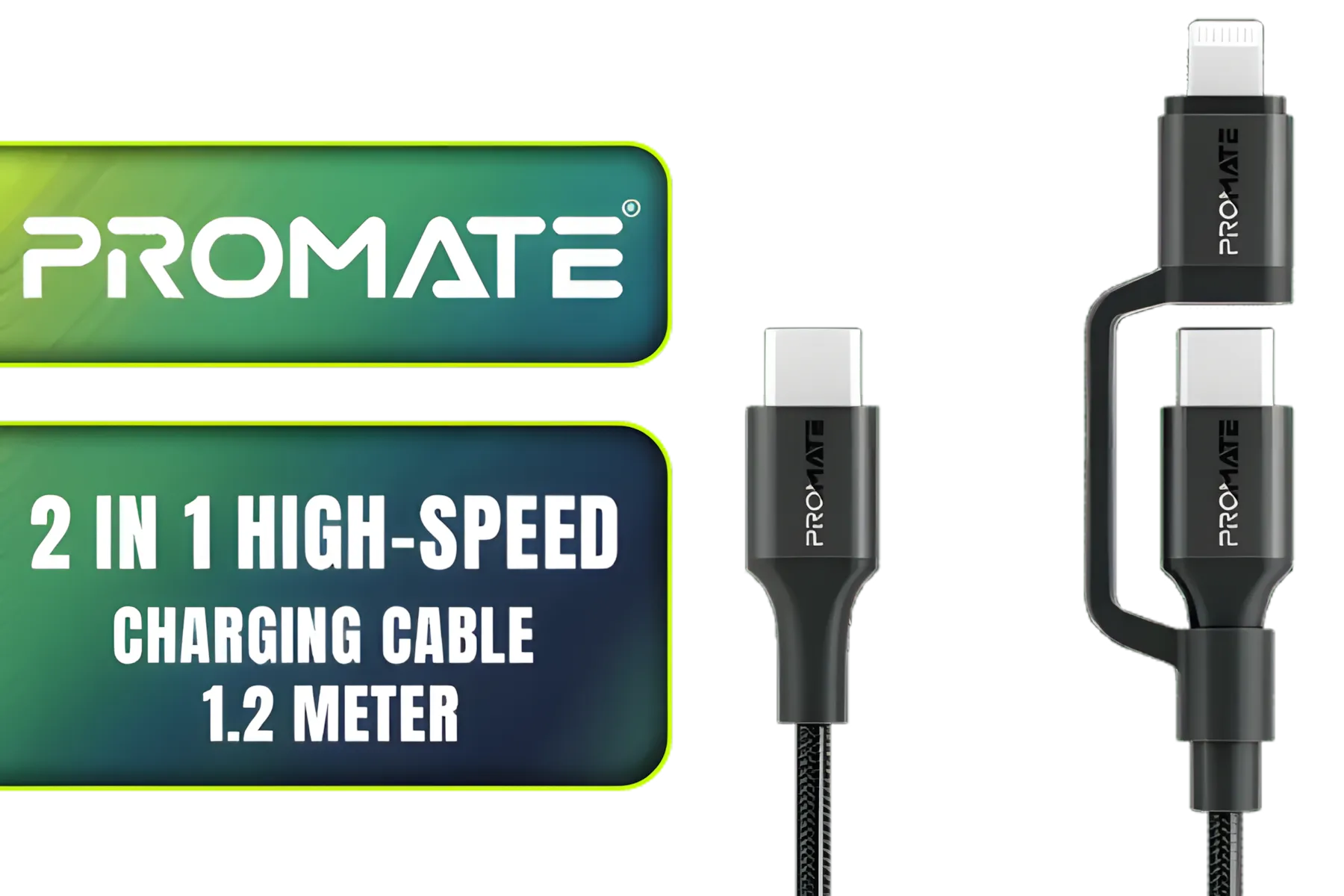
Promate 2 in 1 High-Speed Charging Cable - 1.2 Meter / 60W Power Delivery / High Tensile Strength Cable / MFi Certified / Data and Charge / 1.2 Meter Cable Length / 25000+ Bend Tested / PowerLink-CCi.Black
R249.00In Stock
Sleeved or decorative cables that extend the motherboard 24-pin ATX connector, improving routing, aesthetics, and ease of installation.
High-quality 24-pin cable extensions do not noticeably affect power delivery; avoid thin or poorly made extensions to reduce resistance risks.
Most are compatible with standard ATX 24-pin connectors, but always confirm pin layout and PSU connector type before purchasing.
They add length and flexibility so you can route the 24-pin behind the tray, reduce clutter, and improve airflow in the case.
Yes—RGB 24-pin cable extensions exist. Ensure the RGB wiring and controller match your system and that the connector fits securely.
Power down and unplug the PSU, align pins carefully, seat the extension firmly, tidy cables, then test boot before finishing.
Premium sleeved 24-pin cable extensions enhance durability and aesthetics; choose well-built options to avoid fit issues and heat concerns.