360mm Radiator Airflow: Placement, Push-Pull, Fan Curves
Master 360mm radiator airflow to lower temps, cut noise, and unlock stable boosts. Learn placement, intake vs exhaust, push-pull, fan curves, and case compatibility tips. 🔧🧊

So, you’ve just unboxed that beastly 360mm AIO liquid cooler, ready to drop your CPU temps into the frosty digits. But after installation, the results are… just okay? The secret to unlocking its true potential isn’t just the hardware; it’s mastering your 360mm radiator airflow. Getting this right separates a good build from a great one, ensuring your rig runs cool and quiet, even during those hectic Warzone drops. Let's dive into optimising your setup.

Gamemax Sigma 620 LCD Air Cooler - Black / 2.8" LCD for stats or images / Dual 120mm fans with 6 heatpipes / Supports up to 245W TDP / SIGMA-620-LCD-BK
R1199.00In Stock

DeepCool LQ360 Liquid Cooler - Black / 360mm Radiator / Rotating magnetic cover / 3x ARGB Fans Included / 600–2400 RPM adjustable fan speed / Compatible with AMD & Intel / LQ360
R2499.00In Stock

Gamdias Chione E4-360 Liquid Cooler - White / Hydraulic PWM Fans / Dual Infinite Mirror / Real-time Digital Display / Patented PWM Pump / Motherboard Sync ARGB / CHIONE-E4-360-WH
R1999.00In Stock

DeepCool LD360 Liquid Cooler - White / 360mm Radiator / LED Digital Display / 3x ARGB Fans Included / Compatible with AMD & Intel / LD360-WH
R2399.00In Stock
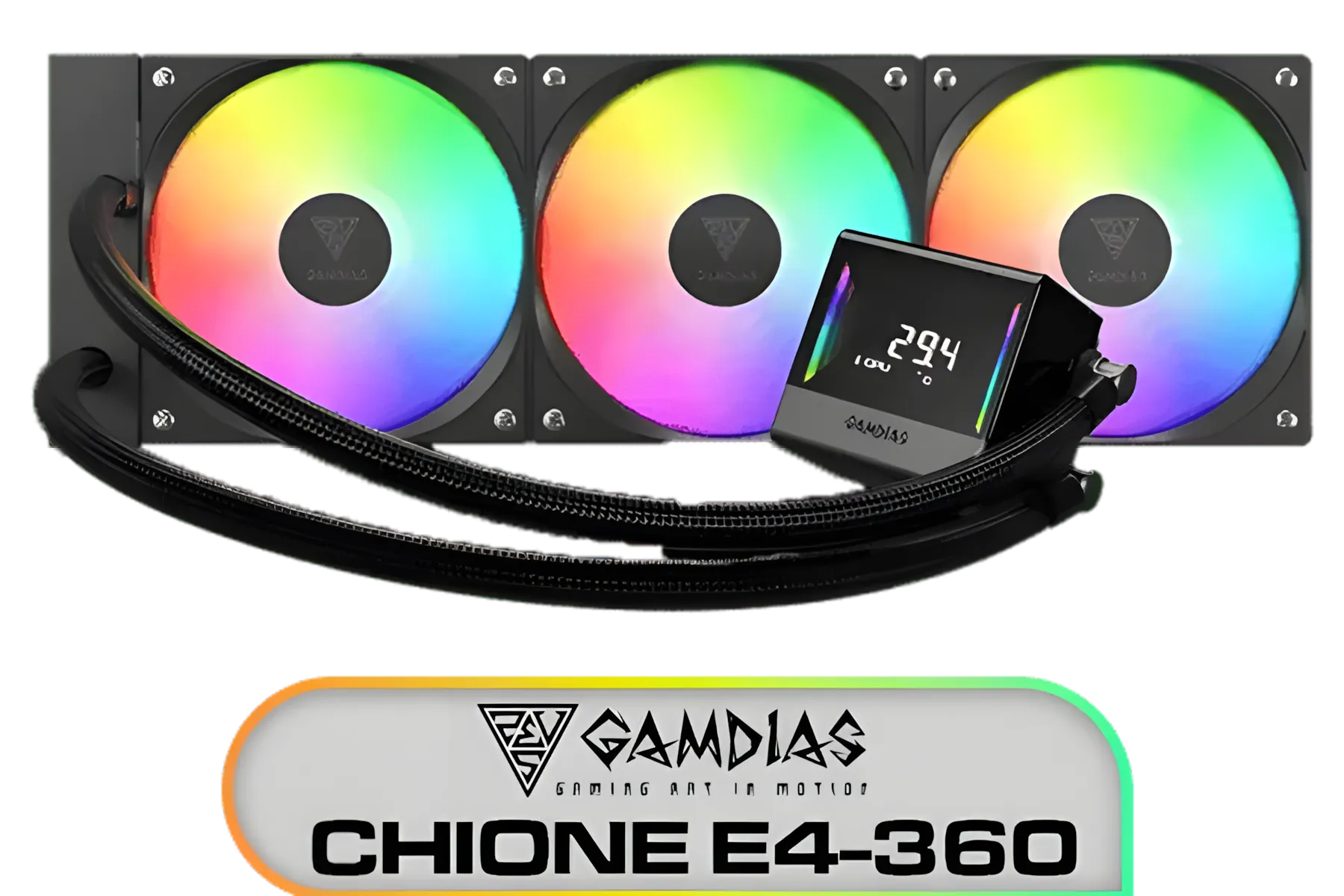
Gamdias Chione E4-360 Liquid Cooler / Hydraulic PWM Fans / Dual Infinite Mirror / Real-time Digital Display / Patented PWM Pump / Motherboard Sync ARGB / CHIONE-E4-360
R1899.00In Stock
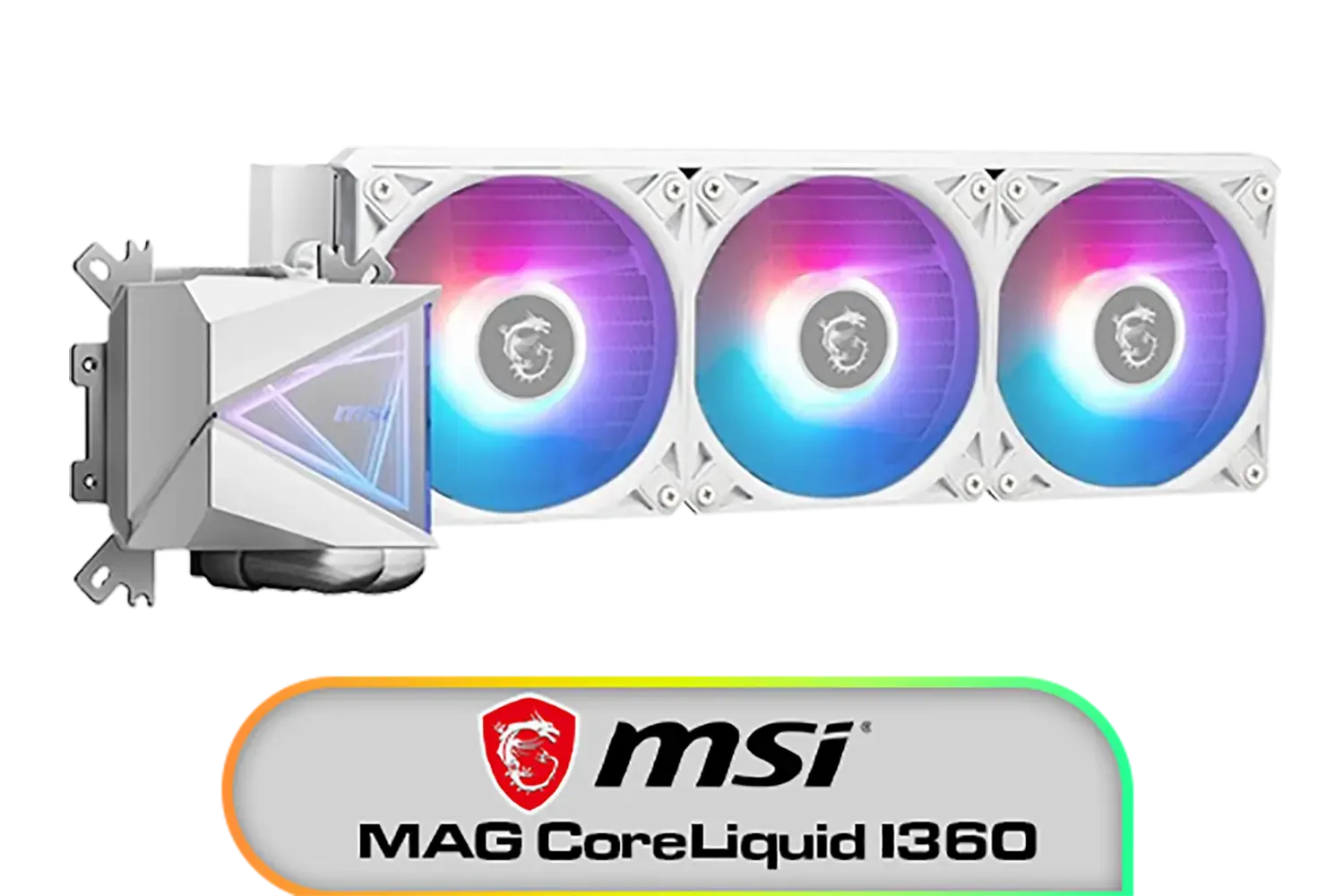
MSI MAG CoreLiquid I360 Liquid Cooler - White / LDB Bearing Quiet Fans / Dual-Sided Infinite Mirror Cooling / Flexible Nylon-Braided Cooling Tubes / Durable EPDM Anti-Evaporation Tubing / 306-7ZW8E21-C24
R2599.00In Stock
Mastering 360mm Radiator Placement: Front vs. Top
The first big decision you'll make is where to mount your radiator. This choice directly impacts the airflow dynamics inside your case and affects both your CPU and GPU temperatures. Most modern PC cases offer two prime spots for a 360mm radiator: the front panel or the top panel.
Front-Mounted (Intake)
Placing your radiator at the front of the case means your fans will pull cool, ambient air from outside, push it through the radiator fins, and then into your case.
- Pro: This provides your CPU with the coolest possible air, generally resulting in the lowest CPU temperatures.
- Con: The air passing through the radiator gets warmed up before it flows over your other components, like the GPU and motherboard. This can lead to slightly higher temperatures for those parts.
Top-Mounted (Exhaust)
Mounting the radiator at the top of your case has the fans pushing hot air from inside the case up and out through the radiator.
- Pro: Your GPU gets first dibs on the cool air brought in by your front intake fans, often leading to lower GPU temps. Since heat naturally rises, this configuration works with physics, not against it.
- Con: The air used to cool the radiator is pre-warmed by your other components, which can result in slightly higher CPU temperatures compared to a front-mounted setup.
For most South African gamers, a top-mounted exhaust is the most balanced approach. It keeps the GPU, often the hottest component during a gaming session, happy while still providing excellent cooling for the CPU. Ultimately, the best 360mm radiator airflow setup depends on your specific components and priorities, but this is a fantastic starting point for any powerful AIO liquid cooler.
The Push-Pull Configuration: Is It Worth It? 🔧
Once you've chosen a location, you need to decide on the fan arrangement. You've probably heard the terms "push," "pull," and "push-pull." What do they actually mean for your radiator's performance?
- Push: This is the standard configuration. Fans are mounted to one side of the radiator and push air through the fins. It offers great performance and is the default for nearly all AIOs.
- Pull: Fans are mounted on the other side, pulling air through the fins. Performance is very similar to push, but some builders find it makes cleaning dust from the radiator a bit easier.
- Push-Pull: This is the enthusiast's choice. You mount fans on both sides of the radiator—one set pushing, one set pulling. This maximises airflow, especially at lower fan speeds, potentially dropping temperatures by a few extra degrees (2-5°C is a realistic expectation).
Is it worth it? For most users, a standard push setup is more than enough. The performance gain from push-pull is often minimal for the added cost of three extra fans and the extra space required. However, if you're an overclocker chasing every last degree or simply want the best possible thermal performance from your premium 360mm AIO, a push-pull setup can be a rewarding final touch.
DeepCool LQ360 Liquid Cooler - Black / 360mm Radiator / Rotating magnetic cover / 3x ARGB Fans Included / 600–2400 RPM adjustable fan speed / Compatible with AMD & Intel / LQ360
R2499.00In Stock
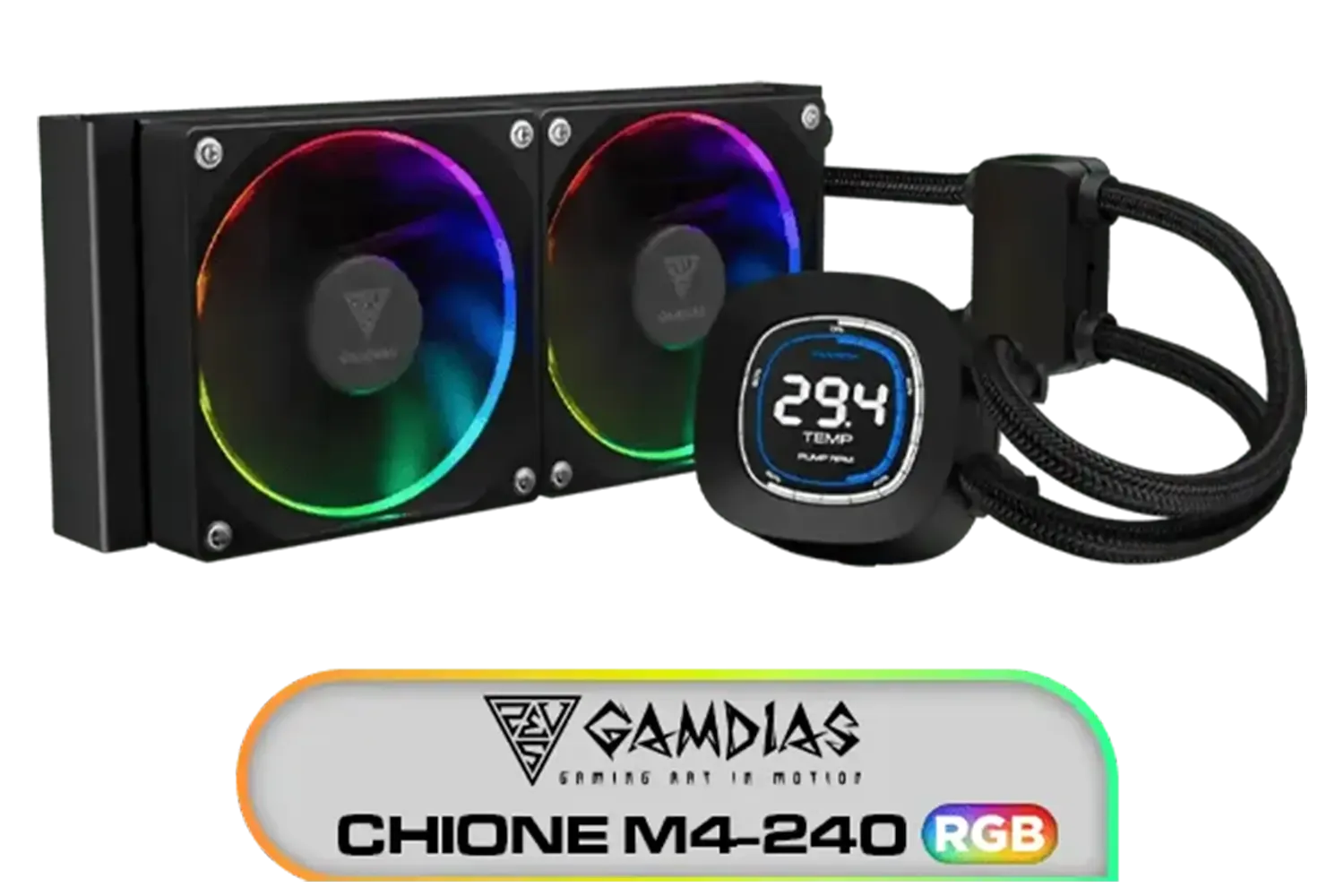
Gamdias CHIONE M4-240 CPU Liquid Cooler, 2X 120mm ARGB PWM Fans, RGB Sync with motherboards, Rotatable 2.1" LCD Displays / CHIONE-M4-240
R799.00In Stock

Corsair Nautilus 240 RS ARGB Liquid CPU Cooler – 240mm AIO – Low-Noise – Direct Motherboard Connection – Daisy-Chain – Intel LGA 1851/1700, AMD AM5/AM4 – 2X RS120 ARGB Fans Included – Black / CW-9060092-WW
R1999.00In Stock
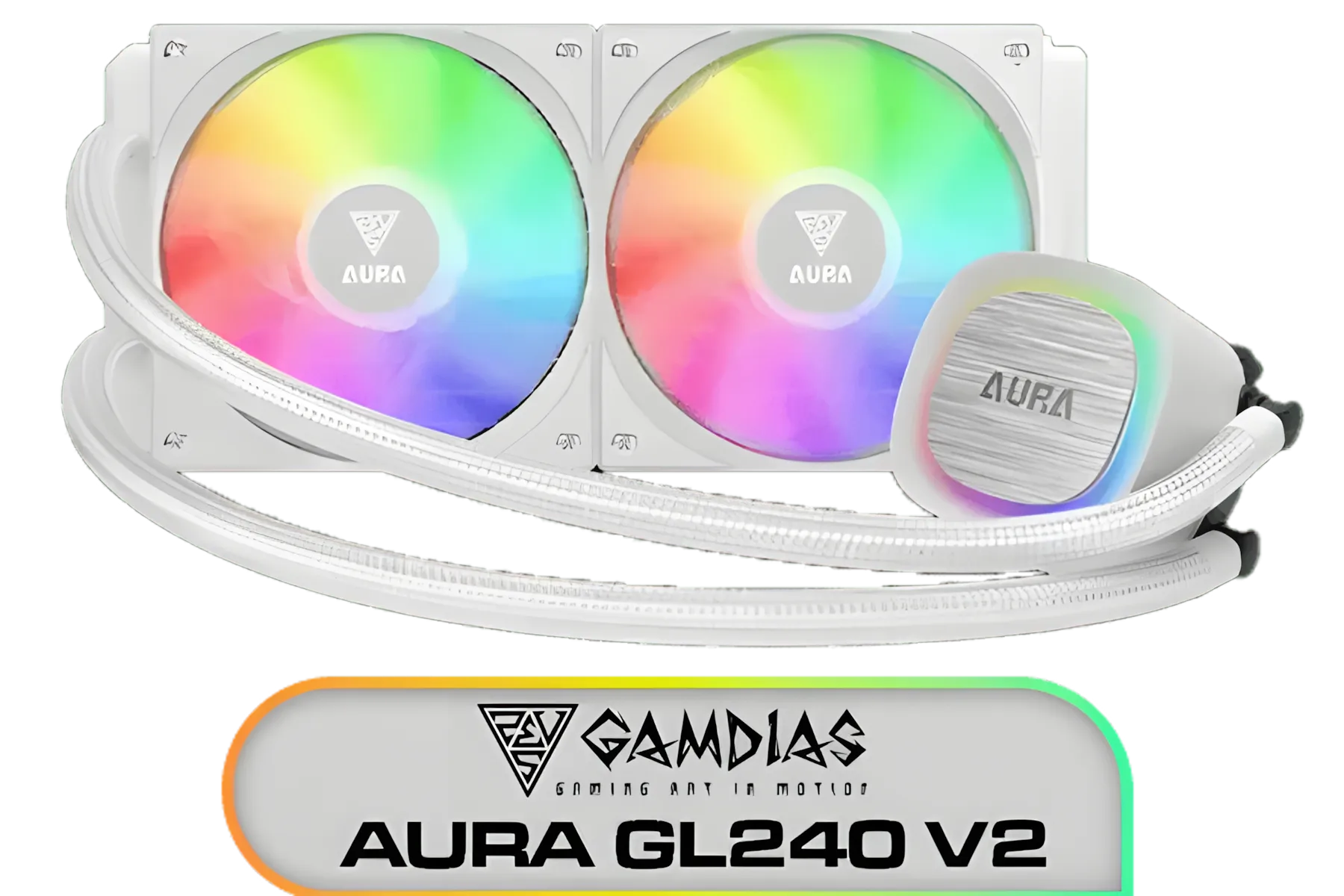
Gamdias AURA GL240 V2 White Liquid Cooler / New Fluid Running System for Better Thermal Dissipation / Hydraulic PWM Fans / AURA-GL240-V2
R1499.00In Stock

CORSAIR iCUE Link H100i RGB Liquid CPU Cooler - 240mm AIO - QX120 RGB Fans - Fits Intel® LGA 1700, AMD® AM5 - iCUE Link System Hub Included - White / CW-9061005-WW
R3899.00In Stock
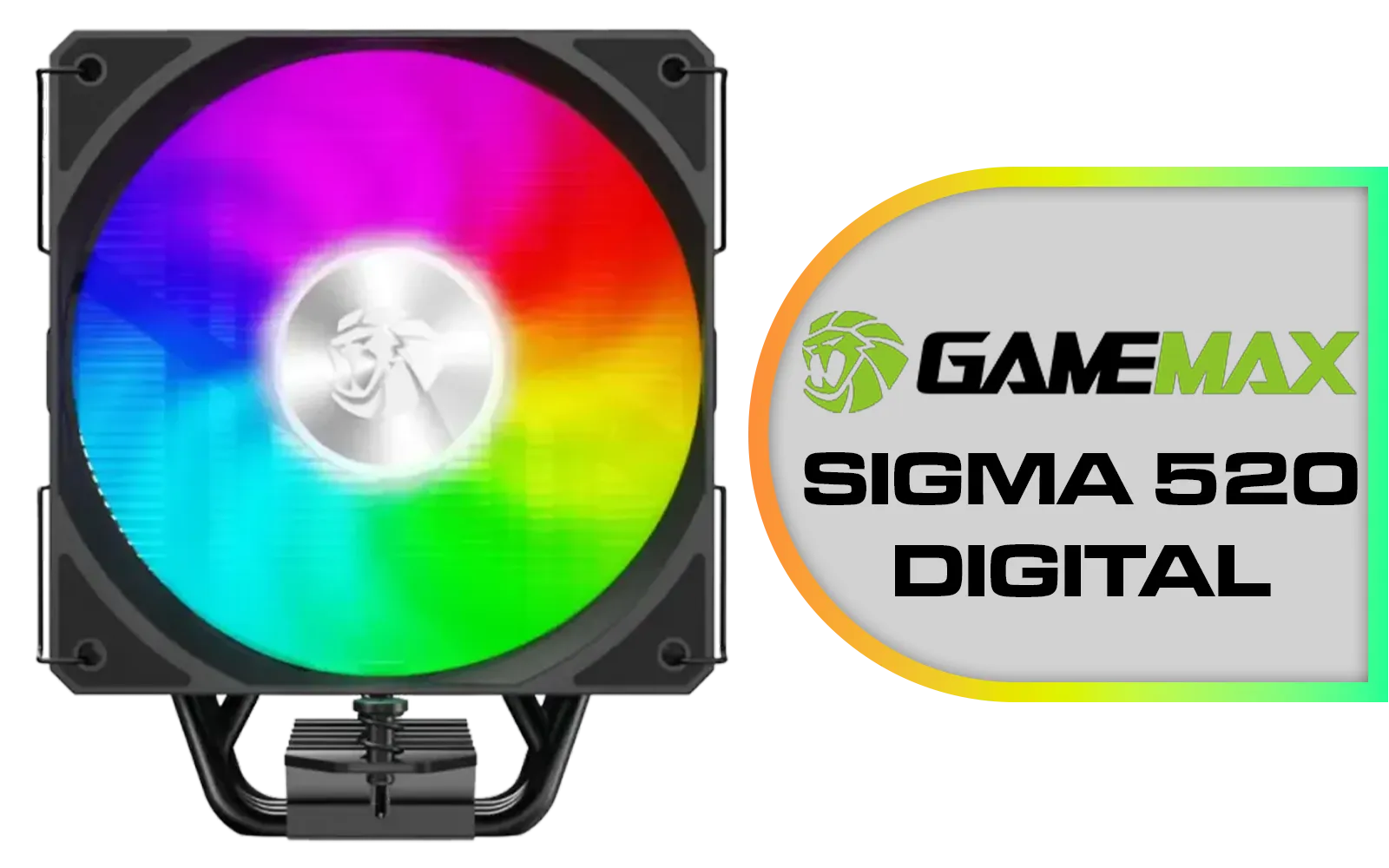
Gamemax Sigma 520 Digital Air Cooler - Black / 220W Maximum Thermal Power / 74.8CFM High Airflow / Supports Intel Gen12, Gen13 & AMD CPUs / PWM Intelligent Temperature Control Fan / Sigm-520-Digital-BK
R599.00In Stock
Dialling in Your Fan Curves for a Silent Rig 🤫
A powerful cooling system doesn't have to sound like a jet engine. This is where fan curves come in. A fan curve is a profile you set in your motherboard's BIOS or via software that tells your fans how fast to spin based on a specific temperature. Optimising your fan curves is key to balancing cooling and acoustics.
Instead of letting your fans blast at full speed the moment your CPU hits 50°C, you can create a gentle, gradual slope. A good starting point for your AIO radiator fans could be:
- 30-50°C (Idle/Light Use): Keep fans at a low, inaudible speed (e.g., 25-40% RPM).
- 50-70°C (Gaming/Productivity): Gradually ramp up the speed to a moderate, effective level (e.g., 40-70% RPM).
- 70°C+ (Heavy Load): Ramp more aggressively towards 80-100% RPM to ensure temps stay in check.
This approach prevents the annoying "revving" sound as your CPU temperature fluctuates. Using specialised software like Corsair's iCUE gives you even more granular control.
TIP FOR YOU
Pro Cooling Tip ❄️
For the smoothest and quietest fan operation on an AIO, set your radiator fan curve to respond to the liquid temperature, not the CPU package temperature. Liquid temp changes much more slowly, preventing your fans from constantly ramping up and down with momentary CPU spikes. Most AIO control software allows this!
Don't Forget Overall Case Airflow
Your 360mm radiator airflow doesn't exist in a vacuum. It's part of a larger system: your case's overall airflow. For optimal performance, you need a clear path for air to travel through your chassis.
Aim for a balanced or slightly positive pressure setup. This typically means having slightly more intake fan power than exhaust. For example, if your 360mm AIO is top-mounted as an exhaust, ensure you have strong intake fans at the front of your case pulling in plenty of fresh air. This ensures all your components, from a Deepcool AIO to your graphics card, get the cool air they need.
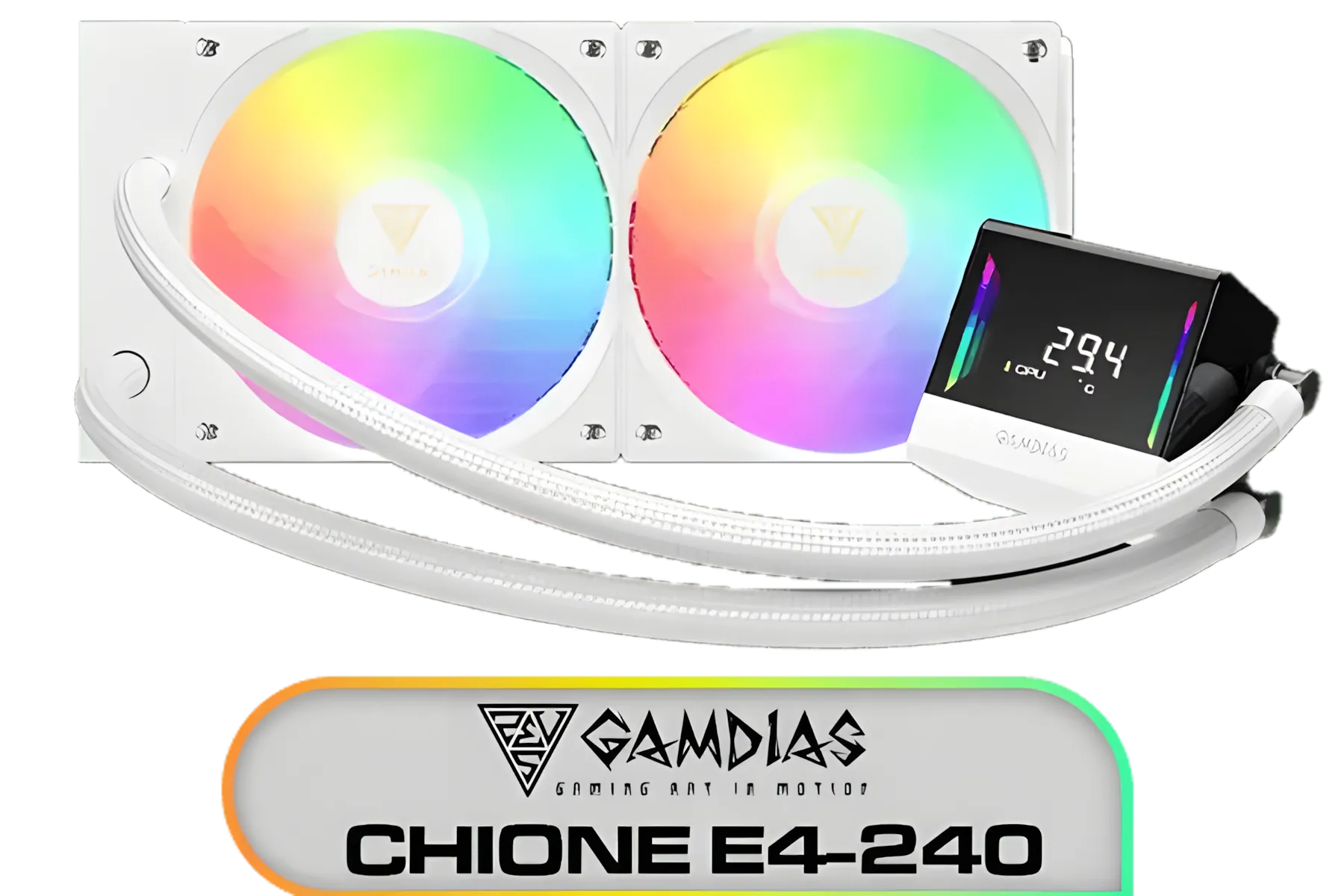
Gamdias Chione E4-240 Liquid Cooler - White / Hydraulic PWM Fans / Dual Infinite Mirror / Real-time Digital Display / Patented PWM Pump / Motherboard Sync ARGB / CHIONE-E4-240-WH
R899.00In Stock
Gamemax Sigma 520 Digital Air Cooler - Black / 220W Maximum Thermal Power / 74.8CFM High Airflow / Supports Intel Gen12, Gen13 & AMD CPUs / PWM Intelligent Temperature Control Fan / Sigm-520-Digital-BK
R599.00In Stock

DeepCool Liquid Cooler LT520 240mm 4th Gen Dual-Chamber Pump 3100RPM Multidimensional Infinity Mirror ARGB Block 280w TDP AIO Cooler Anti-Leak Tech CPU Water Cooler for AMD AM4/AM5 LGA 1700/1200 / LT520
R1749.00In Stock
Corsair Nautilus 240 RS ARGB Liquid CPU Cooler – 240mm AIO – Low-Noise – Direct Motherboard Connection – Daisy-Chain – Intel LGA 1851/1700, AMD AM5/AM4 – 2X RS120 ARGB Fans Included – Black / CW-9060092-WW
R1999.00In Stock

EK 280mm AIO D-RGB All-in-One CPU Liquid Cooler / Water Cooling Computer Parts / 140mm Fan / EK-Vardar High-Performance PMW Fans / Outstanding Thermal Conductivity / Support - Intel 115X/1200/2066, AMD AM4 / EK-AIO-280-D-RGB
R2699.00In Stock
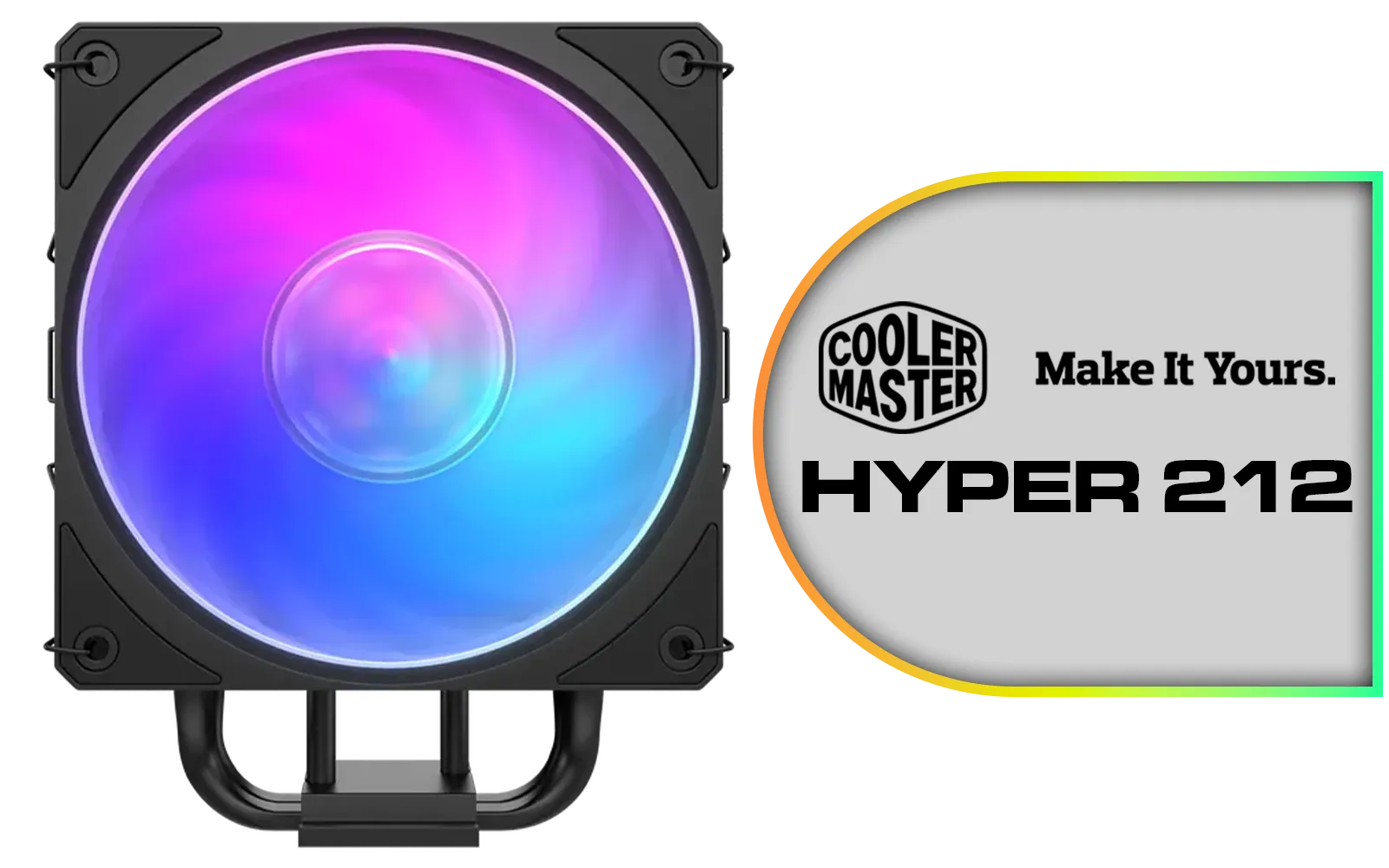
Cooler Master Hyper 212 3DHP Black ARGB Air Cooler / Superior Thermal Performance with 3DHP Heat Pipe Technology / Includes Mobius 120mm Fan / 2050 RPM Fan Speed / Supports Intel LGA 1851, 1700, 1200, 1151, 1150, 1155, 1156 & AMD AM5, AM4 Sockets / MAY-T2HP-217PA-R1
R799.00In Stock
These principles of balanced airflow aren't just for massive coolers; they're just as crucial for getting the most out of even smaller 240mm radiators. A well-planned system is always better than just throwing more fans at a problem. All high-quality CPU coolers benefit from thoughtful integration.
Ready to Master Your Temps? A perfectly optimised AIO is the heart of a cool and quiet gaming rig. Whether you're upgrading or starting a new build, getting the airflow right from the start makes all the difference. Explore our wide range of AIO liquid coolers and find the perfect cooling solution to conquer your build.
Related Products
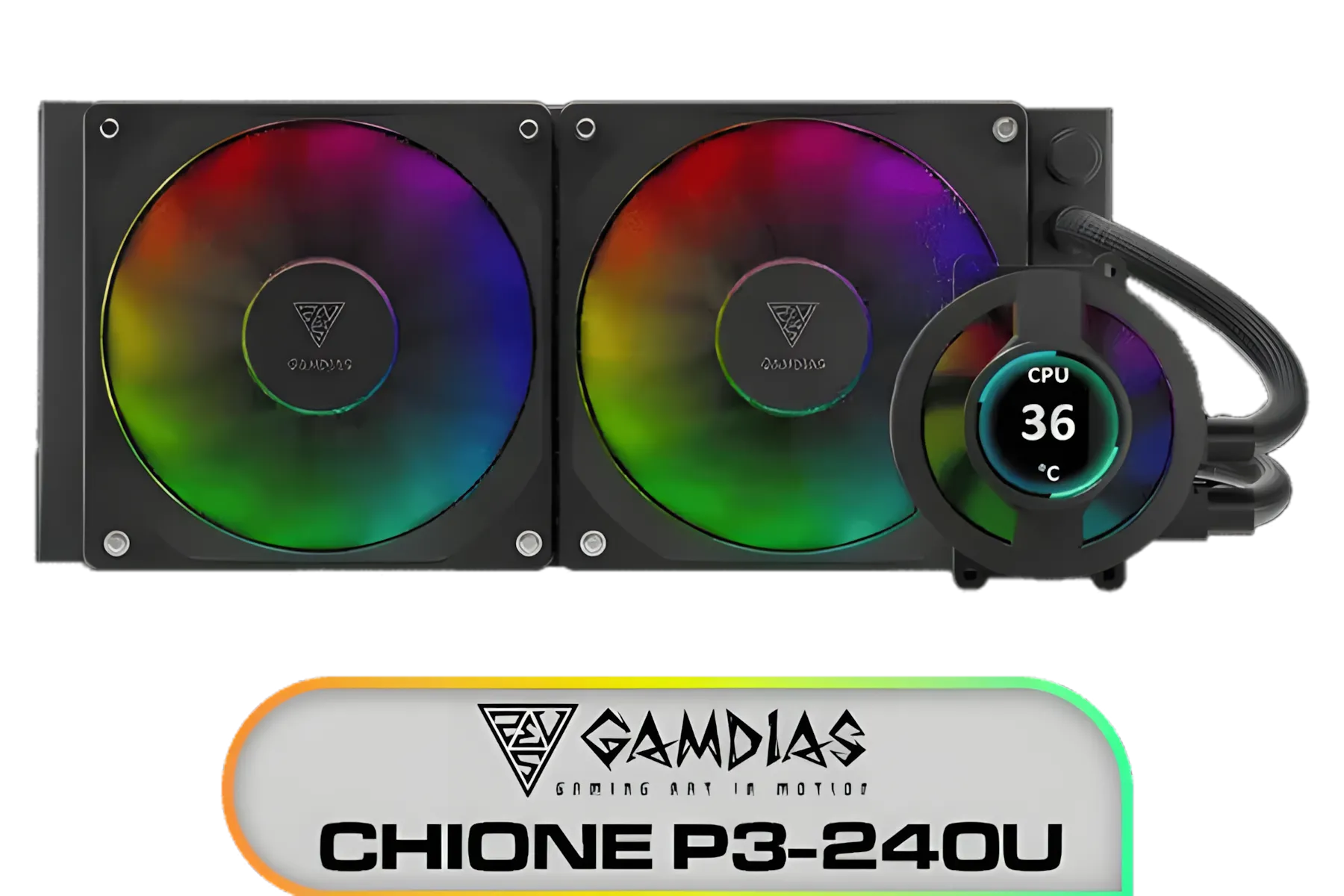
Gamdias CHIONE P3-240U All-in-One CPU Liquid Cooler / Personalized Lcd Display / Superior Radiator / Superior Airflow Performance / Premium Hydraulic Bearing / CHIONE-P3-240U
R2399.00In Stock

Corsair NAUTILUS 240 RS ARGB Liquid CPU Cooler – 240mm AIO – Low-Noise – Direct Motherboard Connection – Daisy-Chain – Intel LGA 1851/1700, AMD AM5/AM4 – 2x RS120 ARGB Fans Included – White / CW-9060094-WW
R1999.00In Stock

CORSAIR iCUE Link H100i RGB Liquid CPU Cooler - Black / 240mm AIO / QX120 RGB Fans / Fits Intel® LGA 1700, AMD® AM5 / iCUE Link System Hub Included / CW-9061001-WW
R3599.00In Stock
Gamdias Chione E4-360 Liquid Cooler / Hydraulic PWM Fans / Dual Infinite Mirror / Real-time Digital Display / Patented PWM Pump / Motherboard Sync ARGB / CHIONE-E4-360
R1899.00In Stock

Fracta Design Celsius+ S28 Prisma 280MM Water Cooling Unit, Black, 2AL-14 PWM ARGB Fan / FD-W-2-S2802
R2599.00In Stock
Gamdias Chione E4-360 Liquid Cooler - White / Hydraulic PWM Fans / Dual Infinite Mirror / Real-time Digital Display / Patented PWM Pump / Motherboard Sync ARGB / CHIONE-E4-360-WH
R1999.00In Stock
Intake lowers CPU temps; exhaust keeps case heat down. With hot GPUs, front intake and top exhaust often work best—balancing intake vs exhaust radiator airflow.
Front usually gives cooler CPU temps; top improves overall case airflow. For front vs top radiator 360mm, pick based on GPU heat, case filters, and clearance.
Yes. Push-pull can improve cooling 1–3°C on dense fins or low RPM, but adds noise and cost. Try higher static pressure fans first on a 360mm radiator.
Start ~30% under 40C, 50% at 60C, 70% at 75C, 80–90% at 85C. Tune for noise and temps, and sync to CPU sensor for a steady fan curve for 360mm AIO.
Use static pressure fans on radiators; they push through fins and filters better. Airflow fans are best for open intakes without a radiator or filter.
Yes. Fine mesh filters can cut flow 5–10%. A 5–10 mm shroud or gasket reduces turbulence and helps 360mm radiator placement efficiency.
Confirm support for 3x120mm, radiator thickness plus fans (52–85 mm), and top RAM/VRM clearance ≥45 mm. Check front length vs GPU and case specs.