



60Hz vs 144Hz vs 180Hz: The Visual Difference Explained
Discover the real impact of 60Hz vs 144Hz vs 180Hz gaming. We break down visual smoothness, motion clarity, and why high refresh rates matter for competitive play. 🎮 Unlock your full potential with the right monitor upgrade! 🚀
|
Loading tags...

Staring at your screen during an intense firefight in Apex Legends, only to have your aim thrown off by a stuttering, blurry mess? You're not alone. That frustrating visual judder is often the fault of a low refresh rate. For years, 60Hz was the standard, but today, the debate is all about 60Hz vs 144Hz vs 180Hz. Understanding this difference is crucial for any serious South African gamer looking to gain a competitive edge.
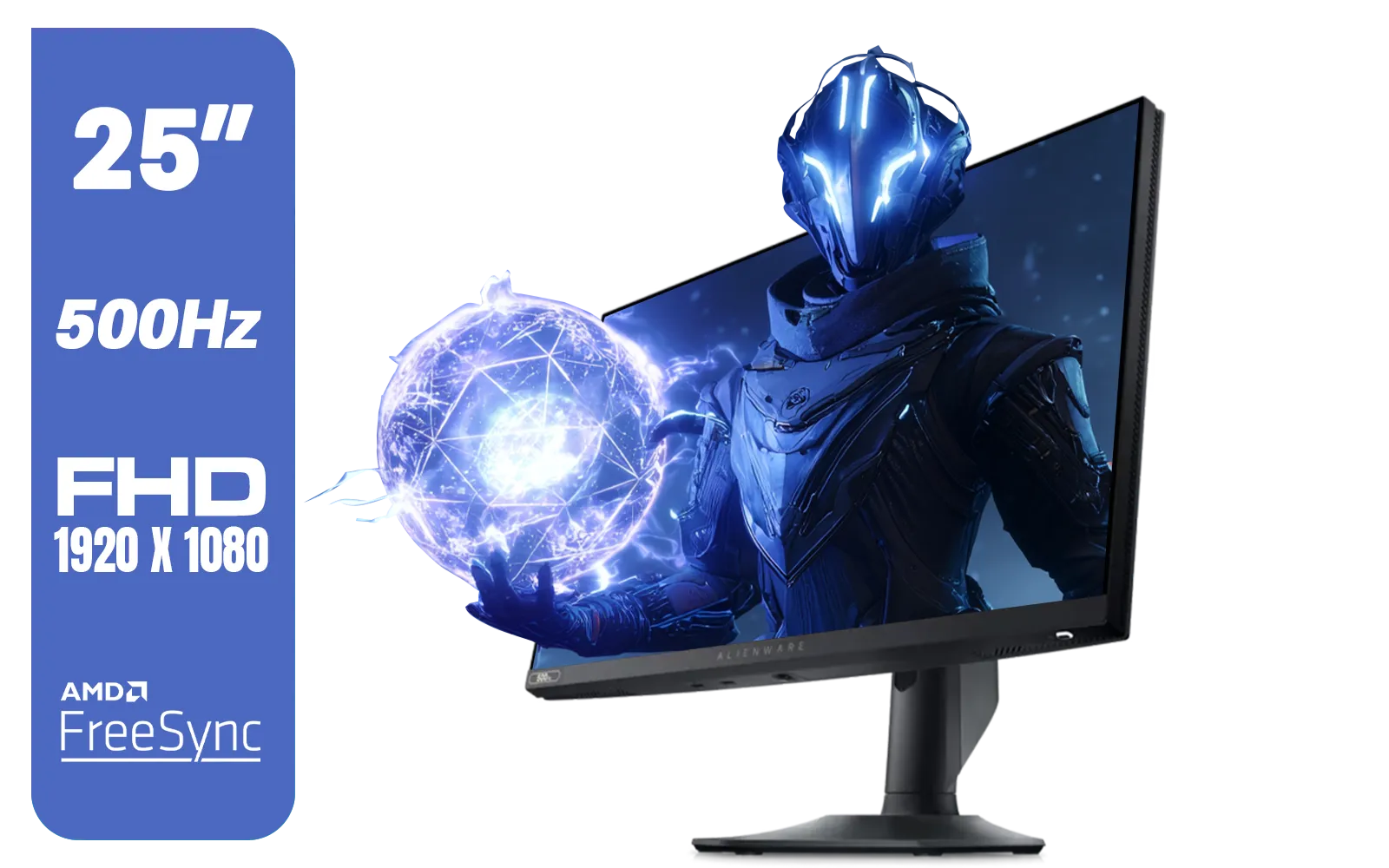
Alienware AW2524HF Gaming Monitor/ 25-inch / IPS Panel / Full HD (1920 x 1080)/ 500Hz refresh rate / 1 ms Response Time / VESA Adaptive-Sync, AMD FreeSync Premium / AW2524HF
R12999.00In Stock
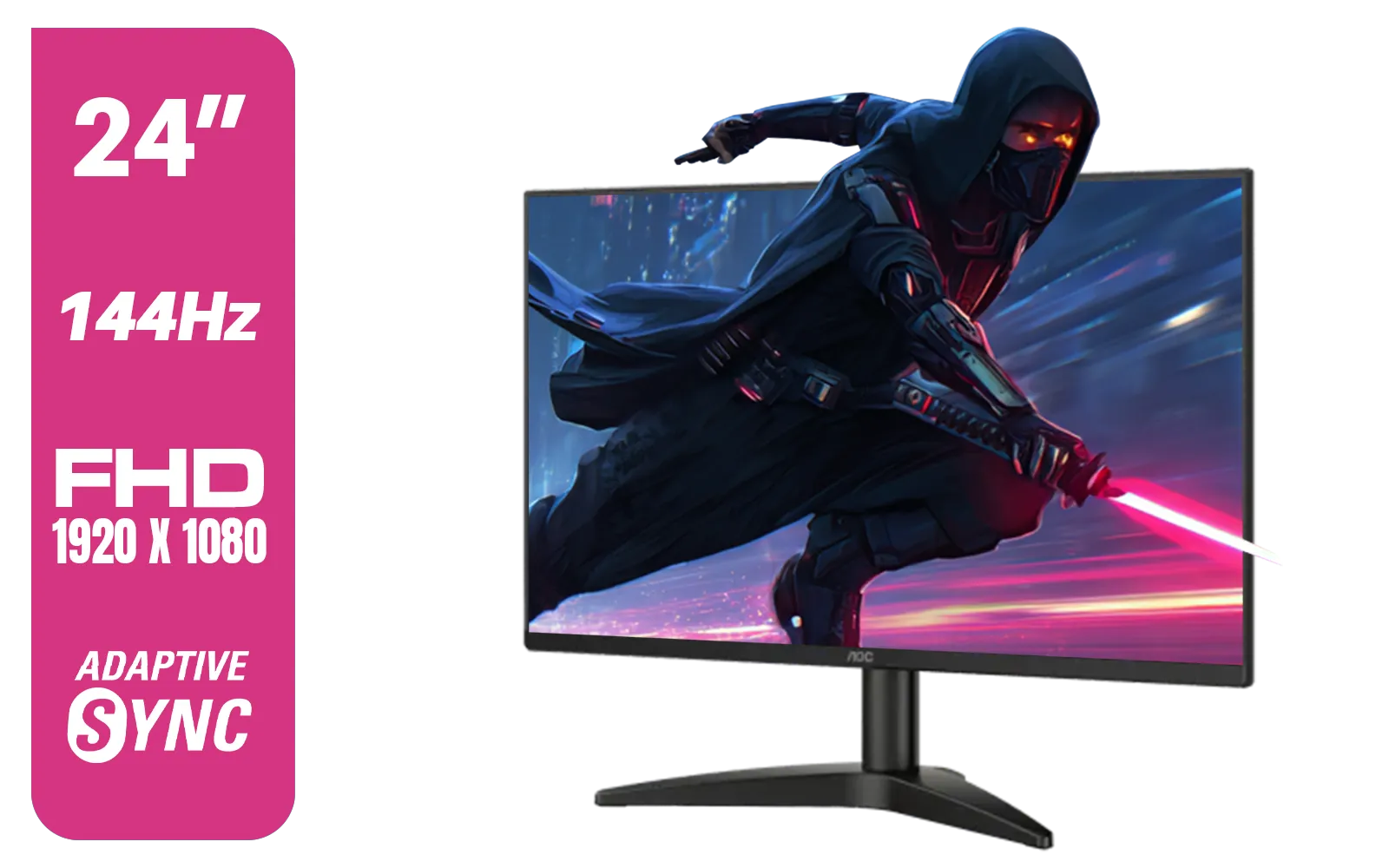
AOC 24B36X 24" Gaming Monitor / FHD (1920 x 1080) / 144Hz Refresh Rate / 0.5ms Response Time / IPS-Level Display / Support HDR10 / Support Adaptive Sync / 24B36X
R1999.00In Stock

VIEWSONIC VX2758A-2K-PRO-3 27" 2K Gaming Monitor / 240Hz Refresh Rate / 1ms MPRT Response Time / AMD FreeSync™ Premium & NVIDIA G-Sync Compatible / Dual HDMI & DisplayPort Inputs / VX2758A-2K-PRO-3
R5499.00In Stock
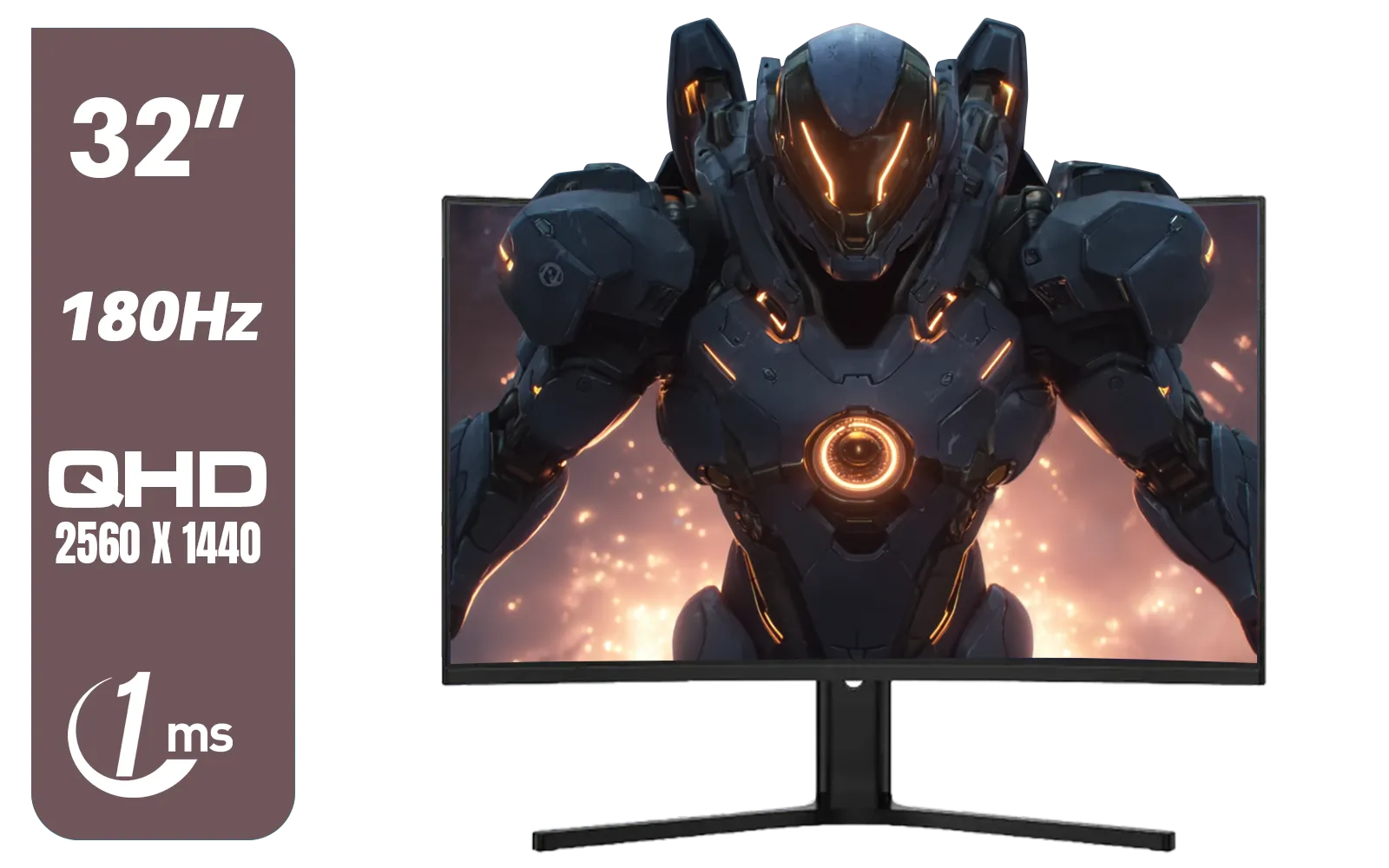
Dahua LM32-E330CA 32" 180Hz LED Monitor / Adaptive-Sync Technology / 1ms Response Time / QHD 2560x1440 / 180Hz Refresh Rate / DHI-LM32-E330CA
R3999.00In Stock
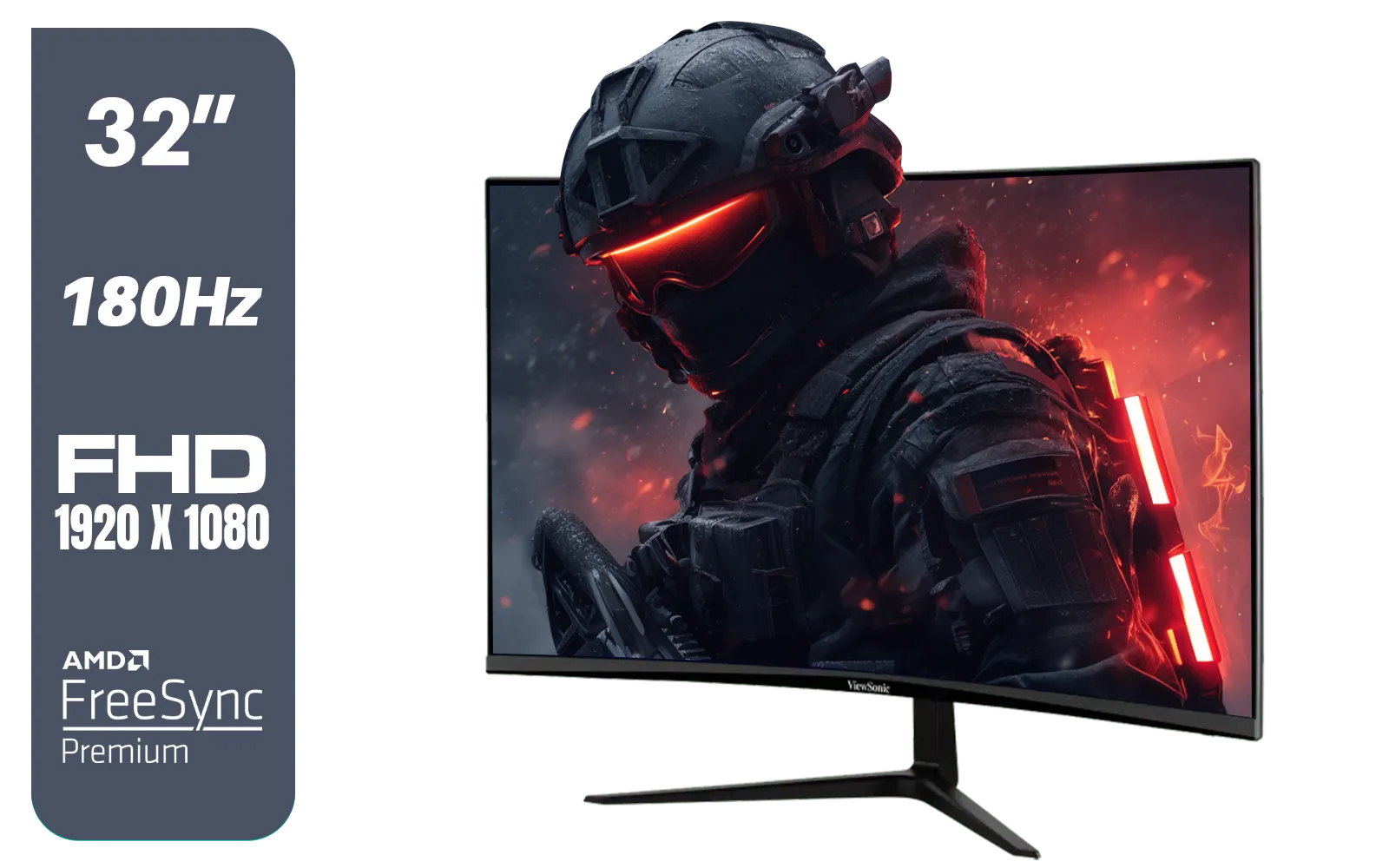
ViewSonic VX3218-PC-MHD 32" Full HD (1920 x 1080) 180Hz Curved Gaming Monitor / 180Hz Refresh Rate / 1ms MPRT Response Time / AMD Adaptive Sync Prevents Screen Tearing / 1500R Curve Ultimate Immersion / VX3218PCMHD
R3499.00In Stock
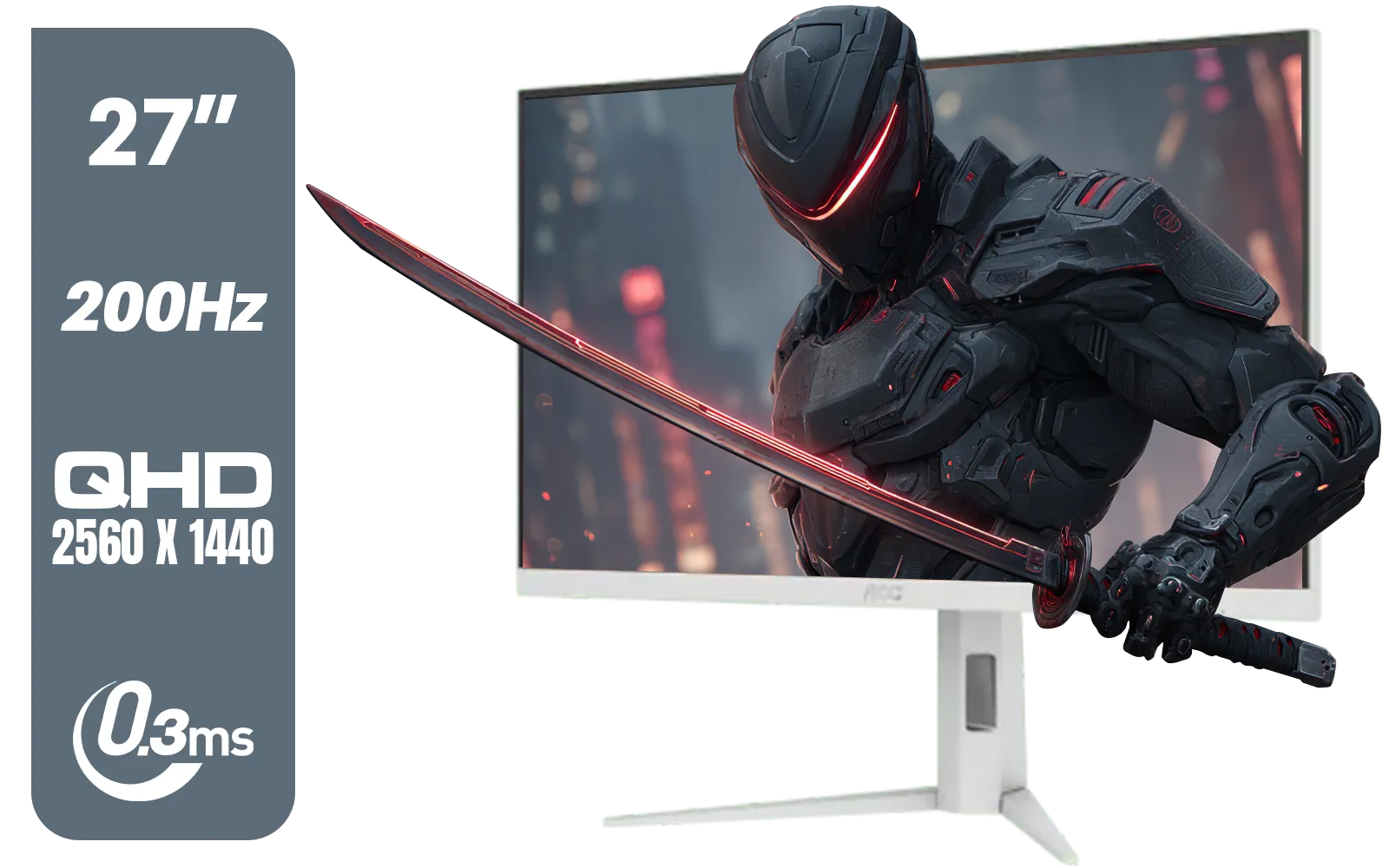
AOC Q27G4/WS 27" Gaming Monitor - White / QHD (2560 × 1440) / 200Hz Refresh Rate / 0.3ms Response Time / IPS-Level Display / Certified HDR400 / Support Adaptive Sync / Q27G4/WS
R4899.00In Stock
What Exactly is Refresh Rate (Hz)?
Think of your monitor's refresh rate, measured in Hertz (Hz), as the number of times it updates the image on screen every second. A 60Hz monitor refreshes the picture 60 times per second, while a 144Hz monitor does it 144 times. It’s like a digital flipbook: more pages per second create a much smoother, more fluid animation.
This smoothness is vital in gaming. Your graphics card produces frames (FPS), and your monitor displays them (Hz). If your PC is pushing 150 FPS but your monitor is only 60Hz, you're only seeing 60 of those frames. You're leaving performance on the table! This mismatch can cause screen tearing and input lag, which can be the difference between victory and defeat.
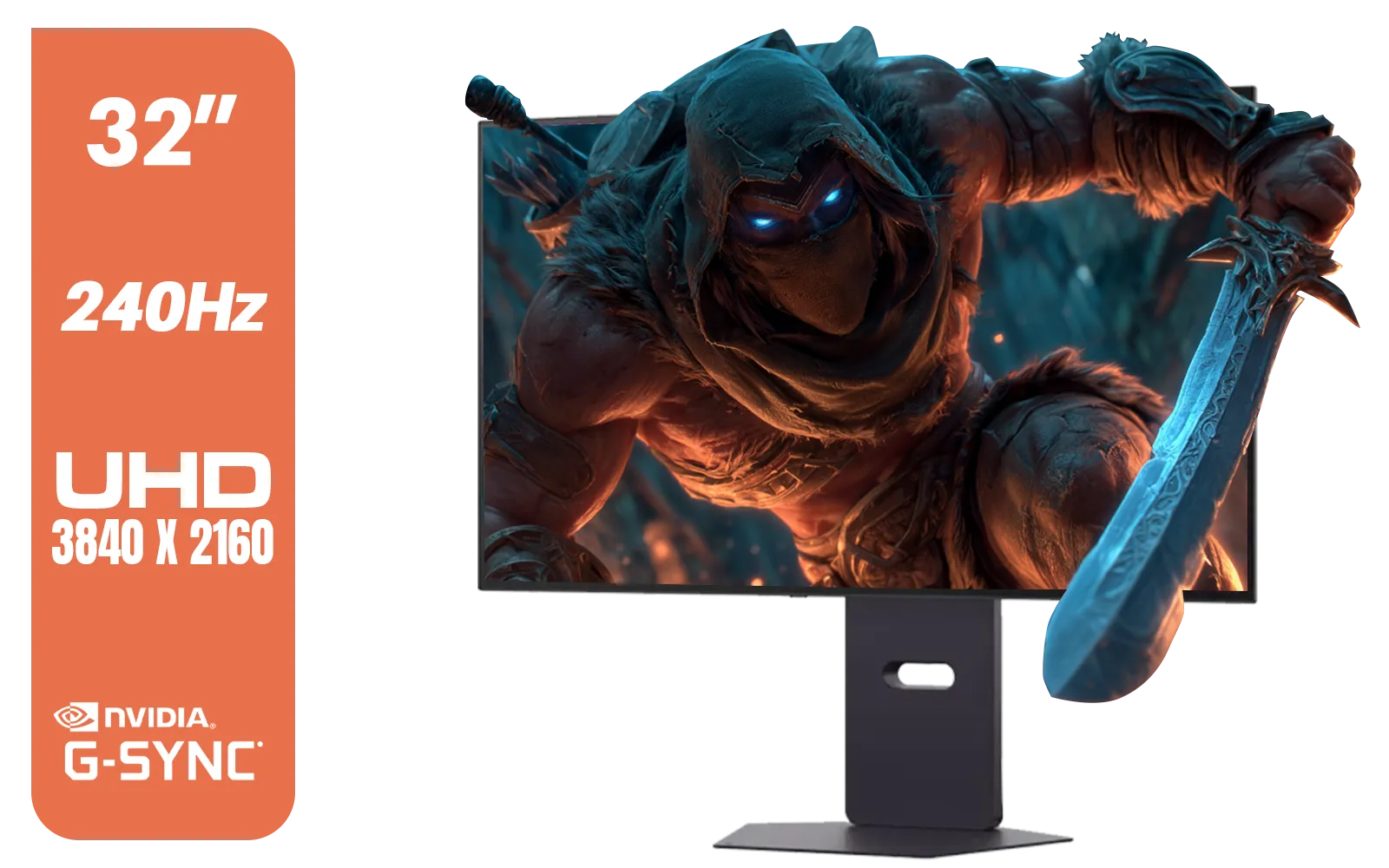
LG 32" UltraGear™ Dual-Mode OLED gaming monitor / 4K UHD / 0.03ms (GtG) / HDR Display True Black 400 / 32GS95UV-B.AFB
R27499.00In Stock
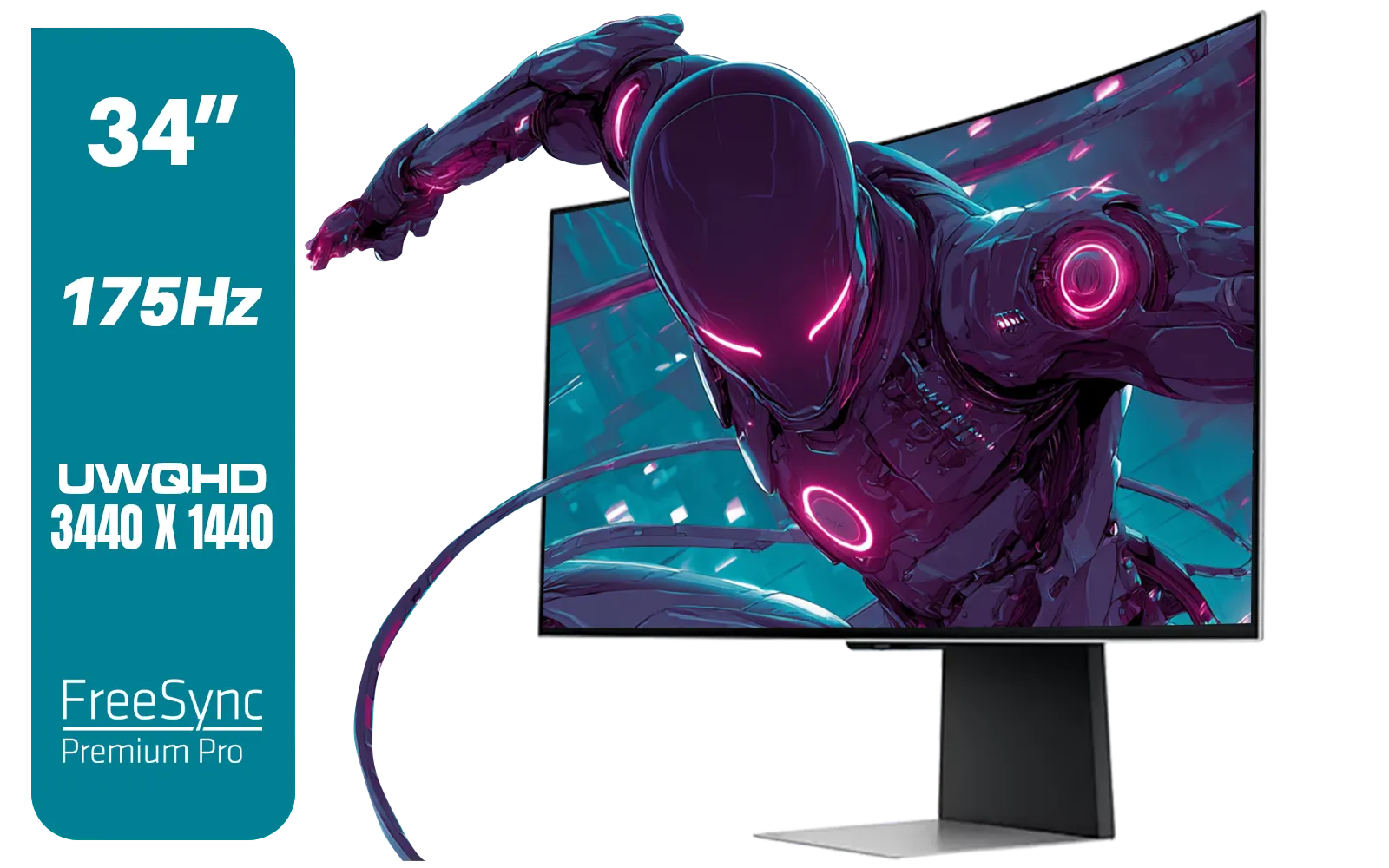
SAMSUNG Odyssey G8 Gaming 34" Monitor / 3440 x 1440 1800R OLED / 175Hz / GtG 0.03ms / FreeSync Premium Pro / G-Sync Compatible / LS34DG852SAXXA
R24999.00In Stock

LG UltraGear Gaming Monitor 27GS75Q, 27 inch, 1440p, 200Hz, 1ms GtG, IPS Display, HDR 10, NVIDIA G-Sync & AMD FreeSync compatible / 27GS75Q
R5999.00In Stock
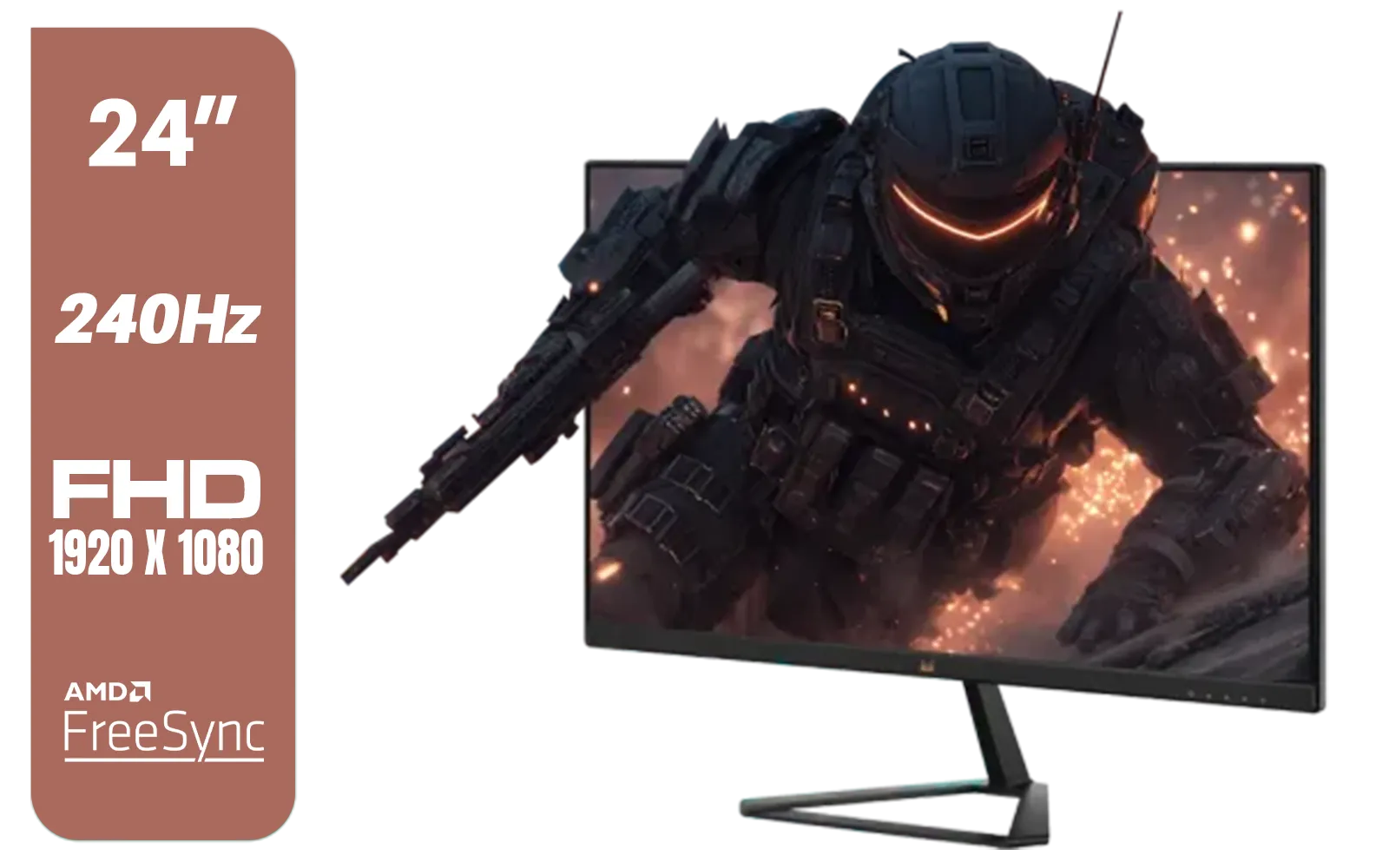
ViewSonic VX2479A-HD-PRO 24" Gaming Monitor / IPS-Level Display / 240Hz Refresh Rate / 1ms MPRT / AMD FreeSync / HDR10 / VX2479A-HD-PRO
R3199.00In Stock
Alienware AW2524HF Gaming Monitor/ 25-inch / IPS Panel / Full HD (1920 x 1080)/ 500Hz refresh rate / 1 ms Response Time / VESA Adaptive-Sync, AMD FreeSync Premium / AW2524HF
R12999.00In Stock
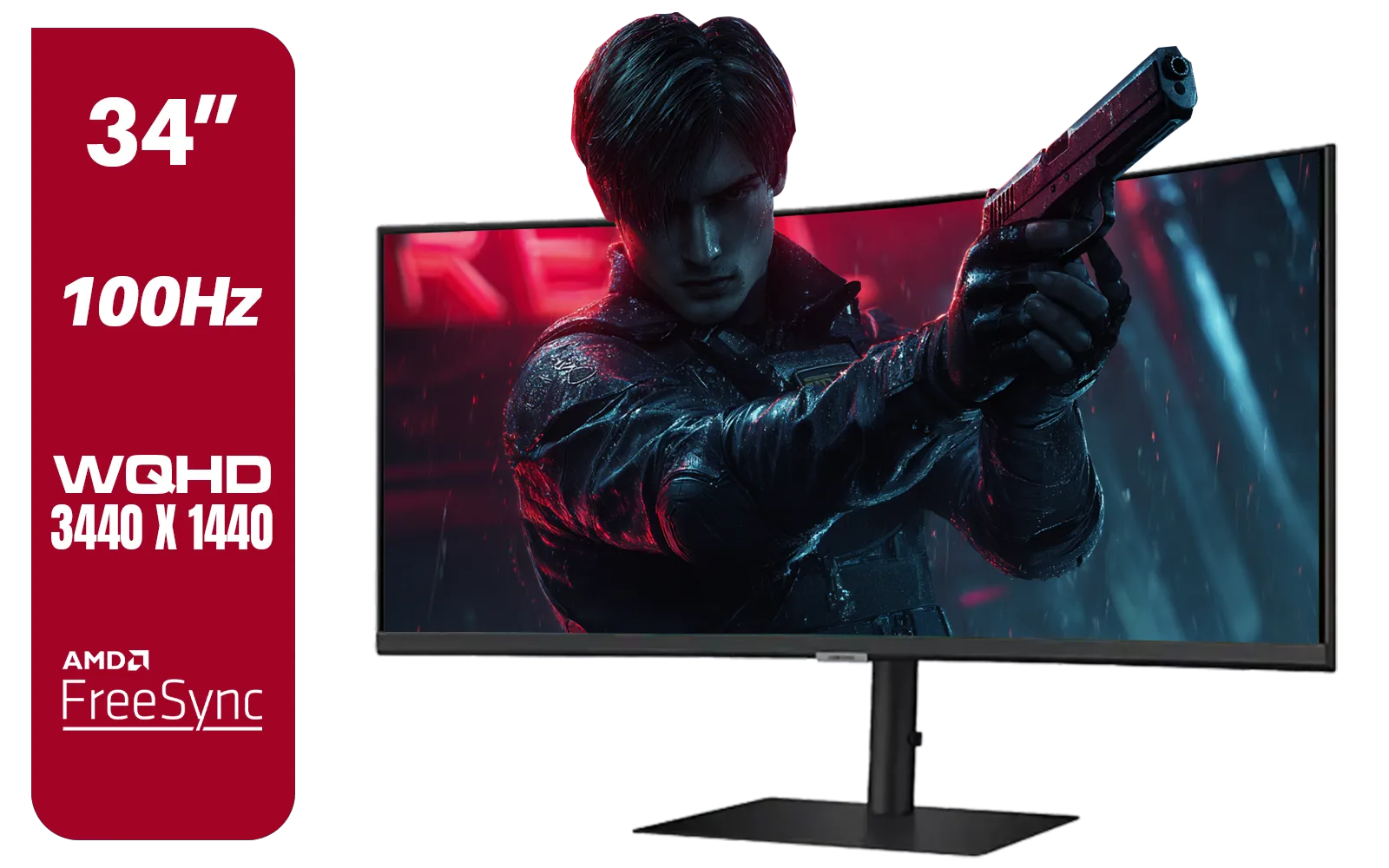
Samsung ViewFinity S6 S65UC 34″ Curved Monitor / Ultra WQHD (3440x1440) Resolution / 100Hz refresh rate / 5ms response time / AMD FreeSync™ / LS34C652UAUXEN
R11999.00In Stock
The Jump from 60Hz: A New World of Smoothness
For many gamers, the upgrade from 60Hz to 144Hz is the single most noticeable improvement they can make to their setup. While 60Hz is perfectly fine for browsing the web or watching movies, it shows its age in fast-paced games. On a 60Hz screen, quick mouse movements can look blurry and tracking fast-moving targets feels... floaty.
Making the leap to 144Hz or higher is a genuine "wow" moment. Everything becomes incredibly fluid.
- Tracking Enemies: In games like Warzone or CS:GO, opponents moving across your screen appear clearer, with less motion blur, making them easier to track and shoot.
- Reduced Input Lag: Because the screen is updating more frequently, the time between your mouse movement and the action appearing on-screen is reduced. Your aim feels more responsive and connected.
- Overall Smoothness: Even just moving your cursor around the desktop feels liquid-smooth. It makes your entire PC experience feel more premium and responsive.
The debate between 60Hz vs 144Hz is pretty clear for anyone serious about gaming: 144Hz offers a massive competitive advantage and a far more pleasant visual experience. For those seeking ultimate immersion, many of these high-refresh-rate panels also come as immersive curved monitors, pulling you deeper into the game world.
TIP FOR YOU
Pro Tip: Activate Your Speed! ⚡
Just plugging in your new high-refresh-rate monitor isn't enough. Windows often defaults to 60Hz. To unlock its full potential, right-click your desktop > select 'Display settings' > 'Advanced display settings'. From the dropdown menu, choose the highest available refresh rate. Don't leave performance you paid for locked away!
144Hz vs 180Hz: Is the Extra Juice Worth the Squeeze?
This is where the comparison gets more nuanced. The visual leap from 60Hz to 144Hz is monumental. The jump from 144Hz to 180Hz is more subtle, an incremental refinement rather than a revolution. So, in the 60Hz vs 144Hz vs 180Hz showdown, who needs 180Hz?
Aspiring esports athletes and highly competitive players will appreciate the fractional edge that 180Hz provides. It offers a slight reduction in motion blur and an even more immediate feel. The good news for South African buyers is that the price gap between 144Hz and 180Hz monitors has shrunk considerably. Often, a 180Hz model might only cost a few hundred ZAR more, making it a fantastic value proposition for a new build. It provides that extra bit of performance headroom for a minimal investment, future-proofing your setup. While you're weighing up specs, don't forget the importance of resolution—many gamers try to find the perfect balance between high refresh rates and the stunning detail of crisp 4K monitors.

AOC 22B2HN, 21.5 Inch (54.6 cm) LED 1920 x 1080 Pixels Ultra Slim Monitor with 3 Sided Frameless Design, Va Panel, Hdmi/Vga Port, Full Hd, 7 Ms Response Time, 75 Hz Refresh Rate, Flicker Free, Black / AOC-22B2HN
R2099.00In Stock
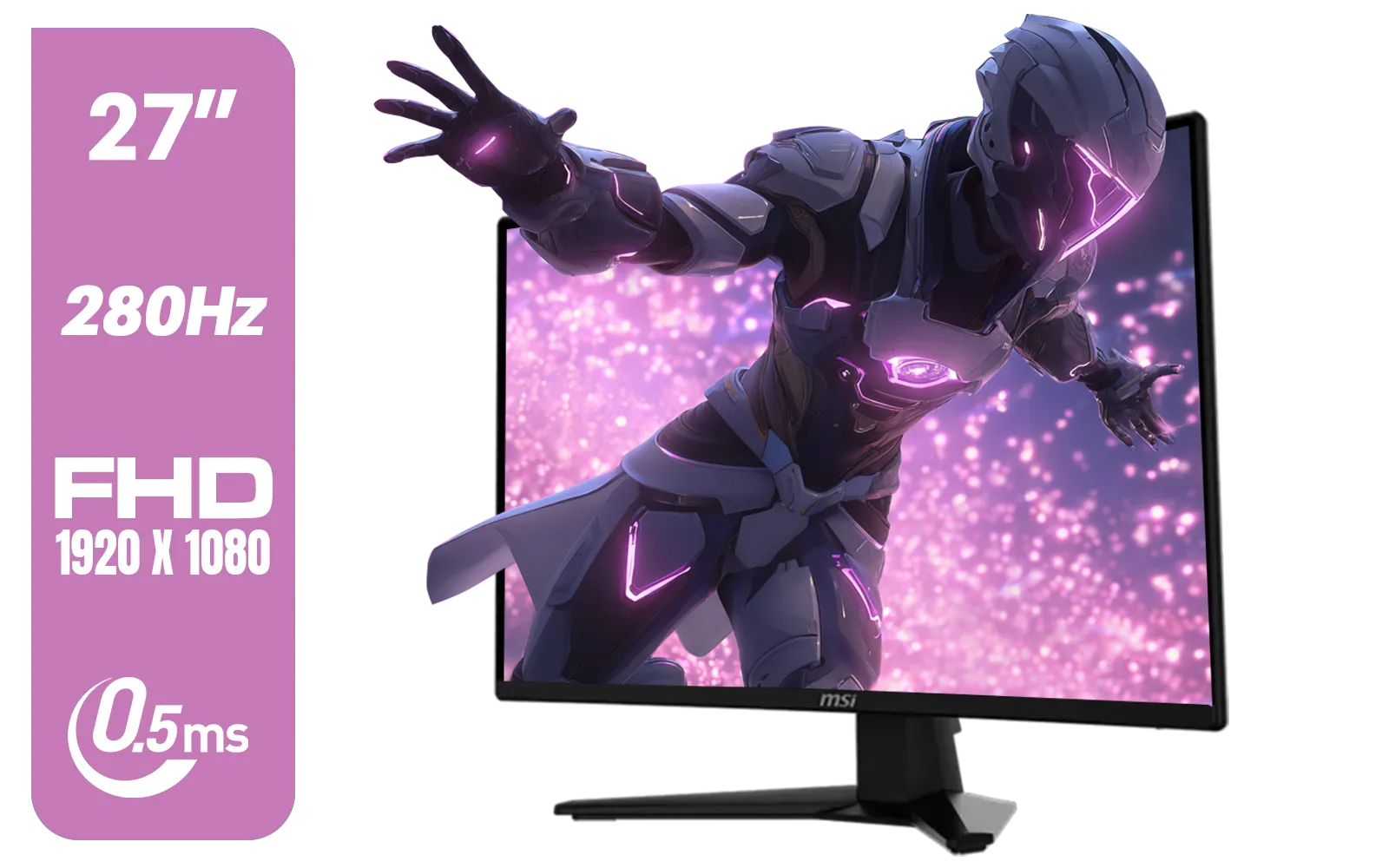
MSI MAG 274CXF Monitor / 27" FHD (1920x1080) Rapid VA Display / 280Hz Refresh Rate / Curved 1500R / 0.5ms Response Time / AMD FreeSync™ Premium / 9S6-3CE31T-028
R4999.00In Stock
SAMSUNG Odyssey G8 Gaming 34" Monitor / 3440 x 1440 1800R OLED / 175Hz / GtG 0.03ms / FreeSync Premium Pro / G-Sync Compatible / LS34DG852SAXXA
R24999.00In Stock
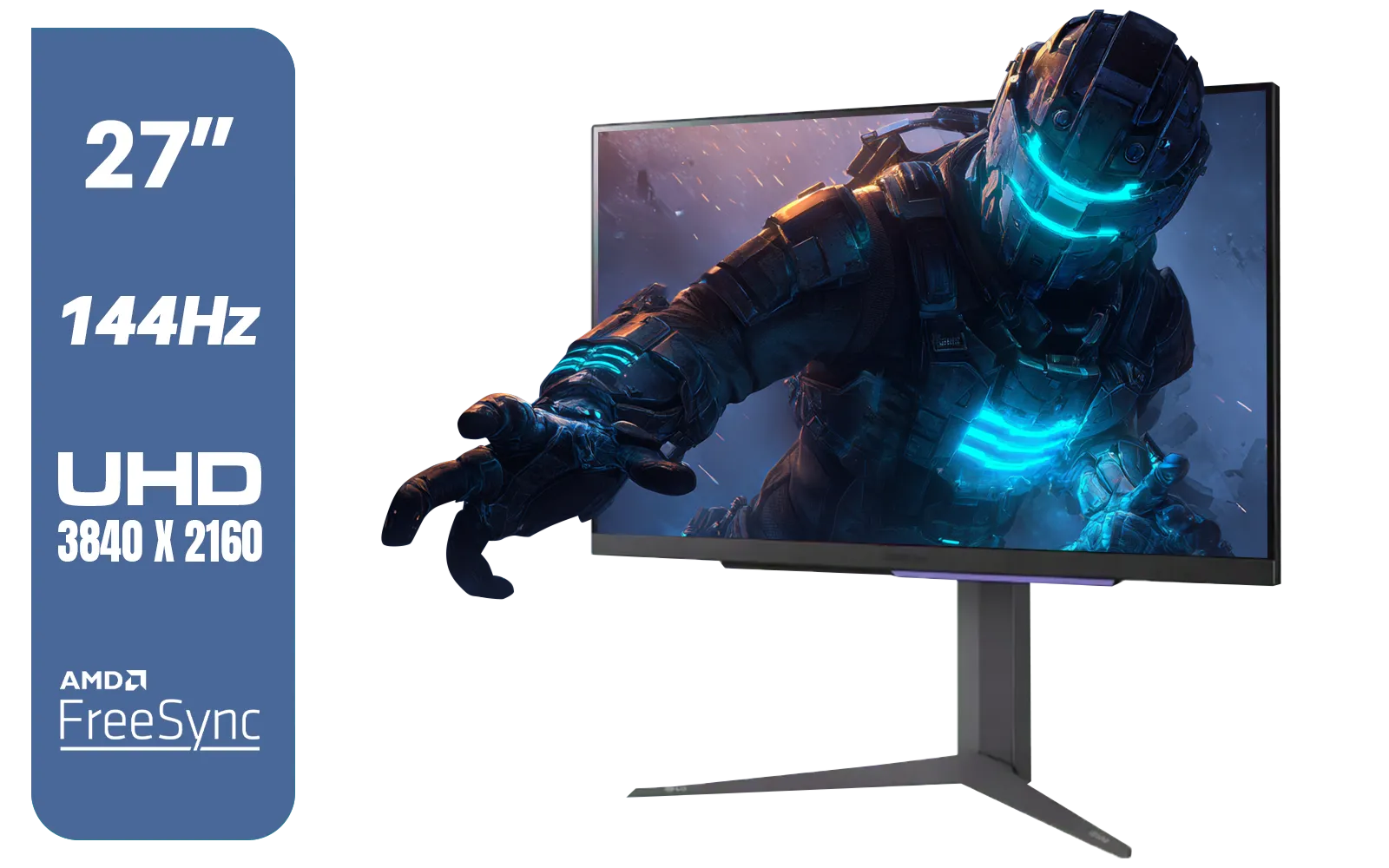
LG 27" UltraGear 4K UHD (3840x2160) Gaming Monitor, 144Hz, 1ms, VESA DisplayHDR 400, G-SYNC and AMD FreeSync Premium, HDMI 2.1, DisplayPort, 4-Pole HP Out DTS HP:X, Tilt/Height/Pivot Stand, Black / 27GR93U
R9999.00In Stock
LG UltraGear Gaming Monitor 27GS75Q, 27 inch, 1440p, 200Hz, 1ms GtG, IPS Display, HDR 10, NVIDIA G-Sync & AMD FreeSync compatible / 27GS75Q
R5999.00In Stock
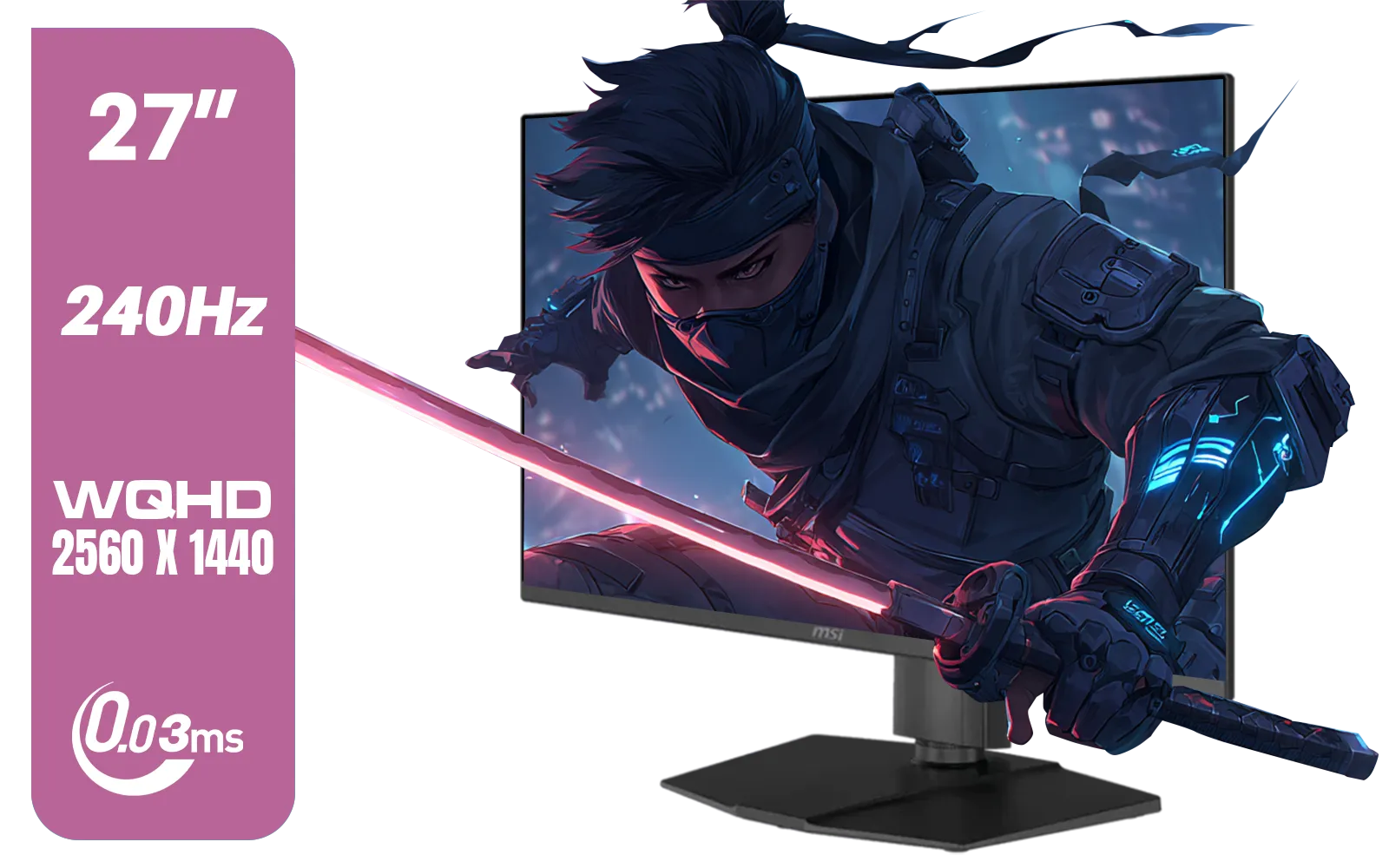
MSI MAG 273QP 27" 2560 x 1440 (WQHD) QD-OLED Monitor / 0.03ms GtG Response Time / 240Hz Refresh Rate / VESA DisplayHDR True Black 400 / 9S6-3CE69H-012
R14999.00In Stock
Beyond the Hertz: What Else to Consider
Refresh rate is king, but it's not the only spec that matters when exploring the world of PC monitors. Keep an eye on:
- Response Time: Look for 1ms (GtG) to minimise ghosting and motion blur.
- Panel Type: IPS panels offer the best colour accuracy and viewing angles, while VA panels provide superior contrast.
- Adaptive Sync: NVIDIA G-Sync or AMD FreeSync prevents screen tearing by synchronising your monitor's refresh rate with your GPU's frame rate. It's a must-have feature.
- Connectivity: Do you need a monitor for more than just your PC? Some versatile portable monitors offer great connectivity for laptops and consoles on the go.
Finally, remember to budget for essential monitor accessories like a good quality DisplayPort cable to ensure you can hit those high refresh rates, or a monitor arm for perfect ergonomic positioning. 👀
The visual difference between 60Hz, 144Hz, and 180Hz is something you truly have to see to believe. For most gamers, 144Hz remains the sweet spot, offering a transformative upgrade. But with 180Hz becoming more affordable, it's an excellent choice for those who want every last drop of performance. You can browse our complete collection of gaming monitors to compare the latest models and find the perfect fit for your rig. 🚀
Ready for a Smoother Gaming Experience? The 60Hz vs 144Hz vs 180Hz debate is settled the moment you see them side-by-side. An upgrade is one of the most impactful changes you can make to your gaming setup. Explore our incredible monitor deals and find the perfect high-refresh-rate screen to dominate the competition.
Related Products
ViewSonic VX3218-PC-MHD 32" Full HD (1920 x 1080) 180Hz Curved Gaming Monitor / 180Hz Refresh Rate / 1ms MPRT Response Time / AMD Adaptive Sync Prevents Screen Tearing / 1500R Curve Ultimate Immersion / VX3218PCMHD
R3499.00In Stock

ViewSonic TD1655 15.6" Full HD (1920 x 1080) Portable Touchscreen Monitor / Ultra-portable Design / Advanced in-cell Capacitive Touchscreen / 2-Way Power With USB Type-C / Frameless Design / Portrait and Landscape Modes / dual integrated speakers / TD1655
R5199.00In Stock

VIEWSONIC TD1630-3 15.6" 10-Pont Touch Screen Monitor / HD 768p Resolution / Projected Capacitive Touch / HDMI & VGA Inputs / Dual Integrated Speakers / Durable Scratch-Resistant Screen / TD1630-3
R4499.00In Stock
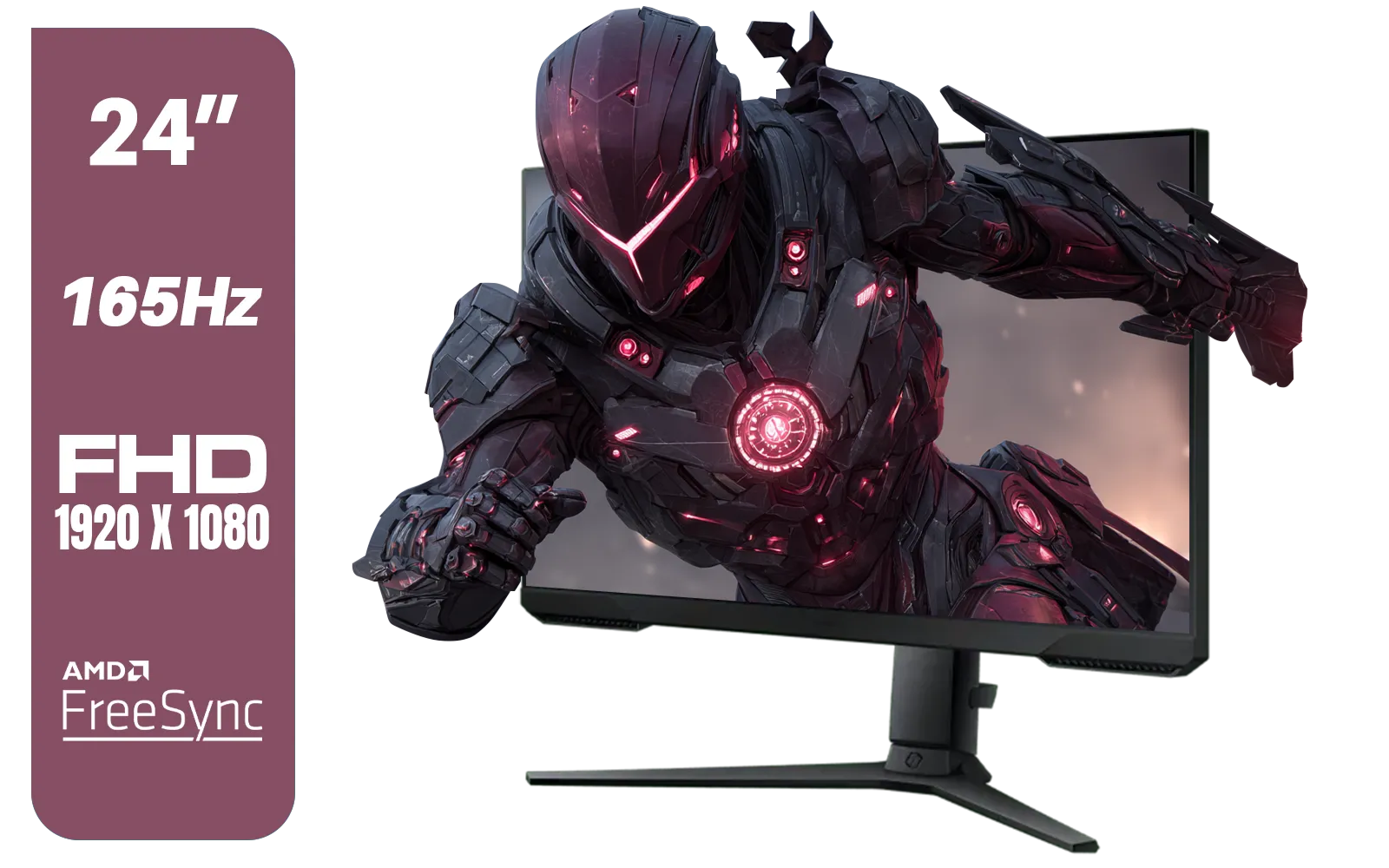
SAMSUNG 24" Odyssey G32A FHD 1ms 165Hz Gaming Monitor with Eye Saver Mode, Free-Sync Premium, Height Adjustable Screen for Gamer Comfort, VESA Mount Capability / LS24AG320NAXXA
R3199.00In Stock

Samsung Odyssey G55T 34" Ultra WQHD (3440 x 1440) 165Hz Curved Gaming Monitor / AMD FreeSync Premium / 165Hz Refresh Rate / 1ms Response Time / 1000R Curved Display / Futuristic Design / LC34G55TWWRXEN
R9999.00In Stock
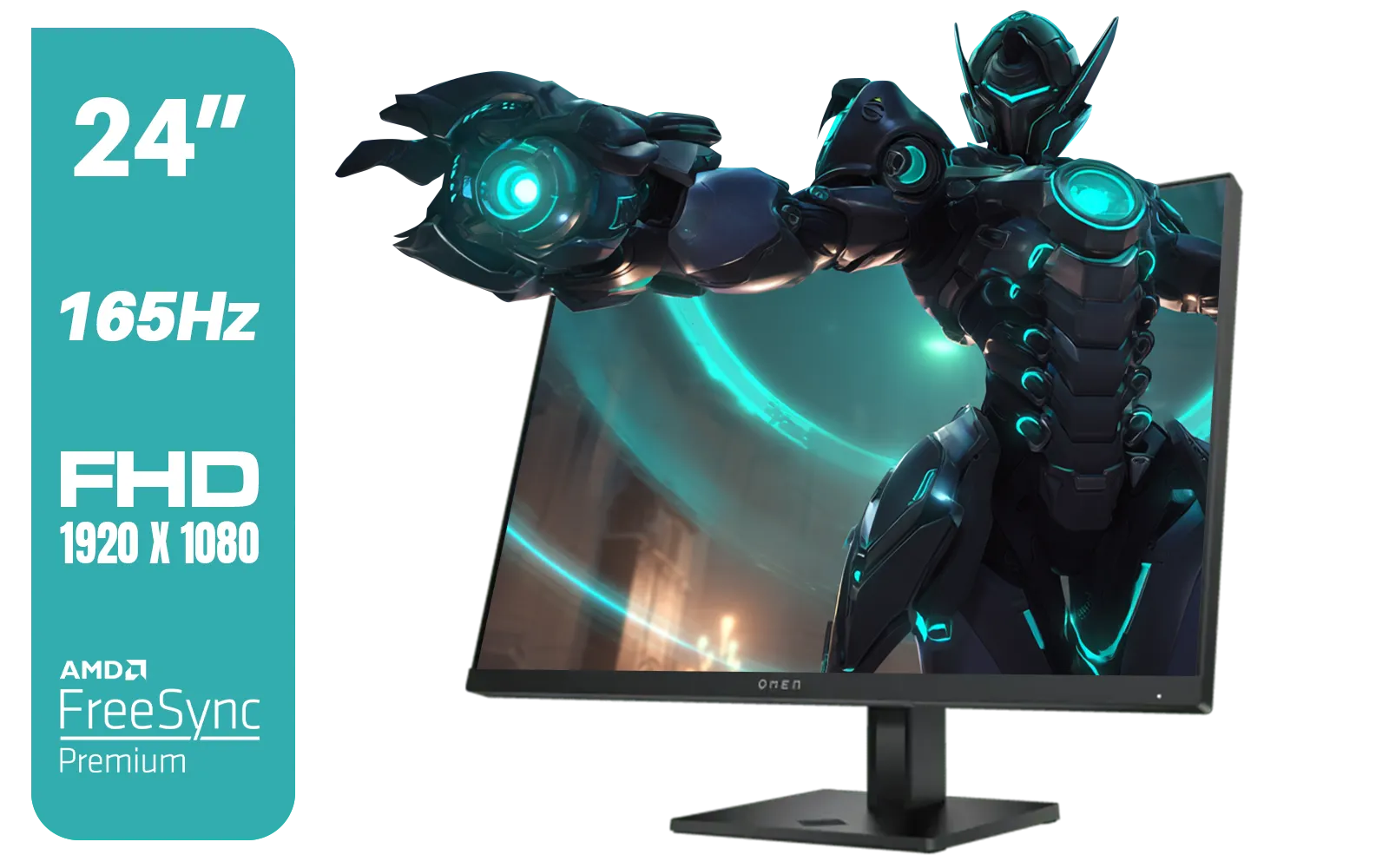
HP OMEN 24 FHD 165Hz Gaming Monitor - Black / 24" FHD (1920 x 1080) Anti-glare Display / AMD FreeSync Premium / Pivot Rotation and Height Adjustable / 780D9AS
R5199.00In Stock
Yes, the jump from 60Hz to 144Hz is visually significant. Most users immediately notice smoother cursor movement, fluid scrolling, and drastically reduced motion blur.
While less dramatic than the jump from 60Hz, 180Hz offers slightly lower input lag and smoother visuals than 144Hz, providing an edge in fast-paced competitive titles.
Yes, to fully utilize a 180Hz gaming monitor, your graphics card must be capable of outputting at least 180 frames per second (FPS) in your chosen games.
High refresh rates provide smoother motion and updated visual information faster, allowing gamers to react more quickly to on-screen targets.
Yes, at 60Hz, the image updates less frequently, causing fast-moving objects to appear blurry or 'ghosted' compared to the crisp motion of 144Hz or 180Hz displays.
Absolutely. 144Hz is considered the standard baseline for competitive gaming, though many pros are now moving toward 180Hz, 240Hz, and beyond for maximum advantage.











