



6GB VRAM: Is It Enough for Modern 1080p Games?
6GB VRAM: Assess whether 6GB VRAM meets modern 1080p gaming needs by game type, settings, and upgrades. Get clear performance expectations and quick tuning tips 🎮⚙️
|
Loading tags...

So, you're eyeing a new graphics card for your 1080p setup, and the budget is tight. We've all been there. You see a great deal on a GPU with 6GB of VRAM, but a nagging question pops into your head: is that actually enough for today's games? With new titles demanding more power, it's a critical question for any savvy South African gamer. Let's dive in and see if 6GB VRAM is still a champion or a compromise.
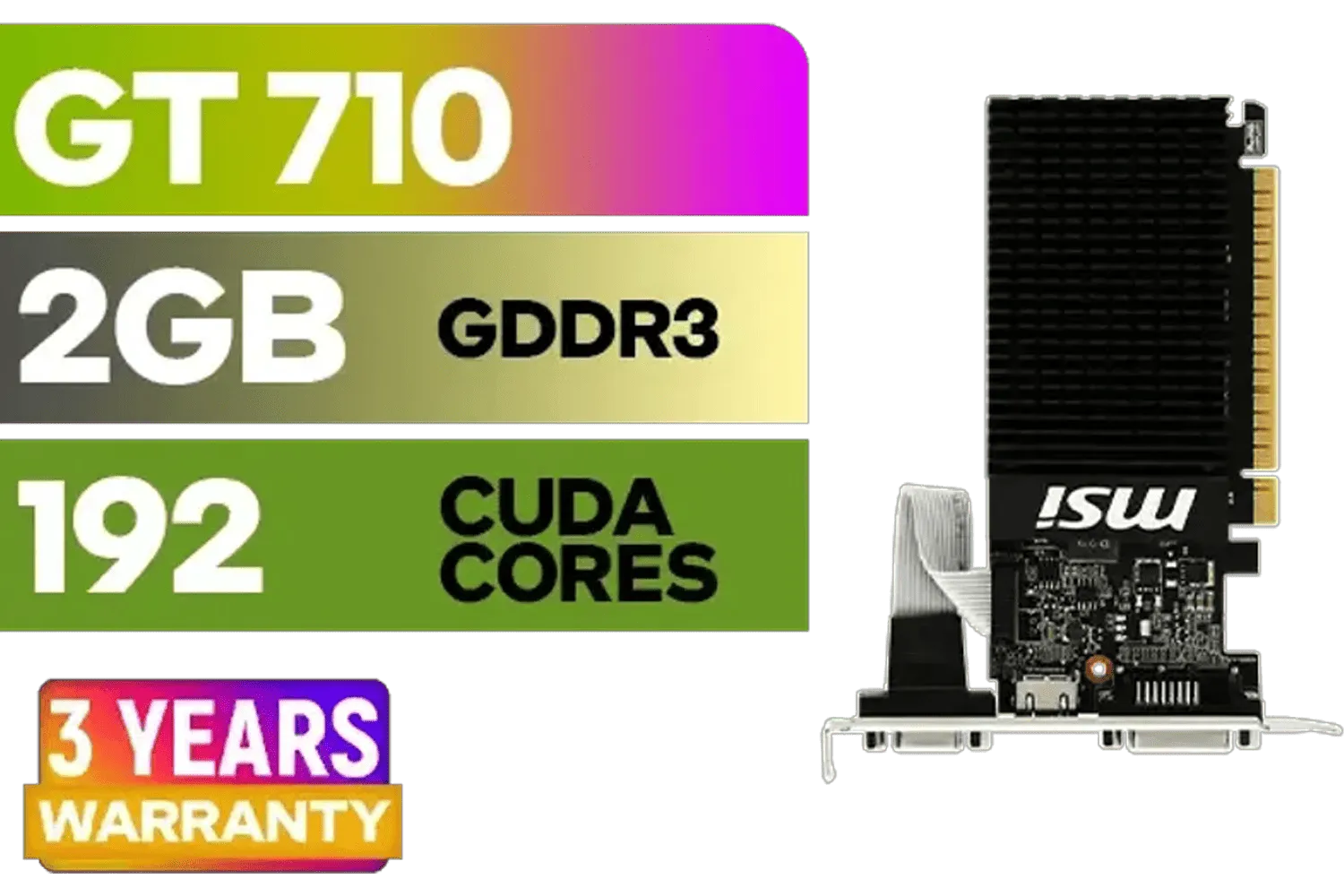
MSI GeForce GT 710 2GD3H LP 2GB DDR3 Graphics Card / 192 CUDA CORES / 64-bit Memory / 1x HDMI / 1x Dual-link DVI-D / 1x D-Sub / 912-V809-4217
R1099.00In Stock
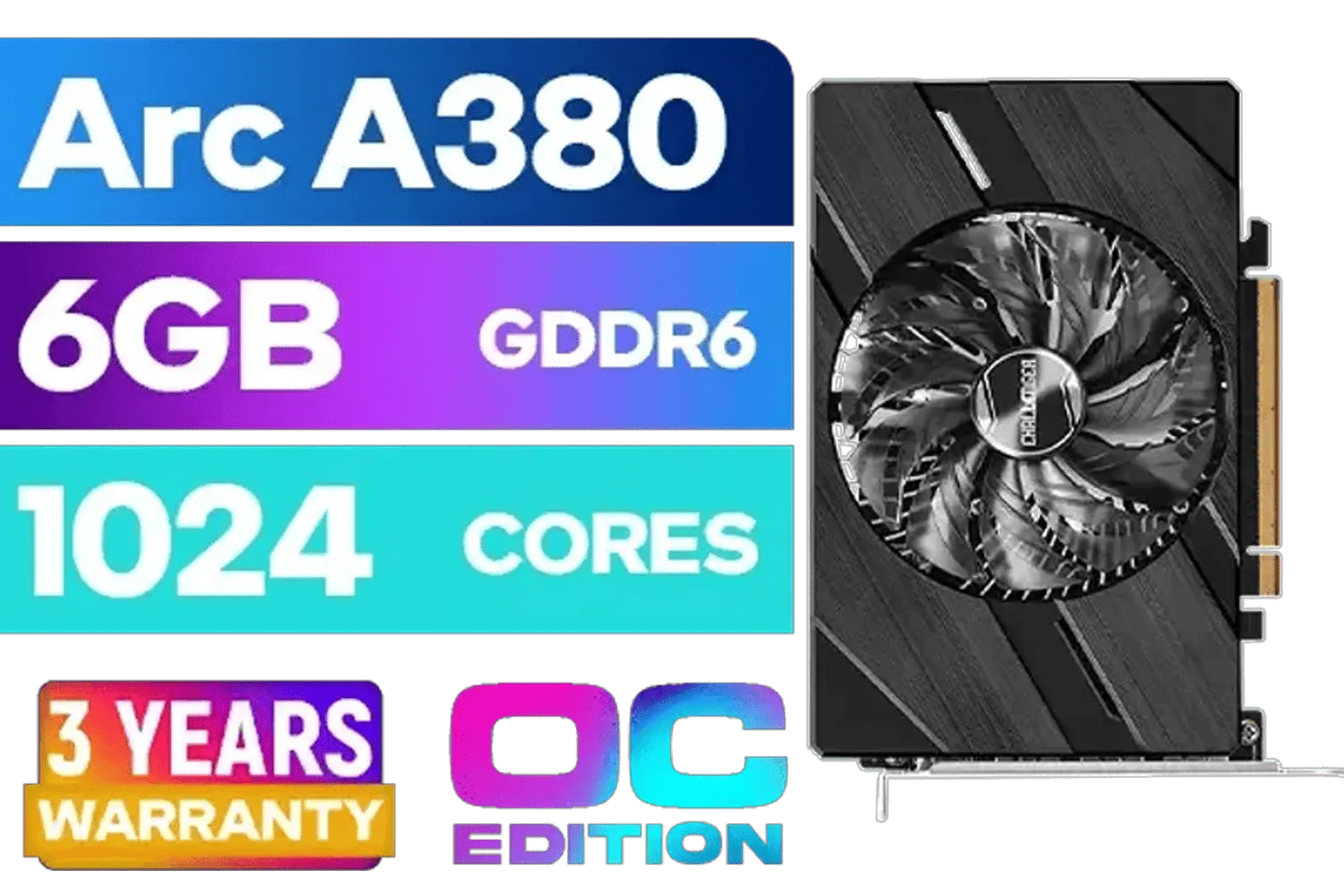
ASRock Intel Arc A380 Challenger ITX 6GB OC GDDR6 Graphics Card / 90-GA3KZZ-00UANF
R3199.00In Stock
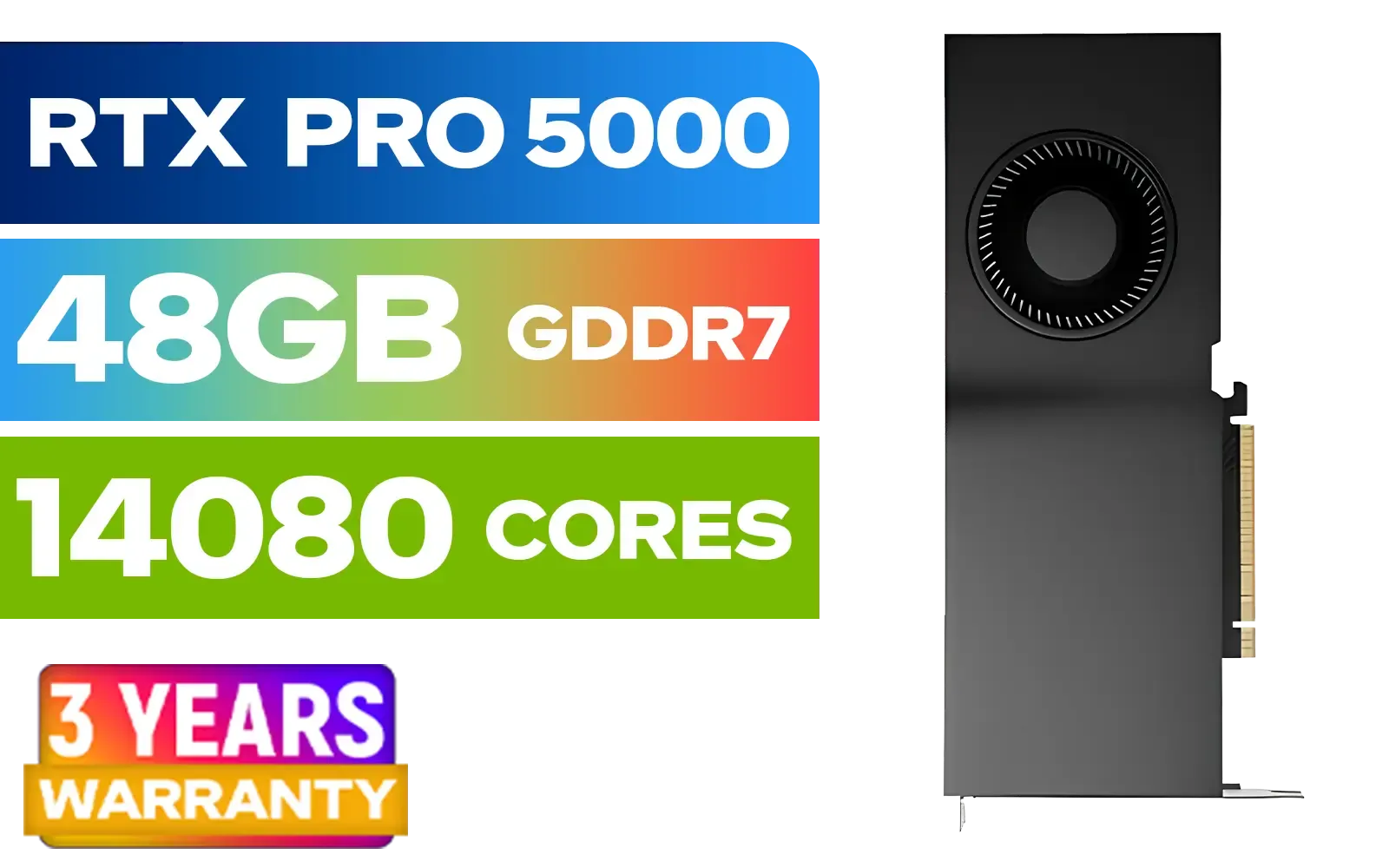
LEADTEK NVIDIA RTX PRO 5000 Blackwell 48GB GDDR7 Workstation Graphics Card / 14,080 Nvidia CUDA Cores / 1,344GB/s Memory Bandwidth / NVIDIA Blackwell Architecture / 126X2000100
R93999.00In Stock

MSI GeForce RTX 5070 12G Gaming Trio OC Graphics Card / 12GB GDDR7 / 6144 Cuda Cores / 192-bit Memory Interface / Boost Clock : 2610 MHz / NVIDIA Blackwell & DLSS 4 / TRI FROZR 4 Thermal Design / Metal with Airflow Vents / 912-V532-019
R15199.00In Stock

MSI GeForce RTX 5070 Ti 16G Ventus 3X OC / 16GB GDDR7 / 28Gbps Memory Speed / PCI Express® Gen 5 / 912-V531-092
R19999.00In Stock

PNY GeForce RTX 5070 EPIC-X 12GB OC Graphics Card / 12GB GDDR7 / 6144 Cuda Cores / 192-bit Memory Interface / Base Clock: 2160 MHz / 28 Gbps Memory Speed / DisplayPort 2.1b (x3), HDMI® 2.1b / VCG507012TFXXPB1-O
R13299.00In Stock
Understanding the Role of VRAM in Gaming
Before we can judge if 6GB VRAM is sufficient, let's quickly break down what VRAM (Video Random Access Memory) actually does. Think of it as your graphics card's dedicated, ultra-fast workbench. It holds all the visual data—like high-resolution textures, character models, and environmental details—that your GPU needs to access instantly.
The more VRAM you have, the bigger your workbench. This allows your GPU to keep more high-quality assets ready, leading to smoother gameplay, especially at higher resolutions and settings. When you run out of VRAM, your PC has to fetch data from your much slower system RAM or SSD, causing those dreaded stutters and texture pop-in issues. 🎮
Where 6GB VRAM Still Shines at 1080p
Don't write off that 6GB card just yet. For a huge portion of the games we play every day in South Africa, a GPU with 6GB VRAM is more than capable of delivering a fantastic 1080p experience.
MSI GeForce RTX 5070 Ti 16G Ventus 3X OC / 16GB GDDR7 / 28Gbps Memory Speed / PCI Express® Gen 5 / 912-V531-092
R19999.00In Stock
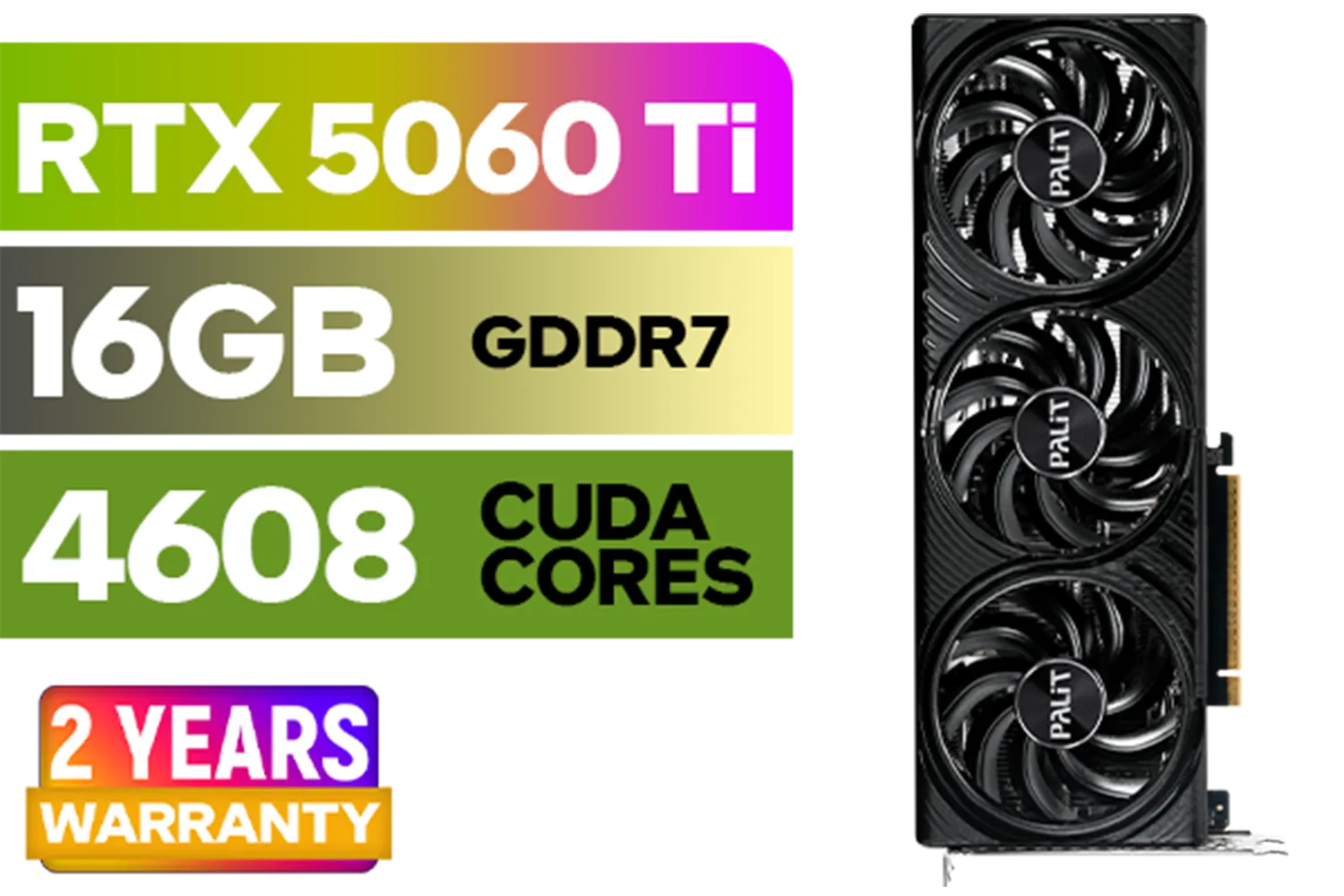
Palit GeForce RTX 5060 Ti Infinity 16GB Graphics Card / 16GB GDDR7 / 4608 Cuda Cores / 128-bit Memory Interface / Boost Clock : 2572 MHz / 28Gbps Memory Speed / PCI Express® Gen 5 / NE7506T019T1-GB2061S
R9799.00In Stock

Leadtek NVIDIA RTX 5000 ADA 32GB GDDR6 Workstation Graphics Card / 12800 Nvidia CUDA Cores / 576GB/s Memory Bandwidth / Ada Lovelace GPU architecture / 126V5000100
R96999.00In Stock

XFX Swift AMD Radeon RX 9070 OC Graphics Card - White / 3584 Stream Processors / 256-bit Memory Interface / Boost Clock :2700 MHz / AMD RDNA™ 4 Architecture / RX-97SWFB3W9
R13499.00In Stock

XFX SWIFT AMD Radeon RX 9070 XT Triple Fan 16GB GDDR6 GPU - White / AMD RDNA 4 Architecture / 3rd Gen Radeon Raytracing Accelerators/ AMD Fidelity FX Super Resolution 4.0 Upscaling Technology / RX-97TSWF3W9
R14799.00In Stock

MSI Geforce RTX 5060 Ventus 2X 8G OC Graphics Card / 8GB GDDR7 / 3840 Cuda Cores / 128-bit Memory Interface / Boost Clock : 2527 MHz / PCI Express® Gen 5 / 912-V537-017
R7699.00In Stock
Esports and Competitive Titles
Games like Valorant, CS2, Apex Legends, and Fortnite (in performance mode) are highly optimised to run on a wide range of hardware. For these titles, hitting high frame rates is more important than maxing out every graphical setting. A card with 6GB of VRAM can easily push 144+ FPS at 1080p with competitive settings, giving you the smooth performance you need to climb the ranks.
Last-Gen Masterpieces
Many of the best games ever made, like The Witcher 3, GTA V, and Red Dead Redemption 2, run beautifully on a 6GB VRAM card at 1080p. You can often crank the settings to High or even a mix of Ultra settings and enjoy a stunning, immersive experience without breaking the bank. You can find many budget-friendly options in our wide selection of graphics cards that fit this profile perfectly.
Palit GeForce RTX 5060 Ti Infinity 16GB Graphics Card / 16GB GDDR7 / 4608 Cuda Cores / 128-bit Memory Interface / Boost Clock : 2572 MHz / 28Gbps Memory Speed / PCI Express® Gen 5 / NE7506T019T1-GB2061S
R9799.00In Stock

Palit GeForce RTX 5070 Ti GameRock 16G / 16GB GDDR7 / 28Gbps Memory Speed / PCI Express® Gen 5 / NE7507T019T2-GB2030G
R17999.00In Stock

Palit GeForce RTX 5090 GameRock 32GB GDDR7 512-Bit PCIe 5.0 Desktop Graphics Card / NE75090019R5-GB2020G
R47999.00In Stock

ASRock Intel ARC B580 Steel Legend OC Graphics Card / 12Gb 192-bit GDDR6 / DirectX 12 Ultimate / 2560 Cores / 2800MHz Engine Clock / 90-GA5CZZ-00UANF
R6999.00In Stock

XFX SWIFT AMD Radeon RX 9060 XT OC Triple Fan 16GB GDDR6 GPU - White / AMD RDNA 4 Architecture / 3rd Gen Radeon Raytracing Accelerators/ AMD Fidelity FX Super Resolution 4.0 Upscaling Technology / RX-96TS316W7
R8499.00In Stock
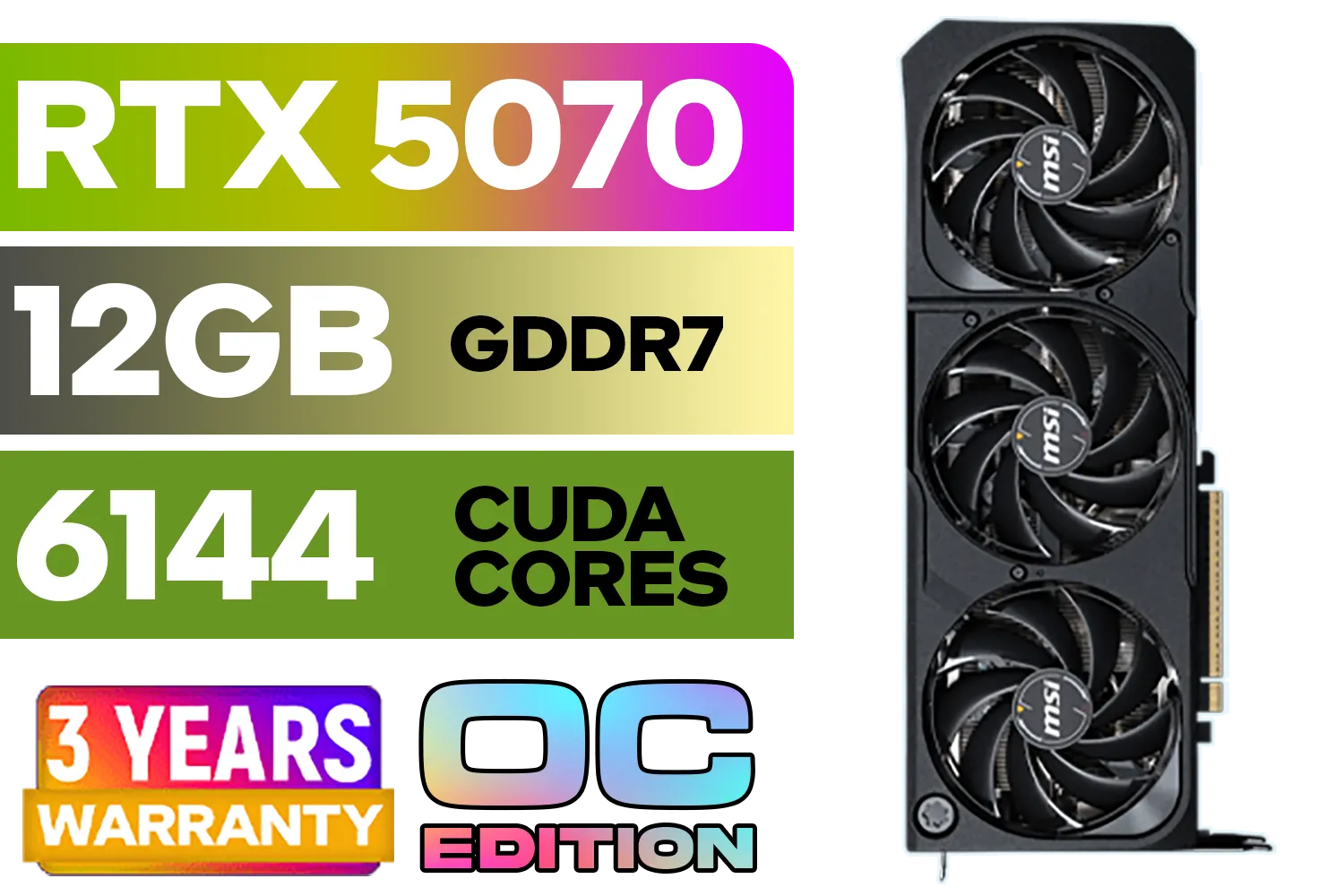
MSI GeForce RTX 5070 12GB SHADOW 3X OC / PCI Express Gen 5 / 6144 Cuda Cores / 12GB GDDR7 / DirectX 12 Ultimate / 912-V532-008
R13999.00In Stock
The Cracks Begin to Show: When 6GB VRAM Struggles
Now for the reality check. While 6GB is fine for many games, it's becoming the bare minimum for the latest, most graphically intensive AAA titles.
Picture this: you're exploring the dense jungles of Alan Wake 2 or the futuristic streets of Cyberpunk 2077. These games use incredibly detailed textures and complex effects that can quickly gobble up more than 6GB of VRAM, even at 1080p. When the VRAM buffer is full, you'll start noticing:
- Noticeable Stuttering: The game hitches as it struggles to load assets.
- Low-Quality Textures: Surfaces look blurry or muddy as the game loads lower-resolution versions to save memory.
- Potential Crashes: In extreme cases, the game might just give up and crash to the desktop.
For these demanding new titles, you might have to significantly lower the texture quality setting, which can diminish the visual experience. If you're planning to play the latest releases, looking at modern AMD Radeon options, which often provide 8GB or more at competitive prices, is a smart move.
TIP FOR YOU
Check Your VRAM Usage 🔧
Want to see how much VRAM your games are actually using? Most gaming overlay tools like MSI Afterburner or NVIDIA's GeForce Experience Performance Overlay can display real-time VRAM usage. This is the best way to see if your current card is hitting its limit and which in-game settings have the biggest impact.
Making 6GB Work For You (and When to Upgrade)
If you have a 6GB VRAM card, you're not helpless. With smart settings management, you can extend its life significantly. The number one setting to adjust is Texture Quality. Dropping this from Ultra to High can free up over a gigabyte of VRAM with a surprisingly small impact on visual quality.
Furthermore, upscaling technologies are a lifesaver. NVIDIA's DLSS, AMD's FSR, and Intel's XeSS render your game at a lower resolution and then use clever algorithms to upscale the image to 1080p. This dramatically reduces VRAM consumption and boosts your frame rate. Even budget-friendly cards from Intel's Arc series leverage this tech to punch well above their weight.
It's also important to distinguish gaming cards from specialised workstation graphics cards, which are built for professional tasks like 3D rendering and have different performance goals.
Ultimately, if you find yourself constantly battling settings and still getting stutters, it might be time for an upgrade. An 8GB card is now considered the sweet spot for 1080p gaming, providing enough headroom for current and upcoming titles. You can find excellent 8GB and 12GB options among popular MSI models that offer a great balance of price and performance. 🚀
Leadtek NVIDIA RTX 5000 ADA 32GB GDDR6 Workstation Graphics Card / 12800 Nvidia CUDA Cores / 576GB/s Memory Bandwidth / Ada Lovelace GPU architecture / 126V5000100
R96999.00In Stock
ASRock Intel Arc A380 Challenger ITX 6GB OC GDDR6 Graphics Card / 90-GA3KZZ-00UANF
R3199.00In Stock
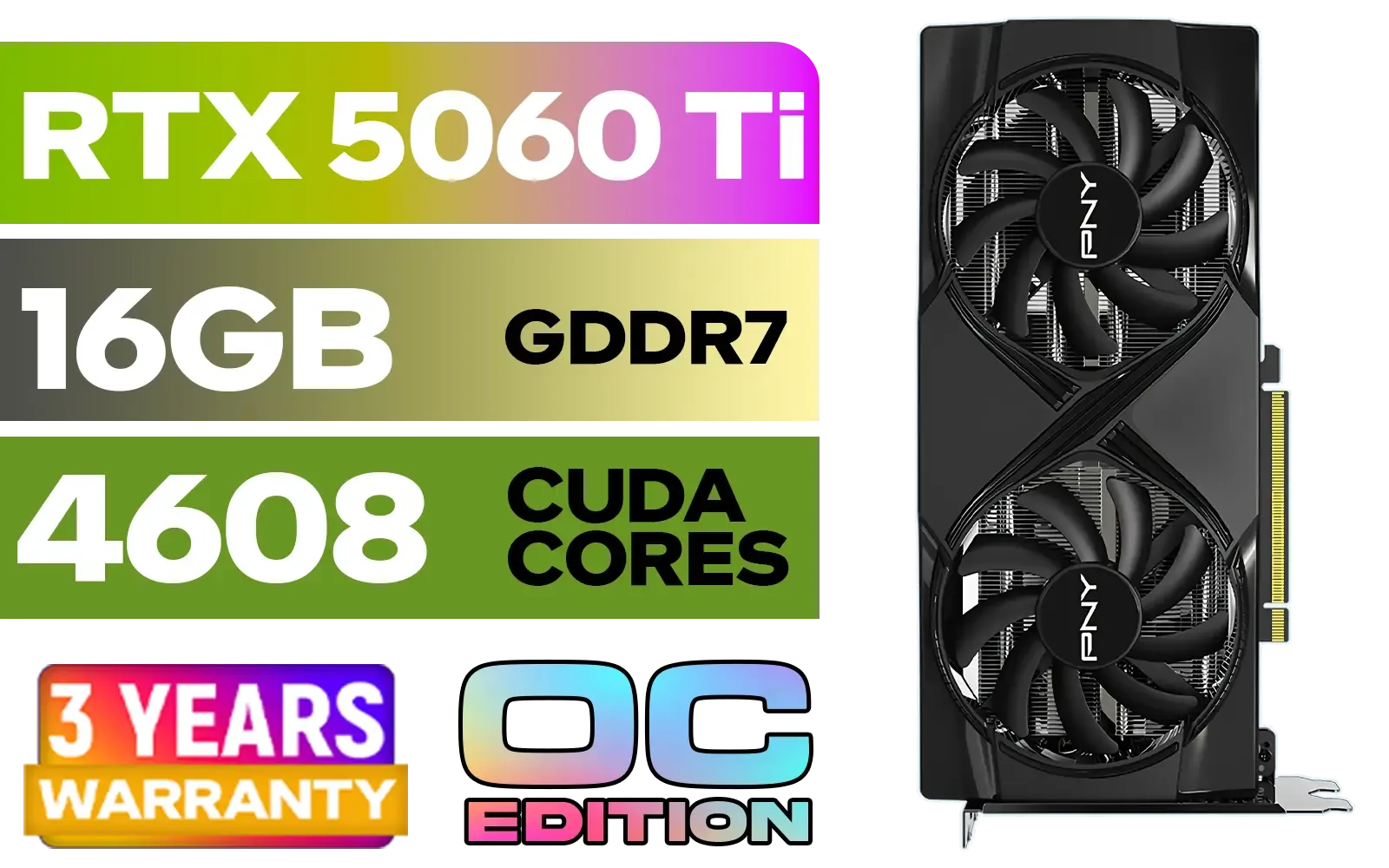
PNY GeForce RTX 5060 Ti 16GB OC Dual Fan Graphics Card / 16GB GDDR7 / 4608 CUDA Cores / 128-bit Memory Interface / Boost Clock: 2692 MHz / 28 Gbps Memory Speed / DisplayPort 2.1b (x3), HDMI® 2.1b / VCG5060T16DFXPB1-O
R10499.00In Stock
XFX Swift AMD Radeon RX 9070 OC Graphics Card - White / 3584 Stream Processors / 256-bit Memory Interface / Boost Clock :2700 MHz / AMD RDNA™ 4 Architecture / RX-97SWFB3W9
R13499.00In Stock
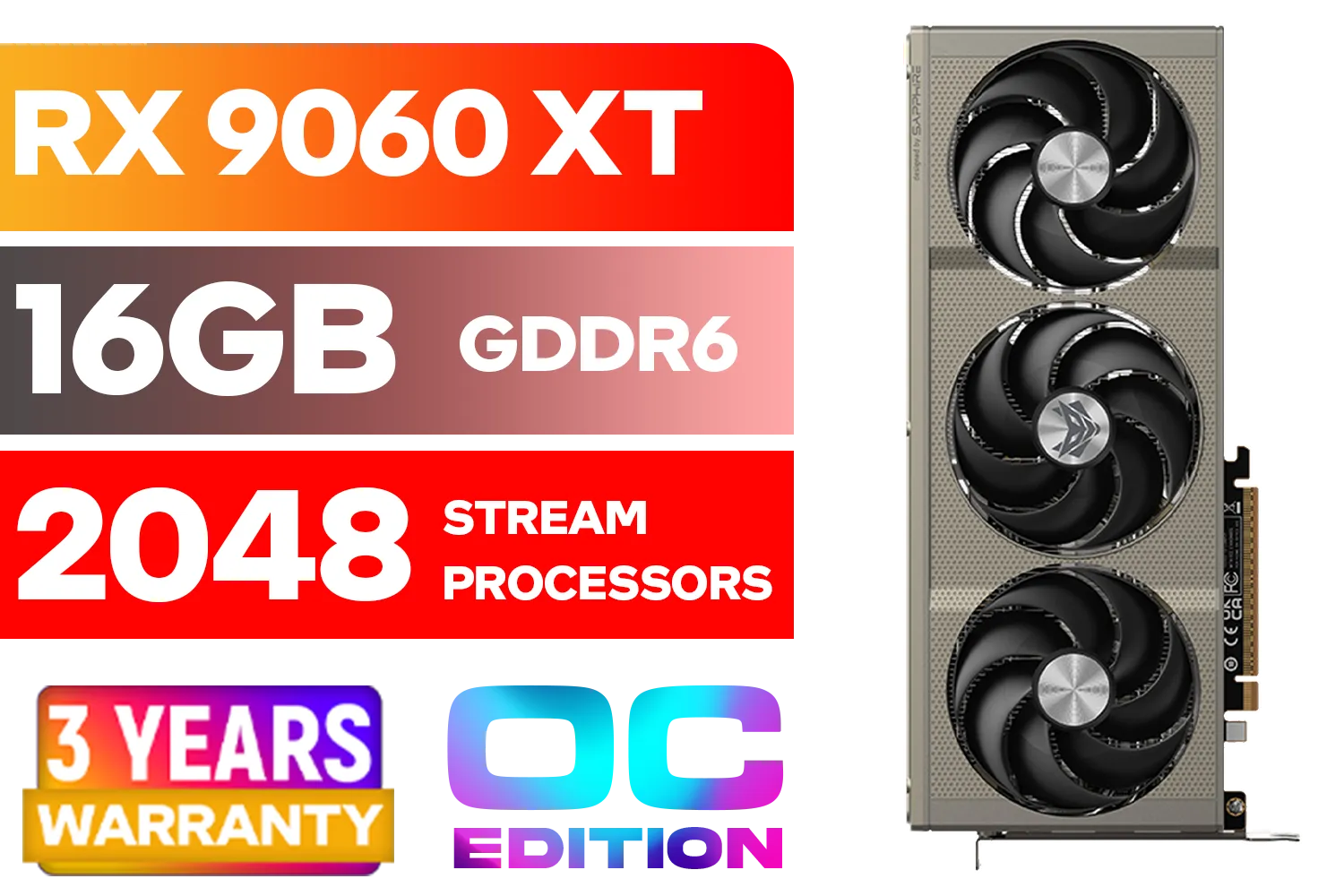
SAPPHIRE NITRO+ RX 9060 XT OC 16GB Graphics Card / 16GB GDDR6 Memory / 2048 Stream Processors / 128-bit Memory Interface / Boost Clock : 3320 MHz / AMD RDNA™ 4 Architecture / 32 Ray Accelerators / 11350-01-20G
R8899.00In Stock

MSI GeForce RTX 5060 Ti 8G GAMING OC Graphics Card / 4608 Cuda Cores / 28Gbps Memory Speed / 8GB GDDR7 / 128-bit Memory Bus / 912-V536-026
R9499.00In Stock
The Final Verdict: Is 6GB VRAM Still a Viable Choice in SA?
So, is a graphics card with 6GB VRAM still enough for 1080p gaming? The answer is a classic "it depends."
- YES, if your budget is tight and you primarily play esports titles, indie games, or slightly older AAA classics. With smart settings, a 6GB card remains a fantastic value proposition.
- NO, if you want to play the very latest, most demanding AAA games at high or ultra settings without compromise, or if you want to future-proof your rig for the next couple of years.
For South African gamers, value is king. A 6GB card can be a brilliant entry point or a cost-effective solution. But if you can stretch your budget just a bit more, moving up to an 8GB card will provide a much smoother and more future-proof experience. ✨
Ready to Boost Your FPS? Whether a 6GB card is your perfect budget hero or you're ready for an 8GB+ powerhouse, the right GPU is waiting. Explore our massive range of graphics card deals and find the perfect upgrade to dominate your favourite games.
Related Products
PNY GeForce RTX 5070 EPIC-X 12GB OC Graphics Card / 12GB GDDR7 / 6144 Cuda Cores / 192-bit Memory Interface / Base Clock: 2160 MHz / 28 Gbps Memory Speed / DisplayPort 2.1b (x3), HDMI® 2.1b / VCG507012TFXXPB1-O
R13299.00In Stock

MSI GeForce RTX 5070 Ti 16G Gaming Trio OC Graphics Card / 16GB GDDR7 / 8960 Cuda Cores / 256-bit Memory Interface / Boost Clock : 2572 MHz / PCI Express® Gen 5 / 912-V531-272
R21199.00In Stock
PNY GeForce RTX 5060 Ti 16GB OC Dual Fan Graphics Card / 16GB GDDR7 / 4608 CUDA Cores / 128-bit Memory Interface / Boost Clock: 2692 MHz / 28 Gbps Memory Speed / DisplayPort 2.1b (x3), HDMI® 2.1b / VCG5060T16DFXPB1-O
R10499.00In Stock
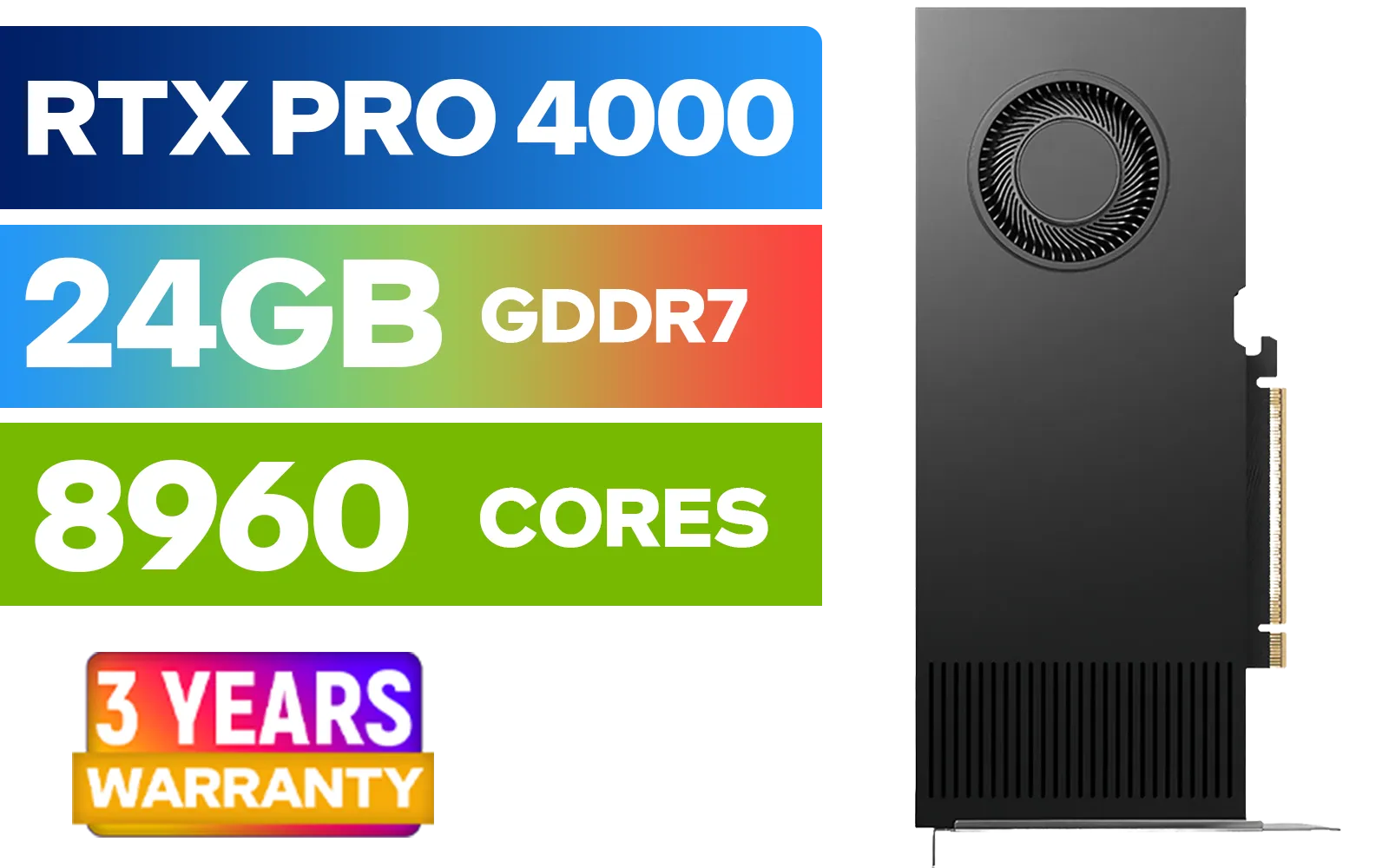
LEADTEK NVIDIA RTX PRO 4000 Blackwell 24GB GDDR7 Workstation Graphics Card / 8,960 Nvidia CUDA Cores / 672GB/s Memory Bandwidth / NVIDIA Blackwell Architecture / 126X4000100
R32999.00In Stock
Palit GeForce RTX 5070 Ti GameRock 16G / 16GB GDDR7 / 28Gbps Memory Speed / PCI Express® Gen 5 / NE7507T019T2-GB2030G
R17999.00In Stock

XFX Quicksilver AMD Radeon RX 9070 XT Graphics Card / 4096 Stream Processors / 256-bit Memory Interface / Boost Clock : 2970 MHz / AMD RDNA™ 4 Architecture / RX-97TQICKB9
R14999.00In Stock
Yes for many esports and older AAA titles at medium-high settings, but the newest AAA games may need lower textures or settings for stable FPS.
Open-world and high-texture AAA titles like Cyberpunk, RDR2, and some flight sims can exceed 6GB at max settings; lower textures to stay within limits.
Use medium texture quality, disable ultra texture packs, enable upscaling like DLSS/FSR, and cap resolution scale to reduce VRAM use.
If you play recent AAA games or want future-proofing, upgrading to 8GB+ is recommended for higher textures and longevity.
Yes. Reducing texture quality and resolution scale yields the biggest VRAM savings while maintaining playable FPS.
For ultra textures and high mods, 8GB to 10GB is a safer range; 6GB struggles with maxed texture packs in modern AAA games.
Absolutely. Games like CS:GO, Valorant, and Rocket League run very well on 6GB GPUs with high FPS after minor tweaks.











