



Adaptive Sync Explained: Fix Screen Tearing Without Lag
Discover how Adaptive Sync technology revolutionizes your gameplay by syncing your GPU and monitor. Say goodbye to screen tearing and input lag for good! 🎮 Unlock buttery smooth visuals and gain the competitive edge you deserve with this essential guide. 🚀
|
Loading tags...

You're about to clutch the round in Valorant... the final enemy in your sights. But then it happens: a jarring horizontal line rips across your screen, shattering your focus. That's screen tearing, the immersion-killer that plagues gamers everywhere. What if you could fix screen tearing without the input lag of old-school V-Sync? That’s where Adaptive Sync technology comes in, and understanding it is key to unlocking buttery-smooth gameplay. 🚀
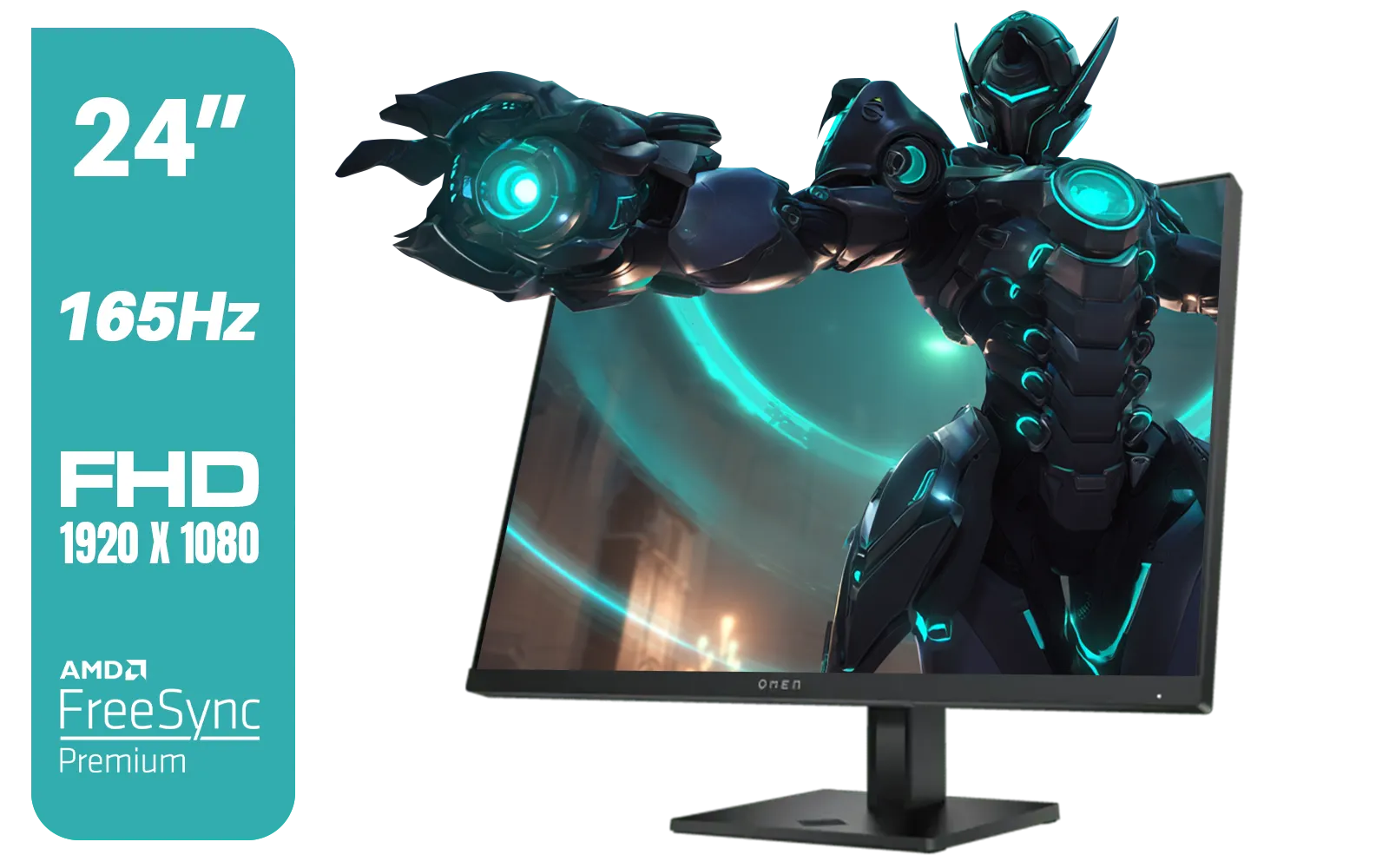
HP OMEN 24 FHD 165Hz Gaming Monitor - Black / 24" FHD (1920 x 1080) Anti-glare Display / AMD FreeSync Premium / Pivot Rotation and Height Adjustable / 780D9AS
R5199.00In Stock
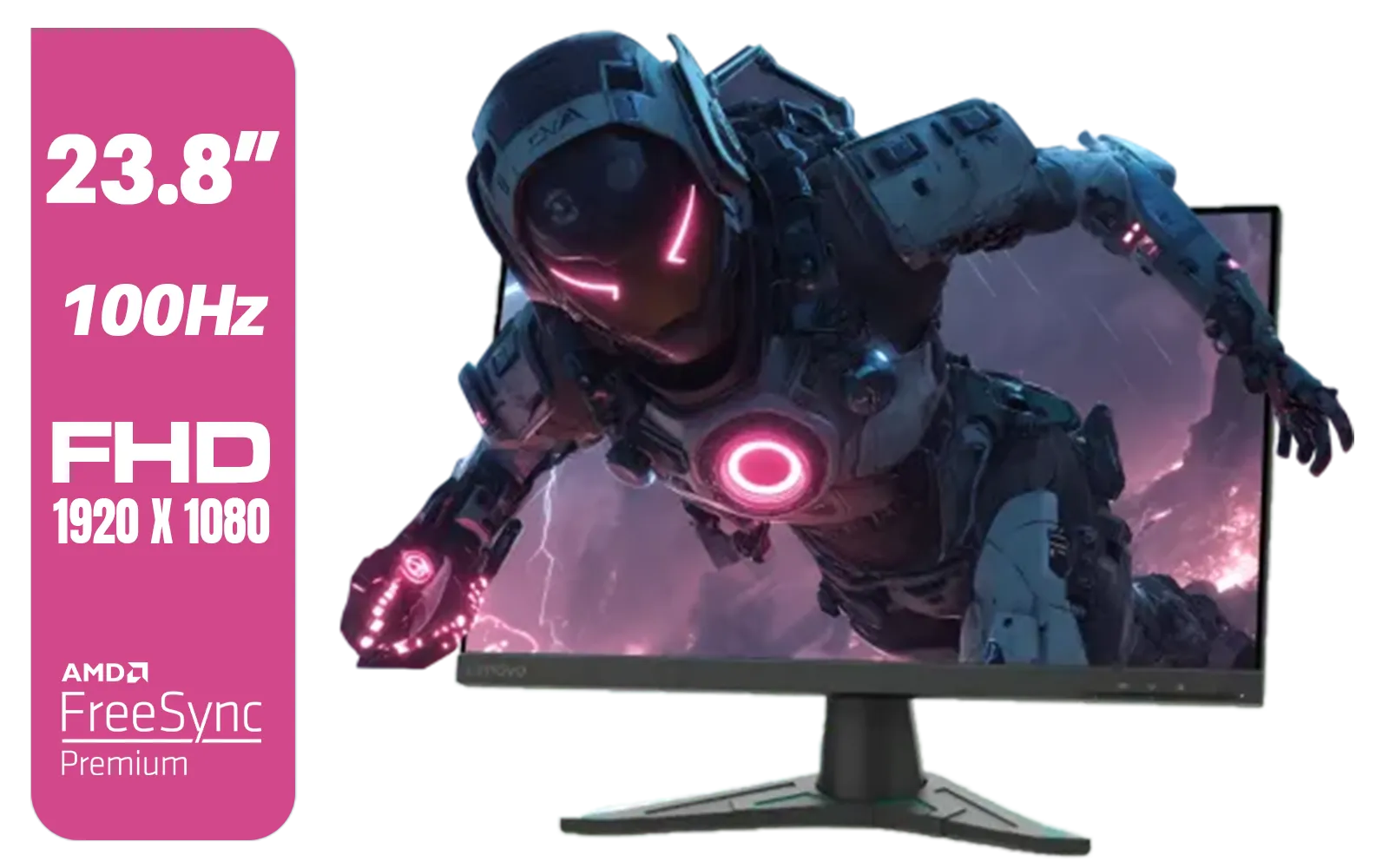
Lenovo G24e-20 23.8" 100Hz FHD WLED Gaming LCD Monitor - 16:9 - Black / 66D7GAR1SA
R1999.00In Stock

HP 527SH G5 FHD Gaming Monitor - Black/Silver / 27" FHD (1920 x 1080) / IPS Panel / 1x HDMI 1.4, 1x VGA / Eye Ease with Eyesafe Certification / 94C50AS
R4799.00In Stock
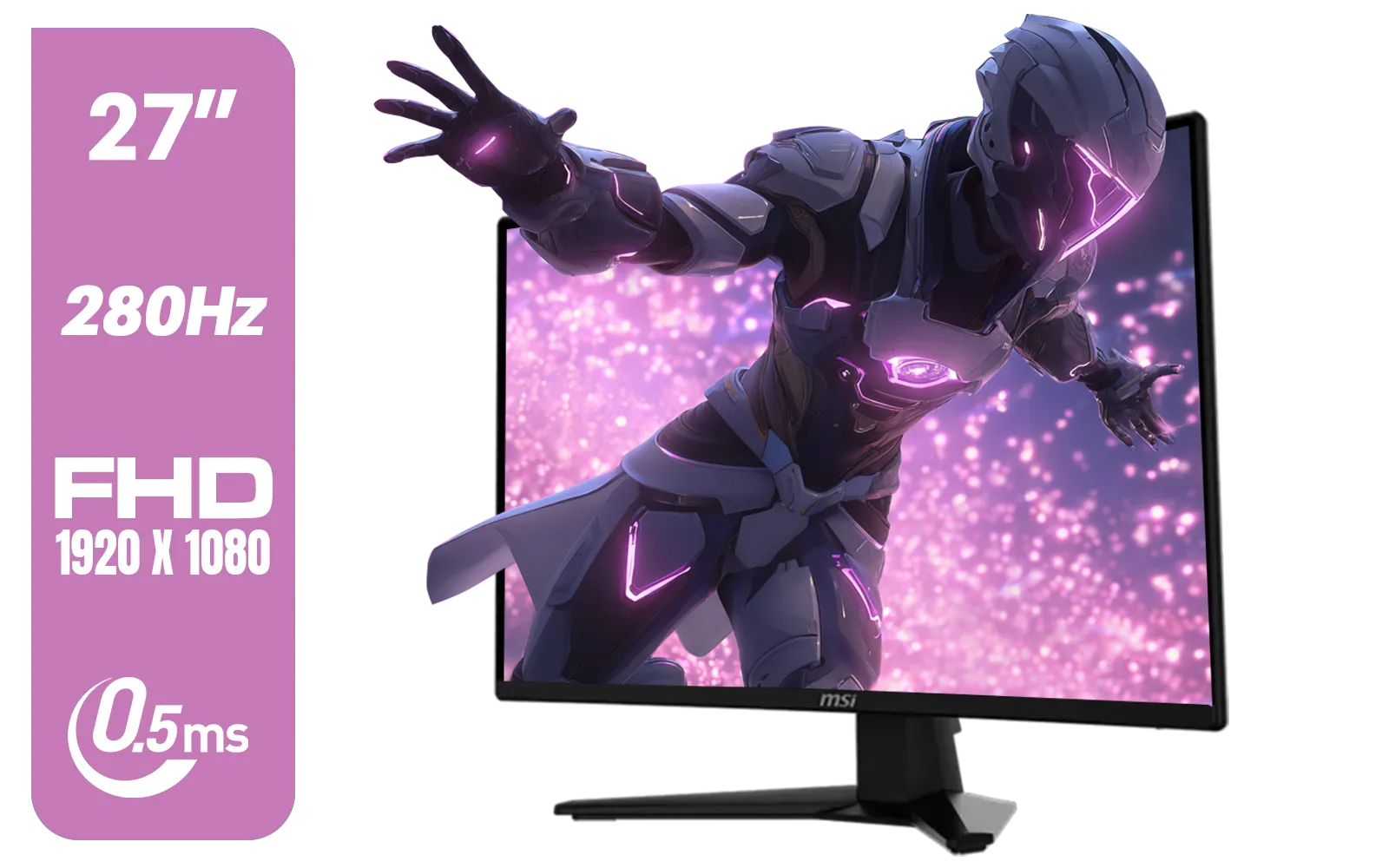
MSI MAG 274CXF Monitor / 27" FHD (1920x1080) Rapid VA Display / 280Hz Refresh Rate / Curved 1500R / 0.5ms Response Time / AMD FreeSync™ Premium / 9S6-3CE31T-028
R4999.00In Stock
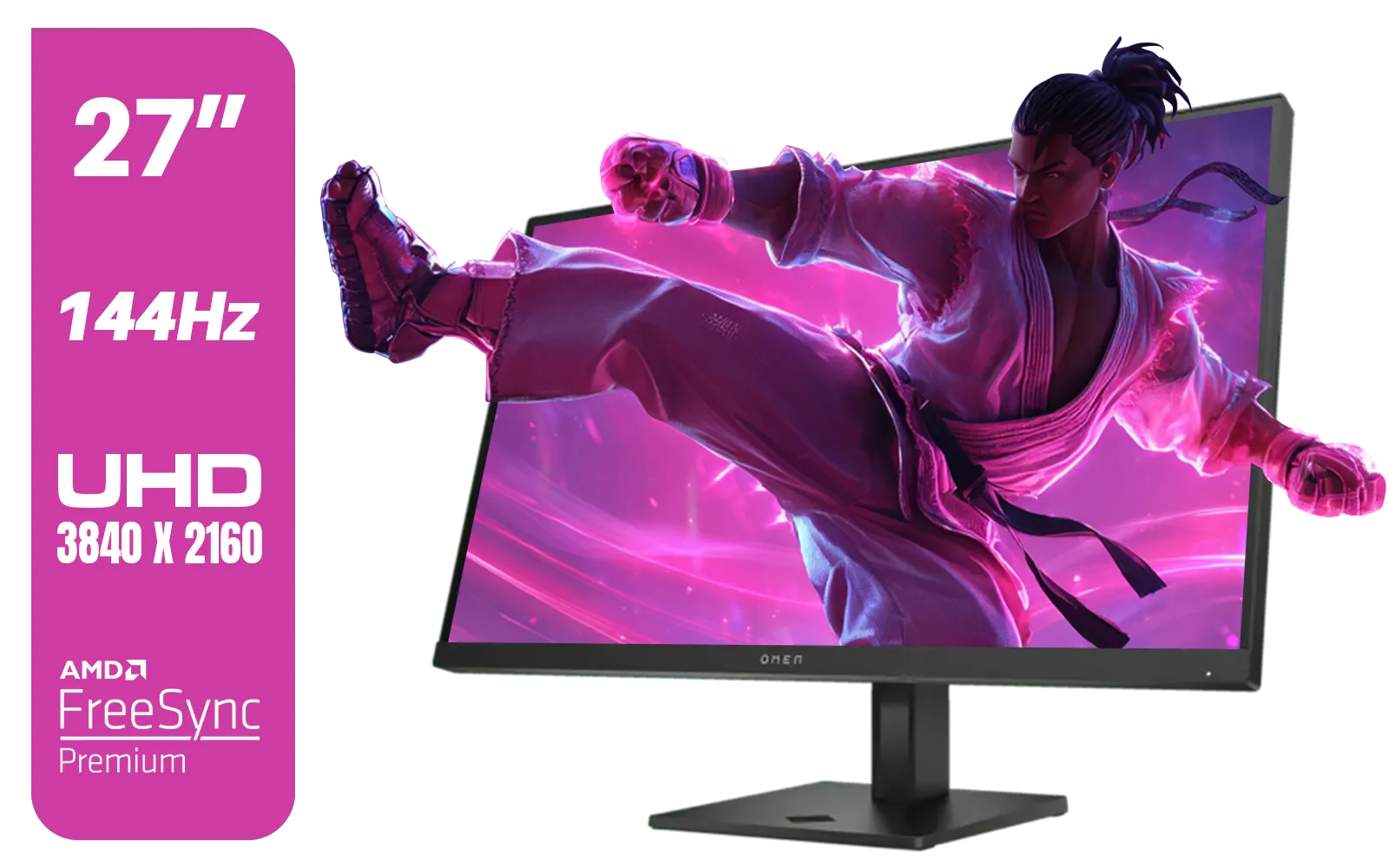
HP OMEN 27k UHD 144Hz Gaming Monitor - Black / 1ms / 27" 4K UHD (3840 x 2160) Anti-glare Display / AMD Freesync™ Premium / Integrated Speakers / Pivot Rotation and Height Adjustable / 780G8AS
R16499.00In Stock

AOC 22B2HN, 21.5 Inch (54.6 cm) LED 1920 x 1080 Pixels Ultra Slim Monitor with 3 Sided Frameless Design, Va Panel, Hdmi/Vga Port, Full Hd, 7 Ms Response Time, 75 Hz Refresh Rate, Flicker Free, Black / AOC-22B2HN
R2099.00In Stock
What Causes That Horrible Screen Tearing?
Ever wonder what's actually happening when your screen tears? It’s a simple mismatch. Your graphics card (GPU) is rendering frames at a variable rate, while your monitor is refreshing its image at a fixed rate (like 60, 144, or 240 times per second).
When your GPU sends a new frame while the monitor is only halfway through drawing the last one, you get a tear… two different frames displayed at once. It’s most common when your frame rate fluctuates wildly, which happens all the time in demanding games. The traditional fix, V-Sync, forces your GPU to wait for the monitor, which solves tearing but introduces noticeable input lag. Not ideal for competitive play.
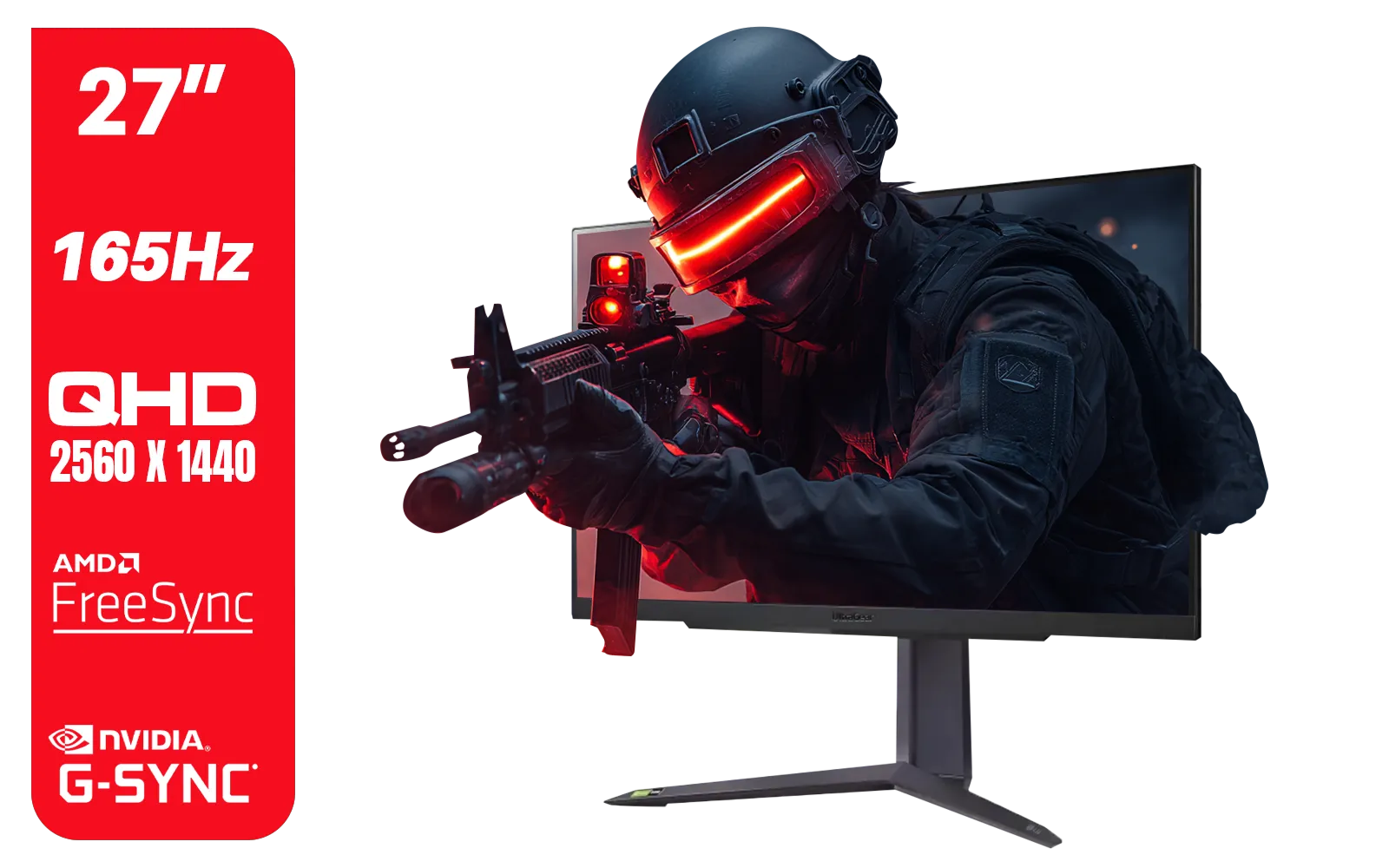
LG UltraGear Gaming Monitor 27GR75Q, 27 inch, 1440p, 165Hz, 1ms GtG, IPS Display, HDR 10, NVIDIA G-Sync & AMD FreeSync compatible, Smart Energy Saving, Displayport, HDMI / 27GR75Q
R5499.00In Stock
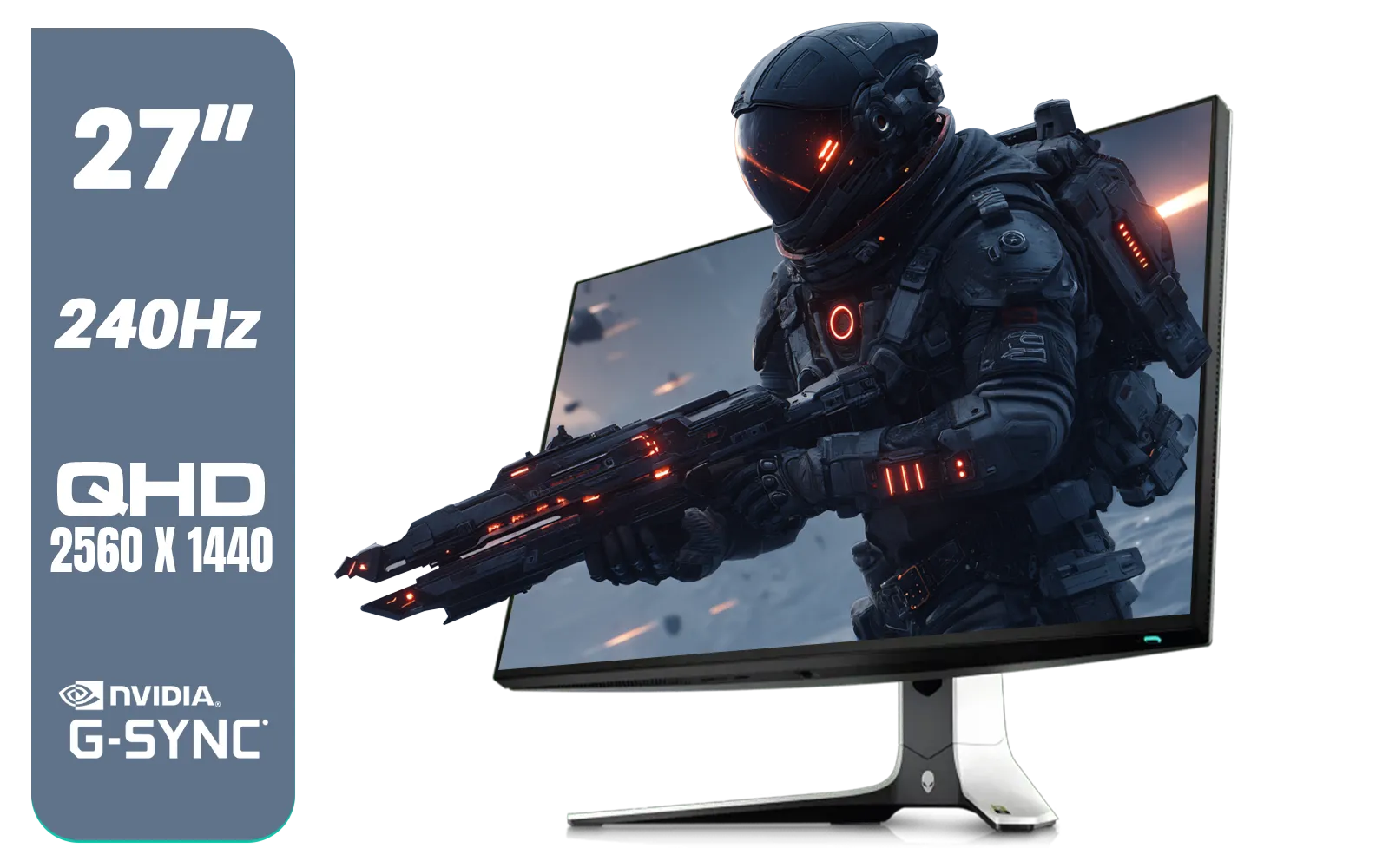
Alienware AW2723DF Gaming Monitor - 27-inch (2560 x 1440) 240Hz Display (DP 1.4), 1ms Response Time, NVIDIA G-Sync, Preset OSD Modes, Height/Tilt/Swivel/Pivot Adjustability - Lunar Light / AW2723DF
R8699.00In Stock
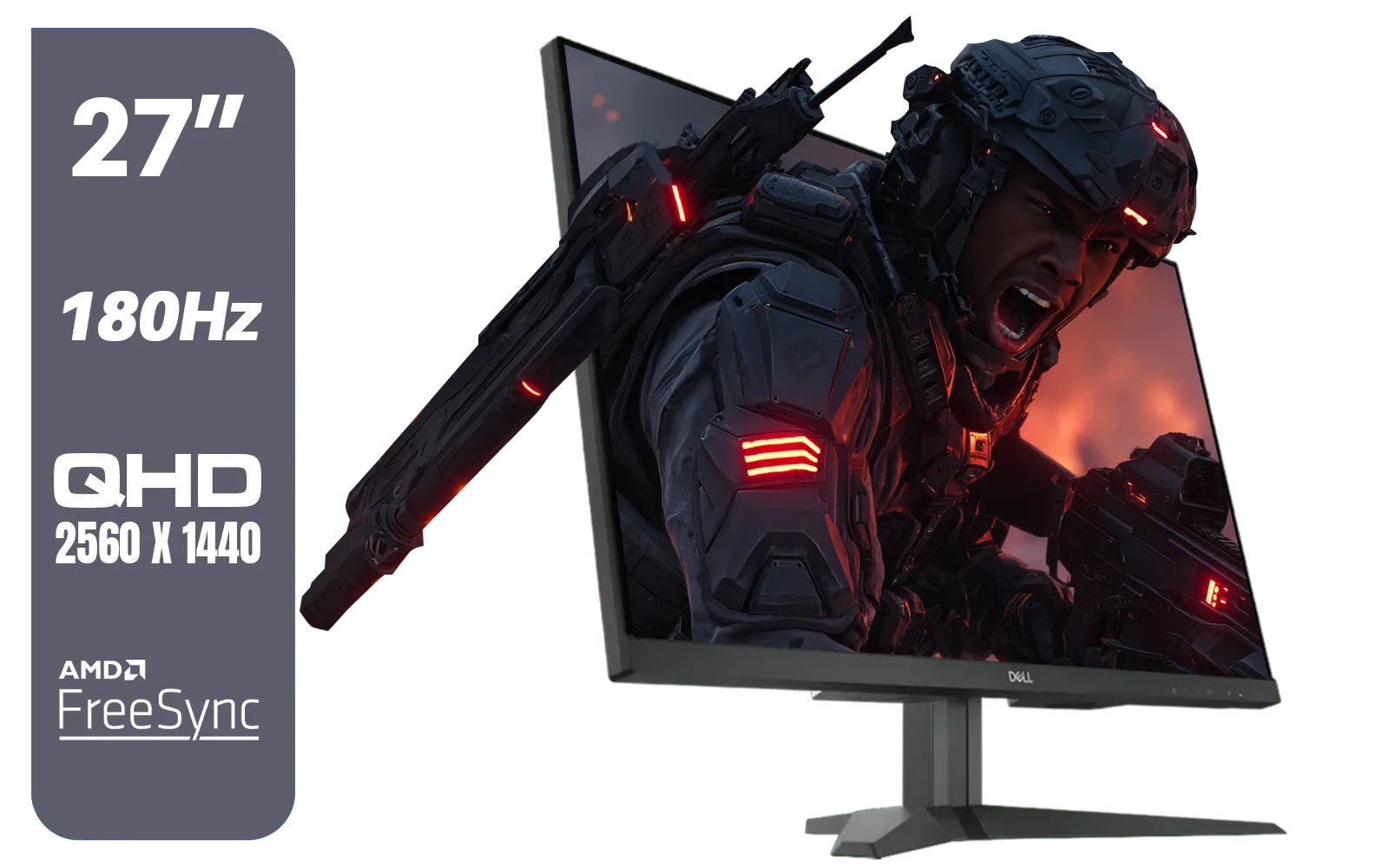
Dell G2725D 27" Gaming Monitor / QHD 2560 x 1440 / 180Hz Refresh Rate / AMD Freesync / 1ms Response Time / G2725D
R4299.00In Stock
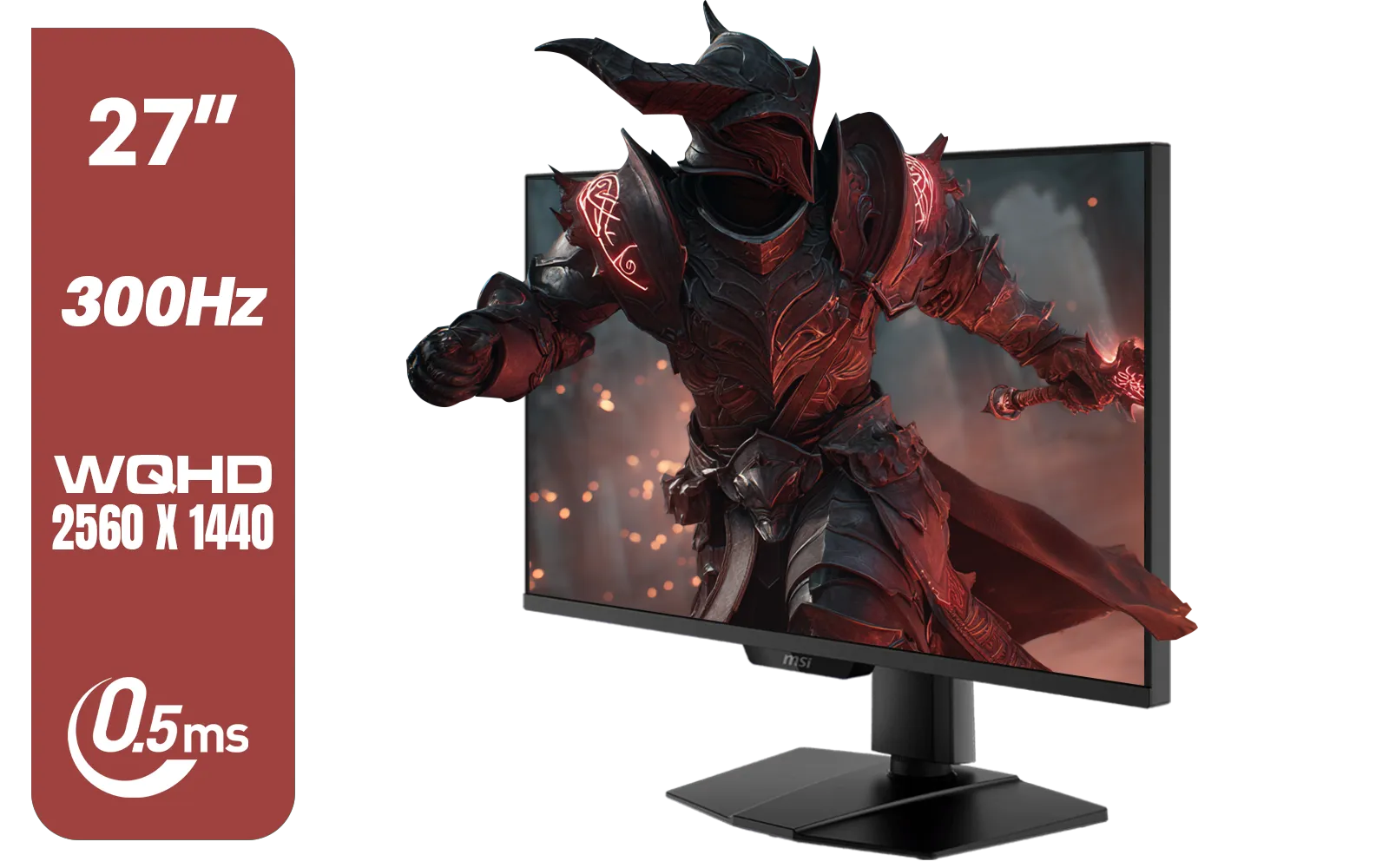
MSI MAG 274QPF X30MV 27" 2560 x 1440 (WQHD) Gaming Monitor / 300Hz Refresh Rate / 0.5ms Response Time / Rapid VA with Mini-LED / 9S6-3CF09H-042
R8799.00In Stock
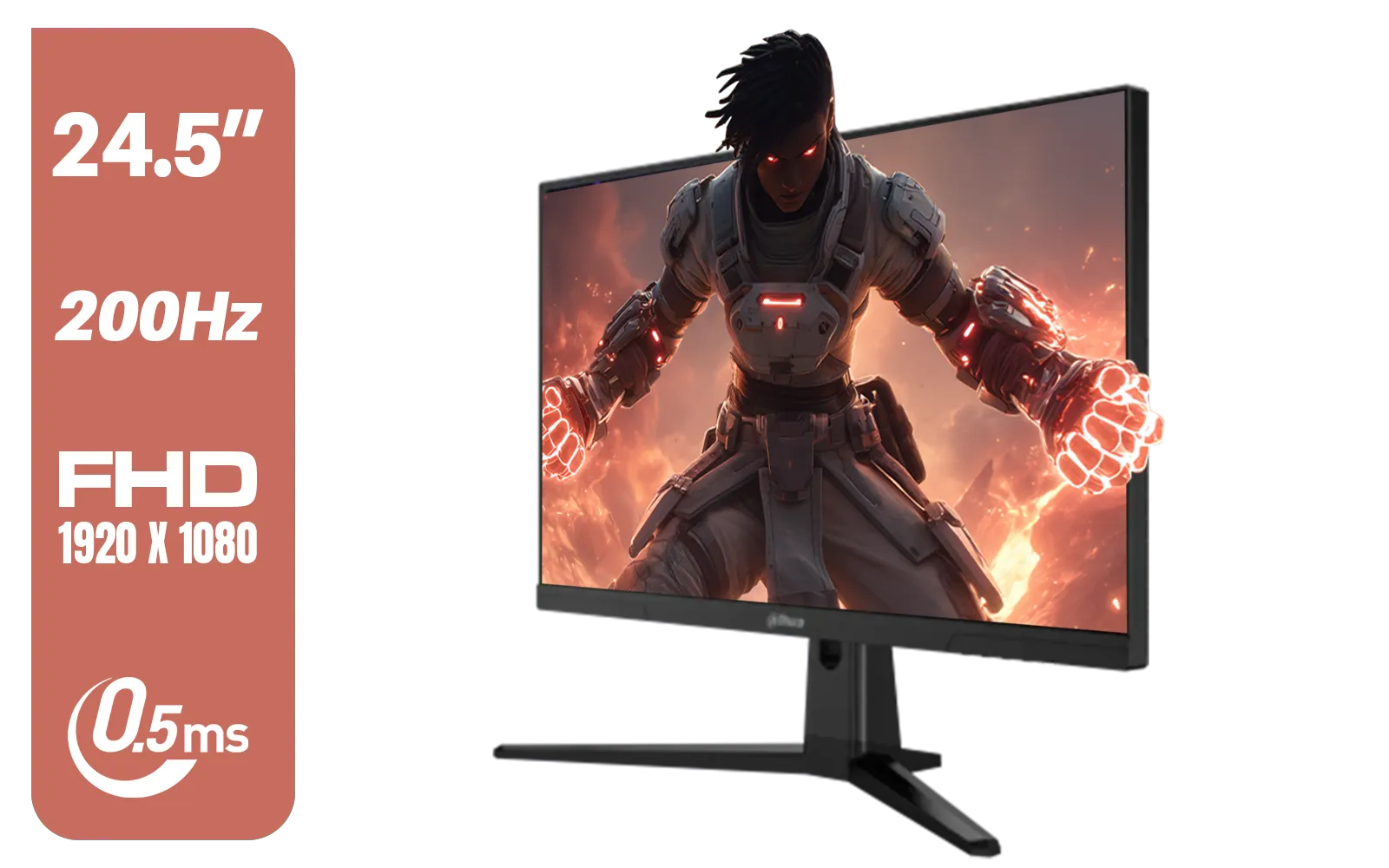
Dahua LM25-E231BN 24.5" Monitor / FHD 1920 x 1080 / 200Hz Refresh Rate / 0.5ms Response Time / DHI-LM25-E231BN
R2199.00In Stock
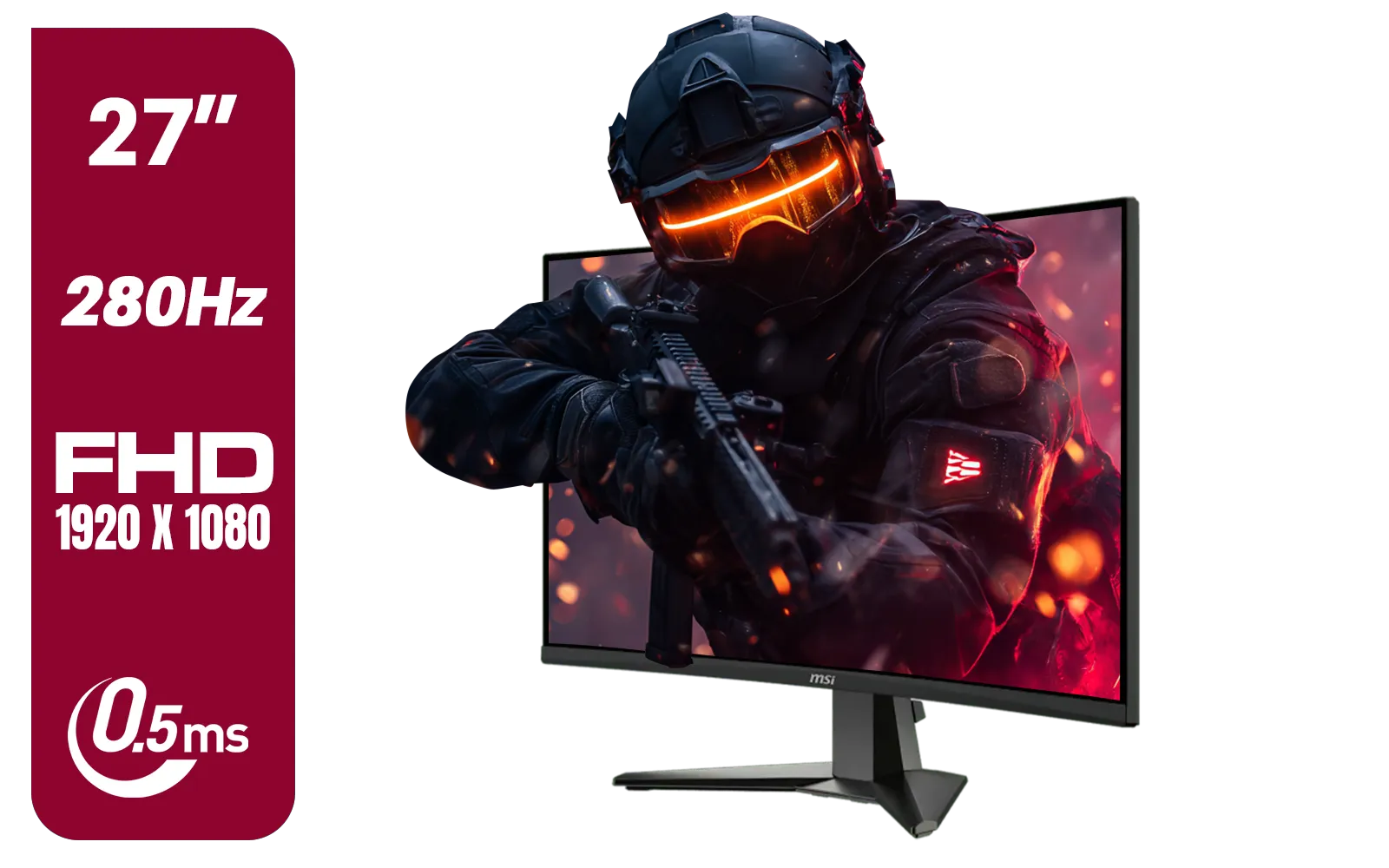
MSI MAG 276CXF 27-inch 1920 x 1080 (FHD) Curved Monitor, 280Hz, HDMI, DisplayPort, VGA Port, VESA Mountable, Tilt, Slim Bezel, 0.5ms, Black / 9S6-3CE01M-037
R4799.00In Stock
Adaptive Sync Explained: The Ultimate Fix
This is where the magic happens. Adaptive Sync explained simply is this: the technology allows your monitor to change its refresh rate in real-time to perfectly match the frame rate of your GPU. If your GPU is pumping out 97 frames per second, your monitor refreshes at 97Hz. If it drops to 58 FPS in a heavy explosion, your monitor adjusts to 58Hz instantly.
The result?
- No more screen tearing: The GPU and monitor are always in perfect harmony.
- No V-Sync input lag: Your actions feel responsive and immediate.
- Smoother gameplay: Even when your frame rate isn't hitting the max, the experience feels much less stuttery.
This seamless synchronisation is the key to a fluid, competitive, and immersive gaming experience, making the right PC monitor one of the most important parts of your setup.
G-Sync vs. FreeSync: What's the Difference?
You’ll see two main names when it comes to adaptive sync technology: NVIDIA G-Sync and AMD FreeSync. While they both aim to fix screen tearing, they get there in slightly different ways.
NVIDIA G-Sync
Initially, G-Sync required a dedicated hardware module inside the monitor, which often meant a higher price tag but guaranteed a premium, rigorously tested experience. Today, there are also "G-Sync Compatible" monitors, which are FreeSync displays that NVIDIA has certified to work well with their GPUs.
LG UltraGear Gaming Monitor 27GR75Q, 27 inch, 1440p, 165Hz, 1ms GtG, IPS Display, HDR 10, NVIDIA G-Sync & AMD FreeSync compatible, Smart Energy Saving, Displayport, HDMI / 27GR75Q
R5499.00In Stock
HP 527SH G5 FHD Gaming Monitor - Black/Silver / 27" FHD (1920 x 1080) / IPS Panel / 1x HDMI 1.4, 1x VGA / Eye Ease with Eyesafe Certification / 94C50AS
R4799.00In Stock

HP 524SF G5 FHD Gaming Monitor - Black/Silver / 24" FHD (1920 x 1080) / Anti-glare / 1x HDMI 1.4, 1x VGA / -5 to +25 degrees Adjustable Tilt / 94C17AS
R3699.00In Stock

AOC 24B20JH2 IPS Panel Monitor, FHD 1920x1080, 100Hz, 106% sRGB, for Home and Office, HDMI x1, VGA ×1, Low Blue Mode, Black / AOC-24B20JH2
R2299.00In Stock

VIEWSONIC VX2758A-2K-PRO-3 27" 2K Gaming Monitor / 240Hz Refresh Rate / 1ms MPRT Response Time / AMD FreeSync™ Premium & NVIDIA G-Sync Compatible / Dual HDMI & DisplayPort Inputs / VX2758A-2K-PRO-3
R5499.00In Stock
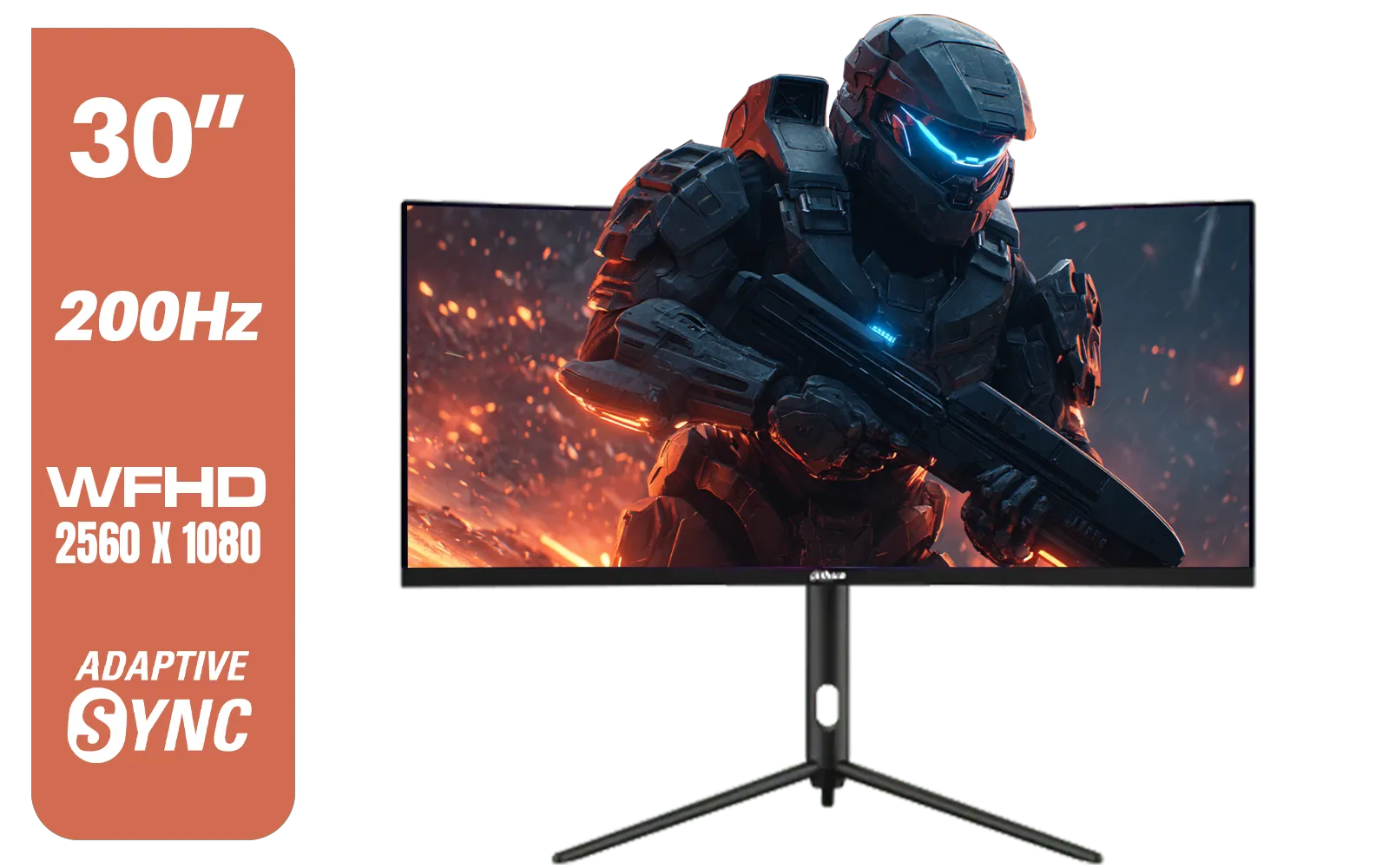
Dahua 30" Ultrawide WFHD 200Hz 1MS DCR Intelligent Adaptive-Sync HDMI DP VA Gaming Monitor Black / DHI-LM30-E330CA
R3999.00In Stock
AMD FreeSync
FreeSync is an open standard built into the DisplayPort connection. This makes it royalty-free for monitor manufacturers to implement, leading to wider availability and generally more affordable options. There are different tiers (FreeSync, FreeSync Premium, and FreeSync Premium Pro) that offer features like low framerate compensation and HDR support.
For most South African gamers, the choice will depend on their graphics card. Got an NVIDIA card? Look for G-Sync or G-Sync Compatible. Rocking an AMD card? FreeSync is your go-to. You can browse our full range of gaming monitors to find options for either team.
TIP FOR YOU
Quick Tip: Enable Adaptive Sync 🔧
Make sure you actually turn it on! For NVIDIA, open the NVIDIA Control Panel, go to "Set up G-SYNC," and enable it. For AMD, open Radeon Software, navigate to the "Gaming" tab, then "Display," and toggle AMD FreeSync on. You'll also need to enable it in your monitor's on-screen display (OSD) menu.
Is It Worth the Upgrade? Absolutely.
Once you’ve experienced gaming on a monitor with adaptive sync, there’s no going back. The visual smoothness completely changes how games feel. It's especially crucial for players with high-end rigs pushing pixels on premium 4K monitors, where maintaining a locked 144 FPS can be a challenge. The technology smooths out the inevitable dips, keeping you in the zone.
AOC 22B2HN, 21.5 Inch (54.6 cm) LED 1920 x 1080 Pixels Ultra Slim Monitor with 3 Sided Frameless Design, Va Panel, Hdmi/Vga Port, Full Hd, 7 Ms Response Time, 75 Hz Refresh Rate, Flicker Free, Black / AOC-22B2HN
R2099.00In Stock

AOC AGON AG275QXR 27" QHD 2K 170Hz Gaming Monitor - Pink - 2022 Edition ,IPS, Flicker-free technology, AMD FreeSync Premium, G-SYNC Compatible / AOC-AG275QXR
R6999.00In Stock
Dahua 30" Ultrawide WFHD 200Hz 1MS DCR Intelligent Adaptive-Sync HDMI DP VA Gaming Monitor Black / DHI-LM30-E330CA
R3999.00In Stock
Alienware AW2723DF Gaming Monitor - 27-inch (2560 x 1440) 240Hz Display (DP 1.4), 1ms Response Time, NVIDIA G-Sync, Preset OSD Modes, Height/Tilt/Swivel/Pivot Adjustability - Lunar Light / AW2723DF
R8699.00In Stock

HP OMEN 27 FHD 165Hz Gaming Monitor / AMD FreeSync™ Premium / Eyesafe® certified / Height adjustable for personalized comfort / Pivot rotation for flexible viewing angles / 780F9AS
R5999.00In Stock

MSI G321Q 31.5" WQHD IPS 2K Flat Monitor, 170Hz Refresh Rate, 1ms MPRT Response Time, 1.07B Display Colors, 16:9 Aspect Ratio, 1200:1 Contrast Ratio, G-Sync / AMD Freesync, HDR, Black / 9S6-3DB91A-041
R6999.00In Stock
This enhanced fluidity is even more impactful on immersive curved monitors, where a seamless picture fills your entire field of view. The tech has become so essential that you can now find it in almost every type of display, from massive desktop screens to even some high-end portable monitors for gaming on the go. Paired with the right monitor accessories for an ergonomic setup, it's a perfect combination for long gaming sessions. ✨
Ready to Banish Screen Tearing for Good? A smooth picture is a competitive advantage. Stop letting screen tears and input lag hold you back. Explore Evetech's massive range of gaming monitors and find the perfect Adaptive Sync display to elevate your gameplay today.
Related Products
HP 527SH G5 FHD Gaming Monitor - Black/Silver / 27" FHD (1920 x 1080) / IPS Panel / 1x HDMI 1.4, 1x VGA / Eye Ease with Eyesafe Certification / 94C50AS
R4799.00In Stock

ViewSonic TD1655 15.6" Full HD (1920 x 1080) Portable Touchscreen Monitor / Ultra-portable Design / Advanced in-cell Capacitive Touchscreen / 2-Way Power With USB Type-C / Frameless Design / Portrait and Landscape Modes / dual integrated speakers / TD1655
R5199.00In Stock
AOC 22B2HN, 21.5 Inch (54.6 cm) LED 1920 x 1080 Pixels Ultra Slim Monitor with 3 Sided Frameless Design, Va Panel, Hdmi/Vga Port, Full Hd, 7 Ms Response Time, 75 Hz Refresh Rate, Flicker Free, Black / AOC-22B2HN
R2099.00In Stock
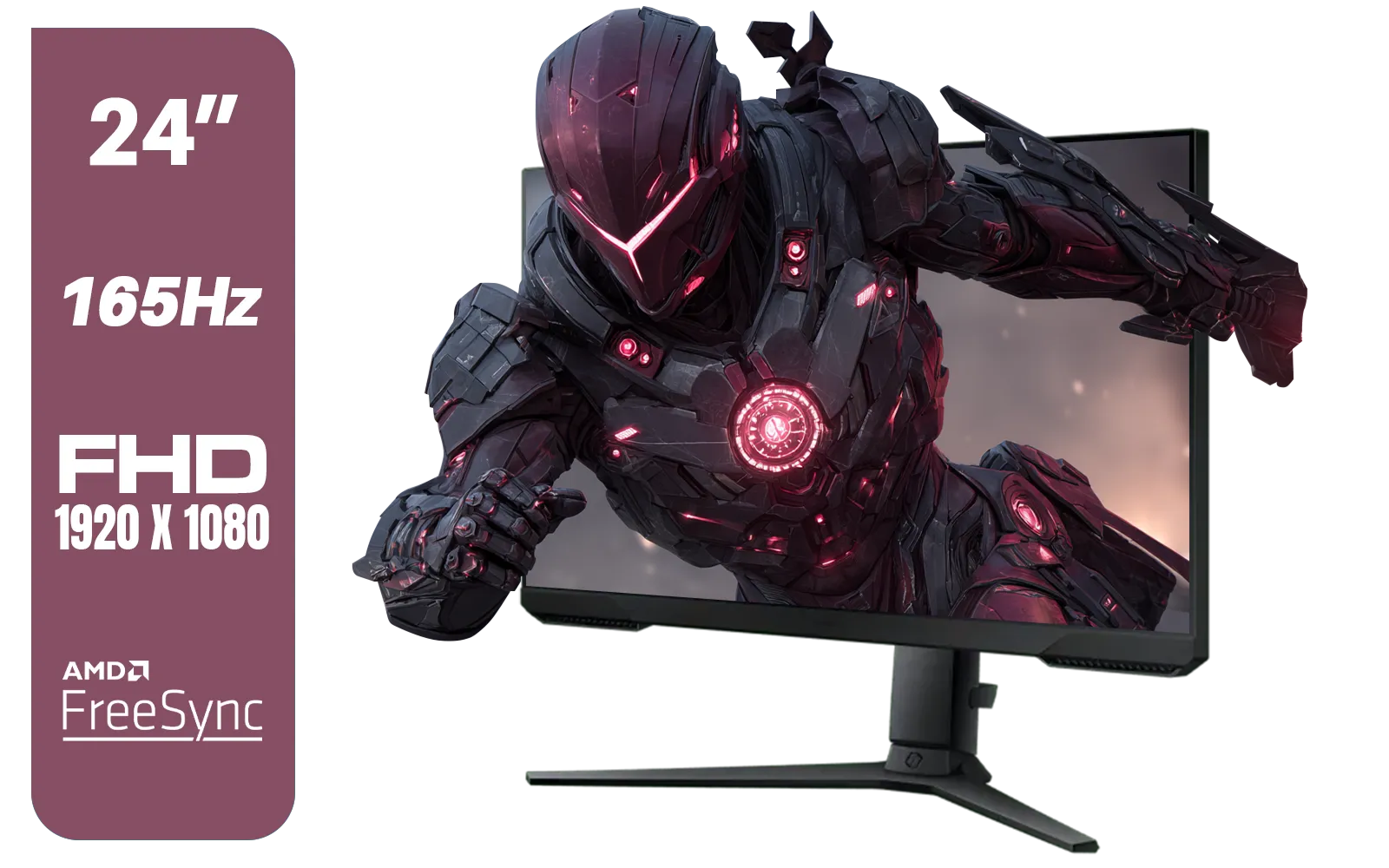
SAMSUNG 24" Odyssey G32A FHD 1ms 165Hz Gaming Monitor with Eye Saver Mode, Free-Sync Premium, Height Adjustable Screen for Gamer Comfort, VESA Mount Capability / LS24AG320NAXXA
R3199.00In Stock
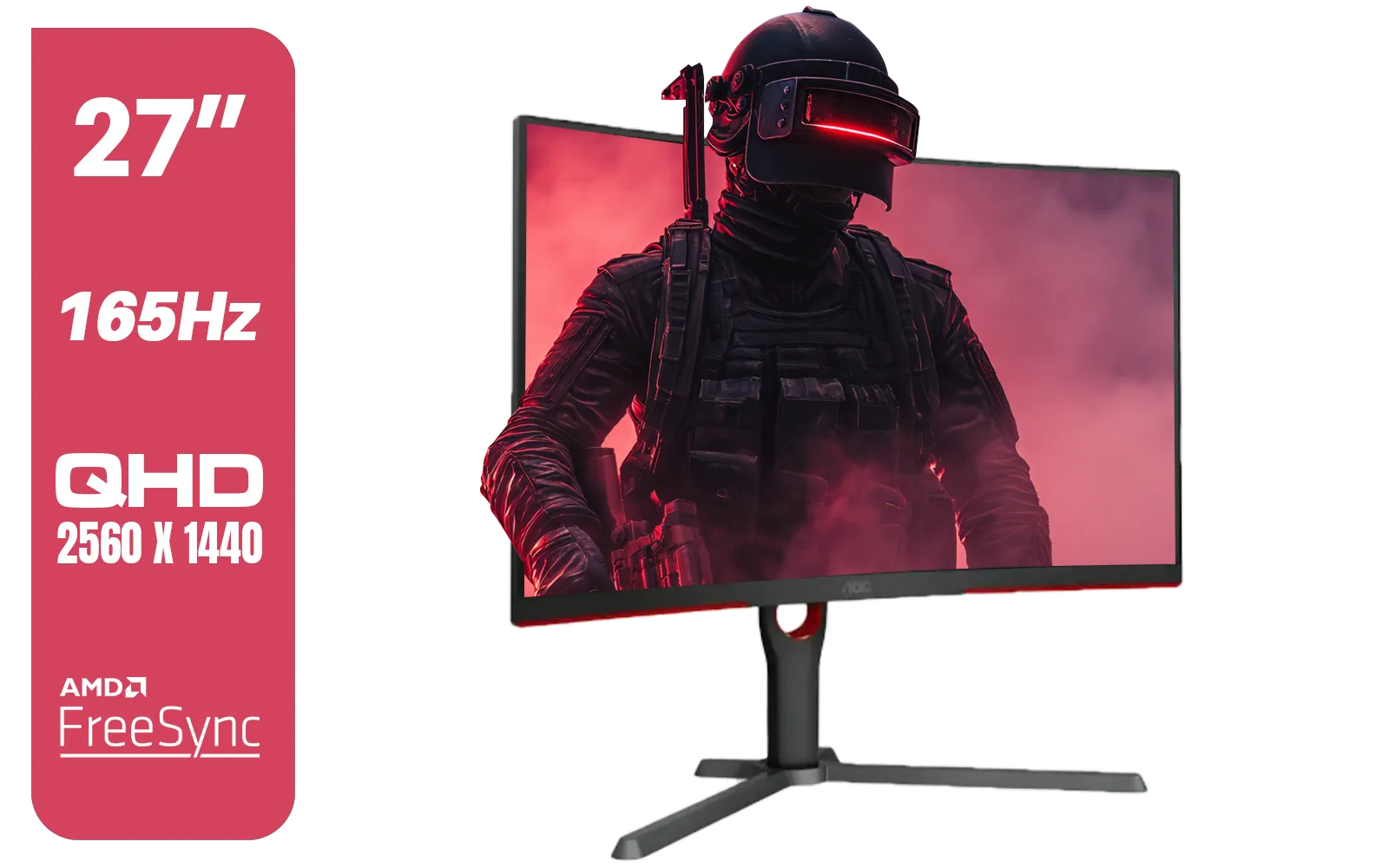
AOC CQ27G3S 27" QHD (2560x1440) 165Hz 1ms VA Curved FreeSync HDR Gaming Monitor / Superior High Quality Viewing / Ultra-smooth Tear-free Gaming / Enjoy top-tier Gaming Performance / Instant Response Times / Illuminate Your Visuals / Reducing Shortwave Blue Light / CQ27G3S
R6399.00In Stock
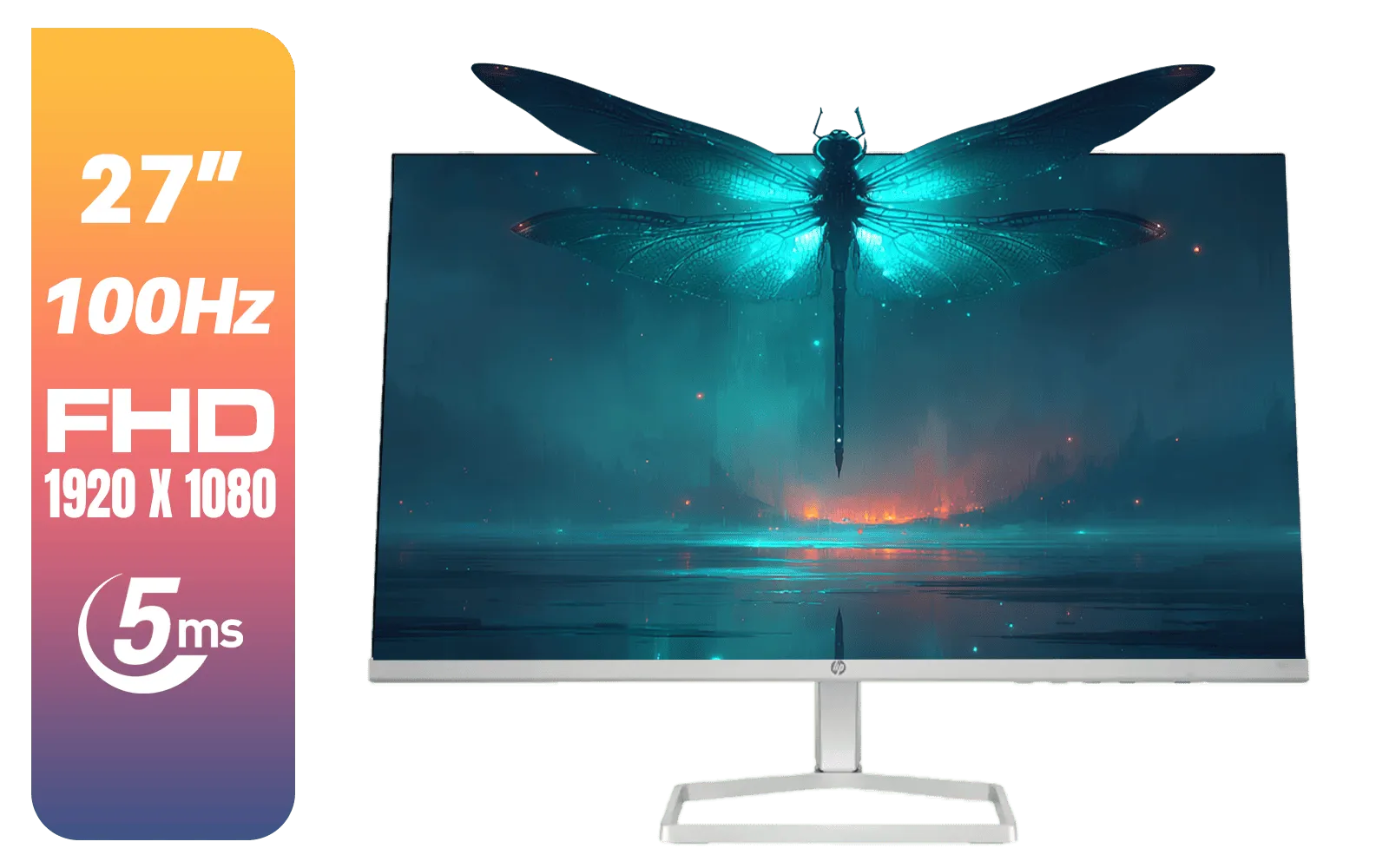
HP 527SF G5 FHD Gaming Monitor - Black/Silver / 27" FHD (1920 x 1080) / Anti-glare / 1x HDMI 1.4, 1x VGA / -5 to +25 degrees Adjustable Tilt / 94F44AS
R4499.00In Stock
Adaptive Sync is a display feature that aligns your monitor's refresh rate with your GPU's frame rate to eliminate screen tearing and minimize stuttering during gameplay.
Unlike traditional V-Sync, Adaptive Sync does not introduce significant input lag, making it the superior choice for fast-paced competitive gaming.
FreeSync is AMD's open standard for variable refresh rates, while G-Sync is Nvidia's proprietary hardware solution. Both achieve similar results in smoothing visuals.
DisplayPort is generally required for G-Sync and recommended for FreeSync, though some newer FreeSync monitors also support variable refresh rates over HDMI.
It depends on the model. While high refresh rate monitors benefit most, some 60Hz monitors do support FreeSync to help smooth out frame rate fluctuations.
Yes. While V-Sync stops tearing, it adds input lag and stutter if frame rates drop. Adaptive Sync solves tearing without compromising responsiveness or smoothness.











