Affordable Home Office Setup Guide: ASUS Vivobook Go Edition
Creating an affordable home office setup doesn't mean sacrificing performance. Discover how the ASUS Vivobook Go powers your productivity without breaking the bank. 💻✨ Get tips on ergonomics, connectivity, and essential gear for remote work success.
|
Loading tags...

Working from home in South Africa? 🇿🇦 The dream of a productive space can quickly get expensive, especially with loadshedding complicating things. But what if you could build a powerful, affordable home office setup without breaking the bank? This guide focuses on a budget-friendly hero, the ASUS Vivobook Go, to show you how to create a workspace that works as hard as you do… without draining your wallet. Let's get you sorted.
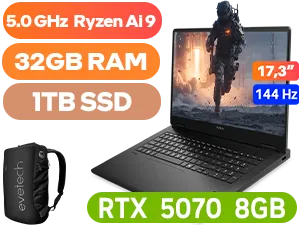
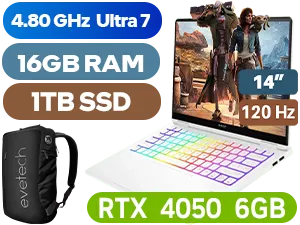
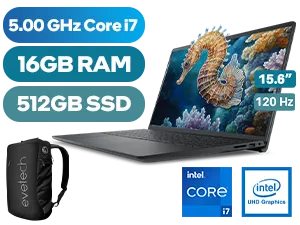
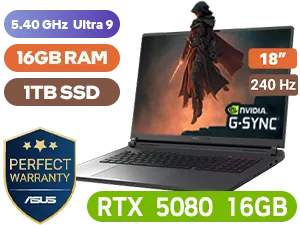
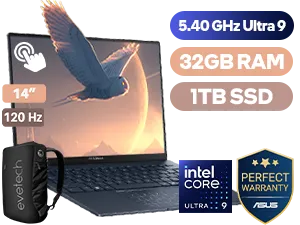
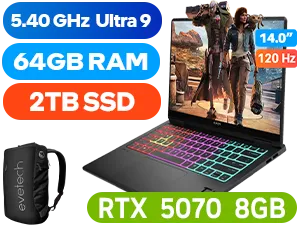
Your Guide to an Affordable Home Office Setup
The shift to remote and hybrid work is permanent for many South Africans. This means creating a dedicated workspace is no longer a luxury—it's essential for focus and productivity. The challenge? Doing it on a budget that makes sense. An effective, affordable home office setup prioritises smart choices over flashy gear. It's about finding that sweet spot between performance and price, ensuring you have reliable tools that can survive power dips and keep you connected.
The core of any modern setup is a dependable laptop. It offers portability for when you need a change of scenery and, crucially, an internal battery to outlast Stage 4 loadshedding.
The Heart of Your Setup: The ASUS Vivobook Go
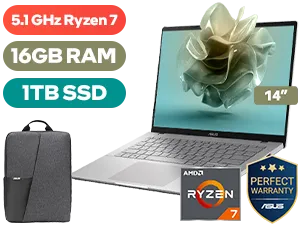
When building a cost-effective workspace, your laptop is the biggest investment. This is where the ASUS Vivobook Go series truly shines. It’s designed for everyday productivity, offering a lightweight chassis, a crisp display, and performance that easily handles emails, documents, video calls, and web browsing. 💻
What makes it a top contender for your affordable home office setup?
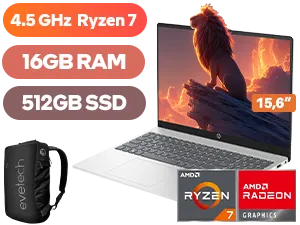
- Efficiency: It's built around power-efficient components. Many models feature processors that provide a fantastic balance of performance and battery life, and you can often find great value in AMD laptops on special that fit this profile perfectly.
- Portability: Its slim and light design means you aren't chained to one desk. Work from the kitchen, the patio, or your favourite coffee shop.
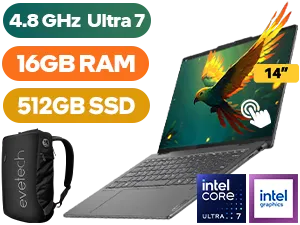
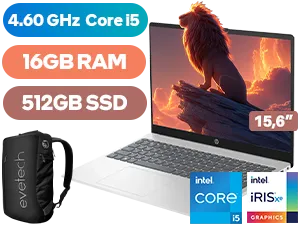
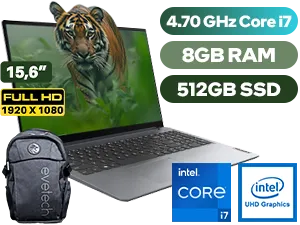
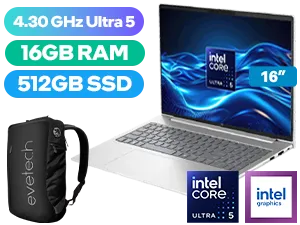
- Value: You get a reliable machine from a top brand without the premium price tag. For those who need a bit more processing grunt for spreadsheets or light multitasking, it's always worth comparing with the latest powerful Intel laptops on special to see what fits your budget.
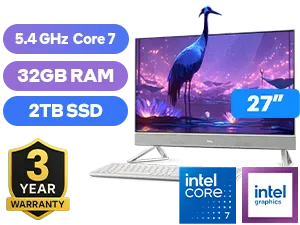

Beyond the Laptop: Essential Budget-Friendly Peripherals
A great laptop is just the beginning. To complete your ASUS Vivobook Go setup and make it truly comfortable for all-day work, a few key peripherals are non-negotiable. You don't need to spend a fortune to significantly improve your workflow and comfort.
TIP FOR YOU
Ergonomic Pro Tip 💡
Your neck and back will thank you for this! Instead of buying an expensive monitor, start with a simple, adjustable laptop stand. Elevating your Vivobook Go's screen to eye level prevents you from hunching over all day. It’s one of the cheapest and most effective ergonomic upgrades you can make to your home office.
Key Add-Ons for Your Workspace:
- External Keyboard & Mouse: A full-size keyboard and a comfortable mouse are essential for long work sessions. A simple wired combo can be found for a few hundred Rand and makes a world of difference.
- Mini-UPS: In South Africa, this is a must-have. A small Uninterruptible Power Supply (UPS) for your router and Wi-Fi mesh point ensures your internet stays on when the power goes off. This small investment saves you from tethering to your phone and burning through mobile data.
- A Decent Headset: For clear Zoom and Teams calls, a headset with a built-in microphone is crucial. It isolates your voice, reduces background noise, and keeps your conversations private and professional.
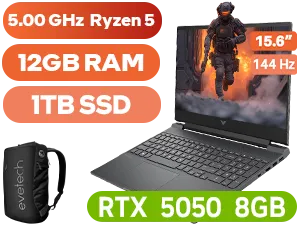
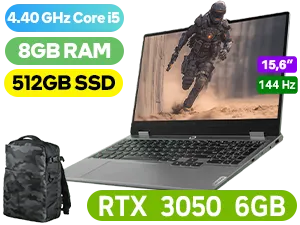
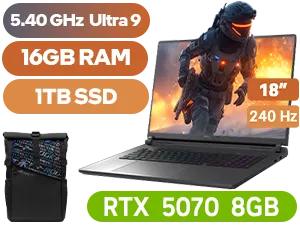
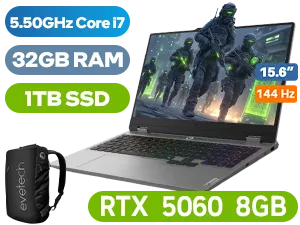
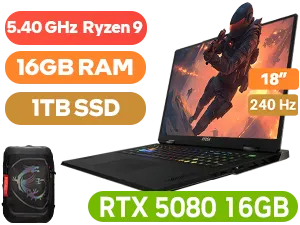
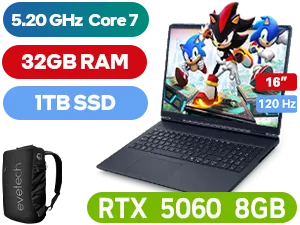
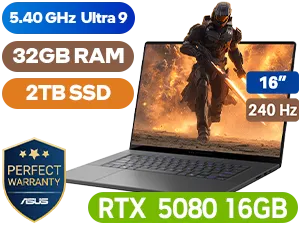
If your work involves more intensive tasks like graphic design, or you want a machine that can handle some serious gaming after hours, you might need more graphical horsepower. For that, it’s worth a look to check out our gaming laptop deals which often pack incredible performance for their price. 🚀
Ready to Find Your Perfect Match? Building an affordable and effective home office in South Africa is all about smart choices. The ASUS Vivobook Go is a brilliant starting point, but the perfect setup is the one that fits your specific needs and budget. Explore our massive range of laptop specials and find the perfect machine to conquer your workday.
Related Products
Yes, the ASUS Vivobook Go is excellent for remote work, offering a lightweight design, durable hinge, and sufficient processing power for daily office tasks.
Start with a budget-friendly laptop like the Vivobook Go, utilize natural lighting, choose a comfortable ergonomic chair, and minimize clutter to reduce costs.
It typically includes USB Type-C, USB Type-A, and HDMI ports, allowing you to easily connect monitors and accessories for a complete home office station.
Absolutely. Its ultra-slim profile and light chassis make it perfect for users who split time between a home office setup and coffee shops or co-working spaces.
The ASUS Vivobook Go ranks highly as a budget laptop due to its balance of price, battery life, and solid build quality suitable for administrative workflows.
While the built-in screen is clear, connecting an external monitor via HDMI can significantly boost multitasking efficiency in your affordable home office setup.