



ASRock Z890 Taichi optimization: Boost local gaming FPS
ASRock Z890 Taichi optimization guide that maximizes local gaming performance with BIOS tweaks, driver updates, RAM tuning, and cooling fixes 🎮⚡

Got your hands on the new ASRock Z890 Taichi? Lekker! This motherboard is a beast right out of the box, but you're leaving free performance on the table. For South African gamers chasing every last frame in Sandton or Soweto, a few simple tweaks can make all the difference. Proper ASRock Z890 Taichi optimization isn't just for overclocking pros; it's the key to unlocking smoother gameplay and higher FPS right now. Let's dive in. 🚀
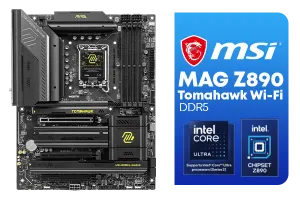
MSI MAG Z890 Tomahawk Wi-Fi Intel Motherboard / ATX Form Factor / Supports Intel® Core™ Ultra Processors (Series 2) / LGA 1851 CPU Socket / 4x DDR5 UDIMM Supporting up to 256GB / 911-7E32-003
R7999.00In Stock
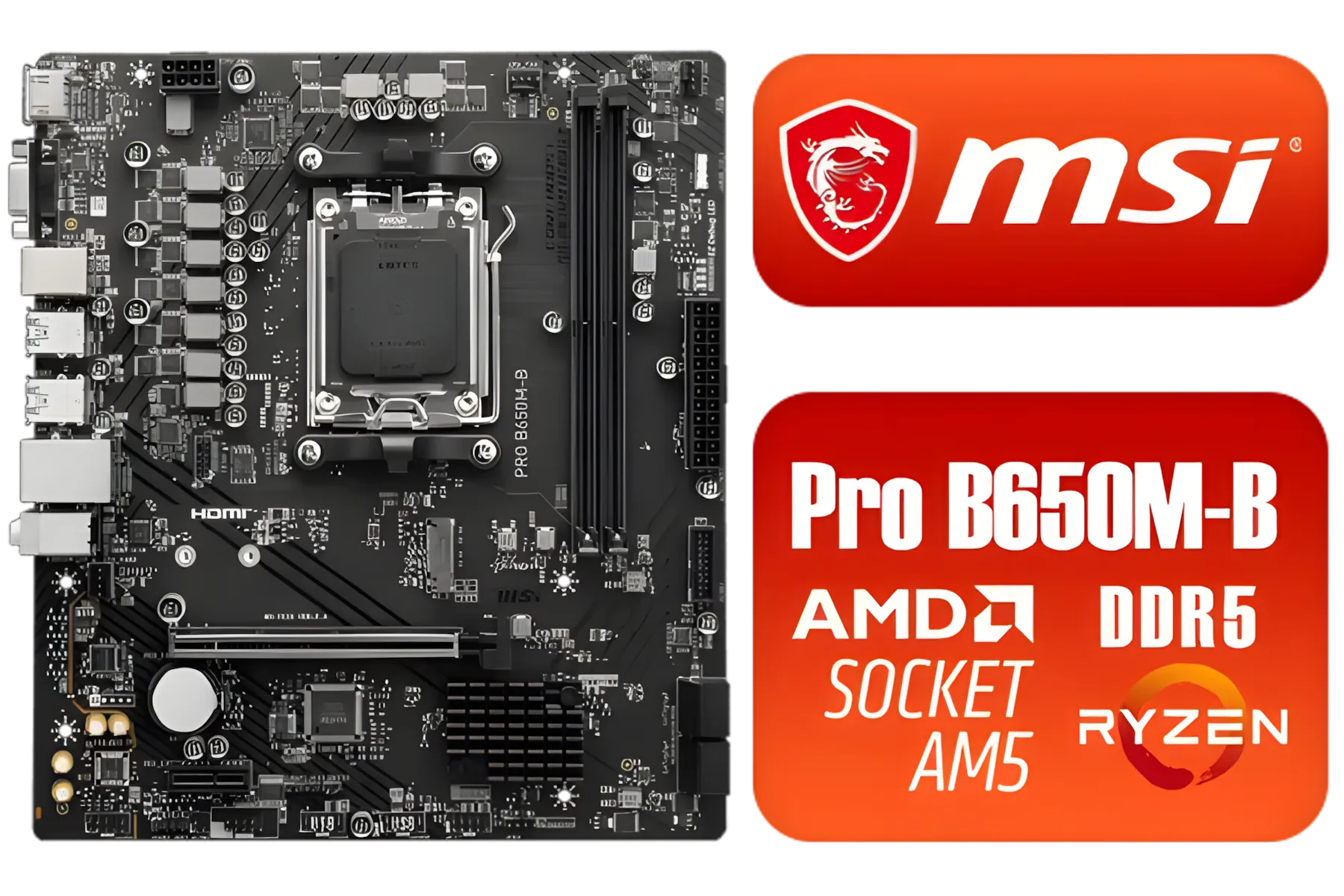
MSI Pro B650M-B AMD Ryzen Motherboard / AMD Socket AM5 / AMD B650 Chipset / 2 DIMMs, Dual Channel DDR5-6800+MHz (OC) /1x PCIe 4.0 x16 slot / 911-7E28-005
R2149.00In Stock
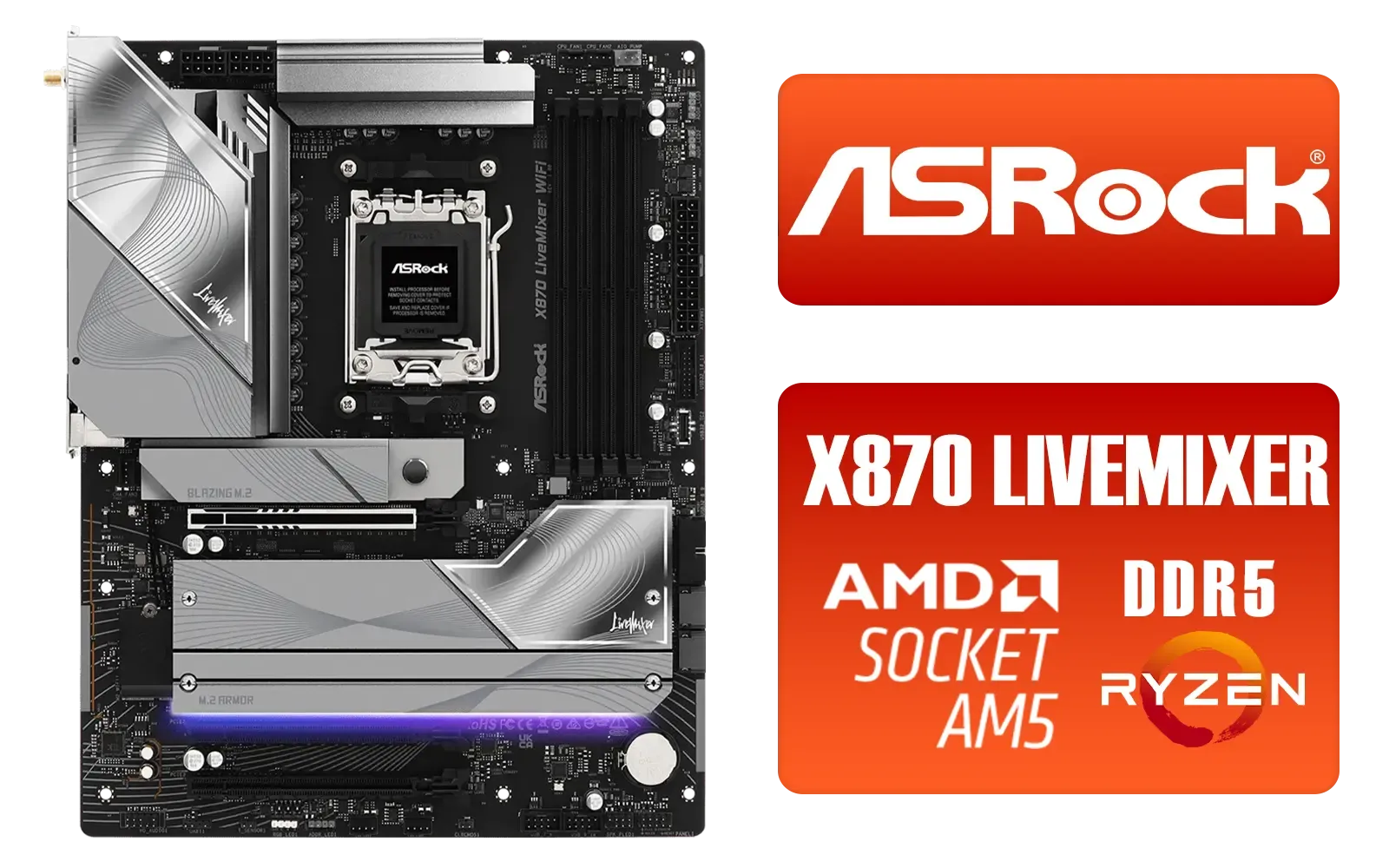
ASRock X870 LiveMixer WiFi AMD Motherboard / Supports AMD Socket AM5 Ryzen™ 9000, 8000 and 7000 Series Processors / AMD X870 Chipset / PCIe Gen5 (Graphics, M.2) / Dual Channel DDR5 / 5G LAN & Wi-Fi 7 / 90-MXBTA0-A0UAYZ
R5599.00In Stock
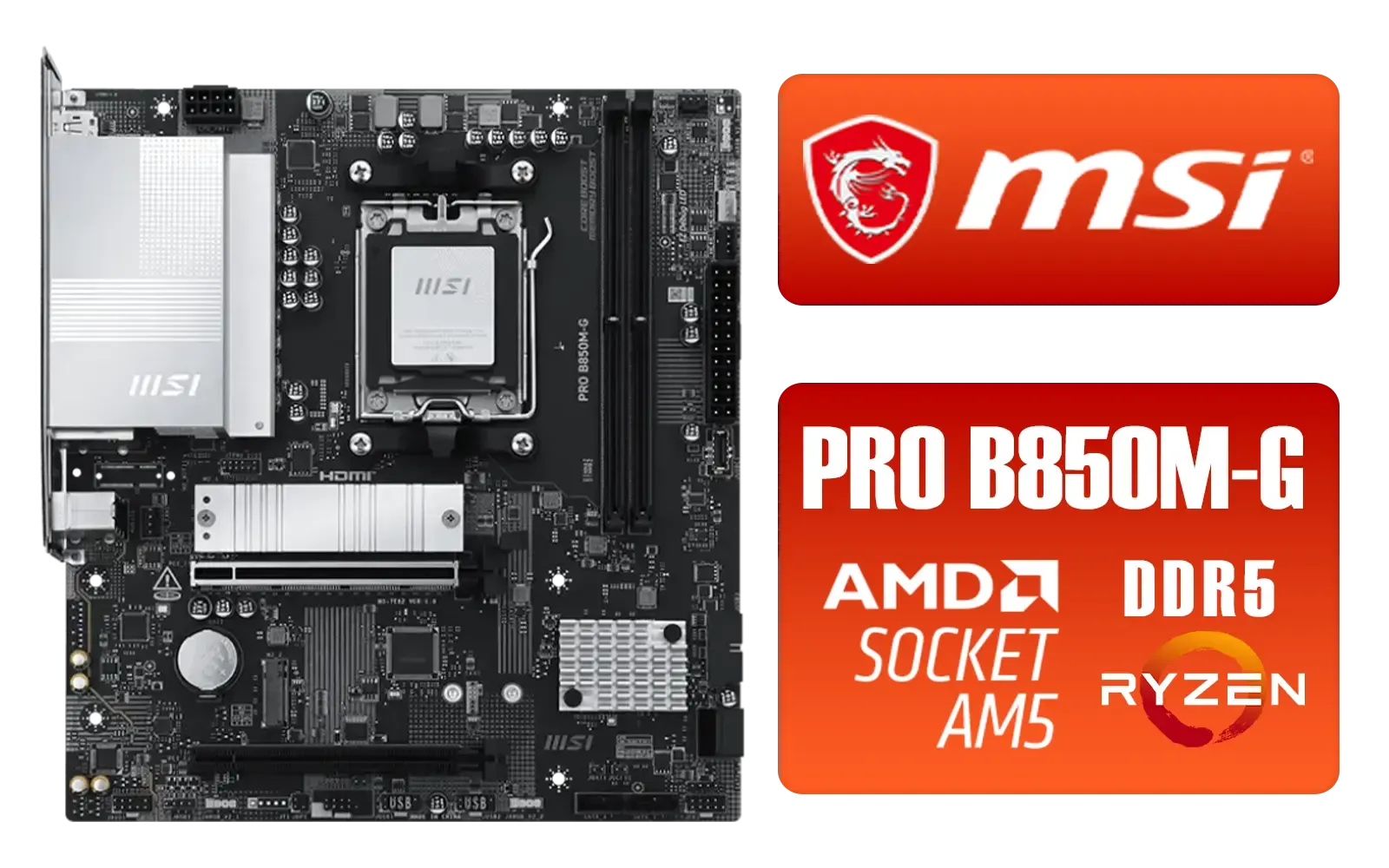
MSI PRO B850M-G AMD Motherboard / Supports AMD Ryzen™ 9000 / 8000 / 7000 Series / Dual Channel DDR5-8200+ (OC) / Direct 7+2+1 Power System (P-PAK) / Lightning Gen 5 x4 M.2 / 5G LAN / 911-7E82-001
R2999.00In Stock
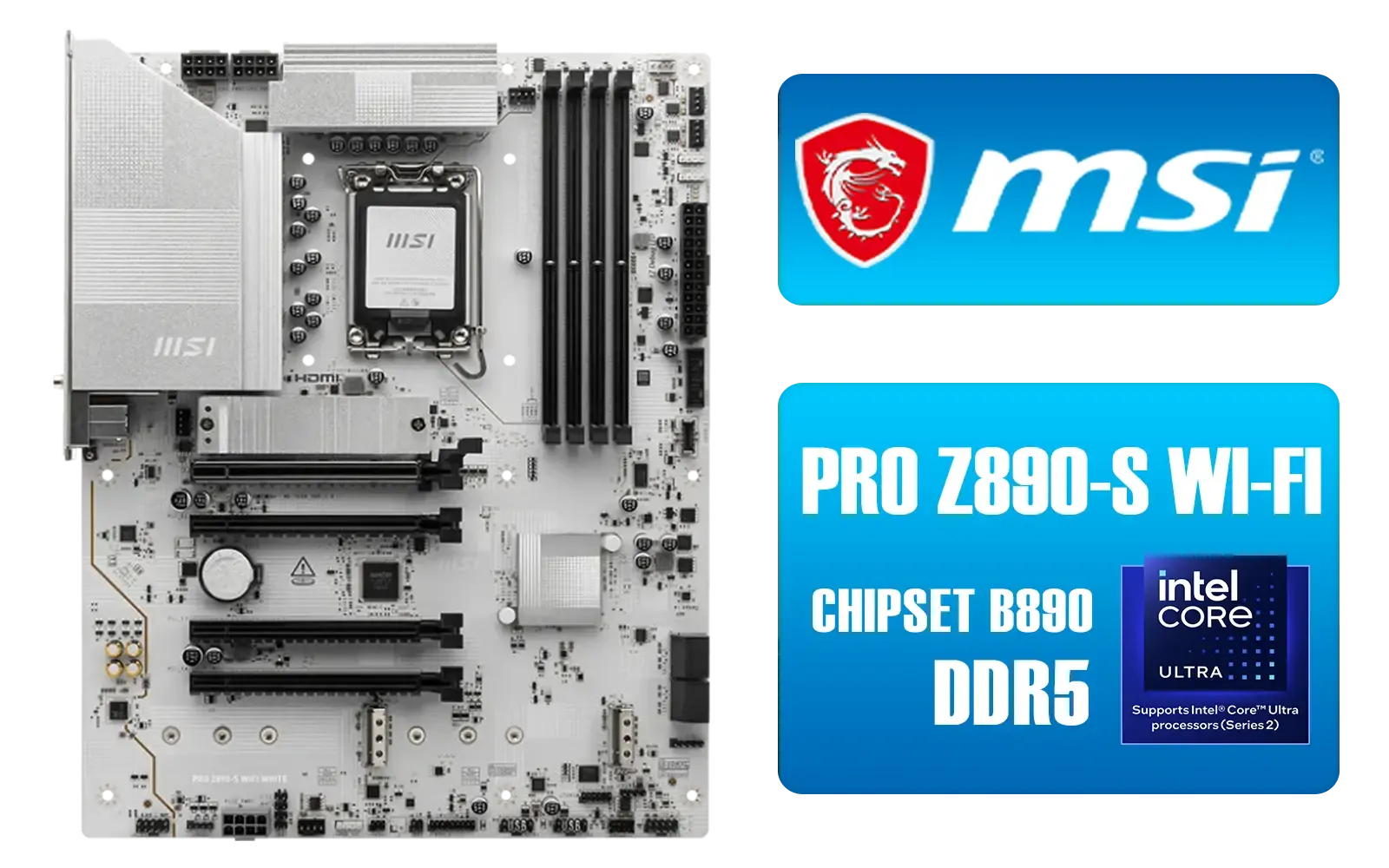
MSI PRO Z890-S Wi-Fi Intel Motherboard - White / ATX Motherboard / Supports Intel® Core™ Ultra Processors (Series 2) / LGA 1851 Socket / 4x DDR5 UDIMM Up to 256GB / Intel® Wi-Fi 7 / 911-7E54-003
R5699.00In Stock
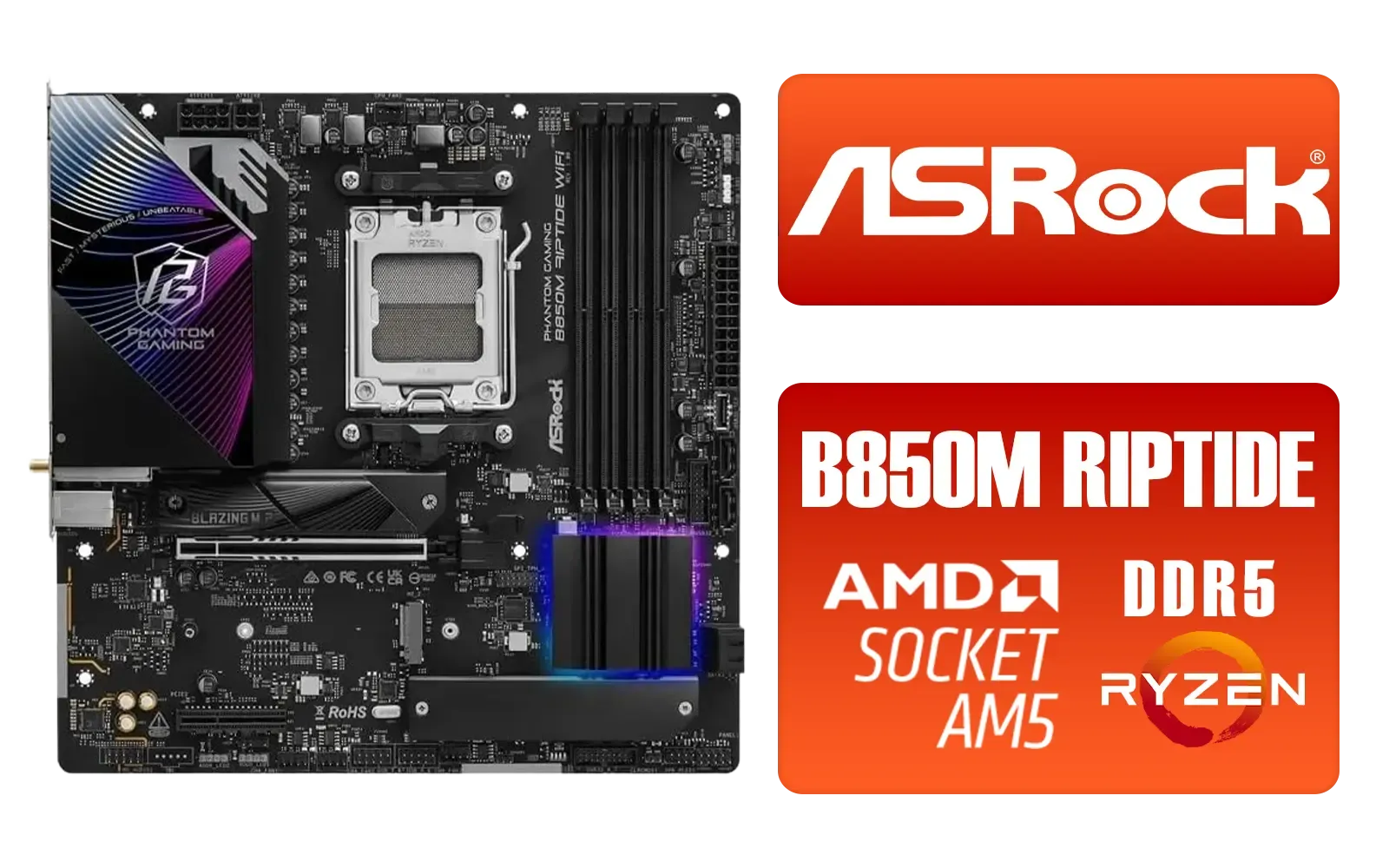
ASRock Phantom Gaming B850M Riptide WiFi AMD Motherboard / Supports AMD Socket AM5 Ryzen™ 9000, 8000 and 7000 Series Processors / AMD B850 Chipset / PCIe Gen5 (Graphics, M.2) / Dual Channel DDR5 / 90-MXBS30-A0UAYZ
R3999.00In Stock
Why ASRock Z890 Taichi Optimization is Worth Your Time
The ASRock Taichi series has always been about premium features without the fluff. With robust power delivery and a feature set designed for enthusiasts, it’s the perfect home for Intel's latest processors. But default "auto" settings are designed for universal compatibility, not maximum performance.
By spending just 20 minutes in the BIOS, you can ensure your expensive components are running at their full potential. This process of ASRock Z890 Taichi optimization moves your system from a reliable daily driver to a finely-tuned gaming machine. It’s the difference between good and great, especially when paired with a top-tier CPU from our range of Intel motherboards.
Key BIOS Settings to Boost Local Gaming FPS
Don't be intimidated by the BIOS. ASRock's interface is user-friendly, and a few key changes will yield the biggest results. Remember to save and reboot after each major change to ensure stability.

MSI MPG Z890 EDGE TI WI-FI Intel Motherboard / LGA 1851 / Supports Intel® Core™ Ultra Processors (Series 2) / 4x DDR5 UDIMM Slots / ATX Form Factor / 911-7E19-002
R9999.00In Stock

MSI Z890 Gaming Plus Wi-Fi Intel Motherboard / ATX Form Factor / Supports Intel® Core™ Ultra Processors (Series 2) / LGA 1851 CPU Socket / 4x DDR5 UDIMM Supporting up to 256GB / 911-7E34-002
R6699.00In Stock
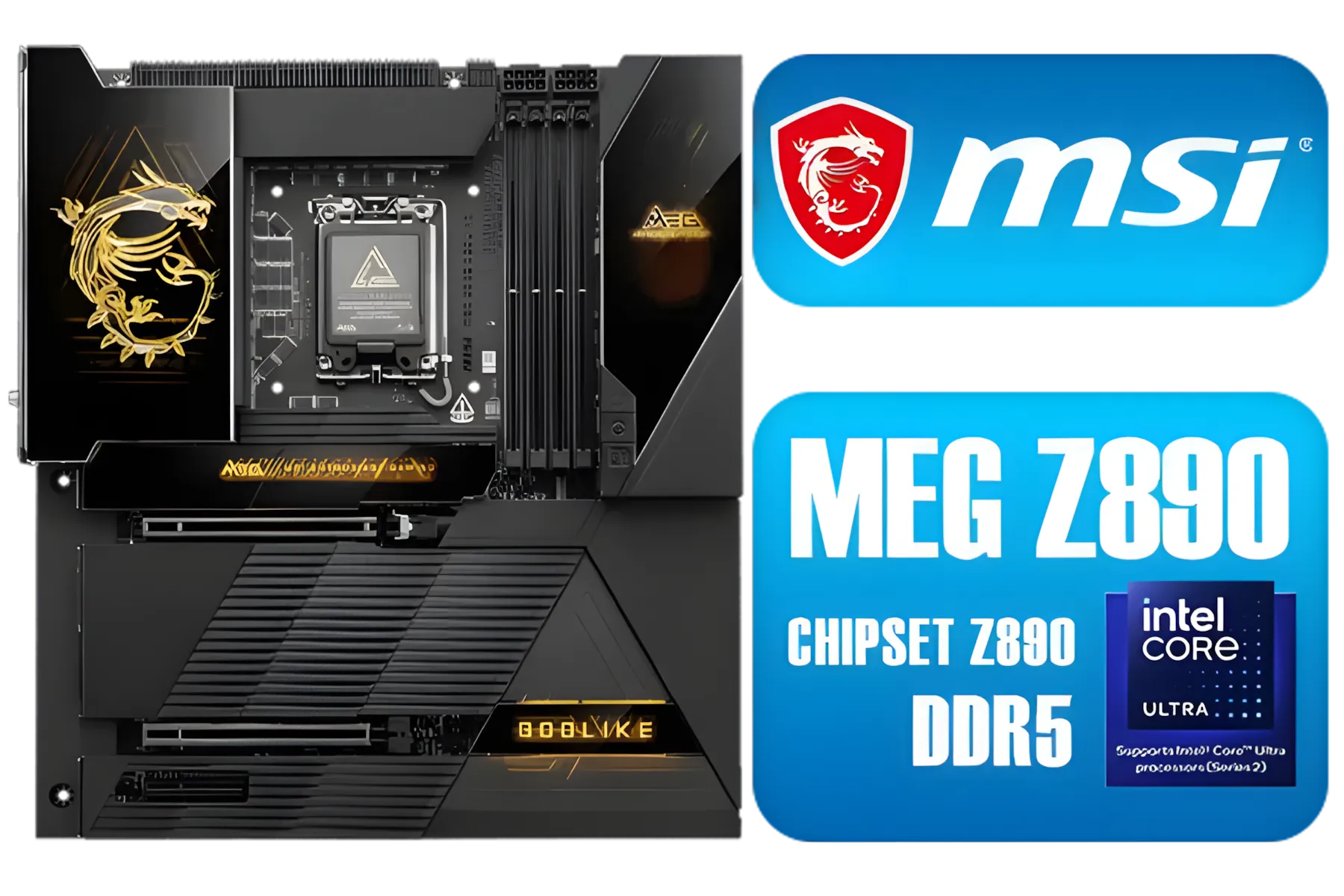
MSI MEG Z890 GODLIKE, E-ATX - Supports Intel Core Ultra Processors (Series 2), LGA 1851 - Dynamic Dashboard III, EZ Slide M.2, DDR5 (9200+ MT/s OC), M.2 & PCIe 5.0, Thunderbolt 5, Wi-Fi 7, 10G LAN / 911-7E21-002
R29999.00In Stock
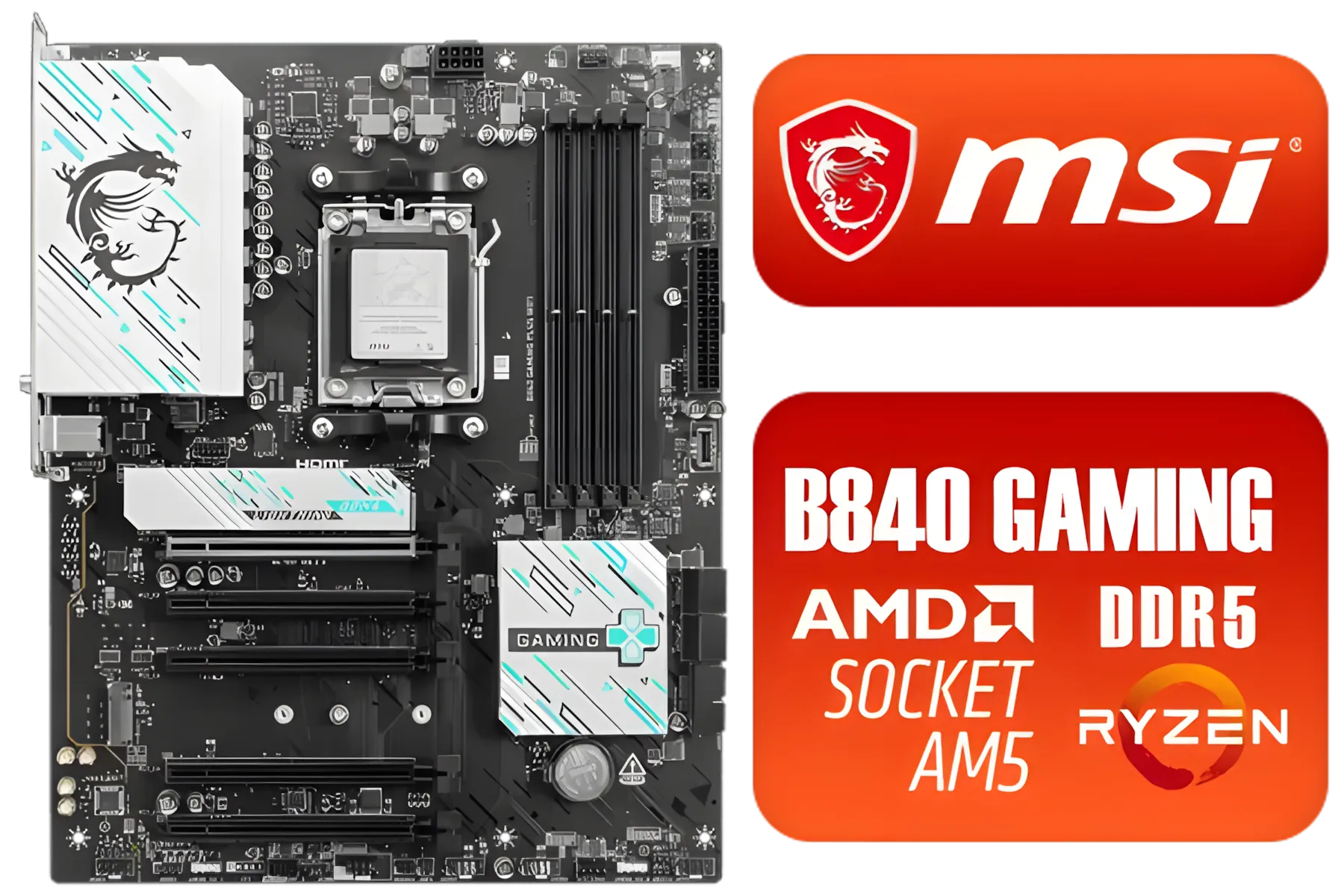
MSI B840 GAMING PLUS WIFI AMD Motherboard / AM5 Socket / ATX For Factor / 4x DDR5 DIMM Slots / Supports AMD Ryzen™ 9000/ 8000/ 7000 Series Desktop Processors / 911-7E57-002
R4899.00In Stock
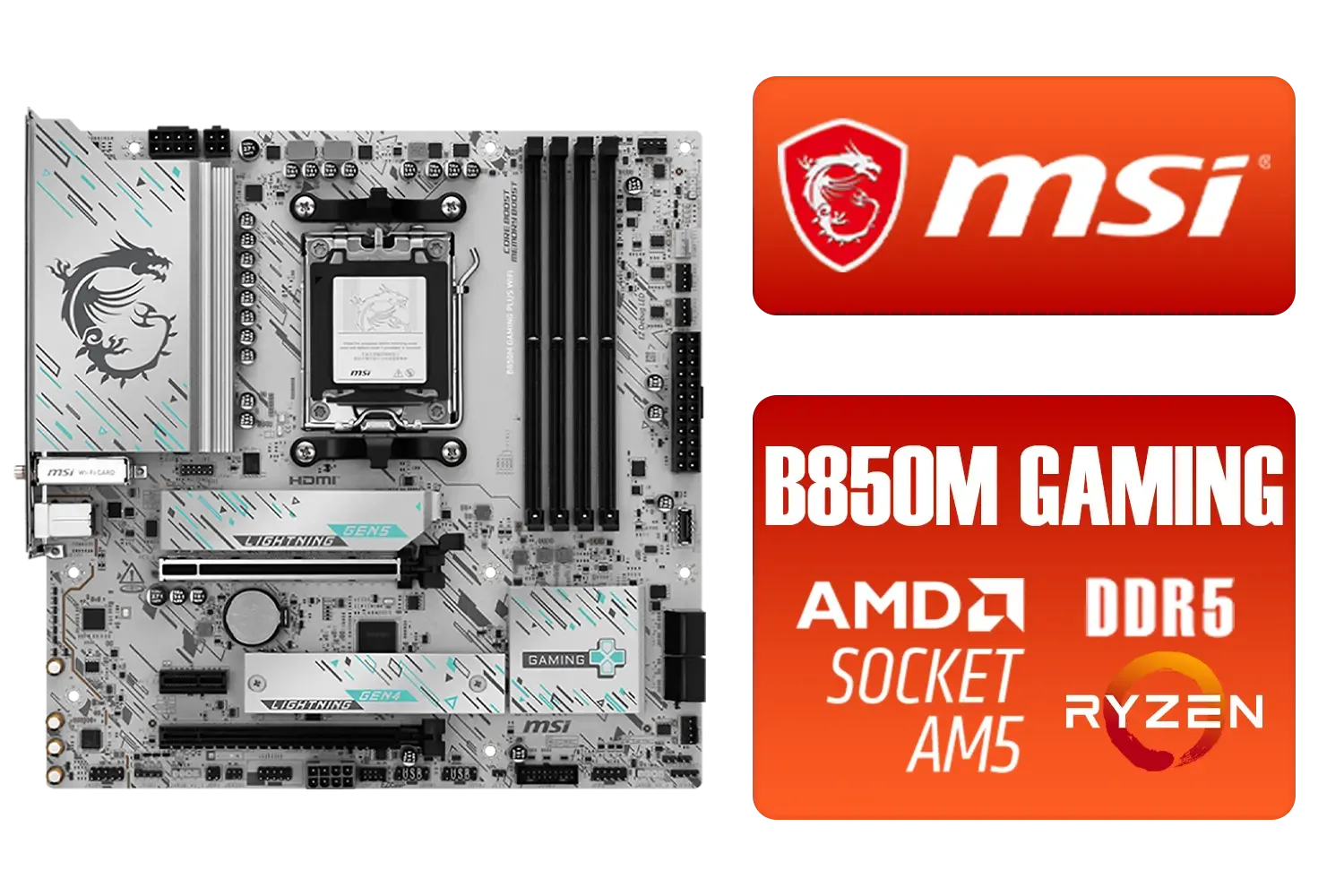
MSI B850M Gaming Plus WiFi AMD Motherboard / mATX / Supports AMD Ryzen™ 9000/ 8000/ 7000 Series Processors / Dual Channel DDR5 Memory Boost 8200+ MT/s OC / 1 x PCIe 5.0 x16 / 5G LAN / Wi-Fi 7 / 911-7E66-001
R4599.00In Stock

ASRock Phantom Gaming Z890 Riptide Intel Motherboard / ATX Form Factor / Supports Intel® Core™ Ultra Processors (Series 2) / LGA 1851 CPU Socket / 4x DDR5 DIMM Supporting up to 256GB / 90-MXBPB0-A0UAYZ
R7699.00In Stock
### Activate XMP for Instant Memory Speed
This is the single most important step. Your high-speed DDR5 RAM likely runs at a much slower default speed until you tell it otherwise.
- Enter the BIOS (usually by pressing 'Delete' or 'F2' during startup).
- Go to the 'OC Tweaker' tab.
- Find the 'DRAM Profile Configuration' or similar setting.
- Select the 'XMP' profile.
- Save and exit.
This simple change can boost FPS by 5-15% in memory-sensitive games. While this guide focuses on Intel, the principles of memory tuning are just as crucial on the latest AMD motherboards, even if the BIOS terminology differs slightly.
TIP FOR YOU
Cooling is King ⚡
Your VRMs (Voltage Regulator Modules) are crucial for stable power delivery. During ASRock Z890 Taichi optimization, keep an eye on their temperatures using software like HWiNFO64. If they're running hot, ensure your case has good airflow directed over the motherboard's heatsinks. A cool VRM means a stable CPU, especially when you're pushing for higher clocks.
### Adjust Your Fan Curves
A quiet PC is great, but a cool PC performs better. Default fan curves are often too passive, allowing temperatures to creep up and cause thermal throttling (where your CPU slows down to prevent overheating).
In the 'H/W Monitor' section of the BIOS, you can set custom fan curves. A good starting point is to have your fans reach 70-80% speed when your CPU hits 75°C. This keeps things cool under a heavy gaming load without sounding like a jet engine during normal use. ✨

ASRock B850 Steel Legend WIFI AMD Ryzen Motherboard / Supports AMD Socket AM5 Ryzen™ 9000, 8000 and 7000 Series Processors / AMD B850 Chipset / USB4 Type-C (10Gbps) Connectivity / 90-MXBQS0-A0UAYZ
R4699.00In Stock

ASRock Phantom Gaming B850 Riptide WIFI AMD Ryzen Motherboard / Supports AMD Socket AM5 Ryzen™ 9000, 8000 and 7000 Series Processors / AMD B850 Chipset / USB4 Type-C (10Gbps) Connectivity / 90-MXBQT0-A0UAYZ
R4999.00In Stock
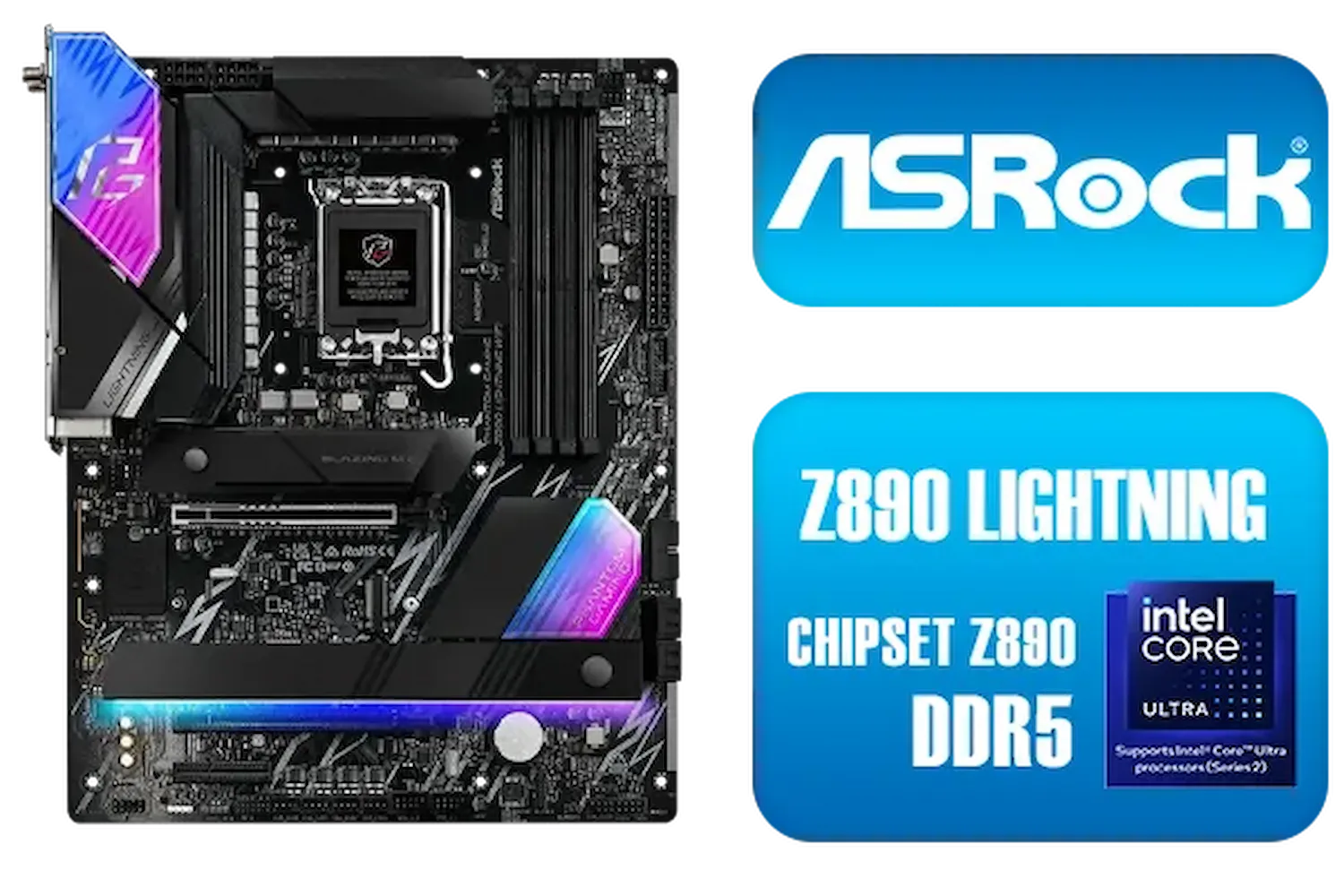
ASRock Phantom Gaming Z890 Lightning WiFi Intel Motherboard / ATX Form Factor / Supports Intel® Core™ Ultra Processors (Series 2) / LGA 1851 CPU Socket / 4x DDR5 DIMM Supporting up to 256GB / 90-MXBPG0-A0UAYZ
R6999.00In Stock
MSI MPG Z890 EDGE TI WI-FI Intel Motherboard / LGA 1851 / Supports Intel® Core™ Ultra Processors (Series 2) / 4x DDR5 UDIMM Slots / ATX Form Factor / 911-7E19-002
R9999.00In Stock
MSI Pro B650M-B AMD Ryzen Motherboard / AMD Socket AM5 / AMD B650 Chipset / 2 DIMMs, Dual Channel DDR5-6800+MHz (OC) /1x PCIe 4.0 x16 slot / 911-7E28-005
R2149.00In Stock

MSI MEG X870E GODLIKE AMD Motherboard / AM5 Socket / E-ATX Form Factor / 4x DDR5 DIMM Slots / Supports AMD Ryzen™ 9000/ 8000/ 7000 Series Desktop Processors / 911-7E48-001
R33999.00In Stock
Beyond the BIOS: Final System Tweaks 🔧
Your hardware optimisation is done, but don't forget the software.
- Update Drivers: Always grab the latest chipset drivers from ASRock's website and the newest graphics drivers from NVIDIA or AMD.
- Power Plan: In Windows, set your power plan to 'High Performance' or 'Ultimate Performance'. This prevents the CPU from downclocking aggressively to save power.
- Disable Startup Bloat: Too many programs launching at startup can sap resources. Use the Task Manager to disable non-essential apps.
These foundational steps apply whether you're performing an ASRock Z890 Taichi optimization or tuning a system built around more budget-friendly Intel and AMD based motherboards. A clean, well-maintained system is a fast system.
Ready to Build Your Ultimate Rig? The right motherboard is the heart of any great gaming PC. Proper ASRock Z890 Taichi optimization unlocks incredible power, but finding the perfect foundation is the first step. Explore our massive range of PC components and find the perfect parts to conquer your world.
Related Products

MSI MAG B860 TOMAHAWK WIFI Motherboard, ATX - Supports Intel Core Ultra Processors (Series 2), LGA 1851 - DDR5 Memory Boost 9200+ MT/s OC, 1 x PCIe 5.0 x16, 1 x M.2 Gen5, 5G LAN, Wi-Fi 7 / 911-7E39-001
R5999.00In Stock

MSI PRO B860M-A WIFI Motherboard, mATX - Supports Intel Core Ultra Processors (Series 2), LGA 1851-12 DRPS, DDR5 Memory Boost (8600+ MT/s OC), PCIe 5.0 x16 & 4.0 x16, M.2 Gen5, Wi-Fi 7, 5G LAN / 911-7E42-002
R4299.00In Stock
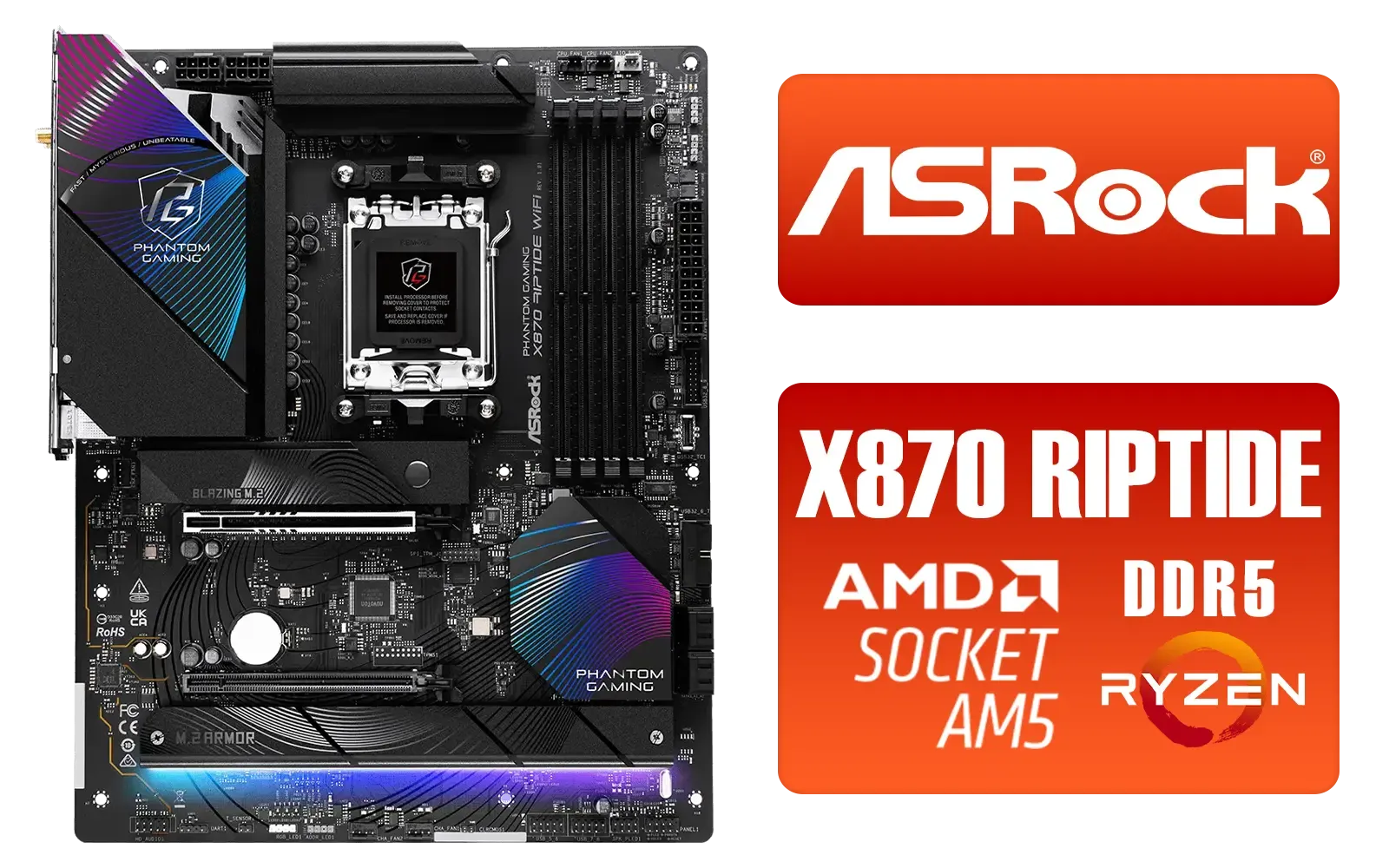
ASRock Phantom Gaming X870 Riptide WiFi AMD Motherboard / Supports AMD Socket AM5 Ryzen™ 9000, 8000 and 7000 Series Processors / AMD B850 Chipset / PCIe Gen5 (Graphics, M.2) / Dual Channel DDR5 / USB4 Type-C Ports (40 Gb/s) / Killer 2.5G LAN & 802.11be Wi-Fi 7 / 90-MXBPP0-A0UAYZ
R6399.00In Stock
MSI PRO B850M-G AMD Motherboard / Supports AMD Ryzen™ 9000 / 8000 / 7000 Series / Dual Channel DDR5-8200+ (OC) / Direct 7+2+1 Power System (P-PAK) / Lightning Gen 5 x4 M.2 / 5G LAN / 911-7E82-001
R2999.00In Stock

MAG B860M Mortar WiFi Motherboard, mATX - Supports Intel Core Ultra Processors (Series 2), LGA 1851 - DDR5 Memory Boost 9200+ MT/s OC, 1 x PCIe 5.0 x16, 1 x M.2 Gen5, 5G LAN, Wi-Fi 7 / 911-7E40-002
R5599.00In Stock
MSI MPG Z890 EDGE TI WI-FI Intel Motherboard / LGA 1851 / Supports Intel® Core™ Ultra Processors (Series 2) / 4x DDR5 UDIMM Slots / ATX Form Factor / 911-7E19-002
R9999.00In Stock
Start with ASRock Z890 Taichi BIOS tuning, update chipset and GPU drivers, enable XMP, and optimize fan curves to improve FPS and thermals.
Enable XMP/DOCP, adjust CPU performance cores, disable unnecessary C-states, and test stable clock offsets using z890 taichi BIOS settings for gaming.
Yes. Tighten timings, enable XMP/DOCP, use matched dual-channel kits, and tune frequency and subtimings to lower frame times and stutters.
Update GPU and USB drivers, set high performance power plans, enable low-latency GPU modes, and tweak USB polling to reduce input lag asrock z890.
Yes if you stress-test and monitor temps. Follow a z890 taichi overclocking guide, increase clocks gradually, and validate stability with stress tools.
Improve case airflow, refresh thermal paste, optimize fan curves in BIOS, and consider a quality AIO for sustained boost via z890 taichi thermal and fan tuning.
Absolutely. Install the best drivers for asrock z890 taichi from ASRock and GPU vendors and rollback if a new driver causes instability.











