Best Budget CPU for Video Editing 2025: Top Picks for 1080p
Looking for the best budget CPU for video editing in 2025? 🎬 We analyze top value processors for Premiere Pro and DaVinci Resolve to help you edit 1080p footage smoothly without breaking the bank. Discover the perfect chip for your rig!
Staring at a choppy timeline in DaVinci Resolve or Premiere Pro is a uniquely South African kind of pain... especially when you're on a tight budget. But what if you could get silky-smooth 1080p playback and faster renders without emptying your wallet? Finding the best budget CPU for video editing is the key. It’s not about buying the most expensive chip; it’s about getting the smartest one for your workflow. Let's get your creative hustle flowing. 🚀
What Really Matters in a CPU for 1080p Video Editing?
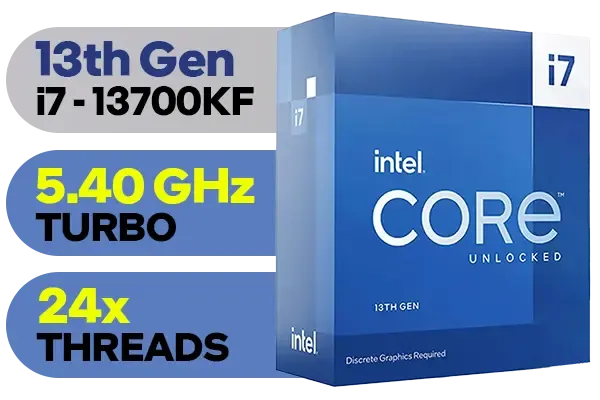
Intel 13th Gen Core i7 13700KF Desktop Processor 16 (8P+8E) Cores up to 5.40 GHz Unlocked LGA1700 Series Chipset 253W / <span style="color: red;" >Discrete Graphics Card Required</span> / BX8071513700KF
R9499.00In Stock

Intel Core Ultra 5 225F Processor / 10x (6P + 4E) Cores / 10x Threads / Up to 4.9GHz Turbo Boost / LGA 1851 Series Chipset 121W / AI Accelerator Technology / Discrete Graphics Required / BX80768225F
R3699.00In Stock

AMD Ryzen 5 3400G Processor with Radeon Vega 11 Graphics / 4x Cores - 8x Threads / 3.7GHz Base Clock - Up to 4.2GHz Max. Boost Clock / 6MB Game Cache / Wraith Spire Cooler Included / Socket AM4 / 65W / YD3400C5FHBOX
R1499.00In Stock
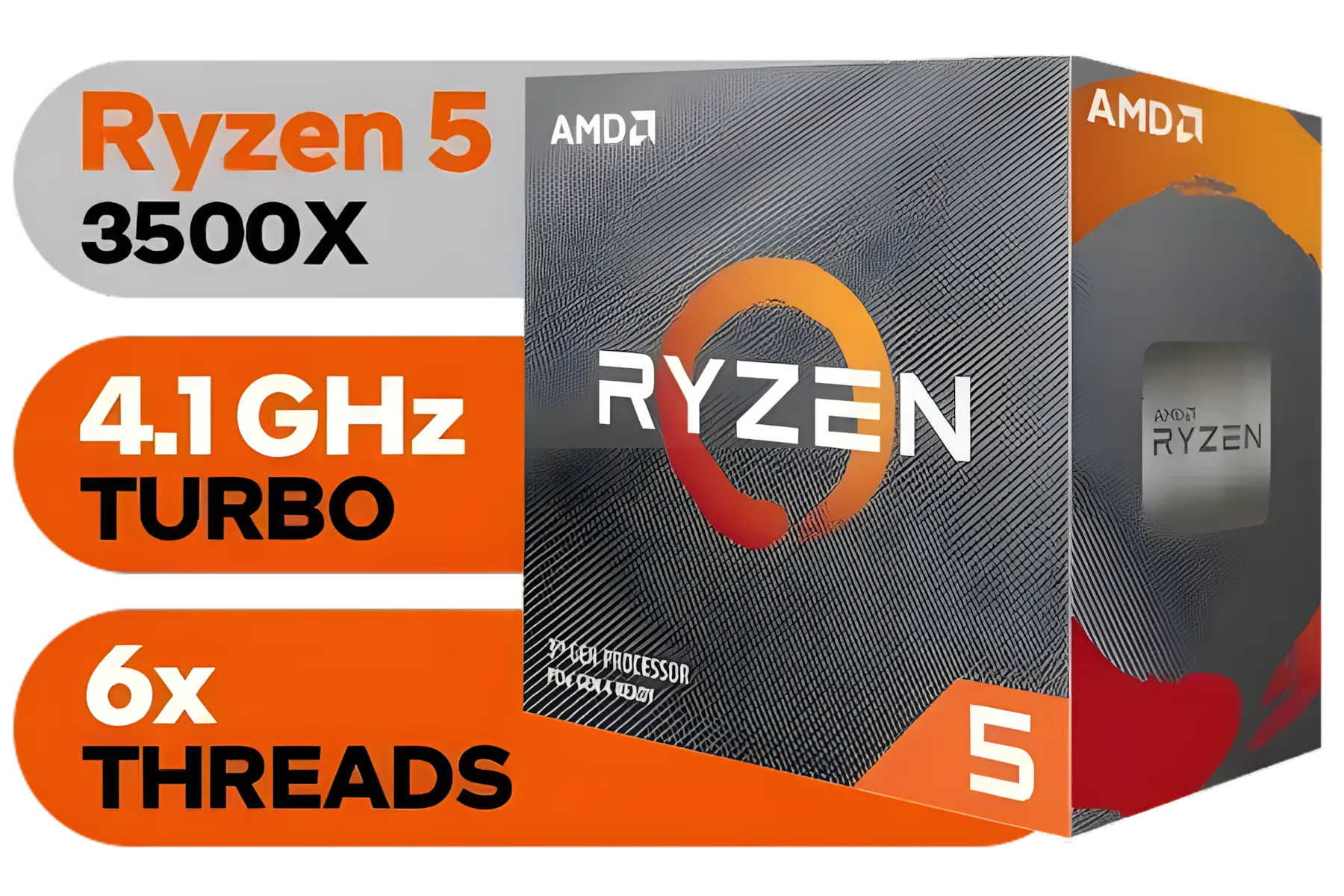
AMD Ryzen 5 3500X Boxed Processor / 6x Cores - 6x Threads / 3.60Ghz Base Clock / Up to 4.10GHz Max Boost Clock / AM4 Socket / 32MB L3 Cache / Discrete Graphics Card Required / 100-100000158BOX
R1699.00In Stock
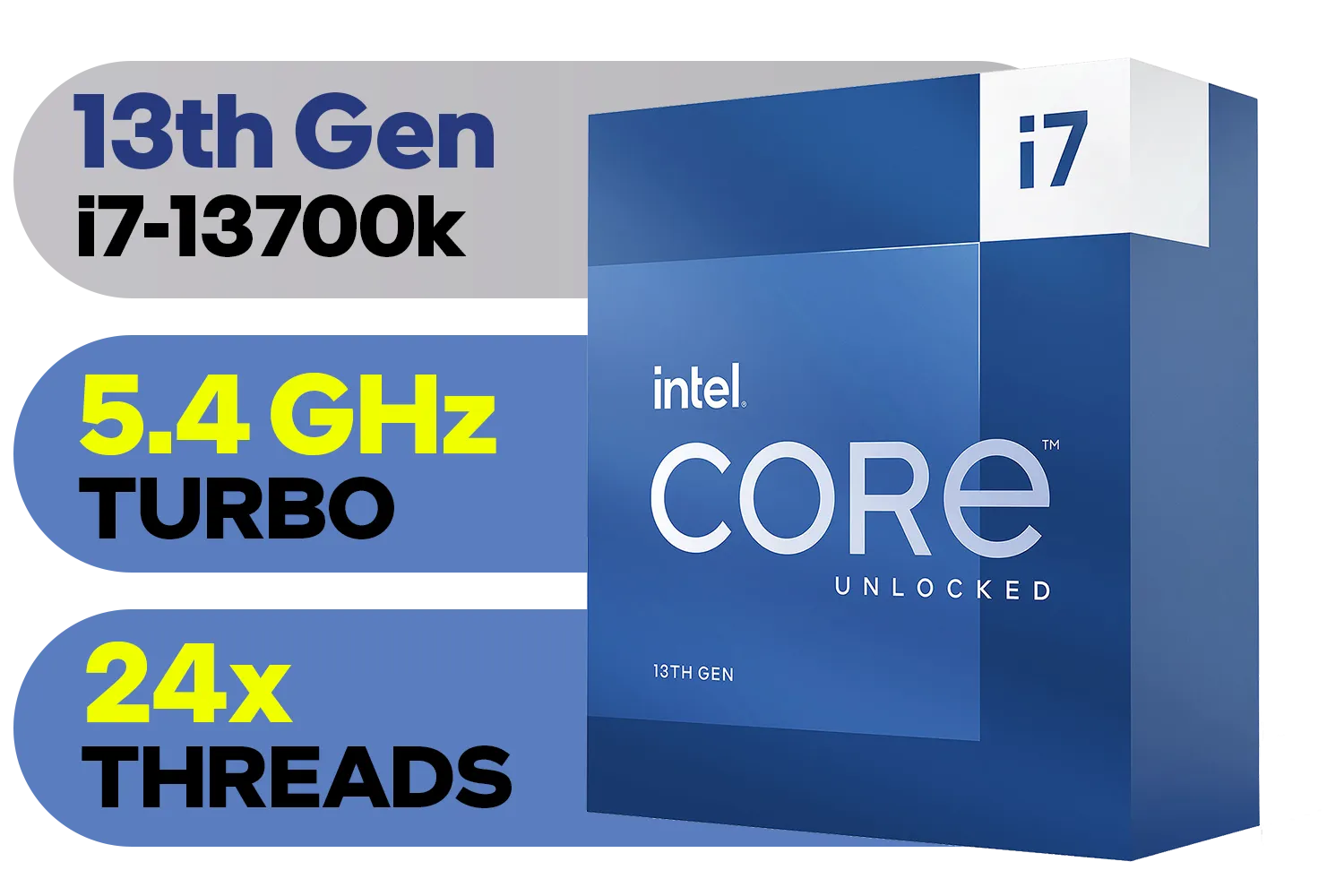
Intel 13th Gen Core i7 13700K Desktop Processor 16 (8P+8E) Cores up to 5.40 GHz Unlocked LGA1700 770 Series Chipset 125W / BX8071513700K
R9999.00In Stock

Intel Core Ultra 7 265K Processor / 20x (8P + 12E) Cores / 20x Threads / Up to 5.5GHz Turbo Boost / LGA 1851 Series Chipset 159W / Integrated Intel® Graphics / CPU Cooler Not Included / BX80768265K
R6999.00In Stock
Before you start comparing prices, it’s crucial to understand what makes a processor great for editing Full HD footage. It's a balancing act between two key factors: core count and clock speed.
- Core Count: Think of cores as individual workers. More cores mean more hands to help with demanding tasks like exporting (rendering) your final video. For 1080p, you don't need a 16-core beast, but having at least 6 solid cores makes a massive difference.
- Clock Speed (GHz): This is how fast each worker can operate. Higher clock speeds lead to a more responsive experience while you're actually editing—scrubbing the timeline, applying effects, and making cuts.
For a smooth 1080p workflow, the sweet spot is a modern CPU with 6 to 8 cores and a boost clock speed above 4.5GHz. This ensures you get one of the best budget CPU for video editing experiences without overspending on features you won't use. You can browse a wide variety of CPU processors to see this balance in action.
TIP FOR YOU
Don't Forget Integrated Graphics! 💡
Many modern CPUs come with integrated graphics (iGPU). For video editing, this is a huge bonus! Technologies like Intel's Quick Sync Video can use the iGPU to dramatically accelerate encoding and decoding of common video formats like H.264, taking a massive load off your main processor and making your timeline feel incredibly snappy.
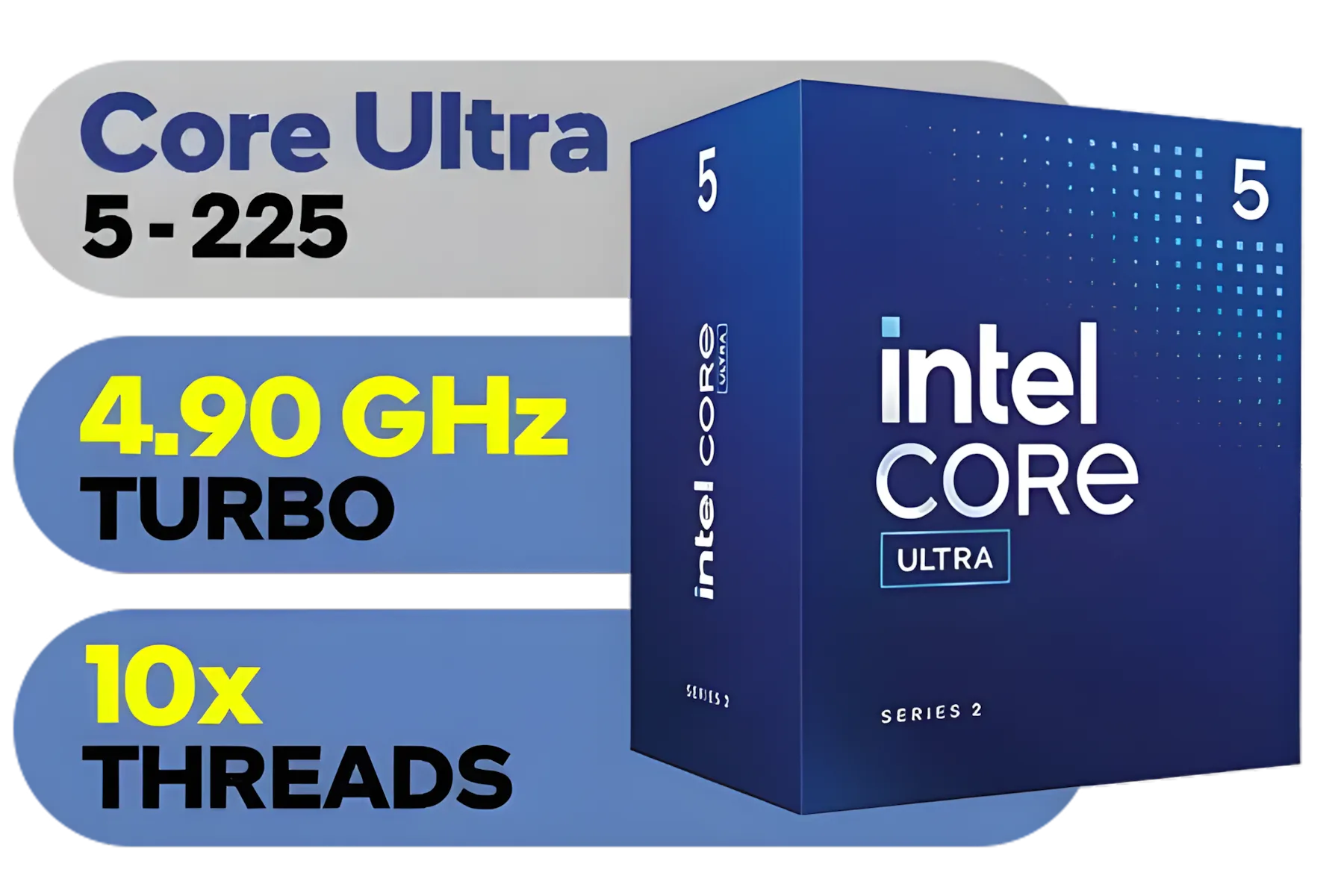
Intel Core Ultra 5 225 Processor / 10x (6P + 4E) Cores / 10x Threads / Up to 4.9GHz Turbo Boost / LGA 1851 Series Chipset 121W / AI Accelerator Technology / Integrated Graphics / BX80768225
R3999.00In Stock
Intel 13th Gen Core i7 13700K Desktop Processor 16 (8P+8E) Cores up to 5.40 GHz Unlocked LGA1700 770 Series Chipset 125W / BX8071513700K
R9999.00In Stock
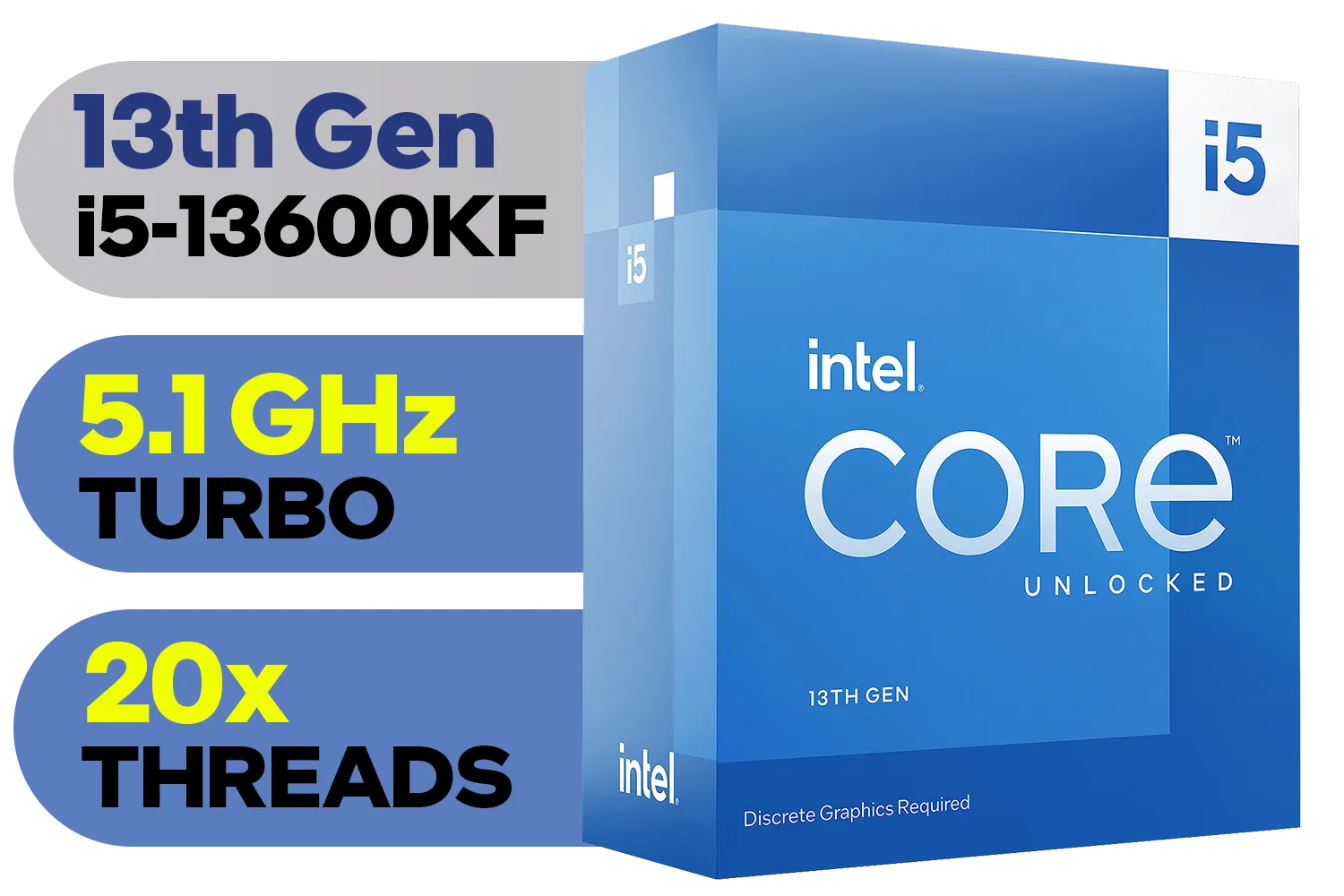
Intel 13th Gen Core i5-13600KF Desktop Processor 14 (6P+8E) Cores up to 5.10 GHz Unlocked LGA1700 Series Chipset 125W / <span style="color: red;" >Discrete Graphics Card Required</span> / BX8071513600KF
R6999.00In Stock

Intel 11th Gen Core i7-11700K Rocket Lake up to 5.0GHz 16MB Cache LGA 1200 95W BX8070811700K Desktop Processor / Intel SpeedStep Technology / Intel Virtualization Technology (VT-x) / Intel® UHD Graphics 750 / Require 500 Series Chipset MB (Z590,B560,H570)
R7399.00In Stock

AMD Ryzen 9 9950X 16-Core 32-Threads 4.3GHz (5.7GHz Max Boost) Socket AM5 170W Desktop Processor / Zen 5 Architecture / AMD Radeon™ Graphics / Cooler Not Included / 100-100001277WOF
R12899.00In Stock
Intel Core Ultra 5 225F Processor / 10x (6P + 4E) Cores / 10x Threads / Up to 4.9GHz Turbo Boost / LGA 1851 Series Chipset 121W / AI Accelerator Technology / Discrete Graphics Required / BX80768225F
R3699.00In Stock
Finding the Best Affordable CPU: Team Red vs. Team Blue
The battle between AMD and Intel is great for consumers. Both offer fantastic options, making it easier than ever to find an affordable CPU that punches well above its weight for content creation.
The AMD Advantage
AMD has built a reputation for offering incredible multi-core performance for the price. This makes their processors fantastic for tasks that can use all the cores you can throw at them, like that final render. If your workflow involves exporting multiple videos a day, exploring the AMD CPU lineup is a smart move. Their Ryzen 5 series is often the top contender for budget editing builds.
The Intel Edge
Intel strikes back with strong single-core performance and their secret weapon: Quick Sync. As mentioned in the tip above, this hardware acceleration can make a mid-range Intel chip feel like a high-end one during timeline scrubbing and playback. For creators who spend more time cutting and arranging clips than rendering, the available Intel CPU options are seriously compelling. The Core i5 range is typically the go-to for a powerful yet affordable editing rig.
Planning for the Future: When to Spend a Bit More?
While this guide focuses on the best budget CPU for video editing at 1080p, it's worth thinking about your future needs. Are you planning to jump to 4K editing, or work with complex After Effects compositions? ✨
If so, investing a little more now can save you a lot of time and frustration later. While they are not "budget" options, processors like the high-end AMD Ryzen 9 series offer a massive leap in core count, slashing render times for heavy projects. Similarly, a premium Intel Core Ultra 9 provides a blend of high core counts and cutting-edge features for the ultimate creative workstation. Think of these as aspirational goals for when your YouTube channel or freelance career takes off!
Ready to Banish Lag for Good? Choosing the best budget CPU for video editing can feel complex, but the power to create smooth, professional content is within your reach. Explore our massive range of CPU processors and find the perfect heart for your editing rig today.
Related Products
Intel Core Ultra 7 265K Processor / 20x (8P + 12E) Cores / 20x Threads / Up to 5.5GHz Turbo Boost / LGA 1851 Series Chipset 159W / Integrated Intel® Graphics / CPU Cooler Not Included / BX80768265K
R6999.00In Stock
Intel 14th Gen Core i3-14100 Desktop Processor 4(4P+0E) Cores up to 4.70GHz Unlocked LGA1700 Series Chipset 60W / BX8071514100
R3449.00In Stock

Intel 14th Gen Core i3-14100F Desktop Processor 4(4P+0E) Cores up to 4.70GHz LGA1700 Series Chipset 58W / Discrete Graphics Card Required / BX8071514100F
R2049.00In Stock

AMD Ryzen 9 9900X3D Processor / 12-Core 24-Threads / 4.4GHz Base Clock (Up to 5.5GHz) / Socket AM5 / Zen 5 Architecture / 140MB Cache / Integrated AMD Radeon™ Graphics / 100-100001368WOF
R12999.00In Stock
Intel 11th Gen Core i7-11700K Rocket Lake up to 5.0GHz 16MB Cache LGA 1200 95W BX8070811700K Desktop Processor / Intel SpeedStep Technology / Intel Virtualization Technology (VT-x) / Intel® UHD Graphics 750 / Require 500 Series Chipset MB (Z590,B560,H570)
R7399.00In Stock
Intel 13th Gen Core i5-13600KF Desktop Processor 14 (6P+8E) Cores up to 5.10 GHz Unlocked LGA1700 Series Chipset 125W / <span style="color: red;" >Discrete Graphics Card Required</span> / BX8071513600KF
R6999.00In Stock
The Intel Core i5-13400 or AMD Ryzen 5 7600 are top contenders for the best budget CPU for video editing, offering excellent multi-core performance for 1080p tasks.
Yes, but you should use proxies. While a cheap processor for Premiere Pro handles 1080p well, native 4K usually demands higher core counts or strong GPU acceleration.
Intel often wins for budget builds due to Quick Sync in non-F models, which speeds up rendering. However, Ryzen offers incredible raw multi-core value for the price.
For smooth 1080p workflows, 6 cores and 12 threads are the minimum recommendation. This ensures your budget PC for video editing handles timeline scrubbing well.
DaVinci relies heavily on the GPU, but a modern 6-core budget CPU for DaVinci Resolve is essential to feed data to the graphics card and prevent bottlenecks.
16GB is the absolute minimum for 1080p, but 32GB is highly recommended to ensure your affordable content creation CPU performs efficiently during rendering.