



Best CPU for R8000 Student PC Builds: 2025 Performance Guide
Choosing the best CPU for R8000 student PC setups requires balancing speed and cost. 🎓 We analyze top 2025 contenders from Intel and AMD to maximize your study and play potential. Get the best performance per Rand for your coursework and gaming! 🚀
Building a solid student PC in South Africa for around R8000 feels like a tough challenge, right? You need a machine that can handle assignments, late-night study sessions, and maybe a bit of Valorant or Fortnite without breaking the bank. The secret isn't a flashy graphics card… it’s choosing the absolute best CPU for your R8000 student PC build. This one component will define your entire experience, acting as the brain of your new rig. 🧠
Understanding the R8000 Build Philosophy
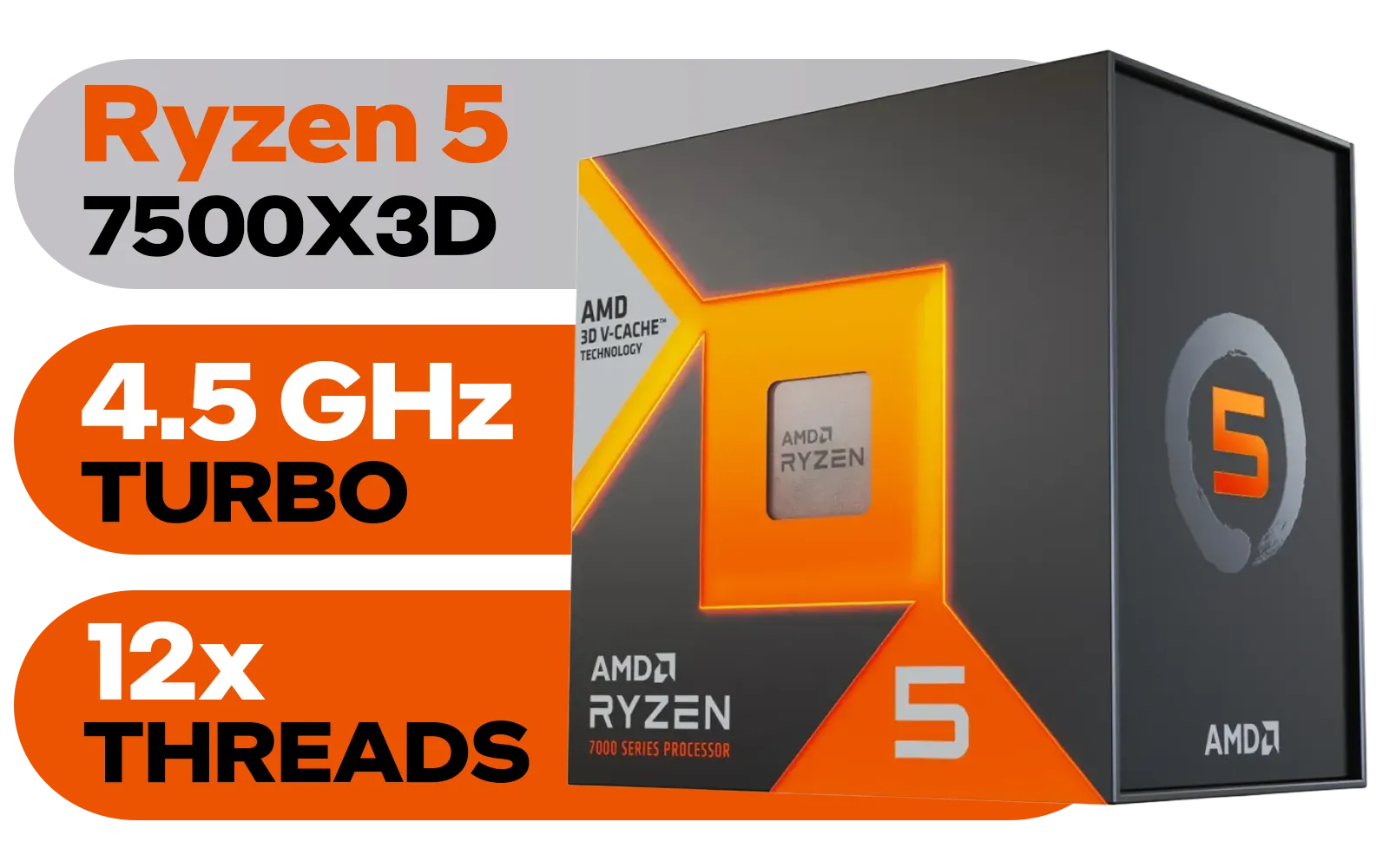
AMD Ryzen 5 7500X3D 6-Core 12-Threads 4.0GHz (4.5GHz Max Boost) Socket AM5 65W Desktop Processor / 102MB 3D V-Cache / AMD Ryzen 7000 Series Desktop Processor / No CPU Cooler Included / Integrated AMD Radeon Graphics / 100-100001904WOF
R6399.00In Stock
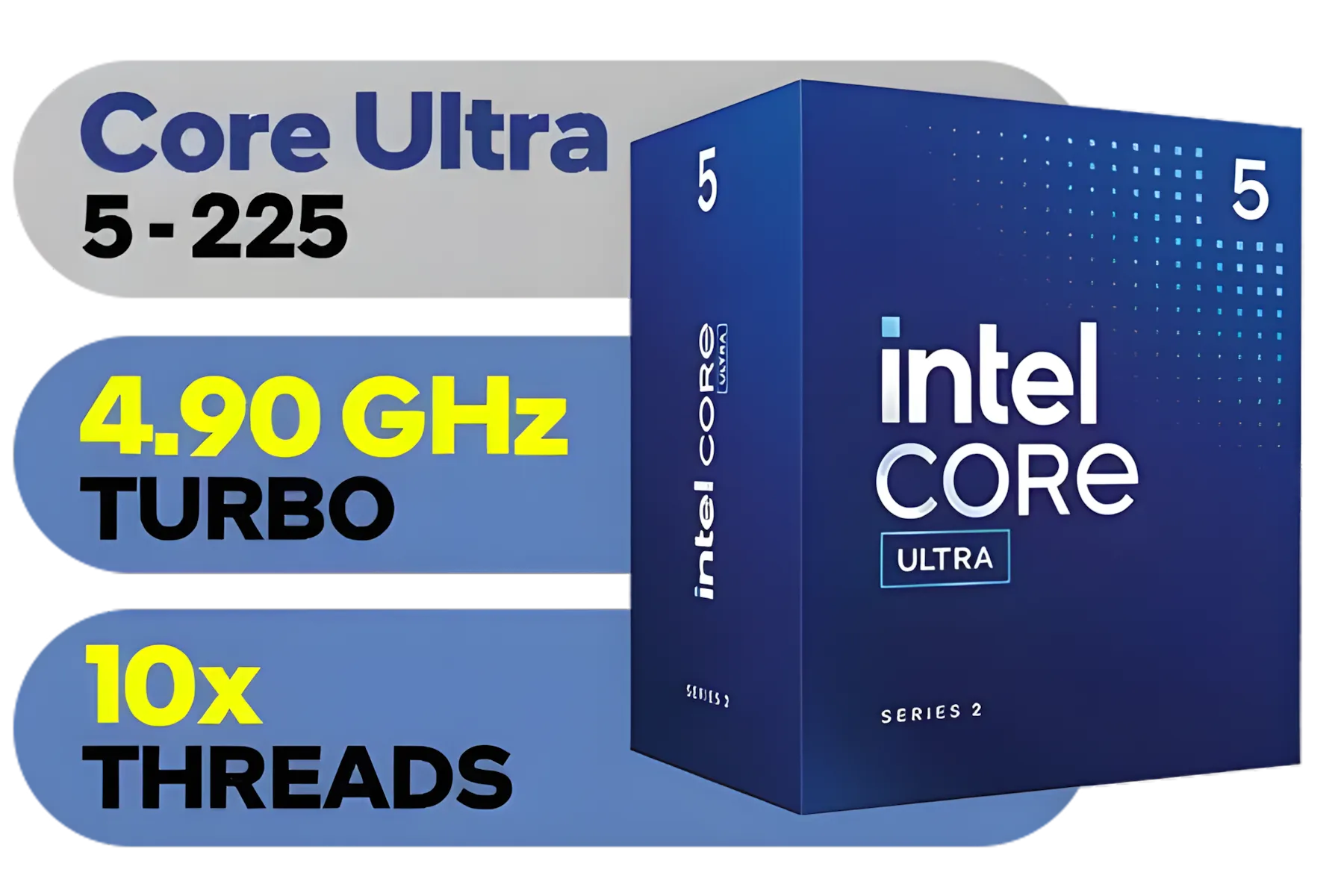
Intel Core Ultra 5 225 Processor / 10x (6P + 4E) Cores / 10x Threads / Up to 4.9GHz Turbo Boost / LGA 1851 Series Chipset 121W / AI Accelerator Technology / Integrated Graphics / BX80768225
R3999.00In Stock
Intel 14th Gen Core i3-14100 Desktop Processor 4(4P+0E) Cores up to 4.70GHz Unlocked LGA1700 Series Chipset 60W / BX8071514100
R3449.00In Stock

Intel Core Ultra 5 245K Desktop Processor / 14x (6P + 8E) Cores / 14x Threads / Up to 5.2GHz Turbo Boost / LGA 1851 Series Chipset 159W / Integrated Intel® Graphics / CPU Cooler Not Included / BX80768245K
R7299.00In Stock

Intel Core Ultra 5 245KF Desktop Processor / 14x (6P + 8E) Cores / 14x Threads / Up to 5.2GHz Turbo Boost / LGA 1851 Series Chipset 159W / Discrete Graphics Required / CPU Cooler Not Included / BX80768245KF
R4499.00In Stock
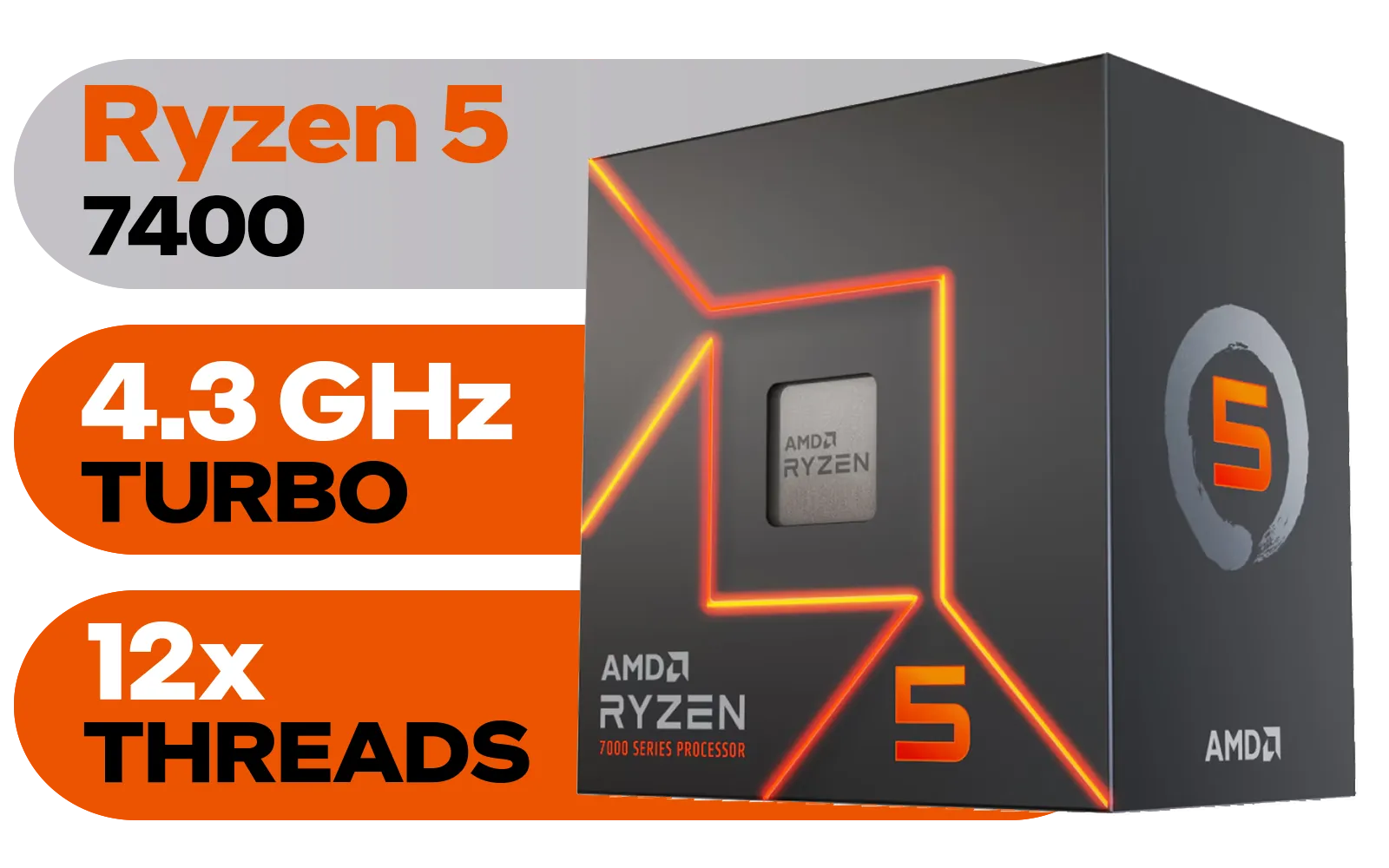
AMD Ryzen 5 7400 6-Core 12-Threads 3.3GHz (4.3GHz Max Boost) Socket AM5 65W Desktop Processor / 22MB Cache / AMD Ryzen 7000 Series Desktop Processor / Wraith Stealth CPU Cooler Included / Integrated AMD Radeon Graphics / 100-100001900BOX
R3299.00In Stock
When your total budget is R8000, every rand counts. The biggest decision you'll face is whether to buy a dedicated graphics card. For this budget, the answer is almost always no... not at first, anyway.
Instead, the smart money is on a CPU with powerful integrated graphics. This type of processor, often called an APU (Accelerated Processing Unit), handles both computing and graphics tasks. It’s the perfect starting point, delivering a smooth desktop experience and surprisingly capable 1080p performance in popular esports titles. This strategy frees up your budget for faster RAM, a speedy SSD, and a quality power supply, setting a strong foundation for future upgrades.
Top CPU Contenders for a Student Budget
The battle for the best budget CPU for student builds usually comes down to two titans: AMD and Intel. Both offer fantastic options, but they excel in slightly different areas.
The AMD Advantage: Unmatched Integrated Graphics
For students who want to game without a dedicated GPU, AMD is often the top pick. Processors like the AMD Ryzen 5 5600G have become legendary for a reason. Their integrated Vega graphics are powerful enough to run games like CS2, League of Legends, and Valorant at respectable frame rates. This makes them the ultimate all-in-one solution for a tight budget.
Exploring AMD's offerings reveals a strong focus on powerful, multi-core processors that are excellent for multitasking—perfect for juggling lecture notes, browser tabs, and Spotify.
The Intel Angle: Productivity Powerhouses
Intel strikes back with incredible single-core performance, which is vital for making everyday tasks like browsing the web, opening apps, and working in Office feel snappy and responsive. An Intel Core i3 or Core i5 from a recent generation can be a fantastic heart for a student PC, especially if your focus is more on productivity than gaming.
While their integrated graphics are typically a step behind AMD's, they are more than capable for video playback and daily use. A quick look at the latest Intel CPUs shows a wide range of options that deliver excellent performance-per-rand.
TIP FOR YOU
Don't Forget the Stock Cooler! 🔧
Both AMD and Intel often include a capable cooler right in the box with their budget-to-mid-range CPUs. For an R8000 student build, using this free cooler is a brilliant way to save R500-R800 that you can put towards a larger SSD or faster RAM. They are designed to keep the chip cool under normal workloads and are more than enough for your needs.
Intel Core Ultra 5 245K Desktop Processor / 14x (6P + 8E) Cores / 14x Threads / Up to 5.2GHz Turbo Boost / LGA 1851 Series Chipset 159W / Integrated Intel® Graphics / CPU Cooler Not Included / BX80768245K
R7299.00In Stock
AMD Ryzen 5 7400 6-Core 12-Threads 3.3GHz (4.3GHz Max Boost) Socket AM5 65W Desktop Processor / 22MB Cache / AMD Ryzen 7000 Series Desktop Processor / Wraith Stealth CPU Cooler Included / Integrated AMD Radeon Graphics / 100-100001900BOX
R3299.00In Stock
Intel 14th Gen Core i3-14100 Desktop Processor 4(4P+0E) Cores up to 4.70GHz Unlocked LGA1700 Series Chipset 60W / BX8071514100
R3449.00In Stock
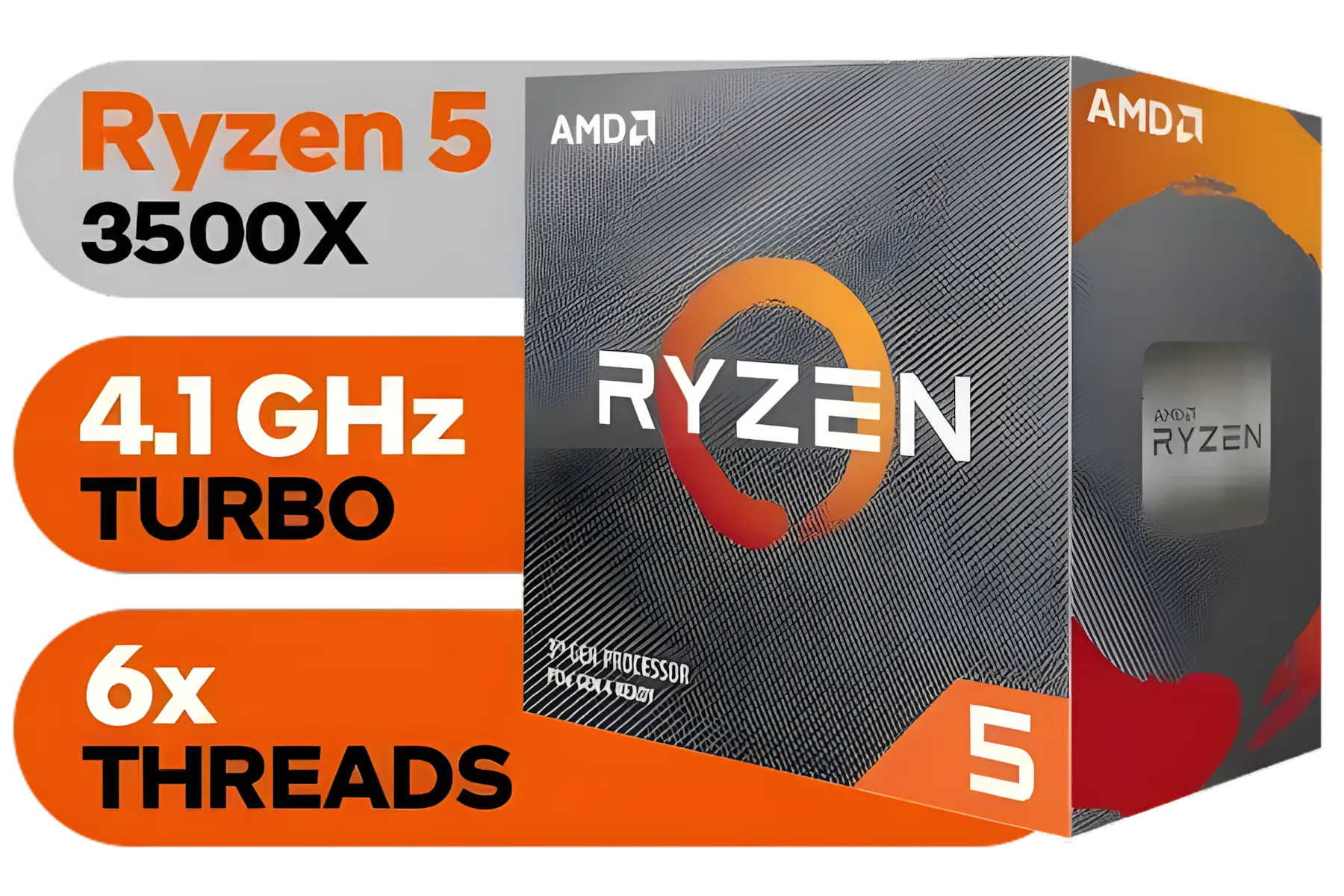
AMD Ryzen 5 3500X Boxed Processor / 6x Cores - 6x Threads / 3.60Ghz Base Clock / Up to 4.10GHz Max Boost Clock / AM4 Socket / 32MB L3 Cache / Discrete Graphics Card Required / 100-100000158BOX
R1699.00In Stock
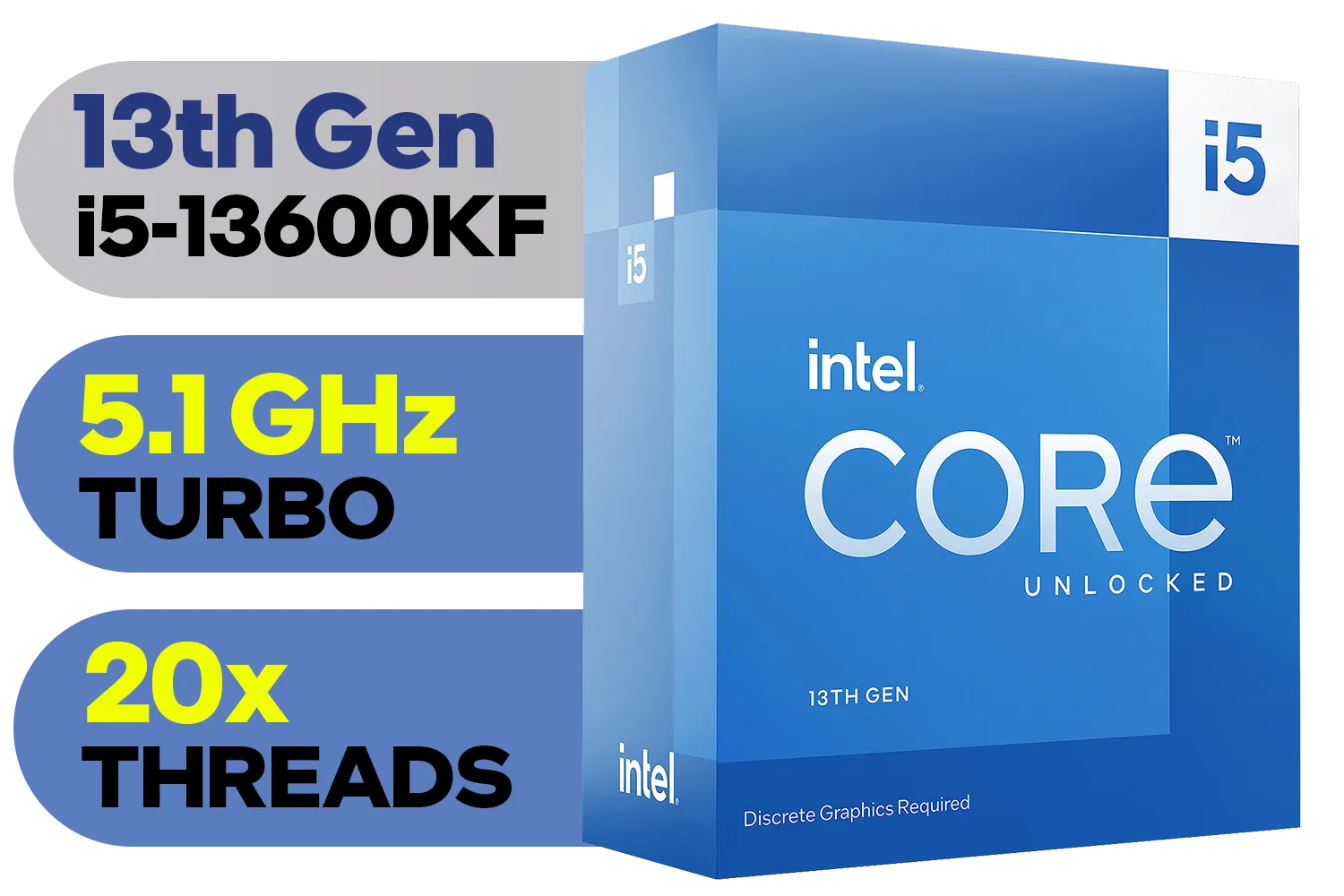
Intel 13th Gen Core i5-13600KF Desktop Processor 14 (6P+8E) Cores up to 5.10 GHz Unlocked LGA1700 Series Chipset 125W / <span style="color: red;" >Discrete Graphics Card Required</span> / BX8071513600KF
R6999.00In Stock

Intel 11th Gen Core i7-11700K Rocket Lake up to 5.0GHz 16MB Cache LGA 1200 95W BX8070811700K Desktop Processor / Intel SpeedStep Technology / Intel Virtualization Technology (VT-x) / Intel® UHD Graphics 750 / Require 500 Series Chipset MB (Z590,B560,H570)
R7399.00In Stock
Planning for the Future: Your Upgrade Path
Choosing the best CPU for an R8000 student PC build is also about thinking ahead. The beauty of this approach is that you're not locked in. Once you've saved up, you can easily slot in a dedicated graphics card and instantly transform your study rig into a proper gaming powerhouse. 🚀
Your motherboard choice is key here. A good B550 (for AMD) or B760 (for Intel) board provides a solid path for future upgrades. While a beastly AMD Ryzen 9 or a top-tier Intel Core Ultra 9 is massive overkill for this build, your platform could potentially support a more powerful chip later on. The most important thing is to select one of the many excellent CPU processors that gives you the best start today.
So, what's the final verdict? If you want the best possible gaming experience from day one without a graphics card, an AMD Ryzen APU is likely your champion. If your priority is lightning-fast productivity and everyday tasks, an Intel Core i3 or i5 is an incredible choice. Either way, you're building a smart, efficient, and powerful machine. ✨
Ready to Choose Your PC's Brain? Picking the best CPU for your R8000 student PC build sets the foundation for everything else. Whether you lean towards Team Blue or Team Red, getting the right balance of price and performance is key. Explore our full range of CPU processors and find the perfect heart for your new rig.
Related Products
AMD Ryzen 5 7500X3D 6-Core 12-Threads 4.0GHz (4.5GHz Max Boost) Socket AM5 65W Desktop Processor / 102MB 3D V-Cache / AMD Ryzen 7000 Series Desktop Processor / No CPU Cooler Included / Integrated AMD Radeon Graphics / 100-100001904WOF
R6399.00In Stock

AMD Ryzen 7 5700 8-Core 16-Threads 3.7GHz (4.6GHz Max Boost) Socket AM4 65W Desktop Processor / 20MB GameCache / 3rd Gen AMD Ryzen Desktop Processor / Discrete Graphics Card Required / 100-100000743BOX
R3399.00In Stock
AMD Ryzen 5 3500X Boxed Processor / 6x Cores - 6x Threads / 3.60Ghz Base Clock / Up to 4.10GHz Max Boost Clock / AM4 Socket / 32MB L3 Cache / Discrete Graphics Card Required / 100-100000158BOX
R1699.00In Stock
Intel Core Ultra 5 225 Processor / 10x (6P + 4E) Cores / 10x Threads / Up to 4.9GHz Turbo Boost / LGA 1851 Series Chipset 121W / AI Accelerator Technology / Integrated Graphics / BX80768225
R3999.00In Stock
AMD Ryzen 5 7400 6-Core 12-Threads 3.3GHz (4.3GHz Max Boost) Socket AM5 65W Desktop Processor / 22MB Cache / AMD Ryzen 7000 Series Desktop Processor / Wraith Stealth CPU Cooler Included / Integrated AMD Radeon Graphics / 100-100001900BOX
R3299.00In Stock
Intel Core Ultra 5 245K Desktop Processor / 14x (6P + 8E) Cores / 14x Threads / Up to 5.2GHz Turbo Boost / LGA 1851 Series Chipset 159W / Integrated Intel® Graphics / CPU Cooler Not Included / BX80768245K
R7299.00In Stock
The AMD Ryzen 5 5600 or Intel Core i3-12100F often offers the best value, balancing multitasking for studies and light gaming within a tight budget.
Yes! With the right budget gaming PC South Africa parts, like a dedicated entry-level GPU paired with a solid CPU, 1080p gaming is very achievable.
Both offer great options. AMD usually excels in multi-core tasks for creative work, while Intel offers strong single-core speeds for research and office apps.
Most entry-level processors come with a stock cooler sufficient for basic tasks, saving money for other affordable PC build components like faster RAM.
For a 2025 budget PC build, 16GB of DDR4 RAM is the sweet spot to ensure smooth multitasking without bottlenecking your processor.
Yes, provided your motherboard socket supports it. Choosing a versatile platform now ensures a viable upgrade path for future performance boosts.







