



Best GPU for Alan Wake 2: Top 2025 Picks and Settings
Best GPU for Alan Wake 2: find the top 2025 cards for 1080p, 1440p, and 4K with ray tracing, DLSS/FSR tips, and value picks. Beat stutter, hit 60–120 FPS, and upgrade smart. 🔦🖥️

Stepping into the eerie, rain-slicked streets of Bright Falls in Alan Wake 2 feels next-gen... but it can make even beefy PCs sweat. This game is a visual masterpiece, built on demanding tech like full path tracing. Finding the best GPU for Alan Wake 2 isn't just about hitting 60 FPS; it's about experiencing the story's haunting atmosphere without your rig sounding like a jet engine. Let's find the perfect card for your budget.
Why Alan Wake 2 Demands a Top-Tier GPU
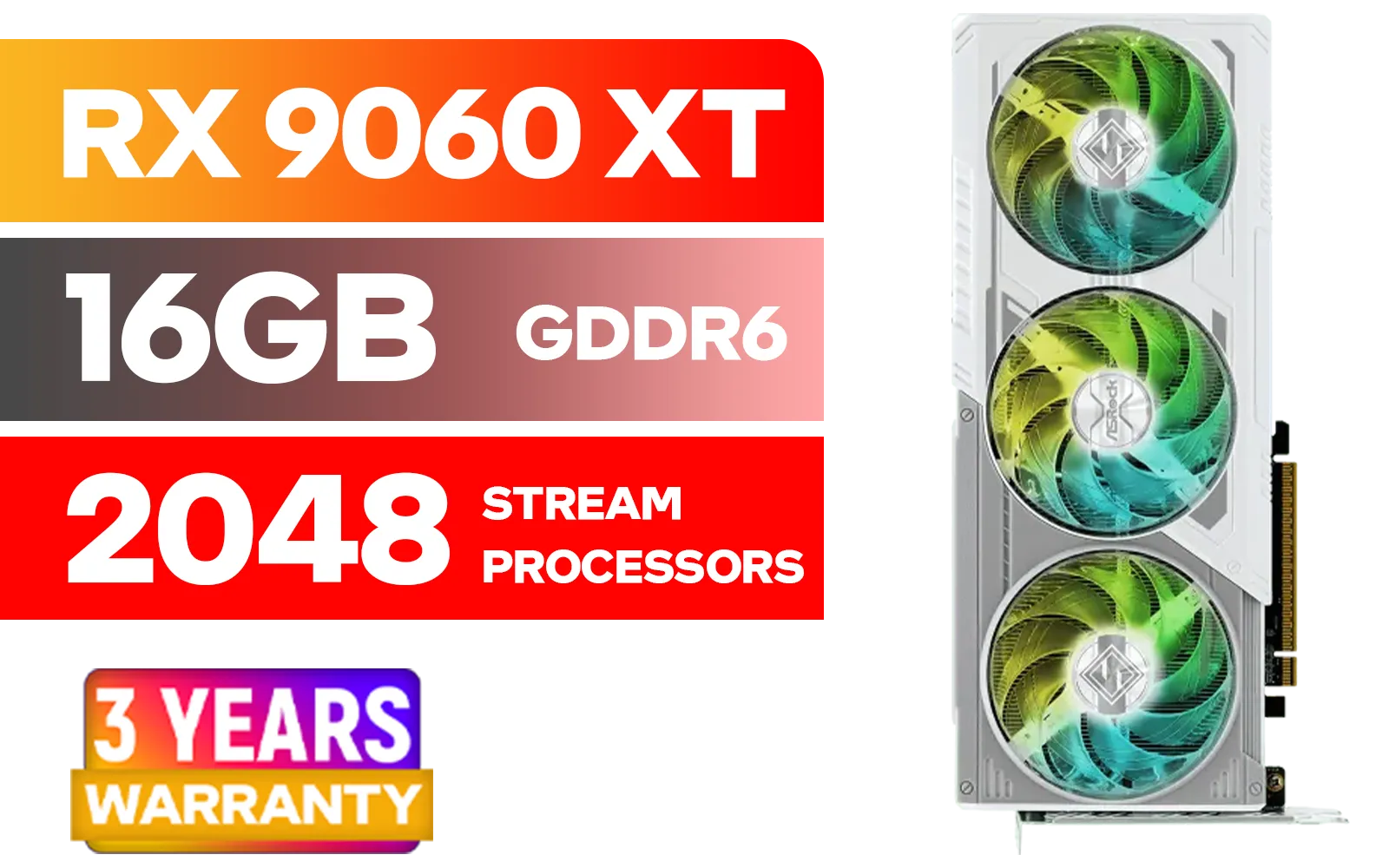
ASRock RX 9060 XT Steel Legend 16GB / 2048 Stream Processors / 20 Gbps Memory Speed / 16GB GDDR6 / 128-bit Memory Interface / Up to 3320 MHz Boost Clock / 90-GA5JZZ-00UANF
R9499.00In Stock

MSI GeForce RTX 5060 Ti 8G GAMING OC Graphics Card / 4608 Cuda Cores / 28Gbps Memory Speed / 8GB GDDR7 / 128-bit Memory Bus / 912-V536-026
R9499.00In Stock

XFX SWIFT AMD Radeon RX 9060 XT OC 16GB Graphics Card - Black / 16GB GDDR6 / 2048 Stream Processors / 128-bit Memory Interface / Boost Clock : 3320 MHz / RX-96TS316B7
R8499.00In Stock

Palit GeForce RTX 5060 Dual 8GB Graphics Card / 8GB GDDR7 / 3840 Cuda Cores / 128-bit Memory Interface / Boost Clock : 2497 MHz / PCI Express® Gen 5 / NE75060019P1-GB2063D
R8299.00In Stock

Palit GeForce RTX 5070 Ti GameRock 16G / 16GB GDDR7 / 28Gbps Memory Speed / PCI Express® Gen 5 / NE7507T019T2-GB2030G
R17999.00In Stock
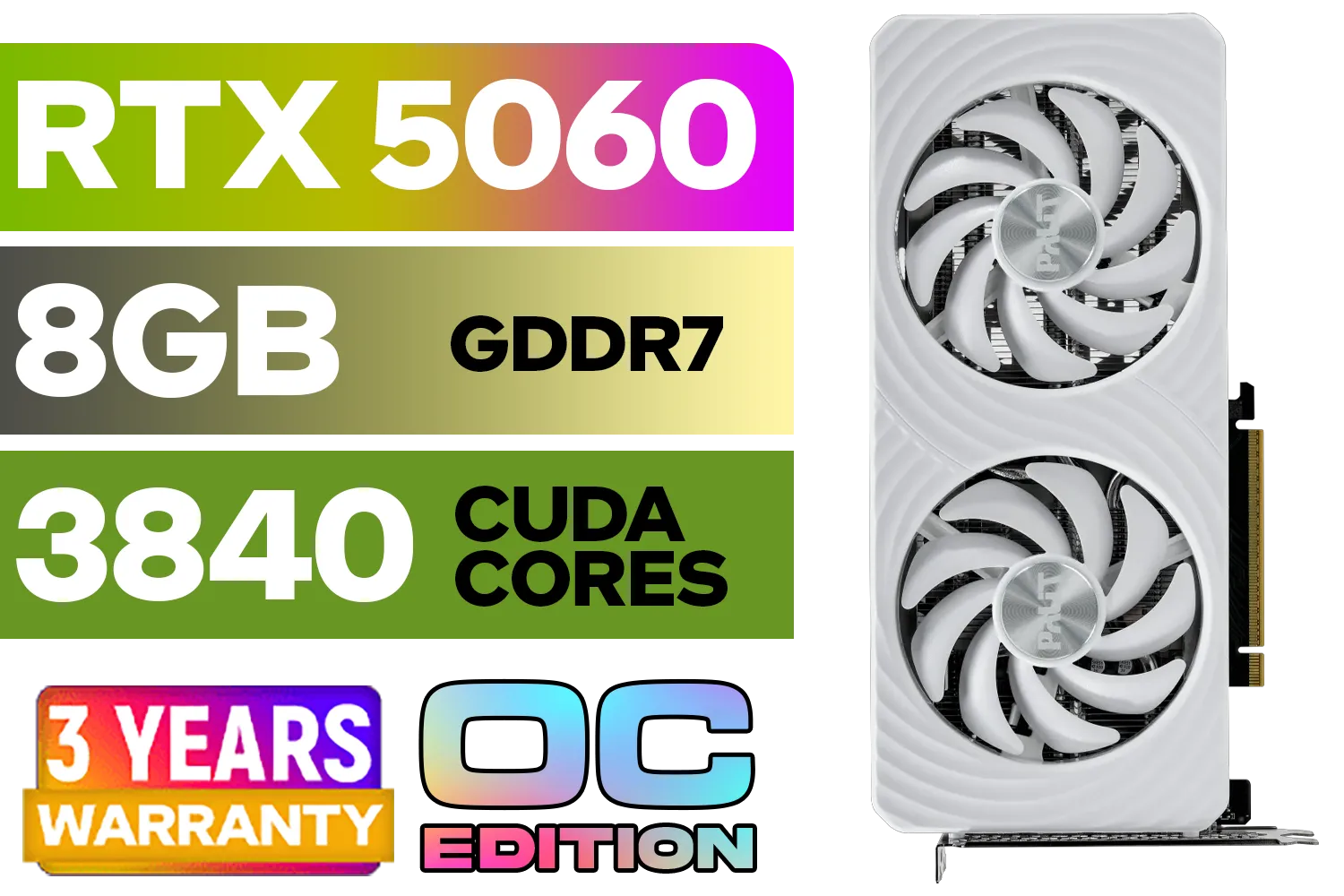
Palit GeForce RTX 5060 OC Graphics Card - White / 8GB GDDR7 / 3840 Cuda Cores / 128-bit Memory Interface / Boost Clock : 2497 MHz / PCI Express® Gen 5 / NE75060U19P1-GB2063M
R6999.00In Stock
Alan Wake 2 is one of the first games to truly require Mesh Shaders and lean heavily on Ray Tracing (specifically, Path Tracing) for its incredible lighting and reflections. This isn't just marketing speak; it's a fundamental shift in how game worlds are rendered.
Unlike traditional rasterization, which uses clever shortcuts to simulate light, path tracing models the actual physics of light rays bouncing around a scene. The result is stunningly realistic, but it's incredibly taxing on your hardware. This is why having the right graphics card is crucial for a smooth, immersive experience in 2025 and beyond.
Finding the Best GPU for Alan Wake 2: Our 2025 Picks
Your ideal graphics card depends entirely on your target resolution and budget. Whether you're a 4K purist or a 1080p pragmatist, there's a great option waiting for you.
The Ultimate 4K Path Tracing Experience
To run Alan Wake 2 with all the bells and whistles—we're talking 4K resolution with Path Tracing enabled—you need serious power. For this tier, you should look towards the very top of NVIDIA's high-end GeForce lineup.
- NVIDIA GeForce RTX 4080 SUPER / RTX 4090: These cards are the undisputed kings. Their powerful cores and access to DLSS 3.5 with Ray Reconstruction make them the definitive choice for playing Alan Wake 2 as the developers intended. Expect smooth, high-refresh-rate gameplay even in the most demanding scenes.
The 1440p "Sweet Spot" Champion
For most South African gamers, 1440p is the perfect balance of visual clarity and performance. This is where the competition heats up, and you get incredible value for your money. Finding a great GPU for Alan Wake 2 at this resolution is very achievable.
- NVIDIA GeForce RTX 4070 SUPER: This is arguably the perfect 1440p card. It offers fantastic performance, runs cool, and gives you full access to the DLSS features that make Alan Wake 2 shine.
- AMD Radeon RX 7800 XT / RX 7900 XT: If you prefer Team Red, these cards offer immense rasterization performance for the price. While their ray tracing capabilities are a step behind NVIDIA's, they are still very capable and can provide a fantastic experience, especially when paired with FSR. You can browse a wide variety of AMD Radeon graphics cards to find the right fit.
Budget-Friendly 1080p Gaming 🚀
You don't need to spend R20,000 to enjoy Bright Falls. Modern entry-level cards offer incredible performance at 1080p, especially with upscaling tech.
- NVIDIA GeForce RTX 4060: This card is a 1080p monster. It's efficient, affordable, and its support for DLSS 3 Frame Generation is a massive advantage in a CPU-heavy game like Alan Wake 2. Keep an eye out for upcoming cards like the RTX 5060 which are expected to push 1080p performance even further.
- Intel Arc A770: Don't sleep on Team Blue! The Intel Arc graphics cards have matured significantly, offering competitive performance and features like XeSS upscaling, making them a solid budget recommendation for Alan Wake 2.
Optimising Your Settings for Maximum Performance
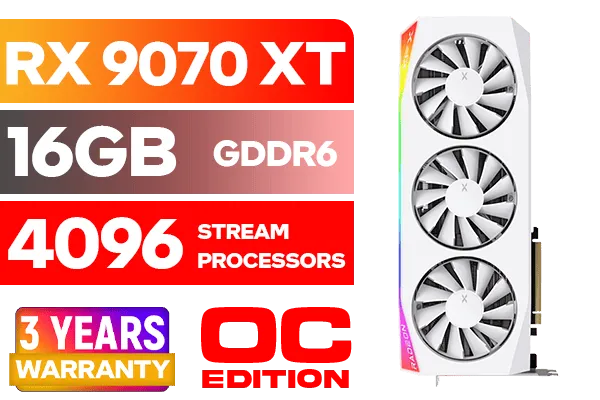
XFX Mercury AMD Radeon RX 9070 XT OC Magnetic Air Edition Graphics Card - White / 4096 Stream Processors / 256-bit Memory Interface / Boost Clock : 3100 MHz / AMD RDNA™ 4 Architecture / RX-97TMARGW9
R16299.00In Stock

Palit GeForce RTX 5080 GamingPro 16GB GDDR7 / 30Gbps Memory Speed / PCI Express® Gen 5 / NE75080019T2-GB2031A
R24199.00In Stock
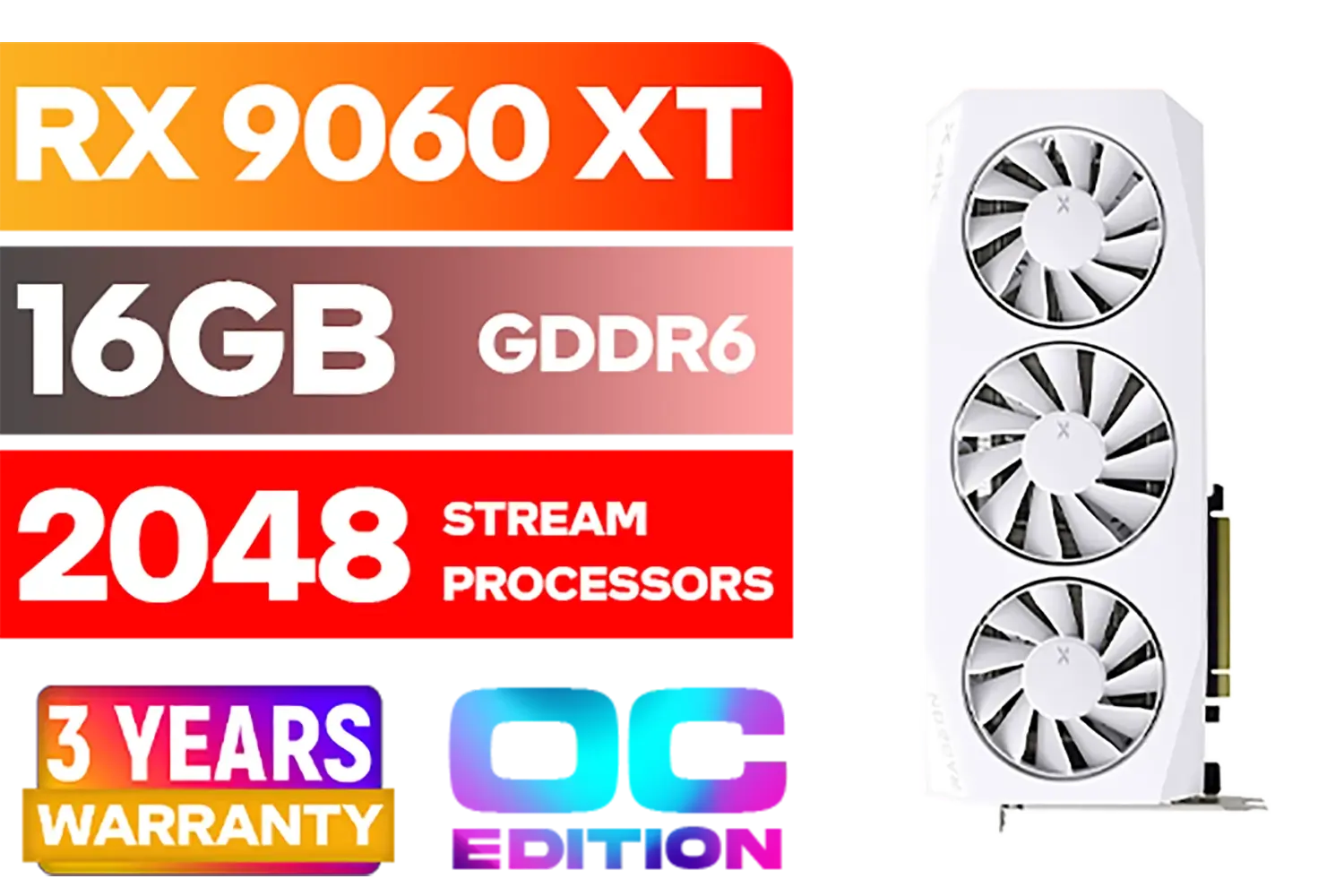
XFX Mercury AMD Radeon RX 9060XT OC White Gaming Edition with 16GB GDDR6 HDMI 2xDP, AMD RDNA 4 / RX-96TMERCW9
R9199.00In Stock

MSI GeForce RTX 5070 12G Gaming Trio OC Graphics Card / 12GB GDDR7 / 6144 Cuda Cores / 192-bit Memory Interface / Boost Clock : 2610 MHz / NVIDIA Blackwell & DLSS 4 / TRI FROZR 4 Thermal Design / Metal with Airflow Vents / 912-V532-019
R15199.00In Stock
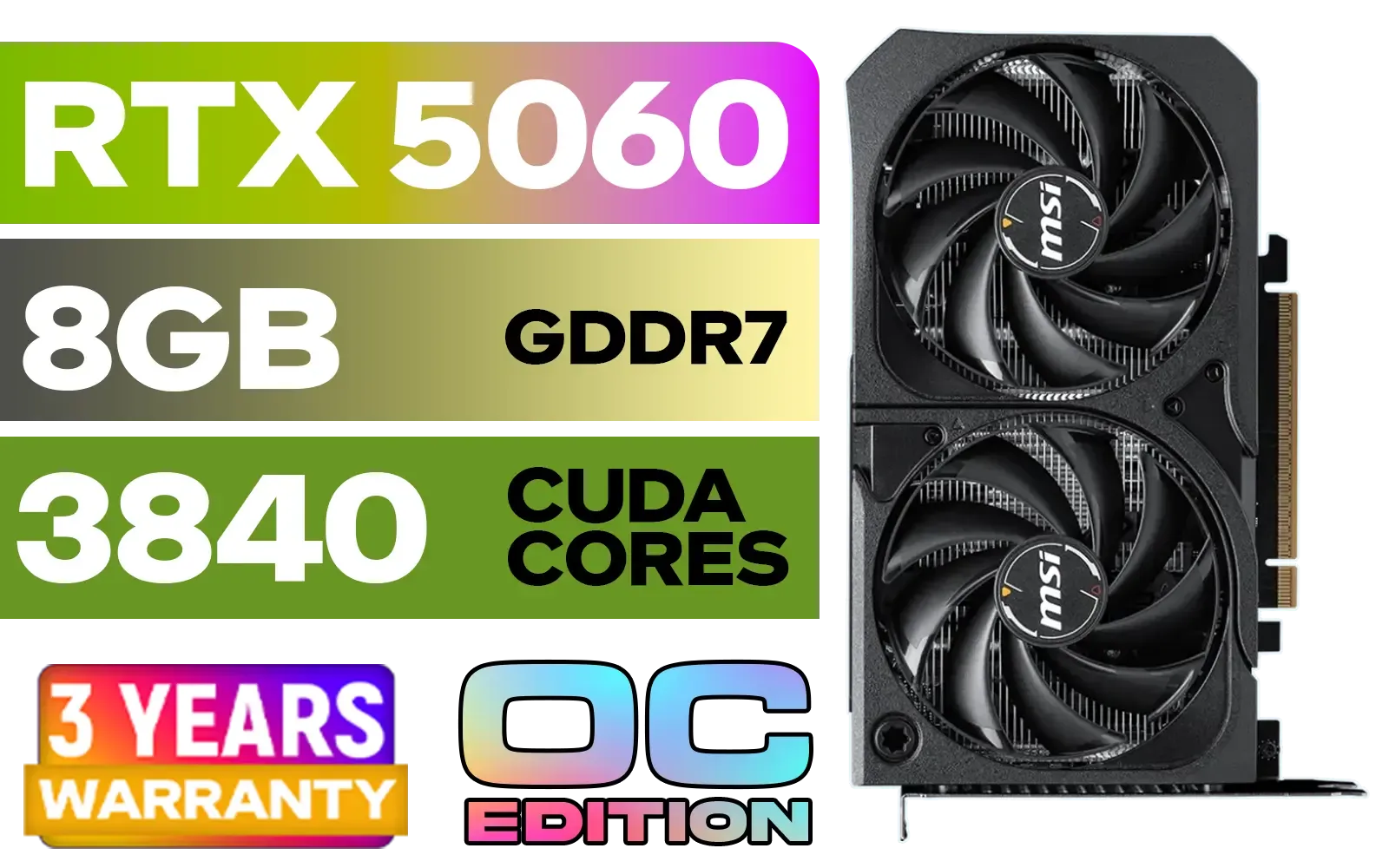
MSI GeForce RTX 5060 8GB Shadow 2X OC Graphics Card / 8GB GDDR7 / 3840 Cuda Cores / 128-bit Memory Interface / Extreme Performance: 2535 MHz / 28 Gbps Memory Speed / DisplayPort x 3 (v2.1b), HDMI™ x 1 / 912-V537-019
R5999.00In Stock
XFX SWIFT AMD Radeon RX 9060 XT OC 16GB Graphics Card - Black / 16GB GDDR6 / 2048 Stream Processors / 128-bit Memory Interface / Boost Clock : 3320 MHz / RX-96TS316B7
R8499.00In Stock
Getting the best GPU for Alan Wake 2 is only half the battle. Dialing in the right settings can give you a massive performance boost without sacrificing too much visual quality.
TIP FOR YOU
Quick Performance Boost ⚡
In Alan Wake 2, the two most impactful settings are 'Ray Tracing Preset' and 'Render Resolution'. Before touching anything else, set your upscaler (DLSS or FSR 2) to 'Quality' or 'Balanced' and see how the game runs. This often provides the best balance of image quality and framerate.
Key Settings to Tweak:
- Upscaling (DLSS/FSR): This is non-negotiable. Set it to Quality or Balanced for a huge FPS gain. If you have an RTX 40-series card, enable Frame Generation for another massive boost.
- Ray Tracing: If your FPS is struggling, dropping the Ray Tracing preset from High to Medium can claw back a lot of performance with only a minor visual impact.
- Post-Processing Quality: Lowering this from High to Medium can also provide a small but noticeable FPS increase, especially during intense combat sequences.
- Shadows and Textures: Keep textures on High if you have enough VRAM (8GB+), but dropping shadow quality can help smooth out performance.
Finally, remember that a top-tier gaming GPU can also be a beast for productivity. The same technology that renders realistic lighting in games is used to accelerate video editing, 3D modelling, and AI workloads, making many of these cards fantastic dual-purpose investments similar to powerful workstation graphics cards. ✨
Ready to Escape the Dark Place? The right GPU transforms Alan Wake 2 from a slideshow into a breathtaking horror experience. Don't let your hardware hold you back from one of this generation's best games. Explore our massive range of graphics cards and find the perfect upgrade for your rig today.
Related Products
Palit GeForce RTX 5060 OC Graphics Card - White / 8GB GDDR7 / 3840 Cuda Cores / 128-bit Memory Interface / Boost Clock : 2497 MHz / PCI Express® Gen 5 / NE75060U19P1-GB2063M
R6999.00In Stock

MSI GeForce RTX 5070 12GB Shadow 2X OC Graphics Card / 6144 Cuda Cores / 192-bit Memory Interface / Boost Clock : 2542 MHz / NVIDIA Blackwell & DLSS 4 / TORX Fan 5.0 / Nickel-Plated Copper Baseplate / 912-V532-011
R11999.00In Stock
XFX Mercury AMD Radeon RX 9060XT OC White Gaming Edition with 16GB GDDR6 HDMI 2xDP, AMD RDNA 4 / RX-96TMERCW9
R9199.00In Stock
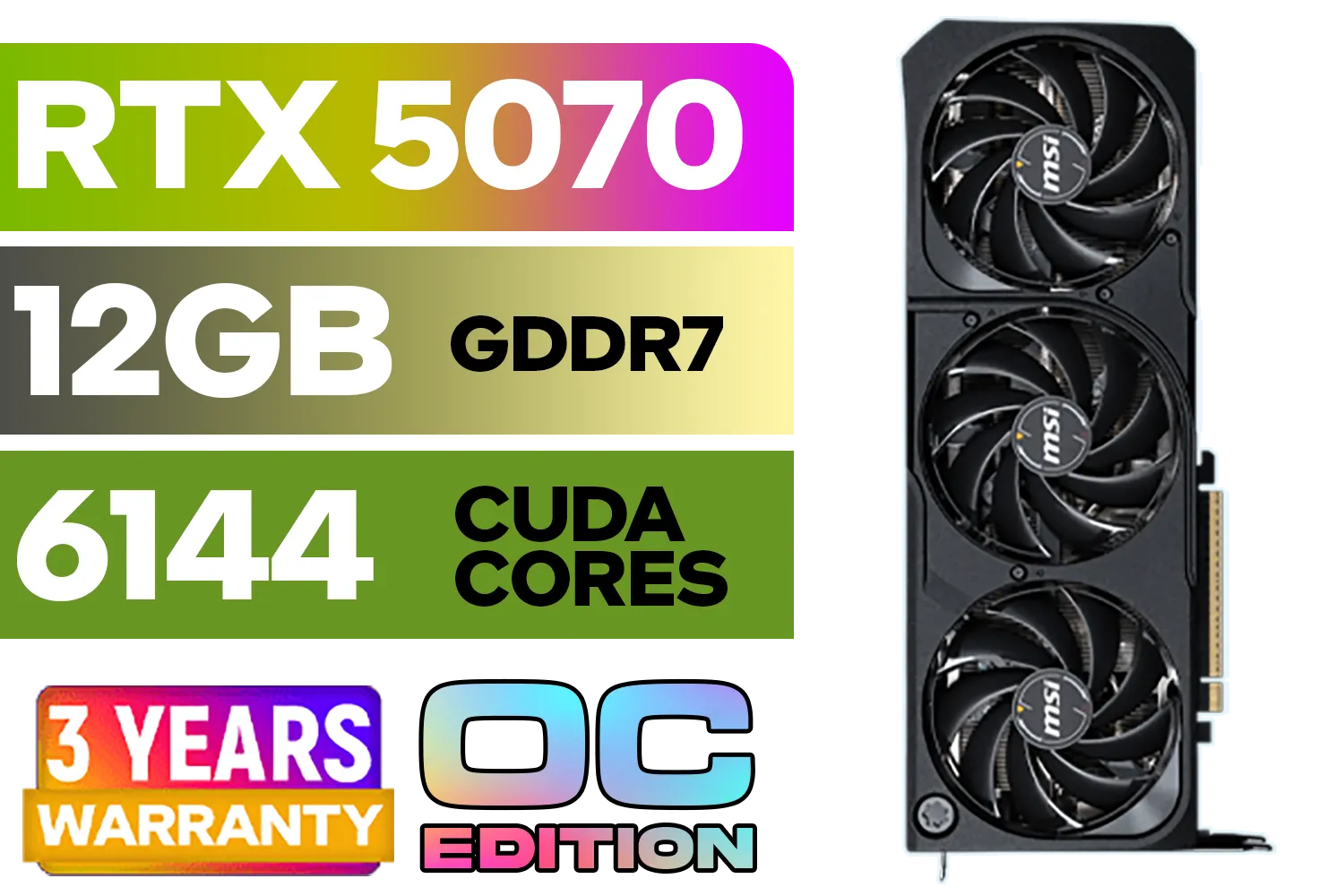
MSI GeForce RTX 5070 12GB SHADOW 3X OC / PCI Express Gen 5 / 6144 Cuda Cores / 12GB GDDR7 / DirectX 12 Ultimate / 912-V532-008
R13999.00In Stock

MSI GeForce RTX 5070 12G Inspire 3X OC Graphics Card / 12GB GDDR7 / 6144 Cuda Cores / 192-bit Memory Interface / Boost Clock : 2542 MHz / NVIDIA Blackwell & DLSS 4 / 28Gbps Memory Speed / PCI Express® Gen 5 / 912-V532-017
R14499.00In Stock
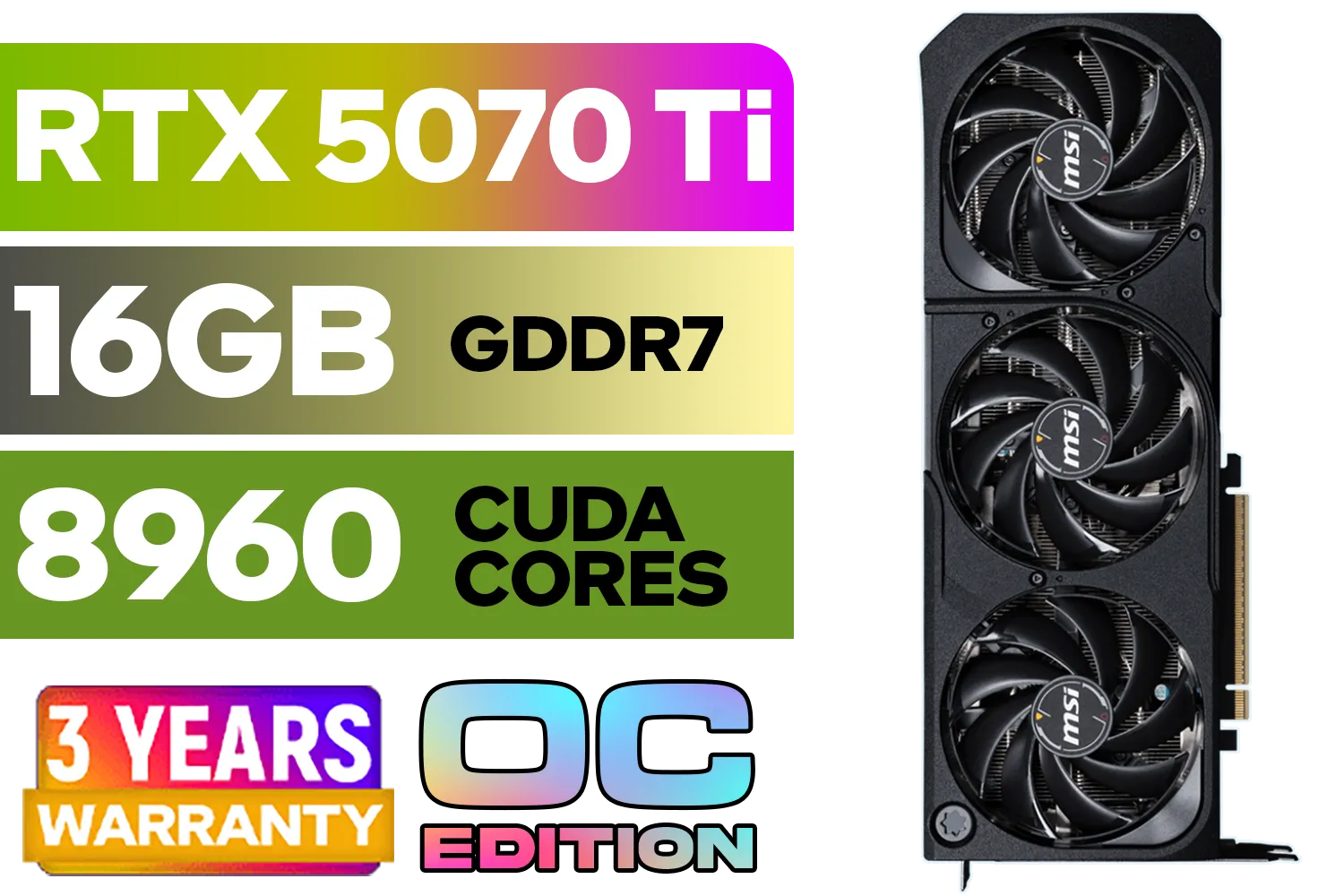
GeForce RTX™ 5070 Ti 16G SHADOW 3X OC Graphics Card / 8960 Cuda Cores / 256-bit Memory Interface / Boost Clock : 2482 MHz / NVIDIA Blackwell & DLSS 4 / TORX Fan 5.0 / Nickel-Plated Copper Baseplate / 912-V531-465
R19499.00In Stock
RTX 4070 Super offers the best value at 1440p with High + RT Low using DLSS Quality, delivering 70–100 FPS. RX 7800 XT is a solid raster option with FSR 3.
Yes, but expect lower RT performance. RX 7900 XTX handles RT Low at 1440p with FSR 3. For path tracing, an RTX 4080/4090 with DLSS 3.5 is recommended.
An RTX 4090 is ideal; RTX 4080 Super works with DLSS 3.5 Ray Reconstruction and Frame Gen. Use Balanced/Performance mode to keep 60+ FPS.
RTX 4060 Ti and RX 7700 XT target 60 FPS at 1080p High using DLSS/FSR. For cheapest smooth play, RX 7600 with FSR at Quality and RT off is viable.
Use RT Low, shadows High, volumetrics Medium, textures Ultra. Enable DLSS Quality or FSR 3 Quality. TAAU off when using DLSS/FSR; set FOV default.
8 GB works for 1080p High; 12 GB is safer at 1440p with RT; 16 GB preferred for 4K textures and path tracing. Cards like RX 7800 XT (16 GB) help stutter.
DLSS 3.5 with Ray Reconstruction cleans RT noise and improves clarity on RTX 40 GPUs. FSR 3 boosts FPS broadly, but image stability can vary by scene.







