



Best GPU for Alan Wake 2: Top Picks for 2025
Best GPU for Alan Wake 2: find 2025 GPUs that nail ray tracing, hit 60–120fps at 1080p, 1440p and 4K, and match your budget. We compare RTX vs Radeon, DLSS/FSR, and settings so you buy right the first time. 🔦🖥️

Finding the Best GPU for Alan Wake 2's Demands
Alan Wake 2 isn't just a game... it's a visual masterpiece that pushes modern hardware to its limits. To truly experience the haunting beauty of Bright Falls and the nightmarish Dark Place, you need a graphics card that can handle its groundbreaking path tracing technology. For South African gamers, finding the best GPU for Alan Wake 2 means balancing cutting-edge performance with a price that makes sense. This guide will help you find the perfect card for your setup in 2025.
Why This Game Needs a Powerful Graphics Card

MSI GeForce RTX 5060 8G Gaming Trio OC Graphics Card / 8GB GDDR7 / 3840 Cuda Cores / 128-bit Memory Interface / Boost Clock : 2625 MHz / PCI Express® Gen 5 / 912-V537-021
R8499.00In Stock

MSI GeForce RTX 5080 16G VENTUS 3X OC / PCI Express Gen 5 / 10752 Cuda Cores / 16GB GDDR7 / DirectX 12 Ultimate / 912-V531-262
R26999.00In Stock
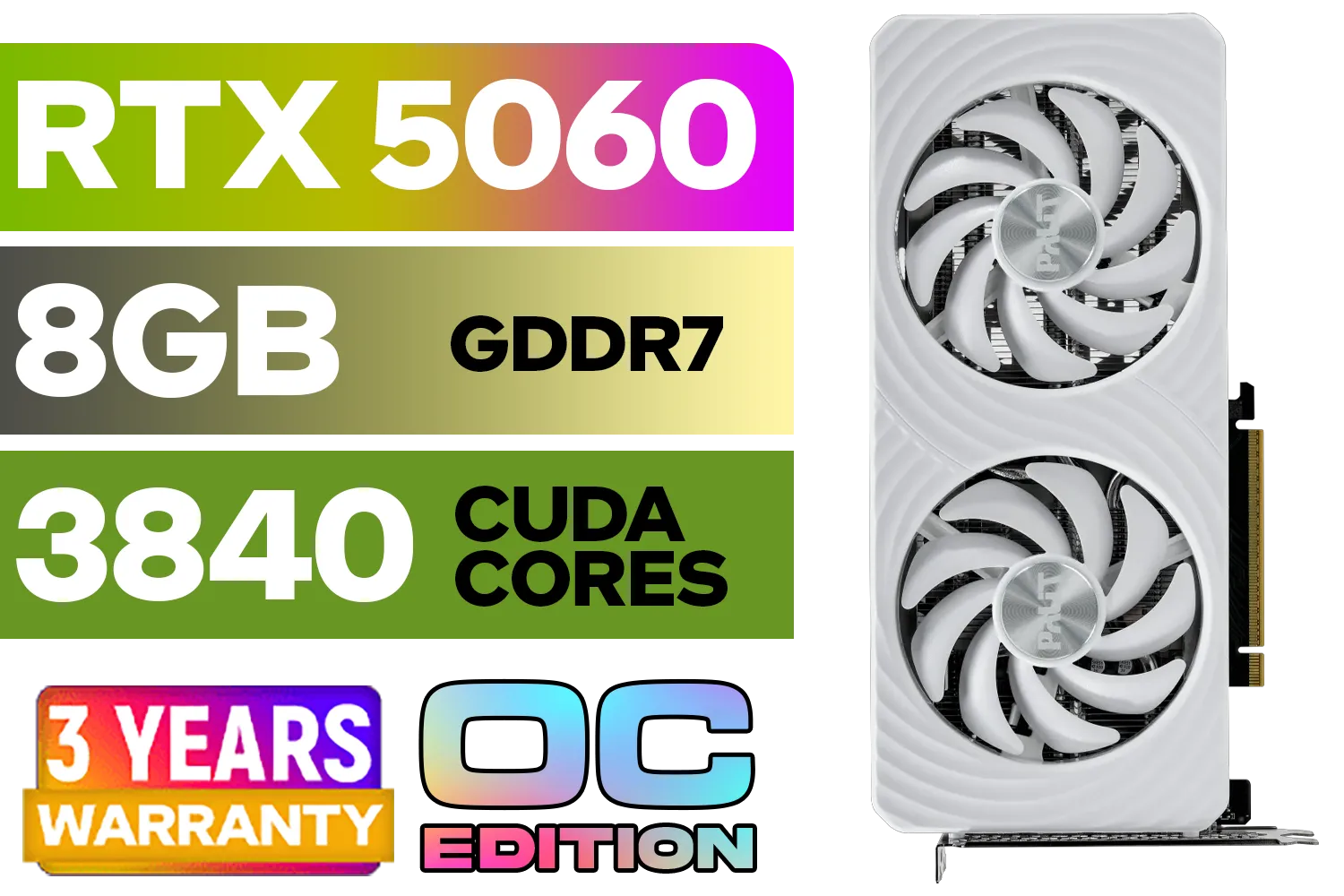
Palit GeForce RTX 5060 OC Graphics Card - White / 8GB GDDR7 / 3840 Cuda Cores / 128-bit Memory Interface / Boost Clock : 2497 MHz / PCI Express® Gen 5 / NE75060U19P1-GB2063M
R6999.00In Stock

MSI GeForce RTX 5070 12G VENTUS 3X OC Graphics Card / 12GB GDDR7 / 6144 Cuda Cores / 192-bit Memory Bus / Boost Clock : 2542 MHz / PCI Express® Gen 5 / 912-V532-007
R14999.00In Stock
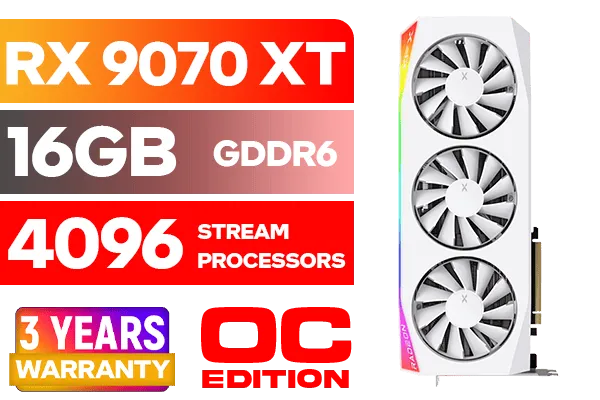
XFX Mercury AMD Radeon RX 9070 XT OC Magnetic Air Edition Graphics Card - White / 4096 Stream Processors / 256-bit Memory Interface / Boost Clock : 3100 MHz / AMD RDNA™ 4 Architecture / RX-97TMARGW9
R16299.00In Stock
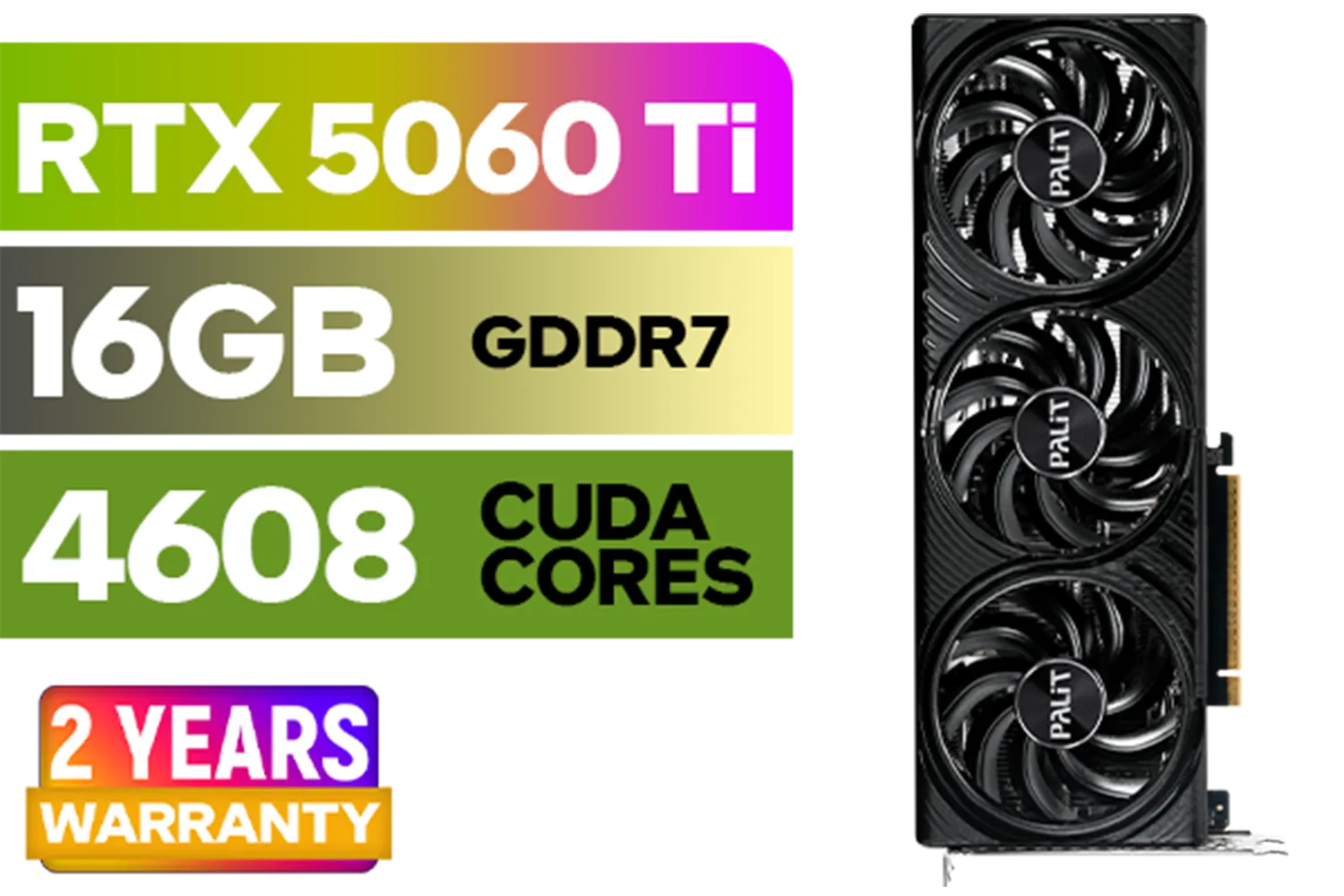
Palit GeForce RTX 5060 Ti Infinity 16GB Graphics Card / 16GB GDDR7 / 4608 Cuda Cores / 128-bit Memory Interface / Boost Clock : 2572 MHz / 28Gbps Memory Speed / PCI Express® Gen 5 / NE7506T019T1-GB2061S
R9799.00In Stock
Unlike older games, Alan Wake 2 was built from the ground up with technologies like path tracing (a super-advanced form of ray tracing) and mesh shaders. What does this mean for you? In short, the game calculates light, shadows, and reflections with incredible realism, creating an immersive atmosphere that's second to none. ✨
This realism, however, requires serious graphical horsepower. An older GPU will struggle, leading to low frame rates and a choppy experience that pulls you right out of the story. Finding the right graphics card ensures every spooky reflection and flickering light is rendered smoothly, just as the developers intended. While some creators use powerful workstation graphics cards for rendering, gaming GPUs are specifically optimised for the real-time demands of titles like this.
Top GPU Picks for Alan Wake 2 in 2025
Choosing the best GPU for Alan Wake 2 depends heavily on your target resolution and budget. Let's break down the top contenders for different setups, from crisp 1080p to jaw-dropping 4K.
The 1080p Champion: Great Performance, Smart Price
For gamers playing on a 1080p monitor, you don't need to spend a fortune to get a fantastic experience. The goal here is a solid 60+ FPS with high settings and DLSS/FSR enabled.
- Top Pick: The NVIDIA GeForce RTX 4060 remains a strong choice, offering excellent performance and access to DLSS 3 Frame Generation. Keep an eye on the horizon for the upcoming RTX 5060, which is expected to deliver an even bigger performance leap for the same price bracket.
TIP FOR YOU
Performance Pro Tip ⚡
Always enable NVIDIA DLSS or AMD FSR when playing Alan Wake 2. Set it to 'Quality' or 'Balanced' mode. This AI-powered tech massively boosts your frame rate by rendering the game at a lower resolution and then intelligently upscaling it, giving you a smooth experience with minimal visual impact.

XFX Mercury AMD Radeon RX 9070 XT OC Magnetic Air Edition Graphics Card / 4096 Stream Processors / 256-bit Memory Interface / Boost Clock : 3100 MHz / AMD RDNA™ 4 Architecture / RX-97TMARGB9
R16299.00In Stock
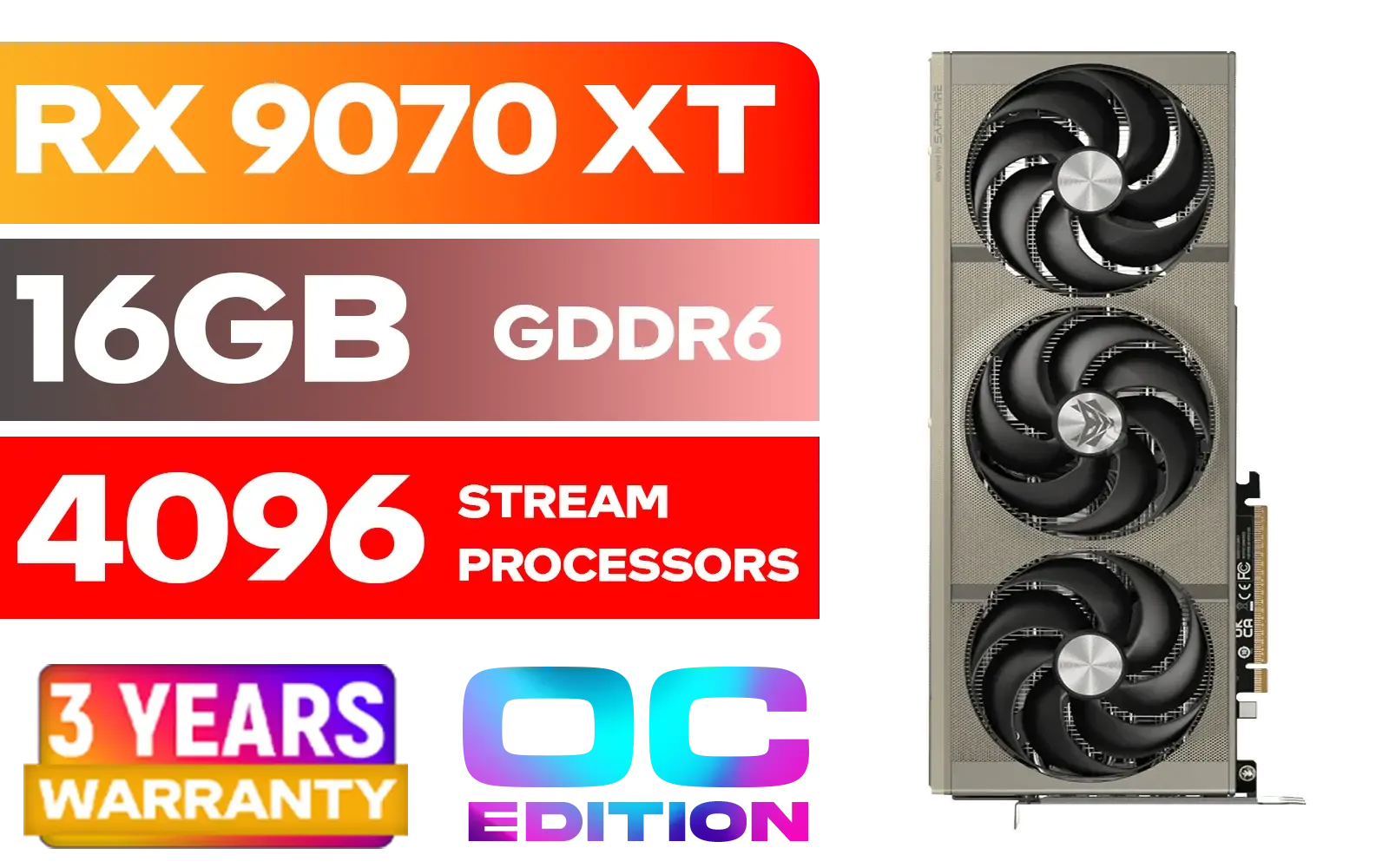
SAPPHIRE NITRO+ RX 9070 XT Gaming OC 16GB Graphics Card / 16GB GDDR6 Memory / 4096 Stream Processors / 256-bit Memory Interface / Boost Clock : 3060 MHz / AMD RDNA™ 4 Architecture / 64 Ray Accelerators / 11348-01-20G
R14999.00In Stock

Palit GeForce RTX 5070 Ti GameRock 16G / 16GB GDDR7 / 28Gbps Memory Speed / PCI Express® Gen 5 / NE7507T019T2-GB2030G
R17999.00In Stock
MSI GeForce RTX 5080 16G VENTUS 3X OC / PCI Express Gen 5 / 10752 Cuda Cores / 16GB GDDR7 / DirectX 12 Ultimate / 912-V531-262
R26999.00In Stock
XFX Mercury AMD Radeon RX 9070 XT OC Magnetic Air Edition Graphics Card - White / 4096 Stream Processors / 256-bit Memory Interface / Boost Clock : 3100 MHz / AMD RDNA™ 4 Architecture / RX-97TMARGW9
R16299.00In Stock
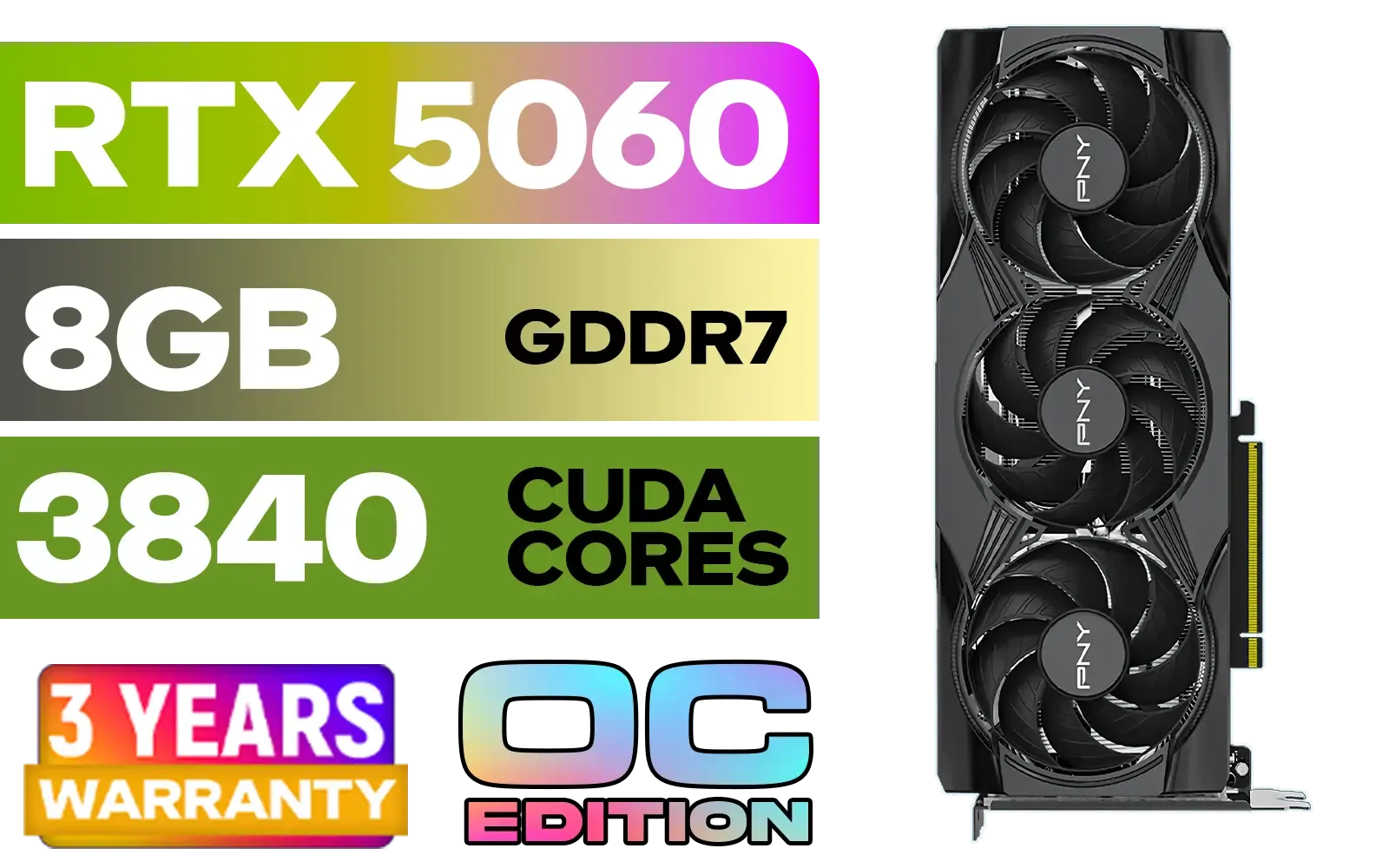
PNY GeForce RTX 5060 EPIC-X 8GB OC Graphics Card / 8GB GDDR7 / 3840 Cuda Cores / 128-bit Memory Interface / Boost Clock: 2580 MHz / 28 Gbps Memory Speed / DisplayPort 2.1b (x3), HDMI® 2.1b / PCI-Express 5.0 x8 / 9VCG50608TFXXPB1-O
R7499.00In Stock
The 1440p Sweet Spot: The Best of Both Worlds
1440p is the new standard for many PC gamers, offering a significant jump in clarity over 1080p without the extreme demands of 4K. This is where you get the most bang for your buck.
- Top Picks: The NVIDIA GeForce RTX 4070 Super is a monster at this resolution, easily handling high settings with path tracing enabled. On the other side, exploring AMD's Radeon lineup is a great idea, as cards like the RX 7800 XT offer incredible rasterisation performance for the price, making them a top contender if you prioritise raw power over NVIDIA's DLSS features.
The 4K Path Tracing Beast: No Compromises 🚀
If you have a 4K display and want to see Alan Wake 2 in all its glory with every setting maxed out, you'll need to invest in a top-tier GPU. This is the enthusiast's choice for an unparalleled visual journey.
- Top Picks: The NVIDIA GeForce RTX 4080 Super or the mighty RTX 4090 are the undisputed kings. These cards have the raw power and VRAM to chew through the game's toughest scenes at 4K. The entire NVIDIA GeForce GPU family is built with this kind of demanding workload in mind. For those on a tighter budget looking for a viable entry point, it's also worth checking out the latest Intel Arc graphics cards, which have shown impressive improvements with recent driver updates.
Ultimately, the best graphics card for Alan Wake 2 is one that fits your monitor, your expectations, and your wallet.
Ready to Escape the Dark Place? Choosing the right GPU is the first step to conquering the shadows. With the perfect card, you won't just play Alan Wake 2... you'll live it. Explore our massive range of graphics cards and find the perfect upgrade for your rig today.
Related Products
MSI GeForce RTX 5060 8G Gaming Trio OC Graphics Card / 8GB GDDR7 / 3840 Cuda Cores / 128-bit Memory Interface / Boost Clock : 2625 MHz / PCI Express® Gen 5 / 912-V537-021
R8499.00In Stock

XFX Quicksilver AMD Radeon RX 9070 XT Graphics Card / 4096 Stream Processors / 256-bit Memory Interface / Boost Clock : 2970 MHz / AMD RDNA™ 4 Architecture / RX-97TQICKB9
R14999.00In Stock
Palit GeForce RTX 5060 Ti Infinity 16GB Graphics Card / 16GB GDDR7 / 4608 Cuda Cores / 128-bit Memory Interface / Boost Clock : 2572 MHz / 28Gbps Memory Speed / PCI Express® Gen 5 / NE7506T019T1-GB2061S
R9799.00In Stock
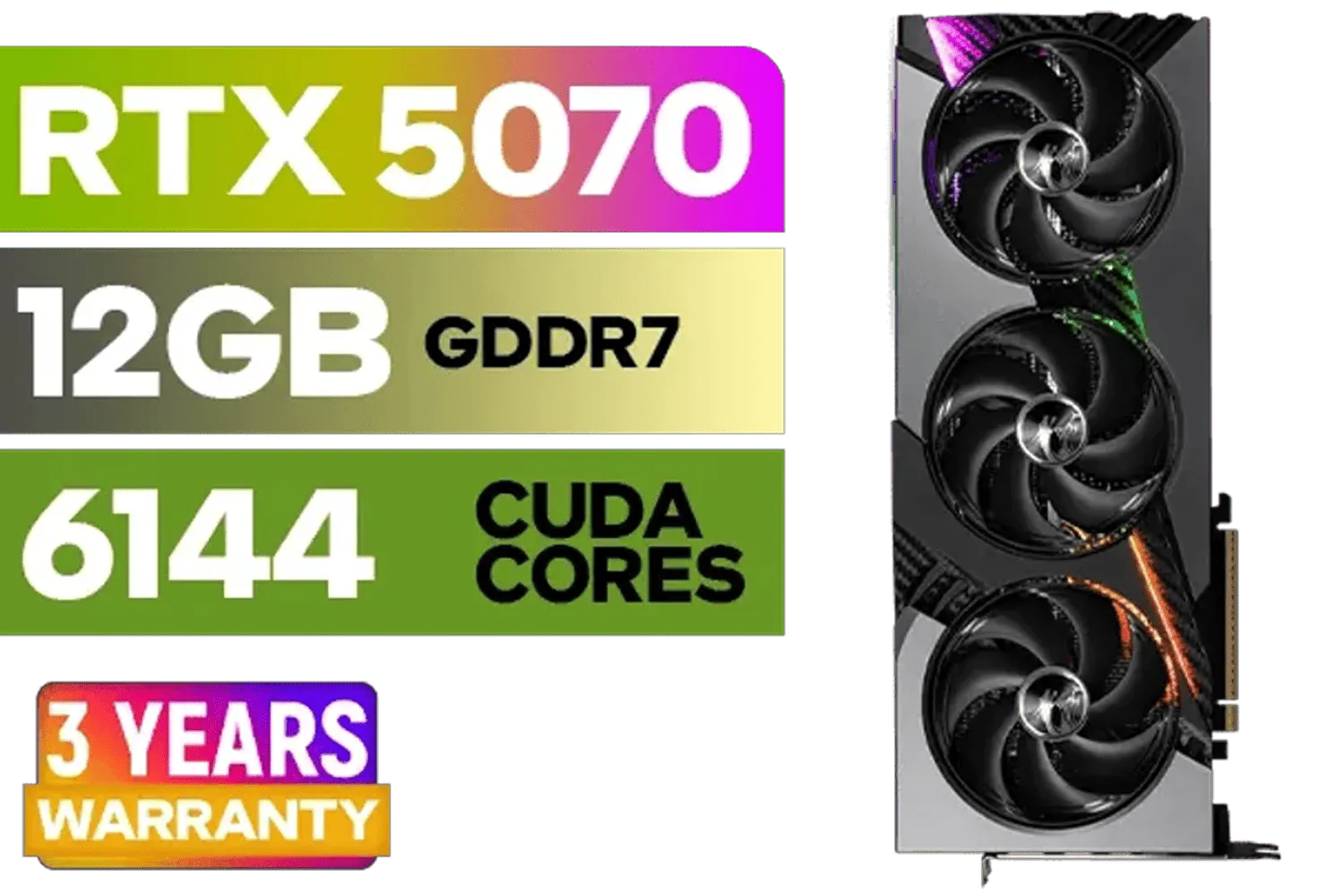
MSI GeForce RTX 5070 12GB VANGUARD SOC Launch Edition / 12GB GDDR7 / 6144 Cuda Cores / Boost: 2640 MHz / 28Gbps Memory Speed / PCI Express® Gen 5 / 912-V532-050
R15299.00In Stock
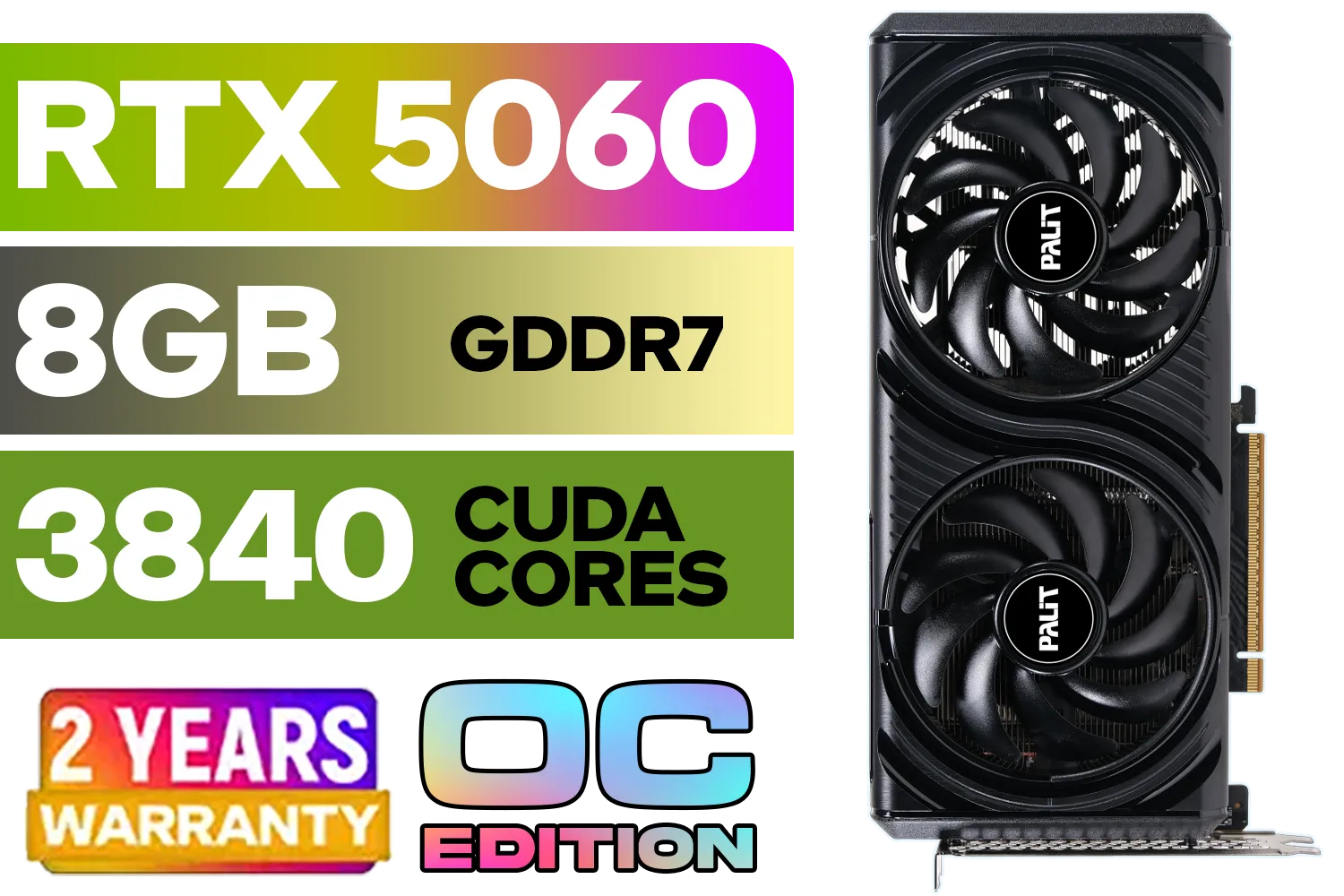
Palit GeForce RTX 5060 Infinity 2 OC 8GB GDDR7 / 28Gbps Memory Speed / PCI Express® Gen 5 / NE75060V19P1-GB2063L
R7999.00In Stock
Palit GeForce RTX 5070 Ti GameRock 16G / 16GB GDDR7 / 28Gbps Memory Speed / PCI Express® Gen 5 / NE7507T019T2-GB2030G
R17999.00In Stock
1080p High 60fps: RTX 4060 Ti or RX 7700 XT. Use DLSS/FSR Quality and lower Volumetrics/Shadows. For Ultra + ray tracing, consider RTX 4070 Super.
Stunning but heavy. For 1440p RT, start at RTX 4070 Super; for 4K, RTX 4080 Super/4090. Use DLSS Quality or FSR 3 Frame Gen to keep FPS stable.
1440p High (no RT): RTX 4070 Super or RX 7900 XT. With ray tracing, grab RTX 4080 Super. DLSS/FSR help lock 60–90fps.
4K Ultra, no RT: RX 7900 XTX or RTX 4080 Super. With RT/path tracing: RTX 4090 leads; use DLSS Quality + Frame Gen.
Lower Volumetric Quality, Shadow Resolution, and Path Tracing first. Keep Texture Quality high; enable DLSS/FSR Quality before dropping resolution.
With ray tracing, Nvidia RTX wins via DLSS and RT cores. In raster, RX 7900 XT/XTX compete well at 1440p/4K; FSR 3 Frame Gen narrows the gap.
Yes. RTX 4070 Laptop or RX 7700S can do 1080p High with DLSS/FSR. For RT, aim for RTX 4080 Laptop and use Balanced presets.







