Best GPU for Black Myth Wukong: UE5 Performance Guide 2025
Best GPU for Black Myth Wukong in UE5 across 1080p, 1440p, and 4K. See fps targets, DLSS/FSR tips, VRAM needs, and 2025 value picks to upgrade with confidence. ⚡🎮

The hype for Black Myth: Wukong is real, hey? 🐒 This Unreal Engine 5 masterpiece looks absolutely stunning, but those gorgeous visuals come at a price. Your trusty old graphics card might just start sweating. So, what’s the best GPU for Black Myth: Wukong to ensure you get a legendary experience, not a legendary slideshow? We’re breaking down the top contenders for South African gamers, from 1080p warriors to 4K gods.
Why Black Myth: Wukong Demands a Powerful GPU

SAPPHIRE NITRO+ RX 9070 Gaming OC 16GB Graphics Card / 16GB GDDR6 Memory / 3584 Stream Processors / 256-bit Memory Interface / Boost Clock : 2700 MHz / AMD RDNA™ 4 Architecture / 56 Ray Accelerators / 11349-01-20G
R13599.00In Stock
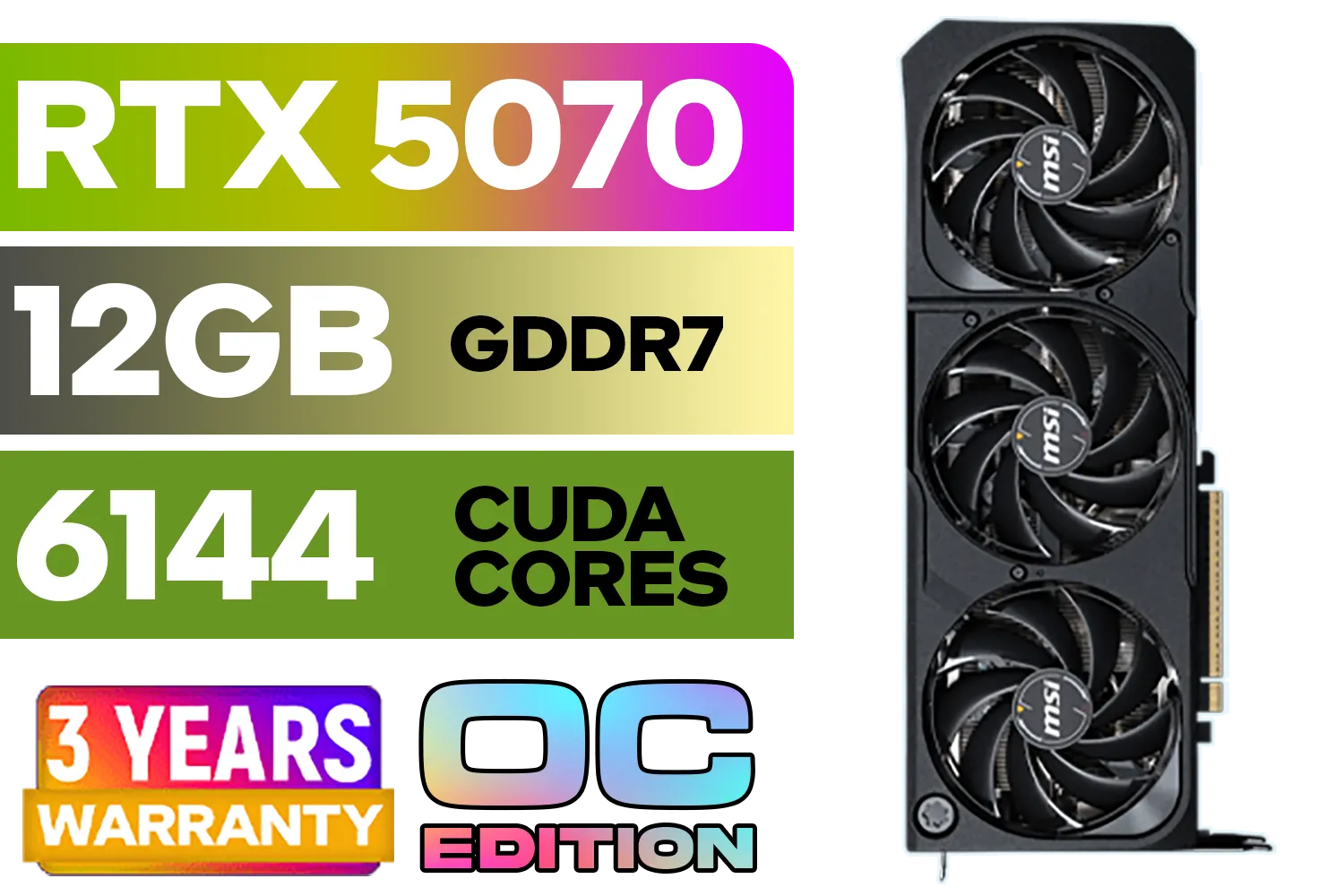
MSI GeForce RTX 5070 12GB SHADOW 3X OC / PCI Express Gen 5 / 6144 Cuda Cores / 12GB GDDR7 / DirectX 12 Ultimate / 912-V532-008
R13999.00In Stock
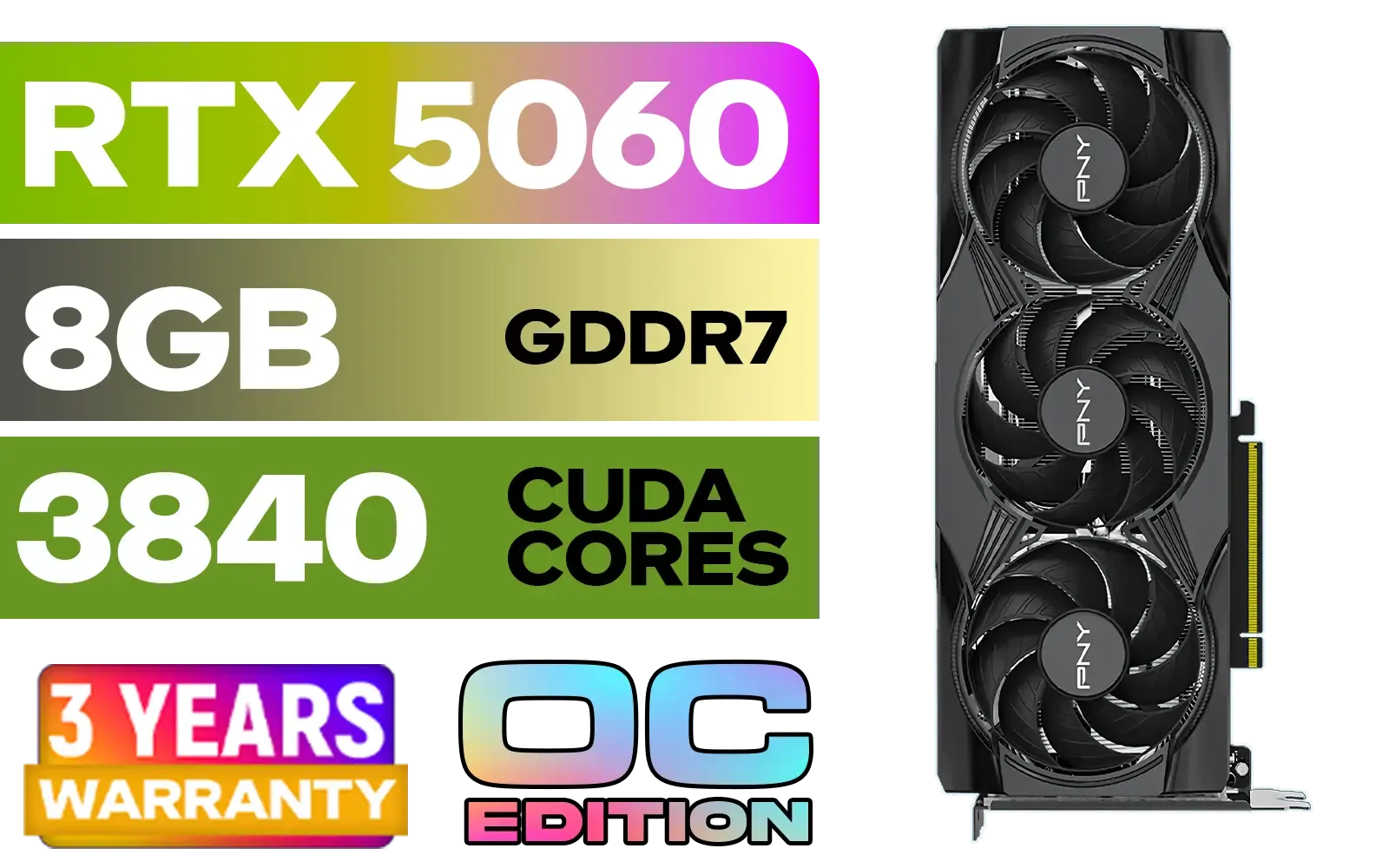
PNY GeForce RTX 5060 EPIC-X 8GB OC Graphics Card / 8GB GDDR7 / 3840 Cuda Cores / 128-bit Memory Interface / Boost Clock: 2580 MHz / 28 Gbps Memory Speed / DisplayPort 2.1b (x3), HDMI® 2.1b / PCI-Express 5.0 x8 / 9VCG50608TFXXPB1-O
R7499.00In Stock

XFX Mercury AMD Radeon RX 9070 XT OC Magnetic Air Edition Graphics Card / 4096 Stream Processors / 256-bit Memory Interface / Boost Clock : 3100 MHz / AMD RDNA™ 4 Architecture / RX-97TMARGB9
R16299.00In Stock
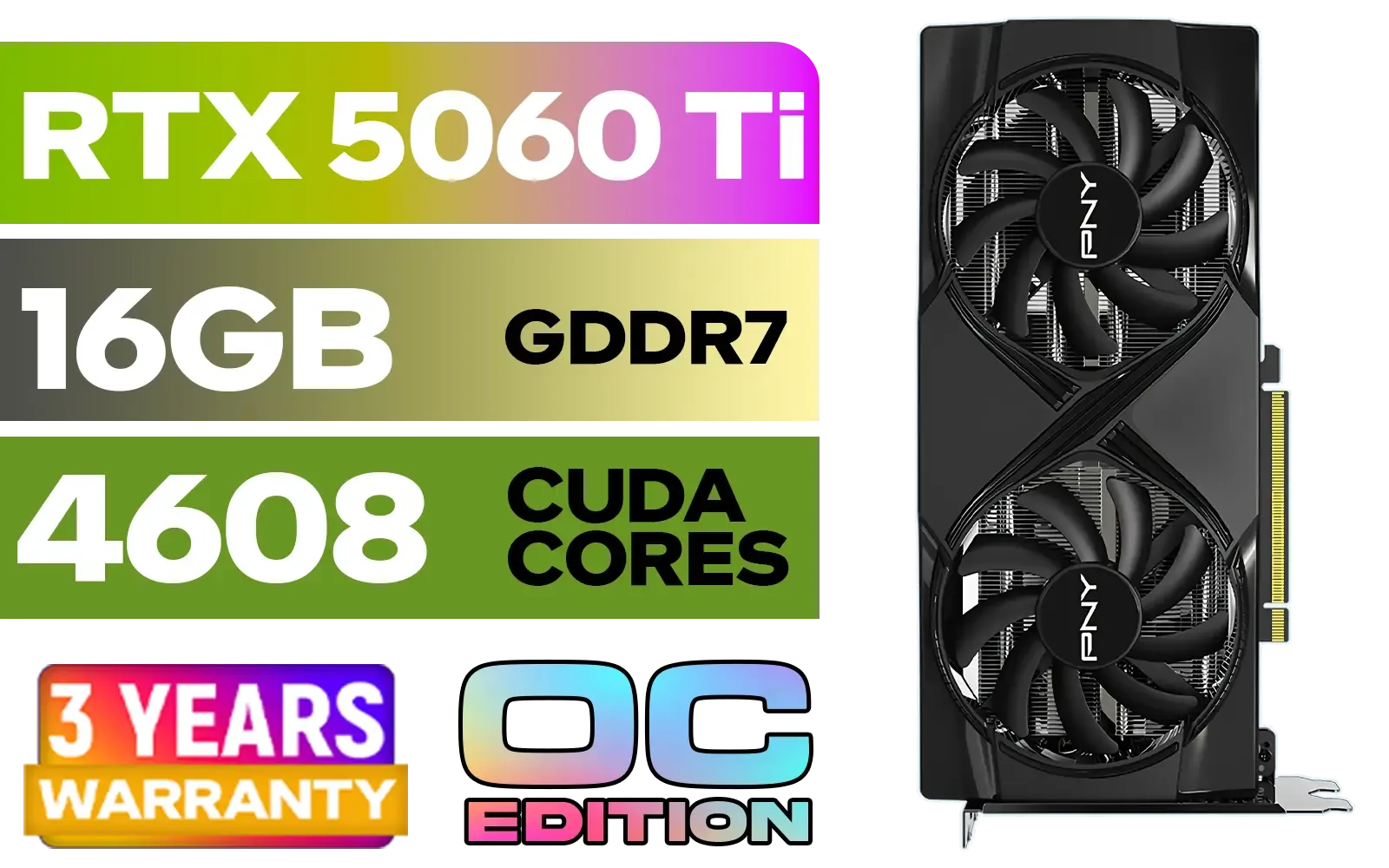
PNY GeForce RTX 5060 Ti 16GB OC Dual Fan Graphics Card / 16GB GDDR7 / 4608 CUDA Cores / 128-bit Memory Interface / Boost Clock: 2692 MHz / 28 Gbps Memory Speed / DisplayPort 2.1b (x3), HDMI® 2.1b / VCG5060T16DFXPB1-O
R10499.00In Stock

MSI GeForce RTX 5070 12G VENTUS 3X OC Graphics Card / 12GB GDDR7 / 6144 Cuda Cores / 192-bit Memory Bus / Boost Clock : 2542 MHz / PCI Express® Gen 5 / 912-V532-007
R14999.00In Stock
Before we jump into specific cards, let's quickly cover why this game is so demanding. Black Myth: Wukong is built on Unreal Engine 5, using cutting-edge tech like Nanite and Lumen.
- Nanite allows for an insane amount of geometric detail on screen without killing performance… in theory. It still requires a modern GPU to process billions of polygons.
- Lumen provides incredibly realistic real-time global illumination and reflections. It makes the world feel alive, but it's a heavy load for your graphics card's processing cores.
In short, to see the game as the developers intended, you'll need a graphics card that can handle these next-gen features without choking.
Finding the Best GPU for Black Myth: Wukong at Every Budget
Your ideal graphics card depends on your monitor's resolution and your budget. Let's find your perfect match.
1080p Hero: Great Performance without Breaking the Bank
Playing at 1080p (1920x1080) is still the most popular choice for PC gamers, and you don't need to spend a fortune to get a great experience in Wukong. For smooth 60+ FPS at high settings, cards like the NVIDIA GeForce RTX 4060 or the AMD Radeon RX 7600 XT are fantastic starting points. They offer excellent value and support modern features like frame generation. Don't overlook Intel's Arc graphics cards either; they've become surprisingly competitive in this price bracket.

Palit GeForce RTX 5080 GamingPro 16GB GDDR7 / 30Gbps Memory Speed / PCI Express® Gen 5 / NE75080019T2-GB2031A
R24199.00In Stock
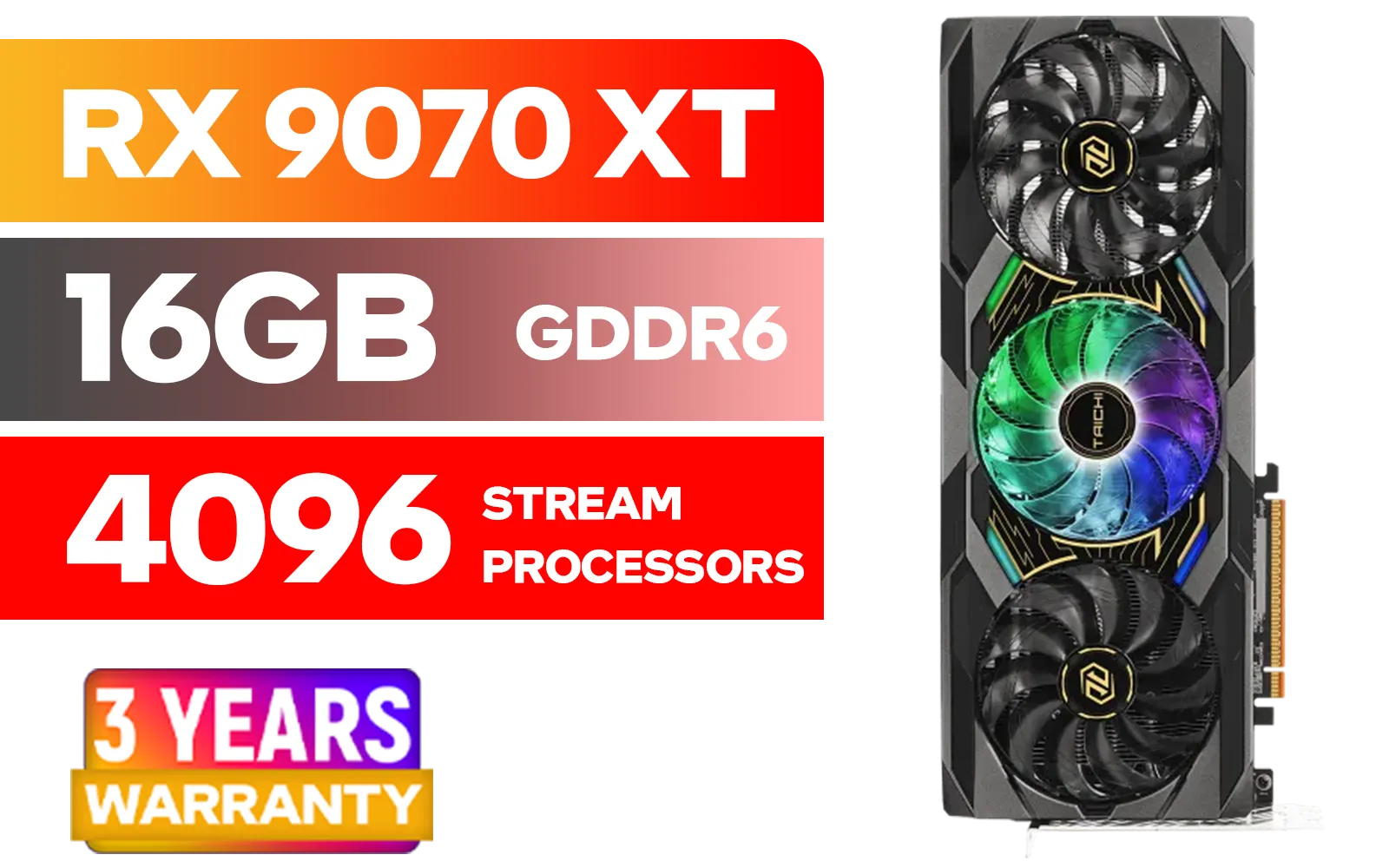
ASRock RX 9070 XT Taichi 16GB / 4096 Stream Processors / 20 Gbps Memory Speed / 16GB GDDR6 / 128-bit Memory Interface / Up to 3100 MHz Boost Clock / 90-GA5HZZ-00UANF
R18999.00In Stock

MSI GeForce RTX 5070 12G Gaming Trio OC Graphics Card / 12GB GDDR7 / 6144 Cuda Cores / 192-bit Memory Interface / Boost Clock : 2610 MHz / NVIDIA Blackwell & DLSS 4 / TRI FROZR 4 Thermal Design / Metal with Airflow Vents / 912-V532-019
R15199.00In Stock

MSI GeForce RTX 5060 Ti 8G VENTUS 2X OC Plus Graphics Card / 4608 Cuda Cores / 8GB GDDR7 / 128-Bit Memory Bus / 2602MHz Boost Core Clocks / 912-V536-024
R8999.00In Stock

MSI GeForce RTX 5070 Ti 16G Ventus 3X OC / 16GB GDDR7 / 28Gbps Memory Speed / PCI Express® Gen 5 / 912-V531-092
R19999.00In Stock

XFX Swift AMD Radeon RX 9070 OC Graphics Card - White / 3584 Stream Processors / 256-bit Memory Interface / Boost Clock :2700 MHz / AMD RDNA™ 4 Architecture / RX-97SWFB3W9
R13499.00In Stock
1440p Sweet Spot: The Ultimate Balance ⚡
For many gamers, 1440p (2560x1440) is the new standard. It offers a significant jump in visual clarity over 1080p without the extreme performance cost of 4K. This is where finding the best GPU for Black Myth: Wukong gets interesting.
We recommend looking at the NVIDIA GeForce RTX 4070 Super or the AMD Radeon RX 7800 XT. Both cards are 1440p powerhouses, capable of running the game at high or even ultra settings while maintaining high frame rates. With a card from AMD's Radeon lineup, you'll get fantastic rasterisation performance for your ZAR.
4K Ultra & Ray Tracing King: No Compromises
Want to experience the Sun Wukong saga in glorious 4K with all the ray tracing eye-candy enabled? You're going to need some serious firepower. This is the territory of the top-tier cards. The NVIDIA GeForce RTX 4080 Super is a brilliant choice, but for the absolute best performance, the RTX 4090 remains the undisputed king. These beasts will let you crank every setting to the max and still enjoy a buttery-smooth experience. Exploring NVIDIA's powerful GeForce options is a must for any 4K enthusiast.
TIP FOR YOU
Pro Tip: Use Smart Upscaling! 💡
Don't just crank every setting to Ultra and hope for the best. Use smart upscaling tech like NVIDIA's DLSS or AMD's FSR. Setting it to 'Quality' or 'Balanced' mode can give you a massive FPS boost with almost no noticeable drop in visual quality. It's free performance that lets a mid-range card punch well above its weight.
Future-Proofing for 2025 and Beyond 🚀
Buying a GPU is an investment. With games like Wukong setting a new visual standard, it's wise to think ahead. While today's cards are great, the tech is always moving forward. As we head into 2025, new architectures will arrive, offering even better performance and efficiency. It's always a good idea to keep an eye on what's next, like the rumoured RTX 5060 series, to see how the market evolves. A powerful card today will still serve you well for years to come.
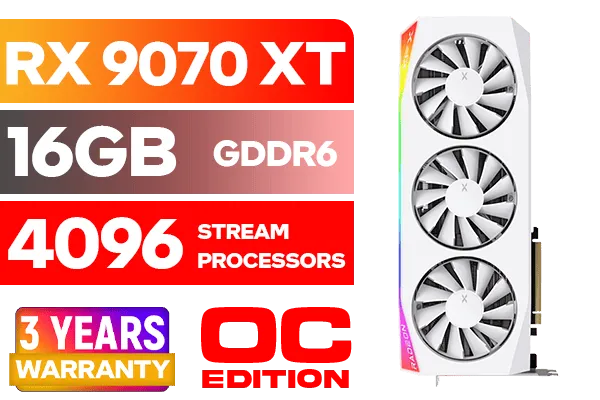
XFX Mercury AMD Radeon RX 9070 XT OC Magnetic Air Edition Graphics Card - White / 4096 Stream Processors / 256-bit Memory Interface / Boost Clock : 3100 MHz / AMD RDNA™ 4 Architecture / RX-97TMARGW9
R16299.00In Stock

PNY GeForce RTX 5070 EPIC-X 12GB OC Graphics Card / 12GB GDDR7 / 6144 Cuda Cores / 192-bit Memory Interface / Base Clock: 2160 MHz / 28 Gbps Memory Speed / DisplayPort 2.1b (x3), HDMI® 2.1b / VCG507012TFXXPB1-O
R13299.00In Stock
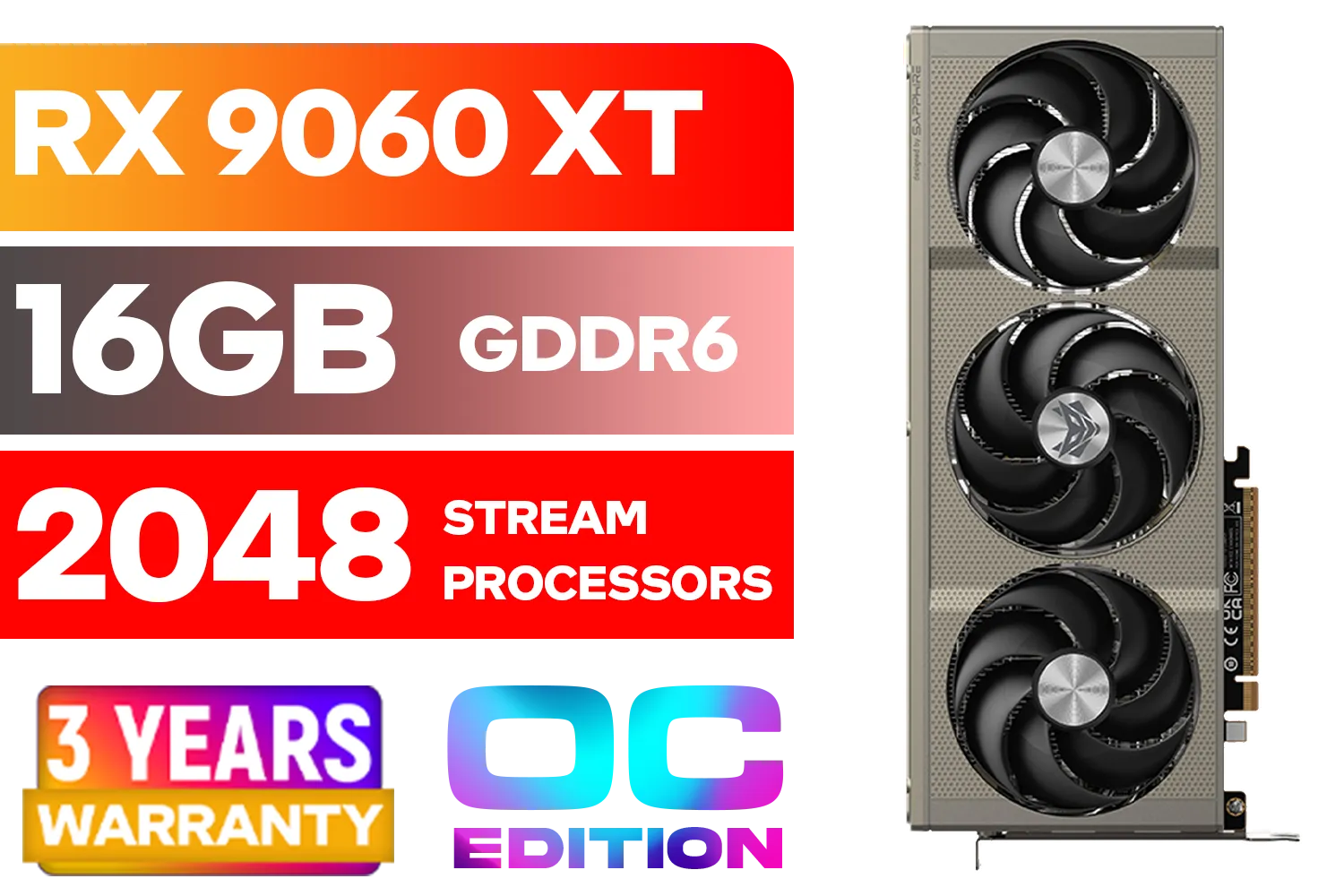
SAPPHIRE NITRO+ RX 9060 XT OC 16GB Graphics Card / 16GB GDDR6 Memory / 2048 Stream Processors / 128-bit Memory Interface / Boost Clock : 3320 MHz / AMD RDNA™ 4 Architecture / 32 Ray Accelerators / 11350-01-20G
R8899.00In Stock

MSI Geforce RTX 5060 Ventus 2X 8G OC Graphics Card / 8GB GDDR7 / 3840 Cuda Cores / 128-bit Memory Interface / Boost Clock : 2527 MHz / PCI Express® Gen 5 / 912-V537-017
R7699.00In Stock
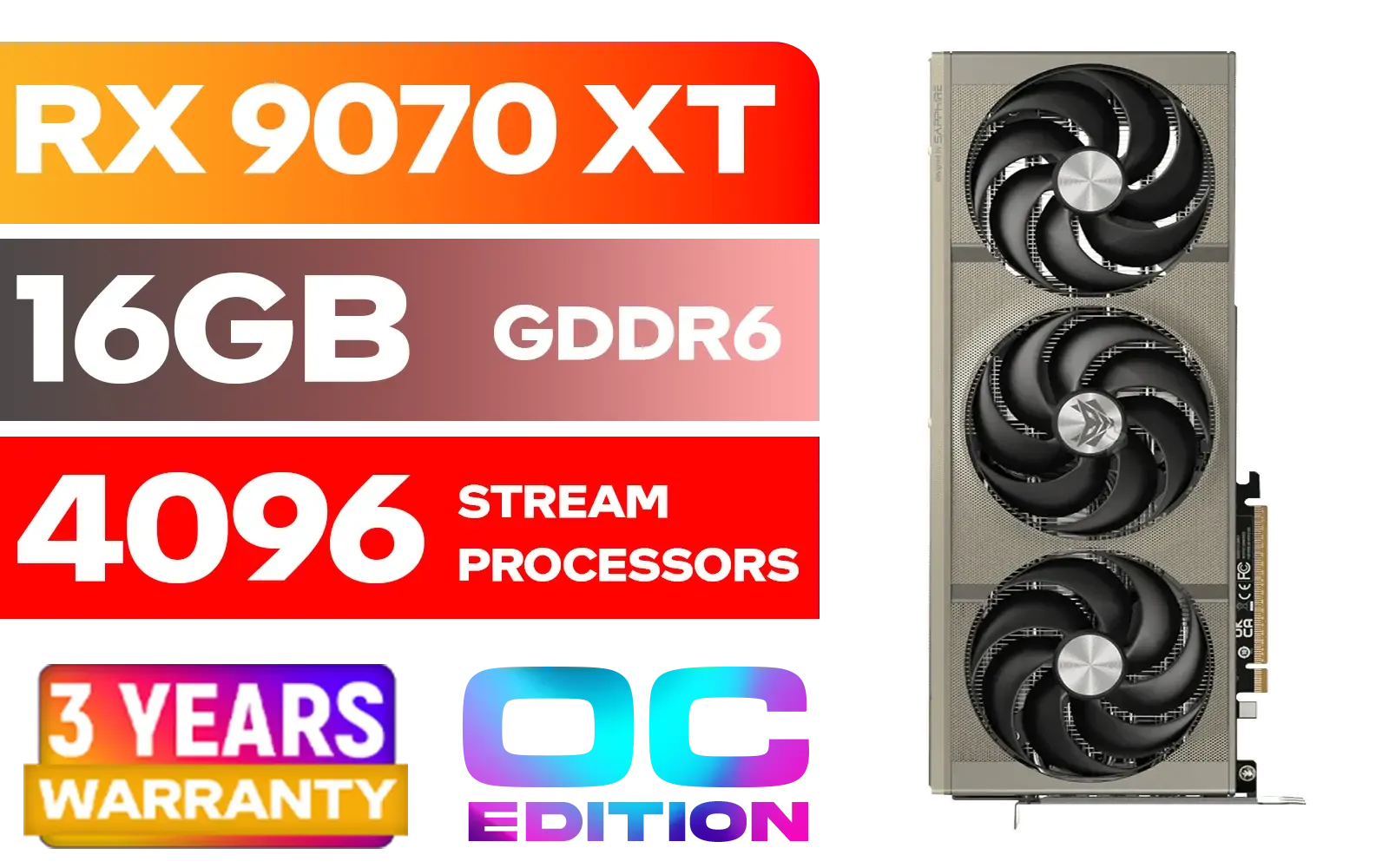
SAPPHIRE NITRO+ RX 9070 XT Gaming OC 16GB Graphics Card / 16GB GDDR6 Memory / 4096 Stream Processors / 256-bit Memory Interface / Boost Clock : 3060 MHz / AMD RDNA™ 4 Architecture / 64 Ray Accelerators / 11348-01-20G
R14999.00In Stock

MSI GeForce RTX 5070 12GB Shadow 2X OC Graphics Card / 6144 Cuda Cores / 192-bit Memory Interface / Boost Clock : 2542 MHz / NVIDIA Blackwell & DLSS 4 / TORX Fan 5.0 / Nickel-Plated Copper Baseplate / 912-V532-011
R11999.00In Stock
A Quick Word on Workstation Cards
You might see some incredibly powerful (and expensive) cards on our site and wonder if they're good for gaming. While you can game on them, specialised workstation graphics cards are optimised for tasks like 3D rendering, CAD, and scientific computing. Their drivers are built for stability and precision, not raw gaming FPS. For Black Myth: Wukong, a GeForce or Radeon card will always offer you much better performance for your money.
Ready to Unleash the Monkey King? Choosing the right graphics card is the key to experiencing Black Myth: Wukong as the developers intended. Don't let your hardware hold you back. Explore Evetech's massive range of graphics cards and find the perfect GPU to conquer your next adventure.
Related Products
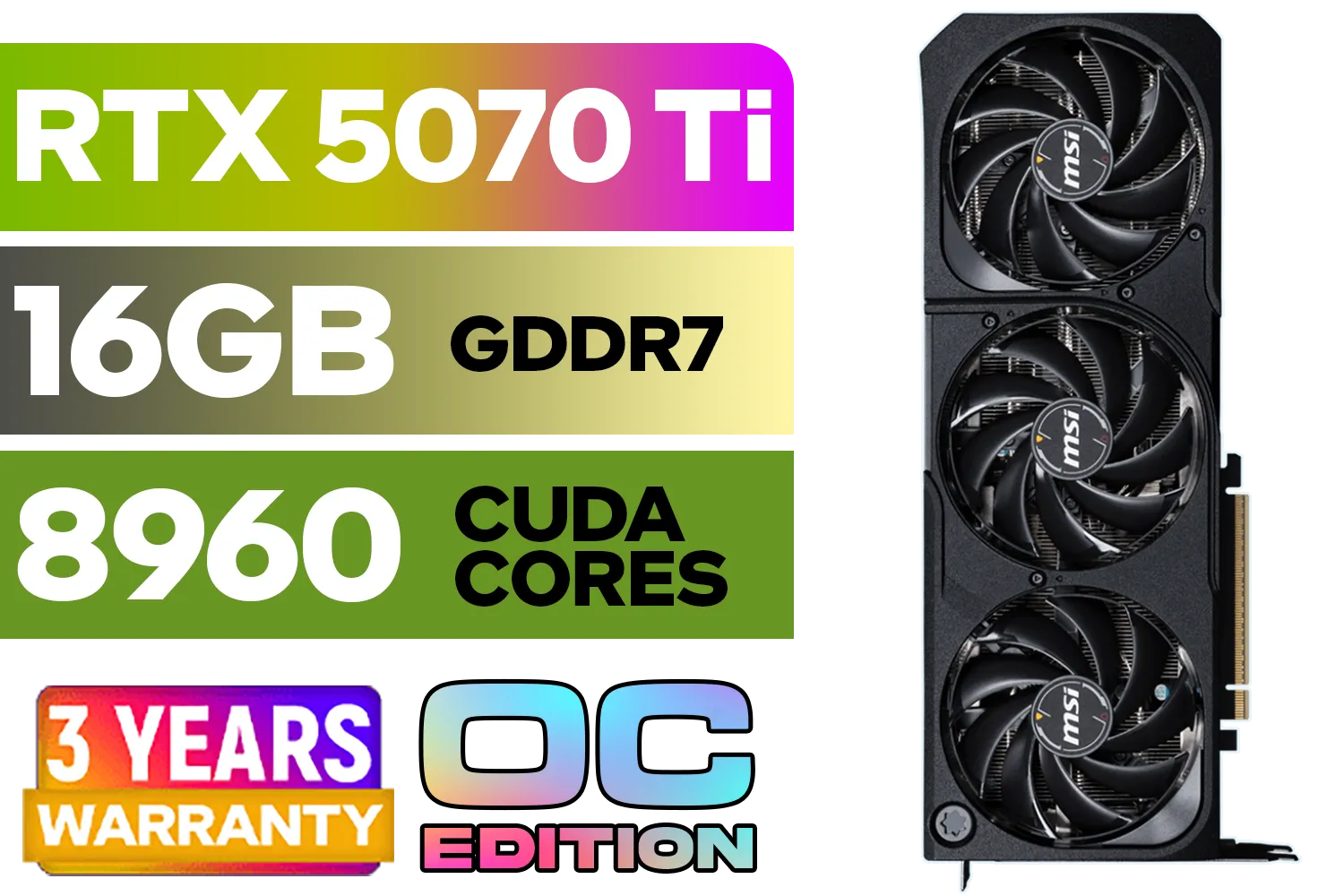
GeForce RTX™ 5070 Ti 16G SHADOW 3X OC Graphics Card / 8960 Cuda Cores / 256-bit Memory Interface / Boost Clock : 2482 MHz / NVIDIA Blackwell & DLSS 4 / TORX Fan 5.0 / Nickel-Plated Copper Baseplate / 912-V531-465
R19499.00In Stock
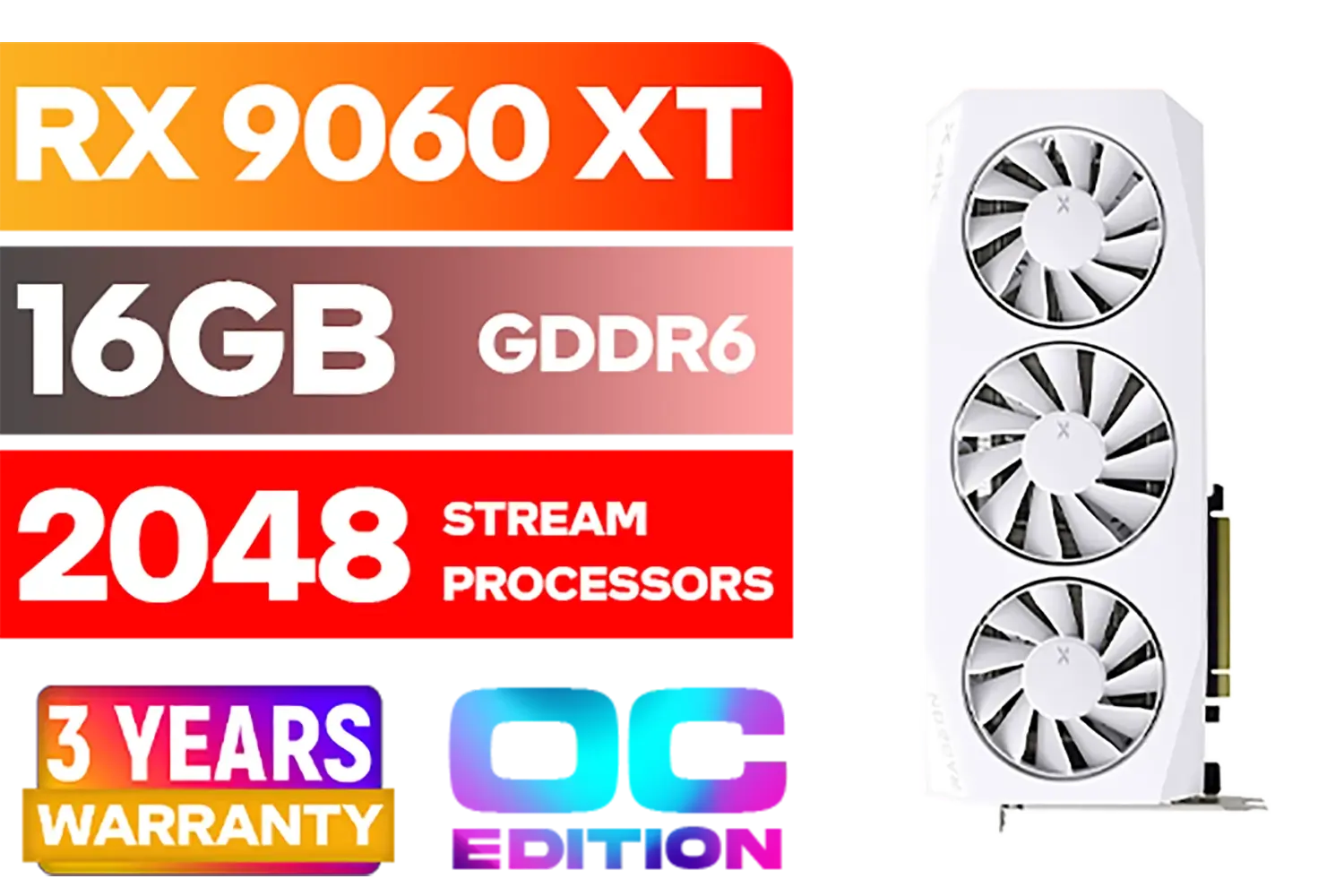
XFX Mercury AMD Radeon RX 9060XT OC White Gaming Edition with 16GB GDDR6 HDMI 2xDP, AMD RDNA 4 / RX-96TMERCW9
R9199.00In Stock
Palit GeForce RTX 5080 GamingPro 16GB GDDR7 / 30Gbps Memory Speed / PCI Express® Gen 5 / NE75080019T2-GB2031A
R24199.00In Stock

XFX SWIFT AMD Radeon RX 9070 XT Triple Fan 16GB GDDR6 GPU - White / AMD RDNA 4 Architecture / 3rd Gen Radeon Raytracing Accelerators/ AMD Fidelity FX Super Resolution 4.0 Upscaling Technology / RX-97TSWF3W9
R14799.00In Stock

XFX Quicksilver AMD Radeon RX 9070 XT Graphics Card / 4096 Stream Processors / 256-bit Memory Interface / Boost Clock : 2970 MHz / AMD RDNA™ 4 Architecture / RX-97TQICKB9
R14999.00In Stock

MSI GeForce RTX 5060 8G Gaming Trio OC Graphics Card / 8GB GDDR7 / 3840 Cuda Cores / 128-bit Memory Interface / Boost Clock : 2625 MHz / PCI Express® Gen 5 / 912-V537-021
R8499.00In Stock
RTX 4070 or RX 7800 XT deliver 60–100 fps at 1440p High using DLSS/FSR. Enable Frame Generation for extra smoothness.
Yes for 1440p. Use DLSS Quality, moderate shadows/reflections, and set textures to High. Its 12 GB VRAM is sufficient for UE5 Lumen/Nanite.
RX 7900 XTX is the best AMD 4K pick. Use FSR 3 with Frame Generation and Balanced; drop Lumen one step to hold about 60 fps.
VRAM matters. Target 10–12 GB for 1440p High and 16 GB for 4K textures. Exceeding VRAM in UE5 can cause stutter and streaming hitches.
Both help. On RTX, DLSS Quality plus Frame Generation leads. On Radeon, FSR 3 Native AA or Balanced works best for stable frame-times.
Lower Lumen one step, reduce shadows, disable motion blur, and keep Nanite default. These changes raise fps with minimal visual loss.
Only with aggressive DLSS/FSR Performance and reduced Lumen. 1440p is a better target; true 4K60 typically needs RTX 4080 or RX 7900 XTX.