



Best GPU for 144Hz Monitor: Top Picks for 2025 Gaming
Looking for the best GPU for 144Hz monitor setups? We break down top NVIDIA and AMD picks for smooth, tear-free gaming in 2025. 🚀 Unlock max frames at 1080p, 1440p, and 4K today! 🎮

Why the Best GPU for 144Hz Monitor Matters in 2025
If you’re in South Africa and gearing up for smooth, tear-free gameplay, picking the best GPU for a 144Hz monitor is your gateway to silky frame rates and vivid detail. A 144Hz refresh rate demands more than basic graphics horsepower — it challenges your system to keep pace, especially with modern AAA titles. Upgrading to the right graphics card doesn’t just boost performance; it future-proofs your setup for the next couple of years. 🎮
Ready to unlock buttery smooth visuals without missing a beat? Let’s dive into what makes a GPU ideal for 144Hz displays in 2025’s gaming landscape.
Top GPU Features for 144Hz Monitors
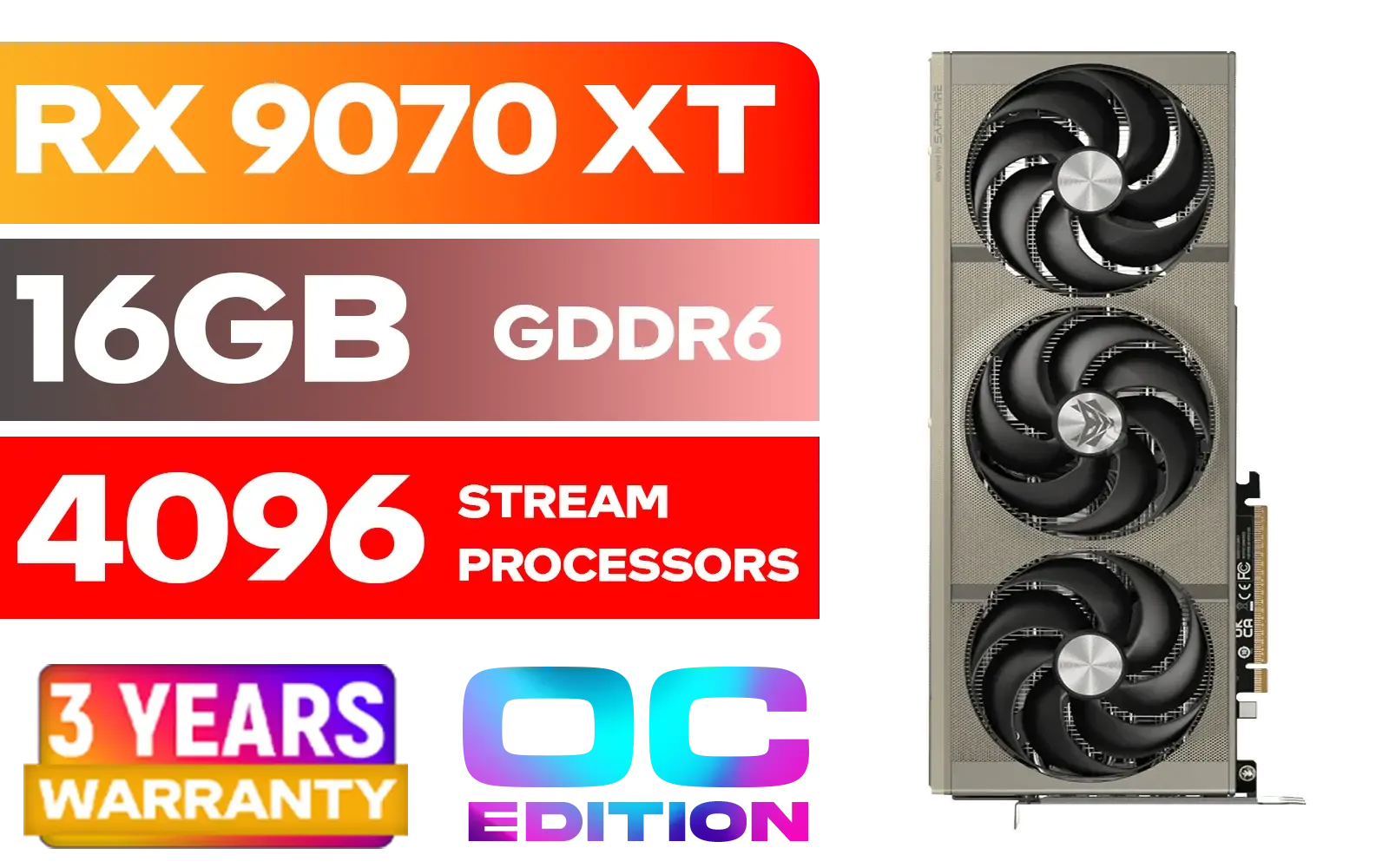
SAPPHIRE NITRO+ RX 9070 XT Gaming OC 16GB Graphics Card / 16GB GDDR6 Memory / 4096 Stream Processors / 256-bit Memory Interface / Boost Clock : 3060 MHz / AMD RDNA™ 4 Architecture / 64 Ray Accelerators / 11348-01-20G
R14999.00In Stock

MSI GeForce RTX 5070 12G Gaming Trio OC Graphics Card / 12GB GDDR7 / 6144 Cuda Cores / 192-bit Memory Interface / Boost Clock : 2610 MHz / NVIDIA Blackwell & DLSS 4 / TRI FROZR 4 Thermal Design / Metal with Airflow Vents / 912-V532-019
R15199.00In Stock

XFX Swift AMD Radeon RX 9070 OC Graphics Card - White / 3584 Stream Processors / 256-bit Memory Interface / Boost Clock :2700 MHz / AMD RDNA™ 4 Architecture / RX-97SWFB3W9
R13499.00In Stock

XFX Mercury AMD Radeon RX 9070 XT OC Magnetic Air Edition Graphics Card / 4096 Stream Processors / 256-bit Memory Interface / Boost Clock : 3100 MHz / AMD RDNA™ 4 Architecture / RX-97TMARGB9
R16299.00In Stock
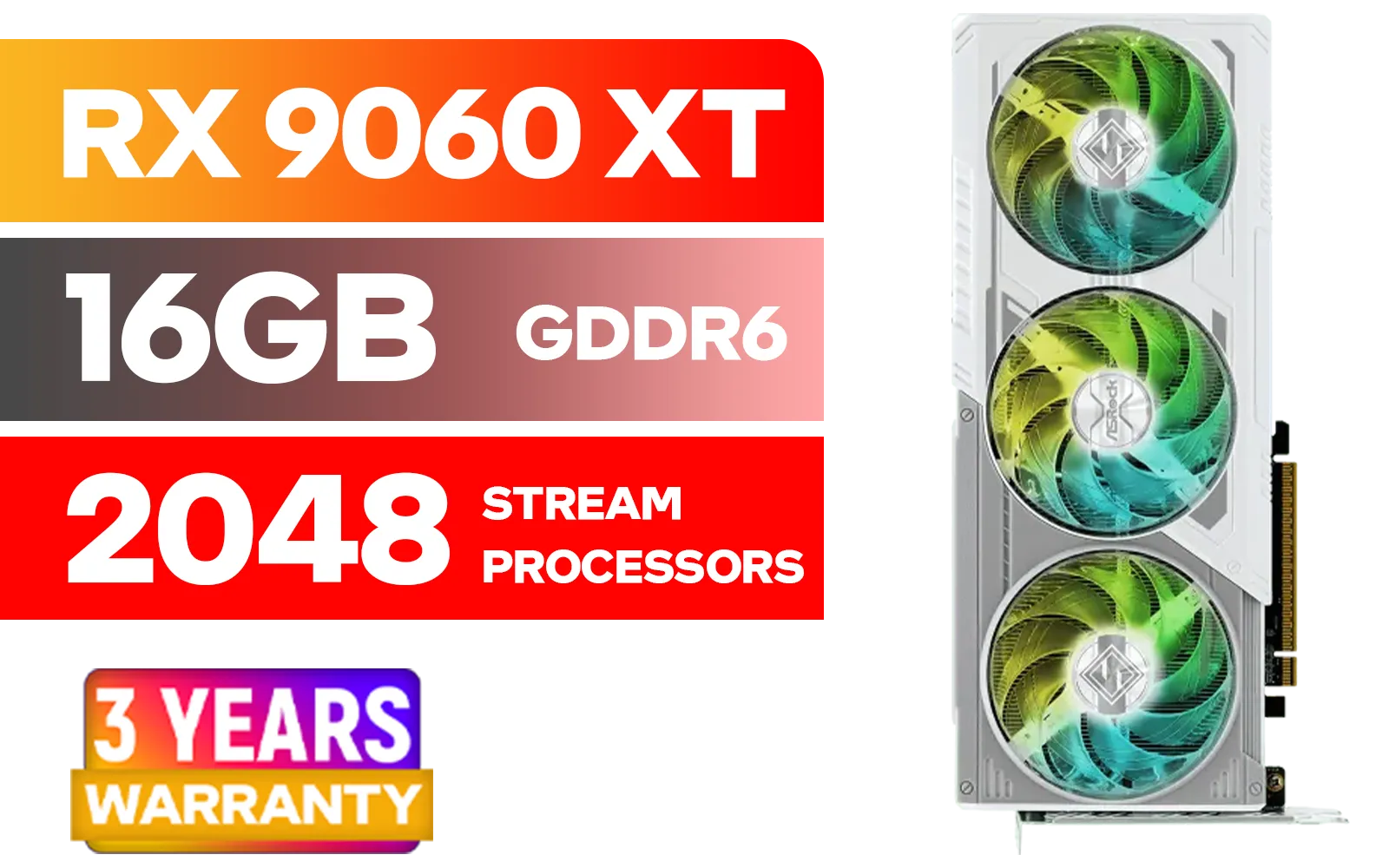
ASRock RX 9060 XT Steel Legend 16GB / 2048 Stream Processors / 20 Gbps Memory Speed / 16GB GDDR6 / 128-bit Memory Interface / Up to 3320 MHz Boost Clock / 90-GA5JZZ-00UANF
R9499.00In Stock
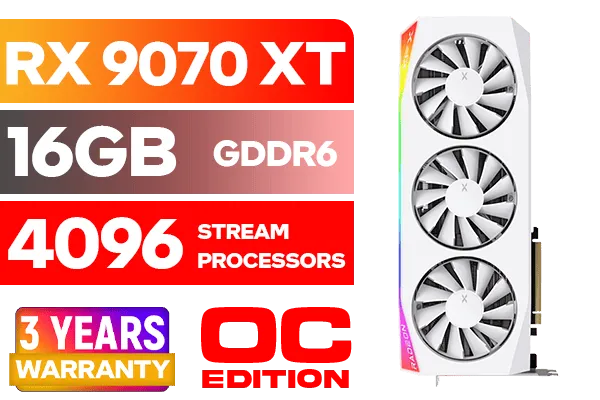
XFX Mercury AMD Radeon RX 9070 XT OC Magnetic Air Edition Graphics Card - White / 4096 Stream Processors / 256-bit Memory Interface / Boost Clock : 3100 MHz / AMD RDNA™ 4 Architecture / RX-97TMARGW9
R16299.00In Stock
Frame Rate and Resolution Balance ⚡
The best GPU for 144Hz monitor setups must push beyond 144 frames per second at your target resolution—usually 1080p or 1440p. Achieving consistent FPS is key to avoiding screen stutter. For gamers prioritising crisp visuals and frame rates, cards equipped with ample VRAM and high core counts handle textures and scenes with flair.
If you’re exploring options beyond gaming, workstation graphics cards offer raw power for creative tasks too. Check out Evetech’s workstation graphics cards for beasts designed to do more than just game.
Nvidia vs AMD vs Intel Arc: What’s Your Best Match?
Nvidia’s GeForce lineup remains a go-to for gamers craving high refresh rates and ray tracing, especially with models starting from mid-range prices. If you’re on a budget but want solid 144Hz performance, browsing Nvidia’s GeForce GTX graphics cards is a great start.
AMD is no slouch either. Their Radeon cards blend competitive pricing with impressive frame rates, excellent for gamers seeking reliable power without overspending. Dive into the AMD Radeon graphics cards selection for varied choices at attractive ZAR price points.
Intel’s Arc GPUs, still fresh on the market, offer an intriguing alternative with potential for efficient performance at 144Hz in certain titles. Explore the Intel Arc graphics cards to see if their unique tech suits your setup.
Practical Tips for Maximising Your 144Hz Gaming Experience 🔧
To really benefit from a high-refresh monitor, pair it with settings optimised to your GPU’s strengths. Don’t just crank all settings to ultra; find that sweet spot where quality meets performance. Using software tools to tweak fan speeds keeps your GPU cool and stable under load.
TIP FOR YOU
Cooling & Performance Tip
Lower your fan curve by 5% to shave off 2°C... quieter rig, same FPS. Heat management is crucial for maintaining peak 144Hz performance.
XFX Mercury AMD Radeon RX 9070 XT OC Magnetic Air Edition Graphics Card / 4096 Stream Processors / 256-bit Memory Interface / Boost Clock : 3100 MHz / AMD RDNA™ 4 Architecture / RX-97TMARGB9
R16299.00In Stock

MSI GeForce RTX 5070 12GB Shadow 2X OC Graphics Card / 6144 Cuda Cores / 192-bit Memory Interface / Boost Clock : 2542 MHz / NVIDIA Blackwell & DLSS 4 / TORX Fan 5.0 / Nickel-Plated Copper Baseplate / 912-V532-011
R11999.00In Stock
ASRock RX 9060 XT Steel Legend 16GB / 2048 Stream Processors / 20 Gbps Memory Speed / 16GB GDDR6 / 128-bit Memory Interface / Up to 3320 MHz Boost Clock / 90-GA5JZZ-00UANF
R9499.00In Stock
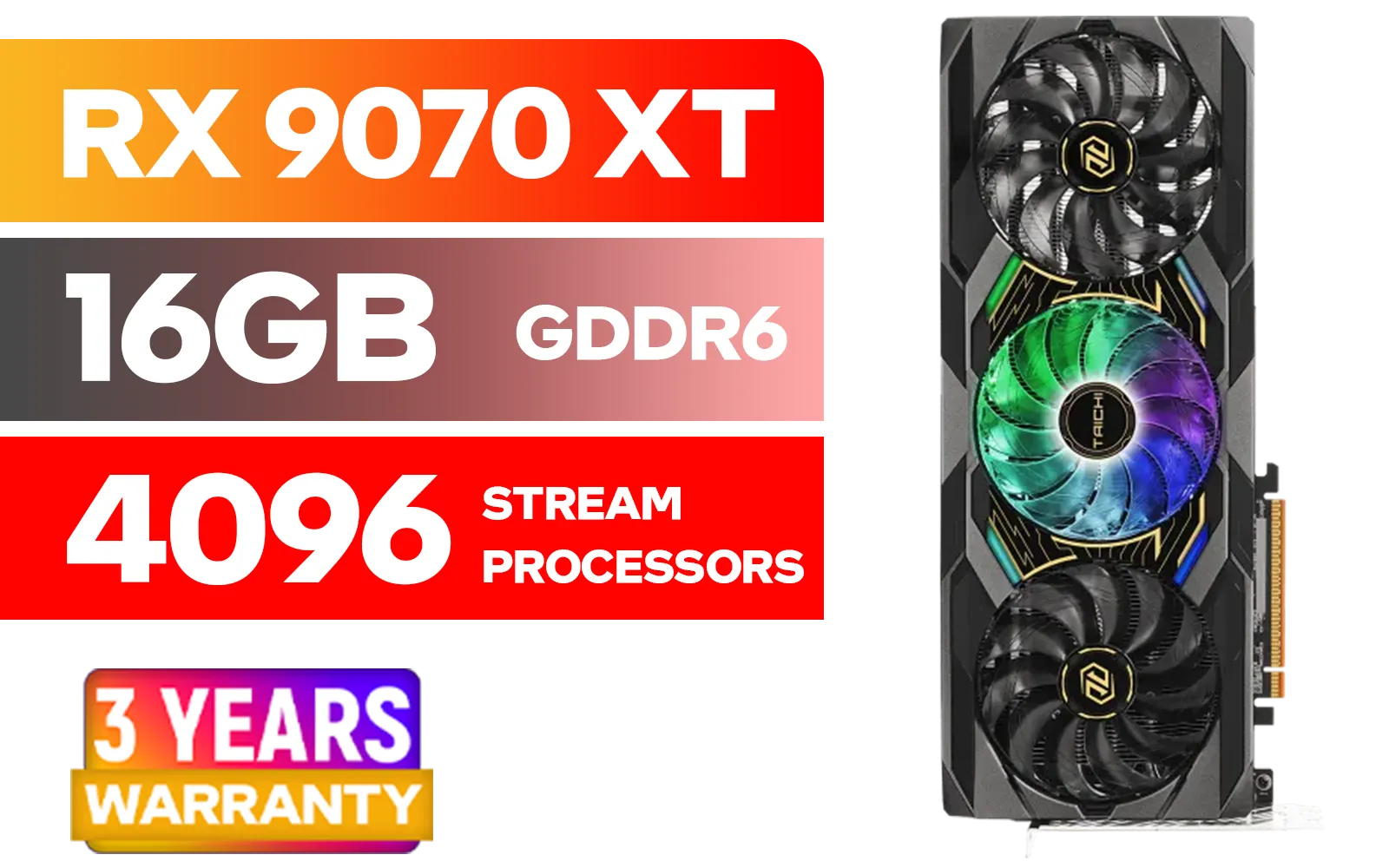
ASRock RX 9070 XT Taichi 16GB / 4096 Stream Processors / 20 Gbps Memory Speed / 16GB GDDR6 / 128-bit Memory Interface / Up to 3100 MHz Boost Clock / 90-GA5HZZ-00UANF
R18999.00In Stock

XFX SWIFT AMD Radeon RX 9060 XT OC 16GB Graphics Card - Black / 16GB GDDR6 / 2048 Stream Processors / 128-bit Memory Interface / Boost Clock : 3320 MHz / RX-96TS316B7
R8499.00In Stock

XFX SWIFT AMD Radeon RX 9070 XT Triple Fan 16GB GDDR6 GPU - White / AMD RDNA 4 Architecture / 3rd Gen Radeon Raytracing Accelerators/ AMD Fidelity FX Super Resolution 4.0 Upscaling Technology / RX-97TSWF3W9
R14799.00In Stock
When upgrading, consider GPUs priced above R15,000 for consistent 144Hz output at 1080p to 1440p resolutions. Evetech’s Nvidia and ATI graphics cards over R15,000 list is packed with high-performance options ideal for competitive and immersive play.
For South African gamers who want smooth 144Hz gaming without bottlenecks, scanning through Nvidia GeForce GTX cards in the R15,000+ bracket can land you a potent upgrade.
Where to Find Your Ideal GPU in South Africa
Evetech offers an extensive GPU search page to help find your perfect match fast. Whether you prefer Nvidia, AMD, Intel, or a specialised workstation card, the filters make hunting easier.
Assess your gaming habits, upcoming titles, and monitor specs carefully. The right graphics card is the one that balances power, price, and compatibility—letting your 144Hz monitor shine without bottlenecks or wasted spend.
Grab a 144Hz-Ready GPU with Evetech Elevate your 144Hz gaming experience with a GPU tailored for smooth frames and vivid visuals. Shop now at Evetech for performance that leaves lag in the dust.
Related Products
XFX Mercury AMD Radeon RX 9070 XT OC Magnetic Air Edition Graphics Card - White / 4096 Stream Processors / 256-bit Memory Interface / Boost Clock : 3100 MHz / AMD RDNA™ 4 Architecture / RX-97TMARGW9
R16299.00In Stock

MSI GeForce RTX 5070 Ti 16G Ventus 3X OC / 16GB GDDR7 / 28Gbps Memory Speed / PCI Express® Gen 5 / 912-V531-092
R19999.00In Stock
XFX SWIFT AMD Radeon RX 9070 XT Triple Fan 16GB GDDR6 GPU - White / AMD RDNA 4 Architecture / 3rd Gen Radeon Raytracing Accelerators/ AMD Fidelity FX Super Resolution 4.0 Upscaling Technology / RX-97TSWF3W9
R14799.00In Stock

Palit GeForce RTX 5080 GamingPro 16GB GDDR7 / 30Gbps Memory Speed / PCI Express® Gen 5 / NE75080019T2-GB2031A
R24199.00In Stock
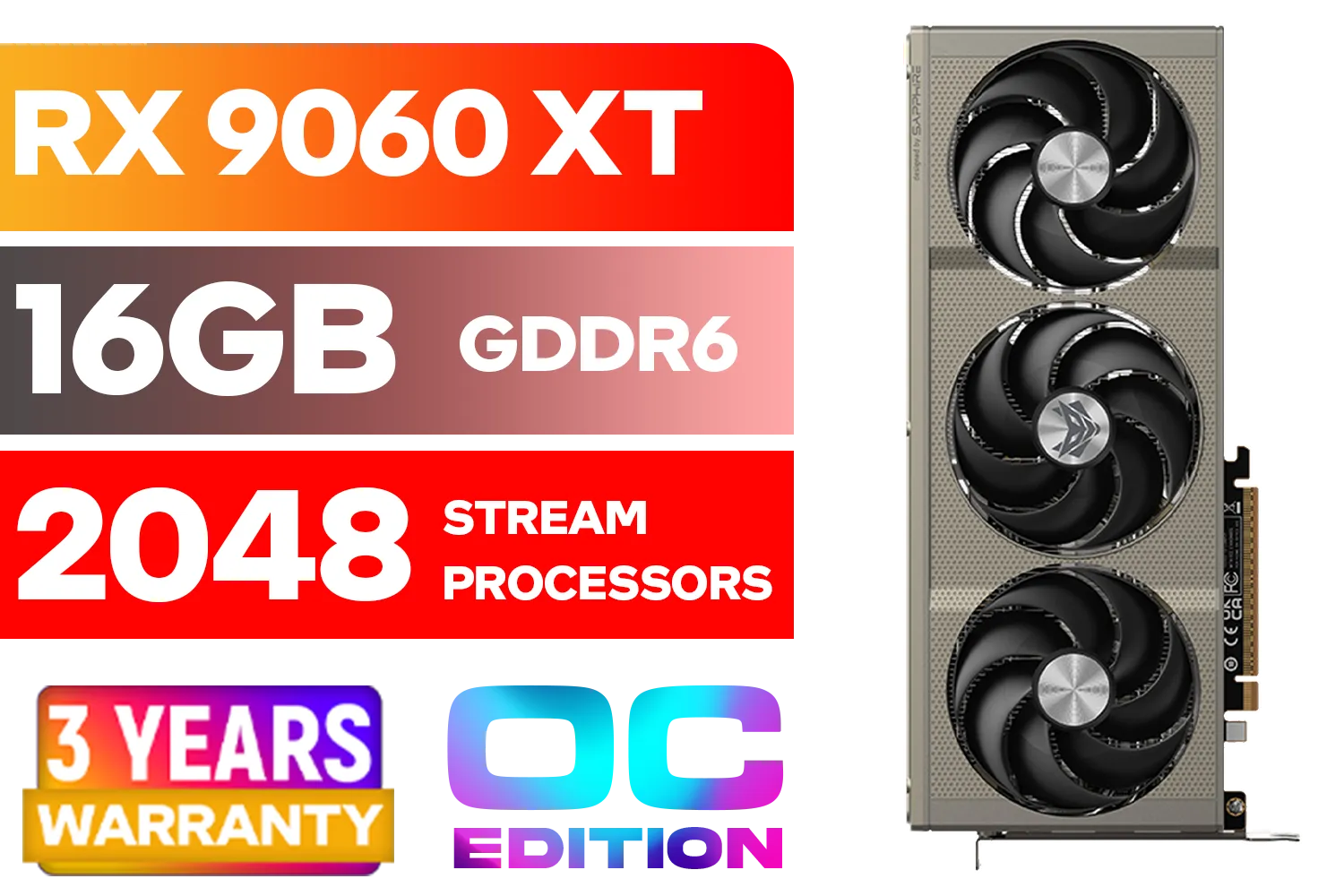
SAPPHIRE NITRO+ RX 9060 XT OC 16GB Graphics Card / 16GB GDDR6 Memory / 2048 Stream Processors / 128-bit Memory Interface / Boost Clock : 3320 MHz / AMD RDNA™ 4 Architecture / 32 Ray Accelerators / 11350-01-20G
R8899.00In Stock
SAPPHIRE NITRO+ RX 9070 XT Gaming OC 16GB Graphics Card / 16GB GDDR6 Memory / 4096 Stream Processors / 256-bit Memory Interface / Boost Clock : 3060 MHz / AMD RDNA™ 4 Architecture / 64 Ray Accelerators / 11348-01-20G
R14999.00In Stock
For 1080p 144Hz gaming, mid-range cards like the NVIDIA RTX 4060 or AMD RX 7600 provide excellent frame rates for esports titles without breaking the bank.
Yes, the RTX 4070 is a sweet spot GPU for 1440p 144Hz gaming, offering high frame rates in modern AAA titles, especially with DLSS 3 enabled.
You generally need a DisplayPort 1.2 or higher, or an HDMI 2.0/2.1 cable to support the bandwidth required for high refresh rate gaming.
Absolutely. At high refresh rates like 144Hz, CPU bottlenecks are common. Pair your GPU with a strong processor to maintain consistent frame times.
Older GPUs can run desktop apps at 144Hz, but for gaming, you need a card capable of pushing 144+ FPS to actually benefit from the monitor's refresh rate.
Yes, 144Hz offers smoother animations and significantly reduced motion blur, enhancing immersion in open-world RPGs just as much as shooters.







